AI vs Traditional Photography for Shopify Stores (2026)
Stop losing high-intent customers to grainy, mismatched product photos that take three weeks to ship from a studio. In 2026, the gap between a Shopify store that scales and one that stagnates is defined by how quickly you can turn a raw product sample into a high-converting, multi-platform visual asset.
TL;DR Verdict
Audit your current product launch “Time-to-Live” (TTL) today by measuring the days between receiving a sample and having 10+ lifestyle images live on Shopify; if this exceeds 48 hours, your photography workflow is a bottleneck.
Traditional photography remains the gold standard for tactile accuracy in luxury goods, but it fails the scalability test for multi-platform sellers. AI photography has evolved from a “cheap alternative” into a high-performance engine for seasonal testing and platform-specific formatting.
| Feature | Traditional Photography | AI Photography (PixelMatch) |
|---|---|---|
| Cost per Image | $25 – $500+ | $0.05 – $0.15 |
| Turnaround | 2 – 4 Weeks | 30 Seconds |
| Scalability | Linear (Pay per photo) | Exponential (Batch-generate 1,000s) |
| Platform Specs | Manual resizing required | Auto-export (Shopify, Amazon, TikTok) |
| Best For | Hero shots, complex jewelry | Lifestyle, seasonal, multi-channel |
Actionable Step: Review your 2025 sales data to identify your top 20% “hero” SKUs. Reserve your traditional photography budget for these items, and move the remaining 80% of your catalog to a batch AI workflow to maximize your ROI.
Side-by-Side Feature Table
Set your export presets to 2048x2048 pixels in WebP format immediately to ensure your Shopify store benefits from the 2026 “Core Web Vitals” ranking boost.
The primary friction in ecommerce isn’t just taking a photo; it is making that photo work across the divergent requirements of Shopify, Amazon, and TikTok Shop. Traditional studios often deliver a single high-resolution TIFF or JPEG, leaving you to manually crop and compress for each platform. AI tools like PixelMatch treat the product as a “data object,” allowing you to wrap it in different environments and dimensions instantly.
| Capability | Traditional Studio | AI Batch Generation |
|---|---|---|
| Shopify 1:1 Aspect Ratio | Manual crop per image | Native 1:1 generation |
| TikTok Shop 9:16 Format | Requires separate shoot/setup | One-click background expansion |
| Amazon White BG (RGB 255) | Standard studio service | Automated background removal |
| Seasonal Swaps | Requires new props/booking | Instant prompt-based updates |
| Resolution Control | Fixed at time of shoot | AI Upscaling to 4K+ |
Meeting Shopify’s 2026 Image Requirements
As of May 20, 2026, Shopify’s liquid engine and Hydrogen frameworks are heavily optimized for WebP and AVIF formats. While Shopify supports images up to 4472 x 4472 px (up to 20 megapixels), the “sweet spot” for 2026 conversion rates is 2048 x 2048 px. This dimension triggers the high-quality zoom functionality without compromising mobile load speeds.
Traditional photography often results in massive file sizes (30MB+ RAW files) that require a separate optimization step. AI tools natively generate images at the exact pixel density required, ensuring your file size stays under the 20MB limit while maintaining the 1:1 square ratio that dominates mobile commerce.
Workflow Speed & Catalog Management
Traditional photography involves a “linear” workflow: ship product → wait for arrival → wait for shoot date → wait for retouching → upload. If you have 100 SKUs, this process can take months.
AI batch generation utilizes a “parallel” workflow. Once you have a single high-quality “seed” image of your product on a clean background, tools like PixelMatch can generate 50 lifestyle variations for your entire catalog simultaneously. This allows you to launch a “Summer Collection” on Shopify across 100 SKUs in the time it takes to brew a pot of coffee.
Pricing Comparison
💡 Skip the manual editing. PixelMatch batch-generates ecommerce-ready product images in 60 seconds — white background, lifestyle scenes, and variant mockups from a single source photo. Try PixelMatch free →
Calculate your “Cost Per Listing” (CPL) by dividing your total annual photography spend by the number of unique sales channels you use. If your CPL is higher than $150 per SKU, you are overpaying for content that has a shelf life of less than six months.
The pricing landscape has shifted significantly as of 2026. Traditional studios have raised rates due to increased labor and overhead costs, while AI SaaS tiers have become more specialized for high-volume sellers.
The True Cost of Traditional Shoots
A standard professional product shoot in 2026 is no longer just the photographer’s fee. You must account for:
- Per-Image Rate: $25 – $75 for basic white background shots.
- Styled Lifestyle Shots: $100 – $500 per setup.
- Studio Rental: $150 – $400 per day (if not included in the per-image rate).
- Shipping & Logistics: $50 – $200 depending on inventory volume and insurance.
- Retouching Fees: $30+ per image for advanced color correction or “ghost mannequin” effects.
For a 50-SKU Shopify store needing 5 images per SKU, a traditional shoot can easily exceed $12,500.
AI SaaS Pricing Tiers in 2026
AI tools offer predictable monthly overhead. Here is the verified pricing for the leading tools as of May 20, 2026:
- Photoroom Pro: $9.99 per month (or $89.99/year). While affordable, Photoroom Pro often implements batch export limits of 500 images per month, which can hinder sellers with massive catalogs or high-frequency testing needs.
- Pebblely:
- Basic: $19 per month for 200 images.
- Pro: $39 per month for 500 images.
- Adobe Express / Canva: Included in standard subscriptions (approx. $10–$15/month), but these are “generalist” tools. They lack the specialized ecommerce batch-processing power found in dedicated tools like PixelMatch.
- PixelMatch: Structured specifically for multi-platform sellers, PixelMatch avoids the restrictive per-image caps that often trap growing brands, focusing instead on high-volume batch generation for entire Shopify catalogs.
| Expense Category | Traditional (50 SKUs) | AI Batch (50 SKUs) |
|---|---|---|
| Initial Setup | $500 (Shipping/Logistics) | $0 |
| Content Creation | $7,500 ($30/img x 5) | $39 (Monthly Sub) |
| Retouching | $1,500 | $0 (Built-in) |
| Platform Variations | $2,500 (Manual Resizing) | $0 (Auto-export) |
| Total Estimated Cost | $12,000 | $39 |
Best For (By Seller Profile)
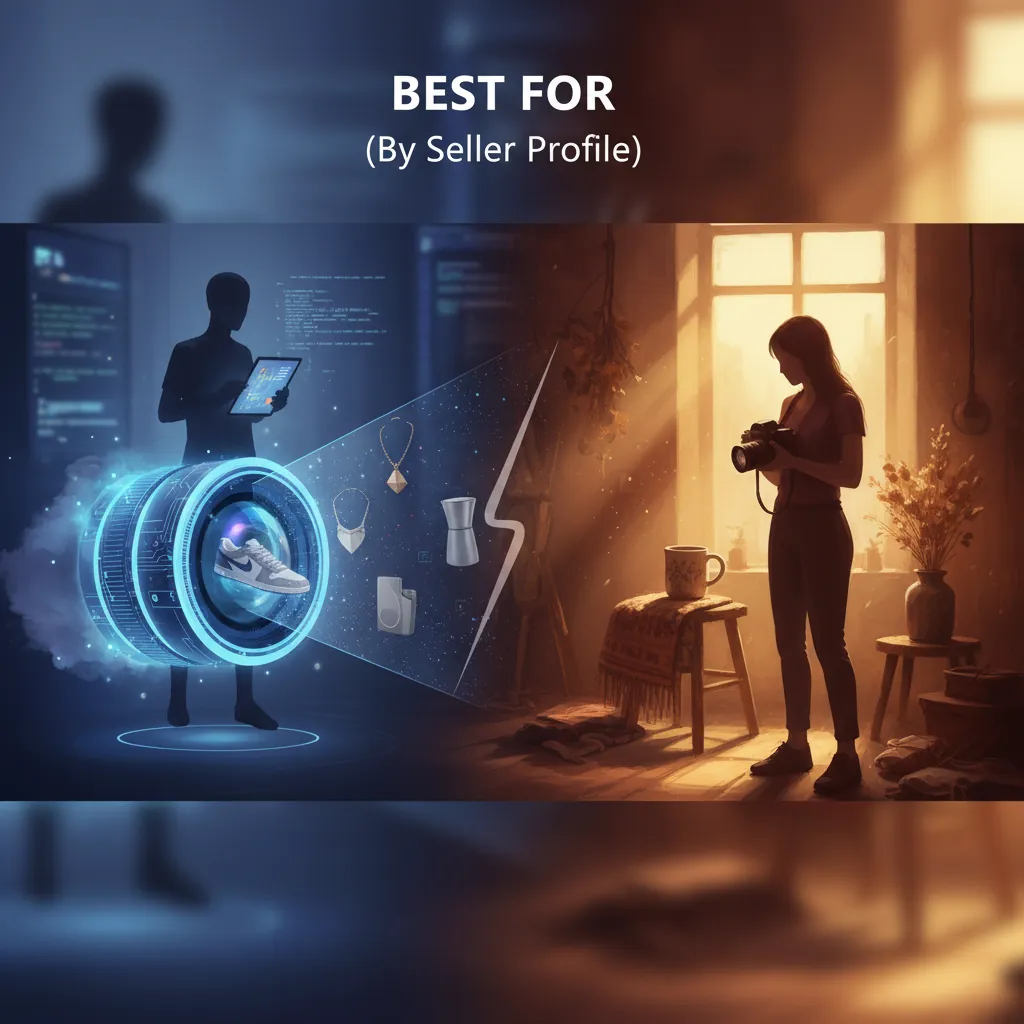
Group your SKUs into “Flagship” and “Variant” categories today. Flagship items (your top 3 sellers) deserve a professional studio, while Variants (color swaps, seasonal bundles) should be handled via AI.
When to Hire a Professional Studio
Traditional photography is non-negotiable for specific scenarios:
- Luxury & High-End Jewelry: Capturing the exact refractive index of a diamond or the specific luster of 18k gold still requires physical macro lenses and expert lighting.
- Complex Textures: If your product features sheer fabrics, intricate lace, or highly reflective chrome, AI may still produce minor “hallucinations” in the texture.
- Hero Brand Imagery: Your homepage “Hero” banner—the one that defines your brand’s soul—should be a high-production traditional shot.
When to Use AI Batch Generation
AI tools are the superior choice for:
- Multi-Platform Sellers: If you sell on Shopify, Amazon, and TikTok, you need three different aspect ratios and three different “vibes.” AI generates these from a single source file.
- Rapid Seasonal Testing: Want to see if your product sells better in a “Cozy Cabin” or a “Modern Minimalist” setting? AI lets you A/B test lifestyle backgrounds in real-time.
- Large Catalog Management: If you have 500+ SKUs, traditional photography is a logistical nightmare. AI allows you to maintain visual consistency across thousands of images without a massive headcount.
- Social Commerce: TikTok Shop and Instagram Shop require a constant stream of “fresh” content. AI allows you to generate new visuals every week to keep the algorithm engaged.
Where Each Falls Short
Verify your AI-generated textures against a physical sample before pushing to live Shopify listings. Look specifically for “edge bleeding” where the product meets the AI-generated background.
The Agility Problem with Traditional Shoots
The biggest failure of traditional photography is its rigidity. If you realize mid-November that your “Fall” themed photos aren’t converting, you cannot simply “pivot.” You have to book a studio, ship products, and wait. In the fast-moving world of 2026 ecommerce, a three-week delay is the difference between a profitable Q4 and a cleared-out warehouse.
Traditional photography is “frozen in time.” It doesn’t allow for the iterative, data-driven creative process that modern Shopify themes (like Dawn 15.0 or specialized premium themes) are built to support.
AI Artifacts and Batch Limits
AI is not a “set it and forget it” solution. It has distinct limitations:
- Complex Transparency: AI still struggles with clear glass bottles or complex liquid reflections. In these cases, the AI might “fill in” the transparent area with the background incorrectly.
- Physical Interaction: If your lifestyle shot requires a model to hold the product in a very specific, tight grip, AI can sometimes struggle with the “hand-to-object” contact point, creating what sellers call “AI fingers.”
- Competitor Batch Bottlenecks: Many popular tools have hidden ceilings. For example, Photoroom Pro’s 500-export limit sounds like a lot, but for a seller with 100 SKUs who wants 6 angles and 3 platform variations per SKU (1,800 images total), you will hit that limit in the first week. PixelMatch is built to bypass these creative bottlenecks for high-volume sellers.
Recommendation
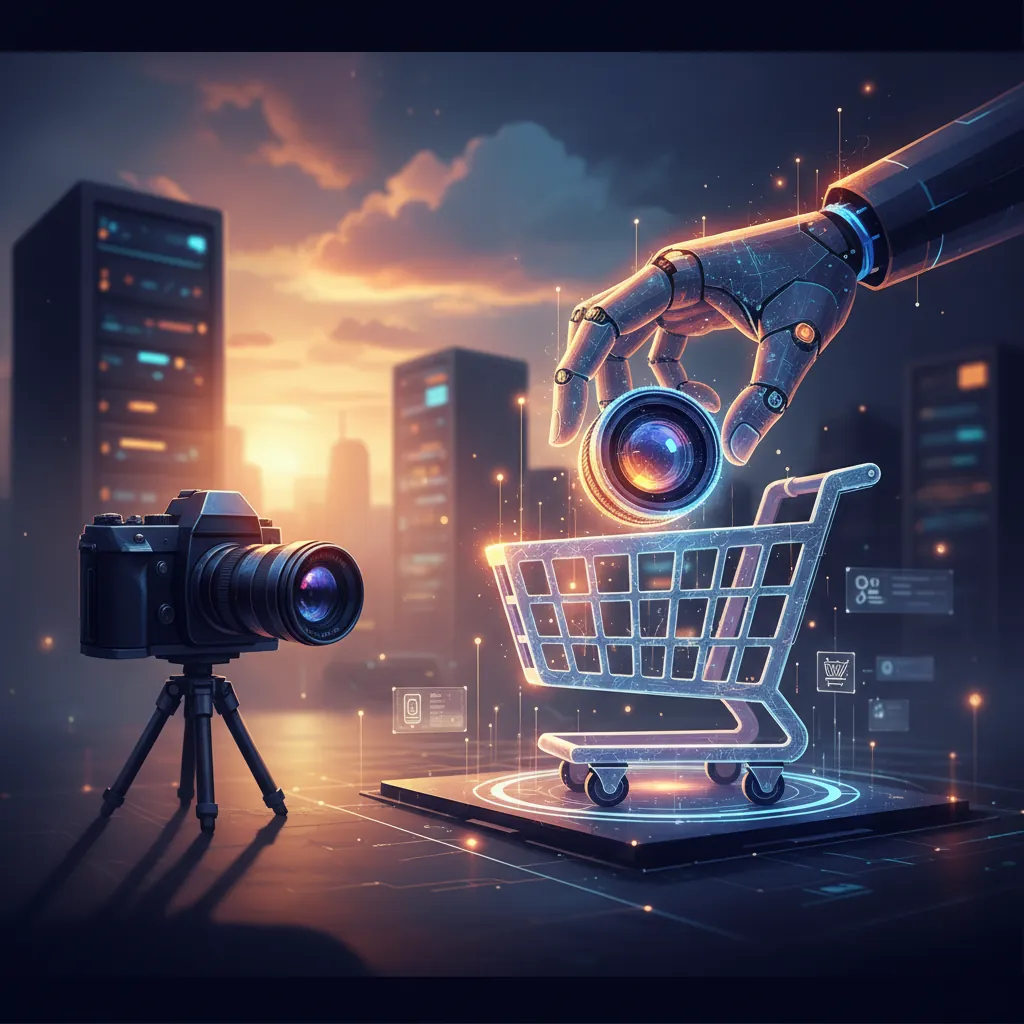
Create one “Master White Background” shot per SKU to serve as your AI seed image. This ensures the physical product remains 100% accurate while the AI handles the “environment.”
The most profitable Shopify stores in 2026 have abandoned the “either/or” debate. They use a Hybrid Photography Workflow. This approach maximizes visual fidelity while minimizing costs and turnaround time.
The 2026 Hybrid Workflow
- The Studio Master: Hire a professional photographer to take a single, high-resolution (4000px+) shot of each product on a clean white background. This ensures the textures, colors, and labels are 100% physically accurate.
- The AI Seed: Upload these “Master Shots” into PixelMatch.
- Batch Generation: Use PixelMatch to remove the white background and place the product into 20+ different lifestyle scenes (e.g., “Kitchen Counter,” “Outdoor Patio,” “Office Desk”).
- Platform Optimization: Use the batch-export settings to generate:
- Shopify: 2048x2048 px (1:1) WebP files.
- TikTok Shop: 1080x1920 px (9:16) background-expanded files.
- Amazon: 2000x2000 px (1:1) pure white background (RGB 255, 255, 255) files.
- Seasonal Refresh: Every 90 days, re-run your Master Shots through PixelMatch with new prompts (e.g., “Christmas Decorations,” “Spring Garden”) to keep your store looking fresh without ever shipping another box to a studio.
This hybrid model reduces your visual content budget by up to 80% and slashes your time-to-market from weeks to minutes. By using traditional photography for the “Product” and AI for the “Context,” you provide the level of trust shoppers demand and the variety the algorithms crave.
Ready to scale your listings?
PixelMatch generates white-background, lifestyle, and variant mockups from a single source photo — built specifically for multi-platform ecommerce sellers. 50 free images on signup, no credit card.
Start free →
Sources
- Shopify Help Center: Image size and resolution requirements 2026
- TikTok Shop Academy: Product Image Specifications and Guidelines
- Amazon Seller Central: Product image requirements
- Photoroom Pricing: Official Subscription Tiers
- Pebblely Pricing: Subscription and Image Credits
- Jungle Scout: Ecommerce Photography Costs for 2026