Amazon Premium A+ Content vs Standard Comparison (2026 Guide)
Stop losing 12% of your potential conversion rate by clinging to outdated 970px headers that leave gaping white space on your customers’ desktop screens. If you haven’t audited your A+ Content Manager since the May 2026 update, you are likely handing market share to competitors who are already utilizing full-width interactive modules.
As of May 2026, Amazon Premium A+ Content is free and enabled by default for all Brand Registered sellers. Premium A+ offers 7 modules per ASIN, 1464px wide images, and video, while Standard A+ is limited to 5 modules and 970px widths.
TL;DR Verdict
Audit your Brand Registry status immediately to confirm you have access to the expanded module suite that was previously locked behind strict eligibility gates. On May 18, 2026, Amazon removed the historical eligibility gate—which previously required 15 approved submissions and a published Brand Story—making Premium A+ the default standard for all Brand Registered sellers.
The shift from Standard to Premium is not merely a cosmetic upgrade; it is a fundamental change in how much “digital shelf” space you control. Premium A+ allows 7 modules per ASIN and 1464px wide images, providing a significant surface area advantage over Standard’s 5 modules and 970px width.
Data from Amazon’s internal testing indicates that Premium A+ can drive up to a 20% conversion lift, whereas Standard A+ averages an 8% lift. Because Premium A+ is now accessible to your competitors, upgrading your listing visuals is no longer an optional “premium” strategy—it is a baseline requirement to maintain your current conversion rates.
Actionable Step: Log into Seller Central, navigate to Advertising > A+ Content Manager, and start a new draft. If the “Premium” module types (like Video or Navigation Carousels) are selectable, you must begin migrating your top-selling SKUs to the 1464px format immediately.
Side-by-Side Feature Table
Resize your existing high-resolution assets to 1464px before attempting to build a Premium A+ layout to avoid the “low-resolution” rejection flag. The following table breaks down the technical specifications and feature sets that distinguish the two tiers in 2026.
| Feature | Standard A+ Content | Premium A+ Content |
|---|---|---|
| Maximum Modules | 5 Modules | 7 Modules |
| Image Width | 970 pixels | 1464 pixels |
| Video Integration | No | 1920x1080px Auto-play |
| Interactive Elements | Basic Comparison Charts | Hotspots, Carousels, Q&A |
| Mobile Optimization | Standard scaling | Advanced responsive stacking |
| Eligibility | Brand Registered | Free for all Brand Registered |
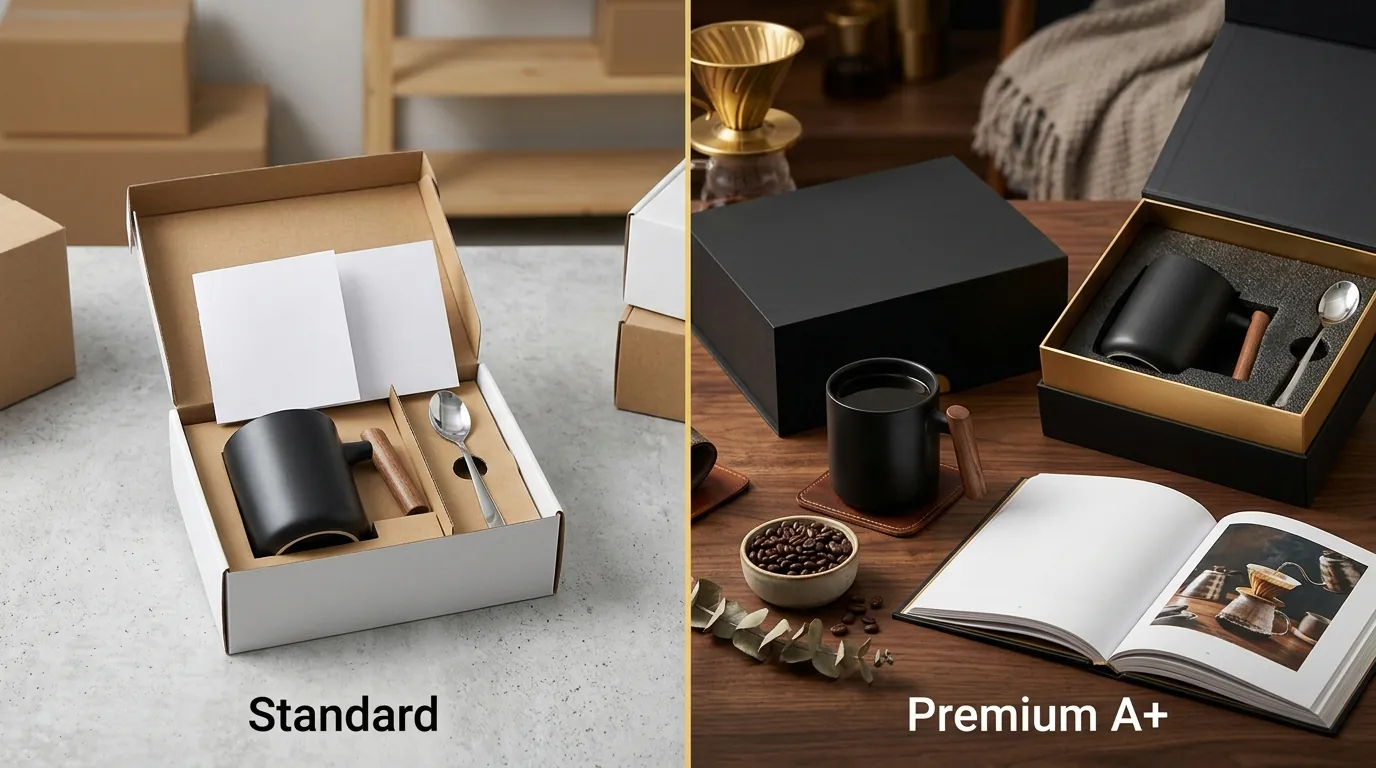
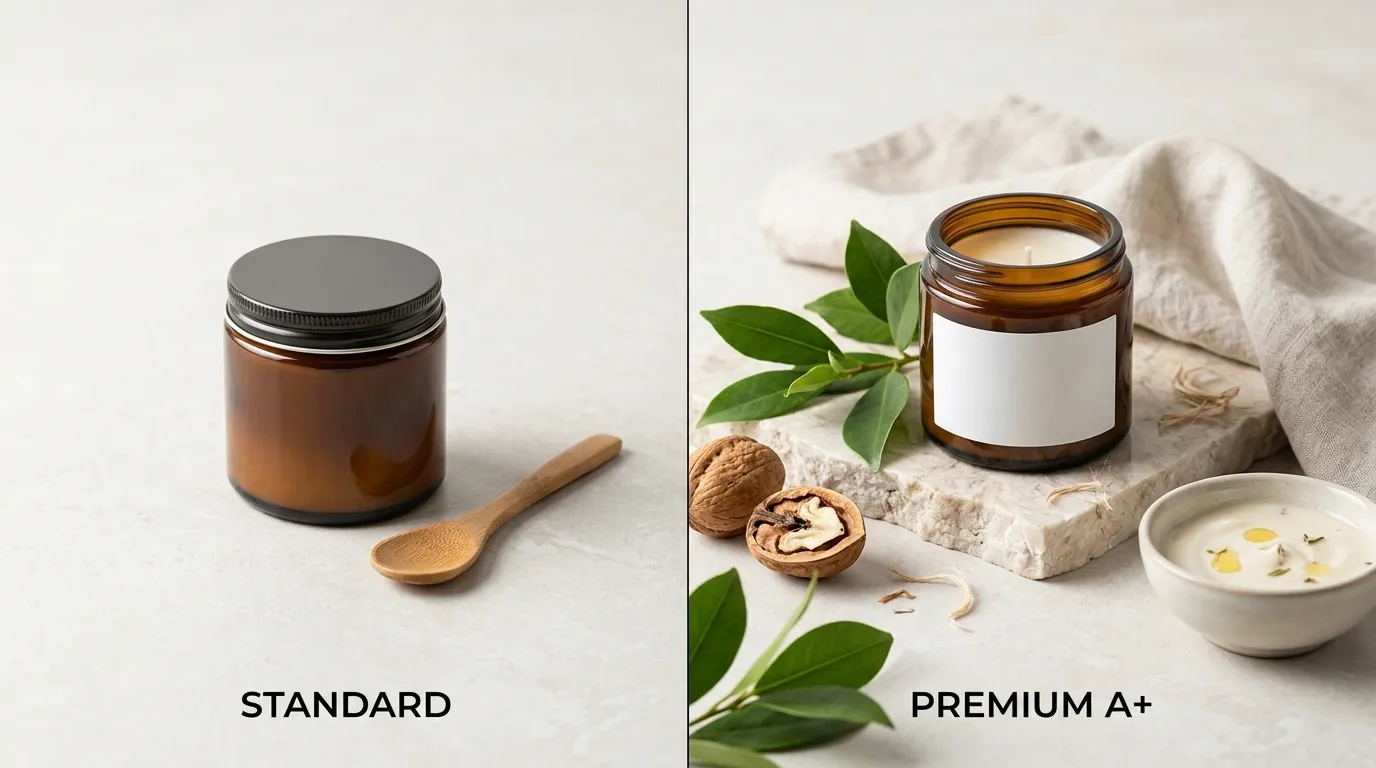
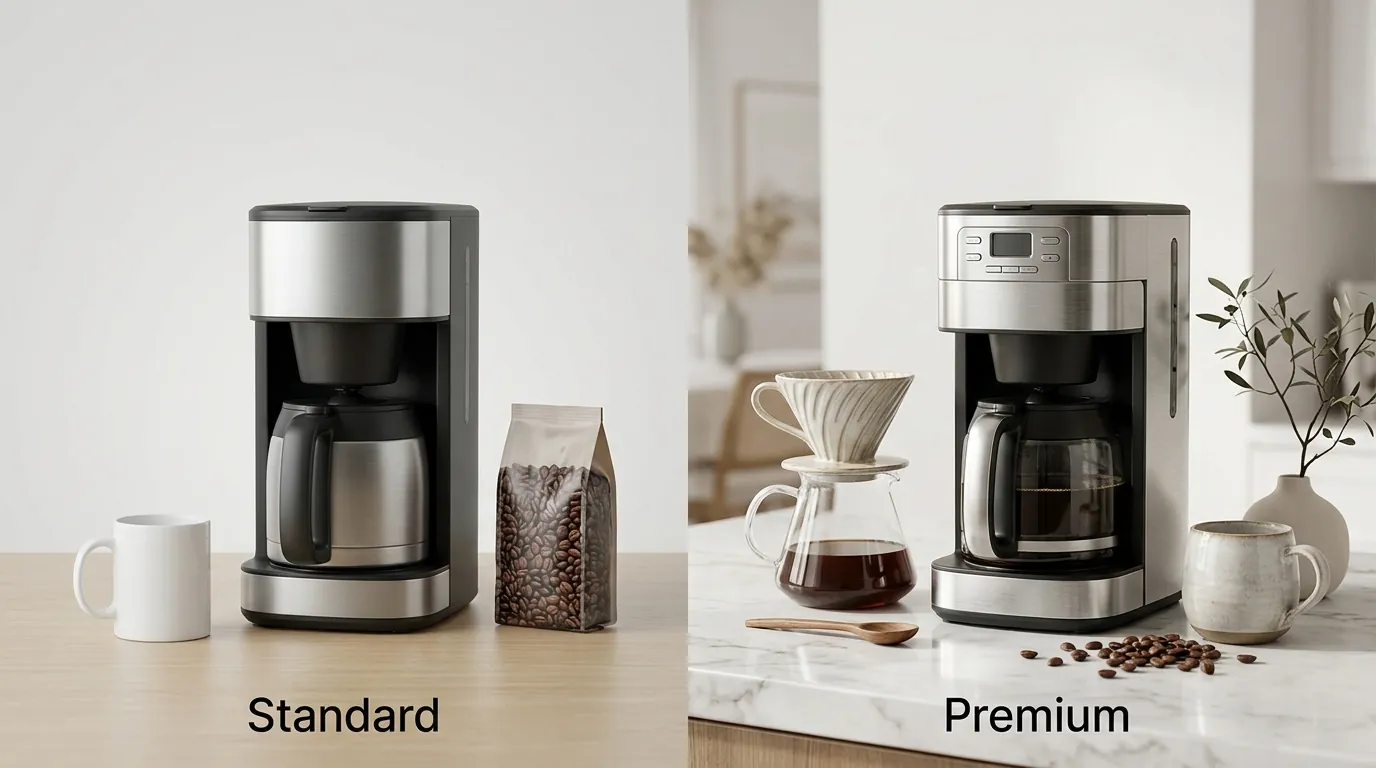
The most striking difference for a desktop user is the visual immersion. Standard A+ modules are centered on the page with significant white gutters on either side. Premium A+ modules occupy the full width of the content area, creating a “website-within-a-website” feel that prevents the user’s eye from wandering to the “Products related to this item” or “Sponsored products” sections.
Standard A+ is capped at 970px, whereas Premium expands to a full-width 1464px. This extra 494 pixels of width allows for much more detailed lifestyle photography and clearer text overlays. Furthermore, Premium unlocks interactive hotspots where a customer can hover over a specific part of a product image to see a popup text box—an invaluable tool for explaining complex technical features without cluttering the main graphic.
Actionable Step: Export your current 970px master files. If you do not have the original high-res versions to scale up to 1464px, use an AI upscaler or PixelMatch to regenerate the backgrounds at the required width to ensure they pass the 2026 quality check.
Pricing Comparison
💡 Skip the manual editing. PixelMatch batch-generates ecommerce-ready product images in 60 seconds — white background, lifestyle scenes, and variant mockups from a single source photo. Try PixelMatch free →
Calculate your total creative spend per SKU by factoring in both the platform fees (which are currently zero) and the production costs for the necessary assets.
Both Standard and Premium A+ Content are completely free for Brand Registered sellers in Seller Central as of 2026. This is a massive shift from the early days of the platform. Historically, Premium A+ was an invite-only feature for Vendor Central accounts, often costing upwards of $250,000 per project for massive enterprise brands. Today, the “cost” has shifted from access fees to production overhead.
The true cost of A+ Content lies in creative production. Traditional ecommerce photography agencies typically charge between $300 and $1,500 per SKU for custom A+ design, photography, and layout. When you consider that Premium A+ requires seven high-resolution 1464px images plus potentially a 1080px video, the production bill for a brand with 50 SKUs can quickly exceed $25,000.
PixelMatch eliminates this bottleneck by allowing sellers to batch-generate AI lifestyle product images perfectly sized for Amazon’s specs. Instead of booking a studio and a lifestyle model for every product variant, you can upload one clean product shot and generate dozens of lifestyle scenes in seconds. This reduces the cost per ASIN from hundreds of dollars to a fraction of the price of a single subscription.
Compared to other tools like Photoroom’s Pro tier at $12.99/mo or Adobe Express, PixelMatch is specifically engineered for the batch-generation workflows required by multi-platform sellers who need to fill seven modules across hundreds of listings simultaneously.
Actionable Step: Compare the cost of one professional lifestyle photoshoot against a monthly AI generation subscription. If your goal is to update more than three ASINs per month to Premium A+, the AI-driven workflow will save you over 80% in creative costs.
Best For (By Seller Profile)
Prioritize your ASINs for Premium upgrades based on their current traffic and revenue potential. While Premium is now free, the time investment required to build out seven high-quality modules means you should still be strategic about where you deploy it.
Standard A+ is best for new sellers or “placeholder” listings. If you have just launched a product and need to quickly replace plain text descriptions with basic 970x600px image headers to establish baseline brand trust, Standard is sufficient. It requires fewer assets and is faster to set up for low-traffic SKUs that aren’t yet generating enough revenue to justify a full Premium creative overhaul.
Premium A+ is best for high-traffic ASINs, premium-priced items, and complex products that benefit from 1920x1080px video demonstrations. If a product has a high “return-to-page” rate, it usually means customers are looking for more information before committing. Premium modules like the Q&A or the interactive hover hotspots can provide that information and close the sale.
Premium A+ is also highly recommended for brands actively defending their listings against aggressive competitors. The wider 1464px layout and the 7-module vertical length push competitor ads—such as “Products related to this item”—much further down the page, effectively increasing your “share of eye” on the mobile and desktop screen.
Actionable Step: Identify your top 20% of ASINs by revenue. These are your “Hero ASINs.” Schedule a Premium A+ overhaul for these SKUs this week, focusing on replacing the 970px headers with 1464px interactive carousels.
Where Each Falls Short

Run a manual quality check on a 27-inch desktop monitor to see exactly where your current Standard A+ content is failing.
Standard A+ Shortfalls: The 970px width is the most glaring weakness. On modern high-resolution monitors, a 970px image looks like a small column in the middle of a vast white screen. This breaks visual immersion and makes the brand look “small” or outdated. Furthermore, Standard A+ lacks video integration, which is a major disadvantage in 2026, where video content is the primary driver of social-commerce conversions. It restricts deep storytelling because the 5-module limit often forces sellers to choose between showing “How to Use” and “Brand Values.”
Premium A+ Shortfalls: The primary drawback is the “Asset Hunger” of the format. It requires significantly more high-resolution creative assets to look professional. Uploading low-res images stretched to 1464px will result in immediate rejection under Amazon’s 2026 Content Quality Analysis scoring. This automated system checks for pixelation, text-to-image ratios, and blurriness. If your assets aren’t native 1464px or higher, the system will block the upload, creating a frustrating loop of rejections for sellers without a high-end design pipeline.
Managing the asset pipeline for Premium A+ across dozens of ASINs is a major operational bottleneck. This is where many sellers get stuck—they have the permission to use Premium A+, but they don’t have the content to fill it.
Actionable Step: Test your current assets by viewing your listing on a desktop browser and zooming in to 125%. If the images appear blurry or “soft,” they will likely fail the 2026 Content Quality Analysis. Use PixelMatch to generate fresh, high-resolution lifestyle backgrounds that meet the new sharpness thresholds.
Recommendation
With the May 2026 update making Premium A+ available by default, there is no strategic reason to stick with Standard A+ for your hero ASINs. The conversion gap is too wide to ignore, and the cost of entry (in terms of Amazon fees) has been eliminated.
Upgrade your top-performing products to Premium A+ immediately to utilize the 7-module limit and maximize the potential 20% conversion lift. Focus specifically on the “Premium Full Image” modules and the “Premium Navigation Carousel.” These two module types provide the highest visual impact and do the most work in pushing competitor advertising off the screen.
To solve the asset production problem, use PixelMatch to instantly generate and upscale product photography to the required 1464px width. This ensures your Premium A+ modules pass Amazon’s image quality checks without the need for expensive, time-consuming photoshoots. By batch-generating your lifestyle scenes, you can have a full 7-module Premium A+ layout ready for submission in under an hour, rather than waiting weeks for a photography studio to return proofs.
Actionable Step: Select one SKU today. Generate 10 different lifestyle backgrounds for it using PixelMatch. Select the best 7, overlay your key feature text, and submit it as a Premium A+ draft. Monitor the conversion rate for 14 days and compare it against the previous 14 days of Standard A+ data.
Ready to scale your listings?
PixelMatch generates white-background, lifestyle, and variant mockups from a single source photo — built specifically for multi-platform ecommerce sellers. 50 free images on signup, no credit card.
Start free →
Sources
- Amazon Seller Central: A+ Content Overview
- Amazon Seller Central: Premium A+ Content Eligibility
- Jungle Scout: Amazon A+ Content Guide 2026
- Photoroom Pricing and Features
- TikTok Seller Center: Video Best Practices
- Adobe Express Pricing