Amazon Prime Day 2026 AI Video Requirements & Top Generators Compared
Stop losing Prime Day sales to competitors whose video ads look like high-budget TV commercials while yours remain static images. With Amazon Prime Day 2026 scheduled for June 23-26, your window to clear the high bar of Amazon’s AI video requirements is closing fast.
TL;DR Verdict
Related: Shopify Summer Edition 2026 AI Image Tools vs. Competitors · Shopify Magic AI Image Expansion Edge Blurring Fix (2026) · Flux Pro Product Depth Map ControlNet Guide vs. PixelMatch
Audit your current product detail pages today to identify which top-performing ASINs lack a video—these are your highest-priority targets for AI generation before the June 23 kickoff. Amazon Prime Day 2026 runs from June 23-26, making compliant video assets critical for Sponsored Brands and product detail pages.
- Amazon’s native AI-powered Video Generator is the safest bet for guaranteed compliance and zero extra cost, though it lacks multi-platform export capabilities.
- Runway is the premium choice for cinematic, text-to-video B-roll, utilizing their advanced Gen-4.5 model to create hyper-realistic motion.
- Canva Pro remains the easiest tool for turning static images into simple motion slideshows with text overlays and brand-compliant fonts.
- PixelMatch is the essential first step: batch-generate lifestyle images at high resolution to feed into these video tools, ensuring your products look consistent across all formats.
Side-by-Side Feature Table
Download the Amazon Advertising Video Creative Specs and use them as a mandatory Quality Control (QC) checklist before uploading any AI-generated file to Seller Central. Amazon’s automated moderation bots are stricter during the Prime Day lead-up, often rejecting videos for minor bit-rate fluctuations or “low-quality” AI artifacts.
| Feature | Amazon Native AI | Runway (Gen-4.5) | Canva Pro | PixelMatch |
|---|---|---|---|---|
| Primary Output | AI-Generated Video | Text-to-Video / Image-to-Video | Motion Graphics / Slideshow | Batch AI Product Images |
| Max Resolution | 1920 x 1080 (16:9) | Up to 4K (Upscaled) | 4K (3840 x 2160) | 2048 x 2048+ |
| Aspect Ratios | 16:9, 9:16 | Custom / All | All Social & Web Specs | 1:1, 4:5, 16:9 |
| Export Formats | Internal Only | MP4, MOV, ProRes | MP4, GIF, JPG, PNG | JPG, PNG, WEBP |
| Compliance Focus | 100% Amazon Locked | Creative Freedom | Brand Consistency | High-Res Source Assets |
Amazon requires all Sponsored Brands videos to meet specific technical thresholds: a 1280x720 minimum resolution, max 500MB file size, and MP4 or MOV format. While Runway and Canva offer greater creative flexibility, Amazon’s native tool automatically formats your video to these specs, reducing the risk of a “Technical Failure” rejection during the critical 48 hours before Prime Day starts.
Pricing Comparison
💡 Skip the manual editing. PixelMatch batch-generates ecommerce-ready product images in 60 seconds — white background, lifestyle scenes, and variant mockups from a single source photo. Try PixelMatch free →
Calculate your “Cost Per Video Asset” (CPVA) by dividing your monthly tool subscription by the number of unique ASINs you need to promote; this helps you determine if a credit-based system like Runway or a flat-rate system like Canva Pro fits your 2026 marketing budget.
- Amazon AI Video Generator: Free for sellers running active Sponsored Brands campaigns. There are no per-video fees, making it the most cost-effective way to scale video across a large catalog.
- Runway: The Standard plan is $15/user/month (billed monthly) and includes 625 credits. Higher tiers like the Pro plan at $35/month offer 2,250 credits for high-volume agencies.
- Canva Pro: Costs $15/month or $120/year for access to Magic Studio. This is a flat rate regardless of how many videos you export, which is ideal for sellers who need to iterate on dozens of different text-overlay versions.
- PixelMatch: Pricing varies by plan, offering scalable tiers for multi-platform sellers who need bulk image generation. By using PixelMatch to create the base “lifestyle” backgrounds, you save money on Runway or Canva by reducing the number of “failed” AI generations—you start with a perfect product image every time.
Best For (By Seller Profile)
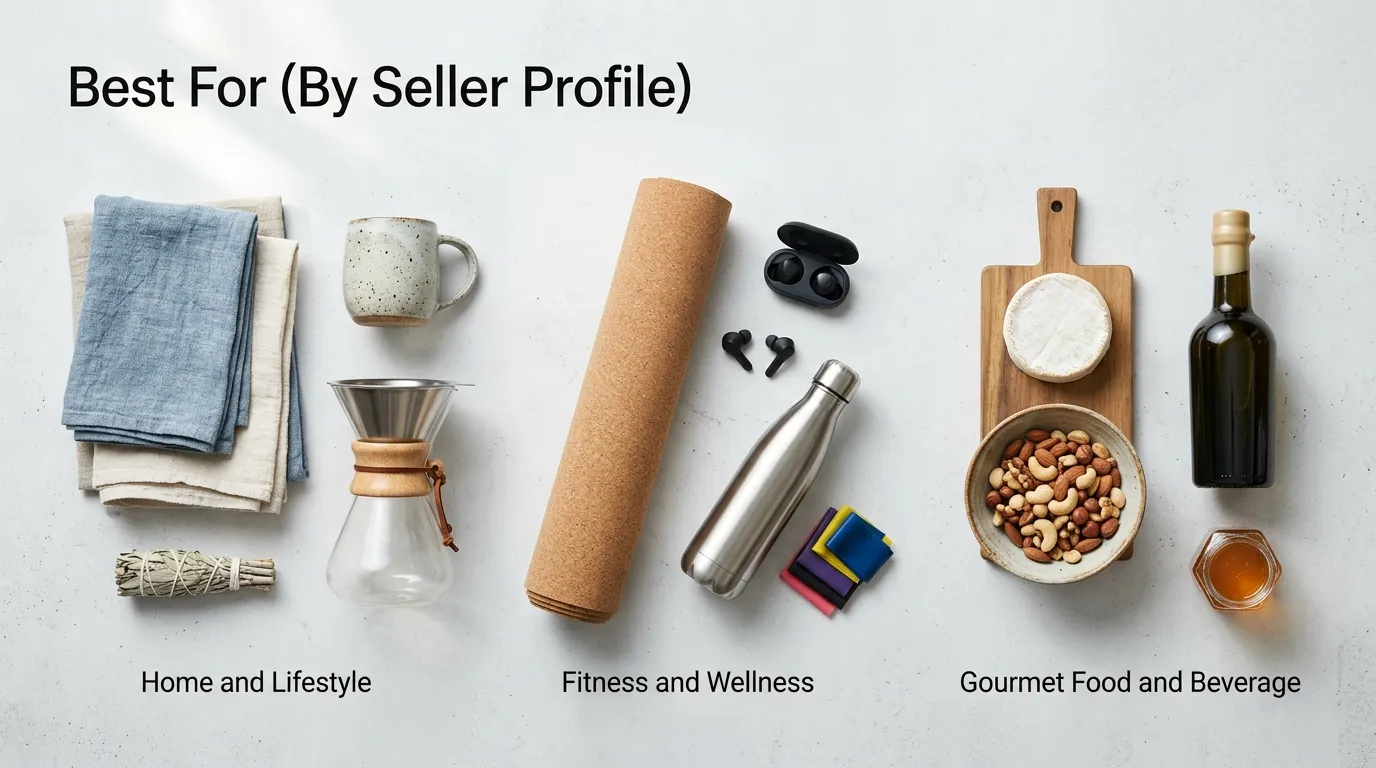
Match your brand’s visual identity to the tool’s output strengths: use Runway for luxury or high-motion categories like beauty or fitness, and use the Amazon Native generator for utility-driven products where functional clarity beats cinematic flair.
The FBA Beginner: Amazon’s Native AI Video Generator
If you are managing your first Prime Day, stick to the native tool. It pulls directly from your product detail page to create a compliant video in minutes. This removes the guesswork from Amazon’s strict ad policies, such as the requirement that videos must be relevant to the product and not contain distracting elements like flashing lights or “click here” buttons.
The Brand Builder: Runway
Runway is the choice for sellers who need “impossible” shots. If you want a video of your waterproof speaker emerging from a neon-lit pool, Runway’s Gen-4.5 model can simulate the physics of water and light more realistically than any other AI. This level of production value is what stops the scroll during the high-traffic Prime Day period.
The Multi-Platform Seller: PixelMatch + Canva Pro
For those selling on Amazon, Shopify, and TikTok Shop, a platform-agnostic workflow is required. Use PixelMatch to batch-generate high-res lifestyle images that fit the aesthetic of each platform. Then, import those images into Canva Pro to animate them into 15-second promotional clips. This ensures your branding is identical on your Amazon Storefront and your TikTok feed, which builds trust with cross-platform shoppers.
Where Each Falls Short
Set a calendar reminder to export and backup all AI-generated assets to a local drive or cloud storage (like Google Drive or Dropbox). Cloud-based AI tools often have retention limits, and Amazon’s native tool does not allow you to download the video for use elsewhere, meaning your hard work is “trapped” in the Amazon ecosystem.
- Amazon Native AI: You cannot export the generated video for use on Shopify or social media. If you spend three hours perfecting a video for a Sponsored Brands ad, you cannot repurpose that same file for a Facebook ad or an Instagram Reel.
- Runway: Credits burn incredibly fast. A 10-second Gen-4.5 clip costs approximately 250 credits, which eats through a massive portion of the Standard plan’s 625 monthly credits in just two or three “takes.” For a large catalog, this becomes expensive quickly.
- Canva Pro: While its “Magic Media” feature is improving, Canva excels at transitions and text overlays rather than true text-to-video physics. If you need a realistic video of a person using your product, Canva will often produce “uncanny valley” results compared to Runway.
- PixelMatch: PixelMatch is strictly an image generator. While it solves the hardest part of the process—getting your product to look real in a batch of 100 different environments—you must export your batch-created images into a secondary tool like Canva or Runway to render the final MP4 video.
Recommendation
Submit your Prime Day video assets for review by June 16, 2026. Amazon’s manual review process for detail page videos can take 24 to 72 hours, and rejection rates spike right before Prime Day as the moderation team is overwhelmed. If your video is rejected on June 22, you will likely miss the entire Prime Day window while waiting for a re-review.
When designing your videos, ensure they avoid prohibited elements. Amazon prohibits promotional pricing claims (e.g., “50% off today only”) within the video file itself, as these videos are often reused and can become inaccurate. They also forbid external website links and unverified environmental claims like “100% eco-friendly” without supporting evidence.
The most efficient 2026 workflow for a professional seller is:
- Batch-generate 50+ high-quality lifestyle images using PixelMatch to find the “hero” look that resonates with your target audience.
- Filter the top 5 images that best represent your brand’s Prime Day deals.
- Feed these images into Amazon’s Native AI Video Generator for a frictionless, compliant Sponsored Brands video.
- Repurpose the same PixelMatch images in Canva Pro to create vertical 9:16 videos for TikTok and Instagram to drive external traffic to your Amazon listings.
Frequently Asked Questions
What is the maximum file size for Amazon product videos in 2026?
Amazon currently caps video file sizes at 500MB. If your AI-generated video from a tool like Runway exceeds this, you must use a compressor or lower the bitrate to ensure it uploads correctly to Seller Central.
Can I use AI-generated music in my Amazon Prime Day videos?
Yes, but you must ensure you have the full commercial rights to the audio. Tools like Canva Pro provide royalty-free music tracks that are safe for Amazon use, whereas using a popular copyrighted song via an AI “cover” tool will result in an immediate ad suspension.
Does Amazon require a disclosure for AI-generated product videos?
As of 2026, Amazon’s policies focus on content authenticity. While they do not always require a “Made with AI” watermark for lifestyle backgrounds, you must not use AI to alter the physical appearance or functionality of the actual product, as this is considered “materially different” and can lead to account suspension for “Inauthentic” complaints.
What is the best video length for Sponsored Brands ads during Prime Day?
Amazon allows videos between 6 and 45 seconds, but 15 to 30 seconds is the “sweet spot” for conversion. During Prime Day, shoppers are moving fast; if your AI video doesn’t show the product in the first 3 seconds, they will scroll past.
Ready to scale your listings?
PixelMatch generates white-background, lifestyle, and variant mockups from a single source photo — built specifically for multi-platform ecommerce sellers. 50 free images on signup, no credit card.
Start free →
Sources
- Amazon Advertising: Video Creative Specs
- Amazon Advertising: AI Video Generator Overview
- Runway ML: Pricing and Credit System
- Canva: Pro Pricing and Magic Studio Features
- Forbes: Retail Trends and Prime Day Projections
- Amazon Seller Central: Product Detail Page Video Requirements