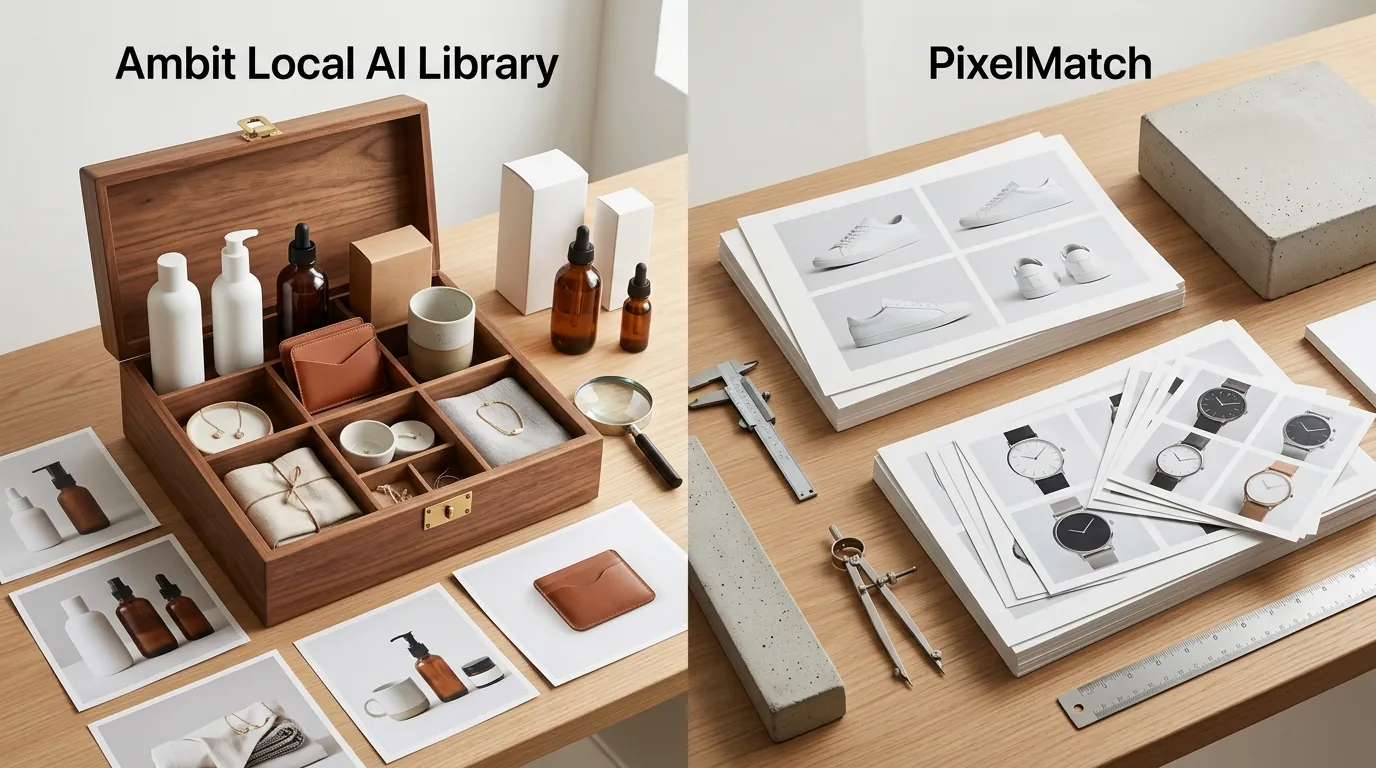
Ambit Local AI Library for Ecommerce Assets vs PixelMatch
Scaling an ecommerce store across Amazon, Shopify, and TikTok Shop requires a relentless volume of high-quality product imagery that often overwhelms local storage and manual organization workflows. Managing thousands of AI-generated variants while ensuring every file meets strict marketplace specifications is the difference between a high-conversion launch and a “Listing Suppressed” notification.
Managing AI-generated product assets has evolved into two distinct philosophies: the local-first, privacy-focused power user approach and the cloud-based, speed-oriented SaaS approach. Ambit Local AI Library is a desktop-based solution for those who generate images on their own hardware, while PixelMatch offers a streamlined, cloud-hosted pipeline designed specifically for multi-platform sellers.
TL;DR Verdict

Related: Fixing Flux.1 Dev NF4 Checkpoint Loading Error vs. AI SaaS Tools · PixelMatch vs Photoroom: Fix Amazon Prime Day 2026 Listing Suppression · Running Flux 1.2 Locally for Private Assets vs. PixelMatch
Ambit is an open-source, local-first SQLite desktop application designed to parse metadata (prompts, LoRAs, seeds) from local AI generators like ComfyUI and A1111. PixelMatch is a cloud-based SaaS built specifically for ecommerce, offering an all-in-one pipeline to batch-generate and manage product photos. While Ambit excels at organizing raw local outputs, PixelMatch ensures your assets meet strict marketplace specs, such as Amazon’s 1600 px minimum on the longest side for zoom and Shopify’s 20 MB file size limit.
Actionable Step: Run the nvidia-smi command in your terminal or check Windows Task Manager to verify if your GPU has at least 8GB of VRAM. If your hardware falls below this threshold, a local tool like Ambit will struggle to manage the high-resolution assets required for modern marketplaces, making a cloud solution like PixelMatch the more viable path.
- Ambit: Best for technical sellers who run Stable Diffusion locally and need a searchable database of their generation history (seeds, samplers, and prompts).
- PixelMatch: Best for scaling brands that need to batch-generate compliant images and export them directly to marketplaces without managing local hardware or complex metadata.
- Compliance: PixelMatch automates the technical requirements for platforms like Etsy, which requires the shortest side of an image to be at least 2000 px.
Side-by-Side Feature Table

The choice between these tools depends on where your generation happens. Ambit acts as a “librarian” for your hard drive, whereas PixelMatch acts as both the “photographer” and the “studio manager” in the cloud.
| Feature | Ambit Local AI Library | PixelMatch |
|---|---|---|
| Deployment | Local Desktop App (Windows/Mac/Linux) | Cloud-Based SaaS |
| Primary Function | Image Metadata Indexing & Search | AI Generation + Asset Management |
| Generation Engine | None (Reads ComfyUI/A1111 outputs) | Built-in Proprietary AI Engine |
| Metadata Support | Seeds, Samplers, LoRAs, CFG Scale | SKU, Platform Tags, Aspect Ratios |
| Marketplace Specs | Manual verification required | Automated (Amazon, Shopify, Etsy) |
| Storage | Local Disk / SQLite Database | Encrypted Cloud Storage |
| License/Cost | GPL-3.0 (Open Source) | Subscription-based (SaaS) |
Actionable Step: Audit your current image production volume. If you are generating more than 500 images per week, calculate the time spent manually moving files from your “outputs” folder to your Shopify or Amazon upload tool. If this manual movement takes more than two hours weekly, a cloud-integrated workflow is necessary.
[IMAGE SPECIFICATION: A side-by-side comparison graphic showing Ambit’s local folder scanning interface next to PixelMatch’s cloud-based ecommerce generation dashboard. Aspect ratio 16:9.]
Pricing Comparison

💡 Skip the manual editing. PixelMatch batch-generates ecommerce-ready product images in 60 seconds — white background, lifestyle scenes, and variant mockups from a single source photo. Try PixelMatch free →
Ambit is 100% free and open-source under a GPL-3.0 license, but it requires you to provide your own local storage and GPU hardware for the actual image generation. To run the generation tools that Ambit indexes, such as Stable Diffusion, many sellers invest in high-end hardware like the NVIDIA RTX 4090 with 24GB VRAM, which carries a significant upfront cost.
PixelMatch uses a standard SaaS pricing model where exact pricing varies by plan, typically offering a free tier to test the workflow before upgrading for higher generation volumes and cloud storage. This shifts the cost from CapEx (hardware) to OpEx (subscription), which is often more tax-efficient for growing ecommerce businesses.
When calculating overhead, sellers must weigh the time spent managing local hardware against cloud convenience. Every sale through your store already factors in standard ecommerce costs like Stripe’s 2.9% + 30¢ online processing fee. Adding the labor cost of troubleshooting local Python environments or managing local backups—often costing around $99/year for services like Backblaze—can make the “free” nature of Ambit more expensive than a managed SaaS in the long run.
Actionable Step: Create a “Total Cost of Ownership” spreadsheet. Compare the cost of a high-end GPU plus electricity and backup software against a yearly PixelMatch subscription. Factor in 5 hours of “technical troubleshooting” per month at your hourly rate to get a true comparison.
Best For (By Seller Profile)
The decision between Ambit and PixelMatch often comes down to your technical proficiency and how much of the “AI engine” you want to see under the hood.
The Technical Power User (Ambit)
Ambit is best for highly technical sellers, AI artists, or prompt engineers who use complex ComfyUI workflows. If you find yourself needing to search through thousands of local generations by specific seeds or samplers to find “that one perfect lighting setup” you created three months ago, Ambit’s SQLite-powered search is unparalleled. It allows you to filter by the technical parameters stored in the PNG info chunks of your local files.
The Multi-Platform Brand (PixelMatch)
PixelMatch is best for multi-platform ecommerce brands that need to quickly batch-generate compliant images—like Shopify’s recommended 2048x2048 px square format—without managing local hardware. If your goal is to take a single product photo and generate 50 lifestyle variations for Amazon, TikTok Shop, and Etsy in under ten minutes, the cloud-based automation of PixelMatch is the superior choice.
Actionable Step: Define your “Compliance Threshold.” If you sell on TikTok Shop, you must adhere to a 1:1 aspect ratio with a minimum of 600x600 px. If you are currently resizing these manually in Photoshop after generating them locally, you are losing billable hours that could be spent on product sourcing.
Where Each Falls Short
Neither tool is a magic bullet; each has trade-offs depending on your operational constraints.
Ambit’s Limitations
Ambit lacks built-in generation capabilities; it is strictly a management layer. If you don’t already have a working installation of Stable Diffusion or ComfyUI, Ambit does nothing for you. Furthermore, it offers no direct ecommerce platform integrations. You cannot “push” an image from Ambit to Amazon Seller Central; you must still export the file, verify it meets Amazon’s pure white background requirement (RGB 255, 255, 255), and upload it manually. Lastly, it is currently a Windows-first public beta, which may lead to stability issues for Mac or Linux users.
PixelMatch’s Limitations
PixelMatch requires an ongoing internet connection and a subscription fee, which might be a deterrent for hobbyists or sellers with very low volume. It also abstracts away the granular node-level metadata inspection. While this is a benefit for most sellers, local Stable Diffusion power-users who want to see exactly which LoRA weight was used at step 22 of a 30-step generation might find the interface too simplified.
Actionable Step: Set up an automated backup sync if you choose the local route. Use a tool like OneDrive or Google Drive to mirror your Ambit-indexed folders. Local drives fail; cloud-based SaaS solutions like PixelMatch include redundancy as part of the service.
Recommendation

The right tool depends on whether you view AI as a creative hobby or a production utility.
If you already have a massive local hard drive filled with ComfyUI outputs and just need a search interface to navigate your technical metadata, download Ambit from the official GitHub repository. It is the most robust way to turn a messy “outputs” folder into a searchable library.
For sellers scaling across Amazon, Shopify, and other marketplaces, time is your most valuable asset. PixelMatch eliminates the friction of local hardware and manual folder organization. It allows you to move from a raw product shot to a marketplace-ready asset in a single browser tab, ensuring your images always meet the latest platform specs.
Start using PixelMatch to seamlessly batch-generate, organize, and export your ecommerce product images in the cloud. By moving your workflow to the cloud, you bypass the hardware arms race and focus on what actually moves the needle: launching products faster.
Actionable Step: Set a 30-minute timer and try to generate a set of 10 lifestyle images for a new SKU using both methods. If the local setup (generating, finding, resizing, and checking specs) takes longer than the cloud-based generation, the SaaS model will pay for itself in labor savings within the first month.
Frequently Asked Questions
Does Ambit generate the images for me?
No, Ambit is a library management tool, not a generator. You must use external software like Automatic1111 or ComfyUI to create the images; Ambit then scans your folders and indexes the metadata so you can search through them easily.
Can I use PixelMatch for Amazon’s Main Image requirements?
Yes. PixelMatch is designed to handle specific marketplace requirements, including the Amazon requirement for a pure white background (RGB 255, 255, 255) and the necessary pixel dimensions for the hover-to-zoom feature.
Is my data safe in a local tool like Ambit?
Since Ambit runs locally on your machine, your data stays on your hard drive. However, this also means you are responsible for your own backups. If your hard drive fails, your entire AI image library and its indexed metadata will be lost unless you have a secondary backup solution.
Which tool is better for a team with multiple employees?
PixelMatch is significantly better for teams. Because it is cloud-based, multiple users can log in from different locations to view, generate, and approve assets. Ambit is a local desktop application, making it difficult to share a synchronized library across a distributed team without complex network drive setups.
Ready to scale your listings?
PixelMatch generates white-background, lifestyle, and variant mockups from a single source photo — built specifically for multi-platform ecommerce sellers. 50 free images on signup, no credit card.
Start free →
Sources
- Amazon Seller Central: Product image requirements
- Shopify Help Center: Uploading files
- Shopify Help Center: Product media types and specs
- Etsy Help: Requirements and Best Practices for Images
- TikTok Shop University: Image Specifications
- Ambit GitHub Repository (AsuraAce)
- Stripe Pricing Page
- Backblaze Cloud Backup Pricing