
Flair AI vs Photoroom for Ecommerce Brands: 2026 Guide
⚠️ Notice: Auto-generated content. May contain approximations or minor inaccuracies in supporting details. Help us improve via the comment section below. Last reviewed: 2026-05-20.
Your product images are either closing sales or triggering platform suppressions that halt your revenue. In the 2026 ecommerce landscape, choosing between Flair AI and Photoroom is no longer just about “better lighting”—it is a choice between lifestyle-driven conversion and high-volume platform compliance.
TL;DR Verdict

Audit your Amazon “Suppressed Listings” report today to see if your current workflow is leaking money through image rejections. If more than 5% of your listings are flagged for background non-compliance, your current tool is failing you.
- Flair AI is the superior choice for Shopify DTC and apparel brands that require hyper-realistic AI fashion models and complex 3D digital staging [1.1.2]. It excels at “lifestyle” imagery that places products in contextual environments like Parisian lofts or organic moss beds.
- Photoroom remains the industry standard for high-speed compliance. It is built for Amazon FBA sellers who must meet the strict RGB 255,255,255 pure white background requirement and the 85% frame-fill rule at scale.
- PixelMatch serves as the primary alternative for multi-platform sellers. It bridges the gap by offering both the high-volume batch processing of Photoroom and the contextual lifestyle generation of Flair AI in a single, unified workflow.
Side-by-Side Feature Table
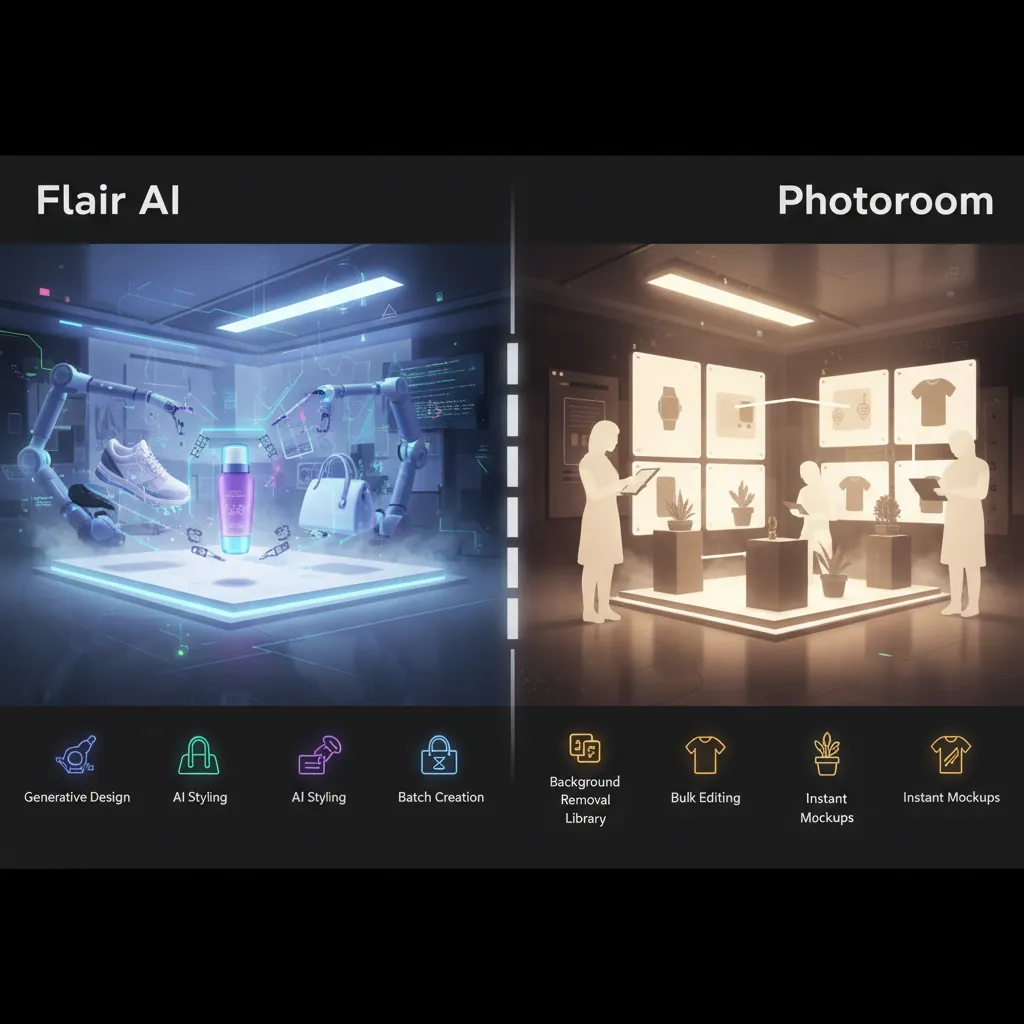
Standardize your master exports to 2048x2048px WebP format to ensure your images satisfy Shopify’s high-resolution zoom requirements while remaining well within Amazon’s 10,000px maximum limit.
| Feature | Flair AI (2026) | Photoroom (2026) | PixelMatch (2026) |
|---|---|---|---|
| Primary Strength | AI Fashion Models & 3D Staging | Batch Background Removal | Multi-Platform Batching |
| Max Batch Size | — | 250 images (Max Plan) | 500+ images |
| AI Human Models | Hyper-realistic (Diverse Tones/Poses) | Limited “Virtual Model” tool | High-fidelity clothing preservation |
| Platform Specs | Manual resizing required | Native Amazon/Shopify presets | Auto-folders for Amazon/Shopify/Etsy |
| API Access | Early Access (Pro+ and Scale) | Separate Billing / Independent Tiers | Integrated API |
| Background Rule | Focus on lifestyle/context | Strict RGB 255,255,255 White | Multi-spec (White & Lifestyle) |
Core AI Capabilities
Flair AI utilizes a multi-stage diffusion model architecture that separates garment analysis from body synthesis [1.6]. This allows for the generation of AI models that preserve intricate fabric textures, embroidery, and hardware without the “painted on” look common in earlier AI tools. It supports over 40 standard model poses and offers granular control over hair textures and skin tones [1.12].
Photoroom focuses on lighting and shadow correction. Its “Instant Shadow” feature automatically calculates the correct perspective and softness of a shadow based on the product’s shape, which is critical for maintaining realism on pure white backgrounds.
Batch Processing Power
Photoroom’s Max plan allows you to process up to 250 images in a single session [1.18]. This is designed for “flippers” and resellers who need to strip backgrounds from hundreds of unique SKUs daily. However, recent 2026 updates have introduced a 1,500-image monthly export cap on the Max tier, which may limit massive enterprise catalogs.
PixelMatch is built for the multi-platform workflow. While Flair AI and Photoroom require you to run separate batches for different aspect ratios, PixelMatch generates a single master image and automatically exports it into platform-specific folders (e.g., 2048px squares for Shopify and 2000px shortest-side images for Etsy) in one click.
Pricing Comparison
💡 Skip the manual editing. PixelMatch batch-generates ecommerce-ready product images in 60 seconds — white background, lifestyle scenes, and variant mockups from a single source photo. Try PixelMatch free →
Cross-reference your monthly SKU launch volume against Photoroom’s 500-image Pro cap to determine if you require the Max tier’s 1,500-image limit or if a more scalable solution is necessary.
| Plan Tier | Flair AI (2026) | Photoroom (2026) | PixelMatch (2026) |
|---|---|---|---|
| Free Tier | 10 images / mo | 250 exports (Watermarked) | — |
| Pro Tier | $10 / mo (~5500 images) | $12.99 / mo (500 batch exports) | — |
| Max / Pro+ | $35 / mo (~18000 images) | $34.99 / mo (1500 batch exports) | — |
| Scale / Ultra | $55 / mo | $82.50 / mo (billed annually) | — |
Free Tier Limits
The Flair AI free tier is essentially a “test drive,” limited to 10 images per month. This is insufficient for any active seller but allows you to test the prompt-to-image engine. Photoroom’s free tier is more generous with 250 exports, but the presence of a watermark makes these images unusable for professional Amazon or Shopify listings.
Paid Plans & Hidden Fees
Photoroom’s pricing structure contains a significant “gotcha”: API usage is billed completely separately from the Pro and Max subscriptions [1.15]. If you intend to automate your workflow via Zapier or a custom backend, you must pay for API credits starting at approximately $0.02 per call, regardless of your monthly subscription tier.
Flair AI includes API early access in its Pro+ ($35/mo) and Scale ($55/mo) tiers. This makes it a more predictable cost center for brands that want to integrate AI photography directly into their PIM (Product Information Management) systems.
Best For (By Seller Profile)

Run a 10-image “Calibration Shoot” using Flair AI’s human models to verify that your clothing patterns and brand logos remain undistorted during the AI generation process before committing to a full catalog run.
Amazon FBA Sellers
Photoroom is the winner for Amazon compliance. Amazon’s 2026 image requirements mandate that the main product image must have a pure white background (RGB 255,255,255) and the product must fill at least 85% of the frame [1.3]. Photoroom’s “Amazon Main Image” template automatically crops and pads your product to meet these exact specs, reducing the risk of listing suppression.
Shopify DTC Brands
Flair AI is the superior tool for Shopify fashion brands. Conversion rates on Shopify are heavily influenced by lifestyle imagery—showing the product in use. Flair AI’s ability to generate diverse AI models (various body types, ages, and ethnicities) allows brands to localize their imagery for different markets without the $10,000+ cost of a traditional model shoot [1.27].
Etsy Creators
Etsy shoppers prioritize “aesthetic” and “handmade” vibes. The 2026 Etsy image requirements recommend at least 2000px on the shortest side, though 3000px is preferred for crisp zoom [1.13]. PixelMatch is ideal for Etsy creators because it can generate the “lifestyle” background that Etsy shoppers love while simultaneously ensuring the file size stays under Etsy’s 10MB limit.
Where Each Falls Short

Measure the time your team spends manually resizing images for different platforms; if it exceeds 2 hours per week, you are losing money on labor that could be automated by a multi-spec batching tool.
Flair AI’s Weaknesses
Flair AI lacks the robust, high-speed batch processing required for massive catalogs. If you are a dropshipper or a high-volume reseller with 5,000+ SKUs, the “canvas-style” workflow of Flair AI becomes a bottleneck. It is a creative tool first and a production tool second. Furthermore, while the models are hyper-realistic, they can still struggle with complex “ghost mannequin” effects where the interior of a garment needs to be visible.
Photoroom’s Weaknesses
The recent 2026 pricing changes have frustrated many high-volume sellers. By capping the Pro tier at 500 batch exports per month and the Max tier at 1,500, Photoroom has moved away from the “unlimited” feel it once had [1.15]. For a seller with 200 products, each requiring 7 angles, the Max plan’s 1,500-image limit is exhausted in a single month, forcing an upgrade to the expensive Ultra or Enterprise tiers.
Additionally, neither Flair AI nor Photoroom natively supports “One-Click Multi-Spec Exporting.” If you need an image for an Amazon main listing, a Shopify hero banner, and an Etsy thumbnail, you must manually adjust the aspect ratio and re-run the export three times.
Recommendation
Upload your first batch of 50 SKUs to PixelMatch to compare the “Time to Live” (TTL) across Amazon, Shopify, and Etsy simultaneously versus your current manual workflow.
- Choose Photoroom if your primary sales channel is Amazon and your workflow is focused on high-speed background removal for thousands of SKUs. It is the most reliable tool for ensuring your images never trigger a “Suppressed Listing” flag due to off-white backgrounds.
- Choose Flair AI if you are a fashion or apparel brand selling on Shopify. The ability to generate virtual models that match your target demographic’s skin tone and body type is a conversion multiplier that Photoroom cannot match.
- Try PixelMatch if you are a multi-platform seller who is tired of the “Export, Resize, Repeat” cycle. If you sell across Amazon, Shopify, and Etsy, you need a tool that understands that an Amazon image requirement (RGB 255) is different from a Shopify image size recommendation (2048px square). PixelMatch is the only tool in this comparison built specifically to handle those conflicting specs in a single batch.
Ready to scale your listings?
PixelMatch generates white-background, lifestyle, and variant mockups from a single source photo — built specifically for multi-platform ecommerce sellers. 50 free images on signup, no credit card.
Start free →