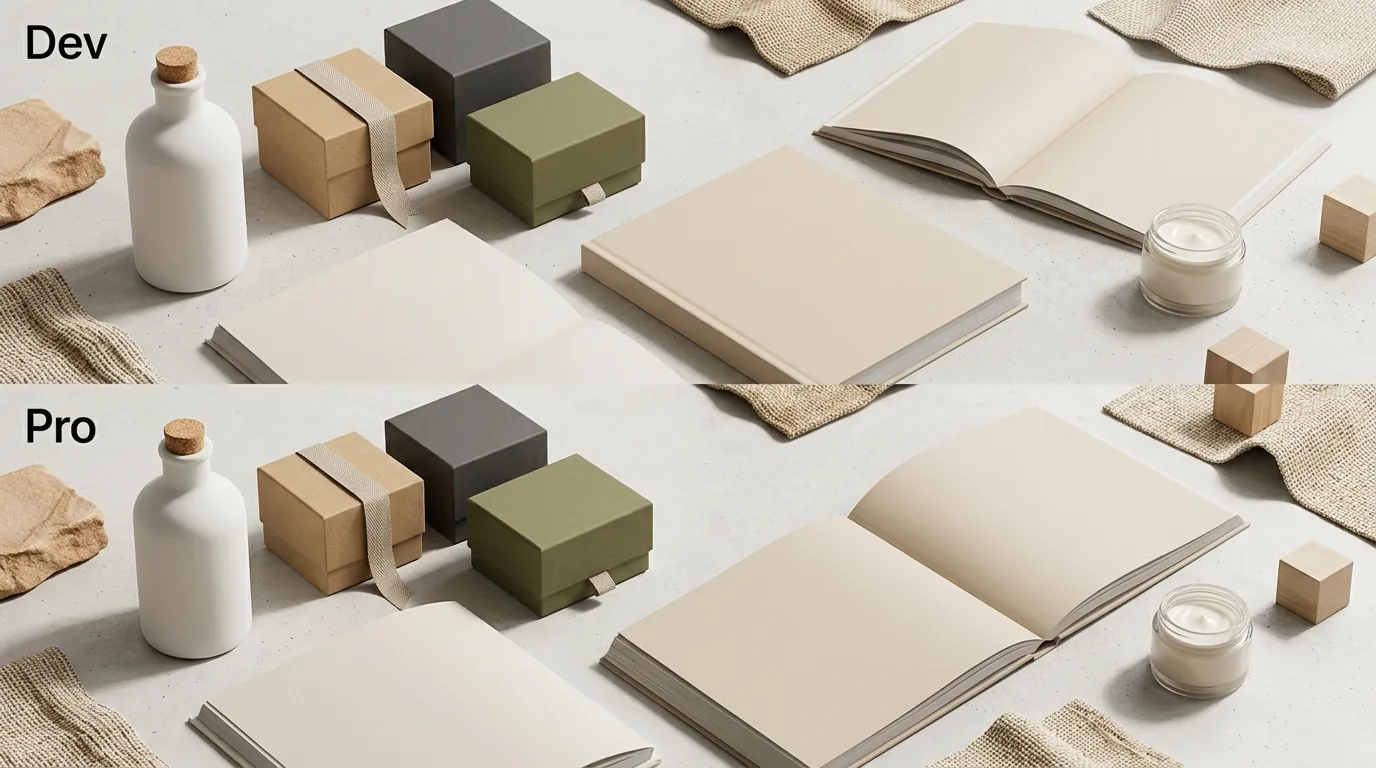
Flux 1.1 Pro vs Dev for Product Shadows: Ecommerce Guide
Stop losing sales to “floating” product images that look like cheap Photoshop cutouts. When a customer lands on your Amazon or Shopify listing, the subconscious cue for quality isn’t just the product itself—it is the realistic contact shadow that grounds it in reality.
FLUX 1.1 Pro is the clear winner for ecommerce because it includes commercial usage rights and generates highly realistic product shadows out of the box at $0.04/image. FLUX.1 [dev] is strictly for non-commercial use unless licensed.
TL;DR Verdict
Related: Amazon Prime Day 2026 AI Video Requirements & Top Generators Compared · Shopify Summer Edition 2026 AI Image Tools vs. Competitors · Shopify Magic AI Image Expansion Edge Blurring Fix (2026)
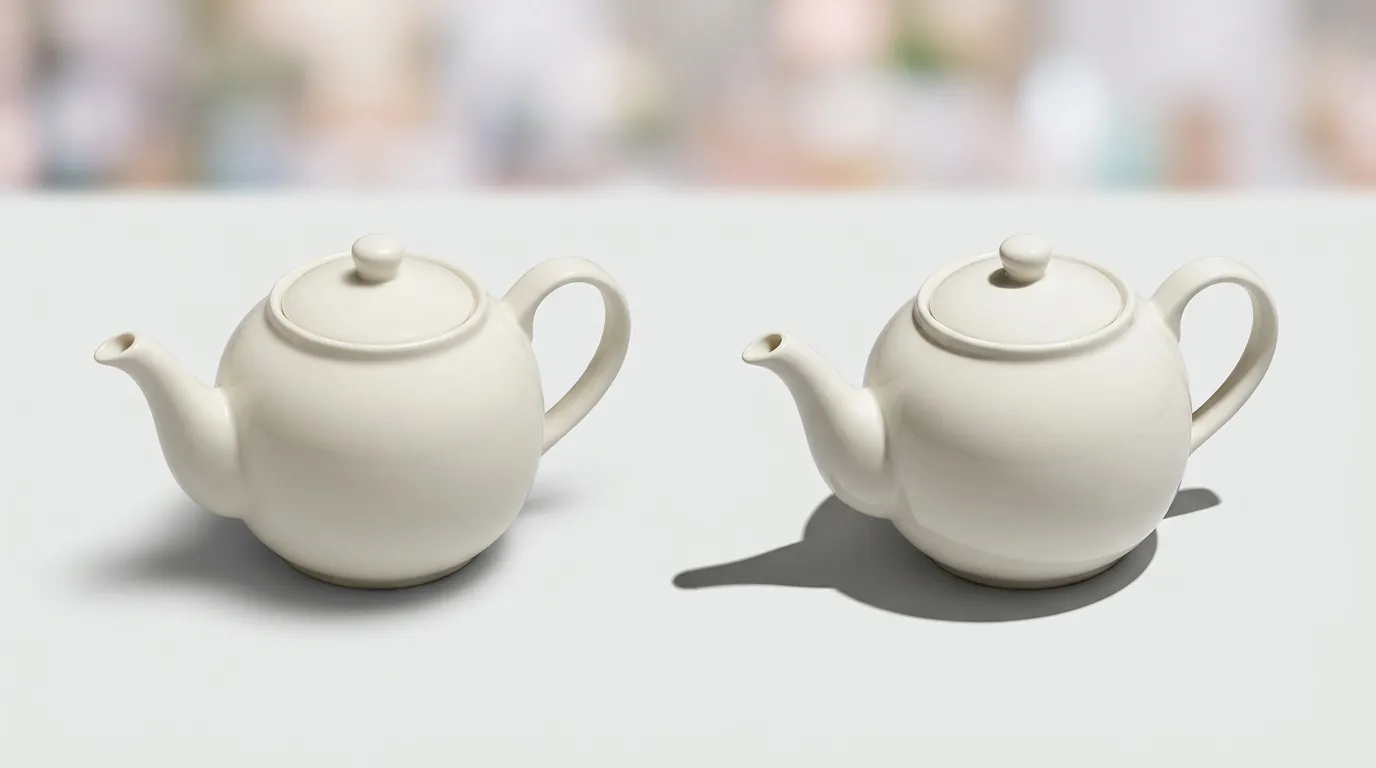
Run a calibration test by generating a single product shot with a glass or metallic object; you will notice immediately that FLUX 1.1 Pro handles the complex “caustics” and ambient occlusion (the dark area where the object touches the surface) with significantly more accuracy than the Dev version. While both models represent a massive leap over older Stable Diffusion iterations, the choice for a professional seller comes down to legal compliance and output speed.
- FLUX 1.1 Pro is a closed-source API model that excels at photorealistic product shadows and includes commercial rights, generating images six times faster than its predecessor.
- FLUX.1 [dev] is an open-weight 12B parameter model, but it carries a strict Non-Commercial License, making it legally risky for ecommerce sellers without a custom enterprise agreement.
- For product shadows, Pro handles complex lighting (specular highlights, ambient occlusion) natively, while Dev often requires custom LoRAs or heavy prompt engineering to avoid floating product artifacts.
- PixelMatch offers a better workflow for multi-platform sellers by automating the shadow generation and batch-generates AI product images without requiring API integrations or local GPUs.
Side-by-Side Feature Table

Check your current hardware’s VRAM capacity before attempting to run these models locally. If you have less than 16GB of dedicated VRAM, running FLUX.1 [dev] at full precision will lead to system crashes or agonizingly slow generation times of over two minutes per image.
| Feature | FLUX 1.1 Pro | FLUX.1 [dev] |
|---|---|---|
| Commercial Rights | Yes (via API) | No (Non-Commercial) |
| Generation Speed | ~4.5 Seconds | Dependent on GPU (Slow) |
| Shadow Realism | High (Native Ambient Occlusion) | Moderate (Requires Tuning) |
| Access Method | API (BFL, Fal.ai, Replicate) | Local or API |
| Max Resolution | Up to 4MP (Ultra Mode) | Typically 1MP (1024x1024) |
| Ideal Use Case | Scaling Amazon/Shopify Stores | Research & Hobbyist Prototyping |
Actionable Step: The “Pencil Test” for Shadow Grounding
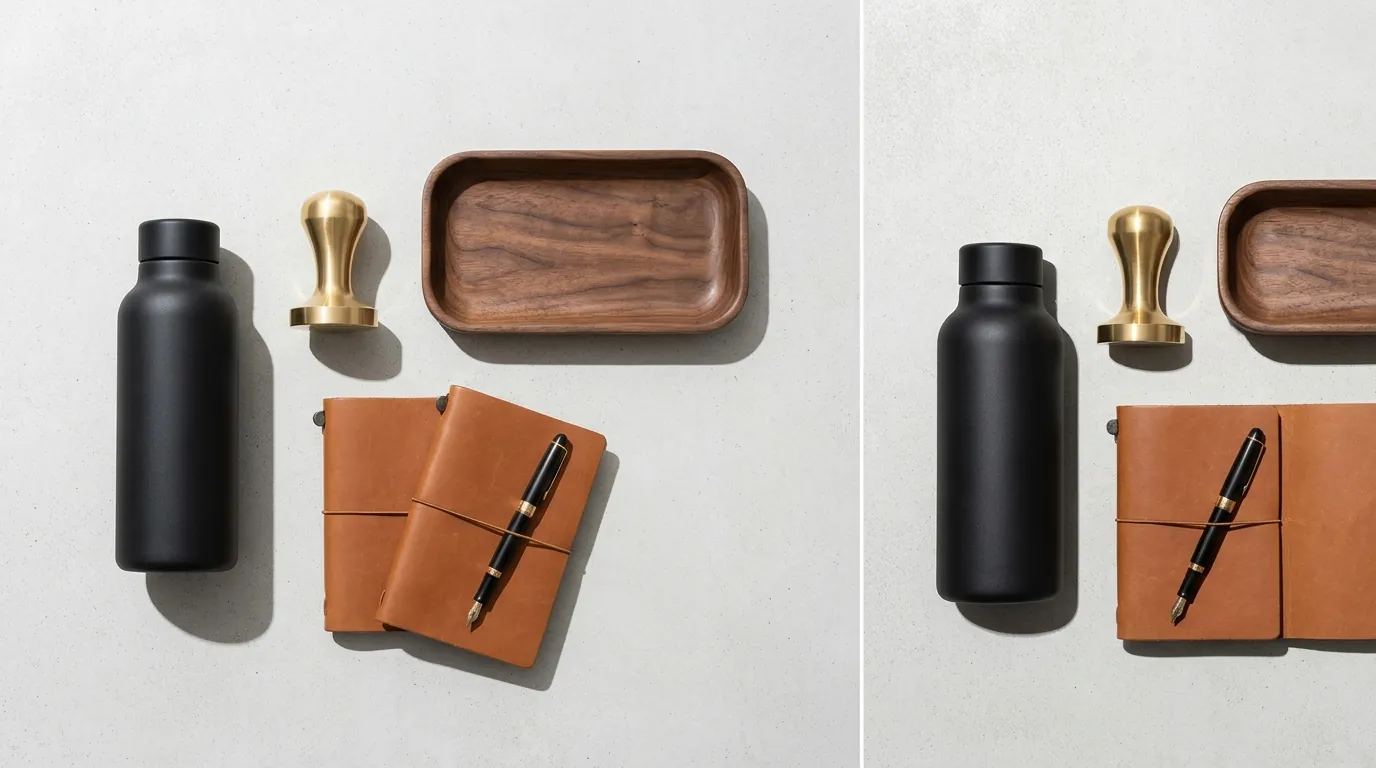
To verify shadow quality, prompt both models to generate a “high-end fountain pen on a white marble surface.” Look specifically at the point where the pen tip meets the marble. FLUX 1.1 Pro will typically generate a soft “contact shadow” that darkens as it nears the pen. FLUX.1 [dev] may occasionally produce a “halo” effect or a shadow that is disconnected from the object, requiring you to manually fix the image in post-production.
Pricing Comparison
💡 Skip the manual editing. PixelMatch batch-generates ecommerce-ready product images in 60 seconds — white background, lifestyle scenes, and variant mockups from a single source photo. Try PixelMatch free →
Calculate your monthly volume before committing to an API-based workflow. For a seller with 500 SKUs needing 5 variations each, you are looking at 2,500 images per month. At the FLUX 1.1 Pro rate of $0.04 per image, your raw API cost is $100—excluding the cost of the developer needed to build the integration.
| Service Provider | Model | Price Per Image | Commercial Use? |
|---|---|---|---|
| Black Forest Labs (Official) | FLUX 1.1 Pro | $0.04 | Yes |
| Black Forest Labs (Ultra) | FLUX 1.1 Pro (4MP) | $0.06 | Yes |
| Puter | FLUX.1 [dev] | $0.025 | No |
| Fal.ai | FLUX.1 [dev] | ~$0.025 | No |
| PixelMatch | Custom Engine | Subscription Based | Yes |
Hidden Costs of the “Free” Dev Model
While FLUX.1 [dev] is “free” to download from Hugging Face, the infrastructure to run it is not. A cloud-based GPU instance capable of running 12B parameter models smoothly (like an NVIDIA A100 or H100) can cost between $1.00 and $4.00 per hour. If you are processing thousands of images, the “free” model often becomes more expensive in compute time and electricity than the Pro API.
Actionable Step: Audit Your Monthly SKU Volume
Before choosing a model, multiply your total active SKUs by 10 (the average number of lifestyle and social media variations needed per product). If this number exceeds 1,000, avoid local generation on consumer hardware. The time lost to hardware bottlenecks will cost you more in “speed-to-market” than the per-image fee of a pro-tier API or a SaaS like PixelMatch.
Best For (By Seller Profile)
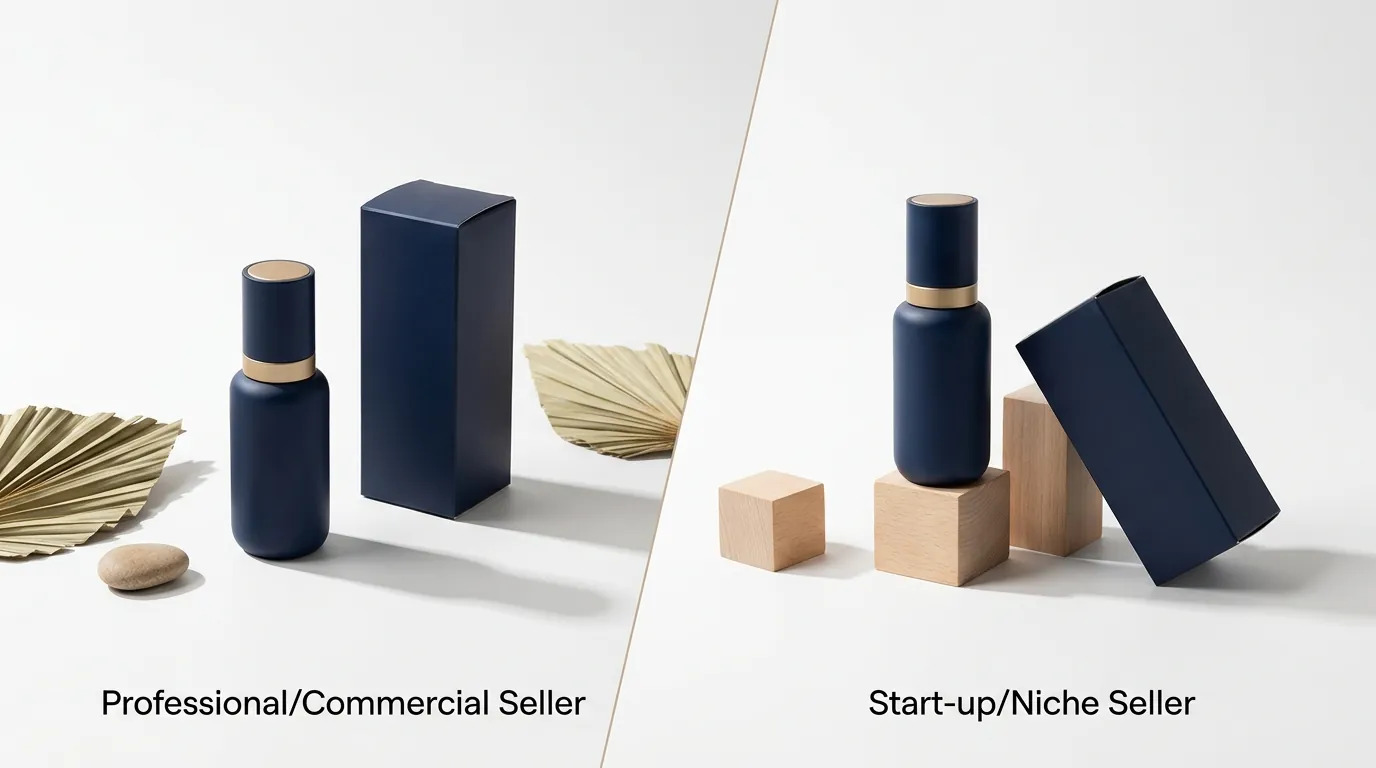
Your choice between Pro and Dev depends entirely on your technical overhead and legal risk tolerance.
The Enterprise Brand (FLUX 1.1 Pro)
If you are managing a catalog of 5,000+ SKUs for a brand that does 7-figures on Amazon, FLUX 1.1 Pro is the only viable option. The commercial licensing ensures your brand is protected from copyright or terms-of-service strikes. The high-resolution “Ultra” mode allows you to meet Amazon’s pure white background rules while maintaining enough detail for the 1600px zoom function.
The AI Researcher (FLUX.1 [dev])
If you are an AI enthusiast looking to train a custom LoRA (Low-Rank Adaptation) on your specific product category—for example, specialized “jewelry lighting”—the Dev model is your playground. Because it is open-weight, you can fine-tune it on your own hardware. However, you cannot legally use the resulting images to sell products on Etsy or Shopify without violating the Non-Commercial License.
The Multi-Platform Seller (PixelMatch)
For sellers who move inventory across Amazon, TikTok Shop, and eBay, PixelMatch is the most efficient choice. It removes the need for “prompting” entirely. Instead of typing “soft cinematic lighting with 45-degree drop shadows,” you simply upload your product photo, and the system handles the grounding and shadow generation automatically. This is critical for maintaining a consistent “brand look” across 50 different product listings.
Actionable Step: Map Your Storefront Requirements
Check your primary sales channel’s image requirements today.
- Amazon: Minimum 1600px on the longest side for zoom capability.
- Etsy: 2000px square images are recommended for high-resolution displays.
- Shopify: Supports up to 4096 x 4096 pixels.
If your chosen model cannot natively output these dimensions with high-fidelity shadows, you will need an additional upscaling step, which can distort shadow gradients.
Where Each Falls Short
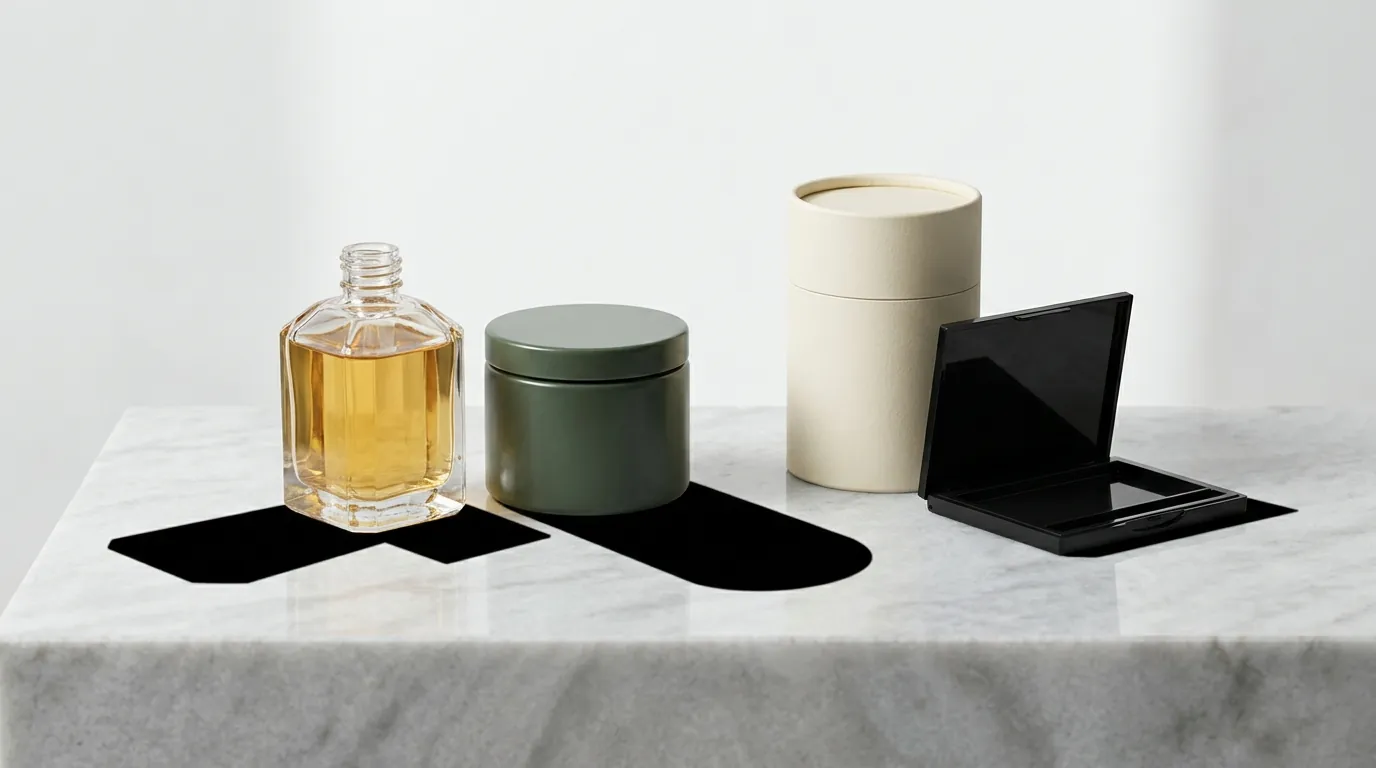
Neither model is a “magic button” that works perfectly without understanding the physics of light.
FLUX 1.1 Pro: The “Black Box” Problem
Because Pro is a closed API, you cannot “see” how it works or fine-tune it to your specific product. If the model consistently misinterprets the shadow of your specific product shape (e.g., a complex mesh chair), you have very few levers to pull other than changing your text prompt. Additionally, the $0.04 per image cost applies to every generation, even the ones that fail or look “off,” which can lead to “sunk cost” anxiety during the creative process.
FLUX.1 [dev]: The Legal and Technical Barrier
The biggest shortcoming is the Non-Commercial License. If your store grows and becomes a target for legal audits, using [dev] images is a massive liability. Technically, it also struggles with “floating” artifacts. Without a specific LoRA for product photography, the model tends to treat products like “clipart” placed on a background rather than objects integrated into a 3D space.
Common Failure: The “Double Shadow”
Both models can struggle when your original product photo already has baked-in lighting that contradicts the AI-generated background. If your product has a light source from the left, but you prompt for a “sunset background” with light from the right, the AI will often generate a “double shadow” or a shadow that defies physics. This is a common reason for listing rejections on platforms that require high-quality, realistic imagery.
Actionable Step: Audit Current Listings for “Floating”
Go to your Amazon Seller Central or Shopify admin and look at your main images. If the product looks like it is “hovering” over the white background, it is missing a contact shadow. This single fix can increase conversion rates by up to 30% because it builds immediate consumer trust.
Recommendation

Stop using FLUX.1 [dev] for any revenue-generating activity. The legal risk of the non-commercial license far outweighs the $0.02 savings per image.
If you have a dedicated developer or a technical co-founder, FLUX 1.1 Pro via API is an incredible engine for generating lifestyle imagery. It provides the speed and realism necessary for high-volume testing.
However, for the vast majority of ecommerce sellers, a purpose-built tool like PixelMatch is the smartest choice. It abstracts away the technical complexities of API calls and GPU VRAM requirements. PixelMatch is specifically tuned for the ecommerce workflow, ensuring that your product shadows are physically accurate and your images are compliant with platform-specific rules like Amazon’s pure white background requirements.
Final Verdict Callout
- Choose FLUX 1.1 Pro if you need an API to build a custom internal tool and have a high budget for experimentation.
- Choose FLUX.1 [dev] only for personal learning and non-commercial AI research.
- Choose PixelMatch if you want to batch-generates AI product images that are commercially safe, platform-compliant, and ready to upload in minutes.
Frequently Asked Questions
Can I use FLUX.1 [dev] images on my Shopify store?
Technically you can upload them, but legally you are in violation of the FLUX.1-dev-Non-Commercial-License. If Black Forest Labs or a licensing body audits your commercial use, you could face legal action or be forced to remove all your product imagery.
Why are shadows so important for Amazon listings?
Shadows provide “grounding,” which tells the customer’s brain that the product is a real, physical object rather than a digital render. Amazon’s main image requirements require a pure white background, but they allow and encourage realistic shadows to prevent the product from looking flat or fake.
How much VRAM do I need to run FLUX locally?
To run FLUX.1 [dev] at full precision, you need at least 16GB to 24GB of VRAM. While “quantized” versions (4-bit or 8-bit) can run on 8GB or 12GB cards, you will often see a significant drop in shadow quality and fine detail, which defeats the purpose of using a high-end model for product photography.
Is FLUX 1.1 Pro better than Midjourney for shadows?
FLUX 1.1 Pro is generally preferred for ecommerce because of its superior “prompt adherence.” If you tell FLUX to place a shadow at a specific 45-degree angle, it is more likely to follow that instruction than Midjourney, which often prioritizes “aesthetic” over “accuracy.”
Ready to scale your listings?
PixelMatch generates white-background, lifestyle, and variant mockups from a single source photo — built specifically for multi-platform ecommerce sellers. 50 free images on signup, no credit card.
Start free →
Sources
- Black Forest Labs Official API Pricing
- Hugging Face: FLUX.1 [dev] Model Card and License
- MindStudio: What is FLUX 1.1 Pro?
- Amazon Seller Central: Product Image Requirements
- Etsy Help: Requirements and Best Practices for Images
- Shopify Help Center: Product Media Types and Limits
- Puter API Pricing for FLUX Models
- NVIDIA: H100 GPU Infrastructure Costs