
Flux Pro Product Depth Map ControlNet Guide vs. PixelMatch
Stop wasting hours in Photoshop trying to composite products into lifestyle scenes that never look quite right. Transitioning to a Flux Pro product depth map ControlNet workflow allows you to maintain the exact 3D structure of your product while generating hyper-realistic environments, but you must decide between building this engine yourself or using an automated batch solution.
Using a Flux Pro product depth map with ControlNet gives you pixel-perfect control over lighting and 3D shapes, but requires complex ComfyUI setups and API costs. For sellers needing batch processing, PixelMatch automates this exact workflow.
TL;DR Verdict
Related: TikTok Shop Mall Invitation: Fix Image Quality to Get Approved · Shopify Summer Edition 2026 AI Visual Search Optimization Tools · Etsy AI Generated Disclosure Metadata Error Fix: Tool Comparison
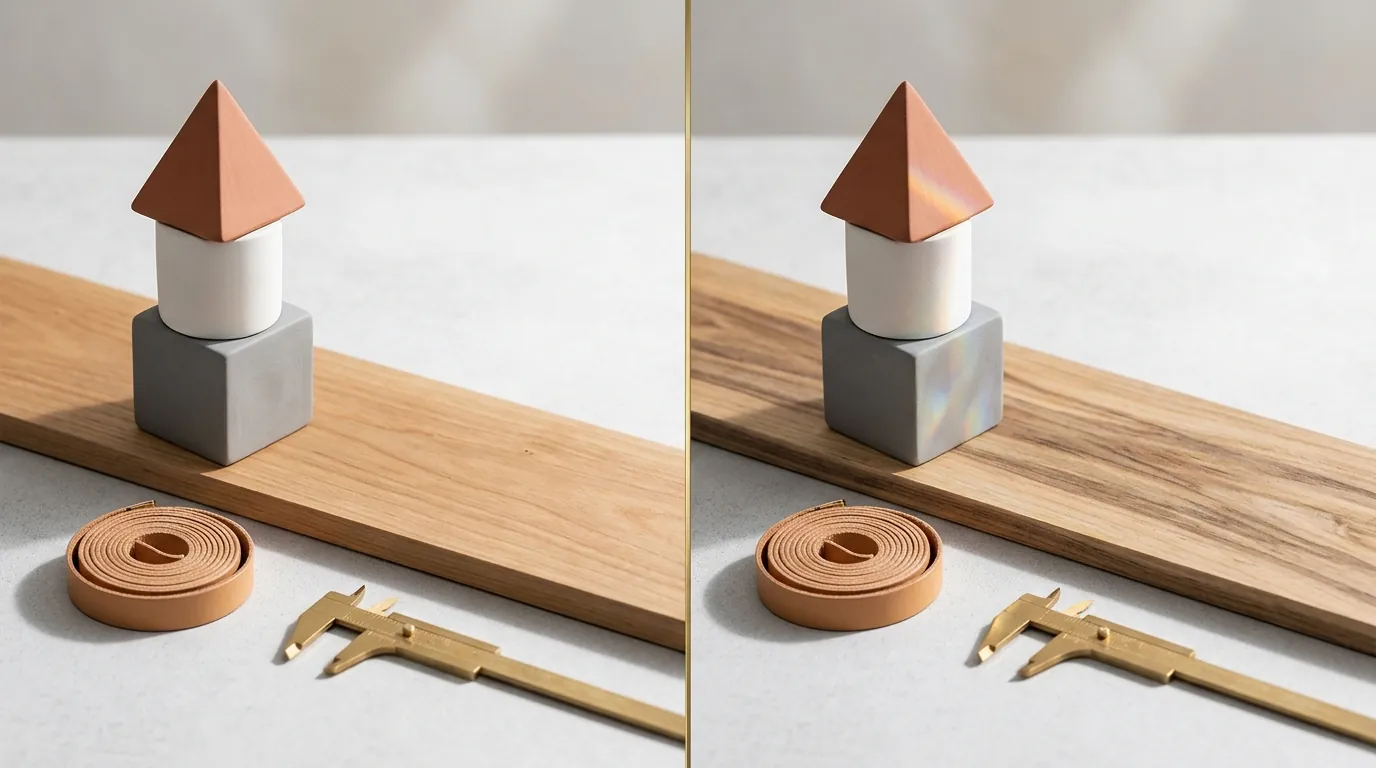
Building a manual workflow using a Flux Pro product depth map ControlNet guide gives you unmatched precision over product lighting and 3D geometry. By using a depth preprocessor, you create a grayscale map where white pixels represent surfaces closest to the camera and black pixels represent the background. This ensures that when Flux Pro generates a new scene, your product’s dimensions remain identical to the physical item, preventing the “AI hallucinations” that often warp logos or proportions.
However, running Flux.1 Pro requires managing API keys and complex ComfyUI node setups, making it difficult to scale across a large catalog. You have to manually configure the ControlNetApply node, select the correct depth model, and balance the “strength” parameter to ensure the background blends without bleeding into the product edges. This process often takes 15–30 minutes per SKU to perfect.
PixelMatch abstracts the depth map and ControlNet technology into a seamless SaaS interface, allowing sellers to batch-generate compliance-ready images without the technical overhead. Instead of wiring nodes in a visual editor, you upload your product catalog and let the system handle the depth extraction and Flux Pro rendering in the background.
Actionable Step: Run a depth map extraction test on your highest-margin product by uploading it to a depth preprocessor tool; if the resulting grayscale map shows “holes” or fuzzy edges around your product’s silhouette, your manual ControlNet workflow will require custom masking to avoid image rejection.
Side-by-Side Feature Table

Flux Pro (via API) requires manual prompt engineering for every single variation, whereas PixelMatch uses automated prompt generation based on your product category. When you use Flux Pro manually through an interface like ComfyUI or Forge, you must specify every detail of the environment, lighting, and camera angle in a text prompt. If you have 100 products, you are writing 100 unique prompts.
When exporting for marketplaces, manual workflows require secondary upscaling to meet Amazon’s 1000 pixels on the longest side requirement. Most raw Flux Pro generations occur at 1024x1024 or 1344x768 pixels. To get these to a high-quality 2000px or 3000px output for zoom-capable listings, you must add an ESRGAN or SwinIR upscaling node to your workflow, which increases generation time and cost.
PixelMatch automatically formats outputs to meet marketplace specs, including Amazon’s strict pure white RGB 255, 255, 255 main image rule. While Flux Pro is excellent for lifestyle scenes, it often struggles to produce a “perfect” hex #FFFFFF white background without specialized LoRAs or post-processing; PixelMatch integrates this step into the batch export.
| Feature | Flux Pro Manual (ComfyUI/API) | PixelMatch Batch SaaS |
|---|---|---|
| Setup Time | 2–4 hours (Node configuration) | < 5 minutes (Account setup) |
| Control Mechanism | Manual Depth Map / ControlNet nodes | Automated Depth-Aware Generation |
| Batch Capability | Limited by API rate/Manual Input | Unlimited Batch Processing |
| Marketplace Specs | Manual Resizing/Padding | Auto-Format (Amazon, Etsy, TikTok) |
| Backgrounds | Prompt-based (Trial & Error) | AI-Optimized Lifestyle Templates |
| Main Image Rule | Hard to hit RGB 255,255,255 | One-click Pure White Background |
Actionable Step: Audit your current image sizes against Amazon’s 1000-pixel requirement; if your current AI tool outputs 512px or 768px images, you are losing search visibility due to non-compliance.
Pricing Comparison
💡 Skip the manual editing. PixelMatch batch-generates ecommerce-ready product images in 60 seconds — white background, lifestyle scenes, and variant mockups from a single source photo. Try PixelMatch free →
Running Flux Pro manually means paying per generation. For example, Replicate charges $0.04 per output image for the black-forest-labs/flux-1.1-pro model. While four cents sounds negligible, a seller with 50 SKUs who needs 10 variations per SKU will spend $20 just for the final outputs—this doesn’t include the dozens of “failed” test generations used to calibrate the prompt and ControlNet strength.
Alternatively, running it through Fal.ai costs $0.055 per megapixel, which scales up quickly if you are generating high-resolution batch variations. If you generate a 2000x2000 px image (4 megapixels) to satisfy Etsy’s recommendation of 2000px on the shortest side, a single image could cost you $0.22. For a catalog of 200 items, your monthly “testing” and production bill can easily exceed $100 before you’ve even sold a single unit.
For context on SaaS alternatives, Photoroom’s Pro tier at $12.99/mo offers basic AI backgrounds, but limits batch exports and doesn’t provide the same “deep” 3D depth control found in Flux Pro workflows. Photoroom is excellent for quick background removal, but lacks the sophisticated lighting integration that a dedicated ControlNet workflow provides.
PixelMatch offers flat-rate subscription pricing, eliminating the unpredictable API costs of manual Flux Pro generation while providing unlimited batch processing. This allows you to experiment with hundreds of lifestyle variations without worrying about a ballooning Replicate or Fal.ai bill at the end of the month.
Actionable Step: Calculate your cost per SKU by multiplying your average variations (e.g., 5) by the Replicate $0.04 rate; if this total exceeds $50/month across your catalog, a flat-rate SaaS like PixelMatch is more cost-effective.
Best For (By Seller Profile)
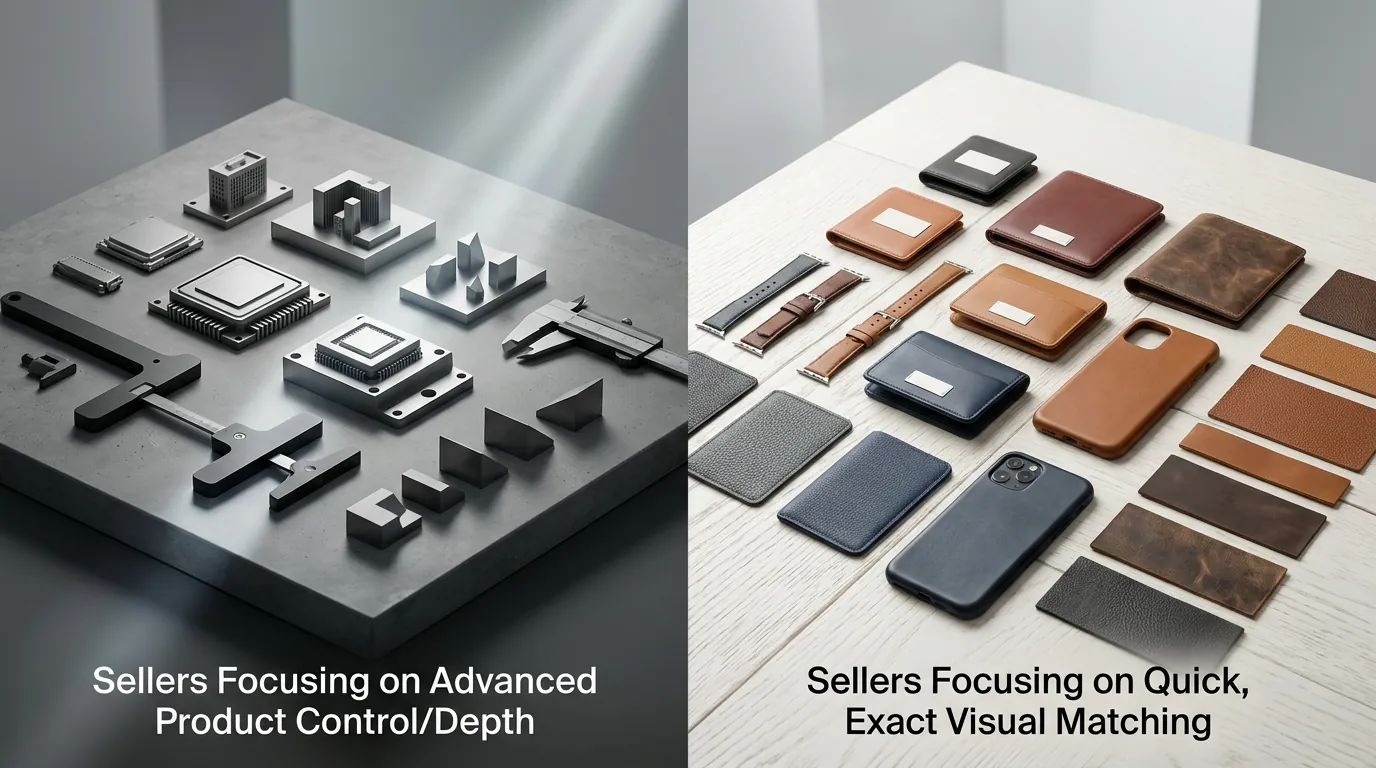
The choice between a manual Flux Pro product depth map ControlNet guide and an automated tool depends entirely on your SKU count and technical comfort level.
Boutique Brands
Manual Flux Pro ControlNet workflows are best for single-SKU brands that need one perfect, highly customized hero shot for a landing page. If you sell a premium watch or a bespoke piece of furniture, you likely need a specific type of “rim lighting” or a very particular shadow fall-off that only a manual node setup in ComfyUI can provide. Since you are only managing one or two products, spending three hours perfecting a single image is a justifiable investment in your brand’s visual identity.
Multi-Platform Sellers
PixelMatch is ideal for sellers managing 50+ SKUs across Shopify, Amazon, and Etsy who need consistent, high-quality lifestyle images at scale. If you are launching a new summer collection with 20 different apparel items, you cannot afford to manually tune ControlNet nodes for every shirt. You need a system that understands TikTok Shop’s 1:1 aspect ratio and can instantly resize your depth-mapped generations for Etsy’s 2000px requirements.
Agencies
Teams that need granular control over every pixel will prefer ComfyUI, while agencies focused on rapid turnaround times will prefer PixelMatch. Agencies managing dozens of client accounts often face the “bottleneck” of prompt engineering. By moving to an automated system, an agency can reduce the “time-to-first-draft” from hours to seconds, allowing them to present more options to clients without increasing overhead costs.
Actionable Step: Map your SKU count to your production time; if you spend more than 2 hours per week on image editing, you have outgrown manual AI workflows and need a batch-processing system.
Where Each Falls Short

Understanding the limitations of these technologies is as important as knowing their benefits.
Flux Pro Manual Workflows: The learning curve is incredibly steep. Setting up a depth preprocessor and routing nodes in ComfyUI takes hours of trial and error. You must understand the difference between DepthAnythingV2 and standard Z-depth maps. If your depth map is too low-resolution, the edges of your product will look jagged or “melted” into the AI background. Furthermore, manual workflows lack a centralized “asset manager,” meaning your generated files end up scattered across local folders or cloud drives without proper SKU tagging.
PixelMatch: Because it is optimized for speed and batch processing, it lacks the hyper-granular node-level control that advanced AI artists might want for a single, complex composition. You cannot manually “paint” weights onto the depth map or inject custom Python scripts into the generation pipeline. It is a tool built for ecommerce efficiency, not for digital artists who want to spend all day tweaking the noise schedule of a diffusion model.
Actionable Step: Test a ComfyUI depth preprocessor node using a free online demo to see the technical overhead involved; if the “spaghetti” of nodes feels overwhelming, stick to a SaaS interface.
Recommendation

If you are an AI hobbyist or a brand with a single flagship product, following a Flux Pro product depth map ControlNet guide to build a custom ComfyUI workflow is worth the effort. The depth of control allows you to treat the AI like a virtual photography studio, adjusting “virtual” lights and camera lenses with extreme precision.
However, if your primary goal is to drive ecommerce sales across multiple platforms without becoming a machine learning engineer, use PixelMatch. PixelMatch relies on the same underlying depth map technology to keep your product’s shape intact, but wraps it in a batch-processing engine built specifically for ecommerce. It eliminates the need to learn prompt engineering or manage expensive API credits.
For most multi-platform sellers, the “perfect” image is the one that is uploaded, compliant, and converting. Spending days on a single ControlNet setup is a distraction from scaling your business. Use automation to handle the 95% of your catalog that needs high-quality lifestyle imagery, and save the manual workflows for your once-a-year flagship hero shots.
Actionable Step: Sign up for a PixelMatch trial to batch-generate your next collection’s lifestyle photos and compare the time spent against your previous manual editing process.
Frequently Asked Questions
What is a depth map in AI product photography?
A depth map is a grayscale image where the brightness of each pixel represents its distance from the camera. In AI photography, this map acts as a 3D template, telling the Flux Pro model exactly where your product sits in space so the AI can generate a background “behind” it and shadows “underneath” it without changing the product’s actual shape.
Does Amazon allow AI-generated product images?
Yes, Amazon allows AI-generated images as long as they accurately represent the product and meet all standard requirements. For main images, this includes a pure white background (RGB 255, 255, 255) and the product occupying at least 85% of the frame. AI is most commonly used for secondary lifestyle images.
Why does Flux Pro work better than older models for products?
Flux Pro, with its 12B+ parameters, has a much higher “prompt adherence” and “spatial awareness” than older models like Stable Diffusion XL. When combined with ControlNet, it can maintain the integrity of text on labels and complex geometric shapes that previously would have been distorted by AI generation.
What is the minimum resolution for TikTok Shop images?
TikTok Shop requires a 1:1 aspect ratio for product images, with a minimum resolution of 600x600 pixels. However, for the best customer experience and zoom capability, sellers are encouraged to use higher resolutions like 1000x1000 pixels or higher.
Ready to scale your listings?
PixelMatch generates white-background, lifestyle, and variant mockups from a single source photo — built specifically for multi-platform ecommerce sellers. 50 free images on signup, no credit card.
Start free →
Sources
- Amazon Seller Central: Product Image Requirements
- Etsy Help: Requirements for Listing Photos
- TikTok Shop Academy: Product Listing Guidelines
- Replicate: Flux 1.1 Pro Pricing
- Fal.ai: Flux Pro Model Pricing
- Photoroom: Pricing and Pro Features