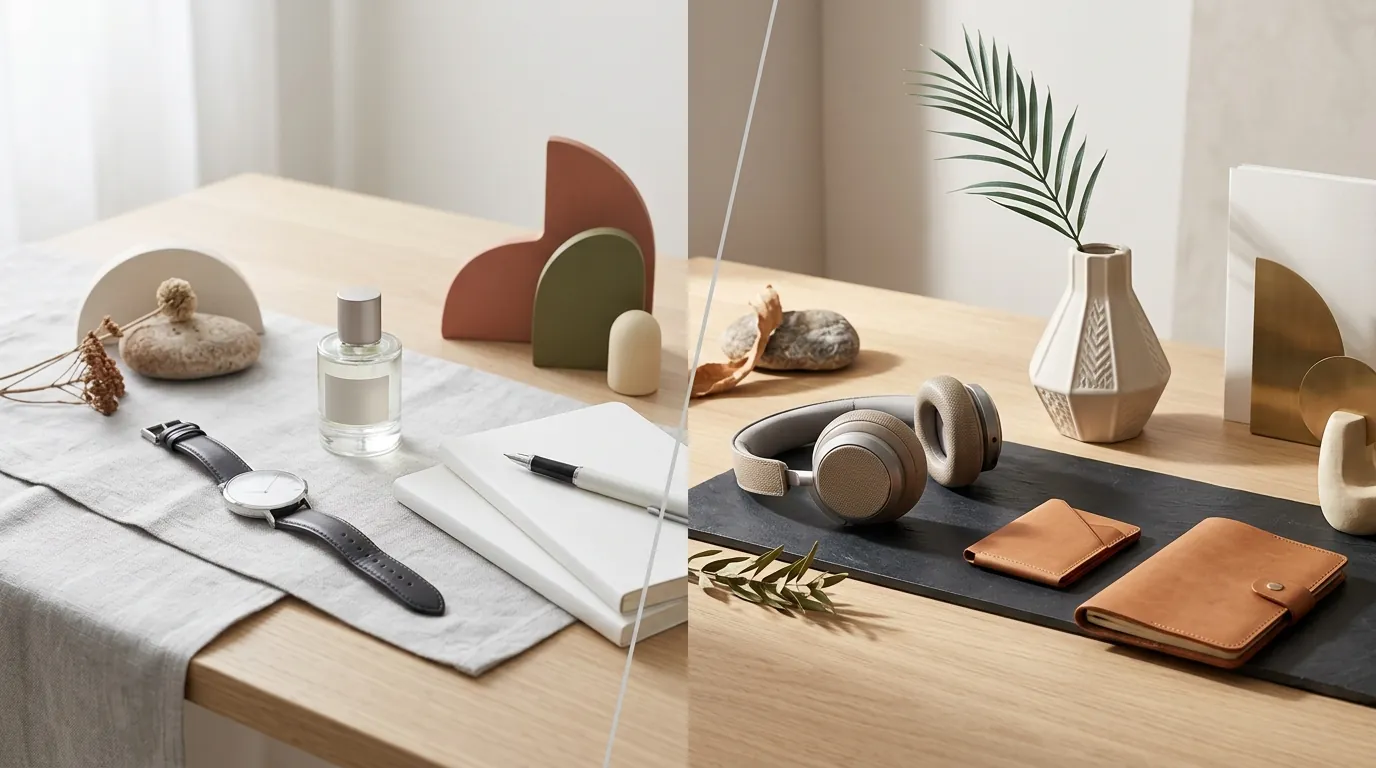
Google Imagen 3 vs Midjourney v7 for Products: 2026 Guide
Spending hours prompting AI to get one “perfect” product shot is a drain on your margins and your sanity. Scaling a multi-platform store across Amazon, Shopify, and TikTok Shop requires a high-volume pipeline that maintains brand consistency without the “AI-uncanny” look that kills conversion rates.
Quick Answer
Related: Amazon AI Video Generator vs Canva Magic: 2026 Seller Guide · Midjourney v7 vs Flux 2 for Products: 2026 Ecommerce Guide · GPT Image 2.0 vs Nano Banana Comparison: Which AI Wins for Ecommerce?
Midjourney v7 excels at stylized lifestyle shots via its Web Editor and Reference features, while Google Imagen 3 delivers superior photorealism and legible text for packaging. Both require significant manual prompting and post-processing, making batch-generation tools like PixelMatch better for scaling multi-platform catalogs where compliance and volume are the priorities.
TL;DR Verdict
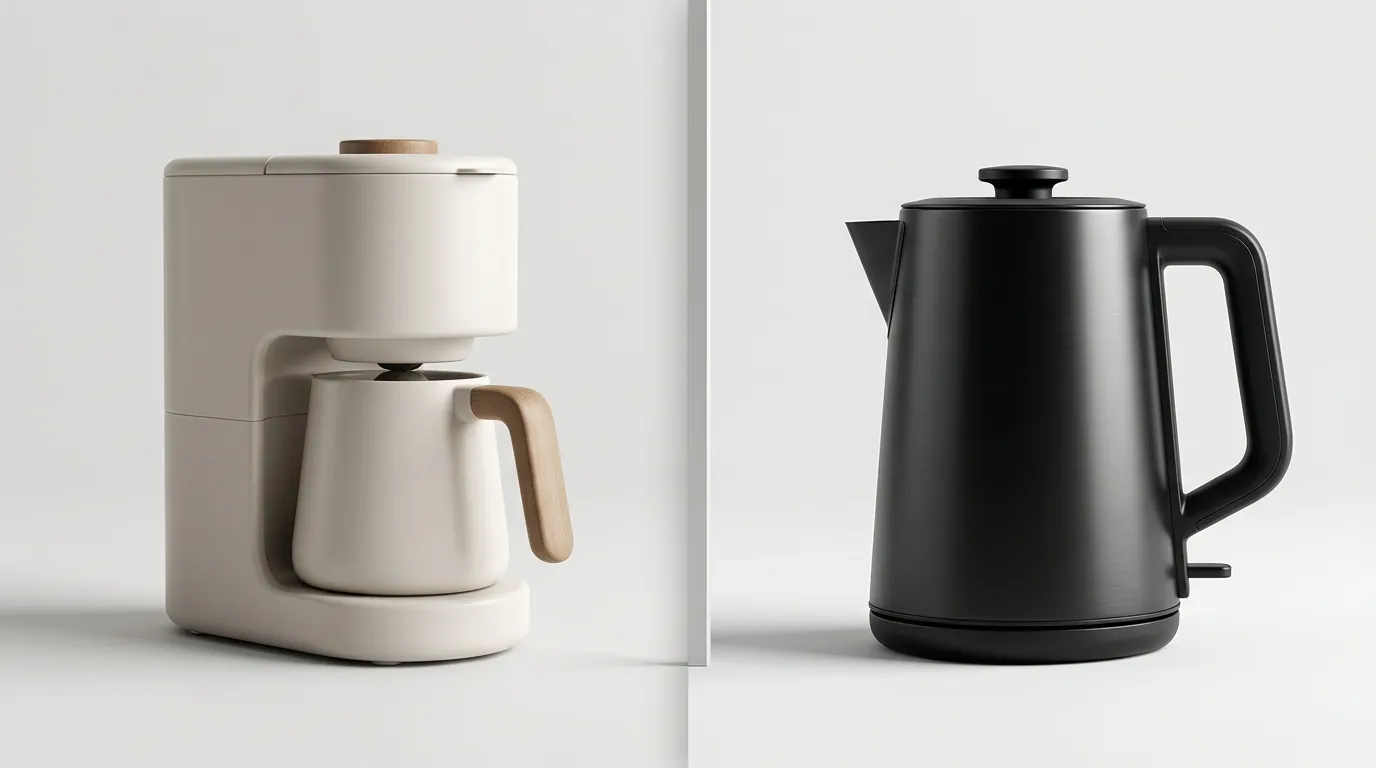
Choosing between Google Imagen 3 and Midjourney v7 depends entirely on whether you are prioritizing “the vibe” or “the specs.” Midjourney v7 is currently the gold standard for creating a brand mood, but Google Imagen 3 is the superior tool for technical accuracy.
- Midjourney v7 dominates in artistic control, offering a Web Editor and Omni Reference for consistent styling across product shoots.
- Google Imagen 3 is the leader in photorealism, precise text generation, and enterprise-grade safety via SynthID watermarking.
- Neither tool natively outputs platform-ready ecommerce batches, such as Amazon’s pure white RGB 255,255,255 requirement.
- Sellers needing high-volume, compliant product images across Shopify and Amazon should look to specialized SaaS tools rather than raw foundation models to avoid the manual “prompt-and-pray” cycle.
Actionable Step: Before committing to a model, run a “Text Stress Test.” Prompt both models with your specific product brand name and key ingredients or features (e.g., “A bottle of ‘LumiGlow’ Vitamin C Serum with ‘15% Concentration’ on the label”). If the text is garbled, that model will cost you hours in Photoshop retouching.
Side-by-Side Feature Table
💡 Skip the manual editing. PixelMatch batch-generates ecommerce-ready product images in 60 seconds — white background, lifestyle scenes, and variant mockups from a single source photo. Try PixelMatch free →
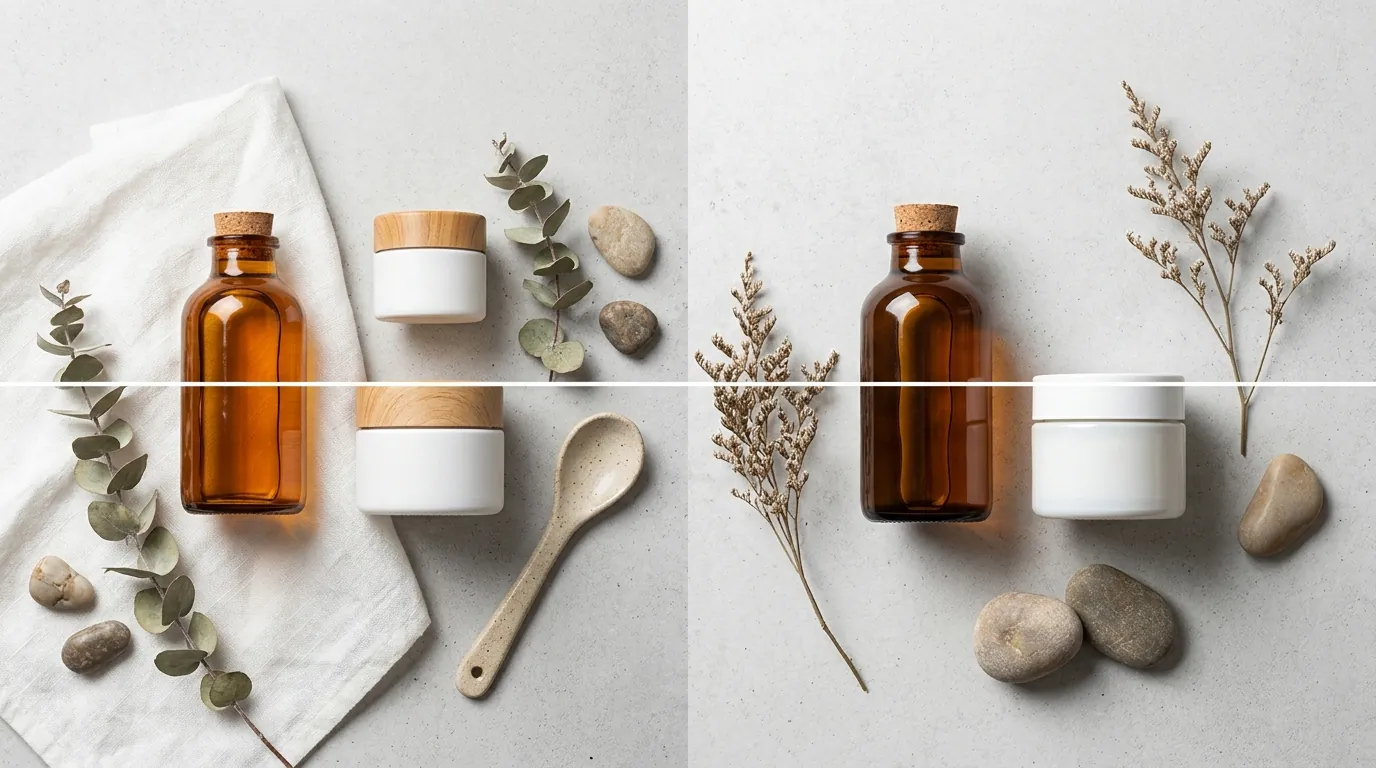
When you are managing a catalog of 50+ SKUs, the interface and technical output of the model matter more than the “cool factor.” Midjourney has moved away from its Discord-only roots, but Google’s integration with the Vertex AI ecosystem offers a different level of technical scale.
| Feature | Midjourney v7 | Google Imagen 3 |
|---|---|---|
| Primary Access | Web Editor / Discord | Vertex AI / Gemini / API |
| Best For | Lifestyle / Editorial | Photorealistic Mockups |
| Text Rendering | Improved, but prone to “AI gibberish” | High accuracy for labels/packaging |
| Consistency | Strong (Style Reference / Character Reference) | Moderate (Requires Seed/API tuning) |
| Max Resolution | ~1024x1024 (Upscale needed) | Up to 2048x2048 via API |
| Speed | Draft Mode (Fast) / Relax Mode (Slower) | Imagen 3 Fast (Sub-5 seconds) |
| Safety/IP | Community-moderated | SynthID digital watermarking |
Actionable Step: Audit your current image assets. If more than 30% of your images require zoomed-in detail of a label, prioritize Imagen 3. If your brand relies on “lifestyle” shots (e.g., a yoga mat in a sunlit studio), Midjourney v7’s --sref (Style Reference) command will save you days of color grading. Both models require manual upscaling to hit Etsy’s 2000px minimum for optimal zoom functionality.
Pricing Comparison
The “cost per image” is a deceptive metric. A $0.02 image that takes 10 prompts to get right is more expensive than a $0.50 image generated perfectly on the first try by a specialized tool. However, understanding the base overhead of these foundation models is essential for your P&L.
Midjourney v7 Subscription Tiers
Midjourney uses a traditional SaaS subscription model. You pay for “Fast Hours” (GPU time). Once those run out, you either buy more or drop to “Relax Mode” (on higher tiers).
- Basic Plan ($10/mo): Roughly 200 generations per month. No Relax mode. Best for hobbyists or very small stores.
- Standard Plan ($30/mo): 15 hours of Fast generation and unlimited Relax mode. This is the “sweet spot” for most independent sellers.
- Pro Plan ($60/mo): 30 hours of Fast generation and Stealth Mode (hides your images from the public gallery).
Google Imagen 3 API Pricing
Google charges per successful request through Vertex AI. This is a “pay-as-you-go” model, which is highly scalable but requires a developer setup.
- Imagen 3 Fast: $0.02 per image: Optimized for speed and lower cost.
- Imagen 3 High Quality: $0.03 per image: Best for final production assets.
- Operational Costs: Unlike Midjourney, Google Cloud requires setting up a billing project, API keys, and potentially a middleware to handle the requests.
Actionable Step: Calculate your monthly image needs. If you need 5,000 images for a seasonal catalog update, Midjourney’s $30 “Unlimited” Relax mode is the most cost-effective. If you are building an automated backend for a custom Shopify app, the $0.02/image API from Google is the only logical choice.
Best For (By Seller Profile)
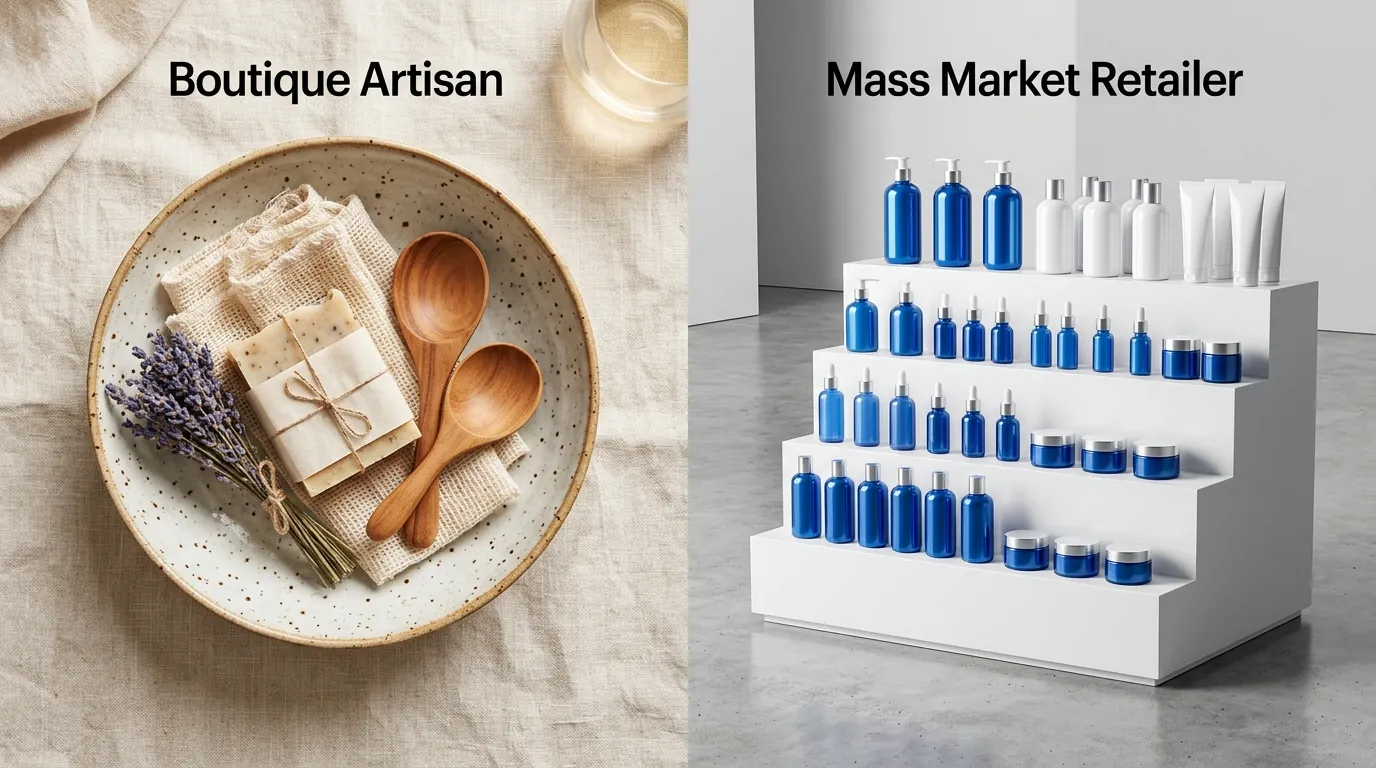
Not every ecommerce store has the same creative needs. A private label Amazon seller has different requirements than a high-end furniture brand on Shopify.
1. The Boutique Brand Builder: Midjourney v7
If you are selling a “feeling” rather than just a product, Midjourney is your tool. It understands lighting, texture, and composition better than any other model.
- Use Case: Creating a cohesive Instagram aesthetic or Shopify homepage banners.
- Workflow: Use the Web Editor to upload a “Style Reference” image of your brand’s color palette. Midjourney will apply that exact lighting and mood to your product prompts.
2. The Technical/Enterprise Seller: Google Imagen 3
If your product has a lot of text (supplements, skincare, tech gadgets), Imagen 3 is a necessity. It is significantly less likely to hallucinate the spelling of your brand or the “Net Weight” on your packaging.
- Use Case: Generating high-resolution mockups for A/B testing packaging designs before they go to print.
- Workflow: Connect Imagen 3 to your Google Cloud environment to generate images based on structured data from your PIM (Product Information Management) system.
3. The Multi-Platform Scaler: PixelMatch
If you need to batch-process hundreds of SKUs into compliant, ready-to-upload images without manual prompting, foundation models will fail you. Midjourney and Imagen 3 are “creation” tools, not “workflow” tools.
- Use Case: You have 200 products. You need a pure white background main image for Amazon, a lifestyle shot for Shopify, and a 9:16 vertical shot for TikTok Shop for every single SKU.
- Workflow: Upload your raw product photos to PixelMatch. The AI automatically removes backgrounds, applies consistent lighting, and resizes to platform specs in one click.
Actionable Step: Identify your bottleneck. Is it “creative ideas” (use Midjourney) or “manual labor” (use PixelMatch)?
Where Each Falls Short
Neither Google nor Midjourney was built specifically for ecommerce. They are general-purpose creative engines, which leads to several “last mile” problems for sellers.
The Accuracy Gap
Midjourney v7 still struggles with exact deterministic edits. If you have a specific logo with a unique font, Midjourney will likely “hallucinate” or warp it slightly. For a professional seller, a warped logo is an instant “Return to Sender” or a rejected Amazon listing.
The Technical Hurdle
Google Imagen 3’s best features are locked behind the Google Cloud Platform (GCP). For the average Shopify seller, navigating IAM roles, API quotas, and JSON payloads is a massive hurdle. Without a developer, you are stuck using the basic Gemini interface, which lacks the granular control needed for professional product photography.
The Compliance Crisis
Neither tool automatically resizes images to Amazon’s recommended 2000x2000 px zoom specs. Furthermore, getting a “true” RGB 255,255,255 white background in Midjourney is notoriously difficult—it often adds “artistic” shadows or off-white tints that lead to listing suppressions.
Actionable Step: Always run your generated images through a “Compliance Check.” Open the image in a basic editor and use the eyedropper tool on the background. If the RGB value isn’t exactly 255, 255, 255, do not upload it as your Amazon Main Image.
Recommendation
The “winner” depends on your role in the business.
- Choose Midjourney v7 if you are an art director or solo founder building a brand mood board from scratch. It is the best tool for creative inspiration and high-end lifestyle photography where “vibe” outweighs “technical precision.”
- Choose Google Imagen 3 if you have developer resources and need API-level photorealism for a custom application. It is the best choice for enterprise brands that require high-fidelity text and integration into existing tech stacks.
- For actual ecommerce workflows, bypass the manual prompting of foundation models. If your goal is to get products live and selling, use PixelMatch to automatically generate platform-compliant images in bulk. This saves hours of manual editing and ensures you never get a listing suppressed for Amazon’s pure white background rules.
Final Actionable Step: Start with a “Hybrid Workflow.” Use Midjourney to define your brand’s “look” (the lighting, the props, the colors). Then, use PixelMatch to apply that look to your entire product catalog in bulk. This gives you the creative edge of high-end AI with the efficiency of a dedicated ecommerce tool.
Frequently Asked Questions
Can I use Midjourney or Imagen images as my Amazon Main Image?
Only if they meet the strict Amazon Image Standards. This includes a pure white background (RGB 255, 255, 255), no watermarks, and the product occupying at least 85% of the frame. Midjourney often fails the “pure white” test without significant post-processing or background removal.
Which AI tool is better for generating text on product labels?
Google Imagen 3 is significantly better at text rendering than Midjourney v7. While Midjourney has improved, it still frequently makes spelling errors or uses “gibberish” characters on smaller label details. Imagen 3 was specifically trained to handle dense text, making it the better choice for packaging mockups.
Do I own the copyright to images generated by Midjourney or Google?
The legal landscape for AI copyright is evolving. According to Midjourney’s Terms of Service, you own the assets you create if you are a paid member. However, the US Copyright Office has generally ruled that AI-generated images without significant human input cannot be copyrighted. Always consult a legal professional regarding your specific brand assets.
How do I get a 2000x2000px image from these tools?
Midjourney typically outputs 1024x1024px images. You must use their internal “Upscale” buttons (Subtle or Creative) to reach higher resolutions. Google Imagen 3 allows for higher resolution requests via the API, but for most ecommerce platforms, you will still need a dedicated AI upscaler to reach the high-fidelity 2000px+ requirements for Etsy zoom.
Ready to scale your listings?
PixelMatch generates white-background, lifestyle, and variant mockups from a single source photo — built specifically for multi-platform ecommerce sellers. 50 free images on signup, no credit card.
Start free →
Sources
- Amazon Seller Central: Product Image Requirements
- Etsy Help Center: Image Requirements and Best Practices
- Midjourney Official Documentation: Subscription Plans
- Google Cloud Vertex AI: Imagen Pricing
- Google DeepMind: SynthID Watermarking Technology
- Google Cloud: Imagen 3 Feature Overview