Midjourney v6.1 vs Flux: Best AI for Jewelry Photography (2026)
Photographing a 2mm diamond pavé ring shouldn’t require a $5,000 macro lens and a four-hour lighting setup. For multi-platform ecommerce sellers, the choice between Midjourney v6.1 and Flux.1 determines whether your jewelry looks like a high-end luxury piece or a flat, AI-generated plastic toy.
Quick Answer: For jewelry photography, Flux.1 [pro] wins on prompt accuracy and realistic reflections, while Midjourney v6.1 excels at artistic lighting. However, sellers scaling to Amazon’s recommended 1600×1600 px size often prefer batch-generation tools like PixelMatch.
TL;DR Verdict
Related: Best AI Product Background Generator for Etsy Sellers · SWE Bench Ecommerce AI Model Rankings: Top Tools Compared · Canva Magic Studio vs Flair AI for Ecommerce (2026 Comparison)
Run a calibration shoot using a “5-prong solitaire engagement ring” prompt on both models before committing your entire catalog’s budget to one platform. Midjourney v6.1 remains the gold standard for lifestyle “mood” shots, but its tendency to hallucinate physical structures makes it risky for technical jewelry listings. Flux.1, specifically the 12B parameter Pro model, is the superior choice for sellers who need the AI to respect the exact anatomy of a piece of jewelry.
- Midjourney v6.1 is the king of aesthetic, moody jewelry shots but struggles with precise prompt adherence for specific gemstone placements.
- Flux.1 [pro] delivers superior photorealism, realistic metal reflections, and exact prompt adherence, making it easier to match your physical inventory.
- Neither tool is built natively for ecommerce batch workflows; sellers must manually upscale outputs to meet Shopify’s 2048×2048 px recommendation or Etsy’s preference for 2000px minimum image sizes.
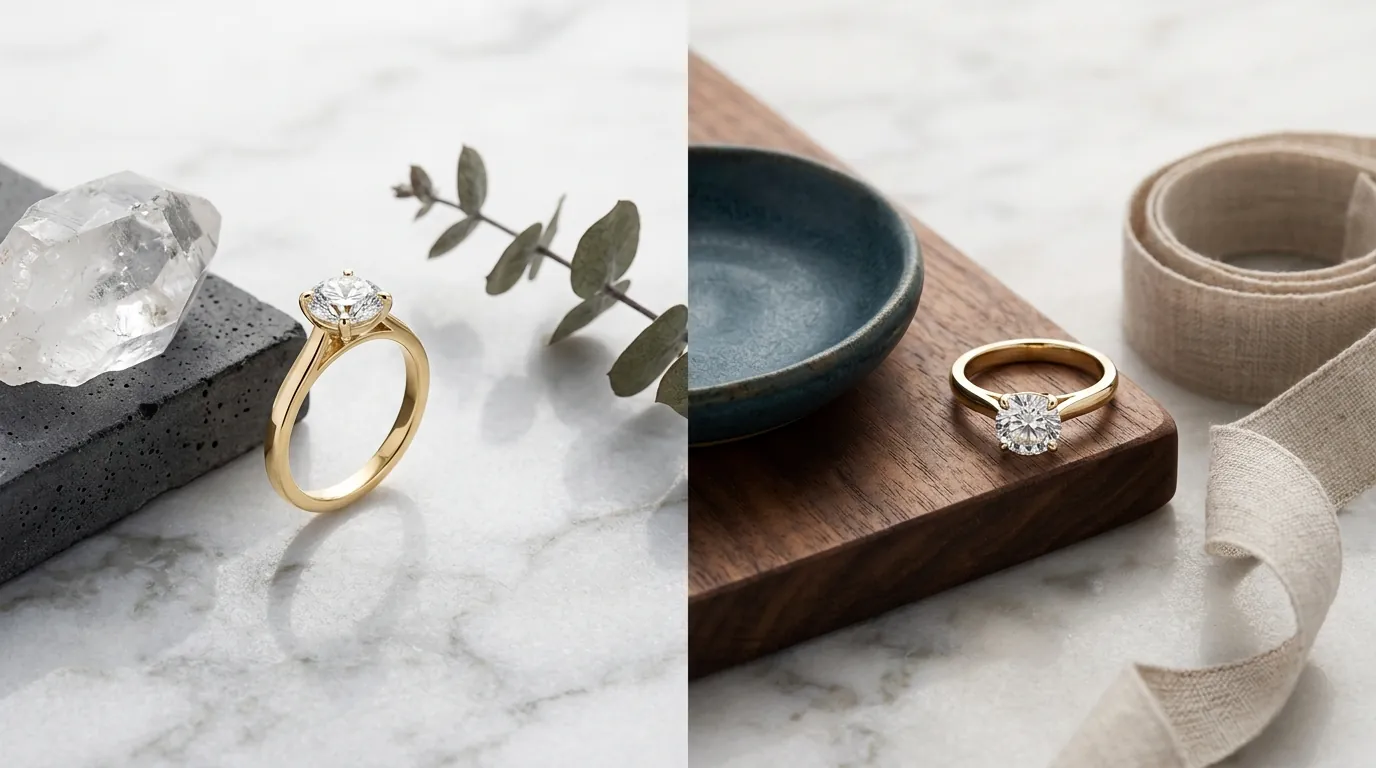
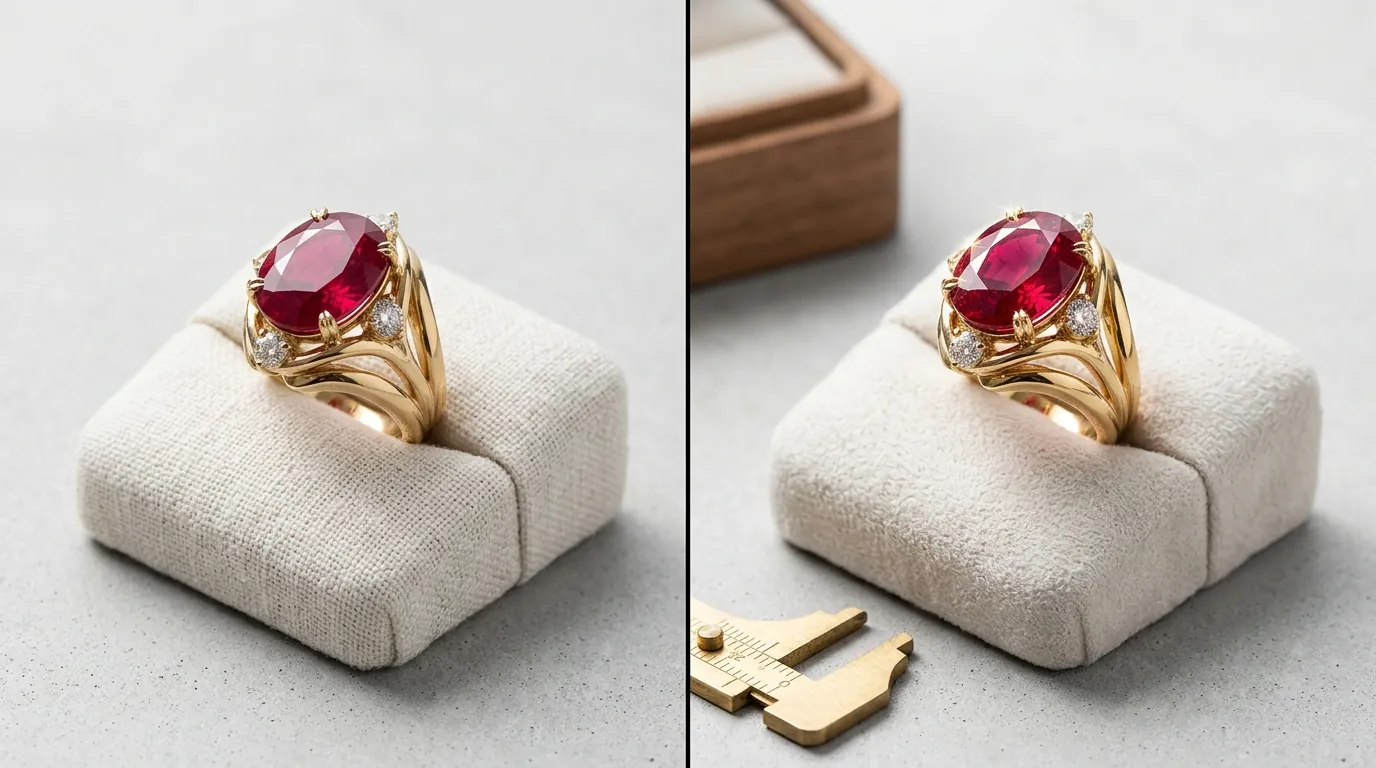
[IMAGE SPEC: A split-screen comparison showing a diamond ring generated by Midjourney v6.1 (artistic lighting) vs Flux.1 (hyper-realistic metal reflections). Aspect Ratio: 16:9]
Side-by-Side Feature Table
Verify your current catalog’s highest-selling SKU’s resolution before choosing a model; if you are currently running 1024px images, you are likely missing out on Amazon’s zoom functionality, which requires at least 1000px on the longest side.
| Feature | Midjourney v6.1 | Flux.1 [pro] | PixelMatch |
|---|---|---|---|
| Prompt Adherence | High (Aesthetic) | Very High (Technical) | Automated (Visual) |
| Native Resolution | 1024×1024 px | Up to 2.0 Megapixels | Up to 4K Upscaled |
| Metal Reflections | Stylized/Soft | Hyper-realistic/Sharp | Realistic (Source-based) |
| Learning Curve | Moderate (Discord/Web) | High (API/ComfyUI) | Low (SaaS Dashboard) |
| Batch Processing | No (Manual/Discord) | Yes (via API) | Yes (Native) |
| Platform Specs | Requires manual crop | Requires manual crop | Auto-formatted |
- Prompt Adherence: Flux.1 wins due to its advanced architecture, handling complex jewelry descriptions (like exact prong counts or specific baguette-cut side stones) more reliably than Midjourney.
- Accessibility: Midjourney operates primarily via Discord or its alpha/beta web interface, whereas Flux.1 [pro] requires API access or local ComfyUI installation for the best results.
- Output Resolution: Midjourney v6.1 outputs at 1024×1024 natively. Flux.1 can generate up to 2.0 megapixels natively, which is closer to the 2048×2048 px recommendation for Shopify.
[IMAGE SPEC: A feature comparison table graphic highlighting prompt adherence, resolution, and ease of use between Midjourney, Flux, and PixelMatch. Aspect Ratio: 16:9]
Pricing Comparison
💡 Skip the manual editing. PixelMatch batch-generates ecommerce-ready product images in 60 seconds — white background, lifestyle scenes, and variant mockups from a single source photo. Try PixelMatch free →
Tally your total cost of ownership (TCO) by including the “hidden” costs of third-party upscalers and background removal tools like Remove.bg ($9/mo for 40 credits) or Adobe Express ($9.99/mo).
- Midjourney Pricing: Requires a monthly subscription, starting at the Basic Plan for $10/mo (approx. 200 generations). The Pro Plan at $60/mo is necessary for “Stealth Mode,” preventing your competitors from seeing your jewelry prompts in the public gallery.
- Flux.1 [schnell]: This version is open-source and free for personal and commercial use under an Apache 2.0 license. However, running it locally requires a high-end GPU (like an NVIDIA RTX 3090 or 4090) which can cost over $1,500.
- Flux.1 [pro] API: Accessed via platforms like Replicate, costing approximately $0.04 per image. This is a pay-as-you-go model, which is better for sellers with fluctuating inventory.
- Hidden Costs: Both Midjourney and Flux lack native “Amazon-ready” background removal. To meet the Amazon Main Image requirement of RGB 255,255,255 white, you will likely spend an additional $10–$50/month on post-processing tools.
Best For (By Seller Profile)
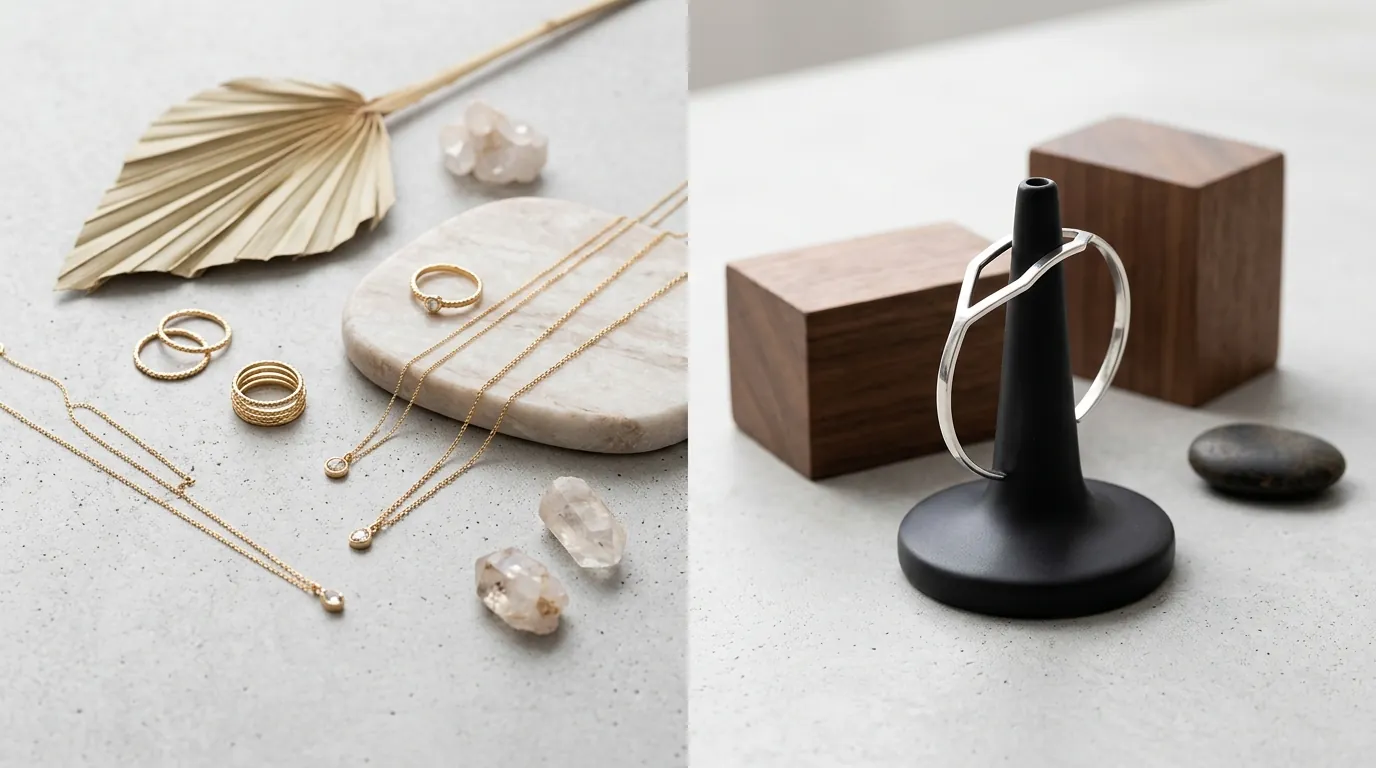
Audit your brand identity to determine if you need “Mood” or “Utility.” Jewelry brands often fail because their lifestyle images look great, but their main listing images don’t match the technical specs of the product.
The Boutique “Lifestyle” Brand
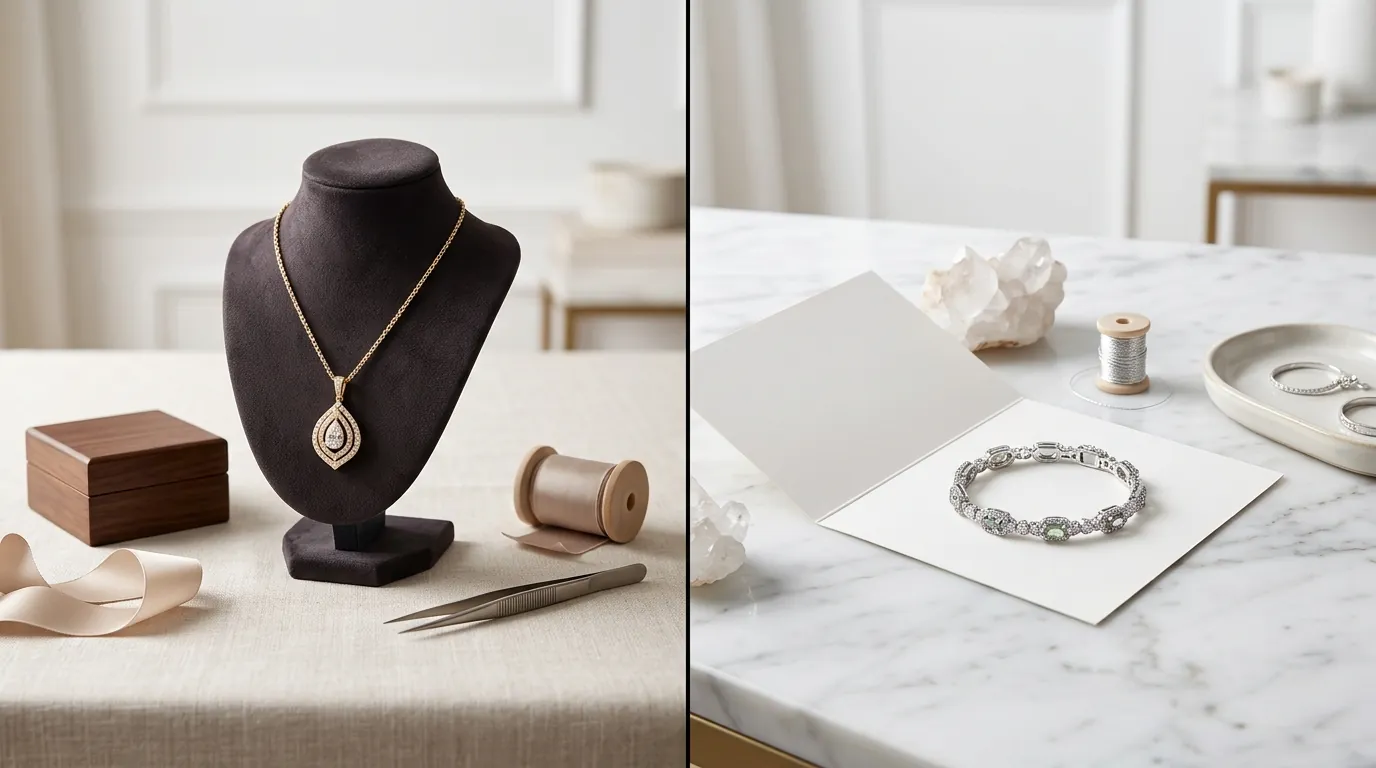
Midjourney v6.1 is best for boutique jewelry brands wanting highly stylized, editorial lifestyle shots for Instagram, Pinterest, or Shopify lookbooks. If you need a “gold necklace on a silk cloth with soft morning sunlight,” Midjourney’s “vibe” is currently unmatched. It understands lighting aesthetics better than any other model.
The Technical “Precision” Seller
Flux.1 is best for tech-savvy sellers or agencies needing exact placement of rings, necklaces, and props with hyper-realistic lighting. If your ring has a specific “milgrain” texture or a unique “halo” setting, Flux.1 [pro] is more likely to render those details accurately without adding extra, non-existent prongs.
The High-Volume Multi-Platform Seller
PixelMatch is best for multi-platform sellers who need to batch-process hundreds of SKUs into compliant, high-converting marketplace images. Instead of writing complex prompts for every single earring or bracelet, PixelMatch allows you to upload a flat lay and generate dozens of AI-placed lifestyle scenes that maintain the integrity of the original product.
Where Each Falls Short
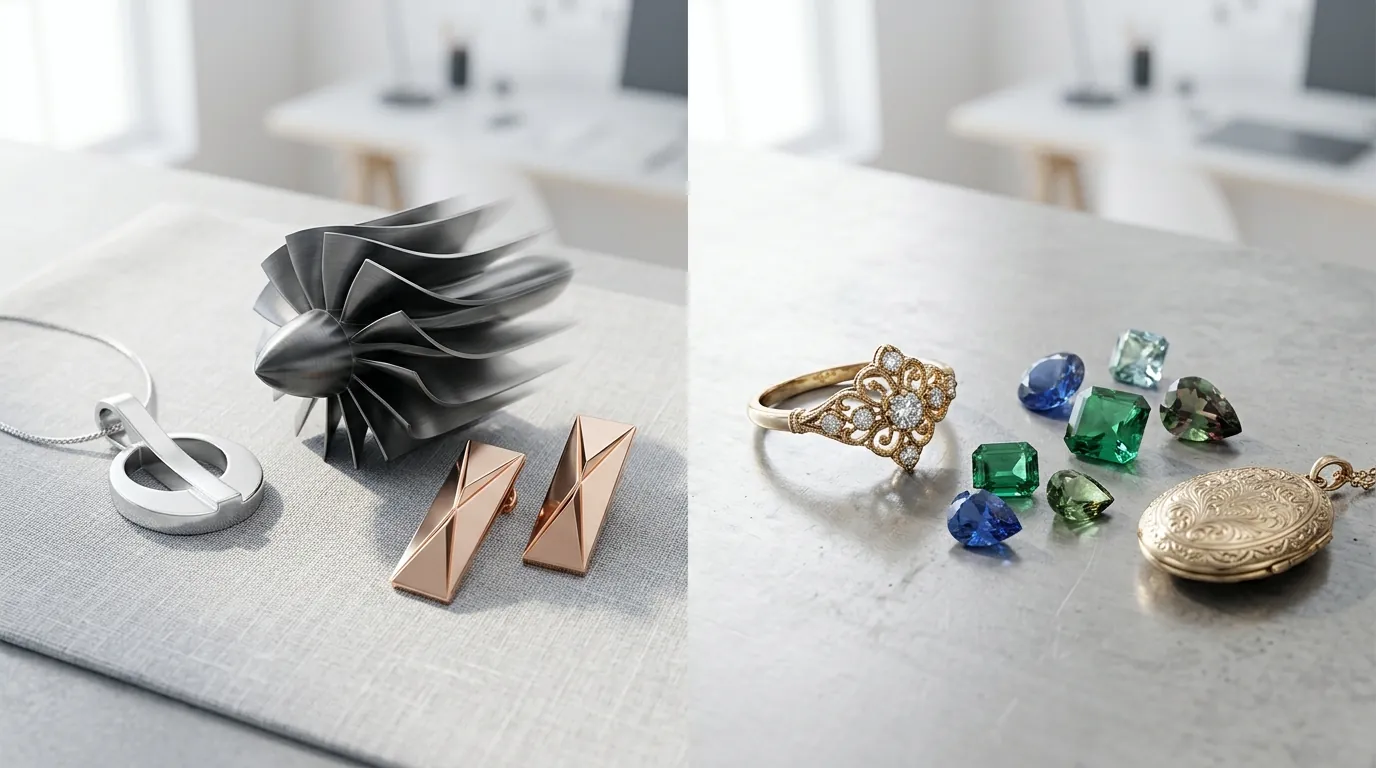
Implement a “Main Image” QA checklist to ensure your AI outputs don’t get your listings suppressed. Amazon and Walmart are increasingly strict about AI artifacts in jewelry categories.
- Midjourney v6.1 Hallucinations: Midjourney often prioritizes beauty over accuracy. It may add an extra prong to a diamond ring or merge the links of a Cuban chain in a way that looks “cool” but doesn’t exist in reality. It also lacks a native batch-processing API, meaning you must generate images one by one in Discord.
- Flux.1 Technical Barrier: Flux.1 [pro] has a steep learning curve. To get the highest quality, you often need to use ComfyUI (a node-based interface) or write custom Python scripts for the API. It is not a “plug-and-play” tool for the average Etsy seller.
- Compliance Gaps: Neither tool automatically formats images to the pure white RGB 255,255,255 background required for Amazon’s main listing. Furthermore, they don’t ensure the product occupies 85% or more of the image frame, a common cause for listing suppression.
Recommendation
Select your tool based on your current SKU volume and technical comfort level.
- For 1–10 Hero Images: If you only need a few high-impact hero images and have the time to tweak prompts for hours, Flux.1 [pro] offers the best photorealism for jewelry. Use it via Replicate to avoid hardware costs.
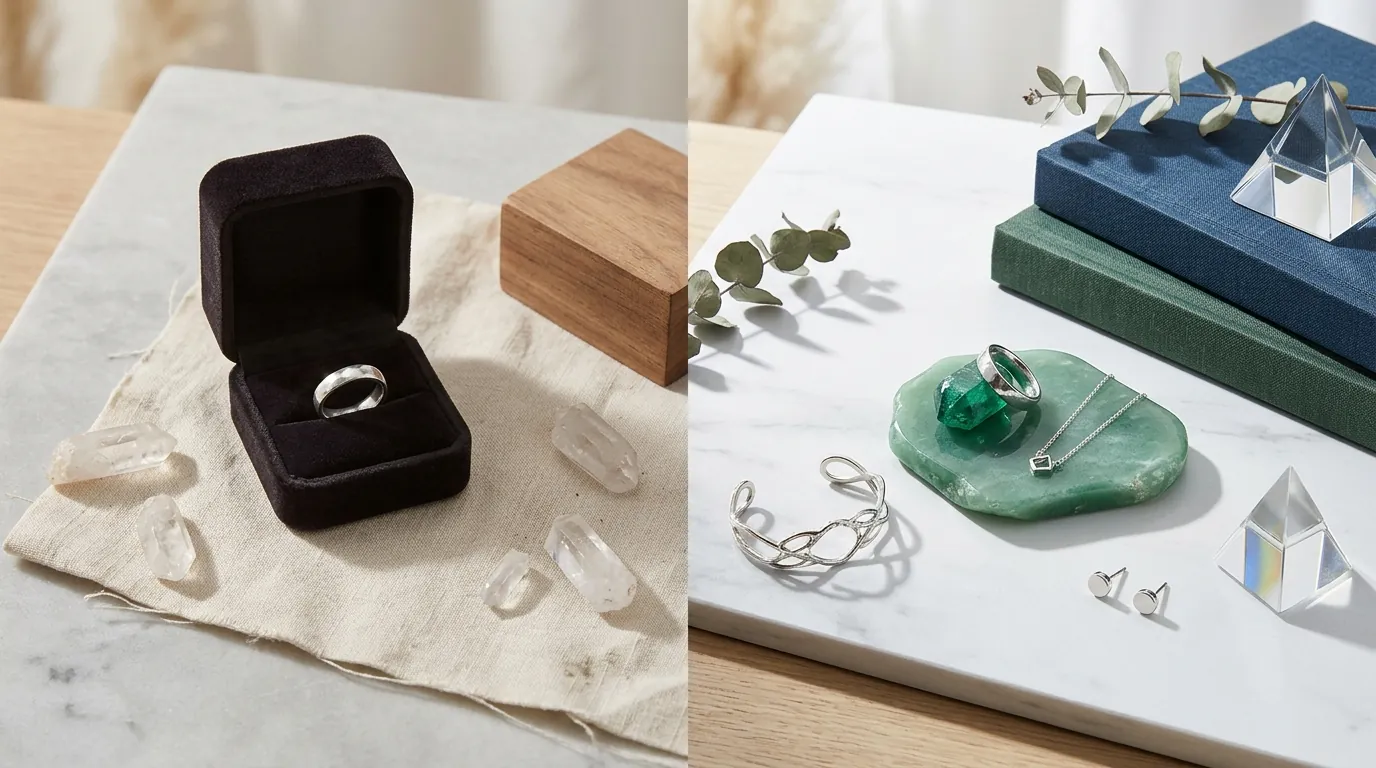
- For Social Media Content: If you want artistic, moody lifestyle shots for your brand’s “story,” stick with Midjourney v6.1. Its “stylize” parameter allows for beautiful, high-contrast jewelry photography that grabs attention in feeds.
- For Scaling a Catalog: For ecommerce sellers who need to scale their jewelry catalog across Amazon, Shopify, and Etsy, use PixelMatch. It automates the background removal, AI scene generation, and upscaling workflows. This ensures your images meet Etsy’s 2000px recommendation and Amazon’s white background rules in one click, without the manual labor of prompt engineering.
Frequently Asked Questions
Can I use Midjourney images for my Amazon main listing?
You can use Midjourney for lifestyle images, but it is difficult to use for main listings. Amazon requires a pure white RGB 255,255,255 background for the main image, which Midjourney rarely generates perfectly. You would need to use a separate background removal tool to ensure compliance with Amazon’s image standards.
Is Flux.1 better than Midjourney for rendering silver and gold?
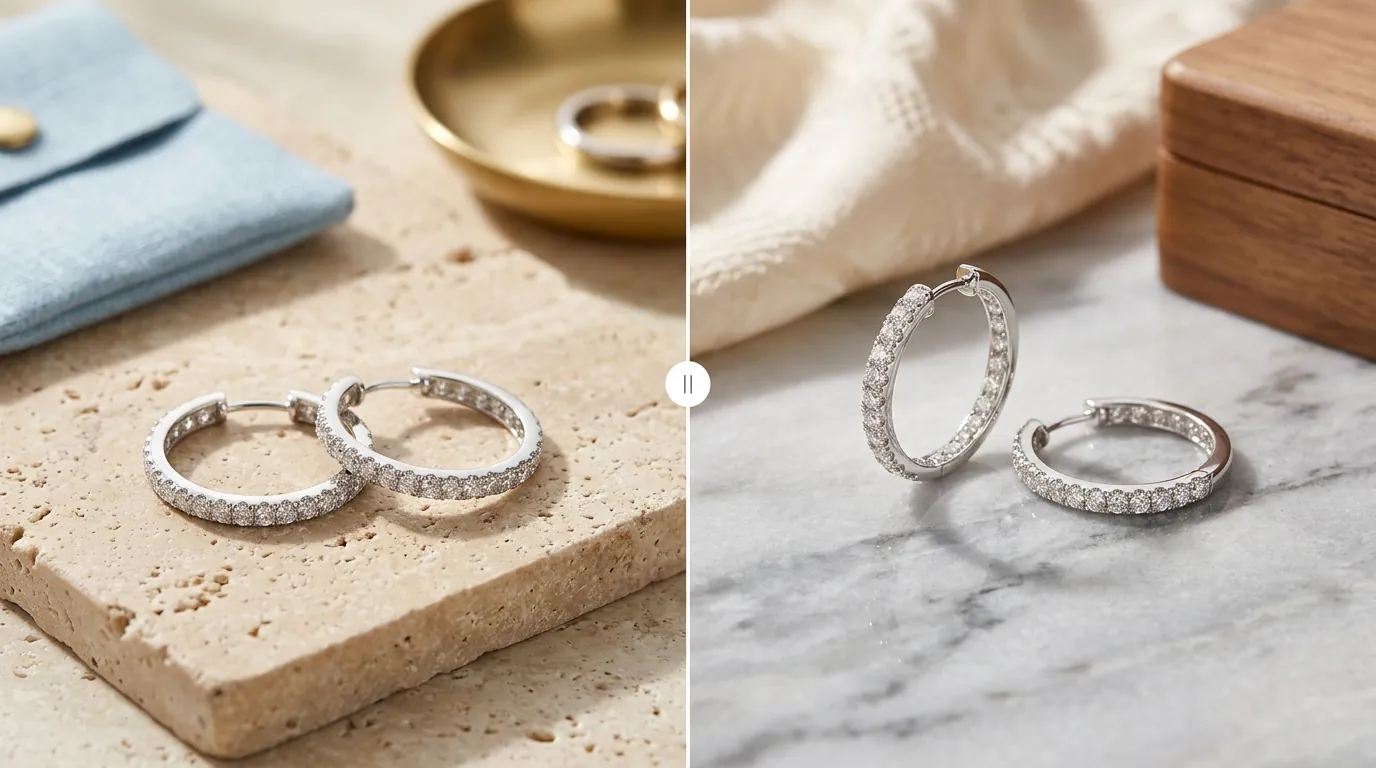
Yes, Flux.1 [pro] generally handles “specular reflections” (the way light hits metal) more accurately than Midjourney v6.1. Midjourney tends to make metal look “painterly” or overly smoothed, whereas Flux.1 captures the sharp highlights and micro-textures that make jewelry look like a physical object.
How do I get my AI jewelry images to 2048px for Shopify?
Midjourney’s native resolution is 1024×1024 px. To reach Shopify’s recommended 2048×2048 px, you must use an AI upscaler like Gigapixel AI, Magnific, or the built-in upscaling features in tools like PixelMatch. Simply stretching the image will result in blurriness that lowers conversion rates.
Does Flux.1 [schnell] work for commercial jewelry sales?
Yes, Flux.1 [schnell] is released under the Apache 2.0 license, which allows for commercial use. However, it is a smaller model than Flux.1 [pro], so it may not capture the fine details of small gemstones as effectively as the paid Pro version.
Ready to scale your listings?
PixelMatch generates white-background, lifestyle, and variant mockups from a single source photo — built specifically for multi-platform ecommerce sellers. 50 free images on signup, no credit card.
Start free →
Sources
- Amazon Seller Central: Product Image Requirements
- Shopify Help Center: Product Media Types and Specifications
- Etsy Help: Requirements for Listing Photos
- Midjourney Documentation: Subscription Plans
- Black Forest Labs (Flux.1): Model Specifications on Hugging Face
- Replicate: Flux.1 [pro] API Pricing
- Midjourney Documentation: Aspect Ratios and Resolution