Midjourney v7 vs Flux 1.1 Pro: Best AI for Apparel Textures?
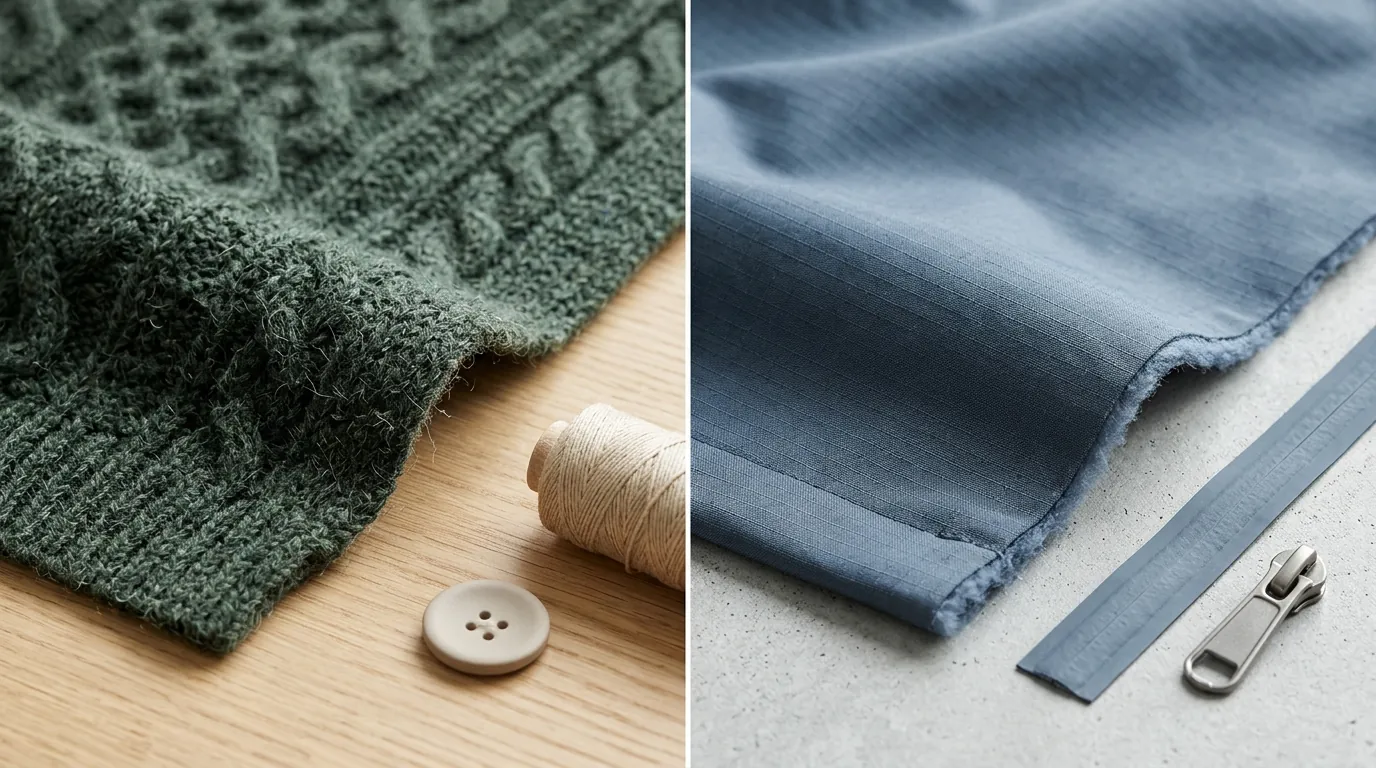
Capturing high-fidelity fabric textures like the weave of a heavy linen or the subtle sheen of mulberry silk determines whether a customer clicks “Add to Cart” or bounces from your product page. You need images that don’t just look like clothes, but feel like they have weight, tactile quality, and physical presence to compete on high-volume marketplaces.
Quick Answer: Midjourney v7 delivers superior photorealism for complex fabrics like knits and denim, while Flux 1.1 Pro offers unmatched prompt adherence and API scalability at $0.04 per image. For sellers needing automated batch generation, PixelMatch bridges the gap.
TL;DR Verdict
Related: Shopify Magic vs Amazon AI Image Generator: 2026 Comparison · Flux 1.1 Pro vs Dev for Product Shadows: Ecommerce Guide · Amazon Prime Day 2026 AI Video Requirements & Top Generators Compared
- Midjourney v7, released April 3, 2025, dominates in artistic realism and complex fabric rendering (wool, silk, denim) using its new Retexture and Omni Reference features.
- Flux 1.1 Pro excels at strict prompt adherence and typography, making it ideal for graphic tees and precise structural clothing.
- Ecommerce sellers scaling across Shopify and Amazon should consider API-friendly models like Flux, or use PixelMatch to batch-process lifestyle aesthetics without manual prompting.
Actionable Step: Run a “Texture Stress Test” by prompting both models for a “macro close-up of a charcoal grey cable-knit wool sweater with soft morning sunlight.” This reveals which model captures the “fuzz” and depth of your specific inventory.
Side-by-Side Feature Table
Choosing between these models requires balancing raw image quality against the technical requirements of your ecommerce stack. Amazon requires a minimum of 1000 pixels on the longest side to enable the zoom functionality, though 1600 pixels or higher is the recommended best practice for a crisp customer experience. Meanwhile, Shopify recommends images be 2048 x 2048 pixels for high-resolution displays.
| Feature | Midjourney v7 | Flux 1.1 Pro |
|---|---|---|
| Max Resolution | ~2048 x 2048 (via internal upscaler) | Up to 4 megapixels (Ultra version) |
| Workflow | Discord / Web Alpha Interface | API (Replicate, Fal.ai) |
| Text Rendering | Improved, but occasionally inconsistent | Industry-leading; handles long sentences |
| Fabric Physics | Superior draping and light scattering | Good, but can look “digitally smooth” |
| Pricing Model | Monthly Subscription | Pay-as-you-go API |
| Best For | Lifestyle Lookbooks, High-End Fashion | POD, Graphic Tees, High-Volume Automation |
Actionable Step: Adjust your model export settings to ensure your output hits the 2048 x 2048 pixel threshold recommended by Shopify to avoid blurry images on Retina displays.
Pricing Comparison
💡 Skip the manual editing. PixelMatch batch-generates ecommerce-ready product images in 60 seconds — white background, lifestyle scenes, and variant mockups from a single source photo. Try PixelMatch free →
Your choice of AI model directly impacts your per-SKU production cost. For a store with 500 products, a subscription model might be cheaper, but for a store with 5,000 products, API efficiency becomes the primary driver.
Midjourney Subscription Tiers
Midjourney operates on a fixed-cost subscription model. This is predictable for small teams but creates a bottleneck for large-scale automation since it lacks a native, official API for external tool integration.
- Basic Plan: $10/month for 3.3 hours of Fast GPU time (roughly 200 generations).
- Standard Plan: $30/month for 15 hours of Fast GPU time and unlimited “Relax” mode generations.
- Pro Plan: $60/month for 30 hours of Fast GPU time and “Stealth Mode” to hide your images from the public gallery.
Flux 1.1 Pro API Costs
Flux 1.1 Pro is built for developers and high-volume sellers who need to integrate AI generation into their own dashboards or third-party apps.
- Replicate: Typically costs $0.04 per output image for the 1.1 Pro model.
- Fal.ai: Charges $0.04 per megapixel for Flux 1.1 Pro, allowing for more granular control over cost vs. quality.
- Flux 1.1 Pro Ultra: Costs $0.06 per image on Replicate for higher resolution and increased detail.
For high-volume sellers, API costs can add up quickly, making batch-generation tools like PixelMatch a more predictable investment for catalog-wide updates.
Actionable Step: Calculate your “Break-Even SKU Count.” If you generate more than 750 images per month, Midjourney’s Standard Plan is usually more cost-effective than Flux’s API, provided you don’t mind the manual labor.
Best For (By Seller Profile)
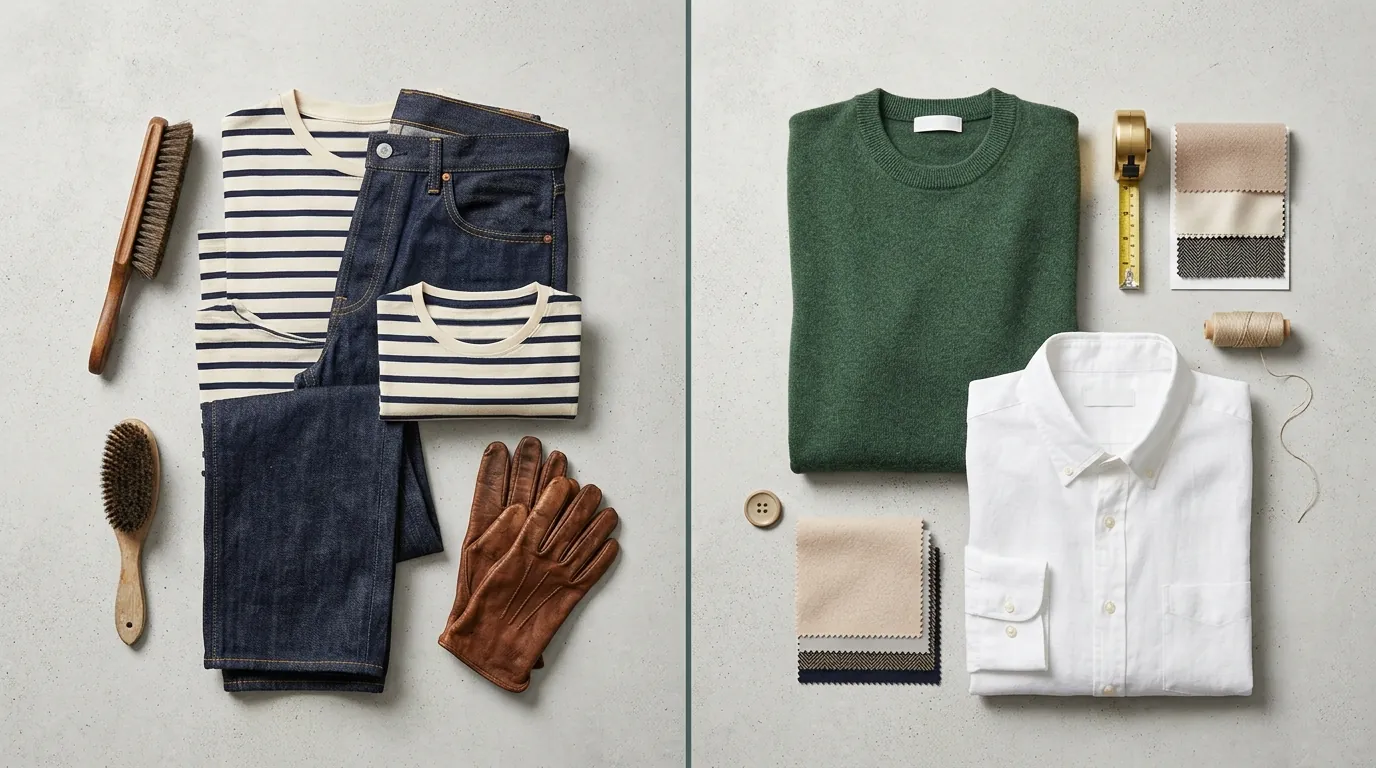
The “better” model depends entirely on what you are selling. A luxury silk brand has different technical needs than a print-on-demand hoodie shop.
High-End Apparel & Boutiques
Midjourney v7 is the clear winner for boutique fashion brands needing lifestyle imagery and editorial lookbooks. Its ability to simulate “subsurface scattering”—how light penetrates and glows through thin fabrics like silk or linen—is currently unmatched. If your brand relies on the “vibe” and “feel” of the material, Midjourney’s cinematic lighting engine provides a level of sophistication that Flux often misses.
Print-on-Demand (POD) Sellers
Flux 1.1 Pro is the clear winner for POD sellers. If you need to place a specific quote or a complex logo on a t-shirt, Flux follows your prompt instructions with surgical precision. While Midjourney v7 has improved its text rendering, it still struggles with long phrases or specific font weights. Flux 1.1 Pro’s ability to render legible, sharp text directly on the garment saves hours of post-production in Photoshop.
High-Volume Catalog Managers
PixelMatch is ideal for multi-platform catalog managers who need to adapt existing product photos into lifestyle scenes across Amazon, Etsy, and Shopify. Instead of writing complex prompts for every single item, you can use PixelMatch to automate the background generation while keeping your original product textures intact. This ensures marketplace compliance while drastically reducing the time spent on manual “prompt engineering.”
Actionable Step: Segment your catalog. Use Flux for your basic graphic tees and Midjourney for your “hero” lifestyle shots of complex outerwear or knitwear.
Where Each Falls Short
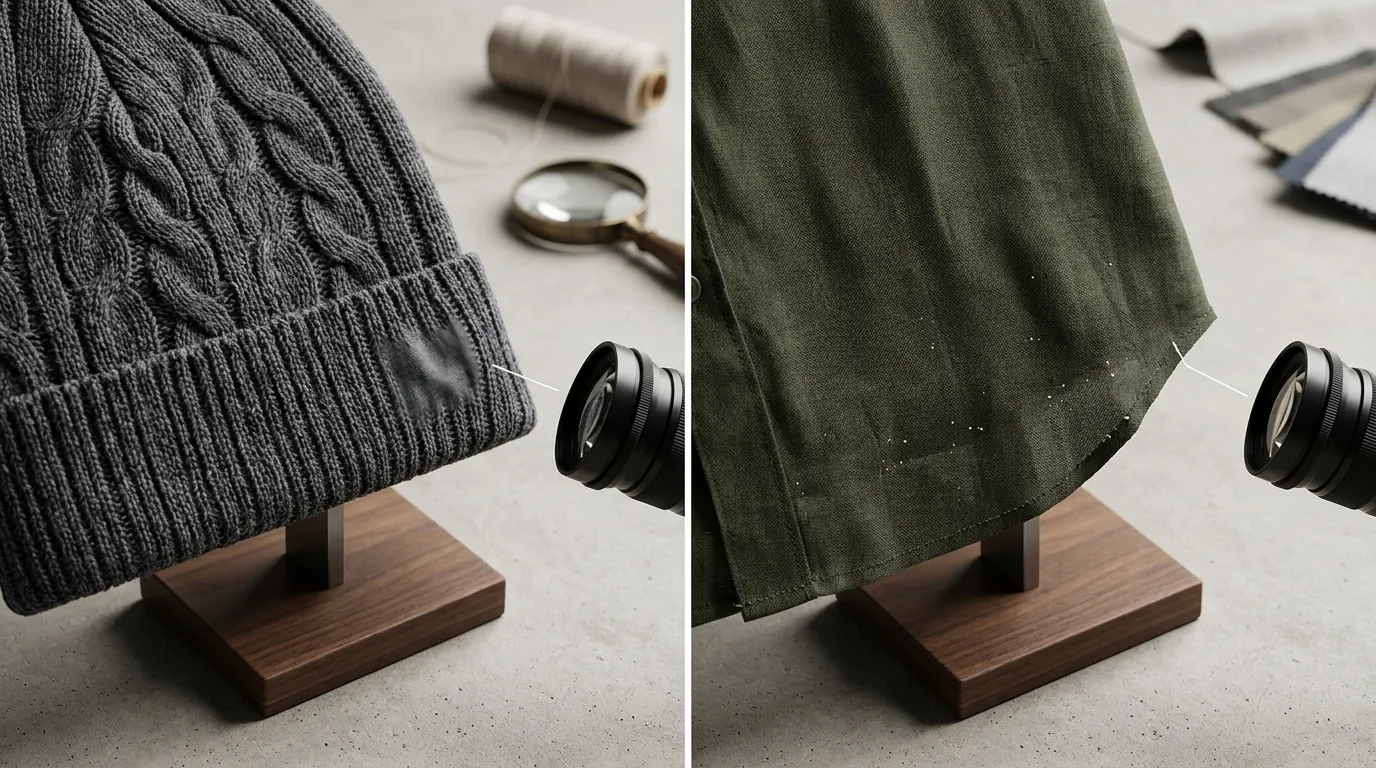
No AI model is a “magic button” that replaces a professional workflow entirely. Both Midjourney and Flux have specific limitations that can frustrate a seller trying to hit a deadline.
Midjourney’s Manual Bottleneck
Midjourney v7 lacks a native API for seamless ecommerce platform integration. This forces sellers into manual workflows—either through Discord or the Midjourney web interface. If you have 1,000 new SKUs for a summer launch, you cannot easily automate the generation of these images, which creates a massive labor cost that isn’t reflected in the subscription price.
Flux’s “Texture Softness”
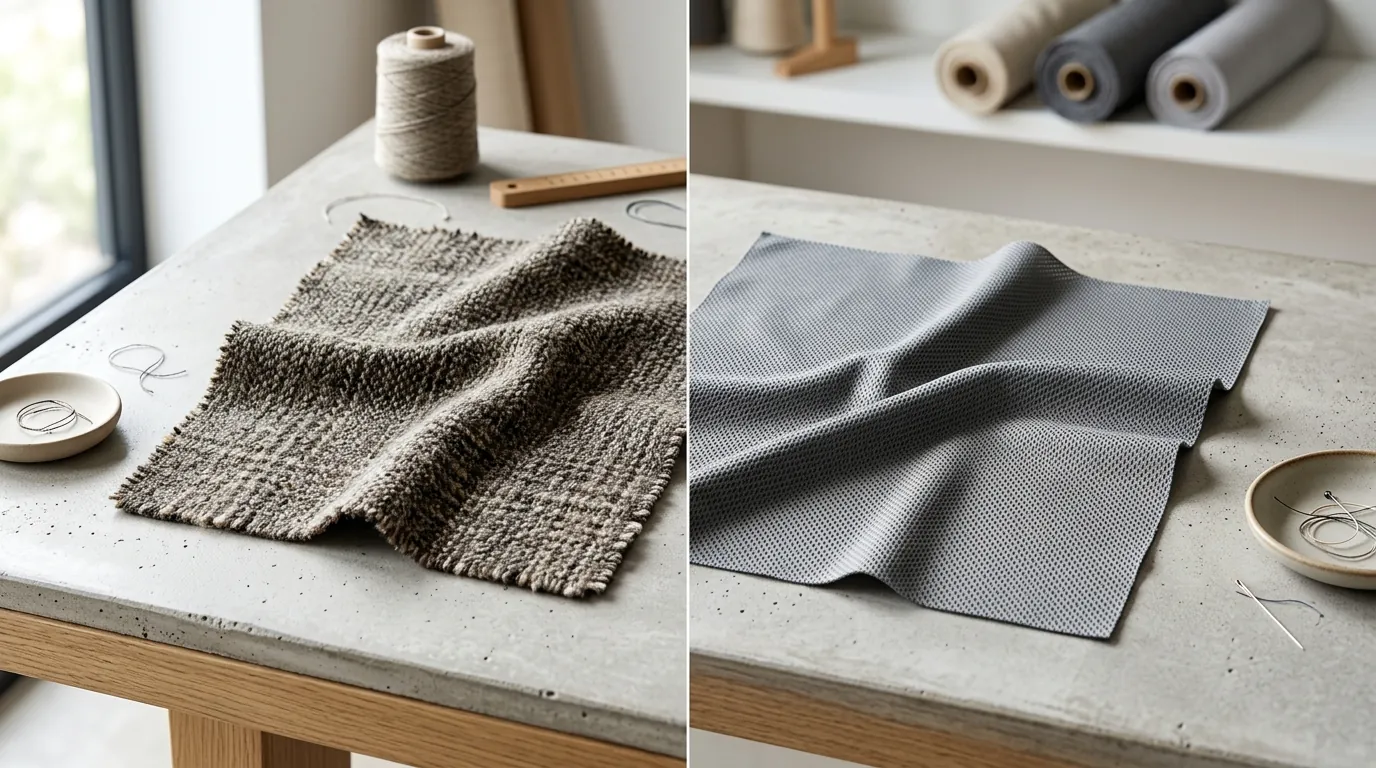
Flux 1.1 Pro can sometimes produce a “digitally soft” look on complex textures like wool or satin. While the structure of the garment is perfect, the micro-details of the fibers can look blurred compared to Midjourney’s raw photorealism. To fix this, many sellers use LoRAs (Low-Rank Adaptation) to fine-tune Flux on specific fabrics, but this requires technical expertise and additional GPU time.
Comparison with Traditional Tools
While tools like Photoroom or Canva are great for simple background removal, they cannot generate the complex, draped apparel textures from scratch that Midjourney and Flux excel at. They are “editors,” whereas Midjourney and Flux are “creators.”
Actionable Step: If using Flux, implement a post-processing sharpening step. Set up a “Sharpening Macro” in Photoshop or use an AI upscaler to bring back the crispness in fabric weaves that Flux might smooth over.
Recommendation
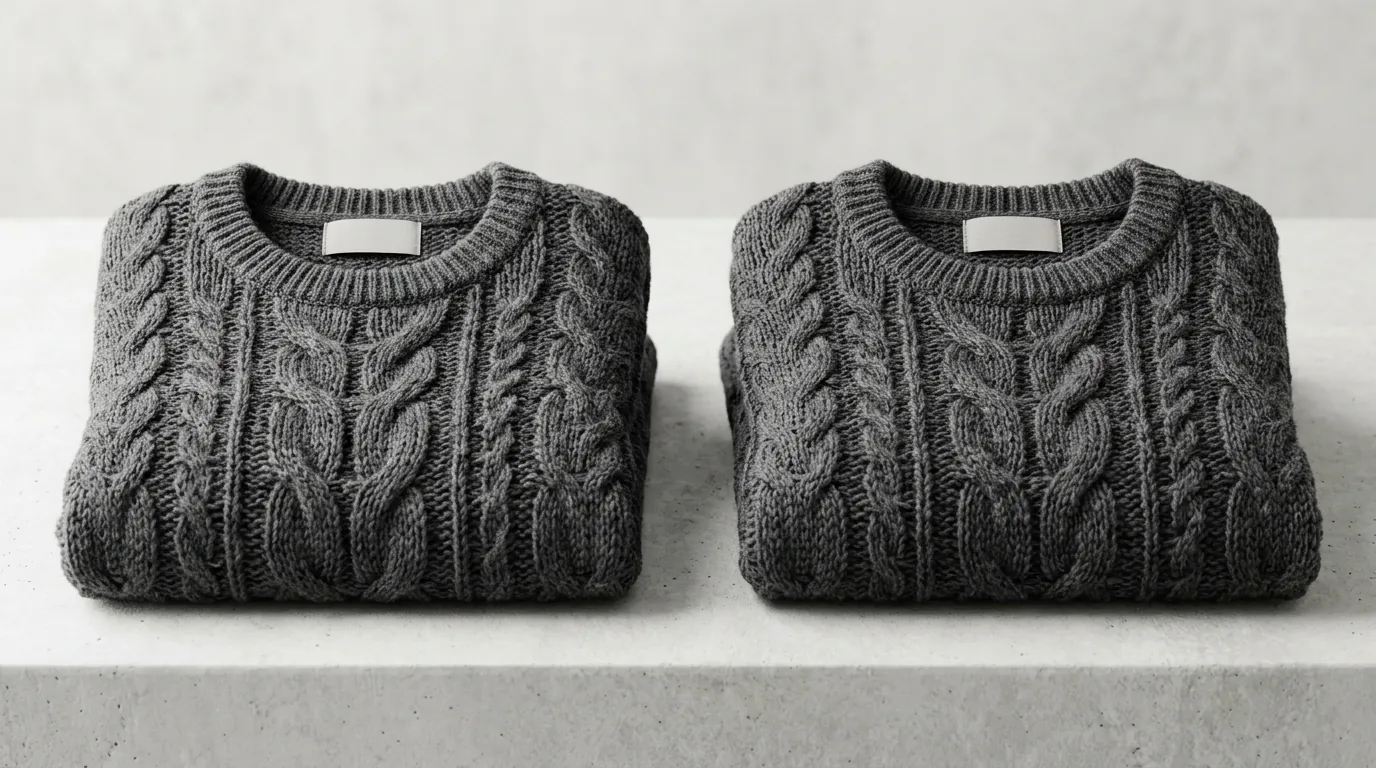
Your choice should align with your business model’s scalability and the visual complexity of your products.
- Choose Midjourney v7 if your primary goal is generating hyper-realistic, editorial-style lifestyle images for a small, high-margin apparel catalog where visual storytelling is the priority.
- Opt for Flux 1.1 Pro if you are building an automated pipeline, running a POD business, or need strict adherence to complex structural prompts. Its API-first nature makes it the only viable choice for custom-built automation.
- Integrate PixelMatch to get the best of both worlds—high-quality AI generation scaled across hundreds of SKUs. PixelMatch allows you to automate background generation and ensure marketplace compliance (like Amazon’s pure white background requirements) without the steep learning curve of manual prompting.
Actionable Step: Audit your existing catalog for low-resolution or dated lifestyle shots. Select 10 “problem” SKUs and run them through PixelMatch to see how quickly you can refresh your storefront’s aesthetic without a professional photoshoot.
Frequently Asked Questions
Can I use AI-generated images as my Amazon Main Image?
Amazon’s policy requires the main image to be a professional photograph of the actual product on a pure white background (RGB 255, 255, 255). While you can use AI to generate lifestyle or “in-use” images for your secondary slots and A+ Content, your main image must strictly follow Amazon’s technical requirements to avoid listing suppression.
Does Midjourney v7 support transparent backgrounds?
Midjourney does not natively generate transparent PNGs. You must generate the image with a solid background (usually white) and then use a background removal tool. Flux 1.1 Pro also generates solid backgrounds, though some API implementations offer an integrated “remove-background” post-process step for an additional fee.
Which AI is better for rendering specific fabric patterns like plaid or paisley?
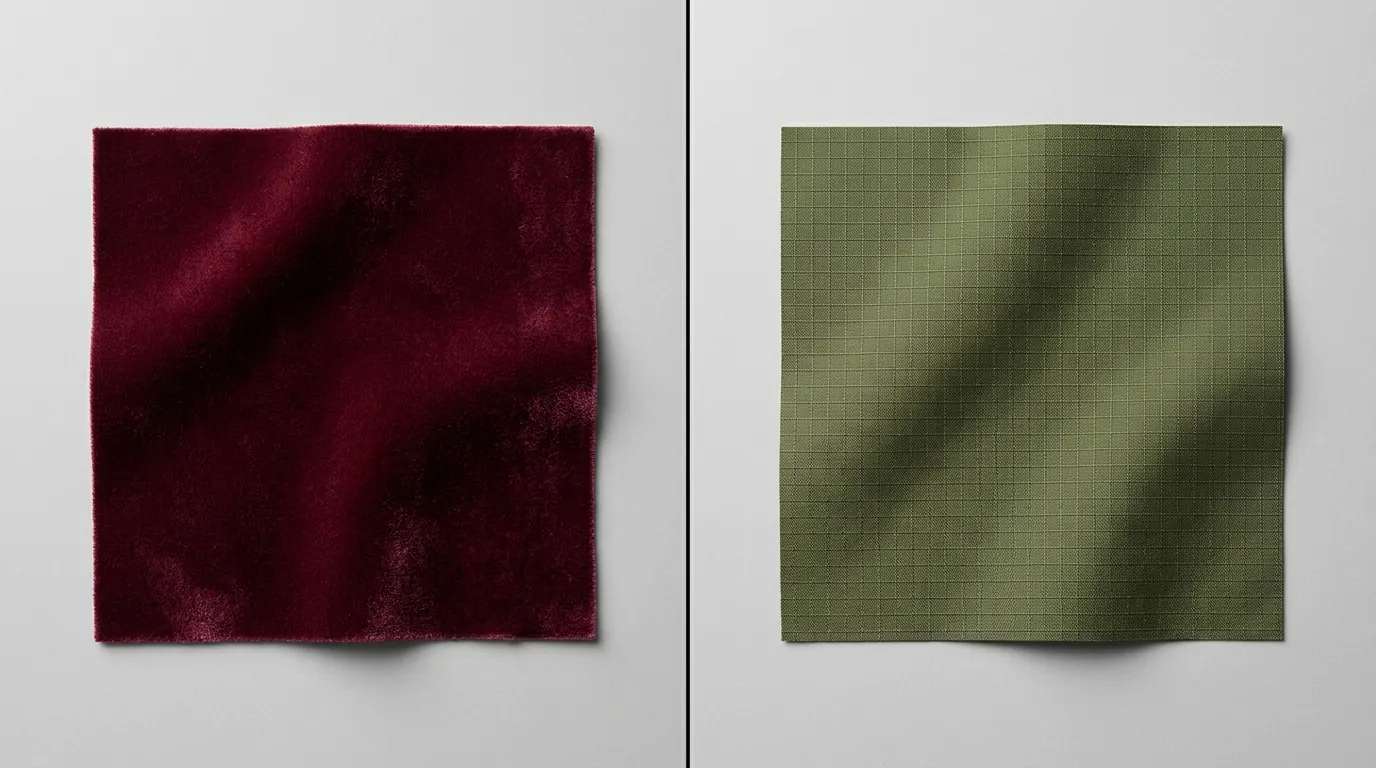
Midjourney v7 is generally superior for complex patterns like plaid because it understands how the pattern should “distort” over the folds and drapes of the fabric. Flux is getting closer, but it often renders patterns as a “flat overlay” that doesn’t respect the 3D geometry of the garment as naturally as Midjourney.
Do I own the copyright to images generated by Midjourney or Flux?
Copyright law for AI-generated images is currently evolving. In the US, the Copyright Office has ruled that images generated solely by AI without significant human creative input may not be eligible for copyright protection. However, most platforms, including Midjourney (on paid plans) and Flux, grant you the commercial rights to use the images for your business.
Ready to scale your listings?
PixelMatch generates white-background, lifestyle, and variant mockups from a single source photo — built specifically for multi-platform ecommerce sellers. 50 free images on signup, no credit card.
Start free →
Sources
- Amazon Product Image Requirements
- Shopify Image Size and Resolution Guide
- Midjourney Official Subscription Plans
- Replicate Flux 1.1 Pro Pricing
- Fal.ai Flux 1.1 Pro Model Details
- Black Forest Labs (Flux) Official Site
- U.S. Copyright Office AI Guidance