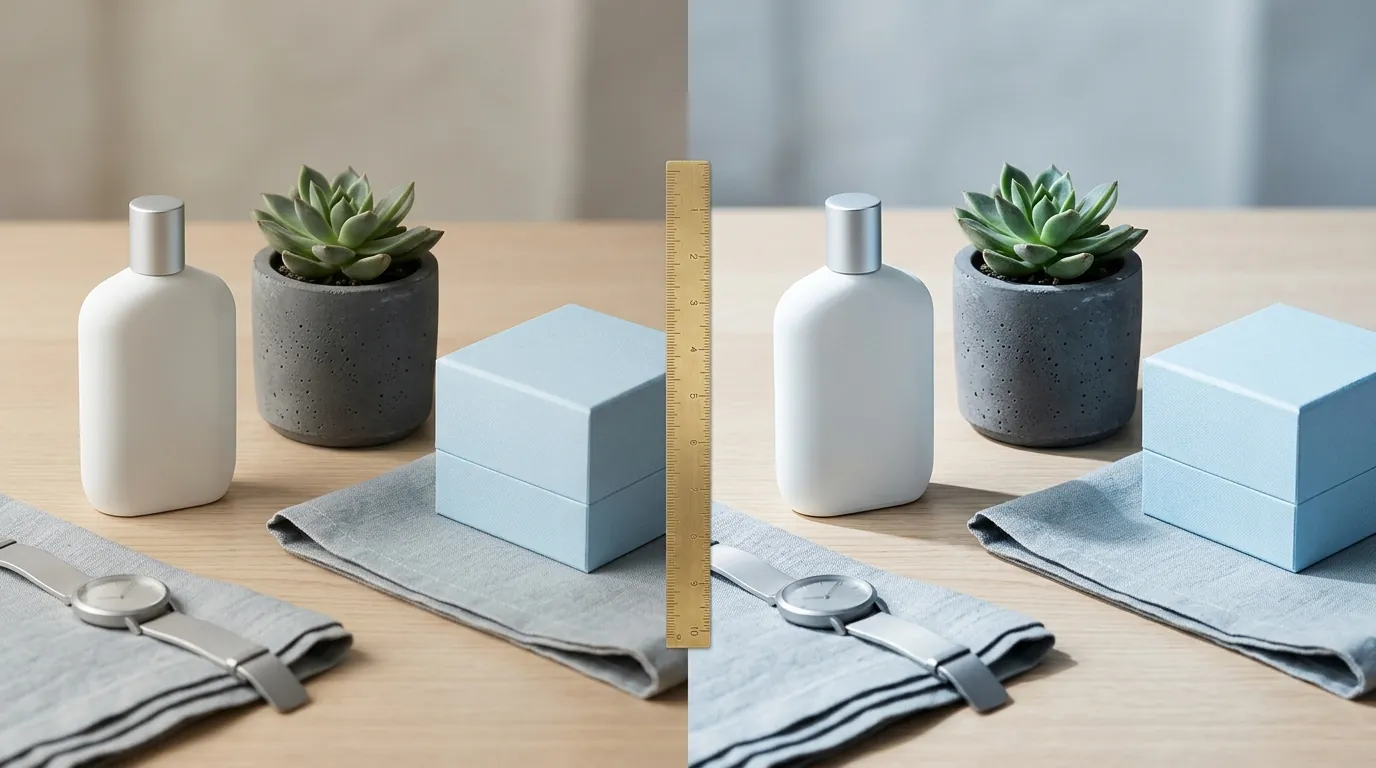
Midjourney v7 vs Flux Pro Product Lighting: 2026 Guide
High-stakes product photography often fails not because of the camera, but because of lighting that looks “uncanny” or “flat” to a discerning customer. Choosing between Midjourney v7 and Flux Pro determines whether your batch-generated catalog looks like a high-end editorial or a sterile 3D render.
Midjourney v7 excels at stylized, magazine-quality concept shots with rich atmospheric lighting. Flux Pro delivers superior photorealism, precise material textures, and API scalability for batch-generating accurate product listings.
TL;DR Verdict
Related: Amazon Amelia AI vs Rufus for Sellers: The 2026 Guide · Midjourney v7 vs Flux 1.1 Pro: Best AI for Apparel Textures? · Shopify Magic vs Amazon AI Image Generator: 2026 Comparison
Midjourney v7 and Flux Pro represent two different philosophies in AI image generation. Midjourney is an “artist” that prioritizes aesthetic appeal, often adding dramatic shadows and bloom effects that make products look aspirational. Flux Pro is an “engineer” that prioritizes physical accuracy, ensuring that light bounces off glass, chrome, and matte plastic exactly as it would in a physical studio.
- Midjourney v7 is the undisputed champion of aesthetic, atmospheric lighting. It applies a magazine polish that is perfect for brand concept shots and social media hero images.
- Flux Pro offers unmatched physical coherence and photorealistic lighting. It excels at accurate material rendering, such as reflections in glass or matte textures, which is critical for conversion-driven product detail pages.
- For multi-platform sellers needing high-volume, consistent product photos, Flux Pro’s API-first architecture makes it the better engine for batch workflows.
- Instead of wrestling with raw APIs or Discord interfaces, ecommerce sellers can use PixelMatch to harness these AI capabilities for automated, marketplace-ready batch generation.
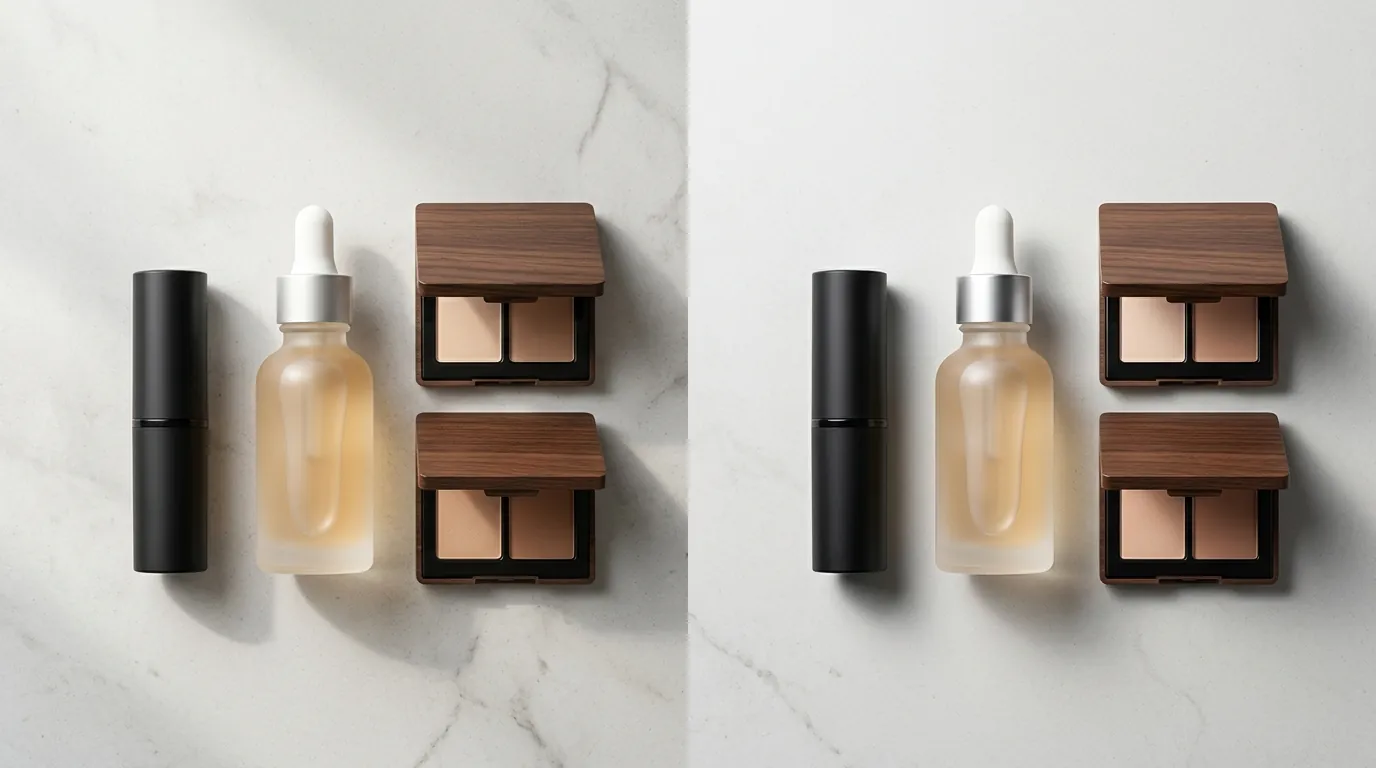
Actionable Step for Today: Run a “Lighting Stress Test” by prompting both models with a highly reflective object (e.g., a silver watch or a glass bottle) using the prompt: [Product Name] on a dark marble surface, hard side-lighting, 8k photorealistic, ray-traced reflections. Compare the “light leak” and reflection accuracy to see which model handles your specific inventory better.
Side-by-Side Feature Table
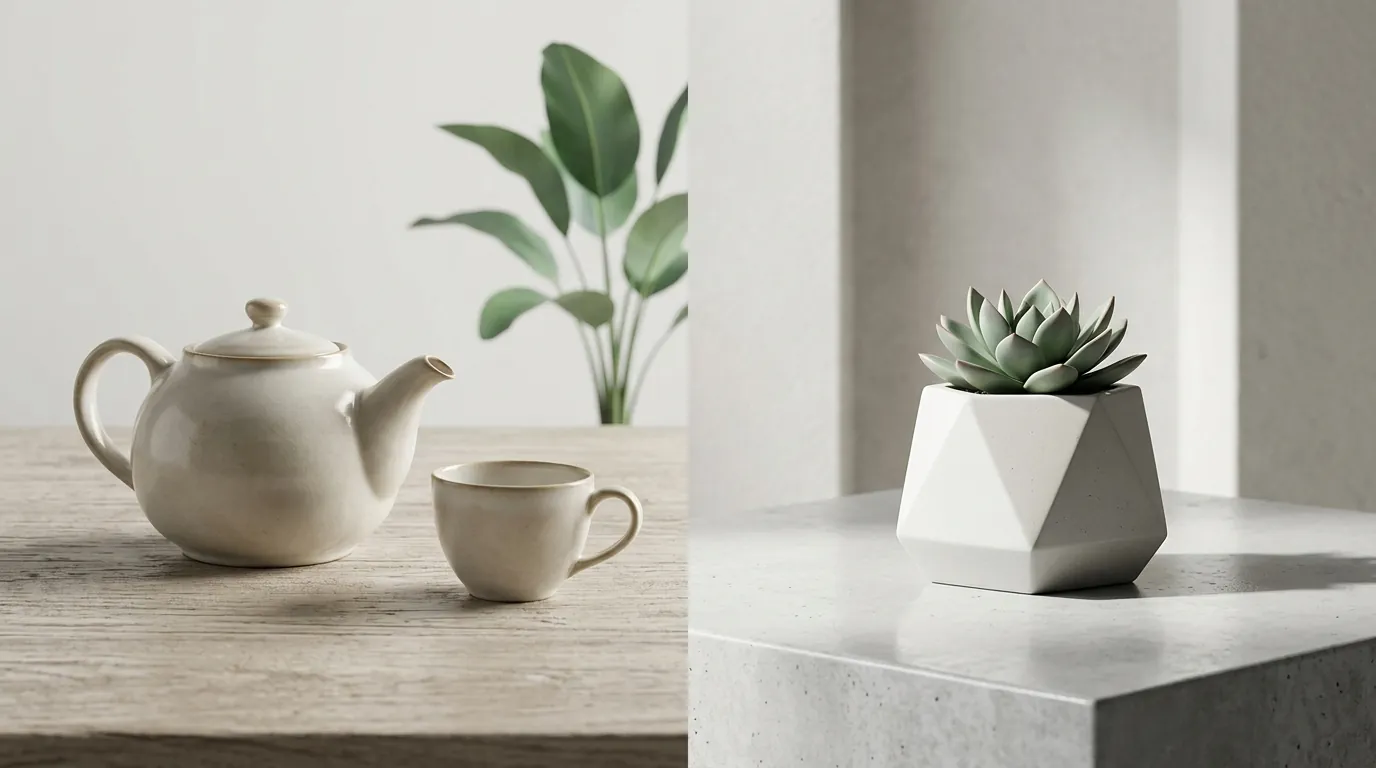
When evaluating these models for a multi-platform strategy—including Amazon’s 2000x2000 px zoom requirements—you must look beyond the “pretty” factor and focus on technical compliance.
| Feature | Midjourney v7 | Flux Pro |
|---|---|---|
| Primary Lighting Style | Cinematic, Moody, Artistic | Neutral, Physically Accurate, Studio-grade |
| Material Realism | High (but sometimes “waxy”) | Ultra-High (accurate ray-tracing) |
| Prompt Adherence | Interpretive (adds creative flair) | Literal (follows light source placement) |
| Text on Product | Improved (85-90% accuracy) | Flawless (near 100% accuracy) |
| Batch Workflow | Manual (Web UI/Discord) | Automated (API-native) |
| Resolution Support | Up to 4096 x 4096 with Upscaler | Variable (API-defined, up to 2.0MP+) |
| Marketplace Suitability | Shopify Hero Banners, Instagram | Amazon Main Images, TikTok Shop Listings |
Actionable Step for Today: Audit your current product images for “text hallucination.” If your current AI tool is mangling your brand name on the label, switch your workflow to a Flux Pro-based engine like PixelMatch to ensure your TikTok Shop 1:1 ratio images remain legible and professional.
Pricing Comparison
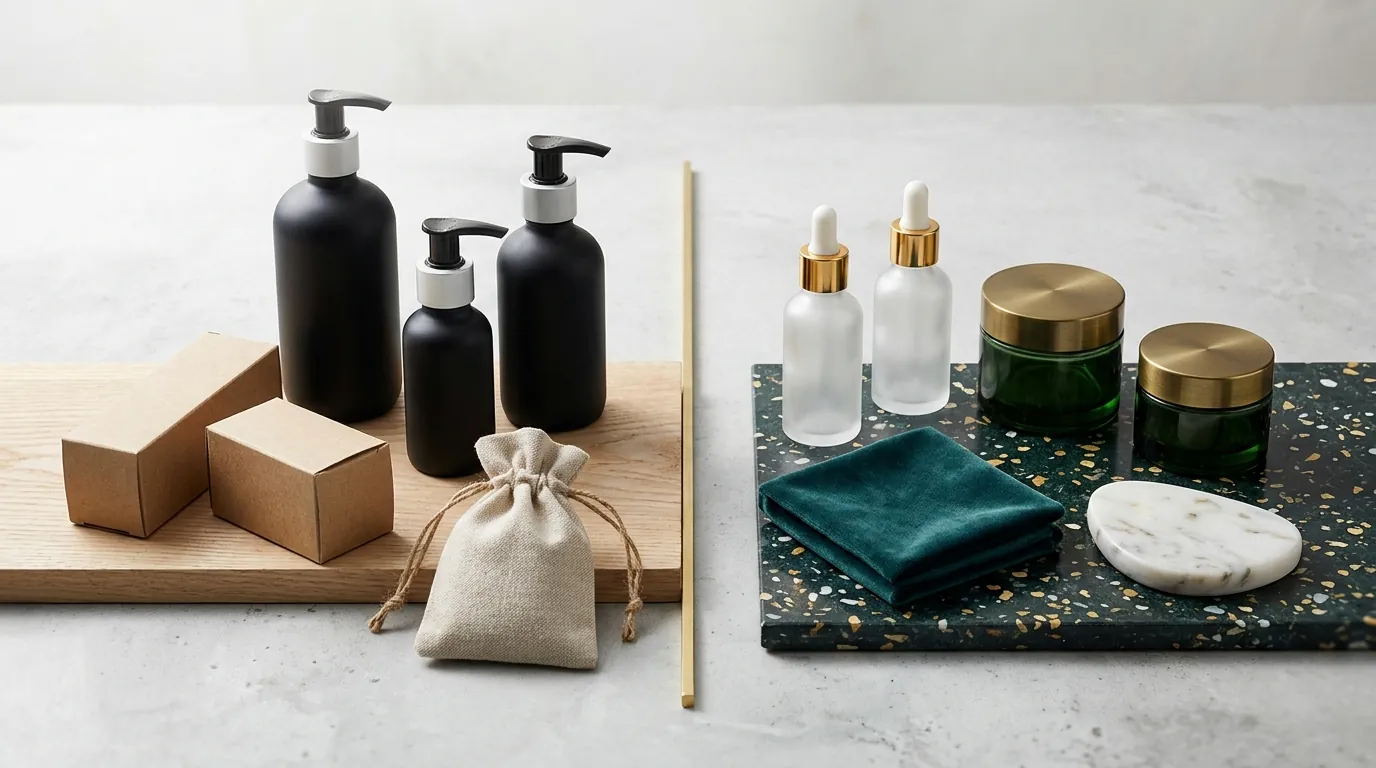
💡 Skip the manual editing. PixelMatch batch-generates ecommerce-ready product images in 60 seconds — white background, lifestyle scenes, and variant mockups from a single source photo. Try PixelMatch free →
Pricing for these models is structured differently: one is a consumer subscription, the other is an industrial utility.
Midjourney requires a monthly subscription with no free tier. The Basic plan starts at $10/month, which provides roughly 3.3 hours of GPU time. However, most professional ecommerce sellers require the Standard plan at $30/month to access 15 hours of Fast GPU time and the essential “Relax” mode for unlimited generations. For high-volume sellers, the Pro Plan at $60/month is often necessary to enable “Stealth Mode,” keeping your unreleased product designs private from the public Midjourney gallery.
Flux Pro operates on a pay-as-you-go API model. Black Forest Labs, the creator of Flux, prices the FLUX.1 Pro API at $0.05 per image via official partners like BFL or Replicate, though prices can vary based on resolution and steps. Because Flux Pro is API-driven, sellers rarely use it “raw” through a terminal. Instead, they use SaaS wrappers. Tools like PixelMatch abstract this cost into a flat monthly subscription, making batch generation predictable and cost-effective compared to paying per megapixel or hiring a photographer for $150-$500 per session.
Actionable Step for Today: Calculate your “Cost Per SKU.” If you have 100 products and need 5 angles each, a $30 Midjourney subscription costs $0.06 per image but requires 10+ hours of manual prompting. A Flux Pro-powered batch tool might cost more upfront but reduces the labor cost to near zero.
Best For (By Seller Profile)
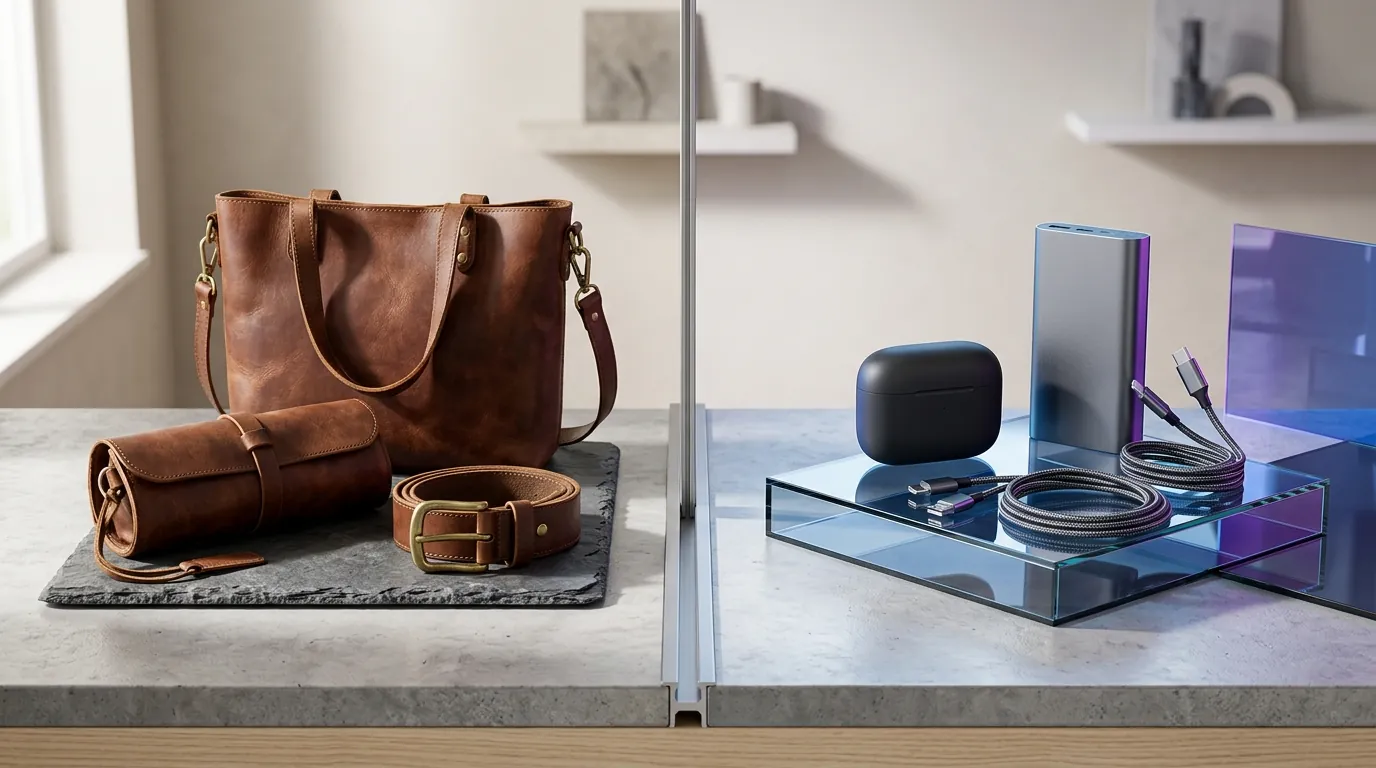
Your choice of model should align with where your customer encounters your brand.
Boutique Brands & Social Media Managers
Midjourney v7 is ideal for creating aspirational lifestyle shots for Instagram or Shopify hero banners where absolute product accuracy is secondary to the overall “vibe.” If you are selling handmade jewelry or artisanal candles, Midjourney’s ability to generate “Golden Hour” lighting or “Soft Bokeh” backgrounds creates an emotional connection that converts social media scrollers. It excels at the “vibe” rather than the “spec.”
High-Volume Multi-Platform Sellers
Flux Pro is the winner for Amazon FBA and TikTok Shop sellers who need dozens of variations of a product against clean, realistic backgrounds. Its literal prompt interpretation ensures the product’s actual lighting matches the generated environment. If you prompt for “top-down lighting at 45 degrees,” Flux Pro delivers exactly that, ensuring your product doesn’t look like it was photoshopped poorly onto a background. This is critical for meeting Amazon’s Main Image requirements, which demand a pure white background and no distracting props for the primary listing.
PixelMatch users benefit from underlying photorealistic models to batch-process entire catalogs without manual prompting, bridging the gap between high-end AI lighting and ecommerce efficiency.
Actionable Step for Today: Identify your “Hero SKU.” Use Midjourney for the main landing page banner of your Shopify store to grab attention. Use Flux Pro (via PixelMatch) to generate the 5-7 secondary images for your Amazon listing to maintain technical consistency and lighting accuracy.
Where Each Falls Short
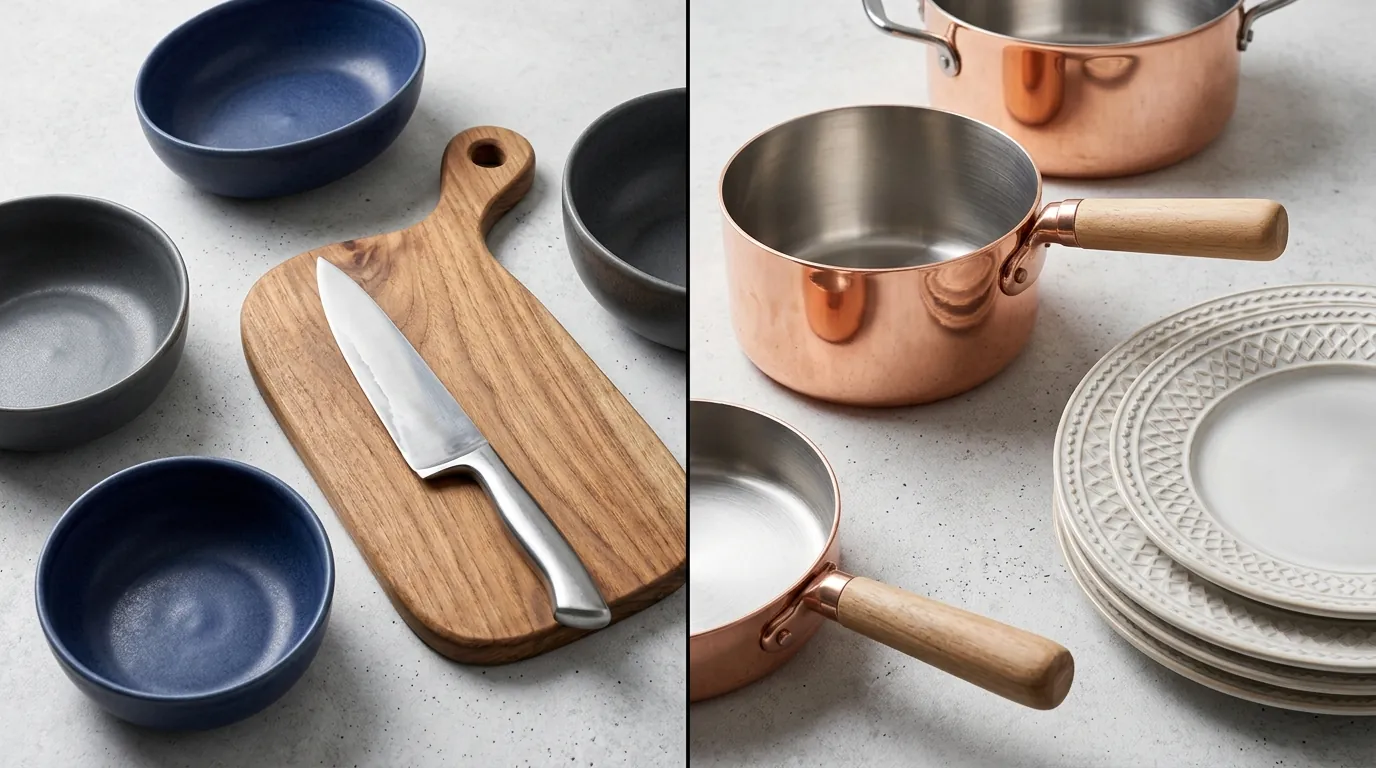
Neither model is a “magic button” without understanding their limitations.
Midjourney v7 struggles with literalism. Its tendency to add heavy stylization can misrepresent product materials—for example, turning a matte plastic finish into a glossy one because it “looks better” to the AI. This leads to potential marketplace returns if the item looks different in person. Furthermore, Midjourney lacks a native API, meaning you cannot easily plug it into your inventory management system to batch-generate marketplace-compliant product images. Every image must be manually prompted and downloaded.
Flux Pro can sometimes feel too “raw” or neutral without heavy prompt engineering. If you aren’t specific, the lighting can look like a basic fluorescent office bulb. It lacks Midjourney’s built-in style reference simplicity for instant artistic flair, requiring more technical setup or a dedicated SaaS tool to get the best results.
Both models require a learning curve if used natively, which is why many sellers abandon raw prompting in favor of purpose-built tools like Photoroom, which offers a Pro tier at $12.99/month for basic background removal, or PixelMatch for full-scale AI scene generation.
Actionable Step for Today: Check your “Return Dissatisfaction Rate” on Amazon. If customers claim the “color is off” or the “material looks different,” stop using highly stylized Midjourney images for your secondary gallery and switch to the more color-accurate Flux Pro.
Recommendation
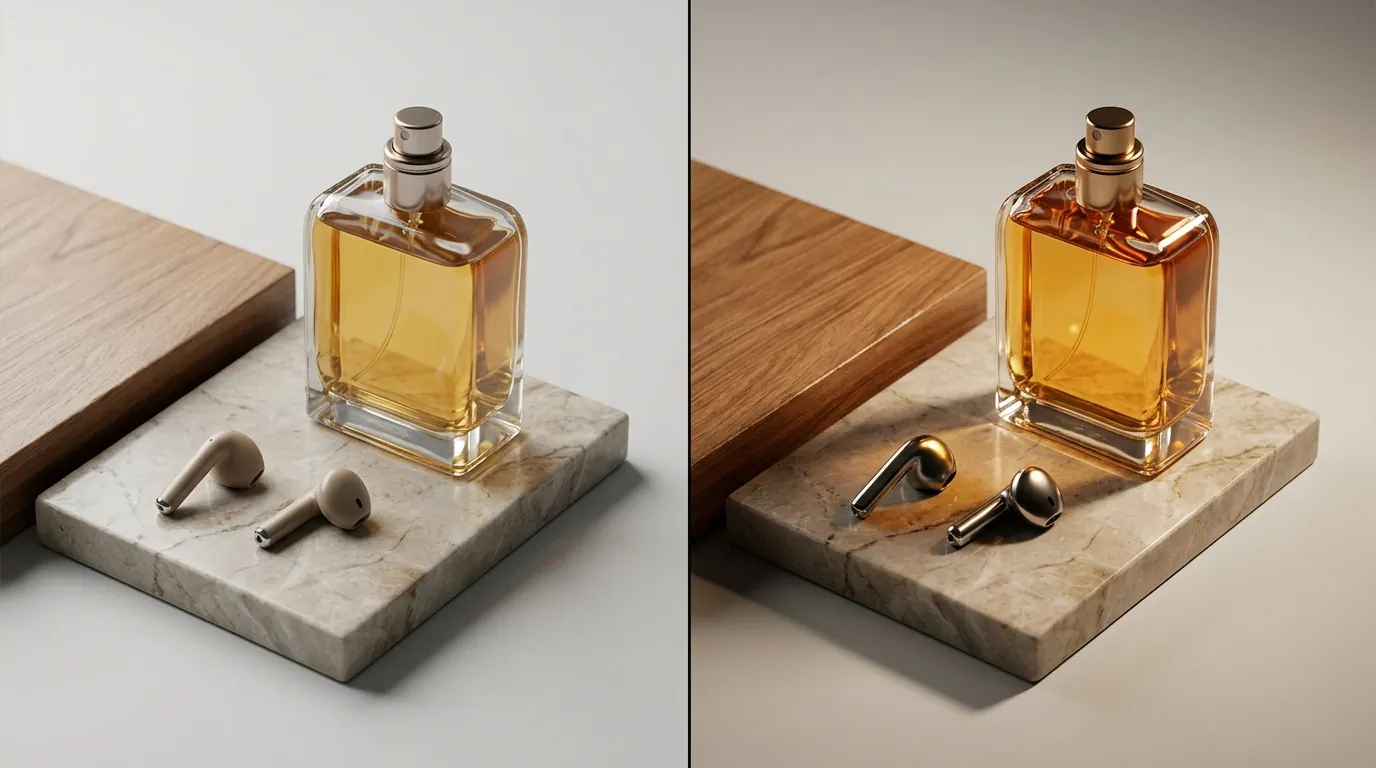
The “winner” depends entirely on your scale and your platform.
- If you are a solo founder needing a few stunning brand concept shots for a pitch deck or a homepage, buy a Midjourney subscription and use its web interface. The artistic “soul” of Midjourney v7 is currently unmatched for creative direction.
- If you are scaling a multi-platform ecommerce business and need accurate, photorealistic lighting across hundreds of SKUs, Flux Pro is the superior model. Its ability to handle text and physical reflections makes it the industrial standard for 2026.
- Don’t want to mess with APIs or prompt engineering? Use PixelMatch. It leverages top-tier AI models to batch-generate marketplace-compliant product images with perfect lighting, saving you hours of manual work.
Frequently Asked Questions
Does Midjourney v7 follow Amazon’s white background rules?
Midjourney can generate white backgrounds using the --no props parameter or specific “studio lighting” prompts, but it often adds subtle shadows or gradients that may trigger Amazon’s automated suppression filters. For Amazon FBA main image requirements, a dedicated background removal tool or a Flux-based engine is more reliable for achieving the required Hex code #FFFFFF.
Which model is better for clothing and apparel?
Flux Pro generally performs better for apparel because it respects fabric textures (like the weave of linen or the sheen of silk) more accurately than Midjourney. Midjourney tends to “beautify” clothes, sometimes adding folds or drapes that don’t exist on the actual garment, which can mislead customers.
Can I use my own product photos with these models?
Yes, but the workflow differs. In Midjourney, you use “Image Prompts” or “Character References” (modified for objects), which can be inconsistent. Flux Pro is typically used in a “LoRA” (Low-Rank Adaptation) workflow or through a SaaS like PixelMatch, which allows you to upload a photo of your actual product and “re-light” it in a new environment while keeping the product’s geometry 100% intact.
Ready to scale your listings?
PixelMatch generates white-background, lifestyle, and variant mockups from a single source photo — built specifically for multi-platform ecommerce sellers. 50 free images on signup, no credit card.
Start free →
Sources
- Midjourney Official Subscription Plans
- Midjourney Upscaler Specifications
- Black Forest Labs (Flux) Official Site
- Amazon Seller Central: Product Image Requirements
- Jungle Scout: Guide to Amazon Product Photography Costs
- TikTok Shop Academy: Image and Video Specs
- Photoroom Pricing and Features