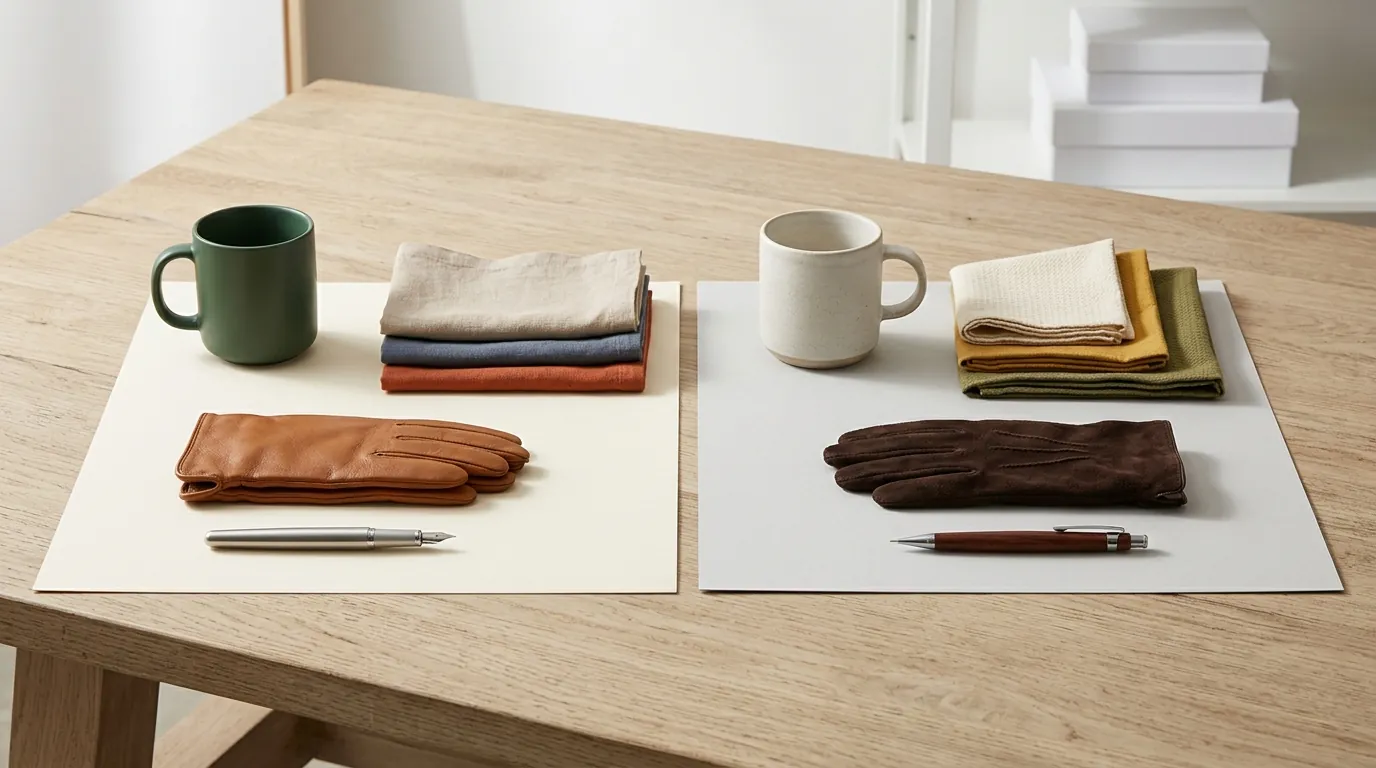
Midjourney v8 vs Flux 2 Product Realism for Ecommerce
Stop wasting hours photoshopping “hallucinated” labels that get your listings flagged for “item not as described.” If your AI tool cannot accurately render your product’s specific font or logo, it is costing you conversion rate points and increasing your return rate.
TL;DR Verdict
Related: Shopify Magic AI vs Photoroom for Sellers: 2026 Comparison · Claid AI vs Pixelcut for Amazon FBA Sellers (2026) · Google Imagen 3 vs Midjourney v7 for Products: 2026 Guide
Flux 2 is the superior choice for ecommerce product realism in 2026, primarily due to its up to 10-image multi-reference system that locks in product geometry and text labels. While Midjourney v8.1 remains the industry leader for high-concept lifestyle aesthetics and native 2K HD resolution, it still lacks the architectural “stickiness” required to keep a specific physical product consistent across multiple angles.
- Flux 2 (Released November 2025): Offers unmatched text-rendering accuracy and shape preservation. It uses a 32-billion parameter architecture that understands the difference between a “matte finish” and a “satin finish” on a specific SKU.
- Midjourney v8.1 (Released April 2026): Produces the most “expensive-looking” lighting and composition. However, it often changes small details—like the number of buttons on a coat or the specific wording on a supplement bottle—making it risky for hero images.
- The Bottom Line: Use Flux 2 for your primary listing photos and A+ content where accuracy is a legal requirement. Reserve Midjourney for social media “vibe” posts and mood boards where the product is a secondary focus.
Actionable Step: Audit your current top-performing listings. If your product has text smaller than 12pt or a complex logo, run a test render in Flux 2 using the --ref flag with three different angles of your product to see if it maintains the label integrity better than your current workflow.
Side-by-Side Feature Table

To choose the right tool, you must match the AI’s output capabilities to the strict requirements of your sales channels. For example, Amazon requires a minimum resolution for its zoom function to work properly. If your AI output is too small, your images will appear blurry and unprofessional to high-intent buyers.
| Feature | Midjourney v8.1 | Flux 2 (Pro/Max) |
|---|---|---|
| Max Resolution | 2048 x 2048 px (2K HD) | Up to 4-Megapixel (approx. 2048 x 2048+) |
| Text Rendering | Improved, but still prone to “letter soup” on small labels | High accuracy via 32B-parameter Mistral-3 vision model |
| Product Consistency | Character/Style Reference (limited to 1-2 images) | Multi-Reference (up to 10 images) |
| Workflow | Discord or Web Alpha (no official API) | API, ComfyUI, or PixelMatch Batching |
| Best For | Lifestyle “Mood” shots and Social Media | Hero images, A+ Content, and Shopify listings |
| Image Format | .png, .jpg, .webp | .png, .jpg, .webp, .exr |
Actionable Step: Check your primary platform’s maximum file size. Shopify supports images up to 20MB and 4472 x 4472 pixels. If you are using Flux 2’s 4-megapixel output, ensure your export settings don’t exceed the platform’s file weight limit while maintaining that high-resolution clarity.
Pricing Comparison

💡 Skip the manual editing. PixelMatch batch-generates ecommerce-ready product images in 60 seconds — white background, lifestyle scenes, and variant mockups from a single source photo. Try PixelMatch free →
For a multi-platform seller, the “cheapest” tool is rarely the one with the lowest monthly fee. It is the one that produces the fewest “reject” images. Midjourney operates on a subscription model, while Flux 2 is typically accessed via pay-per-image API credits or high-end local hardware.
Midjourney pricing remains consistent with its 2025 tiers. The Basic Plan starts at $10/month, but most professional sellers require the Standard Plan at $30/month to access 15 hours of “Fast” GPU time. For high-volume agencies, the Mega Plan at $120/month provides 60 hours of fast generation, which is necessary if you are refreshing a 500-SKU catalog.
Flux 2 pricing is more granular. When accessed via the Black Forest Labs API, costs are calculated per generation. Flux.2 Pro costs $0.03 per image, while the more powerful Flux.2 Max costs $0.07 per image. While $0.07 sounds negligible, a seller generating 50 variations per product for a 100-product line will spend $350. This is where a specialized tool like PixelMatch becomes essential, as it wraps these API costs into a predictable flat-rate or bulk-discounted tier designed for ecommerce scale.
Actionable Step: Calculate your “Cost Per Usable Image.” If Midjourney takes 10 prompts to get one usable bottle render ($0.00 in direct cost, but 20 minutes of labor), and Flux 2 gets it right in 1 prompt ($0.07 in direct cost, 2 minutes of labor), the API-based Flux 2 workflow is significantly more profitable for your business.
Best For (By Seller Profile)

The “winner” of the Midjourney vs. Flux 2 debate depends entirely on where your customers see your ads and listings.
The Social Media & Brand Manager (Midjourney v8.1)
If you are focused on Instagram, TikTok, or Pinterest, Midjourney v8.1 is your best friend. Its “aesthetic” training data is unparalleled. It understands lighting trends—like “soft morning sun through a window” or “minimalist Scandi kitchen”—better than any other model. Use Midjourney when the goal is to stop the scroll. Since social media users don’t zoom in on the fine print of a label, Midjourney’s slight hallucinations are a fair trade-off for its stunning visual style.
The Amazon FBA & Shopify Power Seller (Flux 2)
For your actual product detail page (PDP), you cannot afford errors. Amazon’s strict image policies require that the product shown is exactly what is in the box. Flux 2’s ability to ingest 10 reference photos means you can upload photos of your actual prototype, and the AI will “wrap” those textures and labels onto its generated scenes without moving a single letter of your brand name.
The High-Volume Multi-Platform Seller (PixelMatch)
If you sell across Amazon, eBay, TikTok Shop, and your own Shopify site, managing different aspect ratios and requirements is a nightmare. TikTok Shop prefers a 1:1 ratio with a minimum of 600 x 600 px, while Shopify can handle much larger files. PixelMatch is built for this specific profile. It uses Flux 2’s realism engine but automates the “boring” parts: resizing, background removal, and batch-processing your entire inventory in one click.
Actionable Step: Categorize your creative needs into “Atmospheric” (Midjourney) and “Accuracy-Critical” (Flux 2). Do not try to use one tool for both; you will either end up with boring social posts or inaccurate product listings.
Where Each Falls Short
No AI tool is a magic “buy” button. Both Midjourney and Flux 2 have technical limitations that can stall your workflow if you aren’t prepared.
Midjourney’s biggest weakness in 2026 remains its lack of an official, stable API for third-party developers. This means you are stuck in the Discord interface or the web alpha, manually typing prompts for every single product. If you have 200 SKUs, Midjourney is practically unusable for a full catalog refresh. Furthermore, Midjourney still struggles with “spatial logic”—it might place a shadow in a direction that contradicts the light source, which savvy customers notice subconsciously as “fake.”
Flux 2, while technically superior for realism, has a massive barrier to entry for the average seller. To run Flux 2 locally via ComfyUI (avoiding API fees), you need a workstation with at least 90GB of VRAM for the full-parameter model. Most consumer laptops have 8GB to 16GB. Even using the API requires a level of “prompt engineering” and technical knowledge that most business owners don’t have time to learn. You have to specify CFG scales, sampler types, and denoise strengths just to get a clean background.
Neither tool natively understands marketplace-specific rules. They won’t automatically ensure your main image has a pure white background (RGB 255, 255, 255) as required by Amazon. You still need a post-processing step to ensure compliance.
Actionable Step: Before investing in a local AI rig, benchmark your current computer. If you don’t have a dedicated NVIDIA RTX 4090 or better, skip the local Flux 2 setup and use a cloud-based batch tool like PixelMatch to avoid the $2,000+ hardware cost.
Recommendation
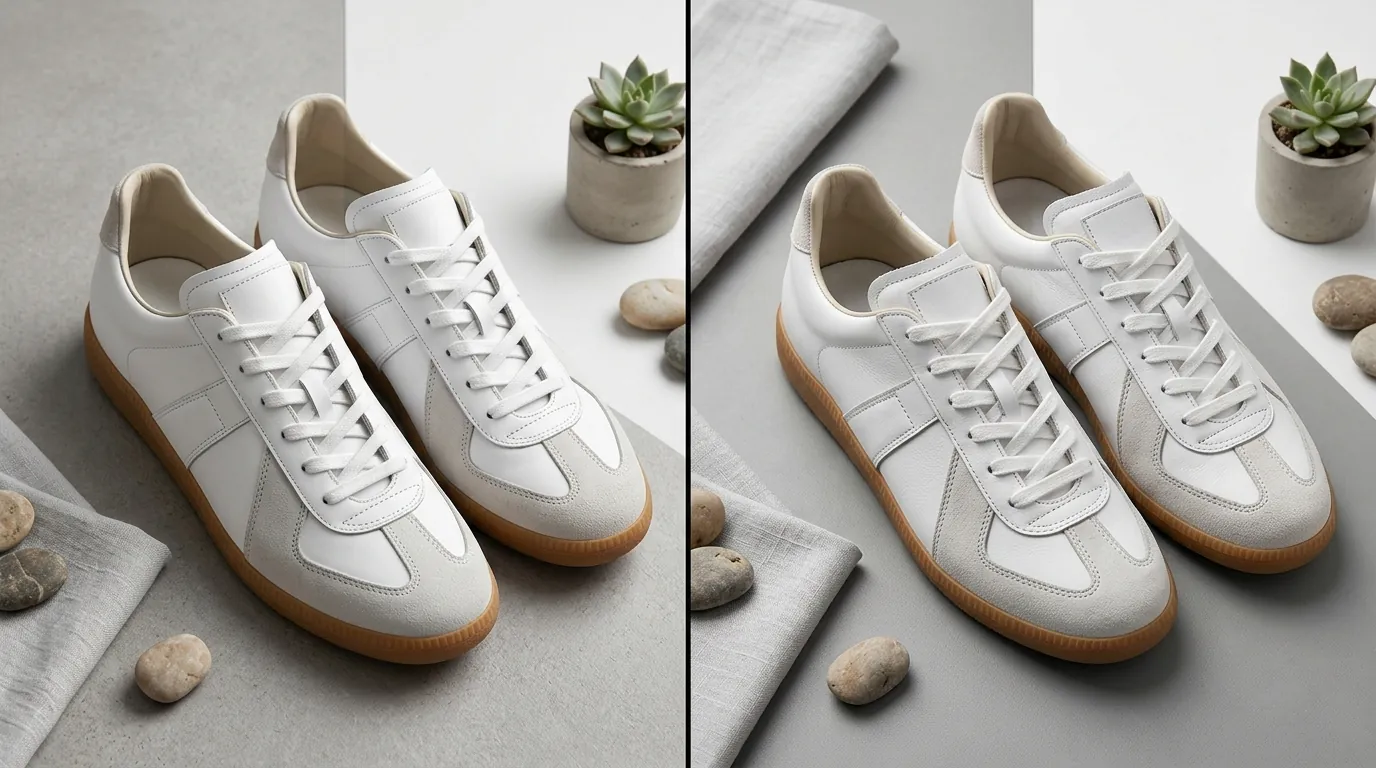
For 2026 ecommerce operations, Flux 2 is the clear winner for product realism. The ability to maintain brand integrity through its multi-reference system is a feature Midjourney simply hasn’t matched. Accuracy is the foundation of trust in ecommerce; if a customer feels deceived by an AI-generated image that looks “too different” from the product they receive, your brand reputation will suffer.
However, do not try to build a Flux 2 pipeline from scratch unless you are a developer. The time spent troubleshooting ComfyUI nodes or API timeouts is time you aren’t spending on product development or marketing.
Use PixelMatch to bridge the gap. By leveraging the Flux 2 engine within a dedicated ecommerce interface, PixelMatch allows you to:
- Upload your 10 reference images once.
- Select “Amazon Main Image,” “Shopify Lifestyle,” or “TikTok Ad” presets.
- Batch-generate hundreds of images that are automatically sized and formatted to platform specs.
This workflow gives you Flux 2’s 4-megapixel realism without the 90GB VRAM headache.
Actionable Step: Transition your “Hero” image production (the first image a customer sees) to a Flux-based workflow this week. Compare the click-through rate (CTR) of a Flux-generated “real” image against your old Midjourney or stock-photo renders.
Frequently Asked Questions
Can I use Midjourney v8 images on Amazon?
Yes, but with caution. Amazon requires your main “Hero” image to be a pure white background (RGB 255, 255, 255) and show the actual product with minimal props. Midjourney often adds artistic flair or slight product distortions that can lead to listing suspension if a competitor reports your image as misleading. Always use a background removal tool after generating in Midjourney to ensure a compliant white background.
Does Flux 2 handle text on products perfectly?
While Flux 2 is significantly better than Midjourney, it is not 100% perfect on very long ingredient lists or tiny legal disclaimers. It excels at brand names and large labels. For the fine print on the back of a bottle, it is still best to use the AI for the “scene” and then overlay your high-resolution label file using a tool like PixelMatch or Photoshop to ensure 100% legibility.
Is it cheaper to run Flux 2 locally or use an API?
Running Flux 2 locally requires a high-end GPU (e.g., NVIDIA RTX 4090) which costs upwards of $1,600. Unless you are generating more than 50,000 images a year, the $0.03 - $0.07 per image API cost is much more economical for the average Shopify or Amazon seller.
What is the best resolution for AI product images?
For most platforms, you should aim for at least 2000 x 2000 pixels. Amazon’s zoom feature requires a minimum resolution, and Shopify recommends 2048 x 2048 pixels for a square aspect ratio. Both Midjourney v8.1 and Flux 2 can hit these targets, but Flux 2’s 4-megapixel output provides more “headroom” for cropping.
Ready to scale your listings?
PixelMatch generates white-background, lifestyle, and variant mockups from a single source photo — built specifically for multi-platform ecommerce sellers. 50 free images on signup, no credit card.
Start free →
Sources
- Amazon Seller Central: Product Image Requirements
- Shopify Help Center: Product Image Specifications
- Black Forest Labs: Flux 2 Model Specifications and Multi-Reference System
- Black Forest Labs: API Pricing and Documentation
- Midjourney Documentation: Subscription Plans and GPU Hours
- Midjourney Documentation: Aspect Ratios and Resolution
- TikTok Shop Seller Center: Image and Video Requirements