Photoroom vs Midjourney for Professional Product Photos (2026)
Stop losing hours toggling between background removal tools and lifestyle scene generators just to keep a single product listing updated across Amazon, Shopify, and TikTok Shop. Multi-platform sellers frequently face the “consistency gap”—where high-quality studio shots look great on a website but fail the strict, pure-white background requirements of marketplace giants.
TL;DR Verdict
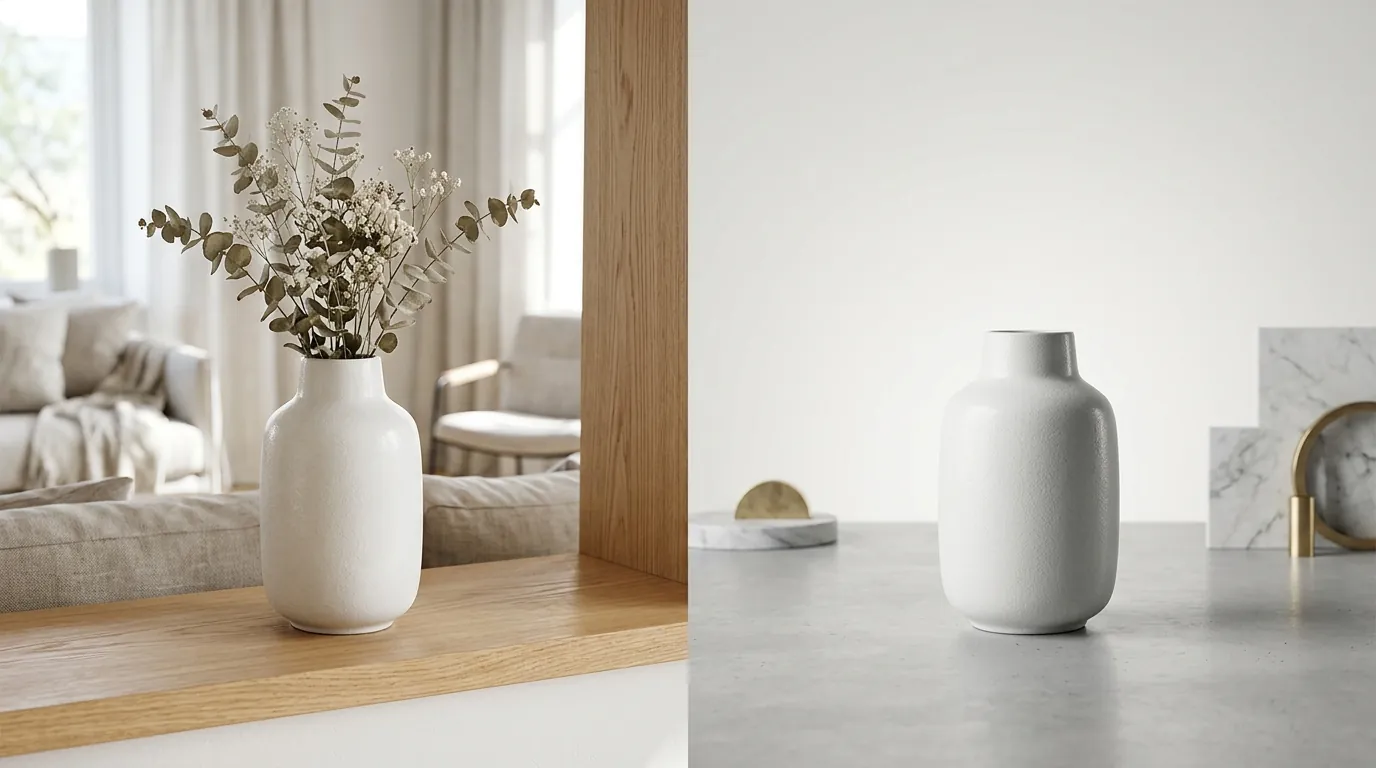
Photoroom and Midjourney serve two fundamentally different stages of the ecommerce visual funnel. Photoroom is a utility-first tool designed for high-velocity catalog management, while Midjourney is a creative powerhouse for brand storytelling.
- Photoroom is purpose-built for ecommerce, automatically removing backgrounds and adding standard shadows to meet Amazon’s pure white background rule. It prioritizes “Product Integrity,” ensuring your item looks exactly as it does in real life.
- Midjourney is a general-purpose AI art generator that creates stunning lifestyle scenes but requires complex prompting and doesn’t natively preserve your exact product without heavy manipulation via “Character Reference” (
--cref) or “Style Reference” (--sref) parameters. - The Choice: Sellers needing strict compliance and speed lean toward Photoroom. Those wanting high-end, editorial-style campaign imagery for social media use Midjourney.
Actionable Step: Audit your current Amazon Main Images using the Amazon Image Quality tool to ensure they meet the 85% product-to-frame ratio. If you have more than 50 listings failing this check, use Photoroom’s batch mode to fix them in one click.
Side-by-Side Feature Table
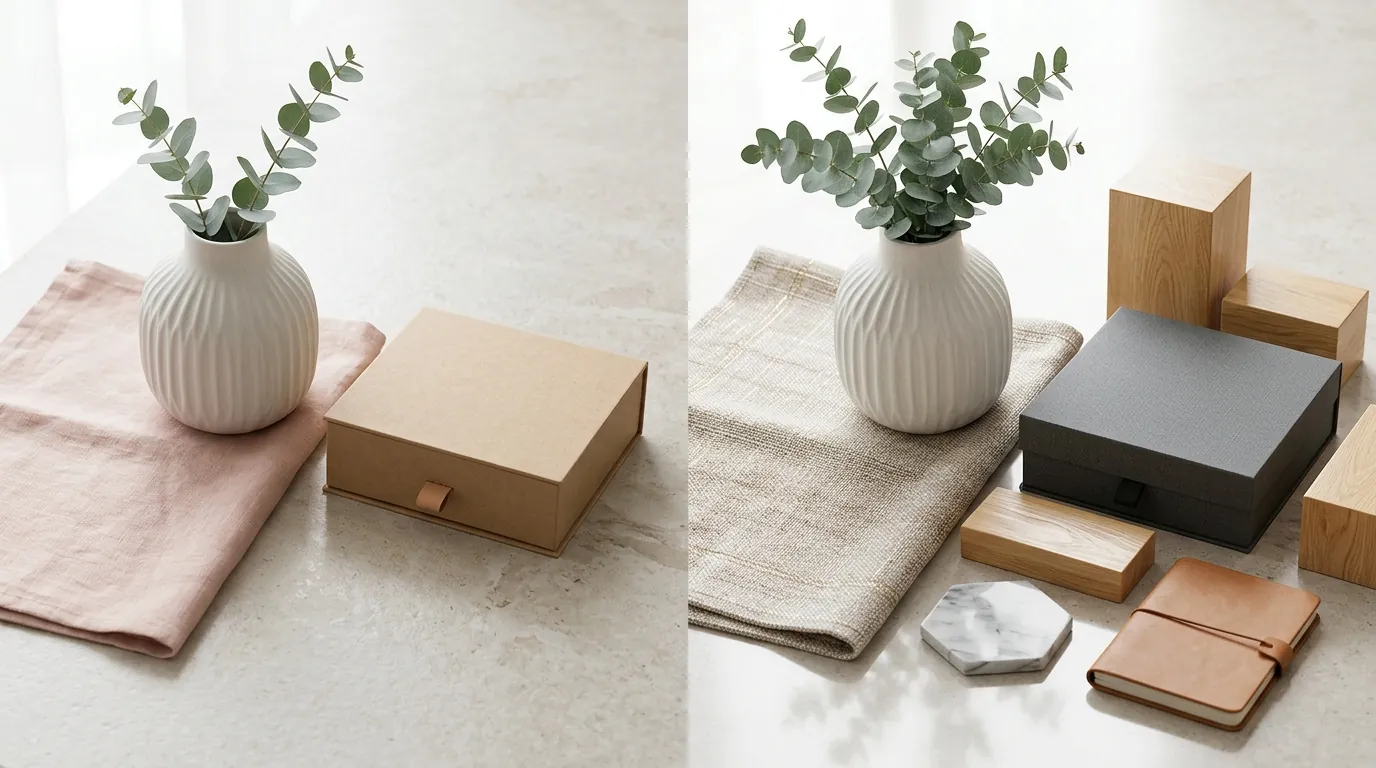
Scaling a multi-platform store requires understanding the technical constraints of each tool. While Photoroom focuses on the “Standard Operating Procedure” (SOP) of a seller, Midjourney focuses on the “Art Direction.”
| Feature | Photoroom | Midjourney |
|---|---|---|
| Primary Use Case | Batch background removal & clean catalog shots | Creative lifestyle scenes & social media content |
| Exact Product Preservation | High (uses your original photo) | Low (often “hallucinates” or alters product details) |
| Batch Processing | Yes (available in Pro and Business tiers) | No (requires 3rd-party API or manual generation) |
| Export Resolution | Up to 2048 x 2048 px (Shopify Optimized) | Variable (up to ~1024px, requires upscaling) |
| Background Removal | Native, 1-click AI Background Remover | None (requires external tools) |
| Learning Curve | Low (Mobile & Web App) | High (Discord-based or Web Alpha, Prompt Engineering) |
| Marketplace Compliance | Built-in presets for Amazon, eBay, and Etsy | Manual (requires careful prompting for white backgrounds) |
Actionable Step: Check your export settings against Shopify’s recommendation of 2048 x 2048 pixels. If you use Midjourney, you must run your output through an AI upscaler like Gigapixel AI or Photoroom’s own AI Upscaler to hit these high-res requirements without blurriness.
Pricing Comparison
💡 Skip the manual editing. PixelMatch batch-generates ecommerce-ready product images in 60 seconds — white background, lifestyle scenes, and variant mockups from a single source photo. Try PixelMatch free →
Pricing for AI tools in 2026 is no longer just about the monthly fee; it is about the “cost per listing.” Photoroom offers a predictable cost for high-volume sellers, while Midjourney’s costs can scale quickly if you require privacy or high-speed generation.
Photoroom Pricing
- Free Tier: Allows basic edits and background removals but includes a Photoroom watermark on exports.
- Pro Tier ($12.99/mo or $89.99/year): Unlocks batch mode, high-definition exports, and custom branding. This is the “sweet spot” for most Shopify and Etsy sellers.
- Business/API Tier: Custom pricing based on volume, designed for marketplaces or sellers with 1,000+ SKUs who want to automate their workflow.
Midjourney Pricing
- Basic Plan ($10/mo): Limited to 3.3 hours of GPU time per month, which roughly equates to 200 generations.
- Standard Plan ($30/mo): Includes unlimited “Relaxed” generations, which is essential if you are iterating on complex product prompts.
- Pro Plan ($60/mo): Crucial for professional sellers because it includes Stealth Mode. Without Stealth Mode, every product image you generate is visible in the public Midjourney gallery, allowing competitors to see your creative concepts and prompts.
Actionable Step: Calculate your break-even point. If you spend more than 5 hours a week manually removing backgrounds in Photoshop, the Photoroom Pro tier pays for itself in a single afternoon of saved labor costs.
Best For (By Seller Profile)

The “best” tool depends entirely on your platform mix and your brand’s visual identity.
The Marketplace Scaler (Amazon, eBay, Walmart)
If you sell on Amazon, your Main Image is your most important asset. Amazon requires a pure white background (RGB 255, 255, 255). Photoroom is the winner here. It allows you to take a photo on your phone and instantly apply a compliant background that passes Amazon’s automated “Image Quality” checks.
The Boutique Brand (Shopify, Instagram, Pinterest)
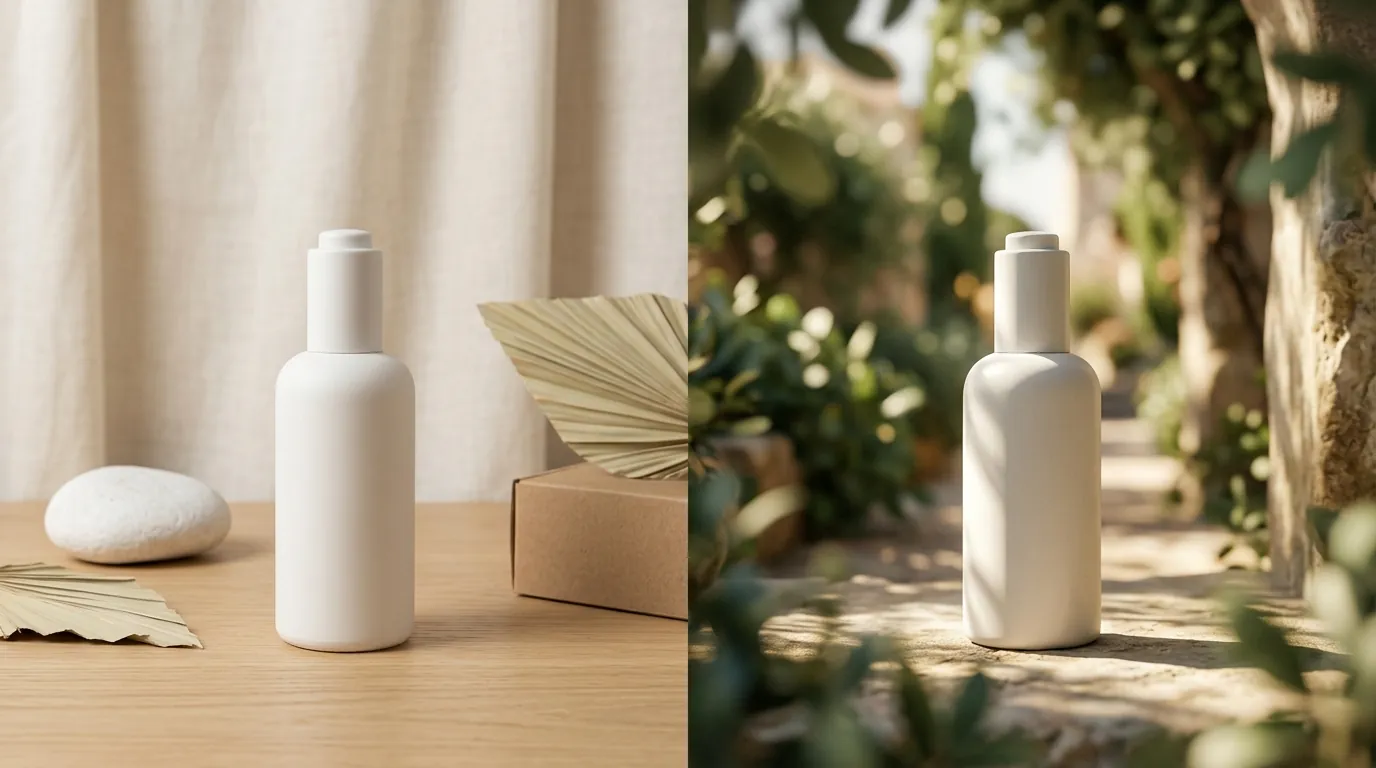
If you sell high-margin lifestyle products—like organic skincare or luxury candles—Midjourney is superior for creating “mood.” You can prompt Midjourney to place a generic bottle in a “sun-drenched Mediterranean bathroom with marble countertops” to create a vibe. However, you will likely need to use a tool like PixelMatch or Photoshop to swap the generic AI bottle for your actual product.
The Social Commerce Seller (TikTok Shop, Etsy)
Etsy shoppers value “lifestyle” but also “authenticity.” Photoroom’s “Instant Backgrounds” feature allows you to place your product in realistic, AI-generated rooms that don’t look overly “AI-generated.” TikTok Shop’s image requirements also favor 1:1 ratios and clear product visibility, which Photoroom handles natively via its crop presets.
Actionable Step: Segment your catalog into “Hero” images and “Catalog” images. Use Midjourney for your top 3 Hero images (banners, ads) and use Photoroom for the remaining 95% of your catalog to maintain speed and compliance.
Where Each Falls Short
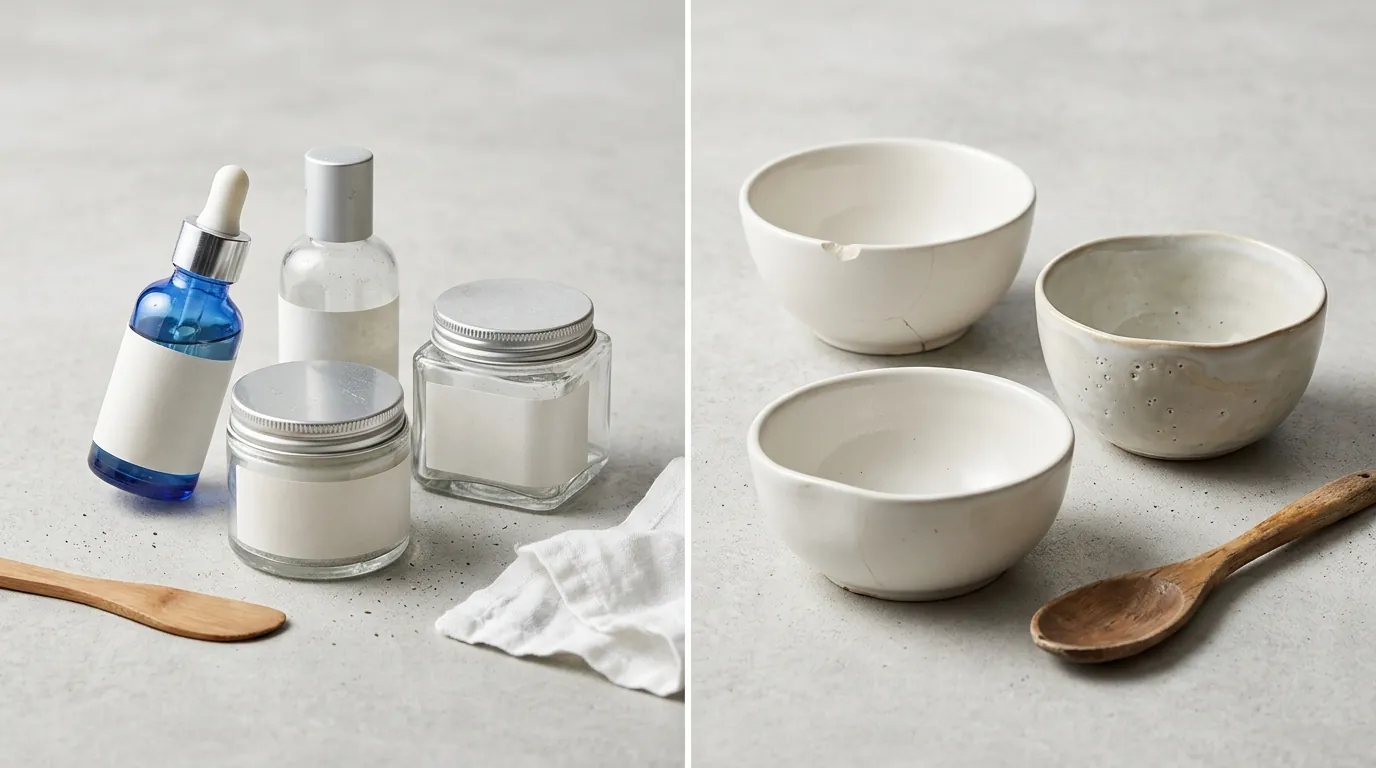
Neither tool is a “magic button” that replaces a professional workflow entirely. Understanding their failure points prevents costly listing rejections.
Photoroom’s Limitations: The “Generic” Trap
Photoroom is excellent at compliance, but its AI-generated lifestyle backgrounds can occasionally look repetitive. If every seller in your niche uses the same “Wood Table” preset, your brand loses its distinct identity. Photoroom also lacks the deep artistic control found in Midjourney; you cannot tell Photoroom to “render this in the style of a 1970s film noir movie.”
Midjourney’s Limitations: The “Hallucination” Problem
The biggest hurdle for Midjourney in ecommerce is Product Integrity. If you upload a photo of a supplement bottle and ask Midjourney to put it on a mountain top, Midjourney will often change the text on the label, the shape of the cap, or the color of the liquid. This is a violation of FTC truth-in-advertising guidelines and can lead to customer returns when the physical product doesn’t match the image.
Actionable Step: To minimize distortion in Midjourney, use the --cref (Character Reference) tag followed by the URL of your product photo. Set the --cw (Character Weight) to 100 to tell the AI to stay as close to the original image as possible.
Recommendation
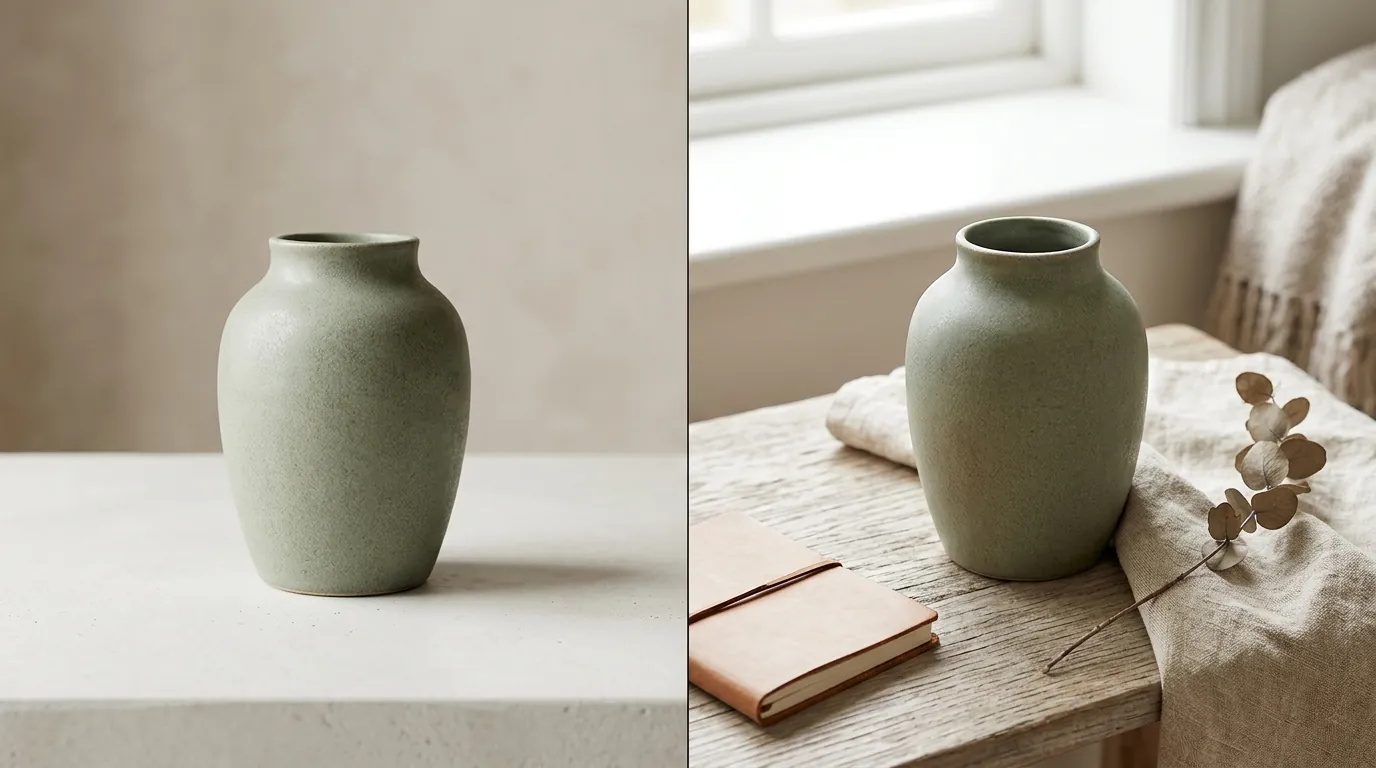
Choosing between Photoroom and Midjourney shouldn’t be an “either/or” decision, but rather a “where in the workflow” decision.
- Use Photoroom when you need to process 100 images for a new Amazon launch by tomorrow. Its batch processing and marketplace presets are unmatched for speed.
- Use Midjourney when you are designing a brand identity or need a “stop-the-scroll” image for a Facebook Ad campaign where artistic flair matters more than 100% technical accuracy.
- Use PixelMatch when you need to bridge the gap. PixelMatch is designed specifically for multi-platform sellers who need the creative power of Midjourney (high-end lifestyle scenes) combined with the technical precision of Photoroom (preserving your exact product). PixelMatch allows you to batch-generate lifestyle scenes that keep your product’s labels, textures, and dimensions identical across every generation.
Actionable Step: Set up a centralized “Product Asset” folder. For every new SKU, run one “Compliance Shoot” (Photoroom for white backgrounds) and one “Creative Shoot” (Midjourney or PixelMatch for lifestyle). This ensures you have the right assets for both the Amazon search results page and your Shopify homepage.
By integrating these tools into a structured workflow, you can reduce your photography costs by up to 90% while increasing your listing speed, ensuring your store remains competitive in the 2026 ecommerce landscape.
Ready to scale your listings?
PixelMatch generates white-background, lifestyle, and variant mockups from a single source photo — built specifically for multi-platform ecommerce sellers. 50 free images on signup, no credit card.
Start free →
Sources
- Amazon Seller Central: Product Image Requirements
- Shopify Help Center: Product Image Sizes and Best Practices
- Etsy Help: Requirements for Listing Photos
- Photoroom Pricing and Plans
- Midjourney Subscription Plans and GPU Time
- TikTok Shop: Product Image Specifications
- FTC Advertising FAQ for Small Business