Shopify Magic AI Image Expansion Edge Blurring Fix (2026)
Stop wasting time squinting at pixelated product silhouettes that look like they were cut out with digital safety scissors. If your expanded Shopify backgrounds look professional but your product edges are turning into a blurry mess, you are hitting the platform’s hard resolution ceiling.
Shopify Magic scales generated images down to 1 megapixel, causing edge blurring when expanded. To fix this and meet Amazon’s 1600x1600 px minimum, use a dedicated AI tool like PixelMatch that natively generates high-resolution, uncompressed product images.
TL;DR Verdict: Run a ‘Resolution Stress Test’ on Your Current Shopify Media
Related: Flux Pro Product Depth Map ControlNet Guide vs. PixelMatch · TikTok Shop Mall Invitation: Fix Image Quality to Get Approved · Shopify Summer Edition 2026 AI Visual Search Optimization Tools
Before you spend another hour generating backgrounds in the Shopify admin, check the “Files” section of your dashboard to see if your generated assets are being capped at 1024x1024 pixels. If they are, no amount of prompt engineering will fix the edge blurring—you are fighting a hardware-level compression limit.
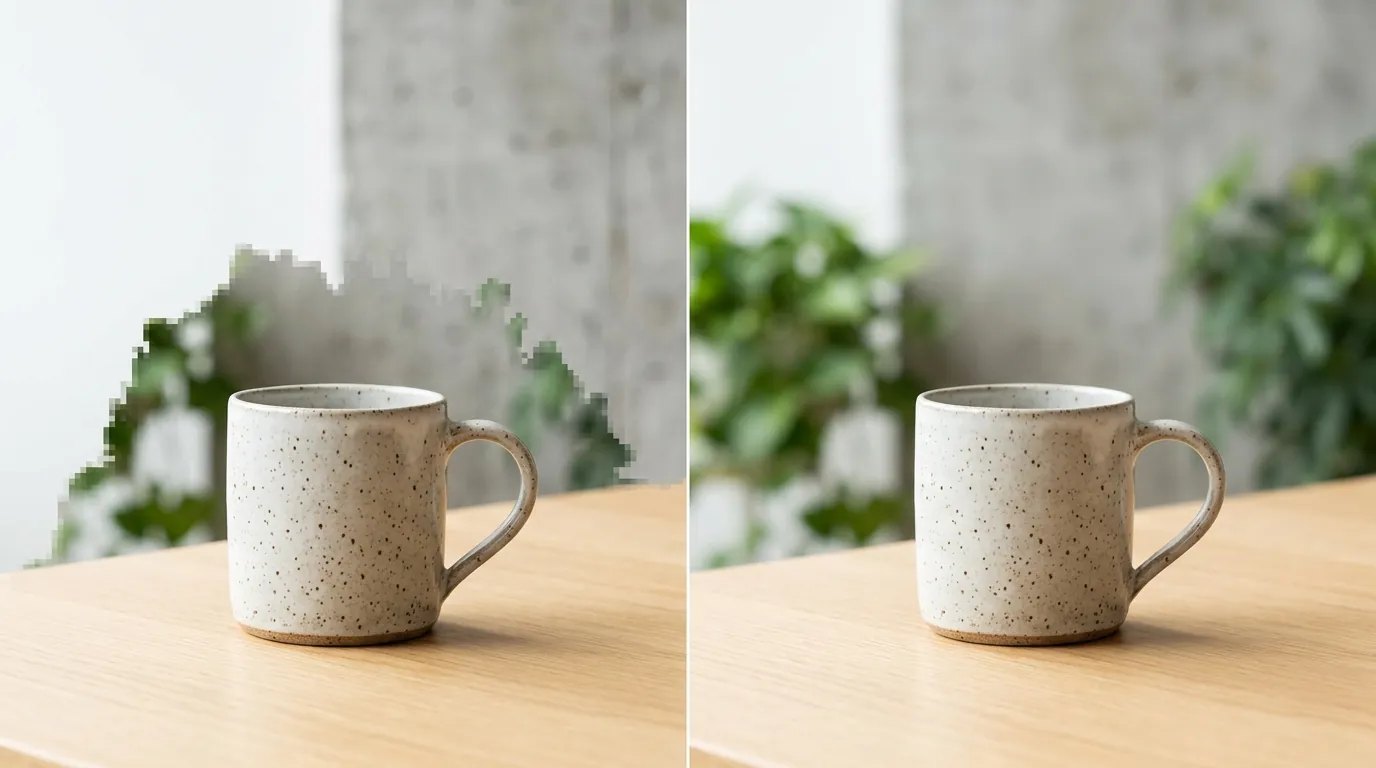
- Shopify Magic’s Resolution Ceiling: While convenient and free for users on the Shopify Basic plan ($39/mo), Shopify Magic is built for speed, not high-fidelity print or marketplace compliance. Its 1 megapixel limit means that as soon as you “expand” an image to fill a square canvas, the AI has to stretch the existing product pixels, resulting in a “halo” of blurriness around your item.
- The Amazon Compliance Gap: As of the Spring 2026 update, Amazon requires a minimum of 1600x1600 pixels for primary images to enable zoom functionality. Shopify Magic’s 1MP output (approximately 1024x1024 px) falls nearly 60% short of this requirement, leading to automatic listing suppression or poor customer trust.
- The PixelMatch Solution: PixelMatch bypasses the 1MP bottleneck by generating images at 4K resolution from the start. It is designed for batch AI image generation where quality and marketplace compliance are the primary objectives, rather than just quick social media filler.
Side-by-Side Feature Table: Map Your Production Specs Against Marketplace Requirements
Open your browser’s “Inspect” tool on your storefront and check the “Intrinsic Size” of your product images. If the intrinsic size is smaller than the display size, your customers are seeing the blur you’re trying to fix. Use the table below to see which tool meets the Amazon product image requirements 2026.
| Feature | Shopify Magic | PixelMatch | Photoroom (Pro) | Adobe Express |
|---|---|---|---|---|
| Max Resolution | 1 Megapixel | 4K (Ultra HD) | 4032x4032 px | 2000x2000 px+ |
| Batch Processing | Manual (One-by-one) | Full Catalog Sync | 2000x2000 px limit | Limited Batch |
| Amazon Compliance | Fails (under 1600px) | Native 1600px+ | Compliant | Compliant |
| Edge Blurring Fix | None (Scaling issue) | Native High-Res | Smooth Edges | AI Upscaling |
| Workflow Location | Shopify Admin | External SaaS | Web/Mobile App | Web/Mobile App |
H3: Assessing the 1MP Bottleneck
To see the problem in real-time, upload a 4000x4000 px photo to Shopify Magic and run the “Expand” tool. Download the result and check the properties. You will find the file has been crushed down to 1024x1024 px. When your Shopify theme tries to display this on a high-resolution desktop monitor, the browser stretches those pixels, making the product edges look soft and unprofessional.
Pricing Comparison: Calculate Your ‘Time-to-List’ Metric for Your Editing Workflow
💡 Skip the manual editing. PixelMatch batch-generates ecommerce-ready product images in 60 seconds — white background, lifestyle scenes, and variant mockups from a single source photo. Try PixelMatch free →
Estimate how many minutes you spend per product manually clicking “Generate” and “Save” inside the Shopify Media editor. If you have 100 products and spend 5 minutes each, that is over 8 hours of manual labor. Compare that against the subscription costs of tools that automate this process.
- Shopify Magic Pricing: This tool is included in your Shopify subscription. Whether you are on the Basic plan at $39/mo, the Shopify plan at $105/mo, or the Advanced plan at $399/mo, the AI features do not cost extra. However, the “cost” is hidden in the manual workflow and the potential loss of sales due to low-resolution images.
- PixelMatch Pricing: Pricing follows a tiered subscription model based on the number of images you need to generate. High-volume sellers typically find the cost-per-image significantly lower than hiring a retoucher or spending hours on manual AI generation. Most plans include a free tier to verify that the edge-blurring fix works for your specific products.
- Alternative Tool Pricing:
- Photoroom: Offers a Pro tier at $12.99/mo which unlocks higher resolution and batch editing, though batch exports are capped at 2000x2000 px.
- Adobe Express: The Premium plan costs $9.99/mo and provides access to Firefly-powered generative fill, though it is not optimized for bulk ecommerce catalog management.
Best For (By Seller Profile): Segment Your Catalog by Image Complexity
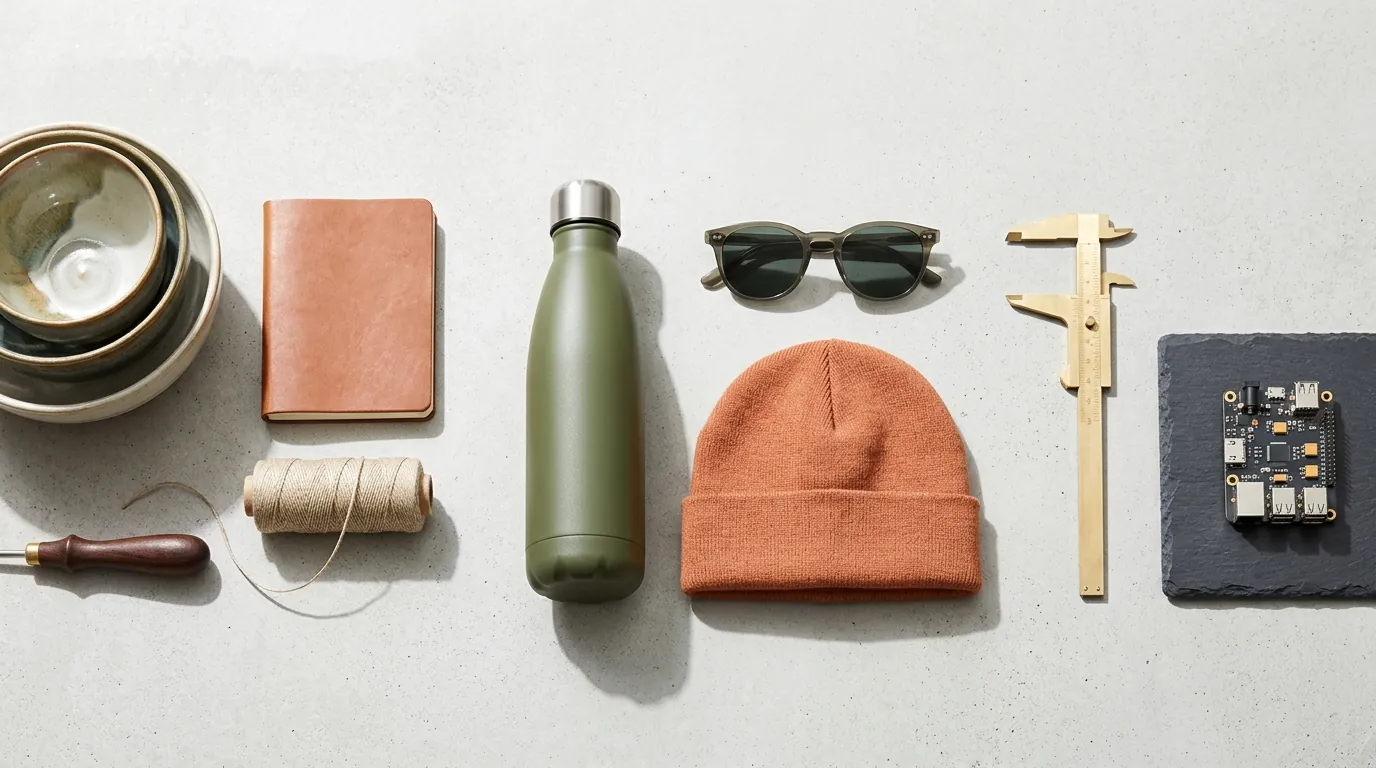
Create a spreadsheet of your SKUs and categorize them by “Visual Complexity.” Simple geometric shapes (like boxed supplements) might survive Shopify Magic’s compression, but complex shapes (like jewelry, apparel, or plants) will always show edge blurring.
H3: The Single-Platform Hobbyist
If you only sell on Shopify, have fewer than 10 products, and your customers primarily shop on small mobile screens, Shopify Magic is sufficient. The 1MP limit is less noticeable on a 5-inch smartphone screen where the pixel density hides the soft edges.
H3: The Multi-Platform Professional
If you sync your catalog to Amazon, Etsy, or TikTok Shop, you need a high-resolution solution.
- Amazon: Requires 1600x1600 px for the zoom feature.
- TikTok Shop: Recommends 1:1 or 3:4 aspect ratios with high clarity to pass their strict content moderation AI.
- Instagram: Standardizes on 1080x1080 px, which is right at the edge of Shopify Magic’s maximum capability, leaving zero room for cropping or zooming.
PixelMatch is the better fit here because it allows you to generate one high-res master image and auto-resize it for every platform’s specific requirements without losing edge detail.
Where Each Falls Short: Inspect Your Product Silhouettes for ‘Pixel Bleed’
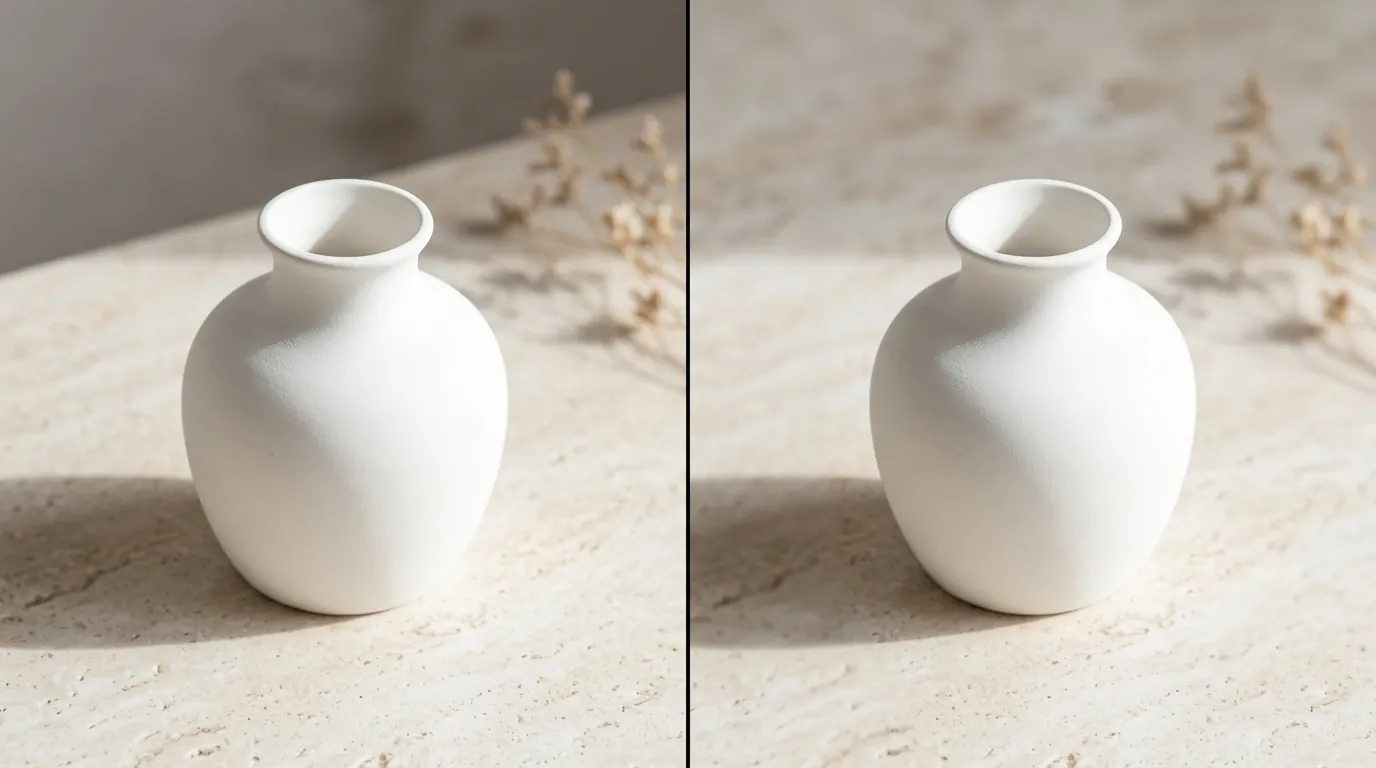
Zoom in to 300% on the edge of your product where it meets the AI-generated background. If you see a “glow” or a “staircase” effect (aliasing), your tool is failing to maintain the alpha mask of your product during the expansion process.
H3: Shopify Magic’s Workflow and Quality Gaps
The biggest weakness of Shopify Magic isn’t just the resolution—it’s the lack of batch AI image generation capabilities. You cannot select 50 products and tell Shopify to “put all of these on a marble kitchen counter.” You must open each product, click the image, wait for the AI to load, select the area, and generate. Furthermore, the automatic scaling down happens behind the scenes; the system does not warn you that it is degrading your image quality.
H3: PixelMatch’s External Workflow
PixelMatch requires you to work outside of the Shopify Admin environment. While this allows for much higher processing power and better AI models, it means you have to export your raw photos and then re-upload the finished high-res assets to Shopify. For sellers with thousands of SKUs, this extra step is offset by the bulk-generation speed, but for a seller with only two products, it may feel like an extra platform to manage.
H3: Competitor Resolution Limits
While Photoroom Pro is excellent for mobile use, its 2000x2000 px batch limit can still be restrictive for sellers who want 4K lifestyle images for large-format hero banners. Adobe Express is a powerful design tool, but it lacks the “product-aware” logic that keeps a product’s perspective and lighting consistent when expanding backgrounds in bulk.
Recommendation: Implement a ‘Source-First’ Image Generation Protocol
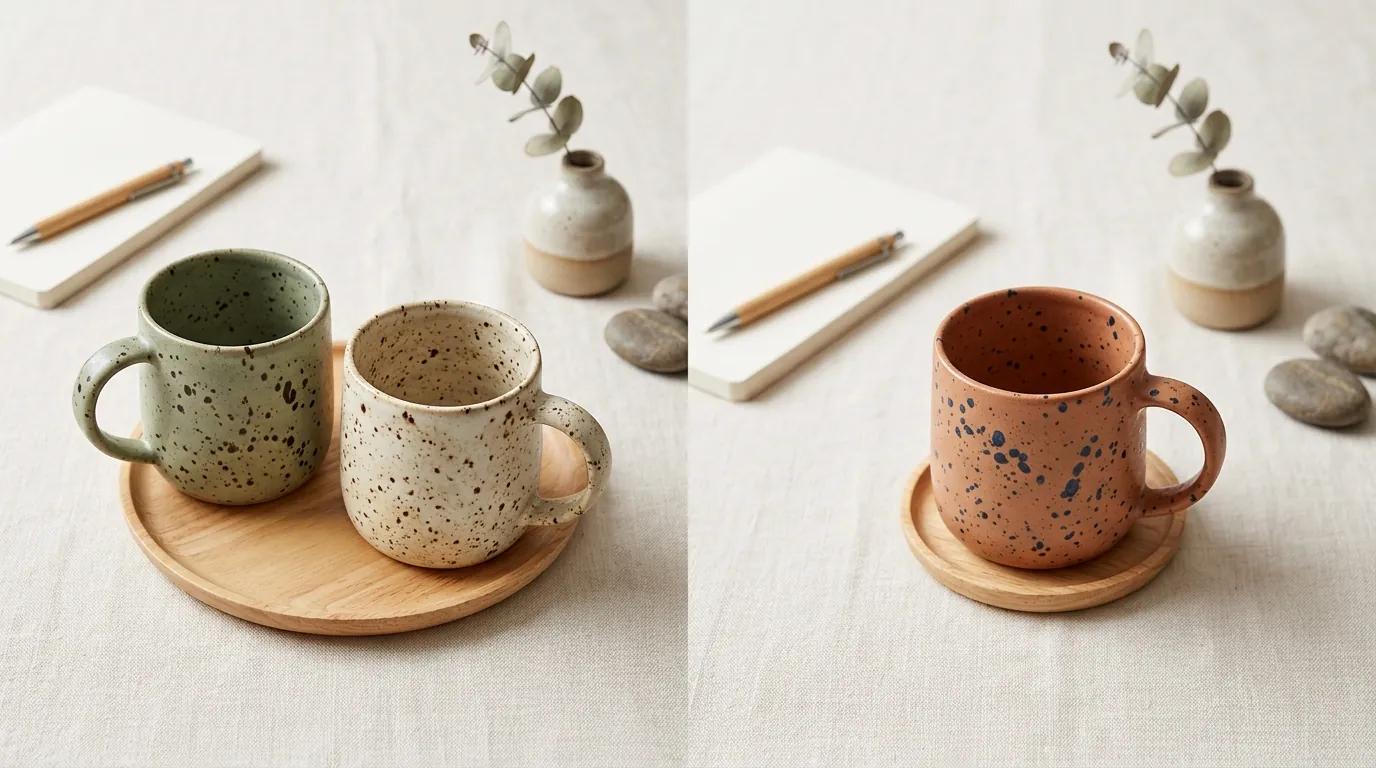
Stop uploading your photos to Shopify first. Shopify’s internal image processing pipeline often applies compression the moment a file is uploaded to the “Media” section. To fix edge blurring, you must use a “Source-First” workflow:
- Keep the Raw Files: Take your product photos in the highest resolution possible (usually 12MP or higher on modern smartphones).
- Generate Before Uploading: Use PixelMatch to expand your backgrounds and generate lifestyle scenes using the original, uncompressed raw files.
- Verify Dimensions: Ensure your final export is at least 1600x1600 px to remain compliant with Amazon’s 2026 standards.
- Upload the Final Asset: Only upload the finished, high-resolution AI image to Shopify. This ensures that the only compression that happens is Shopify’s standard CDN delivery, rather than the destructive 1MP AI scaling.
By moving your AI expansion workflow to a dedicated tool like PixelMatch, you eliminate the technical cause of edge blurring—low-resolution source scaling—and ensure your catalog is ready for every major marketplace.
Frequently Asked Questions
Why does Shopify Magic make my product edges look blurry?
Shopify Magic scales every image down to 1 megapixel (about 1024x1024 pixels) before performing AI expansion. When you try to use that image in a high-resolution theme or on a platform like Amazon that requires 1600x1600 pixels, the pixels are stretched, creating a soft, blurry “halo” around the product.
Can I change the resolution settings in Shopify Magic?
No, there are currently no user-accessible settings to increase the output resolution of Shopify Magic. The 1MP limit is a platform-wide constraint designed to ensure the AI generates results quickly within the Shopify Admin interface. To get higher resolution, you must use an external tool like PixelMatch or Photoroom Pro.
Is 1024x1024 pixels enough for Amazon in 2026?
No. Amazon’s current requirement for primary images is a minimum of 1600 pixels on the longest side. Using Shopify Magic’s 1024x1024 output will result in your images being flagged as “low quality,” and you will not be able to use the “Zoom” feature, which is proven to increase conversion rates.
How does PixelMatch avoid the edge-blurring issue?
PixelMatch processes images at their native resolution and uses higher-fidelity diffusion models that are not capped by the 1MP limit. By generating the AI background at 4K resolution, the tool ensures that the transition between the product edge and the new background remains sharp and professional, even when viewed on large screens.
Ready to scale your listings?
PixelMatch generates white-background, lifestyle, and variant mockups from a single source photo — built specifically for multi-platform ecommerce sellers. 50 free images on signup, no credit card.
Start free →
Sources
- Shopify Help Center: Shopify Magic Media Generation Specs
- Amazon Seller Central: Product Image Requirements
- Shopify Pricing: Plan Tiers and Costs
- Photoroom: Pricing and Pro Features
- Photoroom Technical Docs: Batch Editor Resolution Limits
- Adobe Express: Premium Plan Pricing
- TikTok Shop Academy: Product Image Guidelines
- Instagram Help Center: Image Resolution Standards