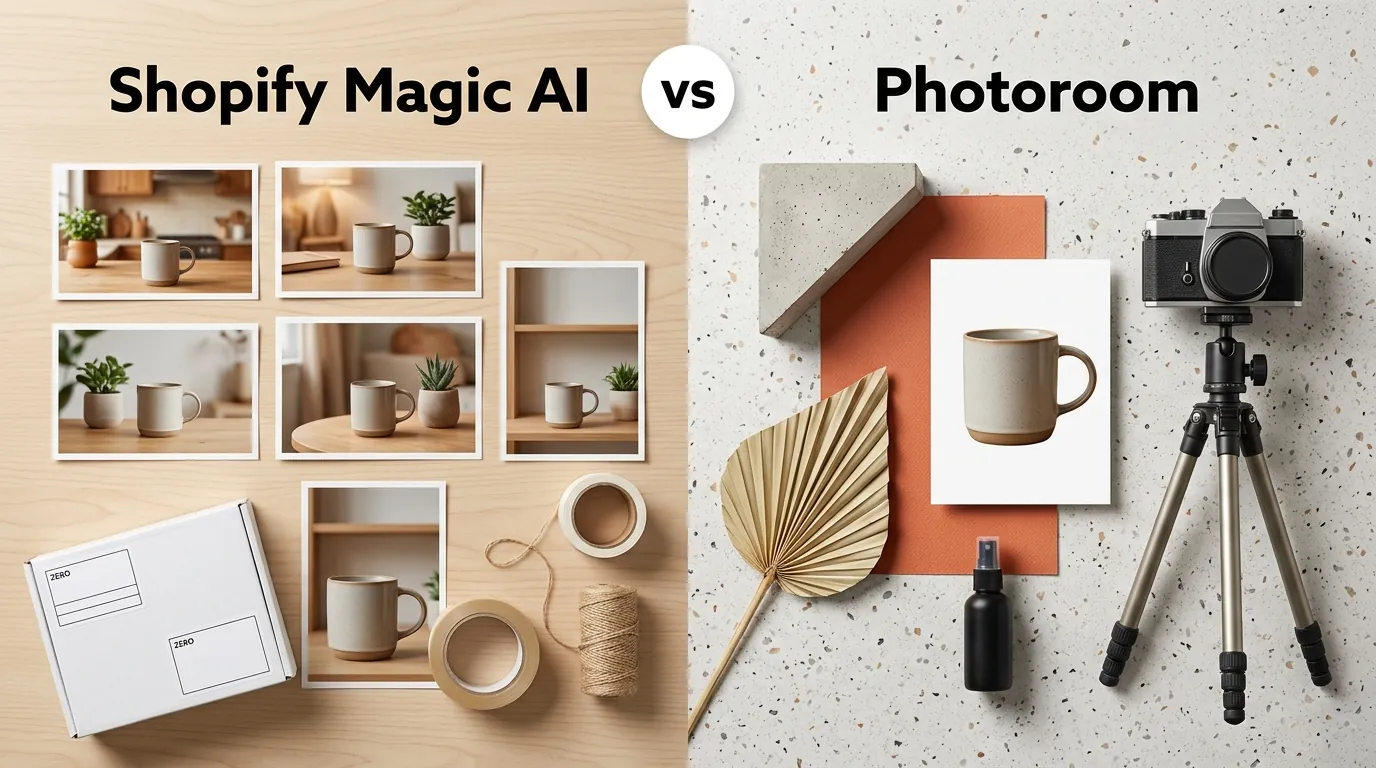
Shopify Magic AI vs Photoroom for Sellers: 2026 Comparison
Scaling a multi-platform product catalog across Shopify, Amazon, and TikTok Shop shouldn’t require three different photography studios or a week of manual clipping. As AI image tools become the standard for ecommerce, the choice between a built-in solution like Shopify Magic and a dedicated powerhouse like Photoroom depends entirely on your SKU count and where you sell.
Shopify Magic AI is a free background generator limited to 1-megapixel exports for Shopify stores. Photoroom costs $12.99/mo and offers batch editing for multi-platform sellers, though its 50-image batch limit hinders large catalogs.
TL;DR Verdict
Related: Claid AI vs Pixelcut for Amazon FBA Sellers (2026) · Google Imagen 3 vs Midjourney v7 for Products: 2026 Guide · Amazon AI Video Generator vs Canva Magic: 2026 Seller Guide
Check your Shopify admin “Files” section today to see if your current product images meet the baseline for AI enhancement. Before committing to a paid subscription, audit your expansion plans for the next six months. If you intend to stay exclusively on Shopify, the built-in tools may suffice; however, multi-channel growth requires a more robust export workflow.
- Shopify Magic AI is built directly into the Shopify admin and is completely free on all Shopify plans, making it a frictionless choice for simple background swaps.
- Photoroom is a standalone app that excels in high-volume, multi-platform workflows, offering advanced features like AI shadows and virtual models.
- While Shopify Magic is strictly for Shopify users, Photoroom exports images that meet strict marketplace guidelines for Amazon, Etsy, and TikTok Shop.
- If you need to batch-process hundreds of SKUs across multiple platforms without Photoroom’s 50 images per session batch cap, PixelMatch is the superior dedicated alternative.
Side-by-Side Feature Table

Audit your current image resolution against marketplace minimums before choosing a tool. If your source files are low-quality, Shopify Magic will not upmarket them, whereas dedicated tools often include AI upscaling to ensure your “zoom-in” features function correctly on mobile devices.
| Feature | Shopify Magic AI | Photoroom (Pro) | PixelMatch |
|---|---|---|---|
| Price | Free (Included) | $12.99/mo or $89.99/yr | Enterprise-Grade Batching |
| Max Resolution | 1 Megapixel (1024x1024) | High Definition (2K+) | High Definition (4K+) |
| Batch Limit | None (Single-image only) | 50 images per session | Unlimited Batching |
| Platform | Shopify Only | Multi-platform (Web/iOS/Android) | Multi-platform (Web) |
| AI Virtual Models | No | Yes (Pro Tier) | Yes |
| Marketplace Specs | Shopify optimized | Amazon, Etsy, eBay presets | Cross-platform compliant |
Resolution is a critical differentiator for professional sellers. Shopify Magic scales images down to a 1 megapixel (MP) resolution, whereas Photoroom Pro supports high-definition exports suitable for zoom-in features on Amazon. Batching is the second major hurdle; Shopify Magic processes images one by one in the file editor, which is a significant time-sink for catalogs larger than 10 items. Photoroom supports batching, but limits Pro users to 50 images per session, forcing you to restart the workflow repeatedly for large inventories. Platform restrictions also apply: Shopify Magic is locked to the Shopify ecosystem. Photoroom and PixelMatch allow direct downloads for multi-platform distribution.
Pricing Comparison

💡 Skip the manual editing. PixelMatch batch-generates ecommerce-ready product images in 60 seconds — white background, lifestyle scenes, and variant mockups from a single source photo. Try PixelMatch free →
Calculate your cost-per-image by dividing your monthly subscription by your average SKU update volume. For a seller updating 100 products a month, Photoroom Pro costs roughly $0.13 per product, while Shopify Magic remains $0.00. However, the “hidden cost” of Shopify Magic is the labor time required to edit each image individually.
Shopify Magic AI is included at no additional cost on all standard and Plus Shopify plans. This makes it the default choice for budget-conscious starters. Photoroom offers a more complex pricing structure. They provide a limited free tier capped at 250 exports/month with watermarks, which is generally unusable for professional storefronts.
Photoroom’s Pro plan costs $12.99/month or $89.99/year and removes watermarks while unlocking higher generation limits and batch exports. Sellers should be aware that Photoroom also offers a weekly billing option at $4.99/week, which many users select by mistake, leading to a much higher effective monthly cost of nearly $20. Furthermore, Photoroom charges separately for API access, which can unexpectedly inflate costs for sellers trying to automate their catalog updates via third-party integrations.
Best For (By Seller Profile)

Map your total SKU count to the tool’s session limits before starting your next photoshoot. A seller with 500 SKUs will find the Photoroom “50-image cap” just as frustrating as the Shopify “one-by-one” workflow.
When to Choose Shopify Magic
Choose Shopify Magic AI if you are a single-platform beginner with a small catalog. If you only need basic white backgrounds or simple color fills and you perform all your management directly inside the Shopify dashboard, the convenience of not leaving your admin panel is a major win. It is ideal for dropshippers testing a handful of products who need a clean look without any overhead costs.
When to Choose Photoroom
Choose Photoroom if you are a solopreneur or a boutique fashion brand. If you need features like the AI Virtual Model—which places your clothing on a generated person—and you sell across Shopify, Instagram, and Poshmark, Photoroom’s mobile app is highly efficient. It is best for those who shoot products on their phones and want to edit on the go, provided they don’t mind the 50-image batch limit.
When to Choose PixelMatch
Choose PixelMatch if you are a scaling multi-platform seller. When you need to batch-generate thousands of compliant product images for Amazon, Etsy, and TikTok Shop simultaneously, PixelMatch removes the technical bottlenecks. It is designed for the high-volume workflow where hitting a “session cap” every 50 images would break your operations. PixelMatch is built for the seller who manages a massive database and needs consistent, high-resolution results across every marketplace.
Where Each Falls Short

Run a “zoom-test” on your mobile device to check for pixelation before pushing new images live. Open your storefront on a high-resolution smartphone; if the product edges look jagged, your tool’s resolution cap is hurting your conversion rate.
Shopify Magic’s biggest limitation is its strict 1 megapixel (MP) resolution cap. For context, Amazon requires images to be at least 1000 pixels on the longest side to enable the zoom function, though they recommend 1600 pixels. Shopify’s 1MP output (often 1024x1024) barely hits the minimum requirement and can look blurry on modern retina displays or when a customer tries to inspect fabric textures. Additionally, Shopify Magic lacks batch processing, forcing sellers to edit every single product image manually in the file editor.
Photoroom’s Pro plan restricts batch processing to 50 images per session, creating a frustrating bottleneck for sellers updating large seasonal catalogs. If you have 200 new arrivals, you must run the batch tool four separate times, re-selecting settings each time. Furthermore, Photoroom’s billing structure can be confusing; the mobile app often prompts for weekly subscriptions that are significantly more expensive than the annual plan. Users frequently report selecting the weekly billing option by mistake, leading to higher effective monthly costs that eat into profit margins.
Recommendation

Set a 30-minute timer to batch-process your next 100 SKUs. If the tool you choose requires you to click “Process” more than twice, it is not optimized for your scale.
If you run a small, Shopify-exclusive store and have zero budget for photography tools, use Shopify Magic AI for basic background removal. It is “good enough” for standard web viewing and costs nothing. If you sell apparel and need on-model AI generation for a handful of weekly new arrivals, Photoroom’s Pro plan at $12.99/month is a solid investment for its mobile-first interface.
However, if you are a multi-platform seller who needs to generate high-resolution, marketplace-compliant images in massive batches, PixelMatch is the most efficient workflow. PixelMatch eliminates the session caps found in Photoroom and delivers the high-res outputs that Shopify Magic lacks, saving hours of manual editing and ensuring your images meet the pure RGB 255, 255, 255 white background requirement for Amazon Main Images every single time.
Frequently Asked Questions
Does Shopify Magic AI work for Amazon product images?
While you can download images from Shopify to upload to Amazon, Shopify Magic’s 1-megapixel limit often results in images that are too low-resolution for Amazon’s zoom feature. Amazon recommends 1600 pixels on the longest side for optimal quality, which Shopify Magic cannot consistently provide.
Can I use Photoroom for free without watermarks?
No, the Photoroom free tier includes a watermark on all exported images. To remove watermarks and access batch editing features, you must subscribe to the Pro plan, which starts at $12.99/month.
What is the fastest way to edit 500 product images?
Using a tool with a session cap like Photoroom would require 10 separate batch sessions. To edit 500 images efficiently, you need a dedicated bulk AI generator like PixelMatch that allows you to upload the entire catalog at once and apply consistent background and lighting settings across all files.
Is AI image generation allowed on Etsy and TikTok Shop?
Yes, both platforms allow AI-enhanced images, but they have strict policies against misleading customers. The product itself must be an accurate representation of what the customer will receive; however, using AI to generate backgrounds or enhance lighting is a standard practice for professional sellers.
Ready to scale your listings?
PixelMatch generates white-background, lifestyle, and variant mockups from a single source photo — built specifically for multi-platform ecommerce sellers. 50 free images on signup, no credit card.
Start free →
Sources
- Shopify Help Center: Media Generation with Shopify Magic
- Photoroom Pricing and Features
- Photoroom Batch Editor Features
- WizCommerce: Photoroom Pricing Review
- Amazon Seller Central: Product Image Requirements
- Etsy Help Center: Requirements for Listing Photos