Shopify Magic vs Amazon AI Image Generator: 2026 Comparison
Stop wasting hours toggling between the Shopify admin and Amazon Seller Central just to fix a single product background. As a multi-platform seller, you need images that satisfy two completely different masters: the conversion-focused “vibe” of your Shopify storefront and the rigid, compliance-heavy environment of the Amazon marketplace.
Shopify Magic is best for quick, free lifestyle backgrounds directly in your Shopify admin, while Amazon’s AI generator excels at creating compliant Sponsored Brand ads. For multi-channel sellers, a dedicated tool like PixelMatch is the most efficient choice.
TL;DR Verdict

Related: Flux 1.1 Pro vs Dev for Product Shadows: Ecommerce Guide · Amazon Prime Day 2026 AI Video Requirements & Top Generators Compared · Shopify Summer Edition 2026 AI Image Tools vs. Competitors
Audit your current image workflow by timing how long it takes to generate a single lifestyle background in Shopify versus the Amazon Advertising console. If you find yourself repeating the same prompt across both platforms for every SKU, you are leaking billable hours.
- Shopify Magic is a native suite that allows merchants to edit images and generate lifestyle backgrounds directly within the Shopify admin dashboard. It is designed for speed and aesthetic flexibility, helping you match your store’s brand identity.
- Amazon’s AI image generator is built into the advertising console, specifically designed to help sellers create lifestyle creatives for Sponsored Brands campaigns. It prioritizes ad performance and marketplace compliance over creative freedom.
- Fragmentation is the enemy. Both tools are highly effective for their specific ecosystems but create a fragmented workflow for multi-platform sellers who need to list the same product across both storefronts. You cannot easily pull a Shopify Magic background into an Amazon Sponsored Brand ad without manual downloading and re-uploading.
- Scaling requires automation. Sellers managing catalogs across both platforms often prefer third-party batch generators like PixelMatch to create compliant images for both channels simultaneously. This eliminates the “double-work” inherent in using two platform-specific AI tools.
Side-by-Side Feature Table

Test your current main images against the Amazon pure white background requirement using a standard digital color meter before deciding which tool to use for your primary listings.
| Feature | Shopify Magic | Amazon AI Image Generator | PixelMatch (Multi-Platform) |
|---|---|---|---|
| Primary Use Case | Product page lifestyle shots | Sponsored Brands/Display ads | Batch-generating multi-channel assets |
| Main Image Compliance | No automated white-background check | Focuses on lifestyle (not Main Images) | Automated RGB 255, 255, 255 |
| Recommended Resolution | 2048 x 2048 px | 1600 px on longest side | Customizable (up to 4k) |
| Batch Processing | One-by-one editing | One-by-one generation | Hundreds of SKUs simultaneously |
| Prompt Style | Open text + Preset themes | Open text + Scene themes | Template-based + Prompting |
| Cost | Free with Shopify Plan | Free for active advertisers | Tiered pricing for scale |
Shopify Magic focuses on generating high-quality lifestyle images optimized for standard D2C storefronts, typically targeting the 2048 x 2048 px recommendation. This ensures that your images look sharp even on high-resolution Retina displays. Amazon’s AI tool, conversely, enforces strict marketplace compliance. While the AI generator is currently focused on lifestyle scenes for ads, any main product image you upload to Amazon must have a pure white (RGB 255, 255, 255) background and the product must fill at least 85% of the frame.
Amazon’s tool allows users to input open text prompts and select pre-set styles to generate brand-themed images for ads. This is a massive leap forward for sellers who previously had to hire photographers for lifestyle context. However, unlike standalone tools like Photoroom or PixelMatch, neither native platform tool offers robust cross-platform batch processing for hundreds of SKUs at once.
Pricing Comparison
💡 Skip the manual editing. PixelMatch batch-generates ecommerce-ready product images in 60 seconds — white background, lifestyle scenes, and variant mockups from a single source photo. Try PixelMatch free →
Review your monthly subscription stack to determine if the “free” native tools are costing you more in manual labor than a paid batch generator.
As of June 2026, the pricing for native AI tools is remarkably consistent: they are bundled into the platform fees you are already paying. Shopify Magic is free on any paid Shopify plan. This includes the Basic, Shopify, and Advanced tiers. There are no additional monthly seat licenses or credit limits to worry about, making it an attractive “zero-cost” entry point for new brands.
Similarly, Amazon’s AI image generation is available at no additional cost for registered sellers and vendors operating within the North American advertising console. You do not pay “per image,” though you are expected to use these images within the Amazon Advertising ecosystem.
While both native tools are free to use within their walled gardens, the hidden cost lies in the manual labor required to generate and download images one by one. If you have a catalog of 100 products and want to refresh their backgrounds for a seasonal sale, doing this manually in Shopify Magic takes roughly 5 to 10 minutes per SKU, including prompt refinement. At a $30/hour labor rate, refreshing 100 SKUs costs you $500 in time.
PixelMatch offers scalable pricing tiers, including a free tier for testing, making it a cost-effective upgrade for sellers who need to automate their workflow across both platforms. When you move to a tool that handles batch processing for hundreds of SKUs, that 10-hour job drops to 15 minutes of setup time.
Best For (By Seller Profile)

Map your product catalog to the specific requirements of each platform, ensuring your Amazon-specific images never leak onto your Shopify “vibe” shots.
Shopify-Only Brands
Shopify Magic is the clear winner for lean D2C brands that want zero setup and need to quickly swap backgrounds without leaving their admin dashboard. If you are launching a single product and need to see it on a marble countertop or a wooden table, the integration is seamless. You can edit the product image directly from the “Media” section of the product page, making it the fastest workflow for single-store owners.
Amazon FBA Exclusives
Amazon’s native AI is perfect for sellers who struggle with ad creative and need to quickly generate lifestyle images for Sponsored Brands campaigns. If you do not have a standalone website and only care about Amazon Advertising performance, stay within the console. It allows you to select your product from your existing catalog and place it into scenes like “a cozy living room” or “an outdoor patio” without needing to re-upload the raw file.
Multi-Platform Sellers
Brands selling on both platforms are better served by PixelMatch. It allows sellers to take a single raw photo and automatically export a 2000 x 2000 px Amazon-compliant main image alongside a stylized Shopify lifestyle shot. By using a centralized tool, you ensure that the color grading and lighting of your product remain consistent across every marketplace, which is critical for brand recognition.
Where Each Falls Short
Use a browser extension or a digital color picker to check the RGB values of your generated backgrounds to avoid the “off-white” rejection loop common in AI-generated files.
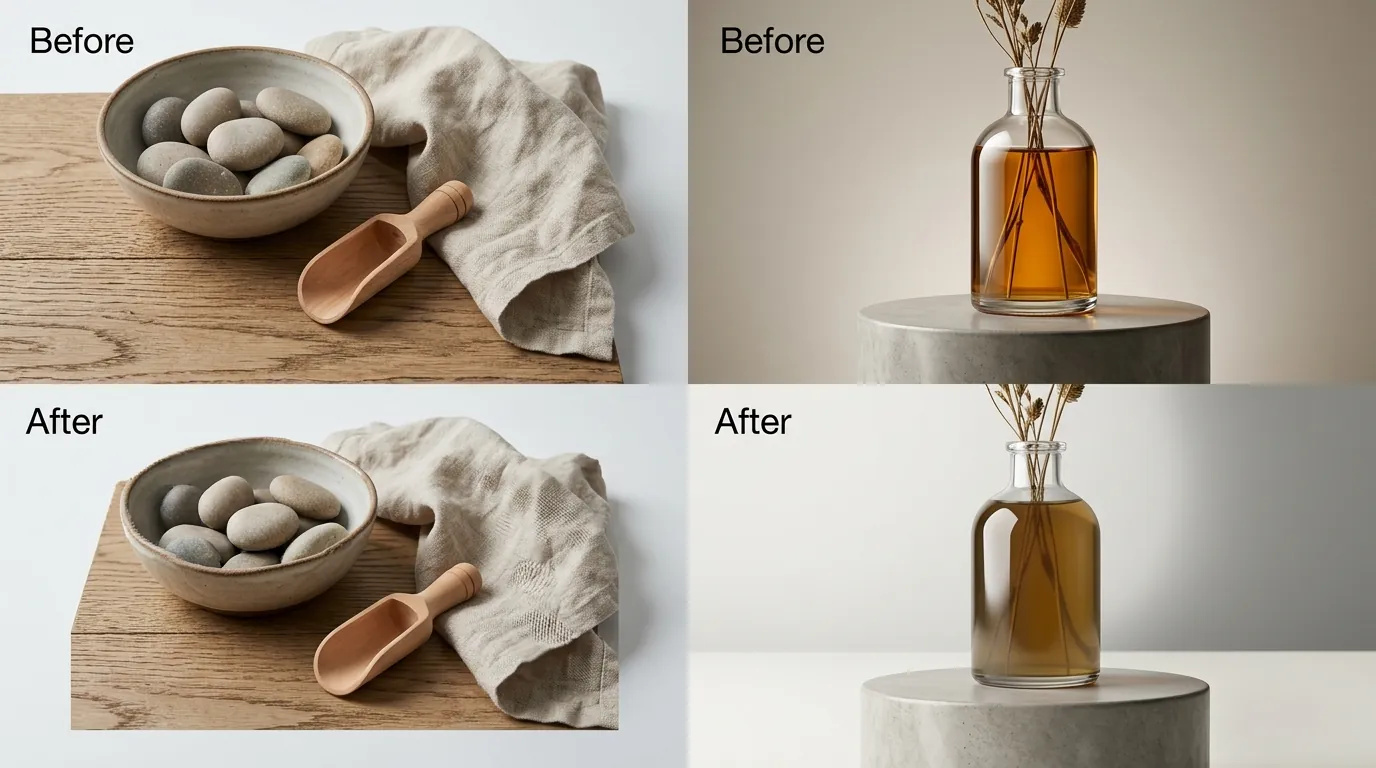
The primary limitation of Shopify Magic is its lack of marketplace-specific compliance. It does not automatically check for Amazon’s strict main image compliance rules. If you generate a “white” background in Shopify Magic, it often includes subtle shadows or off-white gradients to look more “natural.” While beautiful on a Shopify store, these images might be rejected by Amazon’s automated scanning systems if the background isn’t perfectly pure white (RGB 255, 255, 255).
Amazon’s AI image generator suffers from a “walled garden” problem. It is currently locked inside the advertising console for Sponsored Brands and Sponsored Display. This makes it cumbersome to export those assets for use on a standalone Shopify store or social media. While you can download the files, they are often optimized for Amazon’s specific ad aspect ratios rather than the square 2048 x 2048 px format preferred by Shopify.
Both platforms lack true bulk-generation capabilities. If you have 500 SKUs that need new seasonal backgrounds, clicking through either native interface will take hours. Neither tool supports a “CSV upload” workflow where you can map 500 images to 500 prompts and walk away. This is where third-party competitors like Photoroom or Adobe Express provide more value for enterprise-level sellers.
Recommendation

Consolidate your creative assets into a single repository before using PixelMatch to batch-export platform-specific sizes.
If your entire business lives on a single platform, stick to the native, free tools provided by Shopify or Amazon to keep your overhead low. There is no need to pay for a third-party subscription if you are only managing 5 to 10 SKUs on a single storefront.
However, if you are scaling a multi-channel ecommerce brand, relying on two separate, disconnected AI generators will slow down your listing process. You will find yourself repeating the same creative tasks twice, leading to inconsistencies in how your product looks on Shopify versus Amazon.
We recommend using PixelMatch to centralize your creative operations. By generating platform-compliant images in bulk, you ensure your Amazon listings meet the 1000 px minimum while keeping your Shopify storefront visually engaging.
Checklist for Multi-Platform Image Success:
- Verify Main Images: Ensure your primary image is 1600 pixels or larger to enable the Amazon zoom feature.
- Check RGB Values: Use a tool to confirm your Amazon background is exactly 255, 255, 255.
- Optimize for Shopify: Use WebP or PNG formats to maintain quality while reducing load times.
- Batch Your Work: Never generate images one by one if you have more than 20 SKUs; use a batch processor to save labor costs.
| Requirement | Shopify Recommendation | Amazon Requirement |
|---|---|---|
| Min. Dimensions | None (800px suggested) | 500 x 500 px |
| Max. Dimensions | 4472 x 4472 px | 10,000 px on longest side |
| File Format | JPEG, Progressive JPEG, PNG, WebP | JPEG (.jpg), TIFF (.tif), or GIF (.gif) |
| Background | Any (Branded/Lifestyle) | Pure White (Main Images only) |
Frequently Asked Questions
Can I use Shopify Magic images on my Amazon listings?
Yes, you can download images generated by Shopify Magic and upload them to Amazon. However, you must ensure they meet Amazon’s strict image standards, specifically the pure white background requirement for main images. Shopify Magic lifestyle images are generally better suited for Amazon’s “Secondary Images” or A+ Content rather than the main listing photo.
Does Amazon AI image generation work for main product photos?
Currently, Amazon’s AI generator is primarily located within the Advertising console and is designed for creating lifestyle scenes for Sponsored Brands and Sponsored Display ads. It is not currently optimized for creating the pure white background main images required for standard product listings. You should use a dedicated background removal tool for your primary SKU image.
What is the recommended image size for Shopify in 2026?
Shopify recommends using 2048 x 2048 px for square product photos. This resolution provides a high-quality zoom experience for customers while staying under the 20MB file size limit. While Shopify supports images up to 4472 x 4472 pixels, the 2048px standard is the sweet spot for performance and clarity.
Is Shopify Magic really free?
Yes, Shopify Magic is included at no extra cost in all Shopify subscription plans. There are no usage-based credits for the image generation features as of mid-2026. This makes it one of the most cost-effective ways for small merchants to generate professional-looking lifestyle content without a dedicated photography budget.
Ready to scale your listings?
PixelMatch generates white-background, lifestyle, and variant mockups from a single source photo — built specifically for multi-platform ecommerce sellers. 50 free images on signup, no credit card.
Start free →
Sources
- Shopify Help Center: Product Image Sizes
- Shopify Help Center: Shopify Magic Features
- Amazon Seller Central: Product Image Requirements (Ref 1881)
- Amazon Advertising: AI Image Generation for Sponsored Brands
- Photoroom Pricing and Features
- Canva Pro Pricing
- Adobe Express Premium Pricing