Shopify Magic vs Flair AI for Products: Which AI Tool Wins? (2026)
Stop losing customers to blurry, low-resolution product photos that fail to trigger the zoom feature on Amazon or Etsy. If you are choosing between Shopify Magic and Flair AI, you are likely trying to balance the cost of professional photography against the need for high-converting lifestyle images.
TL;DR Verdict
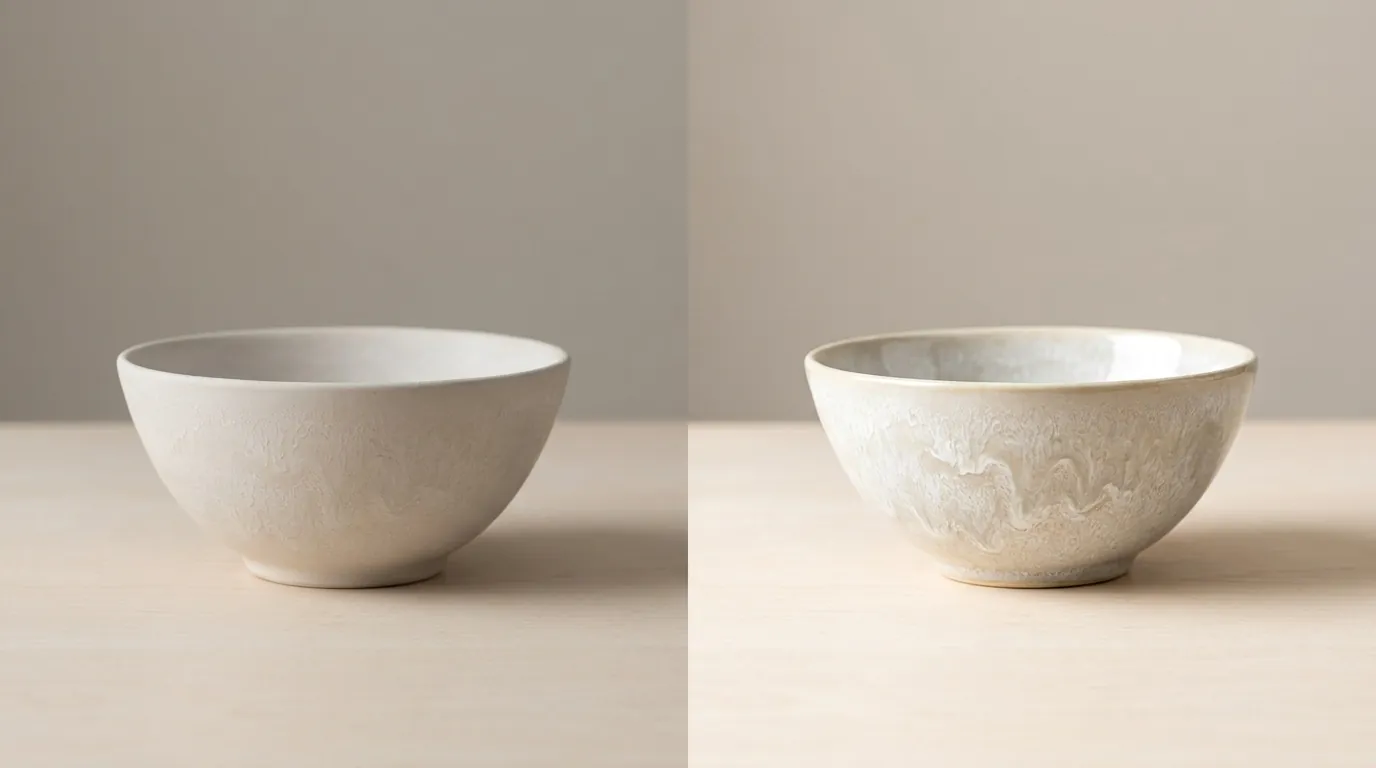
Download a sample generated image from your Shopify admin and check the file properties (Right-click > Properties on Windows, or Command+I on Mac) to verify its resolution before committing to a full catalog update. You will find that Shopify Magic is a convenient, free utility for basic background swaps, but it is technically constrained by a 1 megapixel (MP) resolution cap, making it a poor choice for high-end hero banners or platforms with strict zoom requirements.
Flair AI, conversely, operates as a dedicated design studio starting at $10/month for the Pro plan. It provides a flexible drag-and-drop canvas that allows you to place products in 3D-like environments with advanced “On Model” photography for fashion. However, for multi-platform sellers managing hundreds of SKUs, both tools require significant manual effort per image. If your goal is to batch-generate AI product images that meet the specific pixel requirements of Amazon, TikTok Shop, and Shopify simultaneously, PixelMatch is engineered to bridge that high-volume gap.
- Shopify Magic: Best for “good enough” white backgrounds and basic scene generation at zero additional cost for Shopify users.
- Flair AI: Best for creative directors and boutique brands who need precise control over lighting, shadows, and human models.
- PixelMatch: Best for high-volume multi-platform sellers who need to automate the generation of thousands of marketplace-compliant images in one click.
Side-by-Side Feature Table
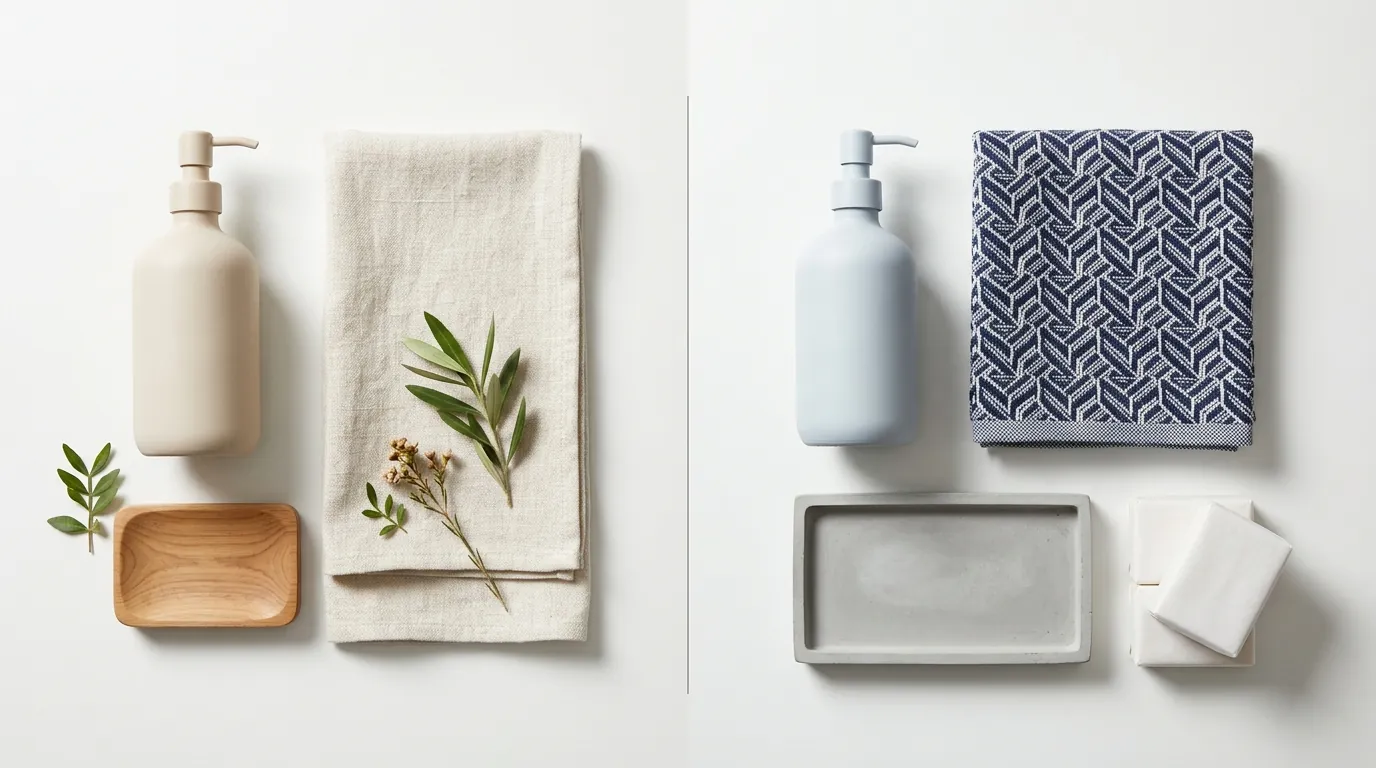
Match your target marketplace’s minimum resolution requirements against these tool specifications before starting your next photoshoot. For instance, Etsy recommends 2000 pixels for the shortest side of a listing image, a threshold that Shopify Magic currently cannot meet.
| Feature | Shopify Magic | Flair AI | PixelMatch |
|---|---|---|---|
| Max Resolution | 1 Megapixel (1024x1024) | High-Resolution Upscaling Included | 4K High-Resolution Output |
| Price | Free (Included in Shopify plans) | $10/mo (Pro) | Pay-per-batch / Subscription |
| Canvas Style | Single-image editor | Drag-and-drop 3D canvas | Batch-processing dashboard |
| Fashion Models | Background swap only | AI Human Models | Multi-ethnic AI Batch Models |
| Marketplace Specs | Shopify-centric | General/Social Media | Amazon/Etsy/TikTok Presets |
| Batch Limit | Single Image | [Information not yet publicly available as of 2026-05-29] | 100+ SKUs simultaneously |
To ensure your images aren’t rejected by Amazon, verify that your output meets the 1600-pixel minimum for zoom. If you use Shopify Magic, you will need a third-party upscaler to reach this requirement, adding an extra step to your workflow.
Pricing Comparison

💡 Skip the manual editing. PixelMatch batch-generates ecommerce-ready product images in 60 seconds — white background, lifestyle scenes, and variant mockups from a single source photo. Try PixelMatch free →
Calculate your monthly image overhead by factoring in the Shopify Basic plan’s $39/month base cost versus the specialized subscription tiers offered by standalone AI tools. While Shopify Magic feels “free,” it is a feature of a paid ecosystem.
Shopify Magic Pricing
Shopify Magic is bundled into all Shopify subscription tiers. As of May 2026, the standard monthly rates are:
- Basic: $39/month
- Shopify: $105/month
- Advanced: $399/month
There are no per-image fees for using the AI media generation tools within the Shopify admin. This makes it the most cost-effective option for startups with zero budget for marketing assets.
Flair AI Pricing
Flair AI uses a tiered subscription model that scales with your usage volume:
- Free Tier: Up to 10 images/month. This is primarily a trial tier to test the canvas interface.
- Pro Plan: $10/month. Includes unlimited designs and approximately 5,500 real-time images. This is the “sweet spot” for small brands.
- Pro+ Plan: $35/month. Designed for higher volume and faster processing speeds.
The Hidden Cost of Manual Labor
Neither Shopify Magic nor Flair AI is optimized for “set and forget” batch processing for multi-platform sellers. If you have 200 SKUs and need 5 lifestyle images per SKU, you are looking at 1,000 manual AI generations. At an average of 2 minutes per image (prompting, adjusting, and exporting), that is over 33 hours of manual labor. PixelMatch eliminates this labor cost by allowing you to upload a CSV of product links and generating the entire catalog in the background while you manage your store.
Best For (By Seller Profile)
Audit your SKU count and primary sales channel to determine if you need a canvas-based design tool or a high-speed batch-processing engine.
When to Choose Shopify Magic
Use Shopify Magic if you are a “Shopify-only” seller with a limited catalog (under 20 SKUs). It is the fastest way to turn a smartphone photo taken in your kitchen into a clean, professional-looking product shot for your website.
- Actionable Step: Open your Shopify Admin, go to Products, select an image, and click Magic. Use the “Remove Background” tool first, then apply a “Studio” or “Minimalist” preset to maintain consistency across your collection.
When to Choose Flair AI
Choose Flair AI if you sell in the fashion, beauty, or luxury niches where “vibe” and composition are more important than sheer volume. Flair’s canvas allows you to place “props” like dried flowers, marble slabs, or AI-generated hands holding your product.
- Actionable Step: Use the Flair “On Model” feature to take a flat-lay photo of a t-shirt and wrap it onto a realistic AI human model. This saves thousands of dollars on hiring live models and booking studio time.
When to Choose PixelMatch
Select PixelMatch if you are a multi-platform power seller active on Amazon, Etsy, TikTok Shop, and Shopify. PixelMatch is designed for the seller who says, “I have 500 products, and I need them all to look like they were shot in a Mediterranean villa by tomorrow morning.”
- Actionable Step: Sync your Shopify or Amazon catalog to PixelMatch. Select a “Scene Template” (e.g., “Modern Kitchen” or “Outdoor Sunlight”), and hit Generate All. The system will automatically detect your product edges and batch-produce high-res, marketplace-compliant images for every SKU in your list.
Where Each Falls Short

Review the 1 MP resolution cap in Shopify Magic to ensure your hero images do not pixelate on 4K monitors or mobile Retina displays.
Shopify Magic’s Resolution and Watermarking
The most significant drawback of Shopify Magic is the 1 megapixel (1024x1024 px) limit. While 1024px is fine for a small thumbnail, it fails the “zoom test” on major marketplaces. Furthermore, Shopify adds an invisible watermark to AI-generated images to comply with safety standards, which can occasionally interfere with the metadata requirements of certain advertising platforms.
Flair AI’s Learning Curve
Flair AI is a “canvas-first” tool. Unlike Shopify Magic, which is a simple “click and wait” interface, Flair requires you to understand layers, 3D placement, and prompt weighting. If you are not design-inclined, you may find yourself spending hours trying to get a bottle to “sit” naturally on a generated table. Additionally, Flair lacks a native “Export to Amazon” or “Export to TikTok” feature that automatically resizes and pads your images to meet specific platform aspect ratio requirements.
The “Batch” Bottleneck
Both tools struggle with true catalog-wide automation.
- Shopify Magic requires you to open every single product page one by one.
- Flair AI requires you to create a “Project” for every product or manually swap the product image in the canvas.
For a seller with 1,000 SKUs, these tools are not solutions; they are additional chores. PixelMatch solves this by treating your entire catalog as a single data set, applying AI transformations across all images simultaneously.
Recommendation
Select your tool based on your primary sales channel and daily image volume. Running a “Batch Pilot” for 10 SKUs is the best way to see which workflow fits your team’s rhythm.
The Final Verdict Table
| If your priority is… | Use this tool… | Why? |
|---|---|---|
| Zero Budget | Shopify Magic | It is already included in your $39/mo Shopify subscription. |
| Artistic Control | Flair AI | The drag-and-drop canvas offers the most creative flexibility for social media ads. |
| Multi-Platform Growth | PixelMatch | It automates the generation of high-res, compliant images for hundreds of SKUs at once. |
Summary of Actionable Steps
- Check your current specs: Download a generated image from Shopify Magic. If it is 1024x1024, it is likely too small for your Amazon Hero image.
- Test the Flair Canvas: Sign up for the Free tier of Flair and try to generate one “On Model” fashion shot. Compare the time spent versus the quality of the output.
- Audit your SKU count: If you have more than 50 products, skip the manual editors. Use PixelMatch to batch-generate your entire catalog. This ensures your brand looks consistent across Shopify, Amazon, and Etsy without requiring a full-time design team.
By choosing the tool that matches your volume, you stop acting as a photo editor and start acting as a store owner. Whether you need the free convenience of Shopify Magic, the artistic depth of Flair AI, or the industrial-scale automation of PixelMatch, ensure your final images meet the 2000px standard for 2026 ecommerce to maximize your conversion rates.
Ready to scale your listings?
PixelMatch generates white-background, lifestyle, and variant mockups from a single source photo — built specifically for multi-platform ecommerce sellers. 50 free images on signup, no credit card.
Start free →
Sources
- Shopify Magic Media Generation Specs & Limits
- Shopify 2026 Pricing Tiers
- Flair AI Pricing and Feature List
- Flair AI Fashion & On-Model Documentation
- Amazon Seller Central: Product Image Requirements
- Etsy Help Center: Requirements for Listing Photos