
Shopify Summer Edition 2026 AI Image Tools vs. Competitors
Stop wasting hours on manual background removal and expensive product reshoots for your Summer 2026 collection. The Shopify Summer Edition 2026 has integrated AI image generation directly into your admin dashboard, but native tools often lack the resolution and batch-processing power required for multi-platform scaling.
Shopify Magic (Summer 2026 Edition) is free and built-in but limits exports to 1 megapixel. For high-volume multi-platform sellers, tools like PixelMatch or Photoroom offer better batch processing and higher resolution exports.
TL;DR Verdict
Related: Shopify Magic AI Image Expansion Edge Blurring Fix (2026) · Flux Pro Product Depth Map ControlNet Guide vs. PixelMatch · TikTok Shop Mall Invitation: Fix Image Quality to Get Approved
Audit your current image resolution today by checking your “Media” tab in Shopify; if your images appear blurry on mobile zoom, the 1MP native limit is likely the culprit. While the Summer Edition 2026 updates make AI generation more accessible, they are designed for solopreneurs rather than high-volume brands.
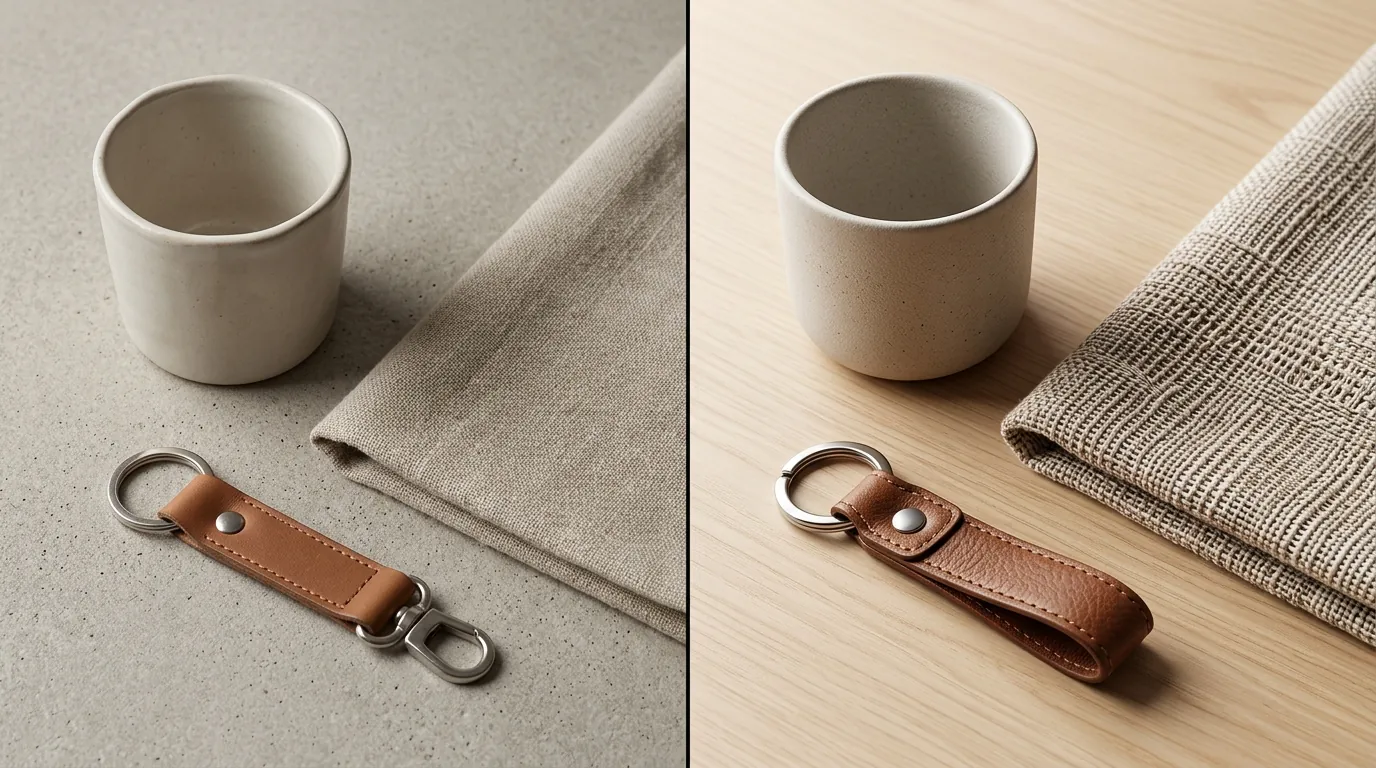
- Shopify Magic (Summer 2026 Edition): Best for beginners. It is free and built-in but limits exports to 1 megapixel, which can lead to pixelation on high-density displays.
- Photoroom: Excels at template-driven batch workflows for consistent marketplace images with its Pro tier at $9.99/mo.
- Pebblely: Ideal for creative lifestyle backgrounds but gets expensive for large catalogs, starting at $19/mo for 200 images.
- PixelMatch: The best all-in-one solution for multi-platform sellers needing to batch-generate images with high-res exports and automated cross-channel formatting.
| Feature | Shopify Magic (2026) | Photoroom | Pebblely | PixelMatch |
|---|---|---|---|---|
| Max Resolution | 1 MP (1024x1024) | High-Res / 4K | High-Res | 4K (Up to 4096px) |
| Batch Processing | Single/Small Groups | Up to 50 (Pro) | Limited | Unlimited (Bulk) |
| Native Integration | Built-in Shopify | App/Web/API | Web App | App/API/Bulk Sync |
| Best Use Case | Quick Edits | Marketplace Ads | Social Media | Multi-Channel Scale |
| Pricing | Free with Plan | $9.99/mo | $19/mo+ | Scalable/Tiered |
Side-by-Side Feature Table

Map your workflow steps before committing to a tool; if you spend more than 10 minutes per product on editing, your current process is costing you more in labor than a premium subscription would.
The Shopify Summer Edition 2026 introduced “Media Generation” features that allow you to swap backgrounds and expand images using simple text prompts. However, Shopify’s recommended 2048 x 2048 px size for square product photos is significantly higher than the 1MP output currently supported by the native Magic tools. This discrepancy means that while the AI-generated background might look good in a thumbnail, it may lose detail when a customer uses the “zoom” feature on your product page.
In contrast, Photoroom and PixelMatch prioritize high-resolution exports. Photoroom’s Pro tier allows for high-definition exports that maintain the crispness of the original product photo while replacing the background. PixelMatch takes this a step further by offering automated upscaling during the batch generation process, ensuring that every image meets the 1600 px minimum for Amazon zoom functionality.
Batching is another major differentiator. Shopify Magic requires you to edit images largely on a per-product basis within the admin. Photoroom allows for batches of up to 50 images on its standard Pro plan. PixelMatch is built specifically for the “Multi-Platform Scaler” who needs to process hundreds of SKUs at once, automatically resizing them for Shopify, Amazon, and TikTok Shop requirements in a single click.
Pricing Comparison

💡 Skip the manual editing. PixelMatch batch-generates ecommerce-ready product images in 60 seconds — white background, lifestyle scenes, and variant mockups from a single source photo. Try PixelMatch free →
Calculate your cost-per-SKU by dividing your monthly tool subscription by the number of new images you generate; if the number exceeds $0.10 per image, you are likely overpaying for a credit-based system.
| Tool | Pricing Tier | Image Limit | Key Benefit |
|---|---|---|---|
| Shopify Magic | Included | Unlimited (1MP) | Zero additional cost |
| Photoroom | $9.99/mo | Unlimited (50/batch) | Affordable for small batches |
| Pebblely | $19/mo | 200 images | High-quality lifestyle AI |
| Pebblely Pro | $39/mo | 500 images | Higher volume lifestyle |
| PixelMatch | Scalable | Bulk/Enterprise | No per-image caps on growth |
Shopify Magic is the clear winner for cost-conscious beginners. Since it is included in all Shopify plans, there is no barrier to entry. However, professional sellers must factor in the “hidden cost” of low-quality imagery. Better images directly correlate to higher conversion rates, which helps offset standard payment rail costs like Stripe’s 2.9% + $0.30 fee. If a higher-resolution lifestyle image from PixelMatch increases your conversion rate by even 0.5%, the tool pays for itself across your entire catalog.
Pebblely uses a credit-based system that can become a bottleneck. For a store with 500 SKUs, each needing 4 angles, you would require 2,000 credits. At the $39/mo tier for 500 images, you would need to spend significantly more to cover your whole catalog. PixelMatch offers pricing designed for high-volume sellers, focusing on workflow efficiency rather than charging per click, which is essential for maintaining margins when selling on high-fee marketplaces.
Best For (By Seller Profile)

Align your export settings with your primary sales channel’s requirements; for example, ensure your hero images meet the Amazon 1600px zoom requirement before batch-generating backgrounds.
Solopreneurs
If you are just starting out or have a catalog of fewer than 10 products, Shopify Magic is your best bet. The Summer Edition 2026 tools allow you to remove a cluttered home background and replace it with a clean, professional aesthetic without leaving the Shopify admin. It’s perfect for testing new product ideas before investing in professional photography.
Marketplace Sellers
For those selling on Amazon, Etsy, or eBay, Photoroom is a powerhouse. These platforms have strict requirements for “Pure White” backgrounds on the main image. Photoroom’s Pro features include specific templates for these marketplaces, ensuring your images aren’t rejected by platform algorithms. It is particularly useful for sellers who do their own photography using a smartphone.
Multi-Platform Scalers
If you manage a Shopify store while also pushing inventory to TikTok Shop and Amazon, PixelMatch is the superior choice. Multi-platform sellers face the unique challenge of differing image specs:
- Shopify: 2048 x 2048 px recommended.
- Amazon: 1600 px on the longest side for zoom.
- TikTok Shop: 600 x 600 px minimum, with a preference for lifestyle content.
PixelMatch allows you to upload a single raw product photo and batch-generate images tailored to all three sets of specs simultaneously. This eliminates the need to manually resize or re-generate backgrounds for each platform.
Where Each Falls Short
Benchmark your generation time per 100 SKUs; if a tool takes more than 30 seconds to render a lifestyle background, it will become a bottleneck during peak seasons like BFCM.
Shopify Magic
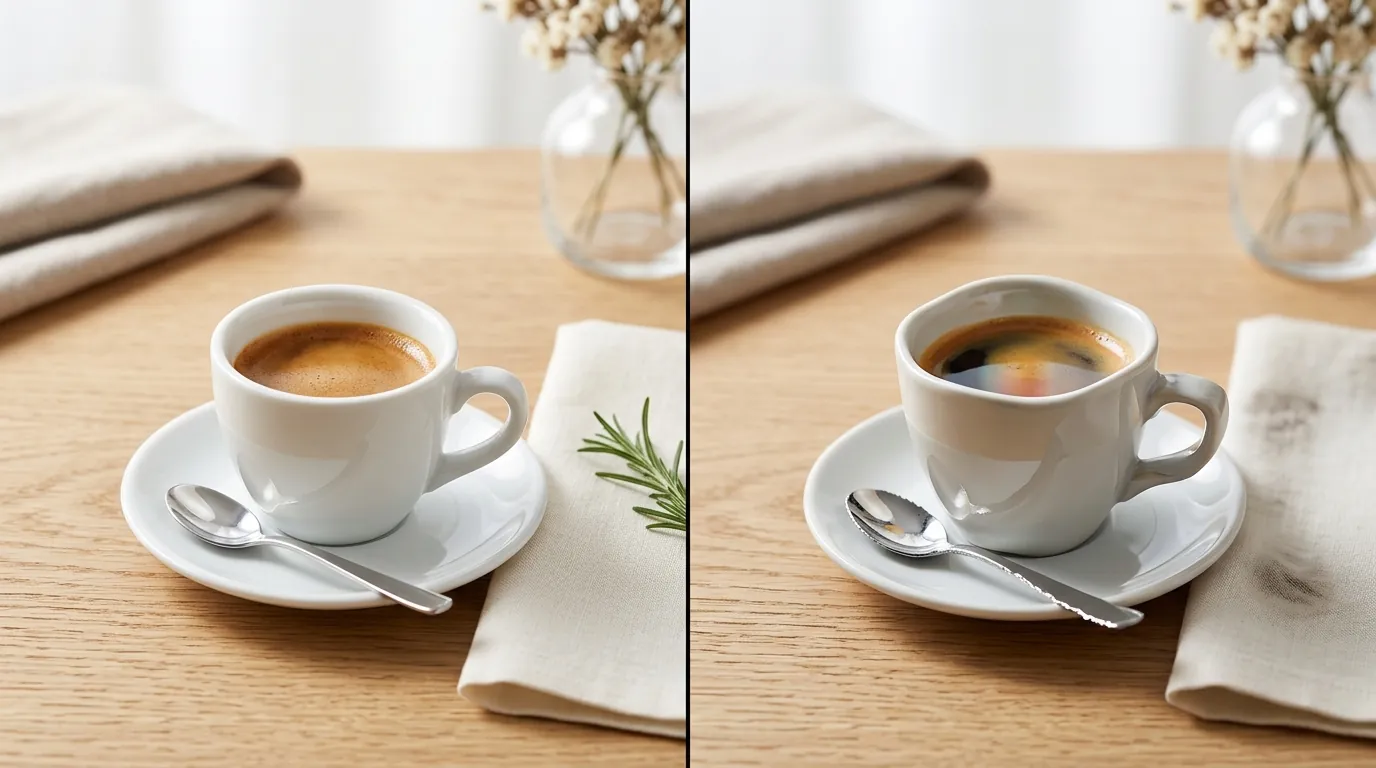
The primary drawback of Shopify Magic in the Summer 2026 Edition remains its resolution cap. By limiting exports to 1 megapixel, Shopify ensures the admin remains fast and responsive, but it sacrifices the high-end “luxury” feel of 4K imagery. Furthermore, it lacks “batch memory”—you cannot easily apply the exact same AI-generated lighting and shadow settings across 50 different products to ensure a cohesive collection look.
Photoroom
While Photoroom is excellent for mobile users, its web-based batching can be restrictive. The 50-image limit per batch on the Pro plan is frustrating for sellers with thousands of SKUs. Additionally, while its background removal is industry-leading, its “AI Backgrounds” can sometimes look overly “digital” compared to the more photorealistic outputs of Pebblely or PixelMatch.
Pebblely
Pebblely’s credit system is its biggest hurdle. If an AI generation doesn’t look quite right, you still “spend” a credit to see it. For sellers who need to iterate on prompts to get the perfect lifestyle scene, this can lead to unpredictable monthly costs. It also lacks the deep ecommerce workflow integrations (like direct SKU syncing) found in PixelMatch.
PixelMatch
PixelMatch is built for volume, which means it may have a steeper learning curve for the casual user. If you only need to edit one photo every three months, the interface and feature set might feel like overkill. It is a professional tool for professional sellers, prioritizing speed and scale over “one-click” simplicity.
Recommendation

A/B test your hero images by running a 10-image batch test through PixelMatch and comparing the conversion rate against your standard Shopify Magic edits.
If you are a casual seller or just need quick, free edits directly in the admin, stick with the new Shopify Magic tools. They are convenient and getting better with every “Edition” release.
However, if you are scaling a multi-platform ecommerce brand and need consistent, high-converting imagery in bulk, PixelMatch is the superior choice. It bridges the gap between the “good enough” native tools and the high-end requirements of modern ecommerce marketplaces. By automating the formatting for Shopify, Amazon, and TikTok, it saves hours of manual labor every week.
Start by auditing your current catalog. If your images don’t meet the 2048px Shopify standard, or if you are struggling to keep up with the image demands of multiple sales channels, it is time to move beyond native tools.
Frequently Asked Questions
What is the maximum resolution for Shopify Magic images?
As of the Summer Edition 2026, Shopify Magic limits AI-generated images to 1 megapixel, which typically results in a 1024x1024 px file. While this is suitable for thumbnails, it is lower than the 2048x2048 px recommendation for high-quality zoom on product pages.
Does Photoroom allow for commercial use of AI images?
Yes, Photoroom’s Pro plan at $9.99/mo includes a commercial license for the images you create. This allows you to use the generated backgrounds for your Shopify store, social media ads, and marketplace listings without copyright concerns.
How many images can I generate with Pebblely’s basic plan?
Pebblely’s basic plan costs $19/mo and allows for 200 image generations. If you need more, you must upgrade to the Pro plan at $39/mo, which covers 500 images, or pay for additional credit packs.
Why should I use PixelMatch instead of Shopify’s free tools?
PixelMatch is designed for “Multi-Platform Scalers” who need higher resolution (up to 4K) and true batch processing. Unlike Shopify Magic, PixelMatch can format images for Amazon and TikTok Shop requirements simultaneously, saving hours of manual resizing and re-uploading.
Ready to scale your listings?
PixelMatch generates white-background, lifestyle, and variant mockups from a single source photo — built specifically for multi-platform ecommerce sellers. 50 free images on signup, no credit card.
Start free →
Sources
- Shopify Help Center: Shopify Magic Media Generation
- Shopify Help Center: Product Image Best Practices
- Photoroom Pricing and Features
- Pebblely Pricing Tiers
- Amazon Seller Central: Product Image Requirements
- Stripe Pricing and Fees
- TikTok Shop Seller Center: Image Guidelines