
Shopify Summer Edition 2026 AI Visual Search Optimization Tools
📝 Editorial Note: This guide is AI-assisted and game data evolves rapidly. Please cross-reference with in-game information. Updated: 2026-06-19.
Updating a multi-platform catalog for Shopify’s 2026 agentic commerce standards often turns into a manual bottleneck that delays your seasonal launches and kills your search visibility. If your product images lack the structural consistency required by the new Universal Commerce Protocol (UCP), AI shopping agents will bypass your store in favor of competitors with cleaner, more “parsable” visual data.
TL;DR Verdict
Related: Etsy AI Generated Disclosure Metadata Error Fix: Tool Comparison · Google Product Studio vs Midjourney v7: 2026 Comparison · Midjourney v6.1 vs Flux: Best AI for Jewelry Photography (2026)
Shopify’s Spring/Summer ‘26 Edition, released June 17, 2026, marks a definitive shift toward agentic commerce through the Universal Commerce Protocol (UCP) and Catalog API. AI agents—autonomous software that shops on behalf of consumers—now rely on visual search and high-density structured data to identify, compare, and recommend products. To remain discoverable, your images must be high-resolution, visually uniform, and optimized for vector-based search.
Audit your current image library against the Shopify-recommended 2048 × 2048 pixel standard to ensure your SKUs are eligible for high-intent AI discovery.
- PixelMatch is engineered for high-volume, multi-platform sellers who need to batch-generate AI product images that meet strict UCP requirements across hundreds of SKUs simultaneously. It prioritizes lighting consistency and aspect ratio locked to Shopify’s 1:1 preference.
- Photoroom remains a top-tier choice for mobile-first editing and creative social media assets but faces scalability issues due to batch export caps on its Pro and Max tiers.
Comparison Overview: UCP Readiness
| Feature | PixelMatch | Photoroom |
|---|---|---|
| Primary Use Case | Batch Catalog Optimization | Creative Single-Image Editing |
| Batch Export Limit | Unlimited (Premium Tiers) | 500/mo (Pro) / 1,500/mo (Max) |
| UCP/Catalog API Presets | Native 1:1, 2048px, WebP <500KB | Manual Template Adjustment Required |
| Lighting Consistency | AI-locked across entire SKU sets | Per-session/Manual matching |
| Multi-Platform Sync | Shopify, Amazon, Etsy, TikTok | Primarily Shopify/Social focused |
| API Access | Included in Enterprise/High-tier | Billed separately via API credits |
Side-by-Side Feature Table
Map your monthly SKU volume to the specific export limits of each tool to avoid mid-month workflow halts when updating your Summer ‘26 collections.
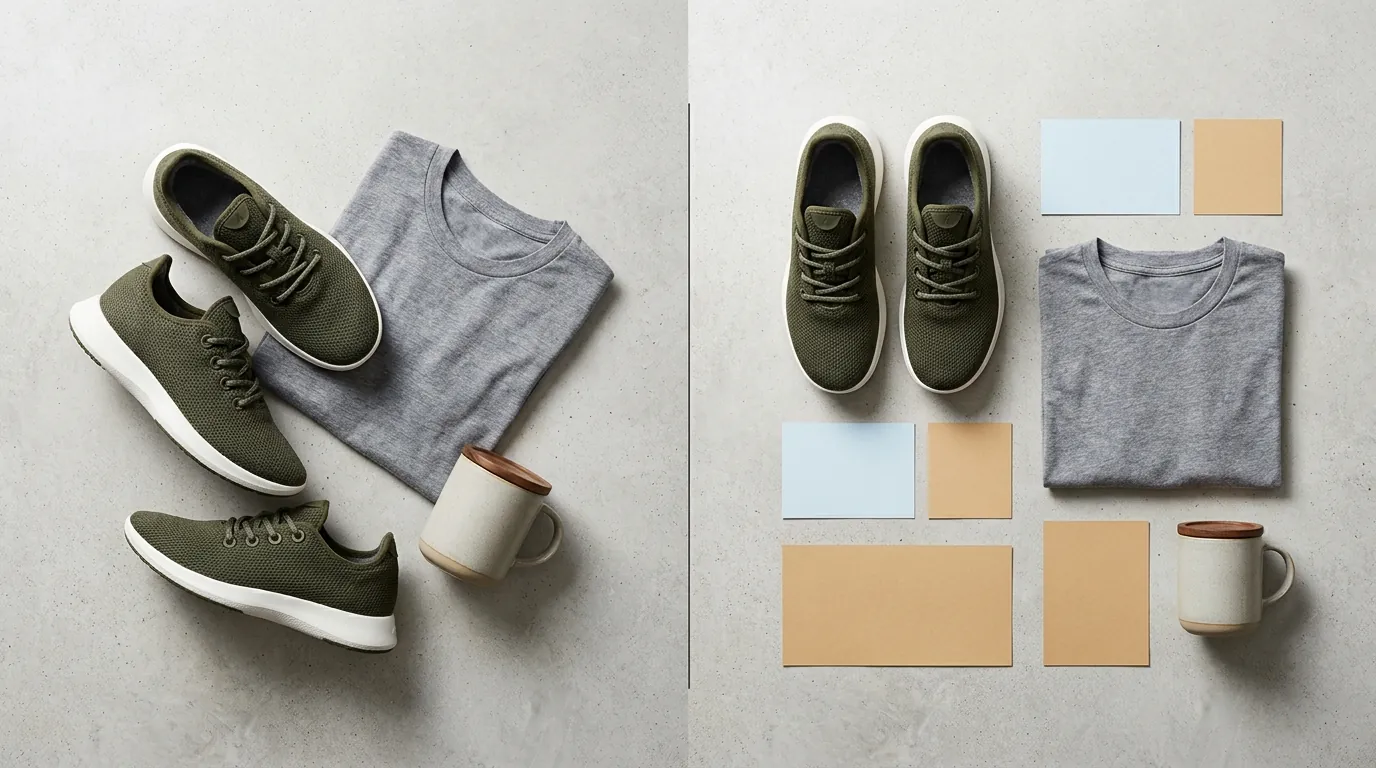
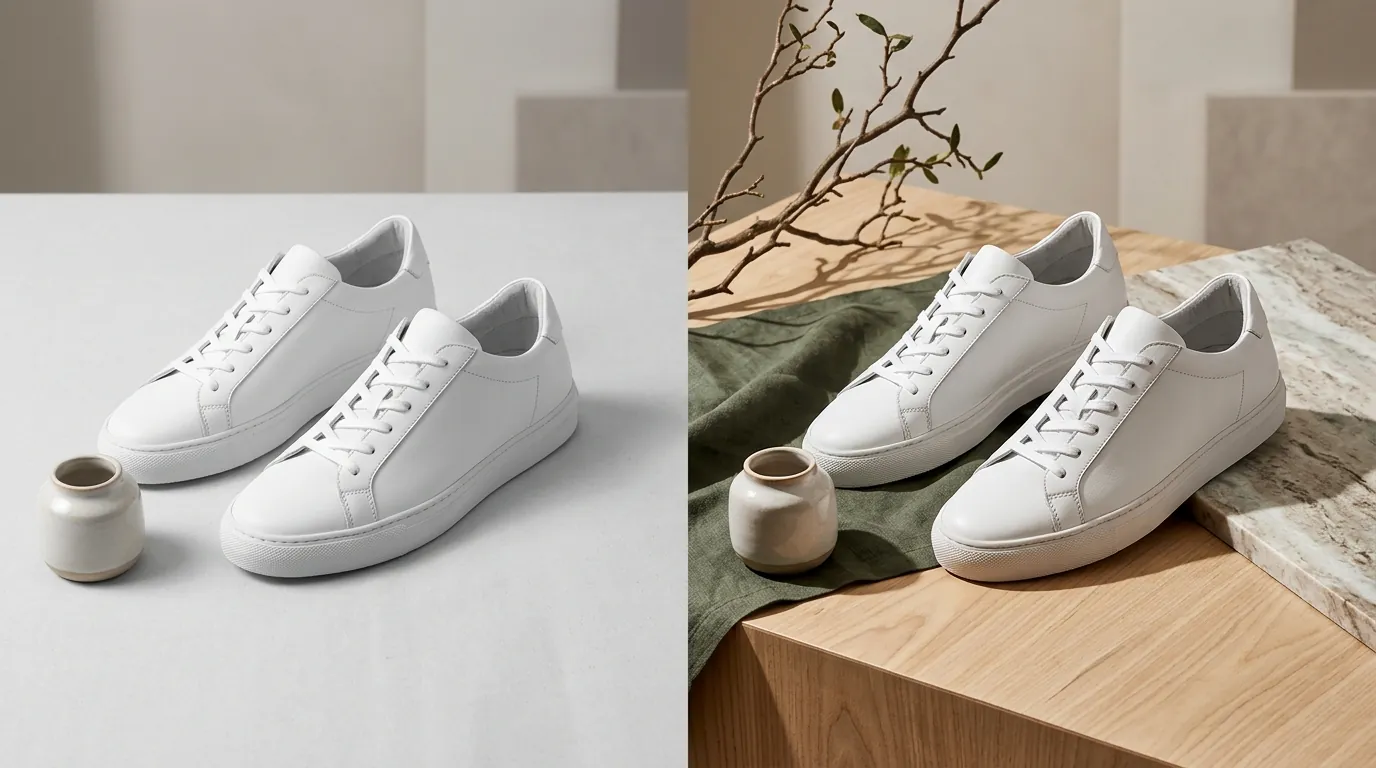
The Shopify Summer Edition 2026 emphasizes the “Catalog API,” which clusters products based on visual similarity. If your “Summer Collection” has five different lighting setups across ten t-shirts, the AI agent may fail to recognize them as part of the same brand family. PixelMatch solves this by applying a singular “Environmental Seed” to an entire batch, while Photoroom requires you to save and re-apply styles manually, which can lead to drift over large datasets.
| Capability | PixelMatch | Photoroom |
|---|---|---|
| Batch Processing | Handles 1,000+ images in a single session | 50 images per session limit |
| Background Removal | Instant AI-edge detection for UCP | Industry-standard background removal |
| File Format Optimization | Auto-exports to WebP for faster Shopify loading | JPG, PNG, or WebP options |
| Workflow Focus | Multi-platform inventory syncing | Mobile-first content creation |
| AI Visual Search Prep | Auto-tags and formats for vector search | Focuses on aesthetic “vibe” generation |
Actionable Step: Standardize Your Aspect Ratio
Run a batch conversion of your raw files into 1:1 square format before uploading to Shopify. AI agents prioritize square images for mobile-first interfaces. If you are using Photoroom, ensure you select the Shopify-specific template to avoid white-space padding that can confuse visual search algorithms.
Pricing Comparison

💡 Skip the manual editing. PixelMatch batch-generates ecommerce-ready product images in 60 seconds — white background, lifestyle scenes, and variant mockups from a single source photo. Try PixelMatch free →
Calculate your per-image cost by dividing the monthly subscription fee by your average SKU update frequency. For high-volume sellers, the “per-export” cost is the most critical metric for maintaining healthy margins.
Photoroom’s pricing is transparent but tiered based on volume. Their Pro tier costs $12.99/mo (or $89.99 billed annually, roughly $7.50/mo), which grants you 500 batch exports per month. If you are a seller with 200 products and you need four angles each (800 images total), the Pro tier will not cover a full catalog refresh in a single month. You would need to upgrade to the Max tier at $34.99/mo for 1,500 exports.
PixelMatch pricing varies by plan but is structured specifically for the multi-platform seller. Instead of restrictive monthly caps that punish catalog growth, PixelMatch tiers are designed to support the initial “Bulk Migration” phase that the Shopify Summer Edition 2026 demands.
High-volume sellers should also consider the cost of API integration. Photoroom’s API pricing is usage-based, often starting around $0.10 per image for basic background removal, which can spike costs significantly if you are automating the generation of thousands of AI backgrounds for a new season.
Actionable Step: Audit Your Export Needs
Count your total active SKUs and multiply by four (Hero shot, Back, Detail, Lifestyle). If this number exceeds 500, Photoroom Pro will create a bottleneck. Switch to a high-volume batch tool like PixelMatch to avoid paying overage fees or waiting for a monthly reset.
Best For (By Seller Profile)

Choose your tool based on whether you prioritize mobile-first creative editing or high-volume, API-driven catalog syncing for the new UCP standard.
Best for Multi-Platform Sellers: PixelMatch
If you sell on Shopify but also maintain active listings on Amazon and Etsy, PixelMatch is the superior choice. Amazon requires pure white backgrounds (RGB 255, 255, 255) for main images, while Shopify’s 2026 Edition encourages “Contextual AI Backgrounds” for agentic discovery. PixelMatch allows you to generate both versions from a single upload, ensuring your Shopify store is optimized for AI search while your Amazon listings remain compliant with Seller Central policies.
PixelMatch is best for:
- Sellers with 50+ SKUs.
- Brands migrating to the Shopify Catalog API.
- Multi-channel merchants (Shopify + Amazon + TikTok Shop).
Best for Solopreneurs: Photoroom
Photoroom is the gold standard for the “side-hustle” seller or the boutique owner with a small, curated inventory. Its mobile app is exceptionally polished, allowing you to snap a photo on your iPhone and have a Shopify-ready image in seconds. For sellers with fewer than 50 SKUs, the 500-export limit on the Pro plan is more than enough to handle seasonal updates.
Photoroom is best for:
- Sellers with <50 SKUs.
- Dropshippers testing individual products.
- Creators who need social media assets (Instagram/TikTok) alongside product photos.
Where Each Falls Short

Supplement your workflow with a dedicated social media design tool if you choose PixelMatch, or an external batch processor if you choose Photoroom.
Photoroom’s Scalability Friction
The primary weakness of Photoroom for the 2026 Shopify update is the 50-image per session batch limit. While you can export 500 images a month on the Pro plan, you can only process them in small chunks of 50. For a seller trying to optimize a 400-item summer catalog for the new UCP, this requires eight separate sessions, manual file naming, and significant time investment. Furthermore, Photoroom’s focus on “creative” backgrounds can sometimes lead to AI hallucinations—like floating shadows or distorted textures—if the batch settings aren’t dialed in perfectly.
PixelMatch’s Creative Focus
PixelMatch is a utility-first tool. It lacks the massive library of social media templates, stickers, and text overlays found in Photoroom or Canva. If you need to create an “End of Summer Sale” banner with 3D text and animated elements, PixelMatch won’t do it. It is designed to produce clean, high-fidelity, 2048x2048 px product imagery that passes AI validation, not marketing collateral.
Actionable Step: Separate Utility from Marketing
Use PixelMatch to generate your core “Agent-Ready” catalog (the images that live in your Shopify Admin). Use a tool like Photoroom or Canva for your “Human-Ready” marketing (Instagram Stories, email headers, and homepage banners).
Recommendation

To capitalize on the Shopify Summer Edition 2026 AI visual search optimization updates, your catalog needs structured, consistent imagery that AI agents can easily parse. The “Agentic Web” rewards stores that provide high-resolution, 1:1 aspect ratio images with consistent lighting and minimal visual noise.
- Choose Photoroom if you are a casual seller or a boutique owner who prioritizes creative control and mobile editing for a small number of products.
- Choose PixelMatch to batch-generate UCP-compliant, 2048 × 2048 px product photos across your entire inventory without hitting restrictive export caps or session limits.
Final Checklist for Shopify Summer ‘26 Readiness:
- Resolution: Minimum 2048 × 2048 px for all main images.
- Format: Use WebP to keep file sizes under 500KB while maintaining clarity for AI vectorization.
- Consistency: Ensure lighting and shadows are identical across SKU variants to help the Catalog API cluster your products correctly.
- Metadata: Pair your optimized images with accurate ALT text, as the UCP uses both visual and text data to verify product matches.
Frequently Asked Questions
What is the Universal Commerce Protocol (UCP) in Shopify Summer ‘26?
The UCP is a standardized data framework introduced in the Shopify Spring/Summer 2026 Edition that allows AI agents to communicate across different commerce platforms. It requires product images to have specific metadata and visual clarity so that AI shoppers can accurately “see” and compare products without human intervention.
Why is 2048x2048 px the recommended size for Shopify?
Shopify recommends 2048 × 2048 pixels because it provides the highest level of detail for the platform’s zoom functionality while ensuring the image remains a perfect square. For AI visual search, this resolution provides enough “pixels of interest” for a neural network to identify small product details, like fabric texture or port placements.
Can I use Photoroom for Amazon and Shopify simultaneously?
Yes, but you must be careful with background requirements. While Shopify’s 2026 Edition favors AI-generated lifestyle backgrounds for discovery, Amazon requires a pure white background for the main image. You will need to run two separate batch processes or use a tool like PixelMatch that can toggle between “Marketplace White” and “AI Contextual” backgrounds in a single workflow.
Does batch processing images affect my Shopify site speed?
The batch processing itself happens off-site, but the resulting files impact speed. To maintain high Core Web Vitals, ensure your AI tool exports in WebP format. Shopify’s CDN automatically optimizes images, but starting with a file under 500KB ensures that AI agents can crawl your site quickly, which is a ranking factor in agentic search.
Ready to scale your listings?
PixelMatch generates white-background, lifestyle, and variant mockups from a single source photo — built specifically for multi-platform ecommerce sellers. 50 free images on signup, no credit card.
Start free →
Sources
- Shopify Editions: Spring/Summer 2026 Official Site
- Shopify Help Center: Product Media Types and Image Sizes
- Photoroom Pricing and Batch Limits
- Photoroom API Pricing
- Amazon Seller Central: Product Image Requirements
- Stripe Standard Processing Fees