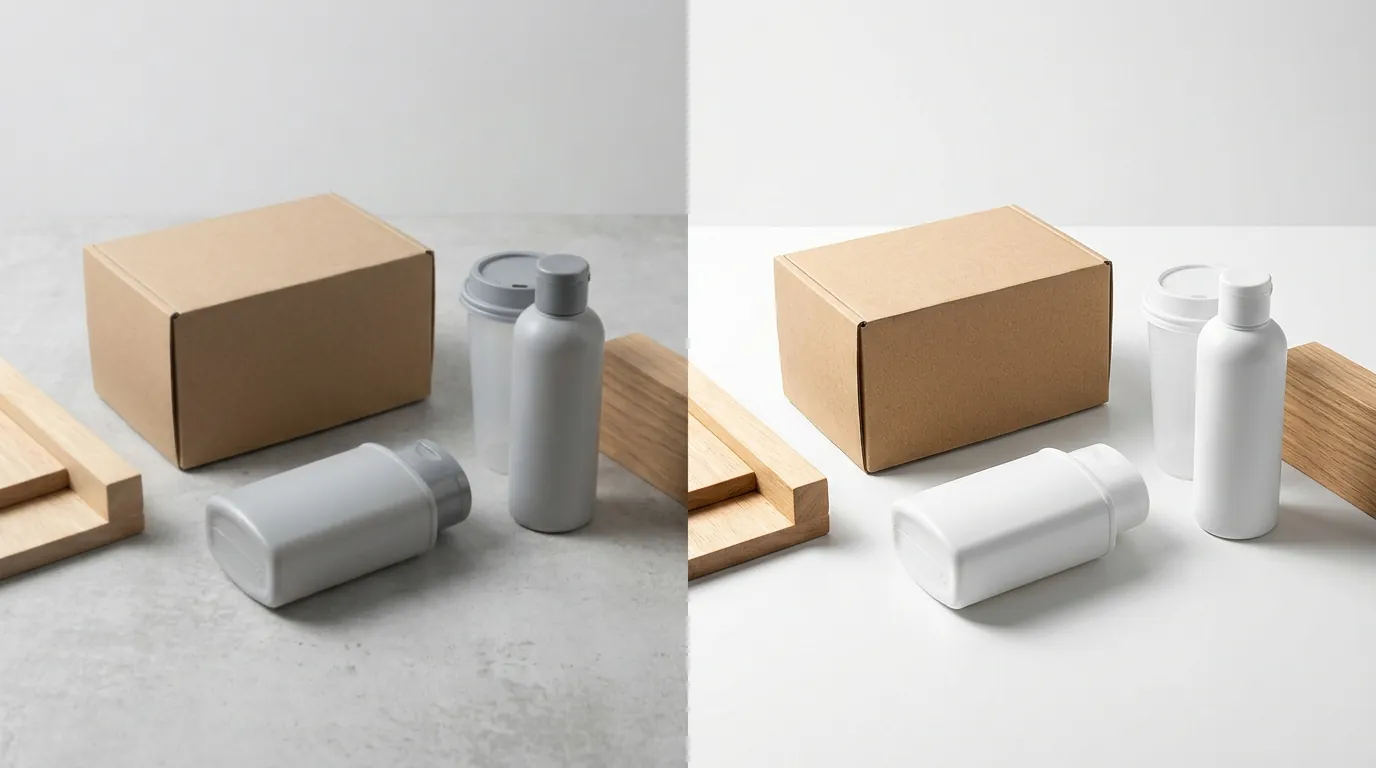
TikTok Shop Mall Invitation: Fix Image Quality to Get Approved
Missing out on a TikTok Shop Mall invitation because of “substandard image quality” is a common bottleneck for high-volume sellers who rely on manufacturer-supplied photos. Your application rejection isn’t just about aesthetics; it’s a failure to meet the strict technical and brand-trust benchmarks required for the Mall’s premium badge.
To secure a TikTok Shop Mall invitation, sellers must upgrade product photos to meet strict premium marketplace standards, including a 600x600 px minimum. PixelMatch, Photoroom, and Canva Pro offer AI tools to batch-edit images for compliance, ensuring your catalog meets the resolution, background, and file-size requirements necessary for approval.
TL;DR Verdict
Related: Shopify Summer Edition 2026 AI Visual Search Optimization Tools · Etsy AI Generated Disclosure Metadata Error Fix: Tool Comparison · Google Product Studio vs Midjourney v7: 2026 Comparison
Perform a manual audit of your top 10 listings against the TikTok Shop Mall eligibility criteria before resubmitting your application. If your images feature cluttered backgrounds, watermarks, or pixelation when zoomed, you will likely face an immediate rejection.
- TikTok Shop Mall is an invite-only premium tier requiring a 15-day return period, authentic products, and high-quality visuals that distinguish Mall sellers from standard marketplace participants.
- Poor image quality—specifically low resolution, distracting backgrounds, and inconsistent lighting—is a primary reason for rejection or poor conversion once invited.
- PixelMatch is best for multi-platform sellers needing fast, batch AI generation to overhaul an entire catalog of hundreds or thousands of SKUs simultaneously.
- Photoroom is ideal for mobile-first sellers who need to remove backgrounds and apply “Instant Background” templates one by one or in small batches on the go.
- Canva Pro is best for brand owners who require a general-purpose design suite for social media graphics, TikTok video covers, and storefront banners in addition to basic background removal.
Side-by-Side Feature Table

Set your export resolution to at least 800x800 px to exceed the TikTok Shop 600x600 px minimum and ensure clarity on high-density mobile displays. TikTok’s algorithm prioritizes listings that provide a clear, professional view of the product, and the Mall tier demands even higher visual consistency than the standard marketplace.
| Feature | PixelMatch | Photoroom | Canva Pro |
|---|---|---|---|
| Primary Use Case | Batch AI Product Photos | Mobile Photo Editing | General Graphic Design |
| Batch Capacity | High-volume (100+ images) | Up to 500/mo (Pro) | Limited/Manual |
| AI Backgrounds | Multi-platform optimized | Template-driven | Prompt-based (Magic Media) |
| Resolution Support | Up to 4K / High DPI | High Res Export | Customizable |
| Platform Access | Web Interface | Mobile App & Web | Mobile App & Web |
| API Access | Available for Enterprise | Available for Developers | Limited via Apps SDK |
| Compliance Check | Auto-scales to 600x600+ | Manual scaling | Manual scaling |
Pricing Comparison
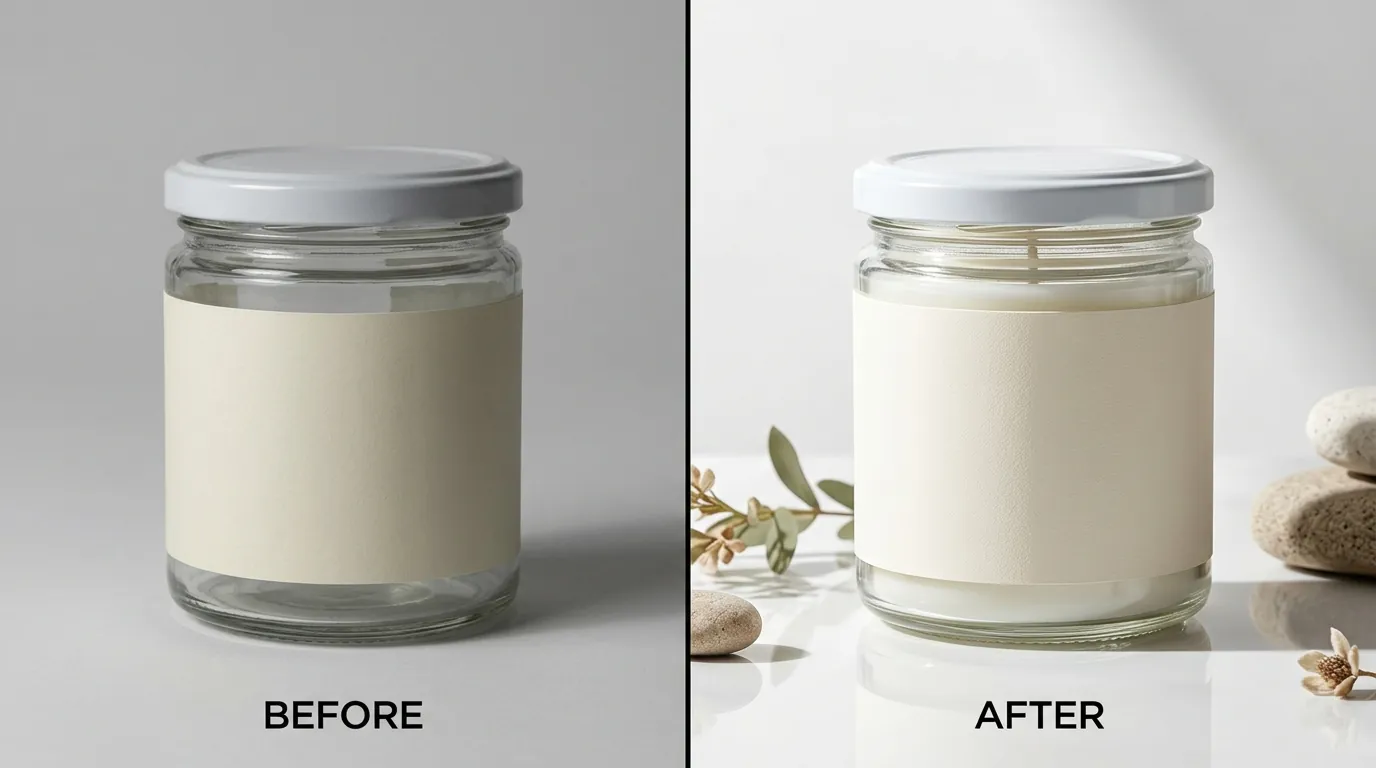
💡 Skip the manual editing. PixelMatch batch-generates ecommerce-ready product images in 60 seconds — white background, lifestyle scenes, and variant mockups from a single source photo. Try PixelMatch free →
Compare the annual cost of Canva Pro against the time saved using a specialized batch tool like PixelMatch if you are managing more than 50 SKUs. While a $120/year subscription seems affordable, the labor cost of manually editing 500 images in a general design tool often outweighs the subscription cost of a dedicated AI batch processor.
- PixelMatch: Offers tiered pricing based on image volume. This allows sellers to scale their costs based on the size of their catalog overhaul. A free tier is typically available for testing the AI’s ability to handle specific product textures like glass or fur.
- Photoroom: The Pro tier costs $12.99/month or $89.99/year. This unlocks batch editing and removes the Photoroom watermark. For sellers with extremely high volume, a “Max” tier provides increased batch limits and additional AI features.
- Canva Pro: Starts at $120/year for individuals. This unlocks the “Background Remover” and “Magic Studio” tools. While Canva is cost-effective for general marketing, it lacks the specialized “ecommerce-first” batch workflows found in PixelMatch or Photoroom.
Best For (By Seller Profile)

Identify your “Seller Profile” based on whether you manage 10, 100, or 1,000+ active listings. TikTok Shop Mall applications often require a full catalog audit; if you only fix your top three sellers but leave the rest of your store in a “standard” quality state, your Mall status may be revoked or the application denied.
PixelMatch: The High-Volume Powerhouse
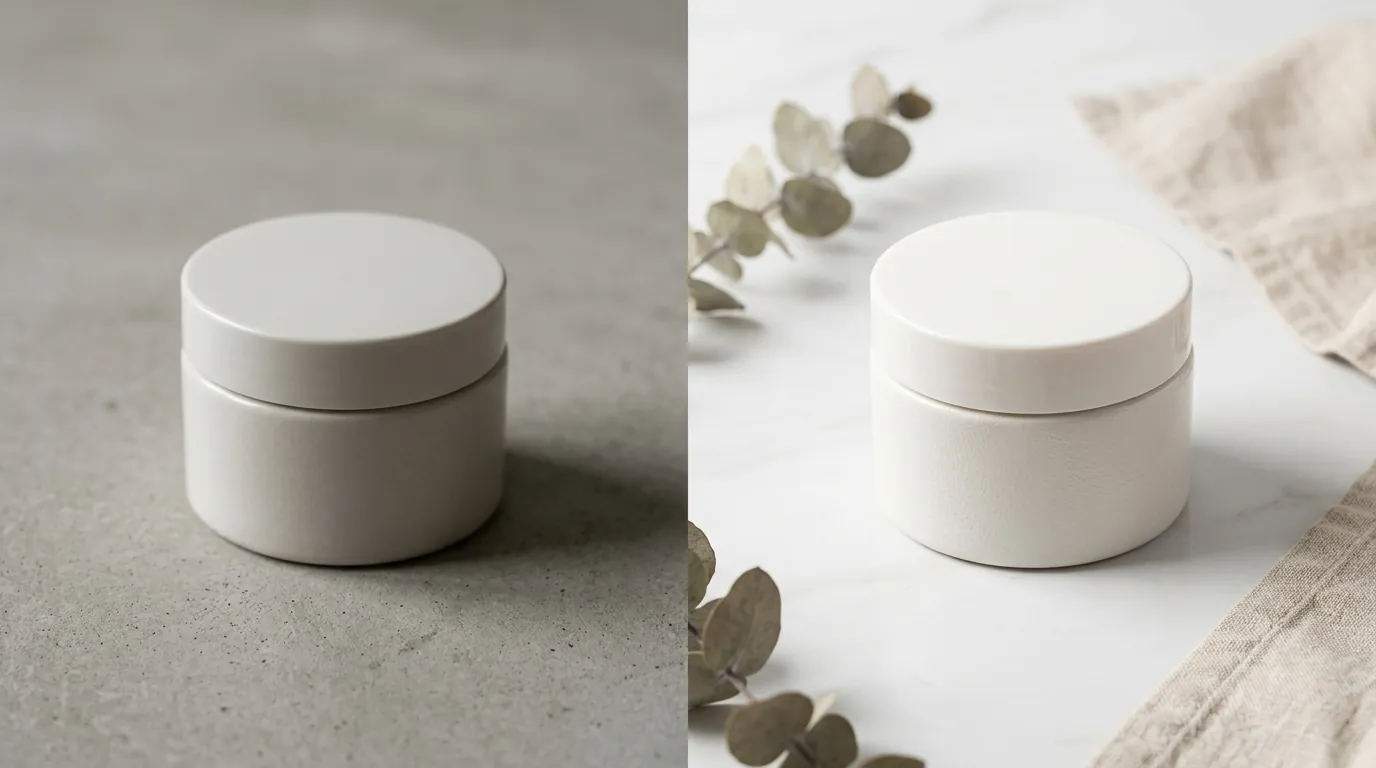
PixelMatch is best for high-volume ecommerce sellers managing hundreds of SKUs who need automated batch processing to meet TikTok Shop Mall standards. If you are porting a catalog from Amazon or Shopify to TikTok Shop, PixelMatch allows you to upload your existing imagery and instantly generate Mall-compliant, white-background, or lifestyle images in bulk. It is designed to maintain consistent lighting across an entire product line, which is a key requirement for the “professional brand” look TikTok Mall curators seek.
Photoroom: The Mobile-First Solopreneur
Photoroom is best for solopreneurs and mobile-first sellers who shoot products on their phones and need instant background removal. If your workflow involves taking a photo in your home office and listing it immediately, Photoroom’s mobile app is the most efficient choice. Its Instant Backgrounds feature allows you to place a product in a clean, studio-like setting without needing a light box.
Canva Pro: The Brand Designer
Canva Pro is best for brand owners who need an all-in-one design tool for product listings, TikTok video covers, and affiliate marketing assets. If you need to add text overlays (which should be avoided for the main Mall image but are useful for secondary images), Canva’s drag-and-drop interface is superior. It is the right choice if your primary goal is creating a cohesive “brand kit” across multiple social platforms.
Where Each Falls Short
Review the Photoroom 500-export limit or Canva’s manual steps to ensure your bulk update won’t be throttled or become a multi-day project. Rejection from TikTok Shop Mall often comes with a “cooldown period” before you can reapply, so your first overhaul must be comprehensive.
- PixelMatch: Focuses strictly on ecommerce product images. It lacks general graphic design tools like font libraries, social media templates, or video editing features. It is a specialized tool for image compliance rather than a broad creative suite.
- Photoroom: The Pro plan limits batch exports to 500 per month. For massive multi-platform sellers who need to refresh thousands of images across TikTok, Amazon, and eBay, this limit can be restrictive, forcing an upgrade to the more expensive Max or Enterprise tiers.
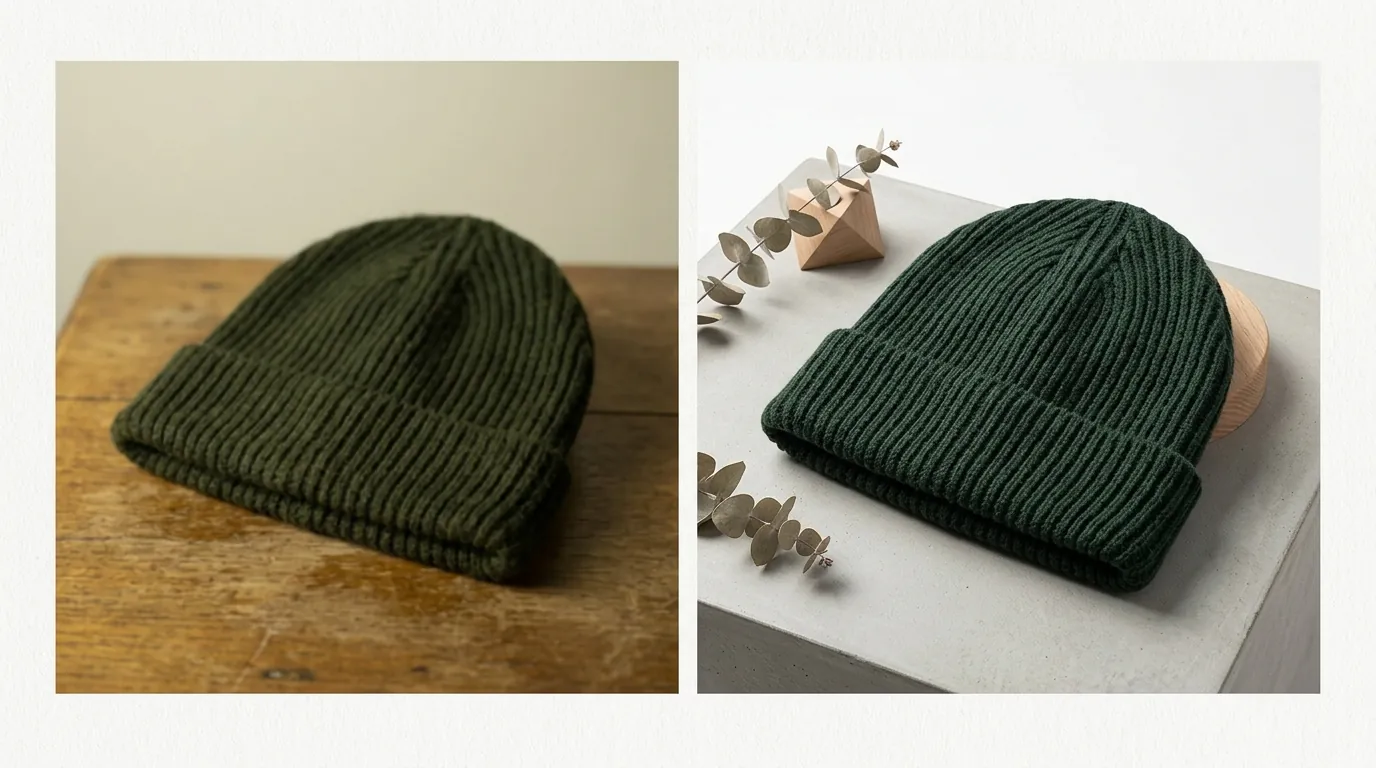
- Canva Pro: AI image generation and batch processing for product catalogs are less specialized. Canva’s background remover is excellent, but its ability to “relight” a product to match a new AI-generated background is less sophisticated than PixelMatch or Photoroom. This can sometimes result in images that look “flat” or obviously edited, which Mall curators may reject.
Recommendation
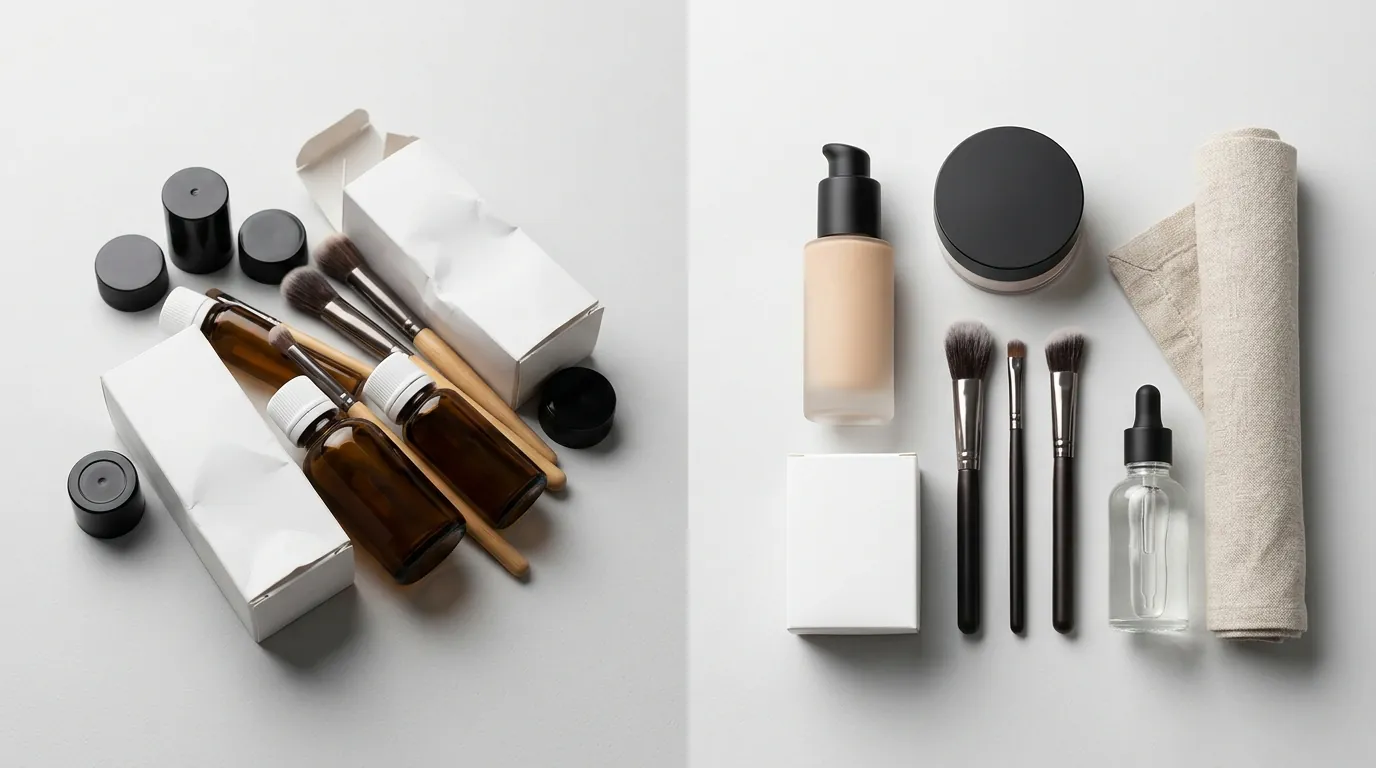
Export your final assets in JPG or PNG format and verify each file is under the 5MB limit. TikTok’s system can be sensitive to file types; using a standard JPG with a white background is the safest path to approval.
If you are applying for the TikTok Shop Mall and need to overhaul your entire catalog’s image quality quickly, use PixelMatch. The ability to process hundreds of SKUs with consistent AI-driven lighting and resolution ensures that your storefront looks uniform—a key metric for the “Mall” invitation.
If you only have a few products and need to design promotional banners or TikTok-specific creative assets alongside your product photos, Canva Pro is sufficient. Its versatility makes it a better value for sellers who are just starting to build their brand identity.
Regardless of the tool you choose, ensure your main product image follows the TikTok Shop Product Listing Policy:
- Resolution: At least 600x600 pixels (1:1 aspect ratio).
- File Size: Under 5MB.
- Content: No watermarks, no cluttered backgrounds, and the product must occupy at least 60% of the frame.
- Format: JPG, JPEG, or PNG.
Frequently Asked Questions
Why was my TikTok Shop Mall application rejected for image quality?
TikTok Shop Mall requires a “premium” shopping experience. Rejections typically happen because of low-resolution images (under 600x600 px), the use of watermarks, or “noisy” backgrounds that distract from the product. Mall curators look for studio-quality photography that builds consumer trust.
Does TikTok Shop Mall require a white background for all images?
While not strictly mandated for every secondary image, TikTok highly recommends a plain white background for the main (cover) image. This ensures the marketplace looks clean and professional, which is a core requirement for Mall-tier status.
Can I use AI-generated backgrounds for TikTok Shop Mall?
Yes, as long as the product itself is not distorted and the background looks realistic. Tools like PixelMatch and Photoroom generate AI backgrounds that simulate professional studio lighting, which can help your products meet the “premium” criteria without the cost of a physical photoshoot.
What is the maximum file size for TikTok Shop images?
Each image must be under 5MB. If your AI-generated images are too large, you must compress them or use a tool that automatically optimizes the file size for web upload while maintaining the 600x600 px resolution.
How many images should I have per listing for TikTok Shop Mall?
You should aim for at least 3-5 high-quality images. The first should be a clean product shot on a white background, followed by detail shots (close-ups of materials or features) and at least one lifestyle shot showing the product in use.
Ready to scale your listings?
PixelMatch generates white-background, lifestyle, and variant mockups from a single source photo — built specifically for multi-platform ecommerce sellers. 50 free images on signup, no credit card.
Start free →
Sources
- TikTok Shop Product Listing Policy
- TikTok Shop Mall Policy and Eligibility
- Photoroom Pricing and Plan Limits
- Canva Pro Pricing and Features
- TikTok Shop Image Size Guide