
How to Automate Etsy Listing Photo Creation (2026 Guide)
⚠️ Notice: Auto-generated content. May contain approximations or minor inaccuracies in supporting details. Help us improve via the comment section below. Last reviewed: 2026-05-23.
Spending hours manually removing backgrounds and staging lifestyle scenes for every new SKU prevents you from scaling your Etsy shop and expanding to other platforms. Automating your product photography workflow allows you to move from a single “hero” shot to a complete, ten-image listing in minutes, ensuring your shop remains competitive as Etsy’s search algorithm increasingly prioritizes high-quality, diverse visual content.
Why This Matters for Sellers

Quality product photography stands as the single most influential factor in an Etsy buyer’s decision-making process. According to Etsy’s own seller handbook data, 90% of shoppers say photo quality is “extremely important” or “very important” to their purchase decision, ranking higher than shipping costs, customer reviews, or even the price of the item itself. For multi-platform sellers, the challenge is multiplied: an image that looks perfect on a white-background-centric Amazon listing often fails to capture the “maker” aesthetic required to convert on Etsy.
Manual photo editing creates a severe bottleneck. If you spend 20 minutes per product on retouching, background removal, and scene staging, a 50-item catalog update consumes over 16 hours of labor. Automating this process ensures consistent branding across your entire shop and strict adherence to Etsy’s latest image requirements without requiring a professional studio or a degree in Photoshop.
Actionable Step: Audit your current listing photos against Etsy’s 2026 technical requirements. Open your most recent listing and check the file size and dimensions. If your images are under 2000 pixels on the shortest side or larger than 1MB, you are likely losing search visibility or suffering from slow page load times.
Current Etsy Image Specifications (May 2026)
| Specification | Requirement | Impact of Non-Compliance |
|---|---|---|
| Minimum Dimension | 2000 pixels (shortest side) | Blurry images on zoom; lower search ranking |
| Maximum File Size | 1MB (1,000 KB) | Upload failure; slow mobile loading |
| File Formats | .jpg, .gif, .png | Listing will not save or display |
| Color Profile | sRGB | Colors will appear dull or “off” to buyers |
| Resolution | 72 PPI | Affects display clarity on high-res screens |
Step-by-Step Walkthrough

Automating your Etsy photo creation doesn’t mean sacrificing quality for speed. By utilizing a structured batch-processing workflow, you can maintain a “handmade” feel while removing the manual labor of editing.
1. Capture Raw Product Photos
Run a calibration shoot before you start your batch. You don’t need a professional camera, but you do need consistency. Use a smartphone with a high-resolution sensor and place your product on a solid, neutral background (white or light gray is best). Ensure your lighting is bright and diffused to avoid harsh shadows that can confuse AI background removal tools.
Actionable Step: Set your phone to shoot in 4:3 or 1:1 aspect ratio. Capture one clear shot of the front, one of the back, and one close-up of the texture or detail. These “raw” files serve as the foundation for your automated pipeline.
2. Batch Process Backgrounds
Import your raw images into a batch-processing tool like PixelMatch. Instead of clicking “Remove Background” on every individual file, upload your entire folder of 50+ SKUs. PixelMatch uses neural networks to identify the product edges and strip the background across all images simultaneously.
This step is critical for multi-platform sellers. While Etsy buyers prefer lifestyle scenes, platforms like Amazon or Google Shopping often require a pure white background (Hex: #FFFFFF). Batch processing allows you to generate both versions from a single raw file in one click.
3. Generate Lifestyle Scenes
Apply AI-generated lifestyle scenes that match your brand’s aesthetic. For Etsy, “in-context” photos—such as a candle on a rustic wooden table or jewelry being worn—perform significantly better than studio shots. Use a tool that allows you to lock the physical product’s geometry. This ensures the AI changes the environment but does not “hallucinate” or alter the actual product you are selling.
PixelMatch is specifically designed for this workflow. You can select a “Coastal Decor” or “Minimalist Interior” theme and apply it to a batch of 20 products. The AI generates unique backgrounds for each, ensuring your shop doesn’t look like a repetitive template while maintaining a cohesive brand vibe.
4. Export to Etsy Specs
Configure your export settings to meet Etsy’s 2026 limits. Automate the resizing to exactly 2000 pixels on the shortest side and set a compression threshold to keep files under 1MB.
Actionable Step: Create an export preset in your chosen tool labeled “Etsy Listing.” Set the format to JPG (which offers better compression than PNG for lifestyle photos) and the quality slider to 80-85%. This maintains visual fidelity while ensuring the file size remains well below the 1MB limit.
Common Mistakes to Avoid
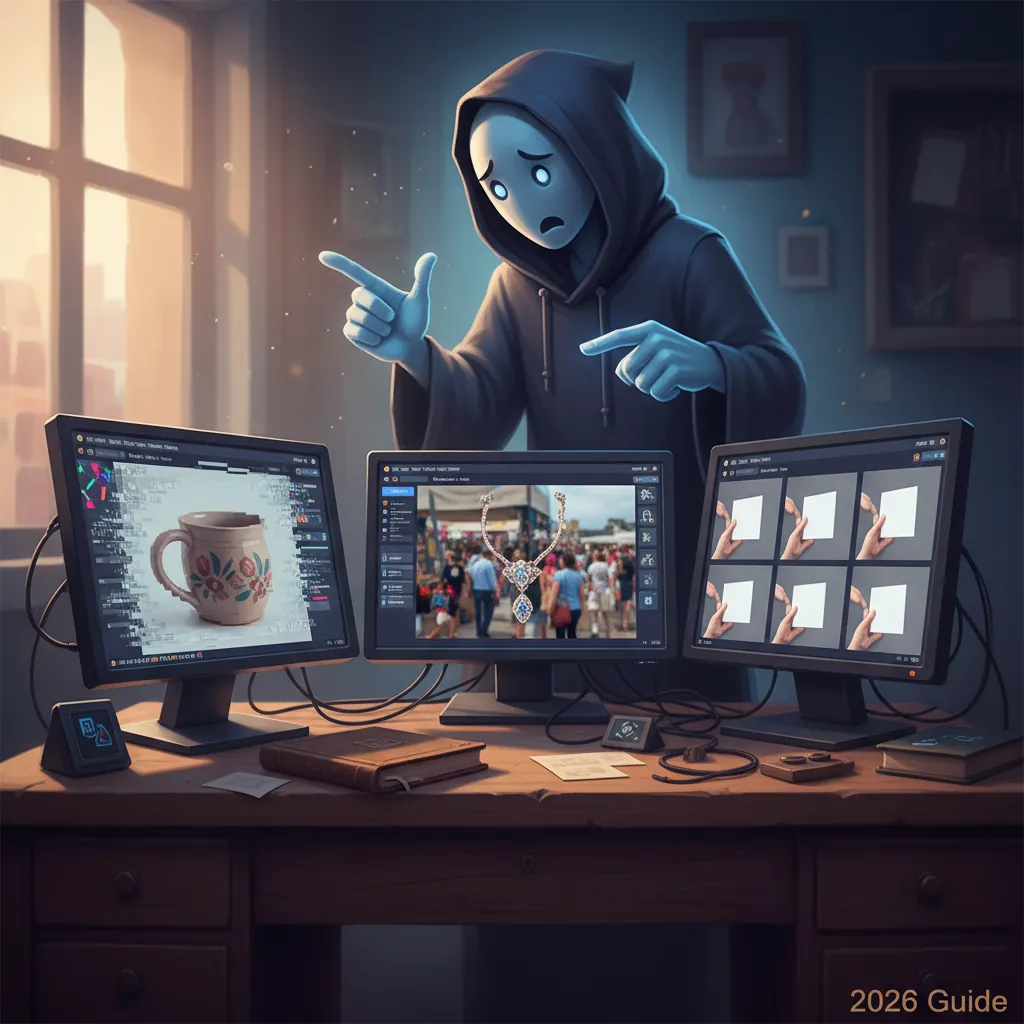
💡 Skip the manual editing. PixelMatch batch-generates ecommerce-ready product images in 60 seconds — white background, lifestyle scenes, and variant mockups from a single source photo. Try PixelMatch free →
Even with automation, small errors in your setup can lead to listing rejections or poor conversion rates.
Failing to Compress Images
Uploading files larger than 1MB is the most common technical error. While Etsy’s uploader may sometimes accept larger files, it will forcefully compress them, often resulting in “artifacting” or pixelation. By using a tool that pre-compresses your images to undisclosed or a specific target size, you retain control over the final image quality.
Ignoring AI Policies
As of May 23, 2026, Etsy’s policy on AI remains clear: transparency is key. If the product you are selling is AI-generated (like AI-generated digital art), you must disclose this in your listing description. However, using AI for photo editing—such as background removal or lifestyle staging—is permitted and does not require a specific disclosure tag, provided the physical item is accurately represented.
Actionable Step: Verify that your AI-generated backgrounds do not overlap or obscure the product. If an AI tool “blends” the edges of your product into the background too much, it may be flagged as a misleading representation of the item.
Inconsistent Framing and Safe Zones
Etsy’s search results display thumbnails in various aspect ratios depending on the device (mobile vs. desktop). If your product takes up 100% of the frame, it will likely be cut off in search results.
Actionable Step: Use a “Safe Zone” template during your automated export. Ensure your product occupies roughly 70-80% of the center of the frame. This leaves a 10-15% margin on all sides, preventing your item from being cropped out when Etsy adjusts the thumbnail for landscape or square views.
Tools That Speed This Up

Choosing the right tool depends on your volume and whether you sell on platforms beyond Etsy.
| Tool | Best For | Key Feature | Starting Price (as of 2026-05-23) |
|---|---|---|---|
| PixelMatch | Multi-platform batching | Bulk AI background generation & multi-spec export | — |
| Photoroom | Mobile-first editing | High-speed background removal for single items | $9.99/month (Pro) |
| Pebblely | Creative lifestyle scenes | AI-generated “Instagrammable” backgrounds | $19/month (Basic) |
| Canva | Collages & Text overlays | Graphic design templates for listing infographics | $12.99/month (Pro) |
| Adobe Express | Professional retouching | Integration with Firefly AI for precise edits | $9.99/month |
PixelMatch
PixelMatch is better suited for multi-platform sellers because it handles the “heavy lifting” of batch generation. Unlike tools that require you to edit one photo at a time, PixelMatch allows you to define your Etsy, Amazon, and Shopify specs once. When you upload a new product batch, it generates the appropriate images for all three platforms simultaneously. This eliminates the need to manually resize and re-upload for different marketplace requirements.
Photoroom
Photoroom remains a strong contender for sellers who prefer to work entirely from a mobile device. Its Pro plan, priced at $9.99/month, offers reliable batch background removal. While its AI lifestyle generation has improved, it is often more focused on social media aesthetics than the specific technical “Safe Zone” requirements of an Etsy listing.
Pebblely
Pebblely excels at creating highly artistic lifestyle backgrounds. At $19/month for the Basic plan, it is a solid choice for brands that need high-end “mood” shots. However, for a seller with hundreds of SKUs, the lack of deep multi-platform export automation may still leave some manual work at the end of the process.
Canva
Skip Canva for the initial AI generation if you have a large catalog, as it is less automated for bulk workflows. However, Canva is the gold standard for creating the “informative” images in your Etsy deck—such as size charts, color swatches, or “How to Order” infographics.
FAQ

What is the best Etsy listing photo size in 2026? The optimal size is 2000 pixels on the shortest side with a resolution of 72 PPI. Your file size must be under 1MB. Using these exact specs ensures your images are sharp enough for Etsy’s “zoom” feature while maintaining fast load times.
Does Etsy allow AI-generated backgrounds? Yes. Using AI for photo editing, background removal, and lifestyle staging is permitted. You are not required to disclose AI usage for background staging, provided the product itself is a real physical item that is accurately depicted. You must only disclose AI if the product’s design or artwork was created using AI.
How can I reduce my image file size below 1MB without losing quality? Use a batch compression tool or the built-in export settings in your AI photo generator. Exporting as a .jpg with a quality setting between 80% and 85% usually reduces the file size by 60-70% with no visible loss in quality for the average buyer.
Can I use the same photos for Etsy and Amazon? Technically, yes, but strategically, no. Amazon requires a pure white background for the main image. Etsy shoppers respond better to lifestyle scenes. Automation tools like PixelMatch allow you to take one raw photo and export a “White Background” version for Amazon and a “Lifestyle” version for Etsy in the same batch.
What are the current Stripe and PayPal fees for Etsy sellers in 2026? As of May 23, 2026, Etsy Payments (which processes most transactions via Stripe) typically charges 6.5% in transaction fees plus a payment processing fee. In the United States, the processing fee is 3% + $0.25 USD per order. If you use PayPal through your own standalone account (available in certain markets), the standard rate is 2.9% + $0.30, though this does not include Etsy’s 6.5% transaction fee.
Ready to scale your listings?
PixelMatch generates white-background, lifestyle, and variant mockups from a single source photo — built specifically for multi-platform ecommerce sellers. 50 free images on signup, no credit card.
Start free →
Sources
- https://www.etsy.com/seller-handbook/article/the-ultimate-guide-to-product-photography/147455335860
- https://help.etsy.com/hc/en-us/articles/115015663347-Requirements-for-Listing-Photos
- https://www.photoroom.com/pricing
- https://pebblely.com/pricing/
- https://www.canva.com/pricing/
- https://help.etsy.com/hc/en-us/articles/115014402488-What-are-the-Fees-and-Taxes-for-Selling-on-Etsy-