How to Make POD Mockups for Etsy Prints: 2026 Seller Guide
⚠️ Notice: Auto-generated content. May contain approximations or minor inaccuracies in supporting details. Help us improve via the comment section below. Last reviewed: 2026-05-22.
stop wasting hours manually warping PNGs onto static photos only to have Etsy’s thumbnail crop ruin your composition. High-quality mockups are no longer a luxury; they are the baseline requirement for staying visible in a crowded 2026 marketplace.
Why This Matters for Sellers

Quality product photography stands as the single most influential factor in an Etsy buyer’s decision-making process. According to Etsy’s own seller research, shoppers prioritize clear, attractive images over the item’s cost, shipping speed, or even the number of positive reviews [1.1.6]. In a sea of “Print on Demand” (POD) listings, your mockup is the only bridge between a digital file and a customer’s imagination.
As of May 2026, Etsy’s search algorithm and interface have fully transitioned to a dynamic thumbnail system. This means your primary listing image is no longer displayed in a static aspect ratio. Depending on whether a buyer is browsing on the Etsy mobile app, a desktop search result page, or your specific shop home, your image may be cropped into portrait (4:5), square (1:1), or landscape (4:3) views. If you do not design your mockups with “safe zones” in mind, your design or key product features will be cut off, leading to lower click-through rates (CTR).
Furthermore, the rise of low-quality AI generators has made Etsy shoppers more skeptical. Misleading mockups that don’t match the physical product lead to “Item Not As Described” cases, which can trigger Etsy’s automated shop suspensions. Accurate mockups build the trust necessary to convert a click into a sale.
Actionable Step: Open the Etsy Seller App and use the “Listing Preview” tool to toggle between search view and shop view for your top five listings. If your design is cut off in any of these views, you must re-center your design within a 2000px x 2000px “safe zone” square.
Step-by-Step Walkthrough
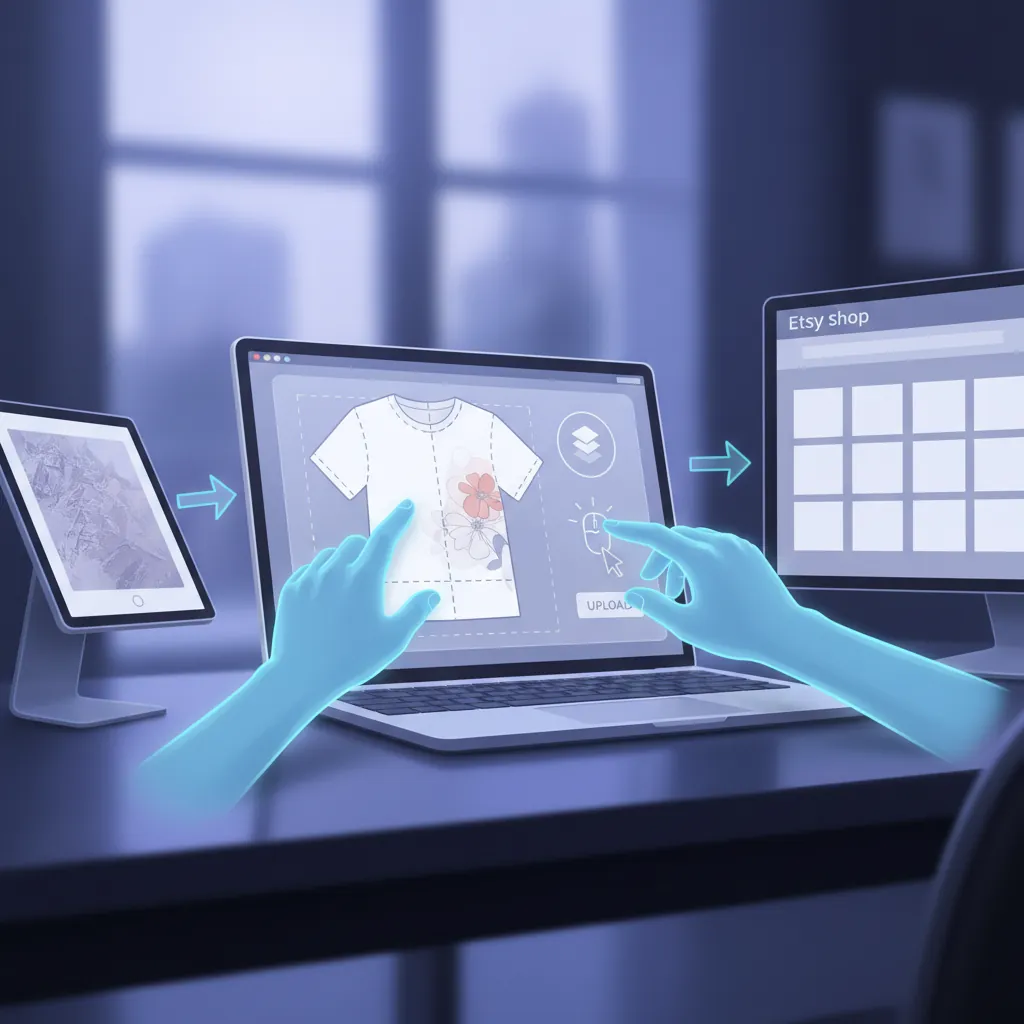
Creating a professional POD mockup requires more than just slapping a logo on a shirt. You must replicate the physical reality of the product your customer will receive.
Matching Your POD Provider’s Blanks
The most common mistake is using a generic t-shirt mockup when you are actually selling a specific brand. A Bella+Canvas 3001 has a fitted, side-seamed construction and a specific collar width that looks nothing like a heavy, tubular Gildan 5000. If your mockup shows a premium, soft-drape shirt but the customer receives a boxy, stiff garment, you are inviting a one-star review. Always check your POD provider’s dashboard (e.g., Printful, Printify, or Gooten) to identify the exact brand and model number of the blank. Search for mockups specifically tagged with that model name to ensure the texture and fit are 100% accurate.
Preparing Your Design File
Your design must be high-resolution to avoid pixelation on high-density displays.
- Resolution: Export your design at 300 DPI (dots per inch).
- Background: Use a transparent background (.png) to ensure no “white box” appears around your art [1.1.1].
- Color Space: Convert your design to sRGB. While printers use CMYK, Etsy’s web servers display images in sRGB. Uploading CMYK files often results in “neon” or distorted colors on screen.
Applying Realistic Shadows and Textures
A flat PNG placed on top of a photo looks fake. To make it look “printed,” you must account for the fabric’s highlights and shadows.
- Opacity: Reduce the design layer opacity to 95-98% to let a tiny amount of the fabric texture peek through.
- Displacement Maps: In tools like Photoshop or Affinity Photo, use a displacement map to warp the design into the wrinkles of the shirt.
- Blending Modes: Set your design layer to “Multiply” or “Linear Burn” if you are placing a dark design on a light shirt. For light designs on dark shirts, use “Screen” or “Lighten” for the highlight areas.
Etsy Image Size Requirements for 2026
Etsy’s technical requirements have tightened to improve mobile load speeds across the platform.
- Dimensions: Aim for 2000px on the shortest side.
- File Size: Keep files under 1MB. Images larger than this are compressed by Etsy’s servers, often resulting in “artifacts” or blurriness.
- Format: JPG is preferred for photos; PNG is acceptable but often results in larger file sizes.
Actionable Step: Create a “Master Export Preset” in your design software. Set the dimensions to 2500px x 2000px, 72 DPI, sRGB color mode, and set a file size limit of 900KB. This ensures every mockup you produce is optimized for Etsy’s 2026 upload engine without further manual tweaking.
Common Mistakes to Avoid
💡 Skip the manual editing. PixelMatch batch-generates ecommerce-ready product images in 60 seconds — white background, lifestyle scenes, and variant mockups from a single source photo. Try PixelMatch free →
Navigating Etsy’s policies is a moving target. In 2026, the platform’s automated image recognition is more aggressive in flagging listings that do not meet “Handmade” or “Production Partner” transparency standards.
| Practice | Status | Consequence of Violation |
|---|---|---|
| Using a photo of a blank product as the main image | Prohibited | Listing suppressed from search results [1.2.5]. |
| ”Your Text Here” placeholder in the primary photo | Prohibited | Policy violation warning; potential shop shadow-ban. |
| AI-generated hands with 6 fingers or distorted limbs | Discouraged | High buyer bounce rate and “Uncanny Valley” distrust. |
| Placing text in the outer 10% of the image frame | Technical Error | Design gets cropped out in mobile search view. |
| Using a mockup of a different garment style | Misleading | ”Item Not As Described” cases and forced refunds. |
Violating Etsy’s Mockup Policy
Etsy’s Seller Policy Section 2.A.2 states that the first image in your listing must be a photo of the finished item for sale or a realistic representation of it. You cannot use a photo of a blank t-shirt or a digital file of the artwork alone as your primary image. The mockup must show the design on the product.
Misrepresenting the Product
AI-generated mockups are a powerful tool, but they often hallucinate details. If your AI tool generates a mockup with a V-neck but you are selling a crew neck, you are misrepresenting your inventory. Always audit AI outputs for “anatomical correctness”—extra fingers, floating hair, or distorted fabric patterns are immediate red flags for savvy Etsy shoppers.
Ignoring Safe Zones
Because Etsy’s dynamic cropping can turn your 5:4 image into a 1:1 square in the shop view, you must keep all critical information (the design and any “Limited Edition” badges) within the center square of the image. Anything placed near the extreme left or right edges will disappear when the thumbnail is resized.
Actionable Step: Run a “compression audit.” Take your current highest-selling listing’s main image and run it through an image compressor like TinyPNG. If the file size drops by more than 40% without losing visible quality, your original was too heavy. Re-upload the compressed version to shave milliseconds off your page load time, which is a confirmed Etsy SEO ranking factor.
Tools That Speed This Up

Manual mockup creation is fine for five listings, but for multi-platform sellers managing hundreds of designs, you need automation.
Placeit
Placeit remains the industry standard for lifestyle mockups. It offers a massive library of diverse models and environments, which is essential for inclusive branding.
- Best for: Sellers who need “lifestyle” shots (people wearing the items in real-world settings).
- Pricing: $14.95 per month for an unlimited subscription [1.3.3].
Canva
Canva is the go-to for flat lays and adding marketing text (like “Free Shipping” or “Size Chart”) to your images.
- Best for: Creating secondary listing images (size charts, color swatches, and care instructions).
- Pricing: Canva Pro is approximately $15.00 per month.
Photoroom
Photoroom excels at background removal and AI staging. If you have a photo of a physical sample but hate the background, Photoroom can swap it for a professional studio setting in seconds.
- Best for: Turning “home photos” of samples into professional studio shots.
- Pricing: Photoroom Pro is $9.99 per month.
PixelMatch
PixelMatch is specifically designed for the high-volume, multi-platform seller. While tools like Placeit require you to upload designs one by one, PixelMatch is better suited for batch-processing workflows. If you have 50 new designs for a seasonal launch, PixelMatch can apply those designs across multiple product types (shirts, mugs, prints) and generate consistent AI-staged imagery in a fraction of the time. This is particularly useful for sellers who need to maintain a consistent brand aesthetic across Etsy, Shopify, and TikTok Shop simultaneously.
- Best for: Batch-generating AI product images at scale for multi-platform distribution.
- Pricing: undisclosed.
Tool Comparison Table
| Tool | Monthly Price | Primary Strength | Batch Processing? |
|---|---|---|---|
| Placeit | $14.95 | Massive lifestyle library | No (One by one) |
| Canva Pro | $15.00 | Graphic overlays & text | Limited |
| Photoroom | $9.99 | AI background removal | Yes |
| PixelMatch | [Info Pending] | Multi-platform AI batching | Yes (Optimized) |
Actionable Step: Calculate your “Cost Per Export.” Divide your monthly subscription cost by the number of mockups you actually create. If you are paying $15/month but only making 3 mockups, you are paying $5 per image. If your time is worth $30/hour and it takes you 20 minutes to make a mockup manually, a batch tool like PixelMatch pays for itself in the first 10 minutes of use.
FAQ
Are POD mockups allowed on Etsy? Yes, mockups are fully permitted on Etsy. However, your primary (first) image must be a realistic representation of the final product. Using a blank product or a mockup that looks significantly different from the item your POD partner ships can result in listing removal.
What is the best image size for Etsy in 2026? The optimal size is 2000px on the shortest side. This provides enough resolution for Etsy’s “Zoom” feature while keeping the file size small enough for fast mobile loading. Always keep the file size under 1MB.
Can I use AI-generated mockups? Yes, AI-generated mockups are allowed as long as they accurately reflect the physical item. If the AI adds features (like a pocket or a specific hem style) that the actual product doesn’t have, you are in violation of Etsy’s Misrepresentation Policy.
Does Etsy prefer square or rectangular images? Etsy recommends a 4:3 ratio, but because of their dynamic cropping system, you should treat the center 1:1 square as your “safe zone.” This ensures your product looks great in both the square shop view and the rectangular search view.
Should I use a watermark on my mockups? While watermarks can prevent “listing theft” by other sellers, they often distract buyers and can interfere with Etsy’s off-site ads (Google Shopping often rejects watermarked images). If you use one, keep it small, low-opacity, and away from the main product design.
Ready to scale your listings?
PixelMatch generates white-background, lifestyle, and variant mockups from a single source photo — built specifically for multi-platform ecommerce sellers. 50 free images on signup, no credit card.
Start free →