Top AI Image Generators for TikTok Shop Sellers in 2026
📝 Editorial Note: This guide is AI-assisted and game data evolves rapidly. Please cross-reference with in-game information. Updated: 2026-05-19.
Stop losing TikTok Shop traffic to “Poor” listing scores caused by low-resolution product photos that fail the platform’s 2026 quality audit. Your ability to scale on TikTok depends entirely on visual speed—generating compliant lifestyle imagery faster than your competitors can hire a photographer.
Why This Matters for Sellers
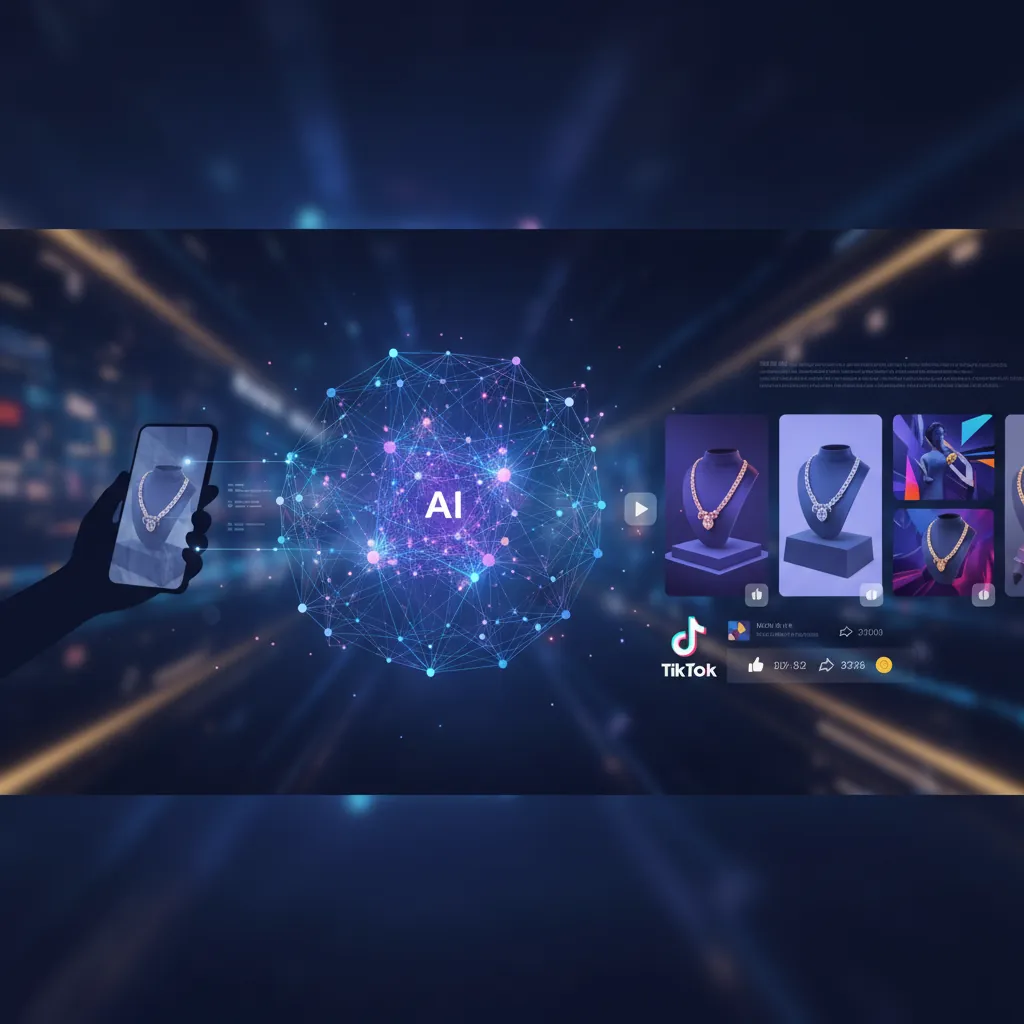
Check your current Listing Quality Score in the TikTok Seller Center under the “Growth” tab today. TikTok Shop’s 2026 algorithm prioritizes listings that reach the “Good” tier, a designation that requires a minimum of five high-quality images. Listings stuck in the “Fair” or “Poor” categories suffer from suppressed visibility in the “For You” feed and are often ineligible for platform-subsidized shipping vouchers or flash sale events.
To hit the “Good” tier, you must adhere to rigid technical specifications. While TikTok technically allows a minimum of 600x600 pixels, any image under 800x800 pixels is flagged by the system as “low quality,” negatively impacting your conversion rate. Furthermore, the platform’s 2026 AI-Generated Content (AIGC) policy is now strictly enforced by automated visual scrapers. If you use AI to generate your lifestyle scenes, you must toggle the “AI-generated” label during the upload process to avoid “Misleading Content” violations that can lead to immediate product deactivation.
| Feature | TikTok Shop 2026 Specification | Impact of Non-Compliance |
|---|---|---|
| Minimum Dimensions | 600 x 600 pixels | Automatic “Poor” listing score |
| Recommended Dimensions | 800 x 800 pixels or higher | Improved zoom functionality for buyers |
| Aspect Ratio | 1:1 (Square) | Image cropping in the shopping tab |
| File Size | Maximum 5MB | Upload failure or slow page load |
| Image Count | 5 to 9 images | Listings with <5 images are deprioritized |
| AI Disclosure | Mandatory AIGC Toggle | Product deactivation or shop points |
| Main Image | Pure white background (recommended) | Lower click-through rate in search |
Step-by-Step Walkthrough

Run a calibration shoot before you ever open an AI tool. Use a smartphone with a tripod to capture a “clean” product shot against a neutral, uncluttered background. This base image is the foundation for your AI generation; if the product is blurry or poorly lit in the original photo, the AI will struggle to maintain product integrity, leading to a “Misleading Content” strike from TikTok’s moderation team.
1. Capture the Base Image
Position your product in the center of the frame. Use natural light or a simple LED ring light to ensure there are no harsh shadows that obscure the product’s texture. TikTok’s [1.2.1] anti-misleading policy specifically forbids AI from altering the physical appearance, color, or size of the product. Your base photo must accurately represent what the customer will receive.
2. Remove the Background
Upload your base photo to an AI generator to strip the background. For TikTok Shop, your primary image should ideally be a clean, white-background shot to ensure it displays correctly in the “Shop” tab and search results.
3. Generate Lifestyle Scenes
Use the “Product-to-Lifestyle” feature to place your product in an environment that resonates with TikTok’s demographic. For example, if you are selling a portable blender, generate a scene of the product on a modern kitchen counter or in a gym bag. Ensure the AI does not add “hallucinated” features to the product, such as extra buttons or a different logo.
4. Apply 2026 Compliance Checks
Before exporting, verify that the product’s scale relative to the background is realistic. TikTok’s automated moderation frequently flags images where products appear significantly larger or smaller than their actual dimensions.
5. Final Export and Compression
Resize the final output to exactly 800x800 pixels. Use a 1:1 square aspect ratio. Ensure the final file size is under 5MB. If your AI tool exports in a high-resolution format like TIFF, convert it to JPEG or PNG to ensure compatibility with the TikTok Seller Center.
Before/After Transformation Example:
- Before: A raw smartphone photo of a skincare bottle on a cluttered office desk with yellow lighting.
- After: A crisp, 800x800px image of the same bottle placed on a marble bathroom vanity with soft, natural morning light, exported as a 1.2MB PNG with no distortion to the label text.
Common Mistakes to Avoid
💡 Skip the manual editing. PixelMatch batch-generates ecommerce-ready product images in 60 seconds — white background, lifestyle scenes, and variant mockups from a single source photo. Try PixelMatch free →
Audit your existing listings for the AIGC (AI-Generated Content) label immediately. TikTok’s 2026 policy requires this label for any image that has been “significantly altered” by AI. Failing to toggle this switch during upload is one of the fastest ways to receive a policy violation.
- Exaggerating Product Results: Never use AI to show “instant” results that the product cannot actually achieve. Examples include using AI to show skin clearing, teeth whitening, or weight loss. These violate TikTok’s misleading content policy [1.2.1] and can lead to permanent shop bans.
- Insufficient Image Count: Many sellers upload only one or two images. TikTok automatically downgrades these listings. You must upload at least 5 images to reach the “Good” tier. Use AI to generate 3-4 different lifestyle variations to fill these slots without needing multiple photo shoots.
- Text Overlays on Main Images: Avoid placing watermarks, “Free Shipping” badges, or promotional text on your primary product image. TikTok prefers clean visuals for the main thumbnail. Save your text-heavy graphics for the 4th or 5th image in the gallery.
- Ignoring the “Safe Zone”: TikTok Shop overlays certain UI elements (like the “Share” icon or product price) over the bottom and sides of images in certain views. Keep your product centered to ensure it isn’t obscured by the app’s interface.
Tools That Speed This Up

Set up a batch export preset in your chosen tool to ensure every image you produce automatically meets the 800x800px requirement. Manually resizing images for every new SKU is the primary bottleneck for multi-platform sellers.
Photoroom
Photoroom remains a top choice for sellers who manage their shops primarily via mobile. It is highly effective for rapid background removal and offers a wide library of lifestyle templates specifically designed for social commerce.
- Key Feature: The “Batch Mode” allows you to apply the same background and lighting settings to dozens of photos at once.
- Pricing: As of 2026-05-19, the Pro plan is priced at $9.99/month. While powerful, be aware that high-volume batch processing may hit performance limits if you are trying to process hundreds of SKUs simultaneously.
- Best For: Small to mid-sized TikTok sellers who need a mobile-first workflow.
Pebblely
Pebblely excels at creating highly realistic lifestyle scenes by interpreting the lighting and shadows of your original product photo. It is particularly useful for home decor and beauty brands that need “aspirational” imagery.
- Key Feature: “Theme” based generation, which allows you to maintain a consistent aesthetic across your entire TikTok Shop.
- Pricing: undisclosed for 2026 specific updates, but historically offers a free tier for 40 images/month, with paid plans starting at $19/month for 200 images.
- Best For: Sellers who need high-end, artistic lifestyle photos but have a lower volume of total SKUs.
PixelMatch
PixelMatch is built specifically for multi-platform sellers who need to batch-generate compliant images for TikTok Shop, Amazon, and Shopify in a single workflow. It solves the “rejection” problem by allowing you to set platform-specific export rules (e.g., 800x800 for TikTok and 1600x1600 for Amazon) from the same source file.
- Key Feature: Multi-platform batching. Unlike tools that require you to edit one image at a time, PixelMatch allows you to upload an entire catalog and generate TikTok-compliant lifestyle shots in bulk without hitting the restrictive batch caps found in mobile-focused apps.
- Pricing: PixelMatch is better suited for high-volume workflows because it offers scalable credits that don’t penalize you for large-scale catalog updates.
- Best For: Professional sellers managing 50+ SKUs across multiple marketplaces who cannot afford to manually edit every listing.
Canva
Canva is the industry standard for adding secondary graphic elements, such as size charts or feature callouts, to your product images. While its native AI generation is improving, it is currently less specialized for maintaining exact product geometry compared to dedicated ecommerce AI tools.
- Key Feature: Magic Edit and background removal, combined with an extensive library of fonts and icons for secondary images.
- Pricing: Canva Pro is currently $15/month or $120/year as of 2026-05-19.
- Best For: Creating the “infographic” style images that occupy slots 2 through 5 in your TikTok Shop gallery.
FAQ

Does TikTok Shop allow AI-generated images? Yes, TikTok Shop allows AI-generated images provided they do not deceive the buyer. You must not use AI to change the product’s color, size, or features. Additionally, if the image is significantly altered (like a full lifestyle scene), you must use the “AI-generated” content toggle in the Seller Center to remain compliant with the 2026 AIGC policy.
What is the best image size for TikTok Shop? The recommended size is 800x800 pixels with a 1:1 square aspect ratio. While the platform accepts images as small as 600x600 pixels, anything smaller than 800x800 pixels will result in a lower Listing Quality Score and may appear blurry on high-resolution smartphone screens.
How many images should I upload to TikTok Shop? You should upload a minimum of 5 images, though the platform allows up to 9. Listings with 5 or more images are much more likely to achieve a “Good” quality rating, which is a prerequisite for high organic reach in the TikTok Shop tab.
Can I use AI to show a product in use? Yes, but you must be careful. If you are selling a “Before and After” product, using AI to generate the “After” result is a violation of the Misleading Content policy. Use AI only to change the background or environment (lifestyle scenes), not the results of the product itself.
What file formats does TikTok Shop support? TikTok Shop supports JPEG, JPG, and PNG formats. The maximum file size per image is 5MB. For the best balance of quality and load speed, aim for a file size between 500KB and 1.5MB.
Ready to scale your listings?
PixelMatch generates white-background, lifestyle, and variant mockups from a single source photo — built specifically for multi-platform ecommerce sellers. 50 free images on signup, no credit card.
Start free →
Sources
- (TikTok Shop Image Guidelines)
- (AIGC Disclosure Policy 2026)
- https://www.photoroom.com/pricing (Photoroom Pricing)
- https://pebblely.com/pricing (Pebblely Pricing)
- https://www.canva.com/pricing (Canva Pro Pricing)
- (Listing Quality Score Criteria)