Top Rated AI Mockup Generators for Etsy Sellers (2026)
📝 Editorial Note: This guide is AI-assisted and game data evolves rapidly. Please cross-reference with in-game information. Updated: 2026-05-19.
Stop wasting hours on manual photo shoots only to have Etsy’s search algorithm bury your listings because of poor thumbnail cropping or slow-loading files. You need a visual strategy that balances Etsy’s strict 2026 Creativity Standards with the high-volume demands of a multi-platform shop.
Why This Matters for Sellers
Audit your current listing gallery immediately to see if your product remains centered during Etsy’s new 2026 thumbnail rotations. Etsy now dynamically adjusts listing displays across square, portrait (4:5), and landscape (1.33:1) crops depending on the buyer’s device and search context. If your product isn’t framed within the “safe zone” of your mockup, the AI-driven crop will likely cut off vital parts of your item, leading to a direct drop in click-through rates (CTR).
Under the Etsy Creativity Standards updated for 2026, AI-generated mockups are fully permitted to illustrate the end product, provided they accurately represent the physical item the buyer will receive [1.2.9]. This means you can use AI to place your digital art on a wall or your handmade jewelry on a model, but the product itself must not be AI-altered in a way that misleads the customer about textures, colors, or scale.
Failing to meet technical specs is the fastest way to trigger a “de-prioritization” in Etsy’s search placement. Etsy’s 2026 infrastructure prioritizes listings that load in under 200ms, which is why they strictly recommend keeping file sizes under 1MB.
Etsy Image Requirements 2026
| Requirement | Specification | Seller Action |
|---|---|---|
| Minimum Dimensions | 2000 x 2000 pixels | Set your AI export resolution to exactly 2000px. |
| Maximum File Size | 1MB | Use WebP or high-compression JPEG. |
| Supported Formats | .jpg, .gif, .png | Avoid transparency; it renders as black. |
| Thumbnail Crops | Square, Portrait, Landscape | Keep product in the center 60% of the frame. |
| Color Profile | sRGB | Ensure your AI tool exports in sRGB for color accuracy. |
Step-by-Step Walkthrough
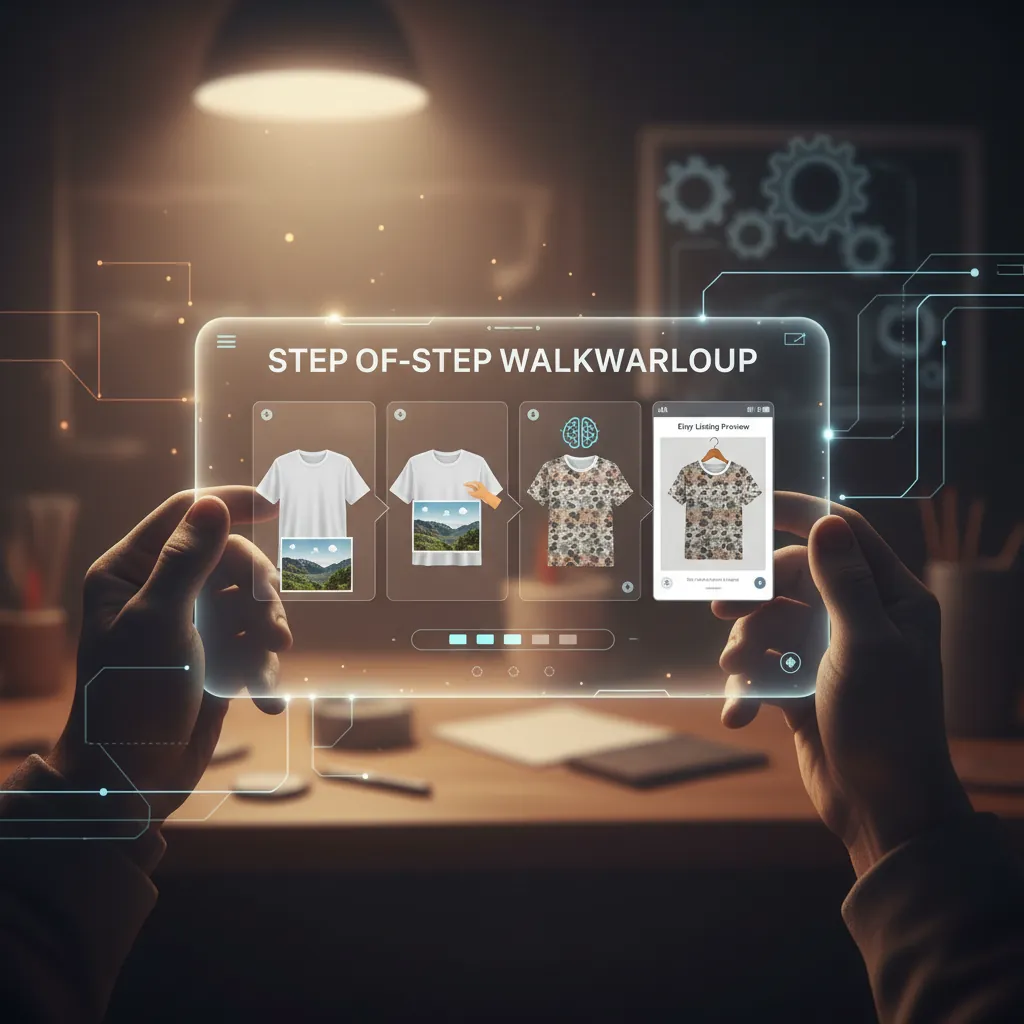
Run a calibration shoot with your physical product before you attempt to generate a full batch of AI mockups. This ensures the AI has a high-quality “anchor” image to work from.
1. Capture Your Base Image
Start with a high-quality photo of your physical product against a neutral, uncluttered background. If you are a digital seller, use your high-resolution design file. Ensure the lighting is flat and even; AI generators struggle to correct harsh, directional shadows that don’t match the new background you intend to generate.
2. Remove the Background
Use an AI background removal tool to isolate your product. Critical Warning: Do not upload transparent PNGs directly to Etsy. Etsy’s image processor does not support alpha channels (transparency); any transparent areas will automatically render as solid black [1.1.4], making your product look like a technical error. Your AI mockup generator must flatten the image onto a solid background before export.
3. Generate the Lifestyle Environment
Select a background aesthetic that matches your brand’s “vibe.” For 2026, Etsy buyers are trending toward “lived-in” realism rather than sterile studio shots.
- Handmade Crafts: Use prompts for “rustic reclaimed wood table” or “soft morning sunlight in a craft room.”
- Jewelry: Use “clean white marble” or “silk fabric folds” to imply luxury.
- Apparel: Generate “lifestyle street photography” or “minimalist bedroom closet” backgrounds.
4. Apply Safe Zone Framing
When generating the mockup, ensure the product occupies the center of the 2000x2000px canvas. Because Etsy now utilizes various crops, keeping your product in the middle “safe zone” prevents it from being sliced out when the app switches to a portrait view for mobile users or a landscape view for desktop search results.
5. Batch Resize and Compress
Once your mockups are generated, batch-resize them to 2000 x 2000 pixels. Use a compression tool to bring the file size below 1MB. If you are using PixelMatch, this process is automated during the export phase, ensuring every image is “Etsy-ready” without manual tweaking.
Common Mistakes to Avoid
💡 Skip the manual editing. PixelMatch batch-generates ecommerce-ready product images in 60 seconds — white background, lifestyle scenes, and variant mockups from a single source photo. Try PixelMatch free →
Check your PNG files for hidden transparency layers before you hit the “Publish” button on Etsy Shop Manager. Many sellers assume a PNG is the highest quality format, but without a solid background layer, your professional mockup will appear as a black box on the storefront.
Ignoring the 1MB Threshold
Uploading files larger than 1MB is a frequent cause of upload failures and slow loading times on Etsy [1.1.4]. While Etsy’s system might technically accept a 5MB file, it will aggressively compress it on their end, often resulting in “artifacting” (pixelation) that makes your product look cheap. Compress the file yourself to maintain control over the visual quality.
Miscalculating the Scale
Violating Etsy’s accuracy policies is the quickest way to get your shop flagged. If you generate an AI mockup of a 5x7 inch art print but place it over a king-sized bed where it looks like a 24x36 inch poster, you are misrepresenting the product. Always use “scale-accurate” prompts or reference images to ensure the AI maintains the correct proportions.
Forgetting the “Safe Zone”
If you place your product in the bottom right corner of an image for “artistic” reasons, it will be completely cut off in Etsy’s portrait-mode search results. Center your product. Use the surrounding space for the lifestyle “mood,” but keep the “buyable” item in the crosshairs.
Tools That Speed This Up
Calculate your monthly image volume before choosing a tool. If you are launching 50+ new SKUs a month, a manual one-by-one generator will become a bottleneck. You need a tool that handles the “Etsy Prep” (resizing, compressing, and centering) as part of the generation process.
PixelMatch
PixelMatch is specifically engineered for multi-platform sellers who need to move fast. It is better suited for high-volume Etsy shops because it allows you to upload a single product photo and batch-generate dozens of lifestyle mockups simultaneously.
Unlike general AI art tools, PixelMatch includes a dedicated “Etsy Export” setting that automatically sizes images to 2000x2000px and applies smart compression to stay under the 1MB limit. This eliminates the need for third-party resizing software. It is particularly effective for sellers who also list on Shopify or TikTok Shop, as it can generate platform-specific aspect ratios (like 9:16 for TikTok) from the same source image.
Photoroom
Photoroom remains a strong mobile-first option for sellers who manage their shops from a phone. The Pro plan costs $9.99 per month or $89.99 per year [1.3.7]. It offers powerful batch editing features and a “Retouch” tool that can remove small imperfections from your physical product before you generate the AI background. While its “Instant Backgrounds” feature is fast, you must manually ensure the output meets Etsy’s 2000px recommendation, as the free version often exports at lower resolutions.
Pebblely
Pebblely is highly regarded for its ability to match lighting and shadows between your product and the AI-generated background. This makes it a great choice for items with complex reflections, like glassware or polished jewelry.
- Free Tier: Includes 40 images per month.
- Basic Plan: $19 per month for 1000 images (as of 2026-05-19).
- Pro Plan: $39 per month for unlimited images.
Pebblely allows you to “paint” where you want shadows to fall, giving you more granular control than Canva, though it lacks the automated multi-platform batching found in PixelMatch.
Canva
Canva is useful for sellers who want to add text overlays or “Best Seller” badges to their mockups. While Canva has introduced “Magic Media” for AI image generation, its native AI staging is less specialized for complex product shadows than dedicated tools like PixelMatch or Pebblely. Canva is best used as a final assembly tool—generating the “raw” mockup in a dedicated AI tool and then bringing it into Canva for branding and templates.
AI Mockup Generator Comparison (2026)
| Tool | Pricing (Monthly) | Free Tier | Best For |
|---|---|---|---|
| PixelMatch | — | Yes | Multi-platform batching & Etsy-spec automation. |
| Photoroom | $9.99 | Limited | Mobile-first sellers and quick background removal. |
| Pebblely | $19.00 | 40 images/mo | High-end lighting and shadow matching. |
| Canva | $15.00 (Pro) | Yes | Adding text, badges, and branding templates. |
FAQ
Are AI-generated mockups allowed on Etsy?
Yes. Etsy permits the use of stock photos or AI-generated mockups to illustrate the end product. However, you must comply with the “Creativity Standards” [1.2.7], which require that the mockup accurately depicts the item for sale. You cannot use AI to “fix” a broken product or make a low-quality item look premium.
What is the best image size for Etsy in 2026?
Etsy recommends a width and height of at least 2000 pixels. Using a 1:1 (square) ratio of 2000 x 2000 pixels is the safest bet to ensure your product remains visible across the various portrait and landscape crops Etsy uses in 2026.
Why do my PNG uploads look black on Etsy?
Etsy does not support transparent PNGs. When you upload an image with a transparent background (an alpha channel), Etsy’s server fills those “empty” pixels with solid black. To fix this, ensure your AI tool flattens the image onto a solid white or lifestyle background before you export it.
How much does Photoroom cost?
As of May 19, 2026, Photoroom Pro is priced at $9.99 per month. If you choose the annual billing option, the cost is $89.99 per year, which offers a significant discount for long-term users.
Can I use AI to generate the product itself?
Only if you are selling a digital download of AI-generated art and you disclose that AI was used in the creation process. If you are selling a physical item (like a t-shirt or a mug), the design can be AI-assisted, but the mockup must accurately represent the physical blank you are using.
Ready to scale your listings?
PixelMatch generates white-background, lifestyle, and variant mockups from a single source photo — built specifically for multi-platform ecommerce sellers. 50 free images on signup, no credit card.
Start free →