
Amazon AI Generated Content Disclosure Label Guide (2026)
Stop guessing whether your new lifestyle images will trigger a listing suppression. As Amazon integrates more automated review systems into Seller Central, failing to correctly disclose AI-generated content is becoming a leading cause of account health warnings for multi-platform sellers.
As of 2026, Amazon requires sellers to disclose substantially AI-generated images (like synthetic lifestyle scenes) via the Image Provenance field. Minor AI edits like background removal to pure white (RGB 255, 255, 255) do not require disclosure.
Quick Reference Table
Related: Amazon Prime Day 2026 Main Image Bundle Policy Guide · Amazon Rufus Image Semantic Tagging Guide for Sellers · Shopify WebP Conversion Color Profile Fix: 2026 Seller Guide
Verify your Image Provenance metadata in the “Compliance” tab of your Seller Central listing editor today to ensure your existing lifestyle images are correctly categorized.
| Content Type | AI Disclosure Required? | Amazon Policy Status | Key Specification |
|---|---|---|---|
| Main Hero Image | No (AI only for editing) | Mandatory | 1600x1600 px minimum, RGB 255, 255, 255 |
| Background Removal | No | Allowed | Must result in pure white background |
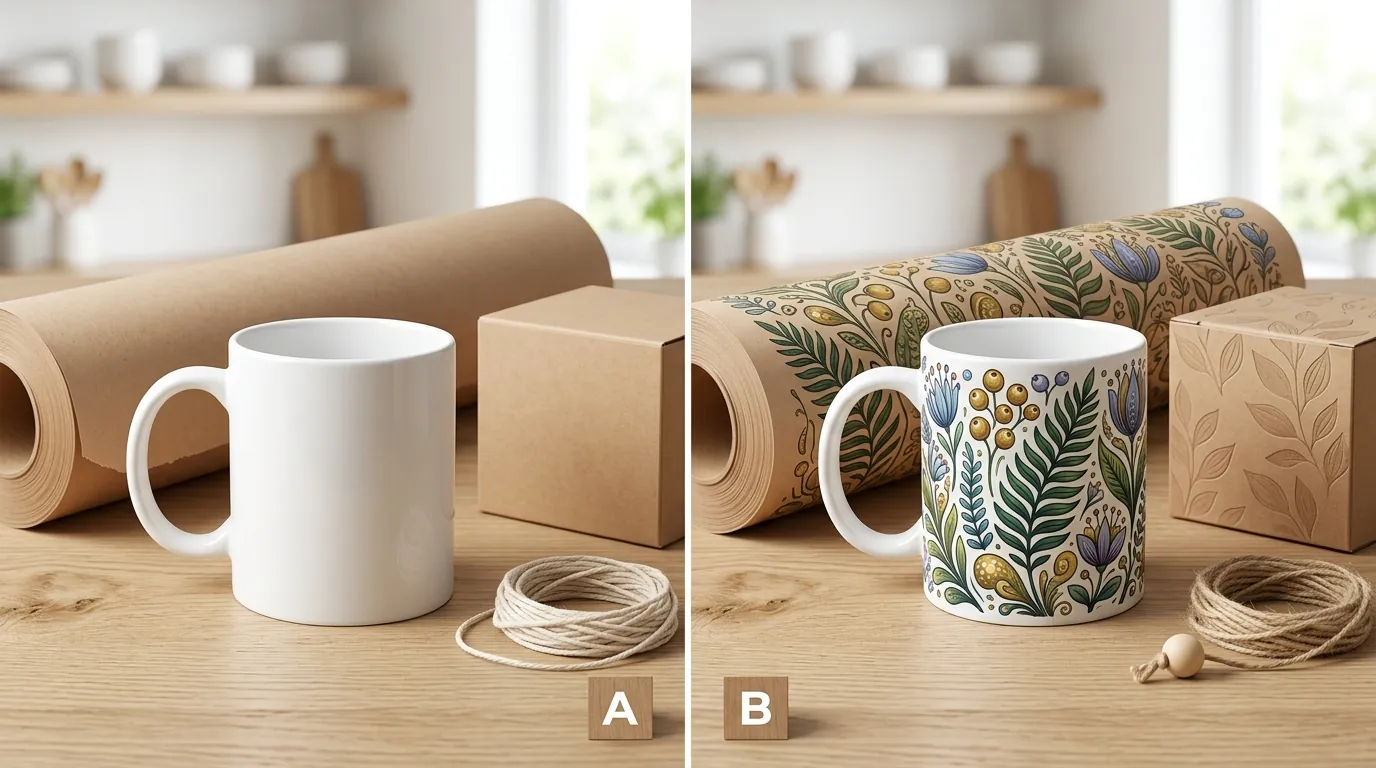
| AI Lifestyle Scenes | YES | Allowed for secondary/A+ | Must use Image Provenance field |
| AI Infographics | YES | Allowed | Disclosure required if background is synthetic |
| Synthetic Renders | YES | Allowed for secondary/A+ | Misrepresentation of features is prohibited |
| Generative Color Correction | No | Allowed | Must maintain product color accuracy |
Detailed Requirements
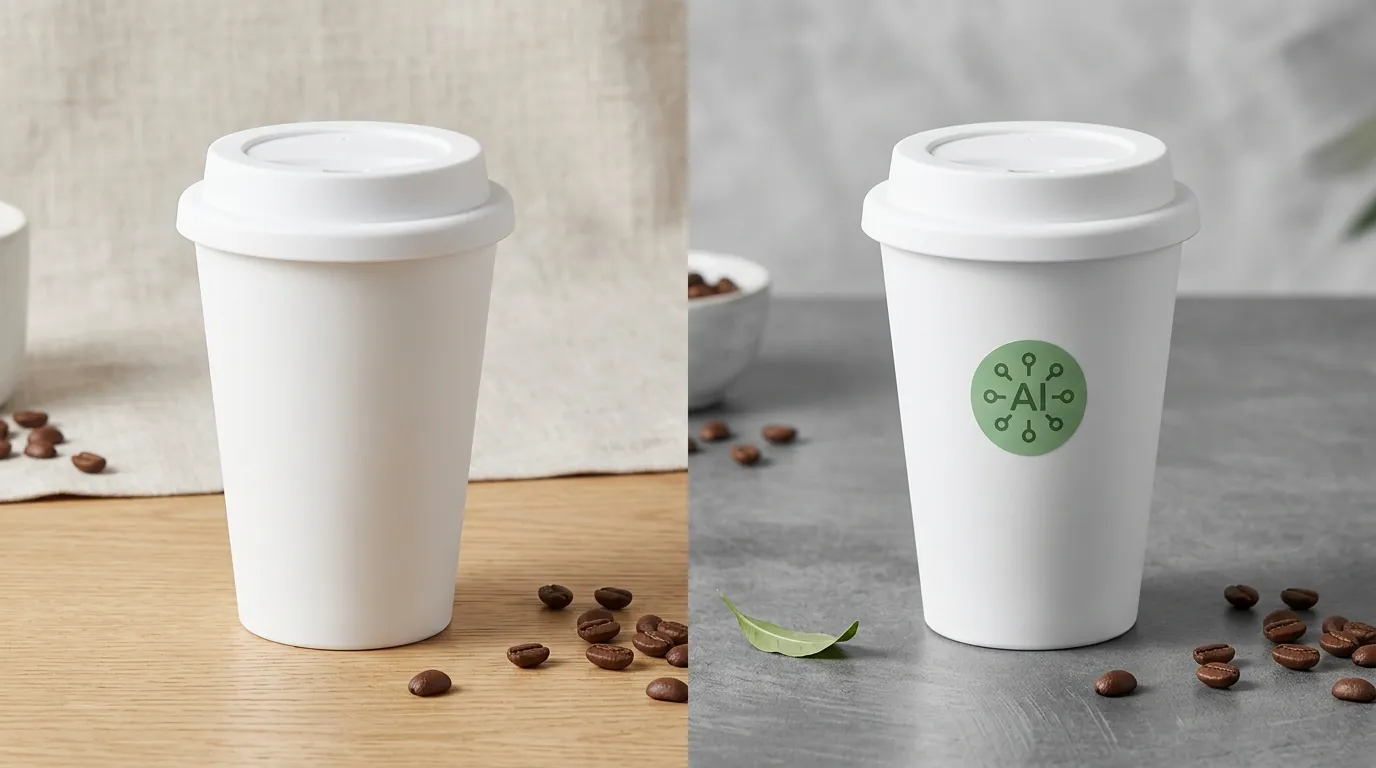
Set your image export resolution to 2000x2000 px to exceed the 1600x1600 px minimum and future-proof your catalog against potential upcoming resolution hikes.
Amazon’s Visual ID Standard 3.0, updated March 3, 2026, clarifies the distinction between “AI-assisted editing” and “AI-generated content.” For the multi-platform seller, this means the workflow you use for Shopify or TikTok Shop must be adjusted when uploading to Amazon. While Shopify is generally more permissive with synthetic lifestyle backgrounds, Amazon views the customer experience through the lens of strict authenticity.
The Pure White Background Rule
The primary “Hero” image remains the most strictly regulated asset in your listing. According to the Product Image Requirements, the main image must be a professional photograph of the actual product being sold. You may use AI tools to remove the background or perform upscaling, but you cannot use AI to generate a synthetic version of the product itself for the main slot. The background must be hex code #FFFFFF or RGB 255, 255, 255.
Prime Day 2026 Disclosure Mandate
The Prime Day 2026 AI-disclosure rule mandates that sellers check the “AI-generated content” box in the listing backend for any substantially altered lifestyle imagery or infographics. This is found under the “Compliance” or “Offer” tabs in the “Edit Product” view. If you are using batch-generated AI lifestyle images to fill out your secondary image slots, this disclosure is now a mandatory step in the listing creation process. Failing to check this box while using synthetic backgrounds can lead to “Search Suppressed” status.
Premium A+ Content Accessibility
As of June 15, 2026, Premium A+ Content is available to all sellers who have a registered brand and at least 15 approved A+ Content submissions. This update is a massive opportunity for smaller brands to use high-end visual storytelling. However, every module within Premium A+—which often features larger, more immersive images like the 1464x600 px desktop hero—must comply with the disclosure policy. PixelMatch simplifies this by automatically formatting batch-generated AI lifestyle images to meet these exact dimensions and resolution requirements, ensuring that when you scale your A+ content, you aren’t manually resizing every file.
Common Rejection Reasons
💡 Skip the manual editing. PixelMatch batch-generates ecommerce-ready product images in 60 seconds — white background, lifestyle scenes, and variant mockups from a single source photo. Try PixelMatch free →
Audit your “Hero” images for any AI-generated props or backgrounds, which are strictly prohibited by the Product Image Requirements.
Even with the best intentions, sellers often fall into “Policy Non-Compliance” traps. Amazon’s automated image review systems are increasingly sensitive to metadata and visual markers that suggest AI usage.
1. Failure to Disclose in A+ Content
The most frequent violation in 2026 is using an AI-generated lifestyle scene in A+ Content modules without checking the Image Provenance metadata field. Many sellers assume that because A+ Content is “marketing material,” the rules are more relaxed. On the contrary, Amazon’s Acceptable Use Policy applies to all brand-contributed content. If your background was not captured by a camera in a physical location, it requires the AI label.
2. Main Image “Hero” Violations
Using AI to generate a synthetic product render or a non-white background for the primary hero image is a “hard fail.” While tools like Photoroom’s Pro tier at $12.99/mo are excellent for cleaning up a real photo, using a tool to “hallucinate” a product from a 3D model for the main image slot is currently grounds for immediate listing suppression. The main image must be a photo of the physical unit.
3. Product Misrepresentation
Amazon’s algorithm and manual reviewers look for “material’ differences. Using AI to smooth out physical defects (like scratches on a metal surface), alter the scale of the product relative to props, or invent features that don’t exist on the physical unit is a violation of the Selling Partner Acceptable Use Policy. For example, if you use AI to add a “leather texture” to a plastic phone case, the disclosure label will not protect you from a “Product Not as Described” claim or a permanent suspension.
4. Resolution and Aspect Ratio Failures
Submitting AI-generated images that fall below the 1600x1600 px minimum required by the Spring 2026 update will result in an automatic upload error. Many basic AI generators output images at 1024x1024 px by default. If you don’t upscale these images to meet Amazon’s zoom-capable requirements, the listing quality score will drop, reducing your organic search visibility.
How to Fix Each Issue
Download your “Listing Quality Report” from the “Inventory” tab in Seller Central to identify suppressed listings and target them for image replacement first.
Fixing a non-compliant catalog doesn’t require a total reshoot, but it does require a systematic approach to metadata and image processing.
Step 1: Audit Your Catalog
Review all secondary images and A+ Content modules. Identify any scenes where the background was generated via AI. Once identified, navigate to the “Edit Product” page for those ASINs and update the “Image Provenance” field to reflect AI usage. This “white hat” approach often prevents automated suppressions before they happen.
Step 2: Replace Non-Compliant Main Images
If your main images are being flagged for having “off-white” backgrounds or AI-generated artifacts, you must replace them with clean, high-resolution photos. Use a professional tool like PixelMatch or Photoroom’s Pro tier at $12.99/mo to remove backgrounds and ensure a pure white (RGB 255, 255, 255) canvas. Ensure the product occupies at least 85% of the frame, as per Amazon’s standards.
Step 3: Standardize Generation Workflows
When using PixelMatch for multi-platform selling, set up specific export profiles for Amazon. These profiles should:
- Upscale images to 2000x2000 px to ensure they pass the 1600x1600 px minimum.
- Maintain a 1:1 aspect ratio for secondary images.
- Automatically flag images in your internal database that require the “AI-generated” disclosure on Amazon.
- Export A+ Content modules at exactly 1464x600 px for Premium modules to avoid stretching or distortion.
Step 4: Appeal Suppressions
If a listing is suppressed, do not simply re-upload the same image. Replace the offending image with a compliant version first. Then, check the necessary disclosure boxes in the backend. If the suppression persists, submit a factual appeal through the “Account Health” dashboard. State clearly that the images have been updated to meet the Visual ID Standard 3.0 and that all AI-generated content is now correctly disclosed via the provenance metadata.
Frequently Asked Questions
Does Amazon allow AI-generated images for the main product photo?
No, the main product image must be a professional photograph of the actual product. While you can use AI for background removal to achieve the required pure white (RGB 255, 255, 255) background, you cannot use AI to generate the product itself or add synthetic props to the primary image.
Where exactly is the “AI Disclosure” setting in Seller Central?
The disclosure is typically managed through the “Image Provenance” metadata field found in the “Compliance” or “More Details” section of the product editor. For A+ Content, there is a specific checkbox within the A+ Content Manager for each module that contains substantially AI-generated visual elements.
Will using the “AI-Generated” label hurt my conversion rate?
Current seller data from the first half of 2026 suggests that transparency does not significantly hurt conversion for lifestyle images, provided the product itself looks accurate. However, failing to disclose and getting your listing suppressed will have a 100% negative impact on your sales.
Can I use AI to fix a blurry photo of my product?
Yes, AI upscaling and sharpening are considered “minor edits” under Amazon’s 2026 guidelines. These edits do not require an AI disclosure label as long as they do not alter the physical features, color, or scale of the product.
Official Source Links

- Amazon Seller Central: Product Image Requirements (G1881)
- Amazon Selling Partner Acceptable Use Policy (G200386250)
- Amazon Gen AI-powered A+ Content Guide (G202102950)
- Photoroom Pricing and Features
Ready to scale your listings?
PixelMatch generates white-background, lifestyle, and variant mockups from a single source photo — built specifically for multi-platform ecommerce sellers. 50 free images on signup, no credit card.
Start free →