
Amazon FBA Lifestyle Image Requirements 2025: Specs & Rules
Losing a high-converting listing to a “Search Suppressed” status because of a non-compliant background costs your brand thousands in daily revenue and tanked organic rankings. Audit your current image library immediately against the updated amazon fba lifestyle image requirements 2025 to ensure your listings remain active and eligible for premium placements.
As of 2025, Amazon allows lifestyle images as the main image ONLY for specific categories like BED, BED_FRAME, MATTRESS, RUG, RUG_PAD, SOFA. For all other products, main images require a pure white background, while lifestyle shots must be used as secondary images.
Quick Reference Table
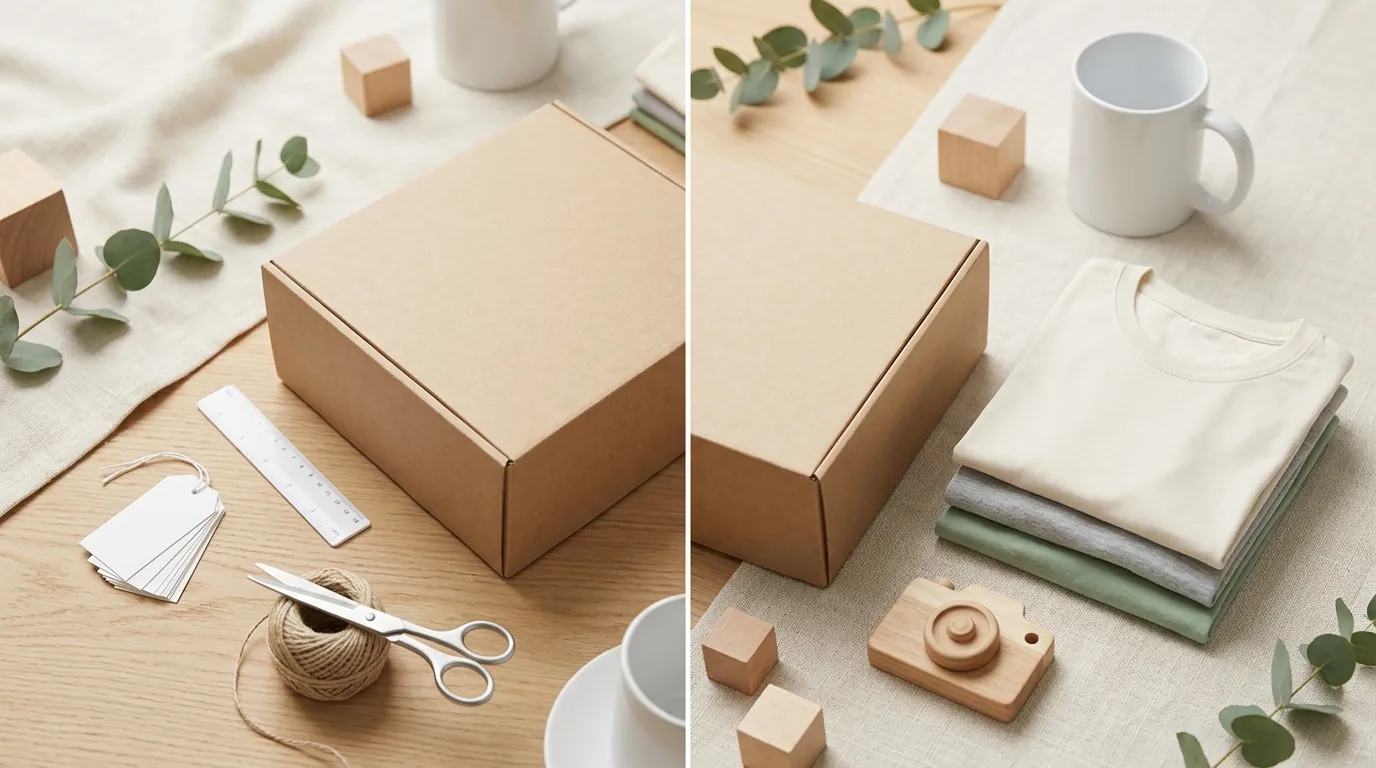
Download your Image Health report from the “Inventory Reports” section of Seller Central to identify which of your current ASINs are at risk of suppression due to non-compliant imagery. Use the table below to verify the specific technical and stylistic requirements for your 2025 uploads.
| Feature | Main Image (Standard) | Main Image (Exceptions) | Secondary Images |
|---|---|---|---|
| Background | Pure White (RGB 255,255,255) | Lifestyle / Room Environment | Any (Lifestyle preferred) |
| Min. Dimensions | 1,000 px on longest side | 1,000 px on longest side | 1,000 px on longest side |
| Frame Coverage | At least 85% of frame | Flexible (Must show full product) | Flexible |
| Text / Logos | Prohibited | Prohibited | Allowed (Infographics/Specs) |
| Props | Prohibited | Allowed (Contextual) | Allowed |
| File Format | JPEG, PNG, TIFF, GIF | JPEG, PNG, TIFF, GIF | JPEG, PNG, TIFF, GIF |
The 1,000 pixels on the longest side requirement is critical because it triggers the “zoom” functionality on the product detail page, which has been shown to significantly impact conversion rates. While the absolute minimum is 500 pixels, any image uploaded below the 1,000-pixel threshold is a missed opportunity for buyer engagement.
Detailed Requirements

Set your camera or AI generation tool to a 1:1 square aspect ratio and a resolution of at least 2000x2000 pixels to future-proof your assets. High-resolution source files allow you to crop into specific product details for secondary “feature” shots without losing clarity or violating the minimum 1,000-pixel zoom requirement.
Amazon’s automated systems now use advanced computer vision to detect “off-white” backgrounds. If your background is RGB 254, 254, 254, your listing may be flagged. Always verify that your main images use pure white (RGB 255, 255, 255).
Technical specifications for 2025 include:
- File Size: Keep files under 10MB to ensure fast loading on mobile devices.
- Frame Filling: The product must fill at least 85% of the image frame. This prevents “small product” syndrome where the item looks insignificant in search results.
- Content Restrictions: No text, logos, borders, color blocks, or watermarks are allowed over the product or in the background of a main image.
- Preferred Format: JPEG (.jpg) is the preferred file format due to its balance of compression and quality, though TIFF, PNG, and non-animated GIFs are accepted.
Main Image Exceptions
Amazon has acknowledged that certain products, specifically large furniture and floor coverings, look unappealing or confusing when isolated on a white background. As of 2025, if your product is classified under BED, BED_FRAME, MATTRESS, RUG, RUG_PAD, or SOFA, you are permitted to use a lifestyle image as your MAIN image.
However, this is not a license for cluttered photography. The product must still be the clear focus. For a rug, the image should show the rug in a room setting, but the rug must not be obscured by excessive furniture. For a bed frame, the frame must be clearly visible, even if styled with bedding. If you sell in these categories, batch-generate AI product images to test different room settings (Bohemian, Modern, Industrial) to see which environment drives the highest click-through rate (CTR) while remaining compliant.
Secondary Image Best Practices
While the main image gets the click, the secondary lifestyle images get the sale. Amazon allows up to 9 images, though only 7 are typically visible on the main desktop view. Use these slots to address customer objections and demonstrate the product in use.
For secondary lifestyle images:
- The “In-Use” Shot: Show the product being used by your target demographic. If you sell a kitchen gadget, show it in a kitchen, not just on a countertop.
- The Scale Shot: Include an image that conveys the size of the product. This can be a hand holding the item or the item placed next to a common object (like a smartphone or a standard coffee mug).
- The Infographic: Use text overlays to highlight technical specs or materials. Unlike main images, secondary images allow text and graphics as long as they provide value to the customer.
- The Multi-Platform Pivot: If you sell on Shopify or TikTok Shop alongside Amazon, your lifestyle images can be more “social-media styled.” However, ensure the Amazon version remains professional and high-resolution.
Common Rejection Reasons
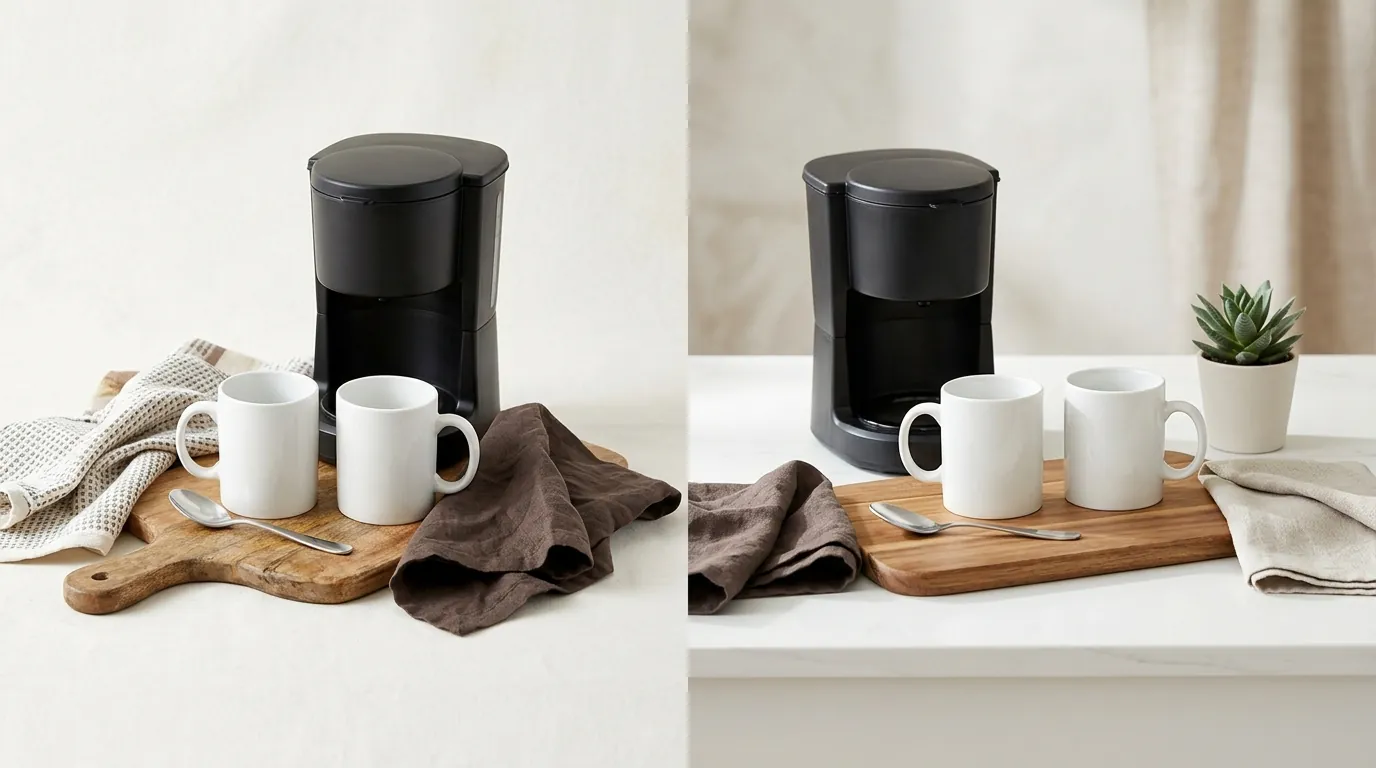
💡 Skip the manual editing. PixelMatch batch-generates ecommerce-ready product images in 60 seconds — white background, lifestyle scenes, and variant mockups from a single source photo. Try PixelMatch free →
Open your “Fix Your Products” dashboard in Seller Central weekly to check for image-related alerts. Amazon’s AI-driven moderation is increasingly aggressive, often rejecting images within minutes of an upload if they fail to meet the pure white background (RGB 255, 255, 255) standard.
The most frequent reasons for rejection in 2025 include:
- Lifestyle Backgrounds in Restricted Categories: Attempting to use a lifestyle background for a main image in a category like “Electronics” or “Supplements” will result in immediate suppression.
- Confusing Props: Including accessories, batteries, or decorative items that are not included in the purchase. If a customer sees a spatula next to a pan in the main image, they expect to receive the spatula.
- Technical Resolution Failures: Uploading images where the resolution falls below the 500 pixels minimum requirement. This usually happens when sellers try to “upscale” a small thumbnail from a manufacturer’s website.
- Ghost Mannequins and Packaging: For most categories, the main image must show the product out of its packaging. While “ghost mannequins” are common in apparel, they must be executed perfectly; any visible part of the mannequin can trigger a rejection.
- Prohibited Overlays: Using “Best Seller” badges, “Organic” stamps, or “Warranty” logos on the main image. Amazon views these as “promotional material” which is strictly prohibited in main images.
To avoid these issues, always perform a “before and after” check. Before uploading, use a color picker tool to ensure the background is exactly #FFFFFF. After uploading, wait 24 hours and check the mobile view of your listing to ensure the image hasn’t been cropped awkwardly by Amazon’s mobile responsive layout.
How to Fix Each Issue
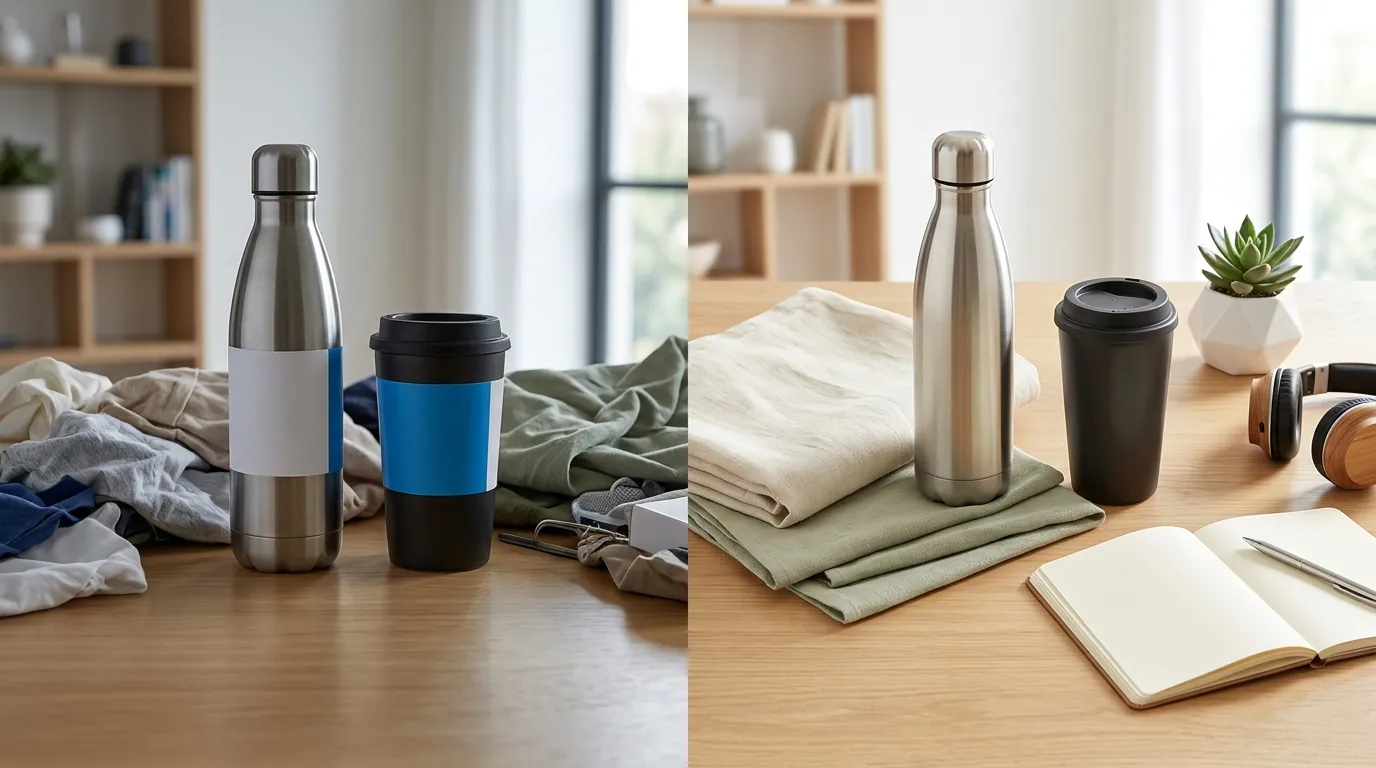
Switch your workflow from manual photography to AI-assisted batch generation to resolve compliance issues across hundreds of ASINs simultaneously. Traditional photography is too slow to keep up with Amazon’s evolving policy changes; if a category suddenly moves from “lifestyle allowed” to “white background only,” you cannot afford to wait weeks for a reshoot.
Fixing Background Violations
If your listing is suppressed for a background violation, you must replace the existing image with one that meets the pure white (RGB 255,255,255) standard.
You have several options for this:
- PixelMatch: Optimized specifically for multi-platform sellers, PixelMatch allows you to upload a single product photo and batch-generate compliant white-background main images and lifestyle secondary images in seconds. This is the most efficient path for sellers managing large catalogs.
- Photoroom: A popular mobile and web tool. Photoroom’s Pro tier at $12.99/mo offers background removal and batch editing features suitable for smaller sellers.
- Pebblely: Another AI alternative. Pebblely’s Basic plan at $19/mo allows you to generate lifestyle backgrounds, though it is often used more for social media content than strict Amazon compliance.
When fixing backgrounds, ensure the “cutout” of your product is clean. AI tools sometimes struggle with transparent objects (like glassware) or “fuzzy” objects (like faux fur). Manually inspect the edges of your product to ensure no “halos” of the old background remain, as these can still trigger Amazon’s automated rejection bots.
Correcting Resolution and Cropping
If your images are rejected for being too small or having the product too far away, you must re-render or re-shoot the asset. Do not simply “stretch” a small image to 1,000 pixels; this creates pixelation that Amazon’s “Quality Alert” system will flag.
Follow these steps to fix resolution issues:
- Re-export from Source: If you have the original RAW files or high-res AI generations, re-export them at 2000x2000 pixels.
- Adjust the 85% Rule: Use a cropping tool to ensure the product occupies at least 85% of the frame. If your product is long and thin (like a yoga mat), orient it diagonally to maximize frame coverage.
- Check the Aspect Ratio: Amazon prefers square 1:1 images. If you upload a 16:9 lifestyle image, Amazon will add white bars to the top and bottom, which can make your product look smaller and reduce your CTR.
For multi-platform sellers, the “fix” is often a matter of formatting. A lifestyle image that works perfectly for a TikTok Shop 9:16 vertical video will be rejected or poorly cropped on Amazon. PixelMatch allows you to take one high-quality product “seed” and generate the specific aspect ratios and backgrounds required for each platform—Amazon (1:1 white), Etsy (4:3 lifestyle), and TikTok (9:16 lifestyle)—in a single batch.
Official Source Links

Amazon policies change frequently based on category-specific updates and global marketplace adjustments. Never rely on third-party “hacks” that suggest you can bypass the white background rule with light gray or off-white colors.
Always verify updates directly through the following official channels:
- Amazon Product Image Requirements: The primary source for all technical specs, including pixel counts and file formats.
- Category-Specific Style Guides: Essential for sellers in Apparel, Jewelry, and Home, as these categories often have additional rules regarding models and props.
- Amazon Search Suppression Policy: Explains the consequences of non-compliance and how to recover a suppressed listing.
By staying compliant with the amazon fba lifestyle image requirements 2025, you protect your account health and provide a professional, trustworthy experience for your customers. Use AI tools to handle the repetitive task of background removal and resolution adjustment, allowing you to focus on the creative strategy of your lifestyle imagery.
Ready to scale your listings?
PixelMatch generates white-background, lifestyle, and variant mockups from a single source photo — built specifically for multi-platform ecommerce sellers. 50 free images on signup, no credit card.
Start free →
Sources
- Amazon Seller Central - Product Image Requirements:
https://sellercentral.amazon.com/help/hub/reference/G1881 - Amazon Seller Central - Category Style Guides:
https://sellercentral.amazon.com/help/hub/reference/G201102630 - Photoroom Pricing: `
- Pebblely Pricing:
https://pebblely.com/pricing - Amazon Seller Central - Search Suppressed Listings:
https://sellercentral.amazon.com/help/hub/reference/G200832300