
Amazon Massive AI Content Policy Update 2026 Guide
Your listing is one synthetic pixel away from a permanent suppression that could wipe out your Prime Day momentum. As Amazon tightens its grip on generative AI, failing to disclose a “hallucinated” product feature or using a non-compliant background removal tool is no longer a minor warning—it is a fast track to a deactivated ASIN.
Quick Answer: Amazon’s 2026 AI policy update requires sellers to disclose any product image or text substantially generated by AI. Main images must remain accurate to the physical product on a pure white background, or risk immediate listing suppression.
Quick Reference Table

Related: New 2026 AI Transparency Laws for Sellers: Complete Guide · TikTok Shop AI Generated Label Shadowban Fix (2026) · Etsy AI Generated Art Transparency Requirements 2026
Run a full catalog audit immediately to identify which of your active ASINs utilize generative AI for lifestyle backgrounds or descriptive text. Under the March 4, 2026 Agent Policy, Amazon has clarified that while AI-assisted workflows are permitted, they must not bypass official SP-API channels or misrepresent the physical item. The Prime Day 2026 AI-Disclosure rules now mandate that any “substantially synthetic” asset—meaning an image where the core environment or the product itself was generated by a model—must be flagged in the back-end of Seller Central.
The core of the enforcement remains the pure white background (RGB 255, 255, 255) requirement for main images. While you can use AI to remove a messy background, you cannot use AI to “hallucinate” a product that does not exist or to place a main image in a lifestyle setting. The product must fill at least 85% of the frame.
| Feature / Edit Type | Allowed AI Usage | Prohibited AI Usage |
|---|---|---|
| Main Image Background | Pure white (RGB 255, 255, 255) only. | Off-white, gradients, or AI-generated rooms. |
| Product Appearance | Color correction and minor dust removal. | Altering physical features, scale, or adding parts. |
| Lifestyle Scenes | AI-generated backgrounds (must be disclosed). | Synthetic products that differ from the physical item. |
| Text & Copy | AI-assisted drafting (requires disclosure). | AI-generated claims that violate Amazon’s safety policies. |
| Image Resolution | Upscaling to reach 1,000 pixel minimum. | Upscaling that creates “artifacts” or distortion. |
Detailed Requirements
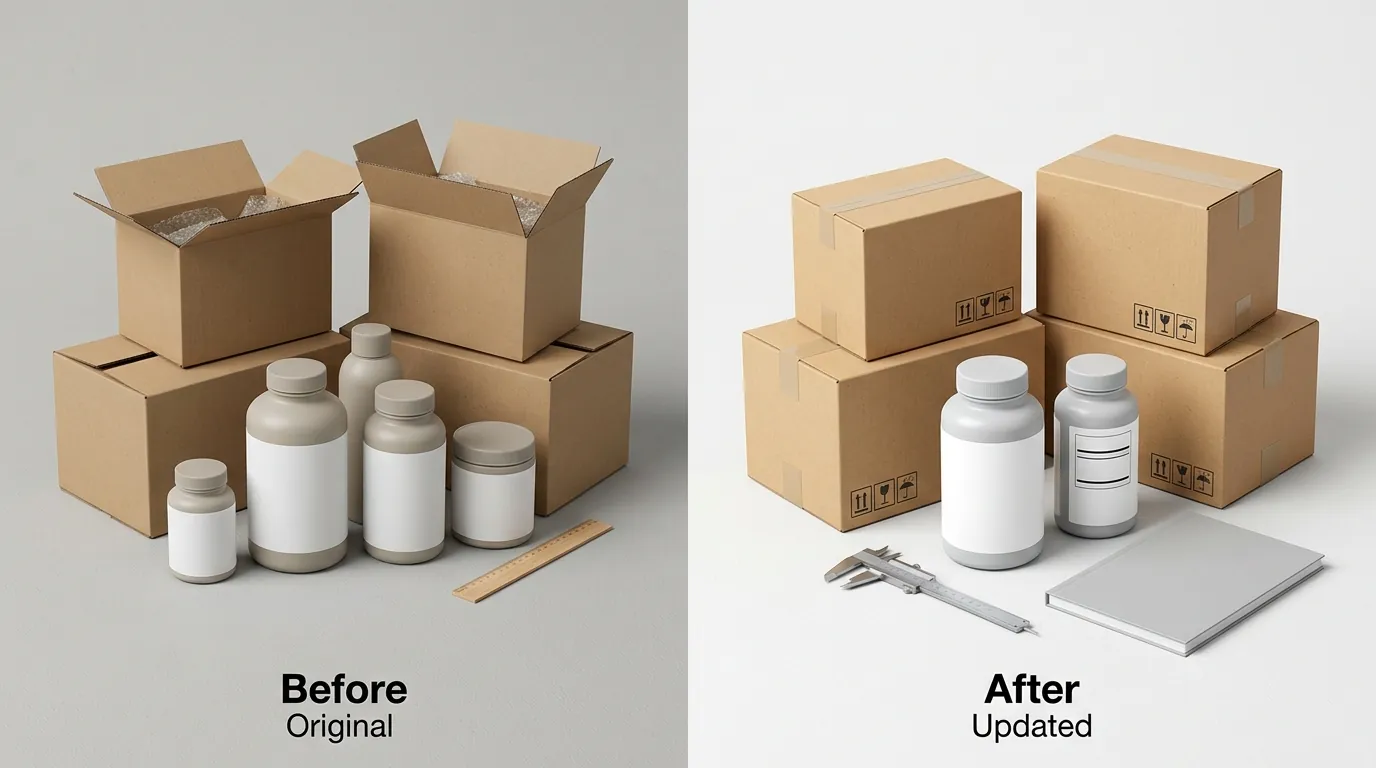
Open your Seller Central dashboard and navigate to the ‘Edit Listing’ page for your top-performing ASINs to find the new AI-disclosure mandate. You must now check the ‘AI-generated content’ box for any asset that has been substantially modified by generative models. This includes lifestyle images where the product is real but the room, model, or lighting was generated by a tool.
Amazon’s automated listing review algorithms are now tuned to detect “synthetic signatures” in images. If your image fails to meet the 1,000 pixel minimum on the longest side, or exceeds the 10,000 pixel maximum, the zoom functionality will break, and the listing may be suppressed. While tools like Photoroom’s Pro tier at $7.99/mo or Pebblely’s Basic plan at $19/mo offer rapid background removal, you are legally and contractually responsible under the Business Solutions Agreement (G1791) for ensuring the output does not “hallucinate” extra buttons, textures, or features that the customer won’t find in the box.
PixelMatch provides a safer path for high-volume sellers by focusing on batch-generating compliant secondary lifestyle images that keep the core product’s physical accuracy intact. Instead of letting a generic AI “re-imagine” your product, PixelMatch uses your original photography as a hard constraint, ensuring that while the background changes, the product remains 100% compliant with the physical reality of the item.
Main Image vs. Secondary Image Rules
Your main image (the “HERO” image) is subject to the strictest scrutiny. It must be a professional photograph of the actual product. AI can be used for “technical retouching”—such as removing a reflection or cleaning up a scratch—but it cannot be used to create the product from scratch.
Secondary images and A+ Content are where the 2026 disclosure rules are most active. If you use a synthetic model to hold your product, or an AI-generated kitchen to display your cookware, the “AI-generated content” checkbox must be selected. Amazon’s goal is transparency; they want customers to know when they are looking at a “simulated” environment versus a real-world photograph.
Text and Title Guidelines
The update isn’t limited to visuals. If you use Large Language Models (LLMs) to write your product titles, bullet points, or descriptions, you are subject to the Amazon KDP AI Content Guidelines (G200672390), which have been adapted for the broader marketplace. You do not need to disclose AI usage for “editing, refining, or error checking,” but if the AI created the bulk of the sales copy, disclosure is required. More importantly, if an AI generates a false claim—such as “FDA Approved” for a product that isn’t—the seller is held liable for “Deceptive and Misleading” practices, which can lead to a permanent ban.
Common Rejection Reasons
💡 Skip the manual editing. PixelMatch batch-generates ecommerce-ready product images in 60 seconds — white background, lifestyle scenes, and variant mockups from a single source photo. Try PixelMatch free →
Check your “Fix Your Products” or “Account Health” dashboard daily. The most frequent reason for rejection in 2026 is the “Non-Compliant Background” error. Sellers often use AI tools to generate a “clean” background that looks white to the human eye but registers as RGB 254, 254, 254 or has subtle AI-generated gradients. Amazon’s system requires a strict RGB 255, 255, 255.
Another critical failure point involves the March 4, 2026 Agent Policy. This policy prohibits third-party AI agents from scraping Seller Central or performing automated actions without official SP-API authorization. If you use an “unauthorized” AI bot to manage your listings or upload images, Amazon may flag those uploads as suspicious, leading to a manual review of your entire catalog.
The ‘Misleading Scale’ Trap
AI often struggles with spatial awareness. A common rejection reason is “Misleading Scale,” where an AI-generated lifestyle scene places a product in an environment that makes it look significantly larger or smaller than its actual dimensions. For example, an AI might place a 10-inch air fryer on a countertop next to a “hallucinated” oversized fruit bowl, making the air fryer look like a commercial-grade oven. If the customer receives a product that is “Materially Different” in size than the image suggested, your return rate will spike, triggering an ODR (Order Defect Rate) suspension.
Non-Compliant Backgrounds
Standard AI background removers often leave “fringe” or “halos” around the product—tiny clusters of pixels from the original photo that the AI didn’t quite erase. In the 2026 update, these artifacts are often flagged as “Image Quality Issues.” To avoid this, use a tool like PixelMatch that is specifically calibrated for Amazon main image requirements, ensuring a razor-sharp edge and a mathematically perfect white background.
How to Fix Each Issue

Audit your catalog immediately. If you have thousands of SKUs, prioritize your “Top 20%” by revenue. Use a color-picker tool to verify that your main image backgrounds are exactly #FFFFFF. If they aren’t, you need to re-process them.
Auditing Your Existing Image Catalog
- Identify Synthetic Assets: Create a spreadsheet of all ASINs that use AI-generated lifestyle images or backgrounds from tools like Canva, Adobe Express, or Midjourney.
- Verify Disclosure Status: Log into Seller Central, go to ‘Inventory’ > ‘Manage All Inventory’, and click ‘Edit’ on the affected ASINs. Check the ‘Compliance’ tab for the ‘AI-generated content’ checkbox.
- Cross-Reference Specs: Ensure every image is at least 1,000 pixels on the longest side to maintain the “Zoom” function.
- Check the Agent Policy: If you are using a third-party tool to automate these updates, verify that the tool uses the Amazon Selling Partner API (SP-API) and does not rely on browser-based “bots” or scrapers that violate the March 4, 2026 Agent Policy.
Batch-Correcting Main Images with PixelMatch
If you find that your main images are being suppressed for background issues, don’t re-shoot the entire catalog. Use PixelMatch’s batch background removal feature.
Steps to Update AI Disclosure in Seller Central:
- Log in to Seller Central.
- Navigate to Catalog > Add Products or Inventory > Manage All Inventory.
- Search for the ASIN you need to update and click Edit.
- Navigate to the Images or Compliance tab (the location varies by category).
- Locate the question: “Is this content substantially generated by AI?”
- Select Yes for secondary images with synthetic backgrounds; ensure No is selected for main images (and ensure they are compliant).
- Click Save and Finish.
By replacing non-compliant lifestyle images with accurate, platform-safe AI generations that don’t alter the product’s physical attributes, you protect your store from the “Misrepresentation” flags that are currently causing a wave of account reviews.
Frequently Asked Questions
Does Amazon ban all AI-generated images in 2026?
No, Amazon does not ban AI-generated images, but it requires strict disclosure for “substantially synthetic” content. Main images must still be professional photographs of the actual product on a pure white background, while secondary images can use AI-generated backgrounds as long as they are disclosed in Seller Central.
What happens if I don’t check the AI-disclosure box?
Failure to disclose AI-generated content is a violation of the Business Solutions Agreement (G1791). If Amazon’s detection algorithms identify synthetic content that hasn’t been flagged, your listing may be suppressed, and repeated violations can lead to a total account suspension for “deceptive practices.”
Can I use AI to create a main image if I don’t have a sample yet?
No. Amazon’s Product Image Requirements state that the main image must be a photograph of the actual product being sold. Using a fully synthetic AI-generated image as your main HERO shot is a violation of policy and will likely lead to an immediate “Inaccurate Product Detail Page” flag.
How does the March 4, 2026 Agent Policy affect my tools?
The Agent Policy restricts how third-party software “agents” interact with Amazon. Any tool you use to upload images or manage listings must use the official Amazon SP-API. If a tool uses “scraping” or “automated browser” technology to bypass the API, your account could be flagged for unauthorized access.
Official Source Links
- Amazon Seller Central: Product Image Requirements (G1881)
- Amazon Business Solutions Agreement Updates (G1791)
- Amazon KDP AI Content Guidelines (G200672390)
- Amazon Prohibited Seller Activities and Actions (G200386250)
Ready to scale your listings?
PixelMatch generates white-background, lifestyle, and variant mockups from a single source photo — built specifically for multi-platform ecommerce sellers. 50 free images on signup, no credit card.
Start free →
Sources
- Amazon Seller Central. (2026). Product image requirements. Retrieved from https://sellercentral.amazon.com/help/hub/reference/G1881
- Amazon Seller Central. (2026). Amazon Services Business Solutions Agreement. Retrieved from https://sellercentral.amazon.com/help/hub/reference/G1791
- Photoroom. (2026). Pricing and Plans. Retrieved from https://www.photoroom.com/pricing
- Pebblely. (2026). Pricing. Retrieved from https://pebblely.com/pricing
- Amazon KDP Help. (2026). AI Content Guidelines. Retrieved from https://kdp.amazon.com/en_US/help/topic/G200672390