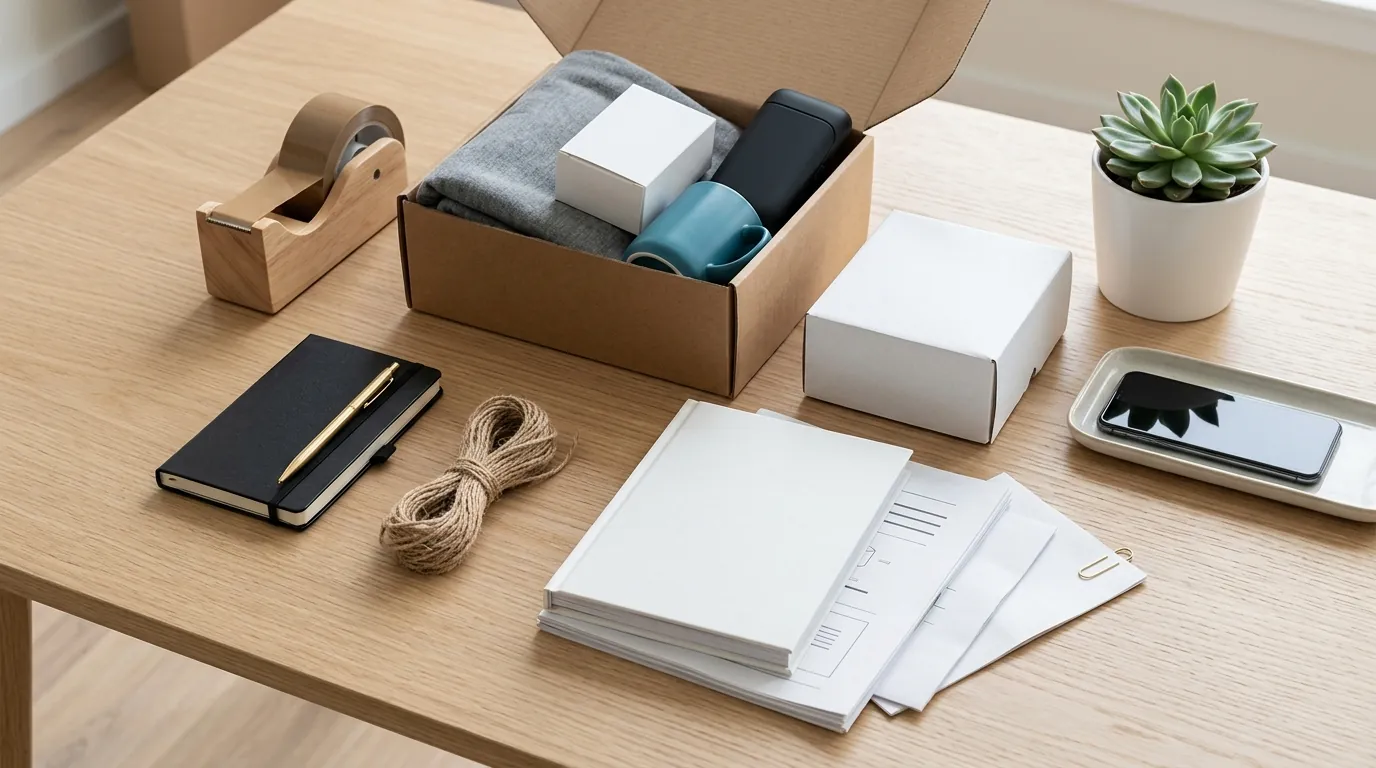
Amazon Prime Day 2026 Main Image Bundle Policy Guide
Missing a Prime Day deadline due to a suppressed listing is the fastest way to lose thousands in projected revenue. To stay active during the Amazon Prime Day 2026 rush, your listings must strictly adhere to the amazon prime day 2026 main image bundle policy, specifically regarding how grouped products are displayed against a white background.
For Amazon Prime Day 2026, your bundle’s main image must include the specific products in the bundle and exclude any props. Images must be at least 1000×1000 pixels on a pure white background.
Quick Reference Table

Related: Amazon Rufus Image Semantic Tagging Guide for Sellers · Shopify WebP Conversion Color Profile Fix: 2026 Seller Guide · TikTok Shop Listing Policy Crackdown 2026: Image Rules & Fixes
Audit your current bundle listings against the following technical specifications immediately. Amazon’s automated “imaging hygiene” bots scan for these parameters; failing any single one can result in your “Prime Day Deal” badge being revoked or the entire listing being suppressed during peak traffic hours.
| Requirement | Specification | Policy Source |
|---|---|---|
| Minimum Dimensions | 500 pixels on the longest side | Technical Failure Threshold |
| Zoom Functionality | 1000 pixels or larger on the longest side | Mandatory for Zoom |
| Optimal Resolution | 1600 pixels on the longest side | Recommended for High Conversion |
| Background Color | Pure white (RGB 255, 255, 255) | Mandatory for Main Image |
| Product Coverage | At least 85% of the image frame | Mandatory |
| File Formats | JPEG (.jpg), TIFF (.tif), or GIF (.gif) | Amazon Accepted Formats |
| Bundle Content | Only the items included in the bundle | No Props Allowed |
Actionable Step: Open your Amazon Seller Central “Manage Inventory” tab and export your “Listing Quality Report.” Filter for “Image Quality” issues to identify which bundles currently fall below the 1000×1000 pixel threshold before the Prime Day 2026 inventory cutoff.
Detailed Requirements
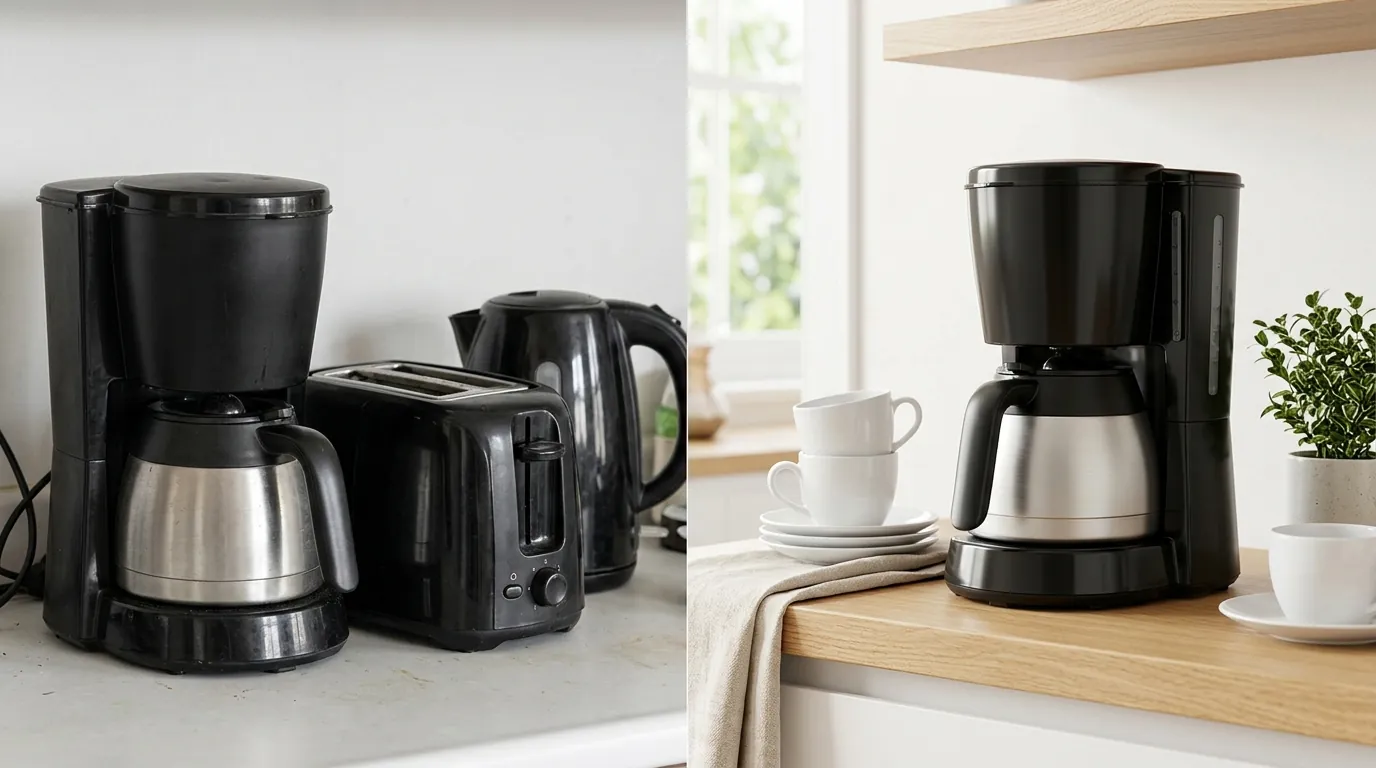
The amazon prime day 2026 main image bundle policy exists to ensure customers understand exactly what they are purchasing. In a bundle, the “product” is the entire collection of items sold under a single ASIN. If your main image shows three items but the customer only receives two, you face an immediate “Product Not as Described” claim, which is lethal to your seller health during high-velocity events.
Image Size and Formatting
While the technical minimum to avoid a hard upload error is 500 pixels, aiming for the bare minimum is a strategic mistake for Prime Day. Amazon’s systems favor listings that provide a high-quality customer experience. To enable the hover-to-zoom feature, which significantly increases conversion rates on mobile and desktop, your images must be at least 1000 pixels on the longest side. For the sharpest display on high-resolution Retina screens, Amazon recommends 1600 pixels.
Batch-process your bundle images to ensure every file is exported as a JPEG with a pure white background (RGB 255, 255, 255). Using PixelMatch allows you to maintain this consistency across hundreds of SKUs without manually adjusting the canvas size for each individual bundle configuration.
Bundle-Specific Content Rules
The most frequent violation of the amazon prime day 2026 main image bundle policy involves the inclusion of “lifestyle props.” If you are selling a bundle of organic coffee beans and a ceramic mug, the main image must show only the beans (or their packaging) and the mug. You cannot include a spoon, a napkin, or a plate of cookies to “set the scene.”
Amazon’s Product Bundling Policy is explicit: the main image must show the specific products in the bundle and nothing else. This rule extends to text and graphics. You are prohibited from adding:
- Borders or frames.
- Watermarks or seller logos (unless they are part of the physical product packaging).
- Promotional text like “Limited Time Offer” or “Prime Day Exclusive.”
- In-set images or “ghost” products that aren’t in the box.
Consumables and Restricted Categories
If you are a multi-platform seller dealing in consumables (grocery, beauty, health), pay close attention to the Product Bundling Policy regarding manufacturer packaging. For many categories, bundles must consist of items that are packaged together by the original manufacturer. If you are creating “custom bundles” of different brands, ensure your main image reflects the actual secondary packaging (the box or shrink-wrap) the customer will receive.
Actionable Step: Verify that your bundle’s main image shows the products out of their shipping box but in their retail packaging. If the products are loose, they should be arranged neatly so that the product occupies 85% or more of the frame.
Common Rejection Reasons

💡 Skip the manual editing. PixelMatch batch-generates ecommerce-ready product images in 60 seconds — white background, lifestyle scenes, and variant mockups from a single source photo. Try PixelMatch free →
Listing suppression often happens at the worst possible time—usually 48 hours before Prime Day starts when traffic begins to spike. Understanding why the amazon prime day 2026 main image bundle policy triggers a rejection can help you proactively audit your catalog.
Including Props or Excluded Items
Sellers often try to show the product “in use” to drive clicks. For a bundle of camera lenses, you might be tempted to show the lenses attached to a camera body. However, unless the camera body is part of that specific ASIN bundle, its inclusion in the main image violates the Product Image Requirements. This results in a “Main Image contains prohibited items” error in Seller Central.
Incorrect Background Color
A common mistake is using an “off-white” or light grey background. While it may look white to the human eye, Amazon’s algorithms check for the specific hex code #FFFFFF or RGB 255, 255, 255. If your background is 254, 255, 255, the image is technically non-compliant. This is why many sellers move away from traditional photography for bundles and instead use an ai product image batch generator to ensure a digitally perfect white background across the entire bundle catalog.
Promotional Text and Badges
With Prime Day 2026 approaching, the urge to add “Prime Day” or “Sale” badges directly onto your image is high. Do not do this. Amazon automatically applies the “Prime Day Deal” badge to your listing if you have an active, approved deal. Manually adding text or badges to your main image is a violation that leads to immediate listing suppression.
Actionable Step: Review your “Suppressed Listings” view in the “Fix Your Products” section of Seller Central. If a bundle is suppressed, check the “Attribute Name” column; if it says “Main Image,” the background or the inclusion of text is likely the culprit.
How to Fix Each Issue
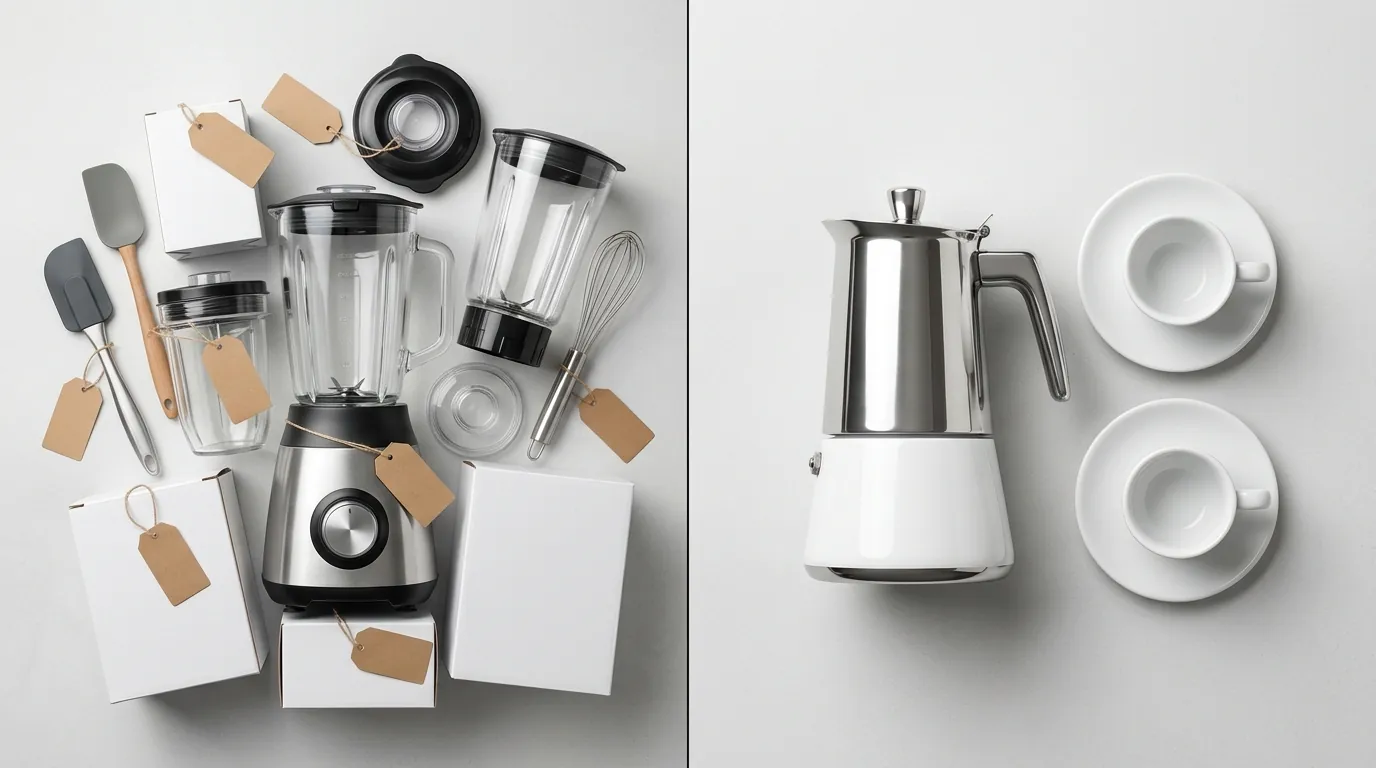
Correcting bundle images doesn’t require a full reshoot if you have high-quality source photos of the individual items. For multi-platform sellers, the goal is to create a “master” bundle image that can be adapted for Amazon, Shopify, and TikTok Shop.
Automating Background Removal
Manual masking in tools like Adobe Photoshop is time-consuming for a bundle with five or six items. While Photoroom offers a Pro tier at $12.99/mo for mobile-first editing, it often lacks the batch-processing power needed for large Amazon catalogs. To fix background issues for the amazon prime day 2026 main image bundle policy:
- Upload your bundle photos to PixelMatch.
- Select the “Pure White” background preset to ensure the RGB 255, 255, 255 requirement is met.
- Use the batch export feature to process all bundle variations at once.
Resizing for Zoom Compliance
If your images are flagged for being too small, you cannot simply “upscale” a low-resolution thumbnail without losing clarity. Amazon’s 1000×1000 pixel minimum is designed to prevent pixelation.
- Locate the original high-resolution RAW or JPEG files from your photographer.
- Crop the image so the product fills at least 85% of the frame.
- Export at 1600 pixels on the longest side.
- If you use Canva Pro ($120/year), use the “Magic Resizer” tool, but verify that the output hasn’t introduced blurriness, which can also trigger a manual review rejection.
Auditing Bundle Configurations
Before Prime Day 2026, perform a physical-to-digital audit.
- Open every bundle ASIN.
- Compare the “What’s in the Box” bullet point to the Main Image.
- Delete any images that show accessories not included in the purchase price.
- Replace them with images generated via PixelMatch that focus exclusively on the bundle components.
Actionable Step: Use a multi platform ecommerce image requirements workflow to ensure that while your Amazon image is pure white, your Shopify and social media versions of the same bundle use lifestyle backgrounds to maximize engagement on those specific channels.
Official Source Links

Always verify policy changes directly through Amazon’s seller portal. Policies are often updated in the 30 days leading up to major shopping events like Prime Day or Black Friday.
- Amazon Product Bundling Policy: Detailed rules on what constitutes a bundle and how they must be titled and imaged.
- Product Image Requirements: The master list of technical specs, including the pure white background and 85% coverage rules.
- Amazon Category-Specific Standards: Specific requirements for categories like Clothing, Jewelry, and Home, which may have additional main image constraints.
Frequently Asked Questions
Can I show the packaging of the bundle in the main image?
Yes, you are encouraged to show the retail packaging in the main image, especially for bundles. However, the product itself must be visible, and the packaging should not obscure the items. The goal is to show the customer exactly what will arrive at their door.
What happens if my bundle image has a slight shadow?
Amazon allows for “natural shadows” to prevent the product from looking like it is floating unnaturally. However, the shadow must not interfere with the pure white background (RGB 255, 255, 255) requirement or extend outside the image frame. Excessive or “drop shadows” added in post-production are often flagged for rejection.
Does the 85% rule apply to the entire bundle or just the main item?
The 85% coverage rule applies to the entire “unit” being sold. In a bundle, this means the collective group of products must fill at least 85% of the frame. If you have a large bundle of small items, arrange them so they fill the square canvas efficiently without leaving excessive white space on the sides.
Can I use a 3D render for my bundle main image for Prime Day?
Amazon accepts high-quality 3D renders as long as they are photorealistic and accurately represent the product. If the render looks “cartoonish” or fails to show the textures of the actual product, it may be rejected during a manual review. For Prime Day 2026, it is safer to use high-quality photos processed through an AI tool to ensure realism.
Ready to scale your listings?
PixelMatch generates white-background, lifestyle, and variant mockups from a single source photo — built specifically for multi-platform ecommerce sellers. 50 free images on signup, no credit card.
Start free →
Sources
- Amazon Seller Central: Product Image Requirements
- Amazon Seller Central: Product Bundling Policy
- Photoroom Pricing Page
- Canva Subscription Pricing
- Amazon Seller Central: Category-Specific Image Standards