
Amazon Prime Day 2026 Main Image Compliance Check Guide
Your Prime Day sales depend on a single image that Amazon’s algorithm can suppress in milliseconds if a single pixel of background isn’t pure white. As you prepare for the high-traffic window of June 23–26, 2026, a single non-compliant main image could deactivate your best-selling ASIN right when your PPC spend is at its peak.
For Prime Day June 23–26, 2026, Amazon main images must have a pure white background (RGB 255, 255, 255), fill at least 85% of the frame, and be at least 1000 pixels on the longest side.
Quick Reference Table
Related: Shopify Magic Image Expansion Seam Line Fix & Specs (2026) · Amazon Rufus Visual Search Product Mismatch Fix: 2026 Guide · Etsy Creativity Standards for AI Images: 2026 Policy Guide
Run a manual audit of your top 20% revenue-generating ASINs against this checklist today. Amazon’s automated “Image Quality Alerts” often lag behind actual suppressions, meaning your listing could be hidden from search results before you receive a notification in Seller Central.
| Requirement | Specification | Amazon Policy Link |
|---|---|---|
| Background Color | Pure White (RGB 255, 255, 255) | Required for all MAIN images |
| Product Fill | Minimum 85% of the frame | Product must be the focus |
| Minimum Resolution | 1000 pixels on the longest side | Needed for zoom functionality |
| Recommended Resolution | 1600 pixels on the longest side | Optimal for high-res displays |
| File Formats | JPEG (.jpg), TIFF (.tif), PNG (.png), GIF (.gif) | JPEG is preferred for compression |
| Color Mode | sRGB or CMYK | sRGB is standard for web |
| Prohibited Elements | No text, logos, watermarks, or props | Must be the physical product only |
Actionable Step: Install a browser-based color picker extension. Open your live Amazon listing, hover over the “white” space of your main image, and verify the hex code is #FFFFFF or RGB (255, 255, 255). If it reads 254, 255, 255 or any other variation, your listing is at risk for suppression during the Prime Day 2026 sweep.
Detailed Requirements
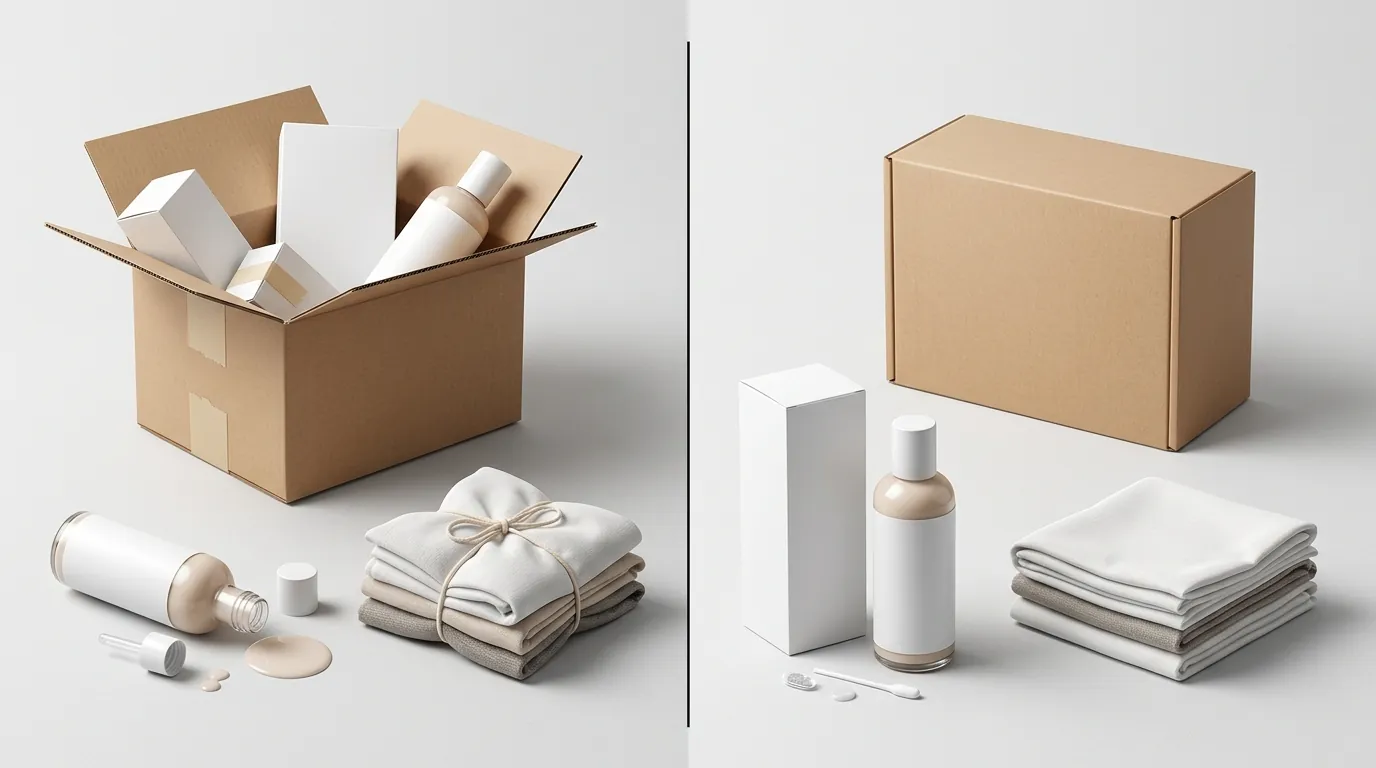
Amazon enforces strict standards for the main image because it appears in search results, ads, and comparison widgets. Unlike secondary images (lifestyle shots, infographics, or videos), the main image is a technical asset used to maintain a clean, uniform marketplace aesthetic. If your image fails these technical checks, Amazon’s “Search Suppressed” status will remove your product from customer search queries entirely.
Background and Framing
The “Pure White” requirement is the most common point of failure for FBA sellers. Amazon’s computer vision AI scans for “off-white” or light grey shadows that often occur in traditional photography. Even if a background looks white to the human eye, it must be digitally pure.
The product must occupy at least 85% of the image frame. This means you should minimize “dead space” around the product. If your product is thin or long, rotate it diagonally to fill more of the square frame, provided it remains recognizable and professional.
Actionable Step: Use a batch ai product image generator to process your entire catalog. This ensures that every image is automatically centered and scaled to hit that 85% threshold while guaranteeing the background is set to the exact RGB 255, 255, 255 values required by Amazon.
Resolution and File Types
While the minimum requirement is 1000 pixels, aiming for the bare minimum is a mistake for Prime Day. High-traffic events see a surge in mobile shopping where high-density “Retina” displays make low-resolution images look blurry.
- Zoom Functionality: Amazon requires at least 1000 pixels on the longest side to enable the hover-to-zoom feature. Without this, customers cannot inspect product details, leading to lower conversion rates and higher return rates.
- File Compression: Save your files as JPEGs with a quality setting of 80 or higher. While PNGs are accepted and support transparency, Amazon will convert them to JPEGs on their backend anyway. Uploading a high-quality JPEG from the start gives you more control over the final appearance.
- Naming Convention: While not a strict suppression trigger, naming your files by ASIN (e.g.,
B0XXXXXXXX.main.jpg) helps you manage bulk uploads via the “Add Products via Upload” tool.
For Prime Day June 23–26, 2026, ensuring compliance early prevents last-minute listing suppressions when traffic is highest. Amazon’s support staff is notoriously overwhelmed during the 48 hours leading up to Prime Day; if your listing gets suppressed on June 22nd, you may not get it reinstated until the event is over.
Common Rejection Reasons

💡 Skip the manual editing. PixelMatch batch-generates ecommerce-ready product images in 60 seconds — white background, lifestyle scenes, and variant mockups from a single source photo. Try PixelMatch free →
Understanding why Amazon rejects images allows you to audit your catalog proactively. Rejections fall into two categories: automated suppression (triggered by AI) and manual Brand Registry rejections (triggered by an investigator).
Promotional Overlays
Adding promotional text like “Best Seller,” “Free Shipping,” or “Prime Day Deal” directly violates Amazon’s Product Image Requirements. Sellers often try to “hack” the CTR (Click-Through Rate) by adding badges or warranty icons to the main image. During Prime Day, Amazon’s automated sweeps are more aggressive. If the AI detects text that isn’t part of the physical product packaging, the listing will be suppressed immediately.
Brand Registry Photo Rejections
For sellers enrolled in Brand Registry, Amazon has tightened the rules on “Computer Generated Images” (CGIs). If your main image looks too “perfect”—meaning it lacks natural shadows or looks like a 3D CAD render—Amazon may flag it.
The most frustrating rejection is the “Brand Name Mismatch.” If your product image shows a logo that differs even slightly from your trademarked brand name in Brand Registry, your image will be rejected. This includes differences in capitalization or the inclusion of “Inc.” or “Co.” if they aren’t in the registered trademark.
Actionable Step: Check your “Listing Quality Dashboard” in Seller Central. Look for the “Image Improvements” section. If Amazon has flagged an image as “Non-compliant,” fix it immediately—do not wait for the listing to be suppressed.
Prohibited Props and Models
The product must be the only visible item in the main image. If you are selling a coffee mug, the image cannot show a spoon, a saucer (unless included), or a steaming pot of coffee. For clothing and accessories, models are allowed but must be standing (not sitting or lying down), and no part of the model can be obscured by text or graphics.
Actionable Step: Review your main images for “ghost” props. If you sell electronics, ensure no cables are visible unless they are included in the box. PixelMatch can help you batch-process pure white backgrounds to strip away these distracting elements while keeping the product focus sharp.
How to Fix Each Issue
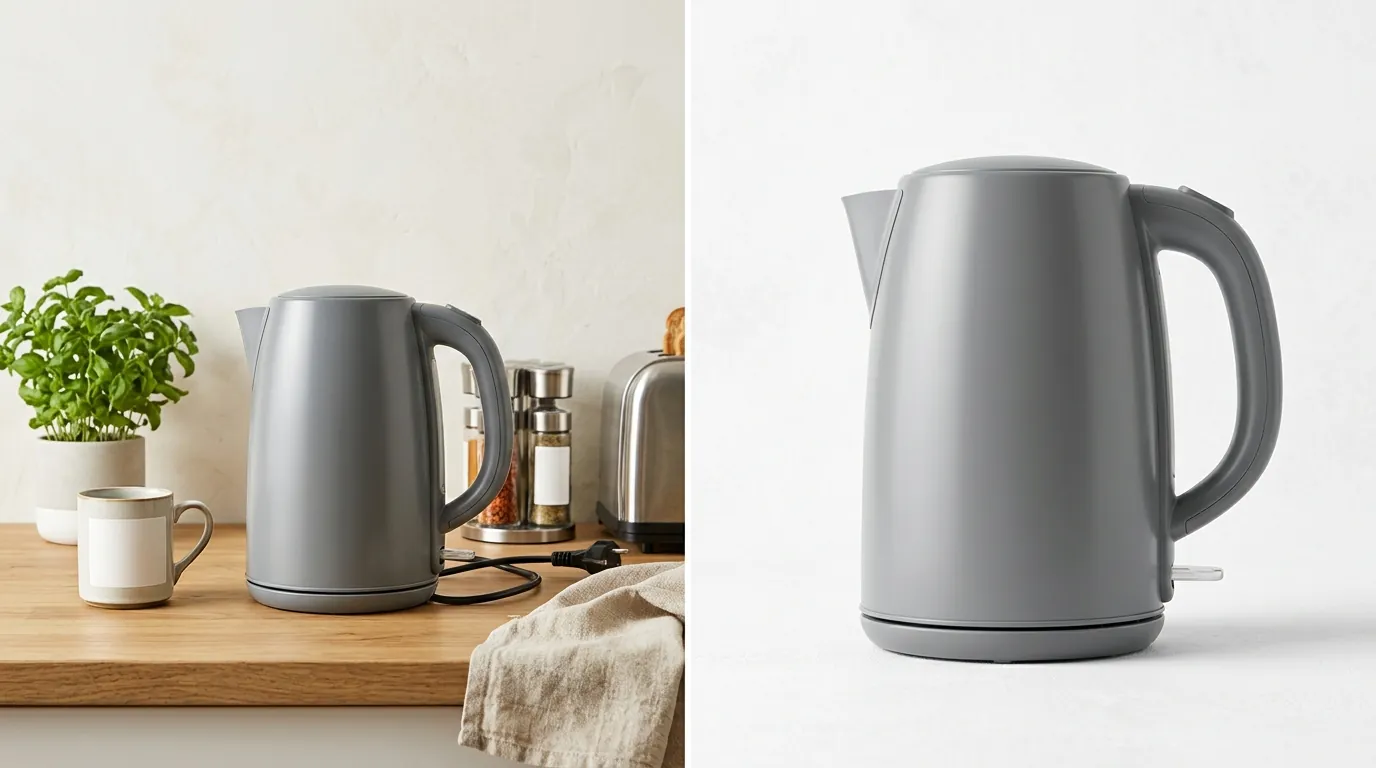
Fixing image compliance doesn’t require a professional photography studio. Most issues can be resolved with software and a clear understanding of the specs.
Removing Backgrounds and Overlays
If you have a lifestyle photo that you want to convert into a compliant main image, you must remove the background entirely.
- Manual Removal: Tools like Photoroom’s Pro tier at $12.99/mo or Canva Pro at $15/month allow you to remove backgrounds with one click. However, you must manually verify that the resulting “white” is truly RGB 255.
- Batch Processing: For multi-platform sellers with hundreds of SKUs, manual removal is too slow. PixelMatch is better suited for this workflow because it uses AI to identify the product boundaries and inject a guaranteed RGB 255 background across thousands of images simultaneously.
Before/After Checklist:
- Before: Image has a slight grey shadow or a table-top texture.
- Action: Run through a background remover.
- After: The product “floats” on a pure white void. The file is saved as a 1600x1600px JPEG.
Fixing Resolution and Zoom Issues
If your images were rejected for being too small, do not simply “stretch” them in a photo editor. This creates pixelation that Amazon’s AI will flag for “Low Quality.”
- Upscaling: Use an AI upscaler (built into tools like Adobe Express Premium for $9.99/mo) to increase the resolution while maintaining edge sharpness.
- Reshooting: If the original file is under 500 pixels, upscaling will likely look poor. Take a new photo using a modern smartphone. Most smartphones now take photos at 12MP or higher, which easily exceeds the 1600-pixel recommendation.
Fixing Brand Registry Rejections
If Amazon rejects your image for not appearing “real,” you must provide a “Real World Image.”
- The Smartphone Test: Take a photo of the product held in your hand or sitting on a desk.
- No Editing: Do not crop or filter this photo.
- Submit via Case: Upload this “raw” photo to a Brand Registry support case to prove the product exists and the branding is permanently affixed. Once approved, you can then upload your cleaned, white-background version as the main image.
Actionable Step: Create a “Compliance Folder” on your drive. For every ASIN, keep one “raw” smartphone photo of the product and packaging. If Amazon suppresses your listing during the Prime Day rush, having these photos ready to attach to a support ticket can save days of back-and-forth.
Official Source Links
Always refer to the primary source for the most up-to-date policies. Amazon updates these pages frequently, especially in the months leading up to major events like Prime Day.
- Amazon Seller Central: Product Image Requirements. This is the “Bible” for image specs.
- Amazon Seller Central: Image Issues and Suppression. This page explains why your listing might be hidden.
- Amazon Brand Services: Brand Registry Help. Use this for logo and branding disputes.
Frequently Asked Questions
Can I use a 3D render as my main image for Prime Day?
Yes, but with caution. Amazon allows high-quality 3D renders, but if the render looks “too digital” or lacks realistic shadows, it may be flagged. If you use a render, ensure it is indistinguishable from a real photograph and meets all RGB 255 background requirements.
What happens if my image is suppressed during Prime Day?
Your listing will disappear from search results. You will still be able to see the listing in your “Manage Inventory” tab, but it will have a “Search Suppressed” status. You must upload a compliant image and wait 6–24 hours for Amazon’s system to re-index the listing and make it live again.
Can I include the product packaging in the main image?
Yes, you can include the packaging as long as it is part of the product being sold. In fact, showing the packaging is often a good way to prove your brand name is permanently affixed, which helps with Brand Registry compliance. However, the packaging must also be on a pure white background.
Does the 85% fill rule apply to all categories?
Yes, the 85% fill rule is a general requirement across most Amazon categories. There are minor exceptions for very long or oddly shaped items, but the goal is always to maximize the product’s visibility in the search results thumbnail.
Is a PNG better than a JPEG for Amazon images?
Amazon accepts both, but JPEG is generally preferred. PNGs support transparency, which is helpful during the editing phase, but Amazon will often convert your PNG to a JPEG upon upload. Using a high-quality JPEG (minimum 1000px) ensures you see exactly what the customer will see.
Ready to scale your listings?
PixelMatch generates white-background, lifestyle, and variant mockups from a single source photo — built specifically for multi-platform ecommerce sellers. 50 free images on signup, no credit card.
Start free →