
Amazon Shop by Style AI Search Guide: 2026 Image Rules
Your listings are invisible if they fail Amazon’s visual AI filters, leading to suppressed ASINs and immediate revenue loss. Modern Amazon search is no longer just about keywords; it is a visual-first ecosystem driven by Rufus and Shop by Style, where a single off-white pixel or missing metadata tag can derail your 2026 growth strategy.
Amazon’s Shop by Style and AI search require main images on a pure white background (RGB 255,255,255) filling 85% of the frame, with a minimum of 1000px on the longest side. AI lifestyle backgrounds are allowed for secondary images, but sellers shipping to the EU must ensure AI-generated content includes machine-readable C2PA metadata to comply with the EU AI Act.
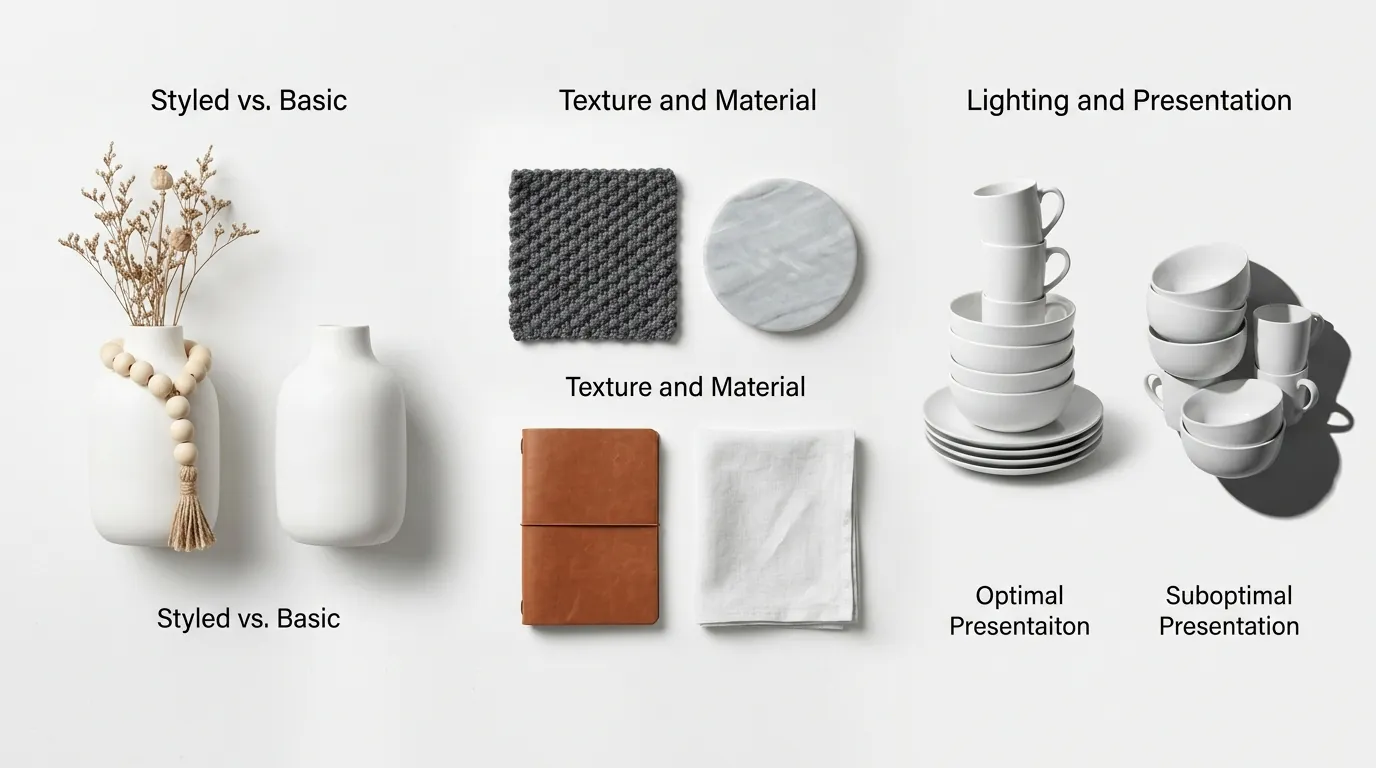
Quick Reference Table
Related: TikTok Shop Mall Product Image Requirements 2025 Guide · TikTok Shop AI Model Policy Leak 2026: Seller Guide · Amazon Rufus Visual Search Image Optimization Guide (2026)
Audit your current image library against these 2026 standards to prevent listing suppression. Amazon’s automated “Image Validation” tool now runs every time a listing is updated, checking for specific technical markers that define “Shop by Style” eligibility.
| Feature | Main Image Requirement | Secondary/AI Lifestyle Image |
|---|---|---|
| Background | Pure White (RGB 255, 255, 255) | Lifestyle, AI-generated, or Contextual |
| Min. Dimensions | 1000 pixels on longest side | 1000 pixels on longest side |
| Max. Dimensions | 10,000 pixels on longest side | 10,000 pixels on longest side |
| Product Frame Fill | At least 85% of the image | No specific percentage; must be clear |
| File Formats | JPEG, TIFF, PNG, or GIF (non-animated) | JPEG, TIFF, PNG, or GIF |
| AI Disclosure | Not applicable (Must be real product) | C2PA Metadata required for EU |
| Prohibited Items | Text, logos, watermarks, inset images | Confusing backgrounds, blurry AI artifacts |
Actionable Step: Open your top-selling ASIN in a photo editor and use the “Eyedropper” tool on the background corner. If the RGB value is 254, 254, 254 or lower, upload a corrected version immediately to avoid the “Search Suppressed” status.
Detailed Requirements
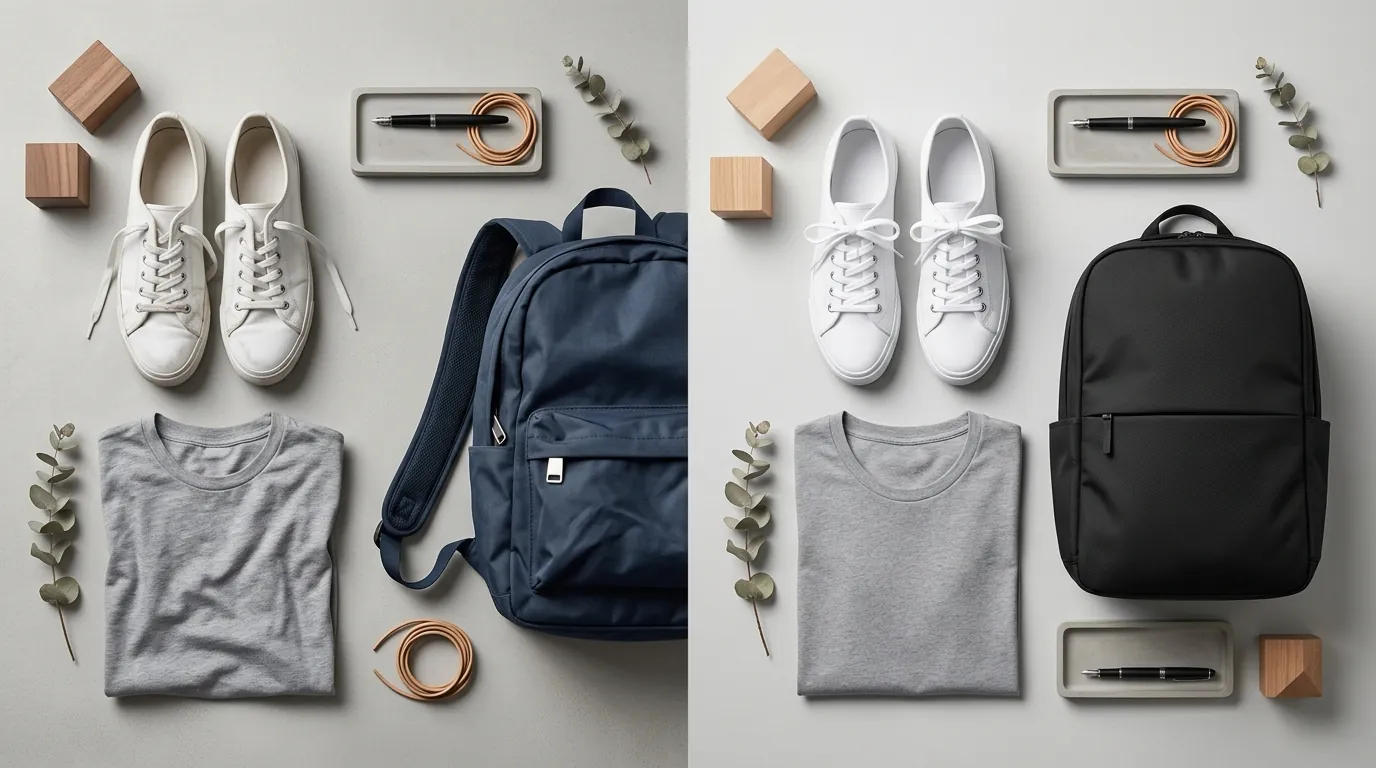
Amazon’s transition toward generative AI shopping means your images are now training data for Rufus, Amazon’s AI assistant. When a customer asks Rufus, “What should I wear to a mountain wedding in October?”, the AI scans secondary images for visual cues like “pine trees,” “cold weather textures,” and “formal silhouettes.”
Shop by Style takes this further by categorizing products into aesthetic buckets such as “Mid-Century Modern,” “Boho Chic,” or “Industrial Minimalist.” To land in these curated carousels, your secondary images must communicate a clear, consistent aesthetic.
While basic tools like Photoroom’s Pro tier at $12.99/mo or Pebblely’s Pro tier at $39/mo allow you to generate themed backgrounds one by one, multi-platform sellers often struggle with “visual drift.” This happens when your Amazon images look like they belong to a different brand than your Shopify or TikTok Shop images. PixelMatch solves this by allowing you to batch-generate AI product images across your entire catalog, ensuring that your “Industrial Minimalist” theme remains identical across 500+ SKUs.
Main Image vs. Secondary Image Rules
The distinction between main and secondary images has never been more rigid. For your main image, Amazon’s Product Image Requirements strictly forbid any AI-generated alterations to the product itself. You cannot use AI to change the color of a shirt or the texture of a phone case to save on photography costs. The product must be a “professionally photographed” representation of the actual item.
Secondary images are where you win the “Shop by Style” placement. Use these slots to place your product in various AI-generated environments. For 2026, Amazon’s algorithm prioritizes “high-intent” environments. If you sell espresso machines, a secondary image showing the machine in a high-end, sun-drenched kitchen will perform better in AI-driven searches than a generic lifestyle shot.
Optimizing for Rufus AI and Amazon Lens
Rufus and Amazon Lens (visual search) rely on “object detection” and “semantic segmentation.” To optimize for these:
- Maintain High Contrast: Ensure the product stands out sharply from the AI-generated background. Blurry edges (a common AI artifact) confuse the Amazon Lens tool, making it harder for customers to find your product via a photo upload.
- Use Contextual Props: If selling a waterproof speaker, use AI to generate a poolside or hiking scene. Rufus identifies these props to answer specific customer queries about “durable” or “outdoor” gear.
- Avoid Over-Styling: While Shop by Style rewards aesthetics, Rufus needs to see the product clearly. Ensure the product remains the focal point, occupying at least 50% of the secondary image to maintain “visual weight.”
Actionable Step: Use the “Amazon Lens” feature on your own mobile device to search for your product. If the search results show your competitors instead of your own listing, your image contrast or product clarity is insufficient for AI recognition.
Common Rejection Reasons

💡 Skip the manual editing. PixelMatch batch-generates ecommerce-ready product images in 60 seconds — white background, lifestyle scenes, and variant mockups from a single source photo. Try PixelMatch free →
Amazon’s automated “Imaging Services” bots are more aggressive in 2026. They no longer wait for a manual report; they scan your gallery during every indexing cycle.
- The “Off-White” Trap: Many sellers use “Background Remover” tools that leave a slight gray tint or a shadow. Amazon requires RGB 255, 255, 255. Even a 1% deviation triggers a “Search Suppressed” flag.
- AI Artifacting: If your AI-generated lifestyle image shows a model with six fingers or a distorted product logo, Amazon’s quality control AI will flag the listing for “Product Misrepresentation.”
- Resolution Failures: Images under 500 pixels are rejected instantly. However, for the “Zoom” feature to work—which is a known conversion booster—you must hit the 1000 pixel threshold.
- Text on Main Image: Sellers often try to sneak in “BPA Free” or “Made in USA” badges. This is a violation of the Main Image standards and will result in the image being removed.
- Missing C2PA Metadata: Under the EU AI Act, AI-generated content must be identifiable. If you sell in the European Union and your AI images do not have embedded digital signatures (C2PA), you risk legal non-compliance and platform-wide blocks.
Actionable Step: Check your “Account Health” dashboard under “Policy Compliance” daily. Amazon now lists “Image Policy Violations” as a specific sub-category that can impact your overall seller rating.
How to Fix Each Issue
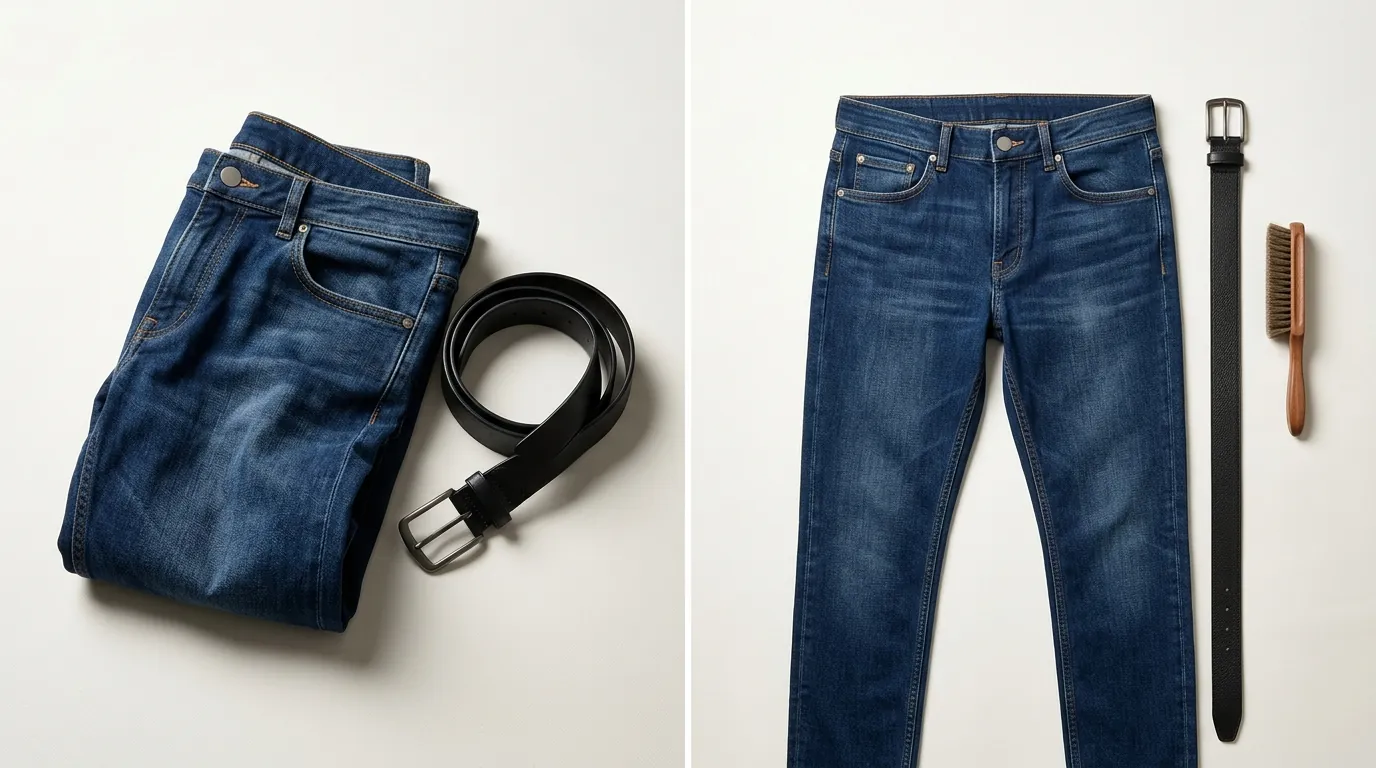
Fixing image issues in 2026 requires a mix of technical precision and batch processing. Manually editing 1,000 photos is no longer viable for multi-platform sellers.
1. Correcting Backgrounds for Main Images
Don’t just use a generic “remove background” tool. Use a dedicated ecommerce AI tool that specifically targets the RGB 255, 255, 255 standard. Once the background is removed, ensure the product is centered and fills 85% of the frame. If your product is long and thin, rotate it slightly to maximize the pixel area it occupies.
2. Upscaling for High-Resolution Requirements
If you have older product photos that are too small, use an AI upscaler rather than just resizing the canvas. Resizing creates blur; upscaling “rebuilds” the pixels. Aim for 2000 x 2000 pixels to provide the best experience for mobile shoppers using the pinch-to-zoom feature.
3. Implementing C2PA for EU Compliance
Ensure your AI workflow includes a metadata injection step. PixelMatch and other enterprise-grade AI tools are moving toward automatic C2PA (Coalition for Content Provenance and Authenticity) tagging. This embeds a “machine-readable” label into the image file that tells Amazon’s bots—and EU regulators—that the background is AI-generated while the product is real.
4. Aligning with Shop by Style Aesthetic Buckets
To “force” your way into Shop by Style, audit your top five competitors in that category. Identify their common visual themes (e.g., “warm lighting,” “minimalist props,” “pastel colors”). Use PixelMatch to batch-generate secondary images that mirror these aesthetic signals across your entire product line. This creates a “Brand Story” that Amazon’s AI can easily categorize.
5. Using the “Content Compliance” Dashboard
Navigate to Seller Central > Inventory > Manage All Inventory. Look for the “Listing Quality Dashboard.” Amazon now provides a “Fix Your Products” view that highlights exactly which ASINs have “Non-compliant images.” Fix these first, as they are the ones currently hidden from search results.
Actionable Step: Set up a “Master Brand Style Guide” for your AI prompts. Instead of “a kitchen background,” use “a modern Scandinavian kitchen with white marble countertops and soft morning sunlight.” Use this exact prompt for all products in that category to ensure visual consistency that the Shop by Style algorithm can recognize.
Frequently Asked Questions
Can I use AI to generate the main image of my product?
No. Amazon’s Product Image Requirements state that the main image must be a photograph of the actual product. You can use AI to remove the background and set it to pure white, but you cannot use AI to “create” the product itself or change its features, colors, or dimensions.
What is the “Shop by Style” feature on Amazon?
Shop by Style is an AI-powered discovery tool that allows customers to browse products based on visual aesthetics rather than just keywords. It uses machine learning to group products into “lookbooks” (e.g., “Modern Farmhouse” or “Y2K Fashion”). To appear here, your secondary images must have high-quality, aesthetically consistent lifestyle backgrounds.
How do I know if my images are EU AI Act compliant?
To be compliant with the EU AI Act, AI-generated images must be labeled. For ecommerce, this usually means embedding C2PA metadata into the image file. If your AI tool does not offer “C2PA Metadata Export,” you may need to manually add an “AI-Generated” disclosure in the image description or use a tool like PixelMatch that handles compliance automatically.
Why is my image still being rejected even though the background looks white?
A “visually white” background is not enough; it must be mathematically white (RGB 255, 255, 255). Many cameras and basic editing apps save “white” as RGB 254 or 253. Use a “Level” adjustment in your photo editor to “blow out” the whites to the maximum value of 255.
Official Source Links

- Amazon Seller Central: Product image requirements
- Amazon Seller Central: Image Issues and Suppressions
- Amazon Seller Central: Adding Product Images and Video
- European Union: Artificial Intelligence Act High-Level Summary
- Photoroom: Pricing and Pro Features
- Pebblely: Pricing and Subscription Tiers
Ready to scale your listings?
PixelMatch generates white-background, lifestyle, and variant mockups from a single source photo — built specifically for multi-platform ecommerce sellers. 50 free images on signup, no credit card.
Start free →
Sources
- https://sellercentral.amazon.com/help/hub/reference/external/G1881
- https://sellercentral.amazon.com/help/hub/reference/external/G200390640
- https://sellercentral.amazon.com/help/hub/reference/external/G200498950
- https://artificialintelligenceact.eu/high-level-summary/
- https://www.photoroom.com/pricing
- https://pebblely.com/pricing/