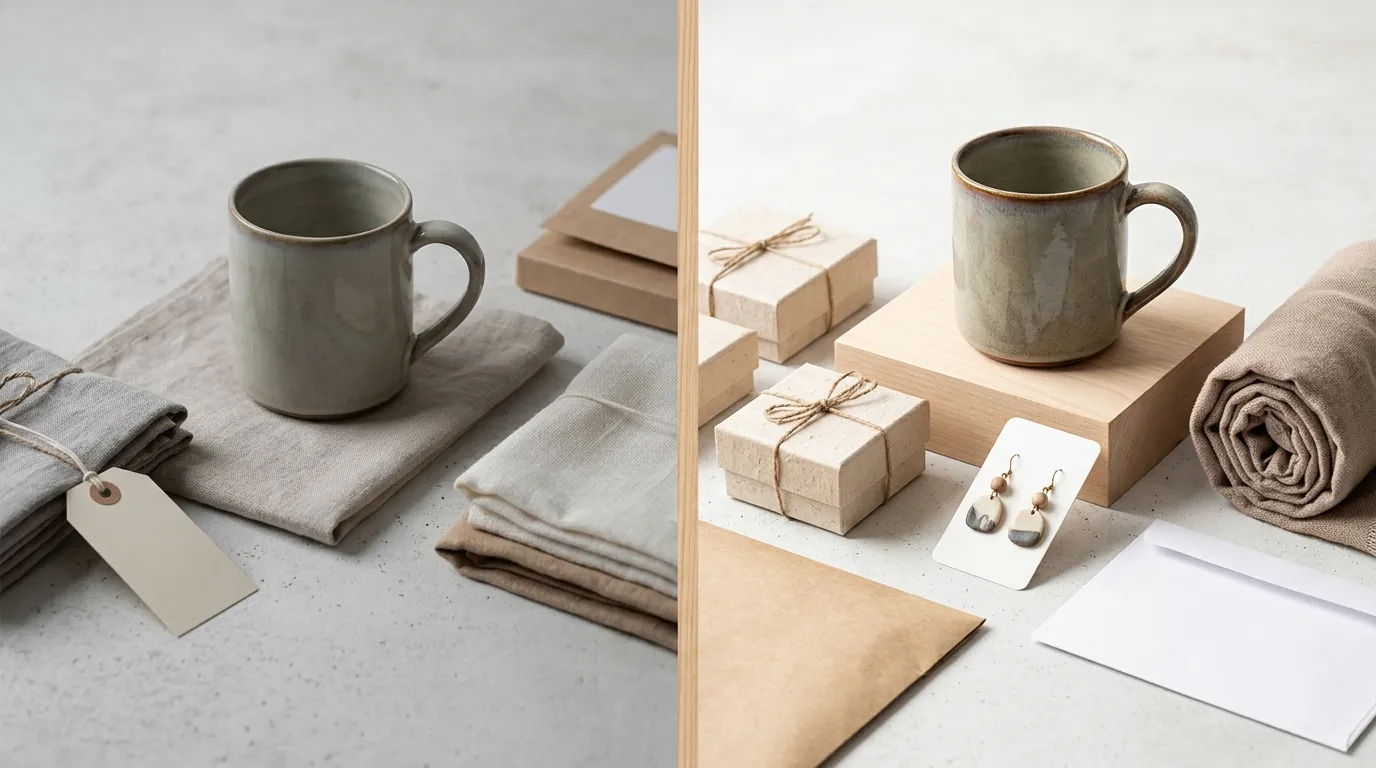
Case Study: Reducing Etsy Return Rate With AI Images
Stop losing revenue to “Item Not As Described” (INAD) cases caused by misleading product photography. High Etsy return rates often stem from a mismatch between AI-generated lifestyle context and the physical reality of the product, but you can bridge this gap by aligning your batch-generation workflow with Etsy’s strict technical and legal standards.
Quick Reference Table
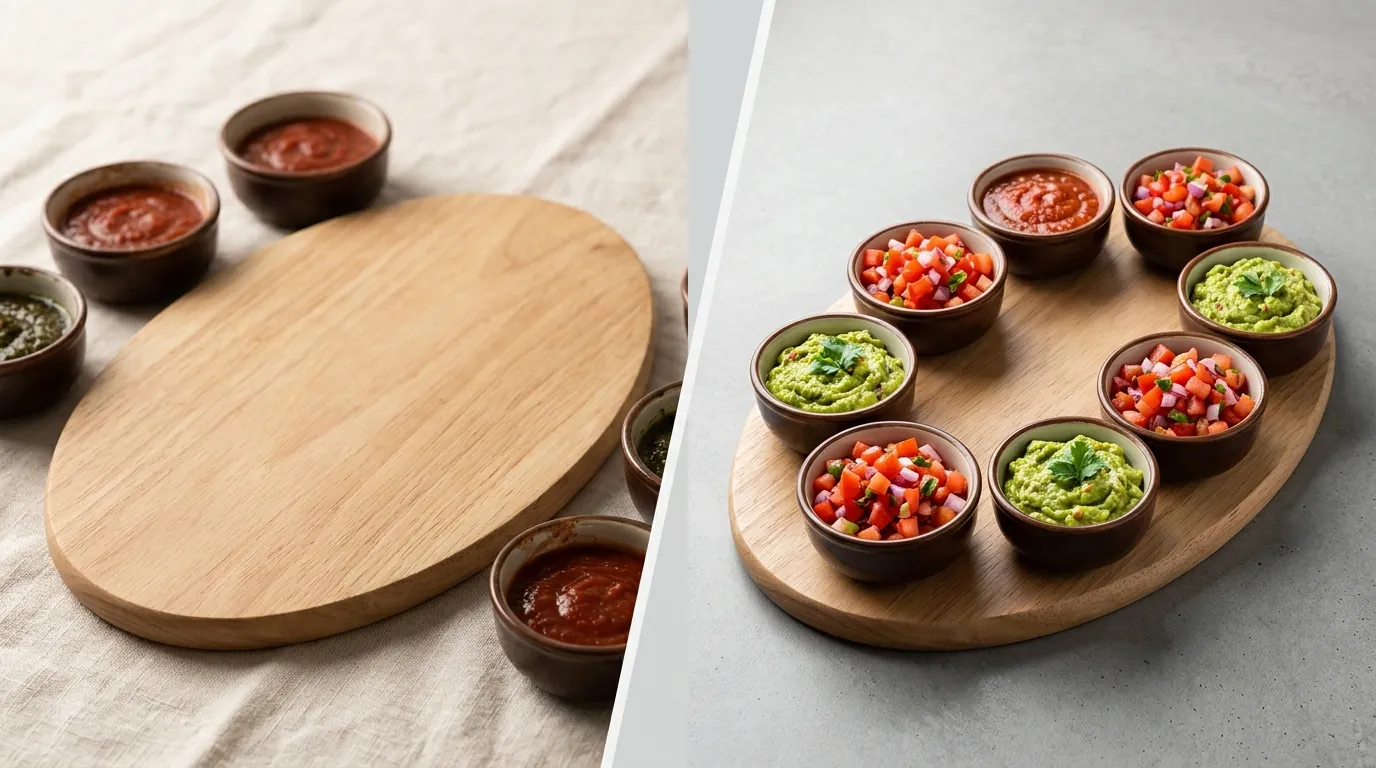
Review this table before your next batch export to ensure every file meets the technical thresholds required for the Etsy zoom feature and mobile optimization.
| Requirement | Specification | Source |
|---|---|---|
| Minimum Resolution | 2000 pixels on the shortest side | Etsy Help Center |
| Maximum File Size | 10 MB | Etsy Help Center |
| File Formats | JPG, PNG, or GIF (Animated GIFs not supported) | Etsy Help Center |
| Image Limit | Up to 10 images per listing | Etsy Help Center |
| Recommended Aspect Ratio | 4:3 or 1:1 (Square) | Etsy Help Center |
| AI Disclosure | Mandatory for AI-generated or AI-assisted content | Etsy Creativity Standards |
Detailed Requirements
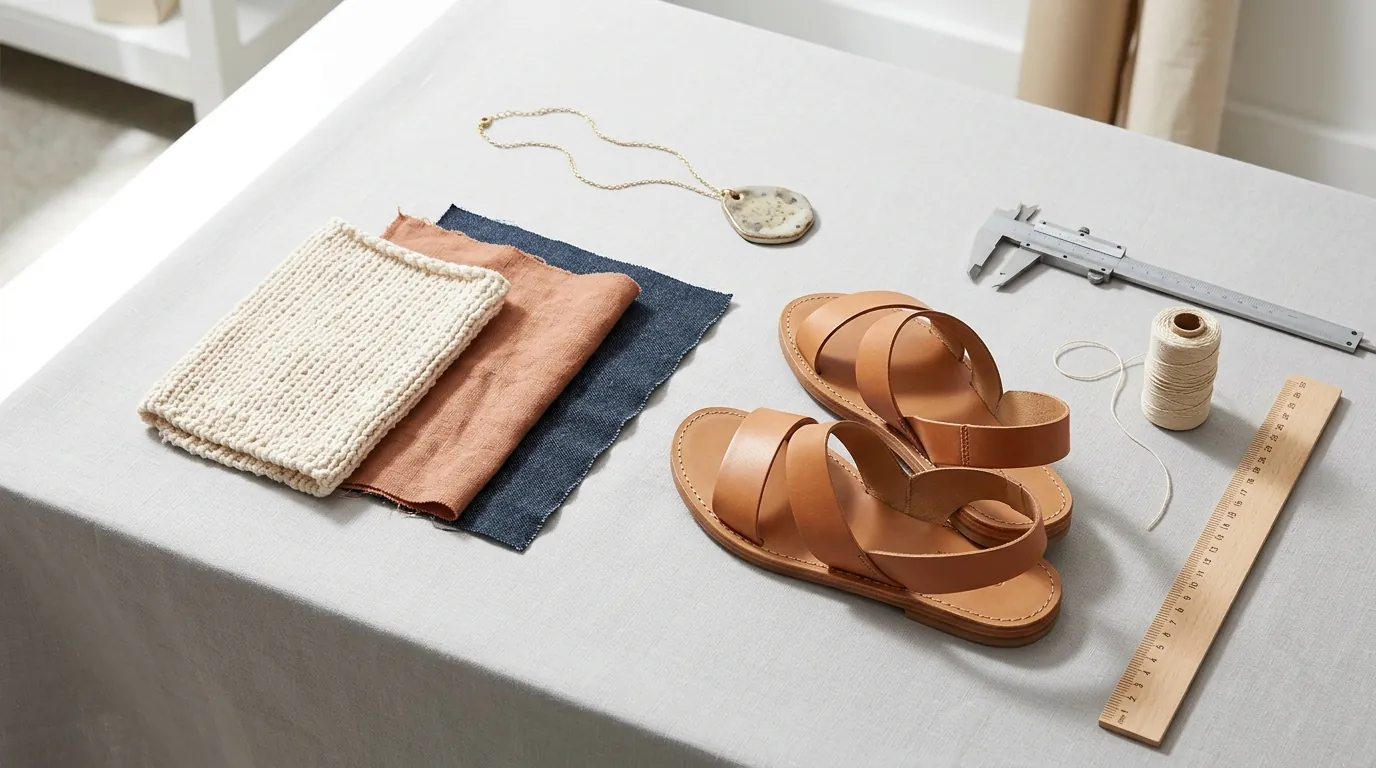
Audit your current listings for the mandatory AI disclosure tag and verify that your lifestyle images do not jeopardize your eligibility for seller protection.
Etsy’s AI Disclosure Rules
Etsy updated its Creativity Standards to maintain marketplace transparency as AI tools become more prevalent. As a seller, you must disclose within your listing description if an item or its presentation—including the photography—is created with the use of AI. This is particularly relevant when using tools like PixelMatch, Photoroom, or Pebblely to generate backgrounds.
While Etsy allows AI-generated backgrounds, the core product must remain a faithful representation of the physical item. If you use AI to create a “lifestyle” scene, the buyer needs to know that the environment is synthetic. Failure to disclose this can lead to account flags or the loss of “Star Seller” status if buyers report the shop for misleading practices. When using Pebblely’s Basic plan at $19/mo or Photoroom’s Pro tier at $12.99/mo, ensure you are utilizing the “background replacement” features rather than “product generation” features, as the latter would violate the requirement to sell physical goods you have made or designed.
The Link Between Image Accuracy and INAD Cases
Under Etsy’s Purchase Protection Program, Etsy may cover the cost of a refund for orders up to $250 if the seller meets specific criteria. However, this protection is voided if a buyer successfully opens an “Item Not As Described” (INAD) case.
INAD cases are frequently triggered by:
- Color Discrepancy: The AI background lighting shifts the product’s hue (e.g., a warm sunset background making a silver ring look gold).
- Scale Confusion: The product appears significantly larger or smaller in the AI scene than it is in reality.
- Texture Smoothing: AI upscaling or “beautification” filters removing natural wood grains or fabric textures that the buyer expected to see.
To maintain protection, your AI-generated lifestyle images must accurately represent the physical item’s scale, color, and texture. PixelMatch is designed to solve this by allowing sellers to place real product photography into AI-generated backgrounds without altering the pixels of the core product, ensuring the item remains “as described.”
Common Rejection Reasons
💡 Skip the manual editing. PixelMatch batch-generates ecommerce-ready product images in 60 seconds — white background, lifestyle scenes, and variant mockups from a single source photo. Try PixelMatch free →
Check your AI lifestyle photos against a physical reference to prevent scale-based returns and avoid the “pixelation trap” caused by Etsy’s mobile compression.
Scale and Proportion Errors
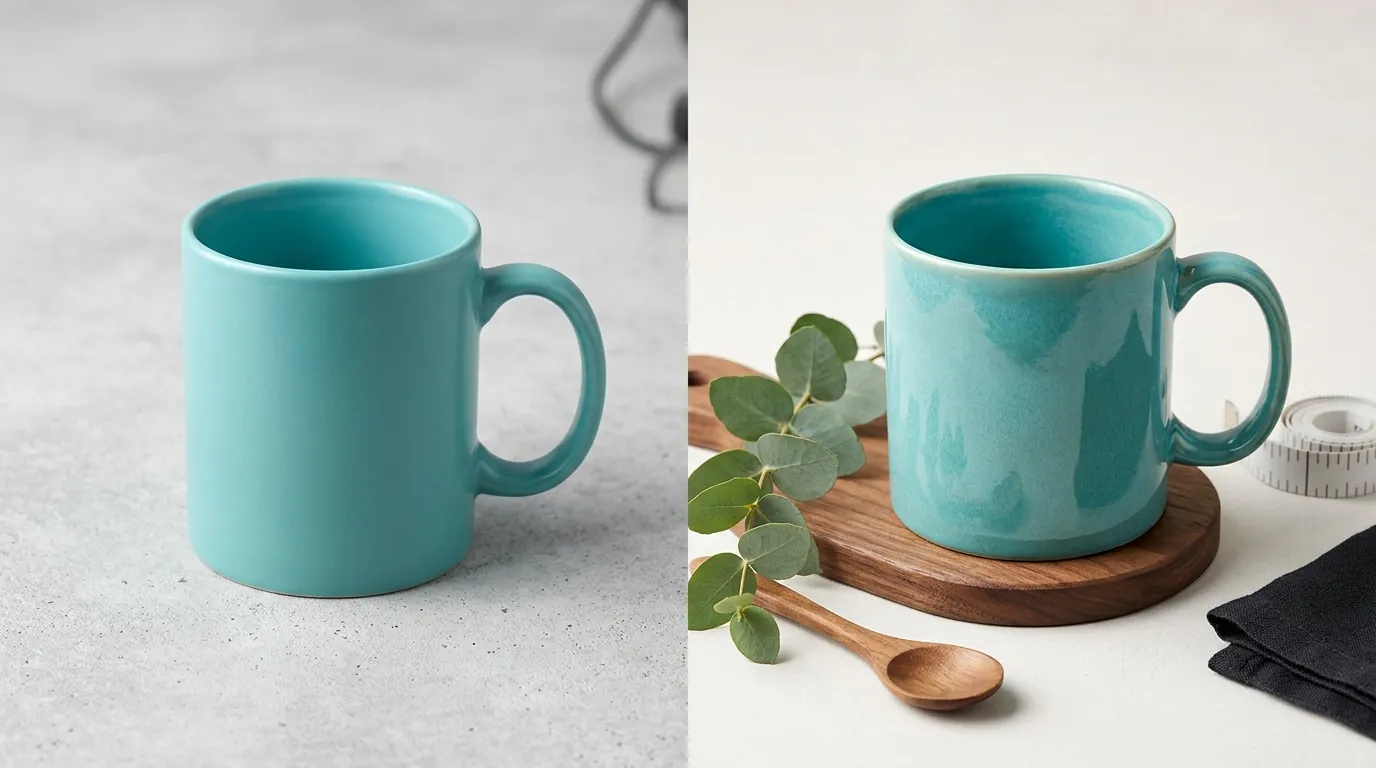
Misleading scale in AI backgrounds is a primary driver of INAD returns. A common error occurs when a seller places a product, such as a 12oz mug, onto an AI-generated desk where the surrounding objects (like a laptop or a lamp) are not scaled correctly. If the mug looks massive on the desk, the buyer may expect a much larger item. When it arrives and fits in the palm of their hand, the “surprise” leads directly to a return request.
To avoid this, you must calibrate your AI prompts to include specific dimensions or use tools that support “spatial awareness.” If you are using Pebblely’s Pro plan at $39/mo, you can use their canvas tools to resize the product, but you must manually ensure that the product’s size relative to the AI-generated chair, table, or hand is realistic. A 1:1 scale ratio check against a physical object is the most effective way to prevent these “scale shock” returns.
Over-Editing the Core Product
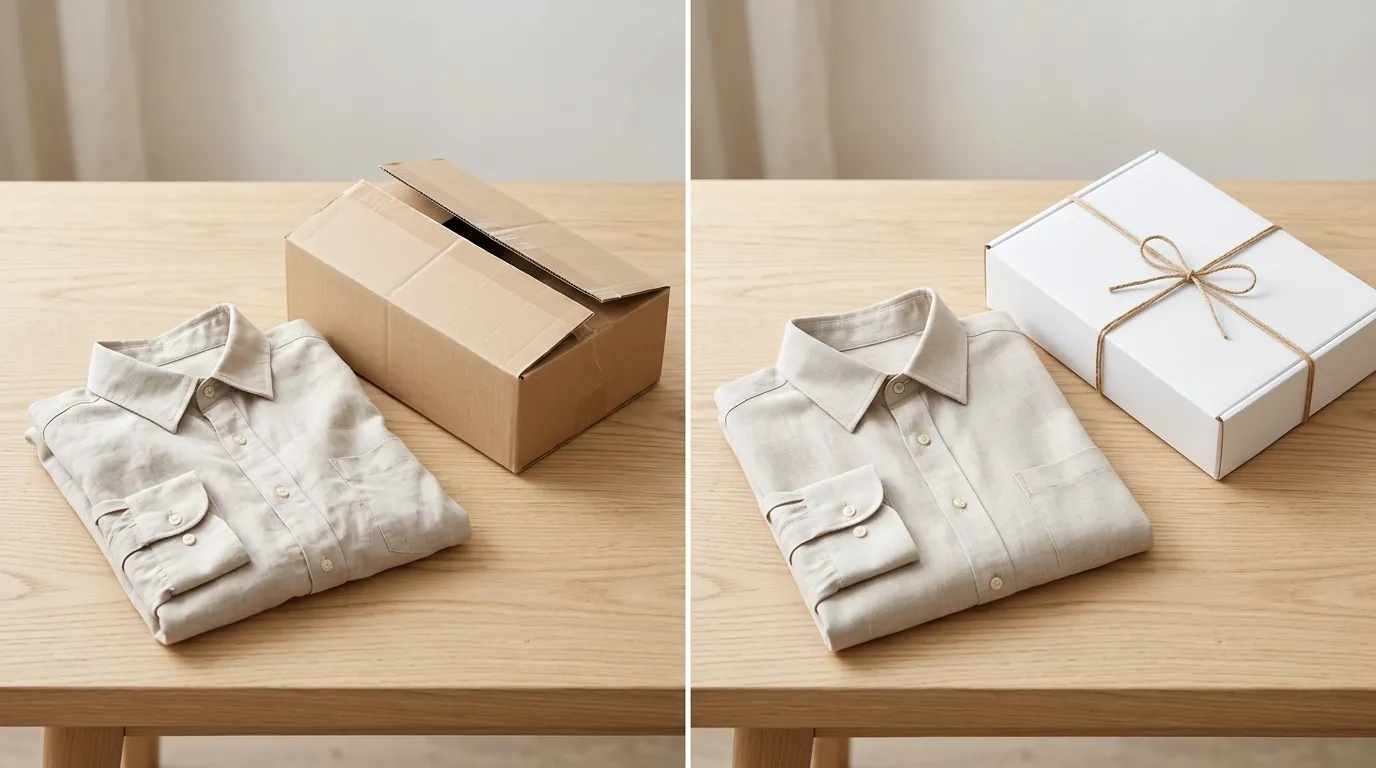
Using AI to alter the actual product’s appearance—such as changing the color of a shirt via a prompt or using “generative fill” to remove a small physical defect—violates Etsy’s requirement to show the actual physical product. While it is tempting to use AI to “clean up” a sample, this creates a false expectation.
Furthermore, uploading images smaller than the 2000px minimum causes significant pixelation when Etsy compresses them for the mobile app. To a buyer, a blurry or pixelated image signals a lack of professional quality or, worse, a “dropshipping scam” where the seller doesn’t actually possess the item. This loss of trust results in higher bounce rates and a higher likelihood that a buyer will scrutinize the item upon arrival for any reason to return it.
How to Fix Each Issue
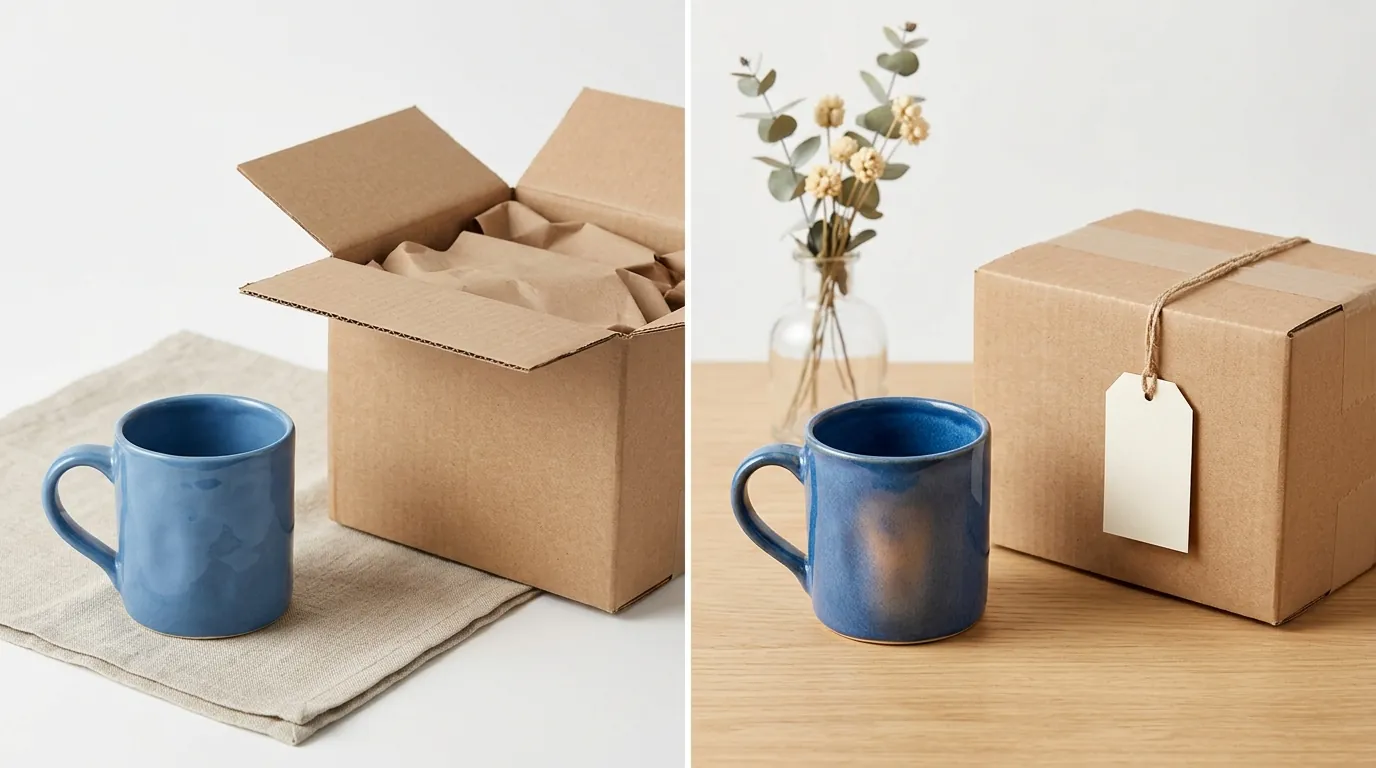
Implement a batch-generation workflow to standardize your image stack and ensure every listing remains compliant with 2026 AI disclosure regulations.
Standardizing Image Dimensions
Use PixelMatch to batch-generate compliant 2000 x 2000 px images with realistic shadows that preserve true product scale. Batch processing is essential for multi-platform sellers who need to maintain consistency across hundreds of listings. By setting a mandatory 2000px output floor in your AI tool, you ensure that the Etsy zoom feature functions correctly, allowing buyers to see the fine details of your craftsmanship.
When comparing outputs from tools like Booth.AI or Photoroom, always perform a color-accuracy check. View the AI-generated image on a calibrated monitor alongside the physical item. If the AI background has introduced a “color bleed” (where the background color reflects onto the product in a way that changes its perceived color), use a photo editor like Adobe Express Premium at $9.99/mo to mask the product and restore its original saturation and hue.
Adding AI Disclosure Badges
If you use AI-generated human models for apparel or jewelry, transparency is your best defense against returns. High-end AI model generators can look indistinguishable from real photography, which may lead buyers to feel deceived if they later discover the model isn’t real.
To stay ahead of 2026 AI image disclosure regulations, use Canva Pro at $120/year to add a small, tasteful “AI model used for context” badge to the bottom corner of your secondary images. This builds trust by showing you are an honest seller.
Always follow the “Primary Photo Rule”: use an unedited, well-lit photo of the physical product on a plain, neutral background as your primary image (the first slot in your Etsy listing). Reserve your AI lifestyle mockups for the secondary slots (images 2 through 10). This ensures that the first thing a buyer sees is the 100% accurate physical item, while the AI images provide the “vibe” and lifestyle context needed to close the sale. This balanced approach significantly reduces INAD cases because the buyer’s primary expectation is set by a real photograph.
Official Source Links
- Etsy Help Center: Requirements and Best Practices for Images
- Etsy Legal: Creativity Standards and AI Policy
- Etsy Help Center: Purchase Protection Program for Sellers
- Photoroom Pricing: Pro Tier Details
- Pebblely Pricing: Basic and Pro Plans
- Adobe Express Pricing: Premium Plan
- Canva Pricing: Canva Pro Annual Rates
Ready to scale your listings?
PixelMatch generates white-background, lifestyle, and variant mockups from a single source photo — built specifically for multi-platform ecommerce sellers. 50 free images on signup, no credit card.
Start free →
Sources
- https://help.etsy.com/hc/en-us/articles/115015663347-Requirements-and-Best-Practices-for-Images
- https://www.etsy.com/legal/creativity
- https://help.etsy.com/hc/en-us/articles/360000344568-Etsy-s-Purchase-Protection-Program-for-Sellers
- https://www.photoroom.com/pricing
- https://pebblely.com/pricing/
- https://www.adobe.com/express/pricing
- https://www.canva.com/pricing/