Etsy 2026 Search Update: Image Quality Standards Guide
Your Etsy search ranking now depends on the technical health of your image files as much as your keyword tags. If your main listing photos fail to meet the updated 2026 quality benchmarks, your products will drift toward the bottom of search results regardless of your conversion rate.
Etsy recommends listing photos be at least 2000 pixels or more in width and height, with the first photo at least 635px wide. Blurry or dark images can now lower your search ranking.
Quick Reference Table
Related: Etsy AI Generated Image Policy 2026: Rules & Specs · TikTok Shop Symphony Avatar Lighting Mismatch Fix (2026) · TikTok Shop Image Style Inconsistency Rejection Fix
Audit your current shop inventory against these technical thresholds. If your top-performing listings use images from 2023 or earlier, they likely fall below the current “High Quality” threshold that Etsy’s search algorithm prioritizes.
| Feature | Minimum Requirement | Recommended Standard (2026) |
|---|---|---|
| Width/Height | 635 pixels (First photo) | 2000 pixels or more |
| File Size | No hard minimum | Under 1MB for faster uploads (Max 10MB) |
| Aspect Ratio | 4:3 recommended | 4:3 or 1:1 (Square) |
| File Format | .jpg, .gif, .png, .svg, or .heic | .jpg or .png (non-transparent) |
| Color Profile | sRGB | sRGB |
Actionable Step: Open your Etsy Shop Manager, navigate to “Listings,” and look for the yellow warning triangle on any thumbnail. This icon often indicates an image that is below the 2000-pixel recommendation, signaling an immediate need for an upscaled replacement to maintain search visibility.
Detailed Requirements
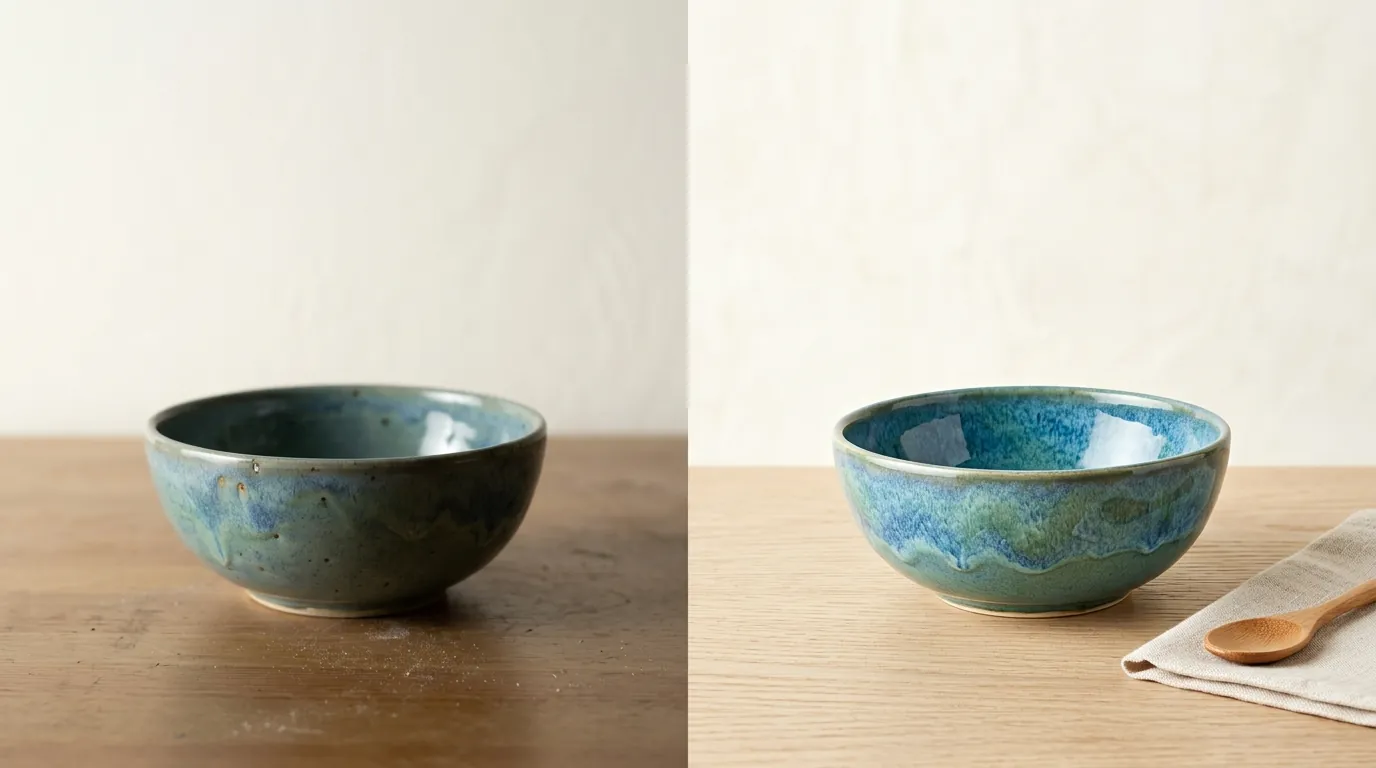
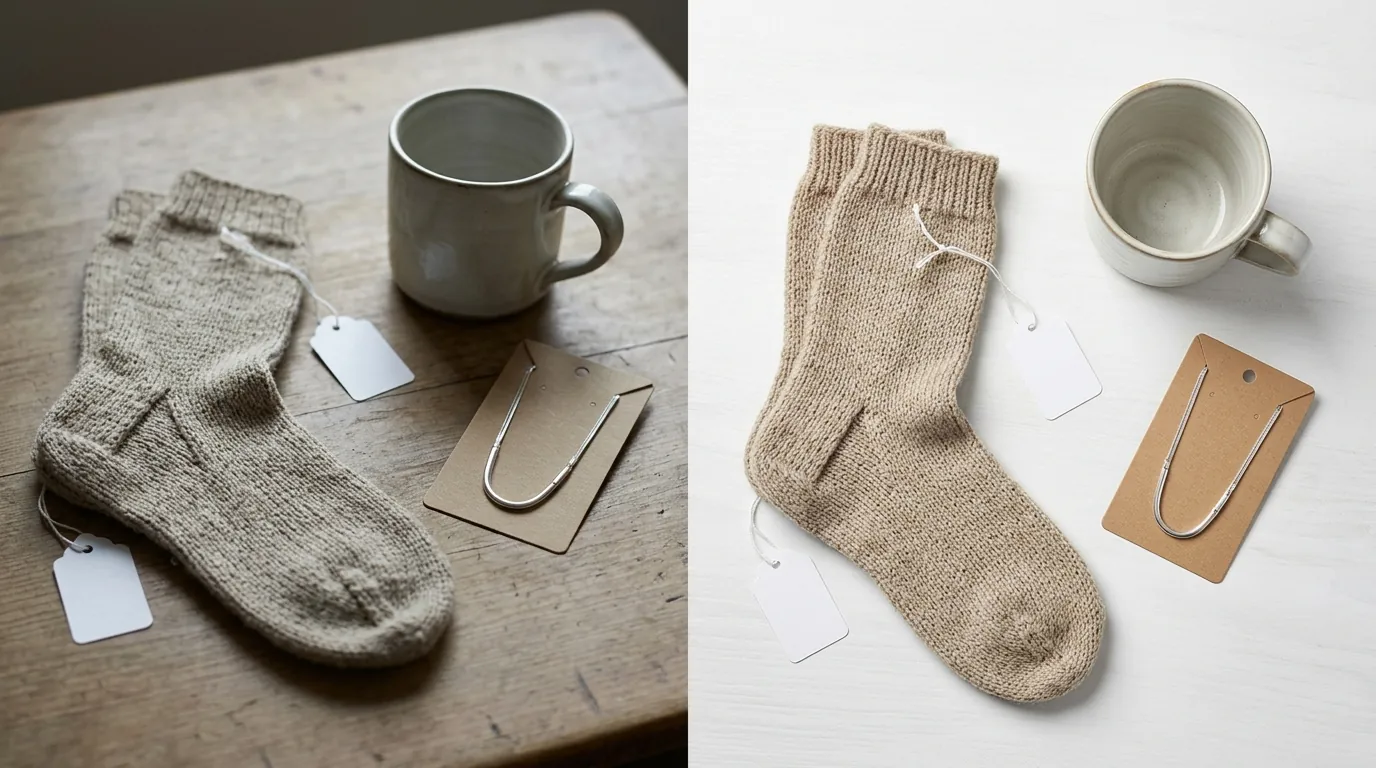
Etsy’s search algorithm penalizes listings with a main image that is too dark, blurry, or are part of a photo-collage. The 2026 update places a higher weight on “Visual Quality Scores,” which are calculated the moment you upload a file. If the system detects low contrast or heavy compression artifacts, your listing starts its life with a search handicap.
Resolution and Aspect Ratio
While the absolute minimum for your primary thumbnail is 635 pixels wide, using this minimum is a mistake for modern mobile displays. Most buyers browse via the Etsy app on high-density “Retina” screens. A 635px image will appear pixelated when a user tries to use the zoom tool, leading to a higher bounce rate.
Aim for a 2000px square (1:1) or 4:3 ratio. Square images are safer for multi-platform sellers because they translate better to Instagram and TikTok Shop, but Etsy’s native crop tool defaults to a 4:3 landscape orientation for the initial thumbnail. To ensure your product isn’t cut off in search results, keep the core subject centered with plenty of “white space” or background padding around the edges.
File Formats and Size Limits
Etsy supports .jpg, .gif, .png, .svg, or .heic formats. However, the platform’s processing engine is optimized for .jpg. When you upload a high-resolution .png, Etsy’s servers compress it into a .jpg for delivery to the end-user. This double-compression can lead to “banding” in smooth backgrounds.
Regarding file size, Etsy allows files up to 10MB. Do not confuse this with the 1MB recommendation. The 1MB suggestion is intended to prevent “timeout” errors during the upload process. If you have a high-speed fiber connection, you can safely upload 5MB to 8MB files to ensure maximum crispness. If you are on a mobile connection or slow Wi-Fi, keep files under 1MB to ensure the upload completes without corrupting the file metadata.
The Creativity Standards Update
The most significant policy shift involves how you represent your items. Sellers must use original photos of the actual product, not renderings or stock photos. This is a direct response to the influx of dropshippers using manufacturer-provided stock imagery.
If an item is created through the use of artificial intelligence, you must disclose this in your relevant listings. This applies to the product itself (e.g., AI-generated art prints). However, using AI tools like PixelMatch to batch-generate compliant product photos from your own original product photography is a standard industry practice for backgrounds and staging. The key is that the product shown must be a real photo of the item the buyer will receive.
Actionable Step: Verify your export settings in your photo editor. Ensure the color space is set to sRGB. Uploading in CMYK (used for print) will cause the colors to look neon or distorted on the Etsy storefront.
Common Rejection Reasons
💡 Skip the manual editing. PixelMatch batch-generates ecommerce-ready product images in 60 seconds — white background, lifestyle scenes, and variant mockups from a single source photo. Try PixelMatch free →
Understanding why Etsy’s automated systems flag or bury a listing can save you hours of re-uploading. Most “shadow-penalties” in search ranking aren’t accompanied by an email notification; your traffic simply drops.
Stock Photos and Renderings
Etsy’s “Creativity Standards,” updated July 15, 2025, explicitly forbid using stock photos as your primary image. If you are selling a physical item, the first photo must be a photograph of the physical item you possess. Using a 3D rendering (common in jewelry or furniture) as the primary image is a high-risk move that can lead to listing removal.
Collages as Main Images
Many sellers use collages to show multiple angles or color variants in a single thumbnail. However, Etsy explicitly states that using collages as main images may result in appearing lower in search results. The search algorithm prefers a clean, single-subject image for the primary slot. Collages are often flagged as “cluttered,” which negatively impacts the mobile user experience. Save the multi-angle collages for the 2nd through 10th image slots in your listing.
Transparency Issues
A common technical error involves uploading transparent PNGs. While these look great on your own website, transparent PNGs will appear black on Etsy. This happens because Etsy’s thumbnail generator fills transparent layers with a default black background. If your product has dark edges, it will disappear into the background, making the listing look broken. Always flatten your images against a solid color (white or off-white is best) before exporting.
Actionable Step: Perform a “Black Background Test.” If you must use PNGs, open them in a viewer with a black background. If the image becomes invisible or looks “muddy,” it will fail on Etsy. Convert these to JPGs with a hex code #FFFFFF white background to be safe.
How to Fix Each Issue

Fixing your shop’s visual health doesn’t require a professional studio, but it does require a standardized workflow. Transitioning from “one-off” uploads to a batch-processing mindset is the only way to stay competitive in 2026.
Batch Resizing and Formatting
If your existing photos are too small, do not simply “stretch” them in Photoshop. This introduces blurriness that Etsy’s quality checks will detect. Instead, use an AI upscaler or a dedicated batch-processor.
- Gather all original high-resolution files.
- Use a tool to resize them to exactly 2000px on the shortest side.
- Export as .jpg with a quality setting of 80-90% to balance clarity with the 1MB recommendation.
If you currently use tools like Photoroom, which offers a Pro tier at $12.99/mo, ensure you are utilizing their batch export feature to strip transparency and replace it with a solid, Etsy-compliant background.
Replacing Collages with Lifestyle Images
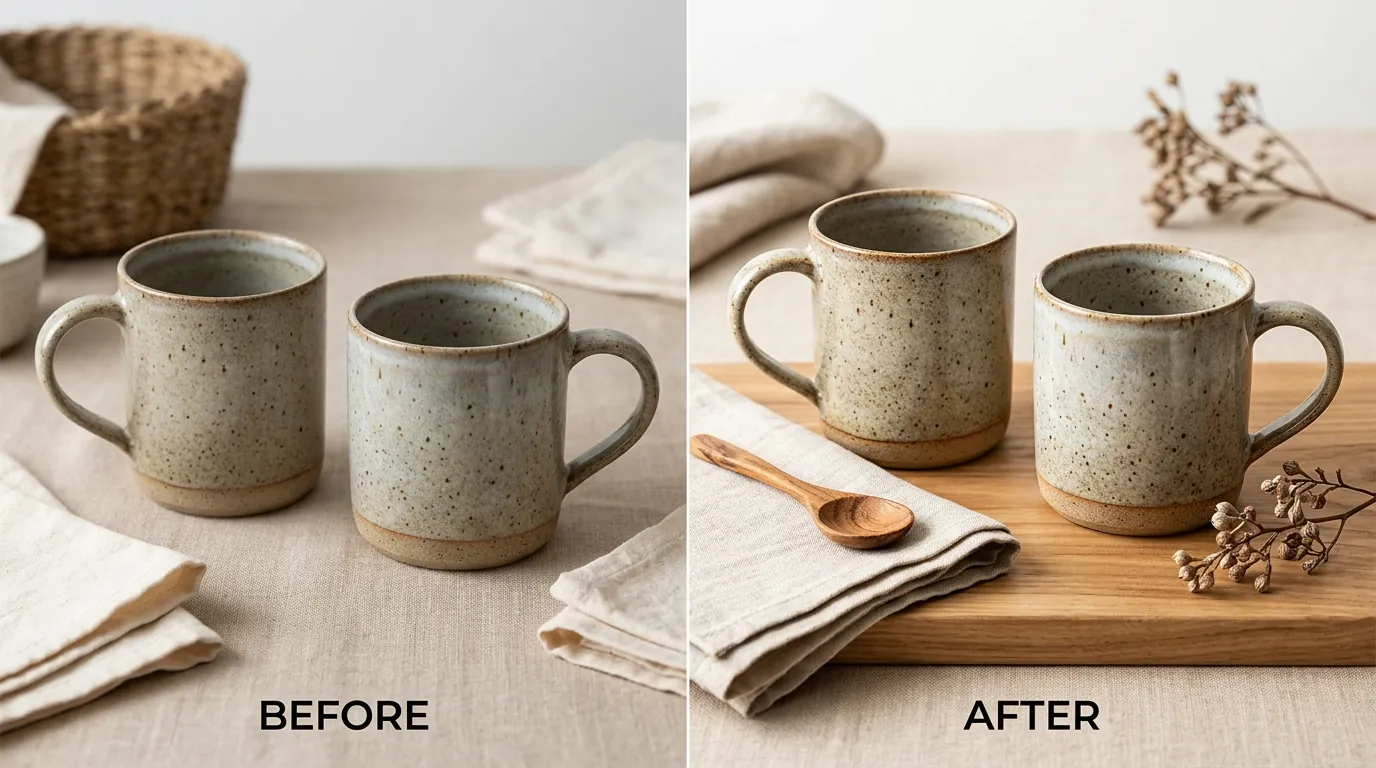
Since collages are penalized, you need a different way to show “product in use” context. Replace your main collage with a high-resolution lifestyle image. This is where PixelMatch provides a significant advantage for multi-platform sellers.
Rather than setting up a physical photoshoot for every new background, you can take one high-quality, 2000-pixel-plus photo of your product on a plain surface. Then, use PixelMatch to batch-generate compliant, high-resolution lifestyle backgrounds. This ensures your main image is a single, clear subject (meeting Etsy’s preference) while still providing the “vibe” that drives clicks. This workflow satisfies the Creativity Standards because the product itself remains an original photograph of your actual inventory.
Appealing a Listing Removal
If a listing is removed because Etsy’s automated system incorrectly flagged your original photo as a “stock photo,” you must act quickly. Check your email for a notice regarding the Creativity Standards.
To appeal:
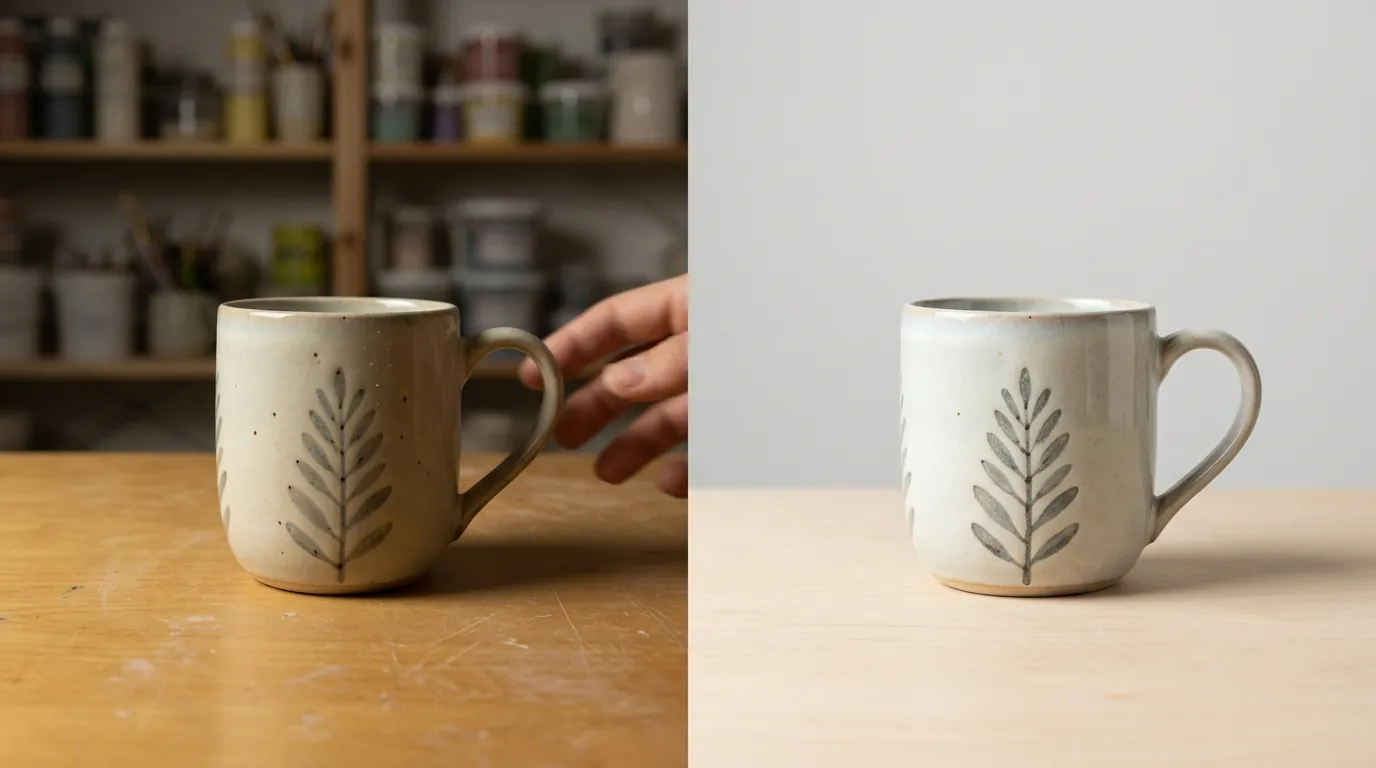
- Document your process: Take a photo of the physical product next to a piece of paper with your shop name and the current date.
- Gather “behind the scenes” photos of your workspace or the item being made.
- Submit these through the official appeal link provided in your Shop Manager.
Actionable Step: Create a “Master Export Preset” in your editing software. Set it to 2000x2000px, 72 DPI, sRGB color profile, and .jpg format. Apply this to every photo before it touches the Etsy uploader.
Frequently Asked Questions
Does Etsy penalize AI-generated backgrounds?
No, Etsy does not penalize AI-generated backgrounds as long as the product itself is a real photograph of the item you are selling. You must ensure the background does not mislead the customer about what is included in the purchase. If the product is entirely AI-generated (like a digital download), you must disclose the use of AI in the listing settings.
Why do my photos look blurry after I upload them to Etsy?
This usually happens if your original file was below the 2000px recommendation or if the file was heavily compressed before upload. Etsy applies its own compression on top of yours. To fix this, upload a larger, higher-quality file (closer to 5MB-10MB) and let Etsy’s servers handle the downsizing.
Can I use my iPhone to take Etsy-compliant photos?
Yes, most modern iPhones (iPhone 12 and newer) capture images well above the 2000-pixel requirement. However, ensure you are not using “High Efficiency” (HEIC) mode if you plan to edit them on an older PC, as this can sometimes cause color shifting. Converting them to JPG before uploading is the safest route for consistent color.
Is the 1MB file size limit a hard rule?
No, 1MB is not a hard cap. Etsy supports files up to 10MB per image. The 1MB figure is a recommendation for sellers with slower internet connections to prevent the upload from timing out or failing. For the best search ranking, aim for the highest resolution possible within the 10MB limit.
Official Source Links
- Requirements and Best Practices for Images in Your Etsy Shop
- Listing Image Requirements (Legal Policy)
- Etsy Seller Policy
- How Do I Submit an Appeal for a Listing Removed by Etsy?
Ready to scale your listings?
PixelMatch generates white-background, lifestyle, and variant mockups from a single source photo — built specifically for multi-platform ecommerce sellers. 50 free images on signup, no credit card.
Start free →
Sources
- Etsy Help Center: Image Requirements
- Etsy Legal: Listing Image Requirements
- Etsy Legal: Seller Policy
- Photoroom Pricing: Official Site