Etsy AI Generated Art Transparency Requirements 2026
Stop guessing which AI listings will trigger a “Deactivated” notification and start aligning your shop with the latest platform enforcement. Failing to properly disclose AI usage on Etsy in 2026 doesn’t just risk a single listing takedown—it puts your entire account at risk for “Item Not as Described” cases that permanently tank your Search Visibility.
Etsy allows AI-generated art, but sellers must categorize it as “Designed by a seller” and explicitly disclose AI usage in the listing description. Selling AI prompt bundles is strictly prohibited.
Quick Reference Table
Related: TikTok Shop Invalid Tax ID Payout Error: How to Fix It · TikTok Shop Deals for You Days Content Violations Guide · Shopify Sidekick AI Feature Locked Error Fix (2026 Guide)
Etsy’s Creativity Standards, updated to reflect the 2026 marketplace environment, prioritize the human element in every transaction. While the platform acknowledges the role of generative tools, it draws a hard line between “AI-assisted human creativity” and “unlabeled automated output.” Use the following table to verify your current listing settings against the mandatory requirements.
| Requirement Category | 2026 Compliance Standard | Correct Selection / Action |
|---|---|---|
| Production Method | Must be seller-designed | Select “Designed by a seller” in the listing dropdown. |
| AI Disclosure | Mandatory for all AI content | Include a clear statement in the Listing Description. |
| Category Selection | Digital Art or relevant subcategory | Avoid the Photography category for fully AI-generated images. |
| Production Partners | Physical help only | Do NOT list AI software (e.g., Midjourney, PixelMatch) as a production partner. |
| Mockup Usage | Backgrounds allowed | Disclose if the product setting/background is AI-generated. |
| Banned Items | AI Prompt Bundles | Remove all listings selling text-based AI prompts or “prompt engineering” guides. |
Run a bulk audit of your shop settings immediately. If you have previously categorized AI-generated art under “Photography,” move these listings to “Digital Prints” or “Digital Art” to avoid automated category-mismatch flags.
Detailed Requirements
Maintaining transparency isn’t just about following the letter of the law; it is about protecting your shop from the “Item Not as Described” claims that Etsy’s automated systems prioritize. In 2026, Etsy’s Creativity Standards require that the buyer understands exactly how much of the “creation” was handled by a machine versus a human.
Listing Description Disclosures
You must disclose within your listing description if an item is created with the use of AI. There is no hidden “25% rule” or specific placement percentage required by Etsy; however, the disclosure must be prominent enough that a reasonable buyer will see it before purchasing.
Etsy’s policy is clear: if AI was used to generate the core artwork, the buyer has a right to know. This transparency builds trust and reduces the likelihood of a buyer opening a case because they felt “tricked” into buying machine-generated content.
Mockup and Advertising Rules
If you sell physical products (like t-shirts or mugs) and use AI to generate the lifestyle backgrounds or models, specific rules apply. The primary listing photo must feature the actual physical product—or an accurate representation of it—and AI usage in mockups must be disclosed.
This is where PixelMatch becomes a critical tool for multi-platform sellers. PixelMatch allows you to batch generate AI product backgrounds while keeping your original, unaltered product photo as the centerpiece. Unlike tools that might morph the product itself, PixelMatch ensures the product remains a true “photograph” while the AI only handles the environment. This keeps you compliant with Etsy’s visual representation rules because the item the customer receives is exactly what is shown in the photo, even if the “kitchen” or “beach” in the background was generated by AI.
Categorization and Taxonomy
The “Photography” category on Etsy is reserved for traditional photography. If you are selling a digital download that was generated via a prompt in Midjourney or DALL-E, you cannot list it as a “Photograph.” Instead, use the “Digital” or “Digital Prints” categories. Under the “About this listing” section, you must select that the item was “Designed by me” (the seller), rather than “Made by me,” as the latter implies physical hand-construction or traditional artistic execution.
Furthermore, Etsy prohibits the sale of AI prompt bundles. You cannot sell a PDF of “50 Prompts for Midjourney.” Etsy views these as “unoriginal” content that does not meet the threshold of a finished creative good.
Common Rejection Reasons
💡 Skip the manual editing. PixelMatch batch-generates ecommerce-ready product images in 60 seconds — white background, lifestyle scenes, and variant mockups from a single source photo. Try PixelMatch free →
Etsy’s enforcement has become more automated in 2026. Listings that fail to meet transparency standards are often flagged by AI-detection algorithms and human moderators. Understanding why listings get rejected or shops get suspended is the first step in building a resilient ecommerce business.
Missing Disclosures
The most frequent cause for a listing takedown is the complete absence of an AI disclosure. Sellers often try to “hide” the fact that an image is AI-generated to maintain a “handmade” aesthetic. However, Etsy’s Seller Policy emphasizes honesty. If a buyer reports a listing for being AI-generated and there is no disclosure, Etsy almost always sides with the buyer, often resulting in a full refund at the seller’s expense and a “strike” against the shop.
Incorrect Categorization
Many sellers mistakenly list AI software as a “Production Partner.” This is a violation of the Production Partner Policy. A production partner must be a person or a company that physically produces the item for you (like a Print-on-Demand provider). Software tools, whether they are Adobe Express, Photoroom, or PixelMatch, are tools used by the designer—not partners that manufacture the goods.
IP and Prohibited Content
AI tools make it dangerously easy to generate content that violates Etsy’s Prohibited Items Policy. This includes:
- AI-generated Nudity: Etsy has strict rules regarding “Adult Content,” and AI-generated photorealistic nudity is often flagged more aggressively than traditional art.
- IP Infringement: Generating art “in the style of” a specific living artist or using trademarked characters (e.g., Disney, Marvel) via AI prompts will lead to a permanent shop ban.
- Deepfakes: Using AI to create likenesses of real people without their consent is strictly forbidden.
While competitors like Photoroom offer a Pro tier at $12.99/mo and Adobe Express Premium costs $9.99/mo, these tools are meant to assist your workflow, not replace the requirement for original, non-infringing design.
How to Fix Each Issue
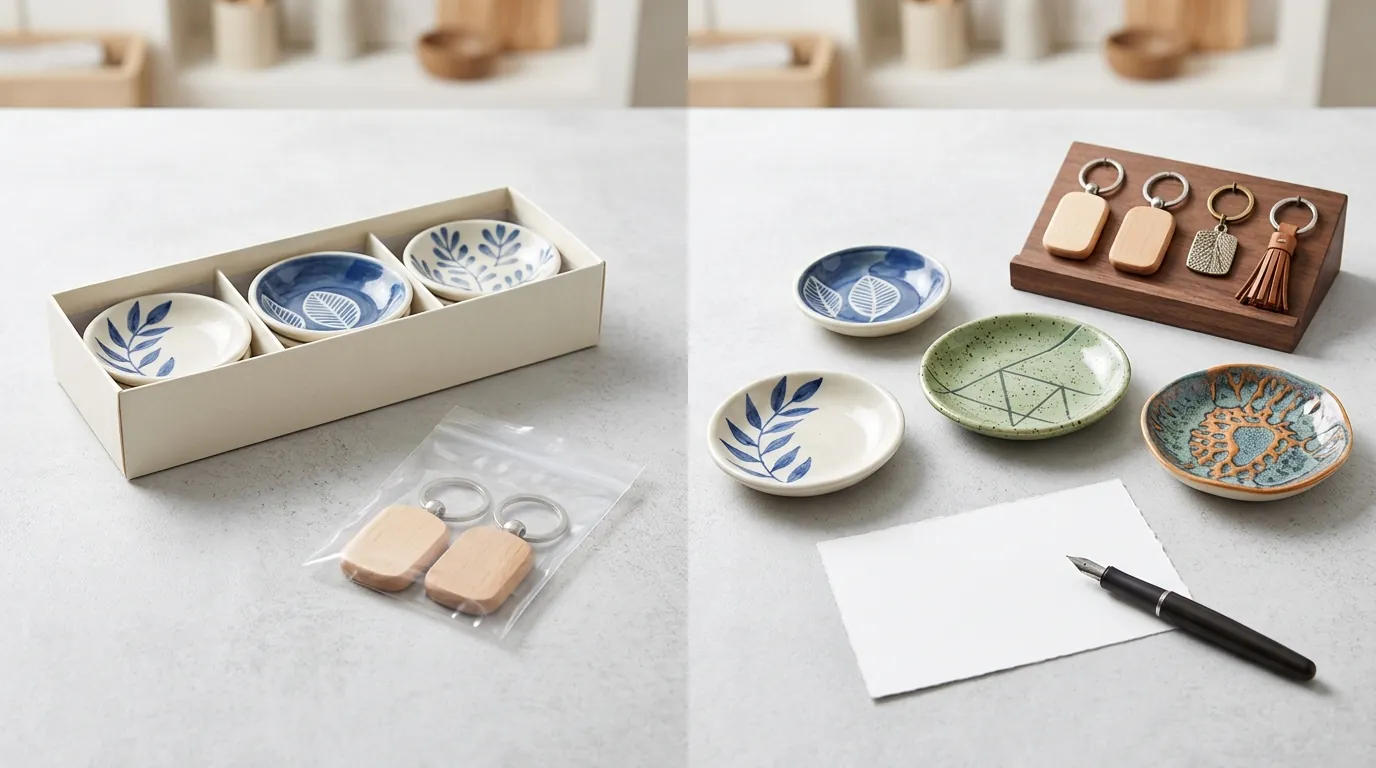
If you have already listed AI-generated items without following these rules, do not wait for Etsy to flag them. Proactive correction is the only way to safeguard your Star Seller status and shop longevity.
Updating Listing Descriptions
Add a standardized disclosure sentence to all affected listings. You don’t need to write a paragraph; a simple, direct statement is sufficient.
Action Step: Use Etsy’s bulk edit tool. Select all AI-related listings, click “Editing Options,” then “Edit Descriptions.” Use the “Add to front” or “Add to end” feature to insert a disclosure such as: “This artwork was created with the assistance of AI tools and edited by the seller for final quality and composition.”
Fixing Production Dropdowns
Ensure your “About this listing” settings are accurate. If your AI art is currently set to “I made it,” you are technically claiming you physically created the pixels without generative assistance.
Action Step: Change the “Who made it?” dropdown to “A designer” or “Another company or person” only if you are using a physical production partner. For most AI art sellers, the correct path is selecting “I designed it” and ensuring the Creativity Standards are met by disclosing the tool usage.
Creating Compliant Mockups
If your shop relies on lifestyle images to sell physical goods, you must ensure your mockups don’t mislead the customer about the product’s physical appearance.
Action Step: For product mockups, use tools like PixelMatch to ensure the core product remains a true photograph.
- Upload a high-quality, 2000×2000 px minimum photo of your actual product.
- Use PixelMatch to swap the background for a high-converting lifestyle scene.
- In your listing, add a small disclaimer: “Product backgrounds are AI-generated to showcase the item in a lifestyle setting.”
This approach satisfies Etsy’s transparency requirements while allowing you to compete with the high-end aesthetics of major brands.
| Visual Compliance Checklist | Status |
|---|---|
| Primary photo shows the actual physical item? | [ ] |
| AI-generated backgrounds disclosed in description? | [ ] |
| Product dimensions are not distorted by AI? | [ ] |
| Image meets Etsy’s 2000px shortest side recommendation? | [ ] |
Official Source Links
Stay updated by bookmarking the official policy pages. Etsy frequently updates these documents as AI technology evolves.
| Policy Document | Direct Link |
|---|---|
| Etsy Creativity Standards | https://www.etsy.com/legal/creativity |
| Prohibited Items Policy | https://www.etsy.com/legal/prohibited |
| Etsy Seller Policy | https://www.etsy.com/legal/sellers/ |
| Image Requirements Guide | https://help.etsy.com/hc/en-us/articles/115015663347 |
Frequently Asked Questions
Do I need to list Midjourney or DALL-E as a production partner?
No. Etsy’s Production Partner Policy is specifically for physical manufacturing help. Software tools are considered part of the seller’s design process. You should disclose the use of AI in your description, but do not add the software to the “Production Partners” section of your shop.
Can I sell AI-generated images as “Photography”?
No. The Photography category on Etsy is intended for images captured by a camera by the seller. If the image was generated via an AI prompt, it should be listed under “Digital Art” or “Digital Prints.” Mislabeling AI art as photography can lead to “Item Not as Described” cases from disappointed buyers.
Are AI prompt bundles still allowed on Etsy in 2026?
No. According to the Etsy Creativity Standards, sellers are prohibited from selling AI prompt bundles. Etsy requires that the items sold be a final creative work or a craft supply. Since prompts are considered “instructions” for a machine rather than a creative product or a physical tool, they do not meet the marketplace criteria.
What happens if I don’t disclose AI usage?
If Etsy detects undisclosed AI usage, or if a buyer reports your listing, Etsy may deactivate the listing or suspend your shop. In 2026, transparency is a core metric for Etsy’s search algorithm; shops that are transparent about their processes are more likely to be protected in the event of a buyer dispute.
Ready to scale your listings?
PixelMatch generates white-background, lifestyle, and variant mockups from a single source photo — built specifically for multi-platform ecommerce sellers. 50 free images on signup, no credit card.
Start free →
Sources
- Etsy Creativity Standards (Official)
- Etsy Seller Policy: What can be sold
- Etsy Help Center: Requirements and Best Practices for Images
- Etsy Prohibited Items Policy
- Adobe Express Pricing
- Photoroom Pricing