
Etsy AI Image Crackdown: Shop Closure Risks & 2026 Policy Guide
Your Etsy shop’s survival depends on the distinction between a “retouched photo” and a “hallucinated product.” As Etsy tightens its 2026 enforcement of the July 2024 Creativity Standards, using the wrong AI-generated image can trigger an irreversible shop suspension.
Etsy’s 2026 policy bans fully AI-generated mockups as primary listing photos and requires mandatory disclosure for AI-generated products. Violating these transparency rules risks immediate listing removal or permanent shop closure.
Quick Reference Table

Related: TikTok Shop Account Health Rating Transition Guide · Etsy AI Generated Listing Disclosure Policy 2026: Seller Guide · Appaca AI Workspace for Ecommerce Operations & Image Guide
Audit your top 10 best-selling listings today against the following compliance matrix to ensure your metadata and visual assets do not trigger Etsy’s automated suspension bots.
| Feature | Allowed Under Creativity Standards | Prohibited / High Risk | Required Action |
|---|---|---|---|
| Primary Listing Photo | Real photograph of the actual finished physical product. | Fully synthetic AI-generated mockup where the product does not exist. | Replace with a real photo. |
| Backgrounds | AI-generated backgrounds (e.g., using PixelMatch) behind a real product. | AI-generated backgrounds that misrepresent the scale or use-case. | Ensure scale is accurate. |
| AI-Generated Art | Digital art created via prompts (must be disclosed). | AI art listed under the “Photography” category. | Move to “Digital Art” or “Prints.” |
| Product Retouching | Color correction, brightness, and standard AI background removal. | Altering the physical characteristics of the product (size, texture). | Keep product edits minimal. |
| Disclosures | ”Made with AI” tag applied to digital downloads or AI-assisted designs. | Hiding AI involvement in the creation of a design or digital item. | Enable the AI disclosure tag. |
Detailed Requirements
Review your “About” section and listing descriptions to ensure they align with the current definition of “Handmade” and “Designed by.” Etsy’s enforcement has shifted from manual reviews to AI-driven metadata scanning, meaning even a single non-compliant image can flag an entire shop for review.
Primary Image Authenticity
Etsy’s Listing Image Requirements mandate that the primary photo must be a real photograph of the actual finished product. You cannot use a computer-generated render or a “hallucinated” AI image that creates a product from a prompt as your main thumbnail. For physical goods, the image must prove to the buyer that the item exists in its final form.
To stay compliant, ensure your primary image meets the technical threshold of 2000 pixels on the shortest side with a resolution of 72PPI. Files must be under 10MB. While tools like PixelMatch can enhance these photos by replacing dull backgrounds with high-conversion lifestyle scenes, the core product must remain an unmanipulated photograph of the inventory you hold.
Mandatory AI Disclosures
If the product itself—not just the photo—was created using AI tools (such as AI-generated patterns for fabric or AI-generated digital prints), you must use the mandatory AI disclosure tag. Following the July 2024 update, sellers must be transparent about the “Human-AI” collaboration.
This disclosure is located in the listing process under the “Details” section. Failing to check this box for AI-assisted digital products is a frequent cause of “Misleading Listing” reports, which carry a high risk of permanent shop closure. If you are selling a physical item that you handmade but used AI to help design the pattern, the disclosure is still required to maintain transparency.
Category Reclassifications
Etsy’s 2026 taxonomy update has strictly separated AI-generated imagery from the “Photography” subcategory. If you sell digital downloads, you must ensure your items are classified as “Digital Art” or “Prints.”
Listing an AI-generated portrait or landscape under “Photography” is now considered a violation of Etsy’s search integrity policies. This triggers metadata flags where Etsy’s algorithm checks for common AI artifacts (such as specific noise patterns or lack of EXIF data typical of digital cameras). Correctly categorizing your items prevents search suppression and ensures your shop remains in good standing with the automated quality control systems.
Common Rejection Reasons

💡 Skip the manual editing. PixelMatch batch-generates ecommerce-ready product images in 60 seconds — white background, lifestyle scenes, and variant mockups from a single source photo. Try PixelMatch free →
Run a metadata check on your JPGs before uploading. Etsy’s crawlers look for specific red flags that indicate a listing is attempting to “fake” a physical product or hide its digital origins.
- Fully Synthetic Mockups: Using a mockup where the product (e.g., a t-shirt or mug) is entirely AI-generated and does not represent a physical item in your possession. This is the #1 cause of shop suspensions in 2026.
- Missing AI Tags on Digital Downloads: Uploading AI-generated clip art or digital papers without the disclosure tag. Etsy uses image recognition to identify prompt-engineered styles and will flag shops that omit the required “Made with AI” metadata.
- Category Mismatch: Listing AI-generated art in “Photography” to gain more search visibility. This is viewed as a deliberate attempt to mislead buyers and often results in immediate listing deactivation.
- Placeholder Text in Primary Images: Using mockups that contain “Your Text Here” or other placeholder watermarks as the first image. Etsy requires the primary image to show a finished example of the product, not a template.
- Synthetic Human Models: Using AI-generated models that look “too perfect” or have anatomical errors (e.g., six fingers). Etsy’s 2026 updates prioritize “human-centric” authenticity; while not strictly banned, synthetic models that appear uncanny often trigger manual reviews for “Misleading Content.”
How to Fix Each Issue
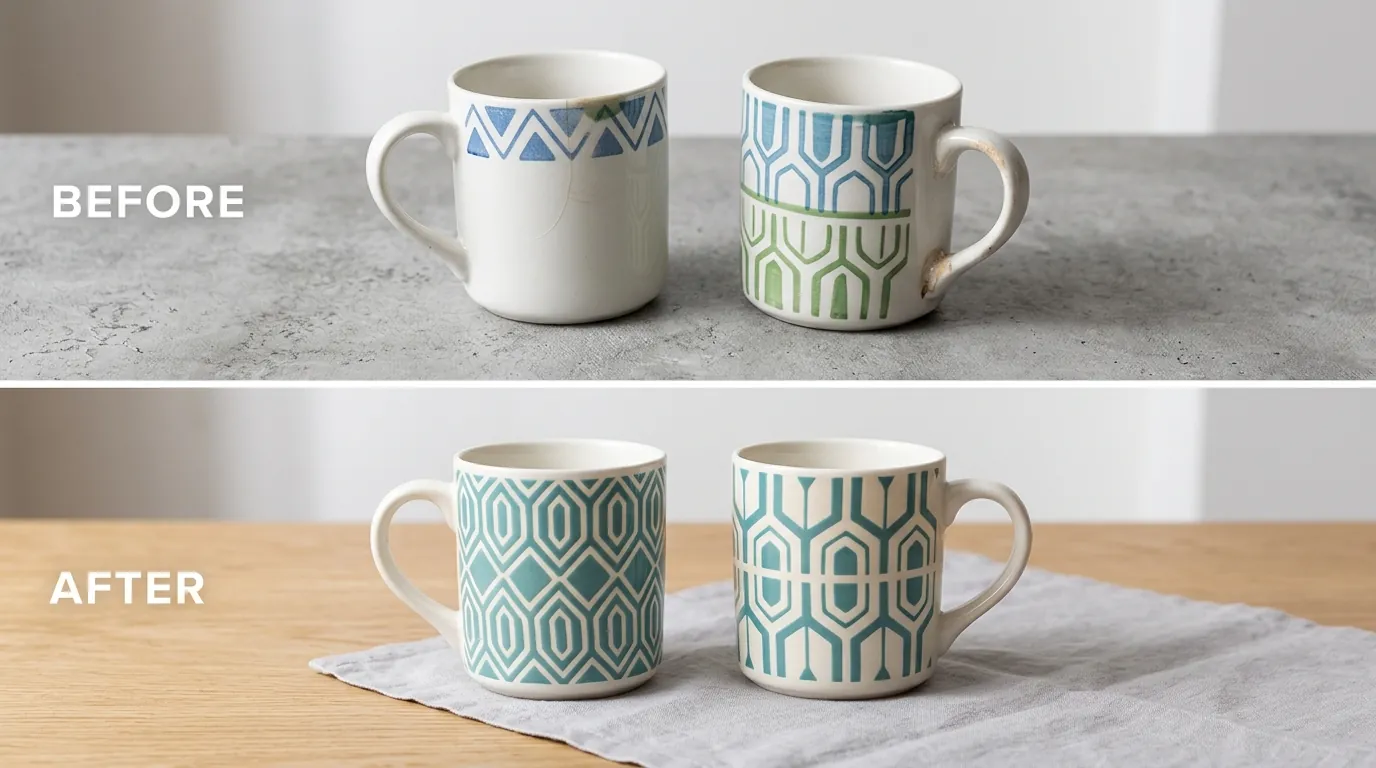
Audit your shop and replace any high-risk assets immediately. You do not need to delete listings; in most cases, updating the primary photo and metadata is sufficient to clear a flag.
Replacing Synthetic Mockups
If you have been using fully AI-generated mockups for your print-on-demand (POD) or handmade items, replace them with real photos. You only need one “hero” shot of the physical item.
- Take a clear photo of your product against a plain white wall or sheet.
- Ensure the lighting is natural to capture the true texture of the material.
- Upload the real photo as the primary image (Position 1 in the Etsy editor).
Once the primary image is an authentic photograph, you can use secondary images (Positions 2-10) to show the product in different AI-generated lifestyle settings. This satisfies Etsy’s requirement for an “actual finished product” photo while still allowing for the marketing benefits of high-end lifestyle imagery.
Correcting Listing Categories
Check your digital listings for category accuracy. If you are selling AI-generated art, navigate to the “Category” field in your Listing Manager.
- Avoid: Home & Living > Art & Collectibles > Photography.
- Use: Home & Living > Art & Collectibles > Prints > Digital Prints.
Updating these categories can often restore search rankings for shops that have seen a recent dip in traffic due to search suppression. Additionally, ensure the “About this Listing” section accurately reflects who made the item (e.g., “A tool or word-processing program” for AI-assisted work).
Applying Compliant Edits with PixelMatch
You can batch-edit real product photos to maintain compliance while scaling your shop. PixelMatch allows you to take one real photograph of a physical item and compliantly swap the background or adjust the lighting. This is significantly more efficient than using manual tools like Adobe Express ($9.99/month) or Photoroom ($12.99/month) for hundreds of listings.
To stay compliant while using PixelMatch:
- Upload a real photo of your physical inventory.
- Use the background replacement feature to place the product in a professional studio or lifestyle setting.
- Verify the product’s appearance has not been altered; the AI should only touch the pixels around your item.
- Export at 2000px to meet Etsy’s high-resolution standards.
This workflow ensures your primary image is based on a “real photograph” as required by the Etsy Seller Policy, while the AI-generated background provides the professional aesthetic needed to compete in a crowded marketplace.
Official Source Links

To stay updated on policy shifts that could impact your 6.5% transaction fee or shop status, monitor these official channels:
- Etsy Seller Policy (Official): The foundational rules for all sellers.
- Etsy Creativity Standards: The specific rules regarding AI, handmade, and designed goods.
- Etsy Help Center: Image Requirements: Technical specs for listing photos.
- Etsy Prohibited Items Policy: Context on what constitutes a “misleading” listing.
Frequently Asked Questions
Can I use AI to remove the background of my Etsy photos?
Yes, using AI for background removal, color correction, and retouching is fully compliant with Etsy’s policies. As long as the product in the photo is a real, physical item that you have photographed, changing the background does not violate the “real photograph” requirement. Tools like PixelMatch are designed for this specific workflow, helping you maintain authenticity while improving visual quality.
Do I have to disclose if I used AI to edit a photo?
No, you do not need to use the AI disclosure tag for standard photo editing like background replacement or lighting adjustments. The disclosure tag is specifically for products where the content or design of the item itself was generated by AI (e.g., an AI-generated digital painting or a prompt-based pattern). If the physical item is handmade or designed by you without AI, no disclosure is needed for the edited photo.
What happens if Etsy flags my listing for AI violations?
If a listing is flagged, Etsy may deactivate the listing and send you an email detailing the policy violation. In some cases, especially with “Misleading Listing” violations involving synthetic mockups, the shop may be placed on vacation mode or suspended. You can appeal these decisions through the Etsy Help Center, but you will typically need to provide “raw” unedited photos of your physical product to prove its existence.
Can I use AI models to show off my clothing designs?
Etsy allows the use of AI models, but they are subject to “Misleading Listing” scrutiny. If the AI model makes the clothing look fundamentally different from how it appears on a human (e.g., altering the drape, texture, or fit), buyers may report the listing. It is always safer to use a real photo of the garment on a flat lay or a dress form as your primary image, using AI models only as secondary lifestyle shots.
Ready to scale your listings?
PixelMatch generates white-background, lifestyle, and variant mockups from a single source photo — built specifically for multi-platform ecommerce sellers. 50 free images on signup, no credit card.
Start free →
Sources
- Etsy, Inc. “Creativity Standards.” https://www.etsy.com/legal/creativity/
- Etsy Help Center. “Requirements and Best Practices for Images in Your Shop.” https://help.etsy.com/hc/en-us/articles/115015663347-Requirements-and-Best-Practices-for-Images-in-Your-Shop
- Etsy, Inc. “Seller Policy.” https://www.etsy.com/legal/sellers/
- Adobe. “Adobe Express Pricing.” https://www.adobe.com/express/pricing
- Photoroom. “Photoroom Pro Pricing.” https://www.photoroom.com/pricing
- Etsy Help Center. “Etsy’s Fees and Taxes Guide.” https://help.etsy.com/hc/en-us/articles/360035902374-Etsy-s-Fees-and-Taxes-Guide