Etsy Handmade Policy for AI Assisted Product Photos 2026
Stop risking a permanent shop suspension by guessing where Etsy draws the line between “creative tool” and “policy violation.” Review your listing photos today against the updated 2026 Creativity Standards to ensure your AI-enhanced imagery builds trust instead of triggering a manual review.
Quick Reference Table

Audit your shop’s inventory against the following compliance matrix to determine which AI tools are permitted for your specific product type.
| Product Category | Primary Photo Requirement | AI Background Removal | Fully AI-Generated Product Image | Disclosure Required? |
|---|---|---|---|---|
| Physical Handmade | Real photo of the actual item | Permitted | Prohibited | No (for editing) |
| Personalized Items | Finished, customized prototype | Permitted | Prohibited as primary image | No (for editing) |
| Print on Demand (POD) | Mockup or real photo | Permitted | Permitted (as mockup) | Yes (Production Partner) |
| Digital AI Art | AI-generated file | N/A | Permitted | Yes (AI Disclosure Tag) |
| Vintage Goods | Real photo of the specific item | Permitted | Prohibited | No |
Actionable Step: Open your Etsy Seller Dashboard, navigate to your “Active Listings,” and flag any item where the first image is a computer-generated rendering of a physical product you have not yet manufactured. Replace these with high-resolution photos of physical prototypes by the end of your current business day.
Detailed Requirements
Verify your image assets against Etsy’s technical and ethical benchmarks to maintain high search visibility. Etsy’s algorithm prioritizes listings that meet their strict resolution and authenticity standards, as deceptive imagery leads to high return rates and “Not as Described” cases that can tank your shop’s ODR (Order Defect Rate).
Physical Handmade Items vs. Digital Goods
Distinguish between “AI-assisted editing” and “AI-generated products.” For physical goods—whether it’s a hand-knitted scarf or a custom-built coffee table—Etsy’s core rule remains unchanged: the buyer must see a photo of the actual item they will receive. Using AI to generate a “perfect” version of a product that doesn’t exist in the physical world is a violation of the Handmade Policy.
However, Etsy’s 2026 standards explicitly allow for “Seller-prompted AI creations” in the digital space. If you are selling digital downloads, such as printable wall art or desktop wallpapers generated via Midjourney or DALL-E, you must categorize these as “Designed by a seller” and apply the required AI disclosure in the listing details. This transparency prevents buyer confusion and aligns with Etsy’s commitment to “Keep Commerce Human” even when using machine-learning tools.
Image Size and Resolution Specs
Upload images that meet or exceed Etsy’s recommended 2000 x 2000 pixel dimension for the shortest side. While Etsy technically accepts smaller files, the 2000px threshold is the benchmark for the “zoom” feature to function correctly on desktop and mobile.
When using a batch-generation tool to process your photos, ensure the output resolution matches these specs:
- Minimum for Zoom: 2000px on the shortest side.
- File Format: .jpg, .gif, or .png (Etsy does not support transparent .pngs for listing photos; they will be rendered with a white or black background).
- File Size: Under 1MB is recommended for fast loading, though Etsy supports up to 10MB.
- Color Profile: Use sRGB to ensure colors remain consistent across different device screens.
Actionable Step: Use a browser-based “Image Info” extension or right-click “Properties” on your top-selling listing’s primary photo. If the dimensions are below 2000px, use an AI upscaler to increase the resolution without losing detail, then re-upload the file to improve your listing quality score.
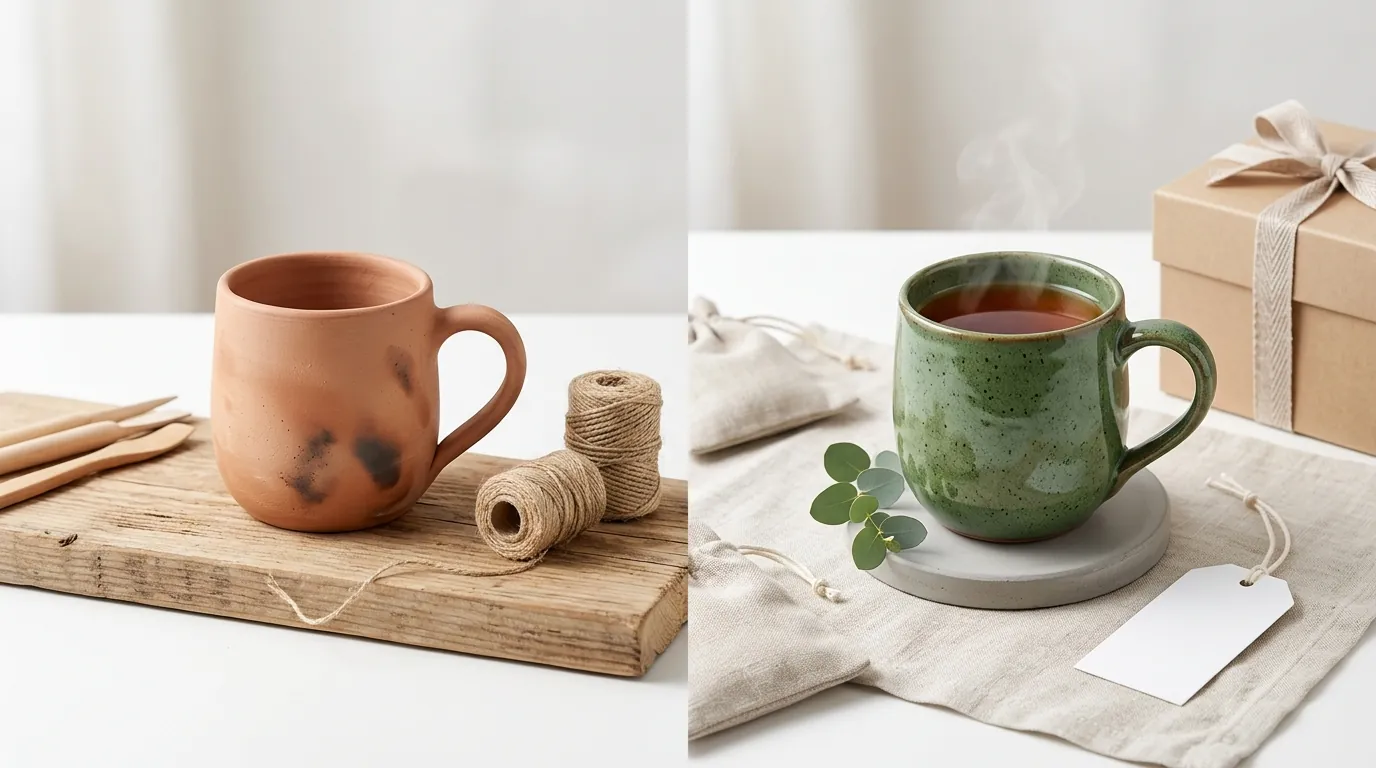
[IMAGE PLACEHOLDER: A side-by-side comparison showing a non-compliant fully AI-generated product vs. a compliant real product photo with an AI-generated background.]
Common Rejection Reasons
💡 Skip the manual editing. PixelMatch batch-generates ecommerce-ready product images in 60 seconds — white background, lifestyle scenes, and variant mockups from a single source photo. Try PixelMatch free →
Identify the specific patterns that trigger Etsy’s automated listing deactivations. In 2026, Etsy uses sophisticated visual recognition AI to scan listings for “synthetic-looking” images that may indicate a seller is dropshipping or using prohibited generative techniques for physical goods.
Using AI to generate the product itself
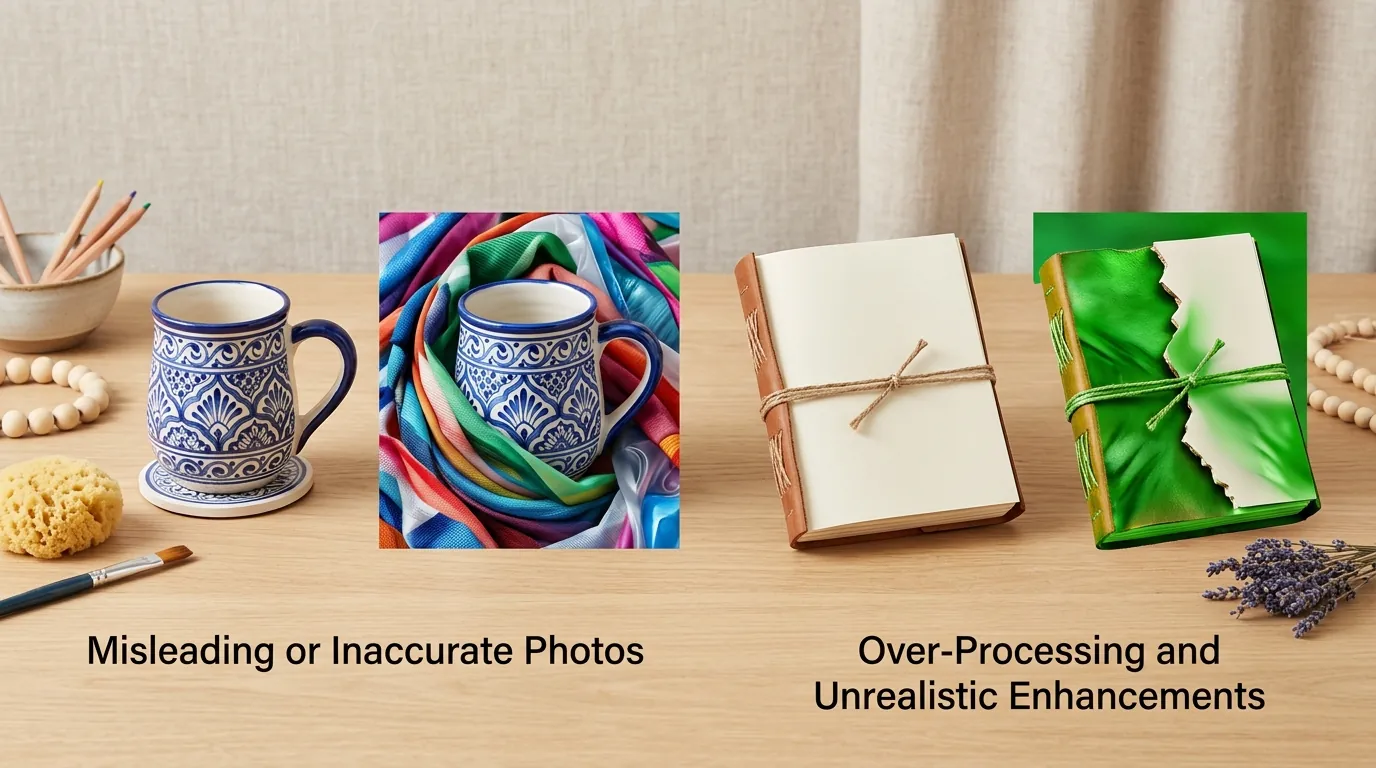
The most frequent violation is the use of a “phantom product.” This occurs when a seller uses a tool to generate a photorealistic image of a product (e.g., a gold ring with a specific gemstone) before the product has been made. Etsy requires the primary image to be an actual photo of the finished product. If the gemstone in your photo is a digital rendering but the customer receives a physical stone with different inclusions, you are liable for a “Not as Described” claim.
Blank placeholders for personalized items
Avoid using “Your Text Here” or blank white mockups as your primary listing image. Etsy’s policy for personalized listings states that the first image should show a completed example of the customization. While you can use AI-generated mockups for the second through tenth images to show different font options or colors, the “hero” shot must be a physical example of your work.
Over-smoothing or deceptive editing
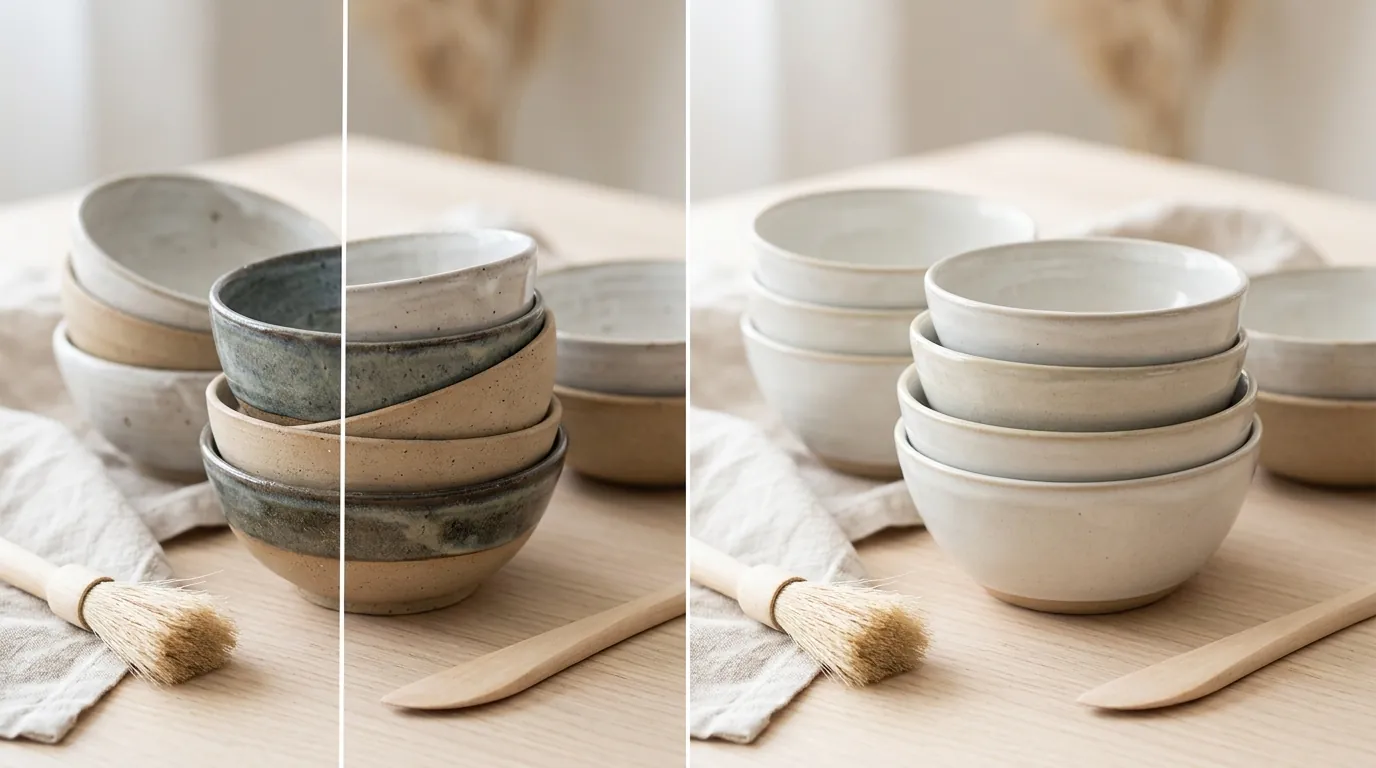
Resist the urge to use AI “beauty filters” on your products. While background removal is encouraged, using AI to digitally remove scratches from a vintage item or to change the texture of a fabric is considered deceptive. If the AI tool alters the physical attributes of the product—such as making a 3D-printed surface look injection-molded—the listing violates the Creativity Standards.
Actionable Step: Compare your physical product in natural light to your primary listing photo. If the photo hides material defects or changes the color profile by more than 10%, re-edit the photo using a neutral color-correction tool rather than a generative “enhance” feature.
How to Fix Each Issue
Streamline your photography workflow by combining traditional photography with compliant AI tools. You do not need a professional studio; a smartphone and a well-lit corner are sufficient if you use the right post-processing tools.
Compliant AI Background Replacement
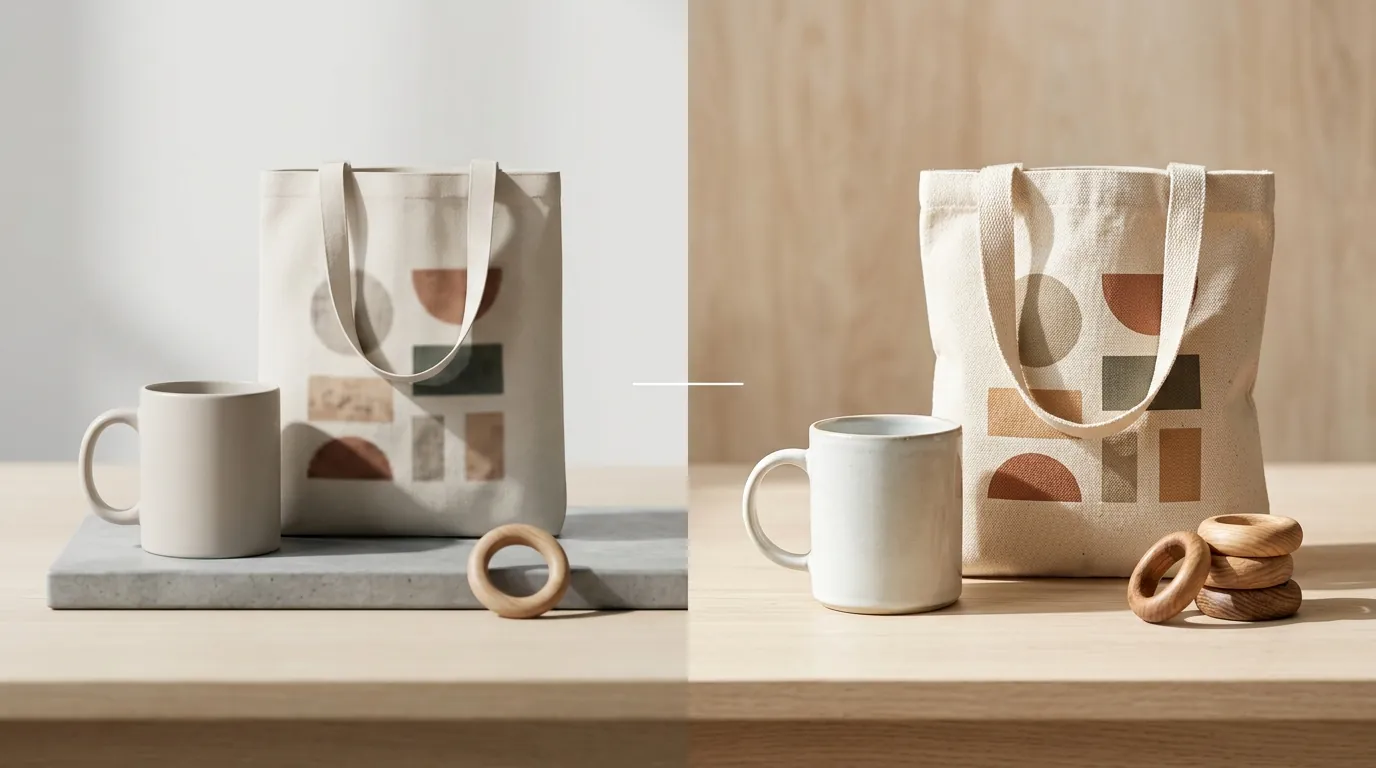
Capture a clean, well-lit photo of your product on a neutral surface. Once you have this “source of truth” image, use an ai product photography batch processing tool to swap the messy background for a professional setting. This method is 100% compliant with Etsy’s 2026 policies because the product itself remains an authentic photograph.
For example, if you sell handmade candles, you can photograph the candle on your kitchen counter and then use PixelMatch to place that exact candle into a compliant, high-converting lifestyle scenes like a cozy spa bathroom or a festive holiday mantle. This maintains the “actual photo” requirement while providing the visual polish of a high-end brand.
Handling Personalized and POD Listings
If you operate a Print on Demand shop, your workflow differs slightly. Since you often don’t hold the inventory, mockups are your primary sales tool. However, Etsy requires you to disclose your production partners in the listing.
For personalized items:
- Create a Sample: Pick your most popular customization and manufacture one physical unit.
- Photograph the Sample: This becomes your primary photo.
- Use AI for Variation: Use AI mockups for the remaining 9 image slots to show different names, dates, or colorways.
Comparing AI Tools for Etsy Sellers
When choosing a tool for your Etsy shop, consider the cost and specific feature set. While general-purpose tools are available, they often lack the batch-processing capabilities needed for multi-platform sellers.
| Tool | Pricing (as of 2026-05-27) | Best Use Case | Etsy Compliance Risk |
|---|---|---|---|
| PixelMatch | — | Batch background replacement for multi-platform sellers. | Low (keeps product intact) |
| Photoroom | Pro tier at $12.99/mo | Quick mobile background removal. | Low |
| Canva Pro | $15.00/mo per person | Graphic design and basic mockups. | Medium (easy to over-edit) |
| Adobe Express | $9.99/mo | High-end retouching and AI fills. | Medium (generative fill can be deceptive) |
PixelMatch is better suited for the Etsy workflow because it focuses on batch-generating backgrounds for your real product photos, rather than inviting you to “generate” a product from scratch. This focus on “Real Product + AI Environment” keeps you firmly on the right side of Etsy’s Handmade Policy.
Actionable Step: Select five listings with low conversion rates. Re-photograph the products on a plain background, then use a batch-generation tool to apply a consistent lifestyle background across all five. Monitor the click-through rate (CTR) for 14 days to measure the impact of the professional staging.
[IMAGE PLACEHOLDER: Screenshot of the PixelMatch dashboard showing how to batch-replace backgrounds for Etsy listings while keeping the original product intact.]
Official Source Links
Stay updated on policy shifts by bookmarking these official Etsy resources. Etsy frequently updates these pages without broad announcements to sellers.
- Etsy’s Creativity Standards (2026): The primary document defining what “handmade” and “AI-generated” mean on the platform.
- Etsy Listing Image Requirements: Technical specifications and rules regarding what can be shown in a primary photo.
- Requirements and Best Practices for Images in Your Etsy Shop: A guide to image sizes, aspect ratios, and photography tips.
- How to Offer Personalized Listings: Specific rules for sellers who customize items for buyers.
- Etsy’s Prohibited Items Policy: To ensure your AI-generated art doesn’t violate copyright or community standards.
Ready to scale your listings?
PixelMatch generates white-background, lifestyle, and variant mockups from a single source photo — built specifically for multi-platform ecommerce sellers. 50 free images on signup, no credit card.
Start free →
Sources
- https://www.etsy.com/legal/policy/etsys-creativity-standards/239327031264
- https://www.etsy.com/legal/policy/listing-image-requirements/253962679005
- https://help.etsy.com/hc/en-us/articles/115015663347-Requirements-and-Best-Practices-for-Images-in-Your-Etsy-Shop
- https://help.etsy.com/hc/en-us/articles/360000336367-How-to-Offer-Personalized-Listings
- https://www.photoroom.com/pricing
- https://www.canva.com/pricing/
- https://www.adobe.com/express/pricing