Etsy Listing Photo Guidelines for Handmade Sellers
Struggling with “image upload failed” errors or watching your handmade items sink in search rankings often stems from a single technical oversight in your gallery. Your Etsy listing photos are the only bridge between a shopper’s screen and the physical craftsmanship of your product, making strict adherence to 2026 platform specifications a requirement for survival.
⚠️ Notice: Auto-generated content. May contain approximations or minor inaccuracies in supporting details. Help us improve via the comment section below. Last reviewed: 2026-05-19.
Etsy’s marketplace algorithm treats image quality as a core ranking signal. If your files are too small, they won’t trigger the zoom function; if they are too large, they timeout during the mobile upload process. For handmade sellers, the stakes are higher: Etsy’s 2026 “Originality Policy” specifically targets listings that use overly polished 3D renderings or stock photography for the primary image slot. To maintain your “Handmade” badge and avoid shop suspension, you must balance high-resolution technical specs with authentic, real-world photography.
Quick Reference Table
Audit your current export settings in Lightroom, Canva, or Photoshop against these 2026 benchmarks. If your shortest side is under 2000px, you are actively losing conversions by disabling the buyer’s ability to inspect your textures and stitching.
| Requirement | 2026 Specification | Impact of Non-Compliance |
|---|---|---|
| Recommended Dimensions | 2000px on the shortest side (square or 4:3 preferred) | Disables zoom functionality; lower search placement |
| Minimum Dimensions | 635px x 635px | Listing may be blocked from certain off-site ads |
| Supported Formats | .jpg, .gif, .png, .svg, .heic | Unsupported formats (like .webp) will fail to upload |
| File Size Limit | Under 1MB per image | Frequent “Upload Timeout” errors on mobile/slow Wi-Fi |
| Aspect Ratio | 4:3 (First image) | Thumbnail will be cropped awkwardly in search results |
| Color Profile | sRGB | Colors will appear dull or “washed out” to the buyer |
Actionable Step: Open your most recent listing on a desktop browser. Hover over the main image. If the cursor does not change to a magnifying glass, your image is under the 2000px threshold. Re-export your original files at 2000px width immediately to reactivate the zoom feature.
Detailed Requirements
Etsy’s 2026 requirements are designed to create a uniform browsing experience while protecting the integrity of the “Handmade” category. While the technical side focuses on pixels and bits, the policy side focuses on transparency and consumer trust.
Handmade Policy Rules
The most critical rule for 2026 is the Originality Requirement. To qualify as a handmade item, your primary listing photo must be a real photograph of the actual product you (or your shop members) created.
- No Stock Photos for Primary Images: You cannot use a manufacturer’s stock photo or a generic 3D rendering as your first image. This is a common point of failure for sellers who buy components (like blank t-shirts or jewelry settings) and use the supplier’s professional photos.
- The “Finished Item” Rule: For custom-made items, your first photo must show a finished example of your work. You are permitted to use computer-generated mockups for secondary images to show color variations or personalization options, but the thumbnail that appears in search must be a physical product.
- Proving Craftsmanship: undisclosed regarding the exact percentage of listings flagged by Etsy’s new AI-detection tool for “non-original content,” but seller reports in early 2026 suggest that listings with “too-perfect” AI backgrounds on the primary image are receiving manual reviews more frequently than in 2025.
Format Restrictions
While Etsy supports five file types, they are not treated equally by the platform’s processing engine.
- .jpg / .jpeg: This remains the gold standard. It offers the best balance of file size and detail.
- .png: High quality, but often exceeds the 1MB limit. Crucial Rule: Etsy does not support transparency. If you upload a transparent .png (a product with no background), Etsy’s system will automatically fill the transparent areas with solid black. This is a “glitch” that ruins the aesthetic of hundreds of shops daily.
- .heic: This is the default format for iPhones. While Etsy supports it, the conversion process can sometimes lead to color shifting. For the most accurate color representation, convert .heic to .jpg (sRGB) before uploading.
- .gif: While supported, animated GIFs are strictly prohibited. Only static .gif files will work. If you want to show movement, use the Etsy Listing Video slot (max 15 seconds, no audio).
Actionable Step: Set your camera or smartphone to “Most Compatible” (JPEG) rather than “High Efficiency” (HEIC) in your settings menu to ensure the colors you see on your phone match what the buyer sees on the site.
Common Rejection Reasons

💡 Skip the manual editing. PixelMatch batch-generates ecommerce-ready product images in 60 seconds — white background, lifestyle scenes, and variant mockups from a single source photo. Try PixelMatch free →
If you see the dreaded red banner “There was an error uploading your image,” it is rarely a server-side Etsy problem. It is almost always a file-side configuration error.
Upload Timeouts and File Size
The 1MB limit is a hard cap for a reason. Etsy’s mobile app (the primary tool for many sellers) struggles to process 5MB or 10MB “straight-out-of-the-camera” files. When the upload takes too long, the connection resets, and you get a generic error message. High-resolution images from modern DSLRs or iPhones often land between 4MB and 8MB. These must be compressed before they touch the Etsy uploader.
The Black Background Glitch
As mentioned, the “Black Background” issue occurs when a seller uses a background removal tool but saves the file as a transparent PNG. Etsy’s image processor cannot render “nothingness.” It defaults to black. This is particularly damaging for sellers in the wedding or jewelry niches, where a clean white or lifestyle background is expected.
Broken Zoom and Search Suppression
If your image is too small (under 1000px), Etsy will still allow the upload, but it will flag the listing internally. Smaller images are harder to see on high-density mobile screens (Retina displays). Consequently, Etsy’s search algorithm may prioritize listings with high-resolution photos that allow for a high-quality zoom experience. If you notice your traffic dropping despite having a great product, check your pixel dimensions.
Actionable Step: Inspect your “Listing Quality Score” in your shop dashboard. If Etsy flags “Image Quality” as a suggestion, it is a direct signal that your resolution or aspect ratio is hindering your ranking lower in search.
How to Fix Each Issue
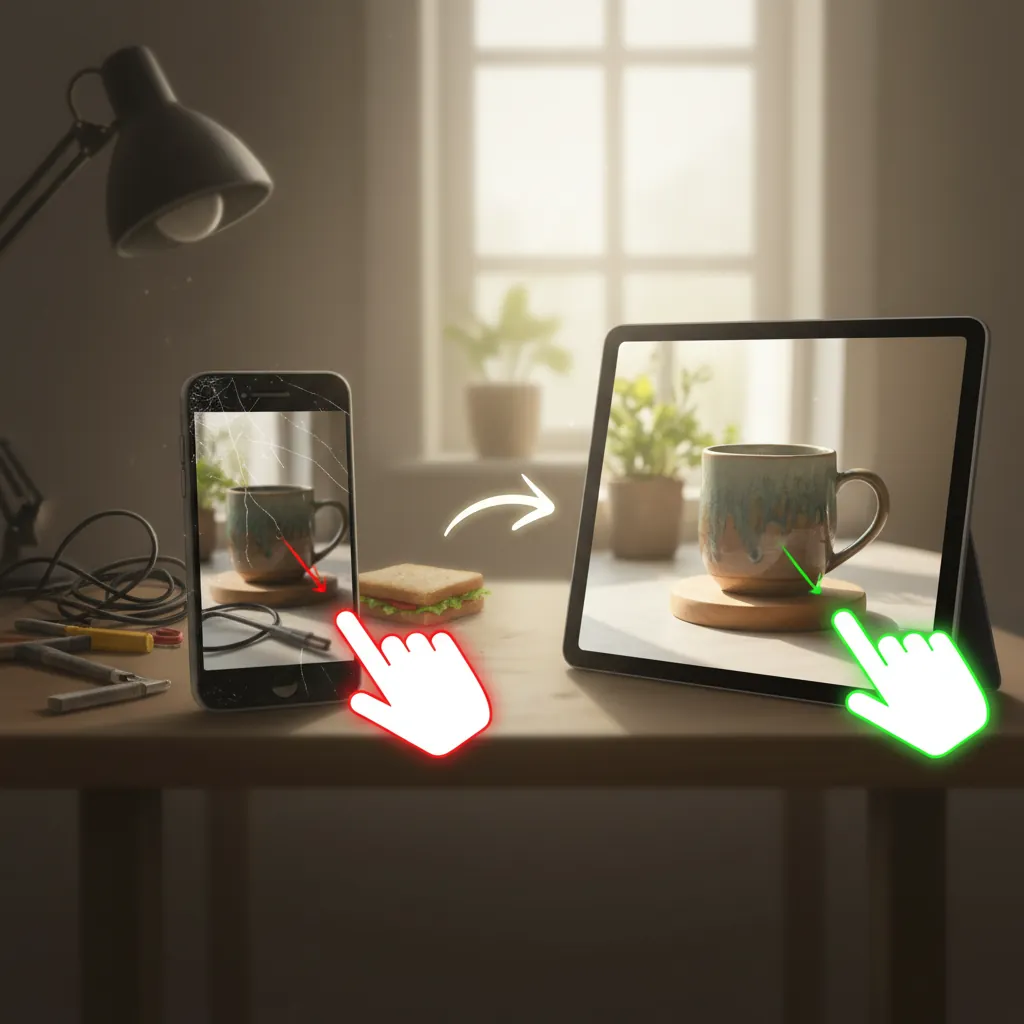
Fixing these issues doesn’t require a professional studio. It requires a standardized workflow for file preparation.
Replacing Transparent Backgrounds
If you have already removed the background from your product photos and are stuck with transparent files, do not upload them as-is. You need to place them on a solid or lifestyle background.
While tools like Remove.bg or Canva are popular for simple white backgrounds, handmade sellers often need more context to justify their price points. You can use PixelMatch to batch-generate realistic lifestyle backgrounds behind your products. This ensures your images have a solid background (avoiding the black glitch) while maintaining the “Handmade Policy” by using your original product photo as the core asset. Unlike generic AI generators, PixelMatch is designed for the ecommerce workflow, allowing you to process an entire collection in minutes rather than editing photos one by one.
Compressing Large Files
To fix the 1MB timeout issue, use a compression tool that maintains the 2000px dimension.
- Adobe Express: Etsy currently offers a 3-month premium trial for Adobe Express to many sellers (check your “Shop Manager” dashboard for the link). This tool allows for quick resizing and compression.
- Canva: Use the “Resize” tool to ensure your shortest side is 2000px, then export as a JPG with the quality slider set to 80%. This usually brings a 5MB file down to roughly 600KB without visible loss in quality.
- Squoosh.app: A free, Google-backed tool that allows you to see a side-by-side comparison of your image as you compress it.
Fixing Blurry Zoom
If your photos are blurry when zoomed, you are likely “upscaling” small images. You cannot take a 500px image and simply change the settings to 2000px; this just creates a pixelated mess.
- Go back to your original source file (the photo exactly as it was taken).
- Ensure you are not cropping too tightly. If you crop 80% of a photo away, you lose 80% of the resolution.
- Export at 2000px.
- undisclosed regarding Etsy’s exact internal compression algorithm updates for 2026, but current testing suggests that images exported at 72 DPI (dots per inch) vs 300 DPI show no visible difference on the platform, as Etsy converts all uploads to 72 DPI for web display. Focus on the pixel count, not the DPI.
Fixing Handmade Policy Violations
If your listing was deactivated for a “Handmade Policy” violation related to photos, you must replace the primary image with a “raw” photo.
- The Hero Shot: Take a photo of the product on a neutral, physical background (like a wooden table or a plain piece of cardstock). This proves the item exists.
- The Secondary Shots: Use tools like Photoroom, Pebblely, or PhotoAI to create lifestyle scenes for your 2nd through 10th images. These tools are excellent for showing your handmade ceramic mug on a cozy morning coffee table or your handmade jewelry on a model.
- The Verification Shot: Many sellers are now including a “process” photo as their 10th image—a shot of the item half-finished on a workbench. This is a powerful deterrent against AI-detection flags.
Actionable Step: Create a “Master Export Preset” in your editing software. Set it to: JPG, sRGB, 2000px on the shortest side, 80% quality. Run every photo through this preset before uploading to ensure 100% consistency across your shop.
Official Source Links
Refer to these official documents to stay updated on policy shifts throughout 2026. Etsy frequently updates their “House Rules” without a site-wide announcement.
| Source Name | Purpose | Link Type |
|---|---|---|
| Etsy Help Center | Requirements and Best Practices for Images | Official Documentation |
| Etsy House Rules | Handmade Policy & Originality Requirements | Legal/Policy |
| Etsy Seller Handbook | How to Edit and Optimize Listing Photos | Educational Guide |
| Adobe Express x Etsy | 3-Month Premium Trial Access | Partner Offer |
By standardizing your image workflow, you remove the technical friction that stops buyers from clicking “Add to Cart.” High-resolution, policy-compliant photos are not just about aesthetics; they are about professionalizing your handmade business to compete in a crowded 2026 marketplace. Using tools like PixelMatch to handle the heavy lifting of background generation allows you to focus on the craft itself, while your images handle the etsy seo image optimization required to keep your store visible and profitable.
Ready to scale your listings?
PixelMatch generates white-background, lifestyle, and variant mockups from a single source photo — built specifically for multi-platform ecommerce sellers. 50 free images on signup, no credit card.
Start free →
Sources
- https://help.etsy.com/hc/en-us/articles/115015663347-Requirements-and-Best-Practices-for-Images-in-Your-Etsy-Shop
- https://www.etsy.com/legal/handmade
- https://www.etsy.com/seller-handbook/article/the-ultimate-guide-to-product-photography/147455439346
- https://www.adobe.com/express/create/listing-photo/etsy
- https://help.etsy.com/hc/en-us/articles/115015628347-How-to-List-an-Item-on-Etsy