Etsy POD Mockup Policy for Digital Products (2026 Guide)
⚠️ Notice: Auto-generated content. May contain approximations or minor inaccuracies in supporting details. Help us improve via the comment section below. Last reviewed: 2026-05-21.
Stop losing sales to listing deactivations by aligning your shop with the updated 2026 Etsy Creativity Standards. Failing to distinguish between a digital file and a physical product in your mockups triggers immediate policy strikes under the current enforcement protocols.
Audit your current listing images against the 2026 spec table
Run a full audit of your shop’s visual assets to ensure they meet the minimum thresholds established in the June 2025 Creativity Standards update. Etsy’s automated listing review system now scans for specific metadata and image ratios to prioritize high-quality listings in search results. If your mockups are older than 12 months, they likely fall below the 2000px minimum requirement or use outdated aspect ratios that cause awkward cropping on the Etsy mobile app.
| Feature | POD Product Mockup Requirement | Digital Product Mockup Requirement |
|---|---|---|
| Primary Image Content | Must show the finished design on a representative product. | Must show the digital file in a realistic use case (e.g., wall art on a wall). |
| Minimum Resolution | 2000px on the shortest side (2400px recommended for 2026 zoom). | 2000px on the shortest side. |
| File Size Limit | 10MB maximum. | 10MB maximum. |
| AI Usage | Allowed for mockups; must accurately represent the physical item. | Allowed for mockups; must include “Digital Download” text overlay. |
| Mandatory Disclosures | Production partner must be linked to the listing. | Must be categorized as “Digital” in the listing type. |
| Prohibited Elements | Blank items with “Your Text Here” as the primary image. | Mockups that imply a physical frame or paper is included. |
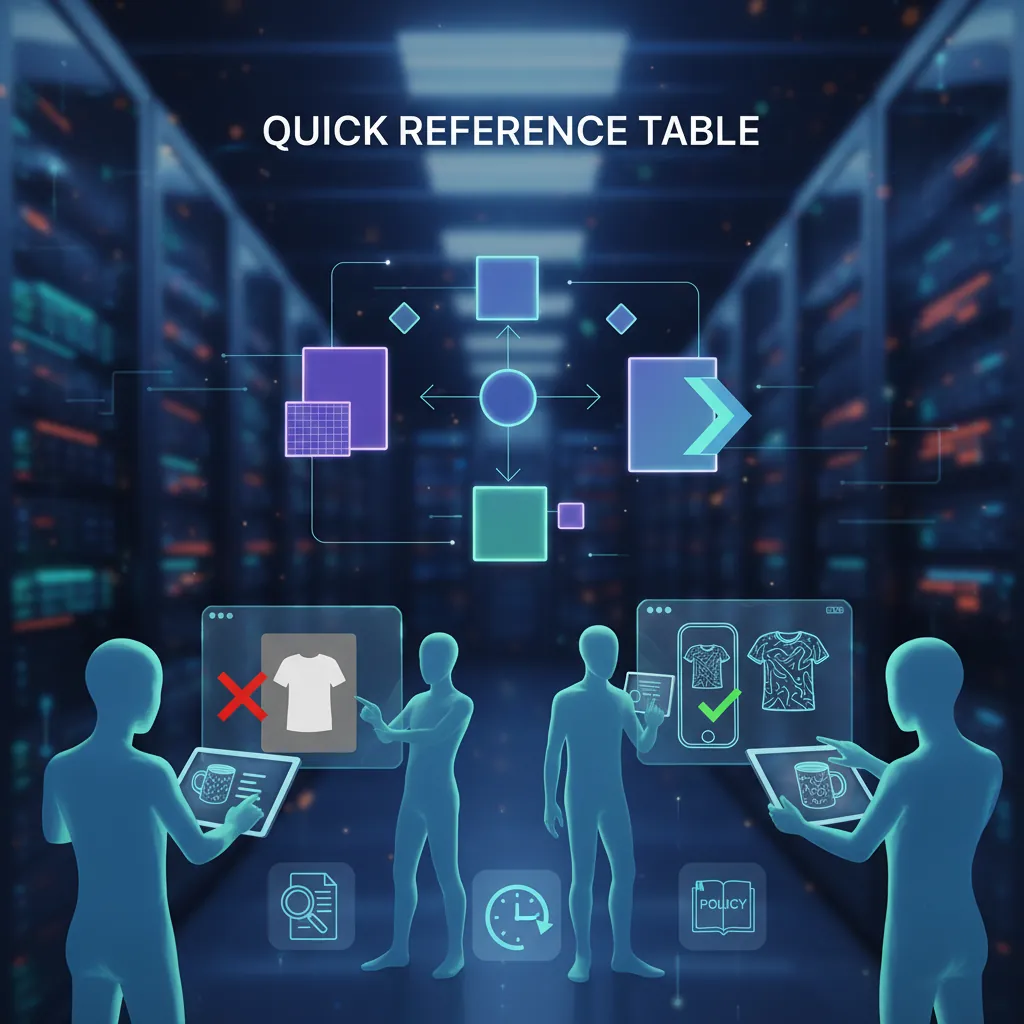
Image Reference: Policy Quick View
(A quick reference table summarizing Etsy’s 2026 mockup policies for POD and digital products, including image dimensions and AI rules. Aspect ratio: 16:9)
Configure your “Designed by” attributes to meet Etsy’s June 2025 standards

Apply the “Designed by a seller” category correctly to avoid your shop being flagged for resale violations. Under the June 2025 update, Etsy clarified that both Print-on-Demand (POD) and digital products belong in this category, provided the seller is the creator of the original design. This policy shift means that simply buying a pre-made mockup and slapping a basic font on it may no longer qualify as “original design” if the design lacks sufficient creative input.
Print-on-Demand (POD) Mockup Rules
Verify that your POD listings utilize mockups that reflect the actual product your production partner provides. If you sell a Bella+Canvas 3001 t-shirt through Printify, your mockup should ideally represent that specific cut and fit.
The 2026 enforcement rules strictly prohibit using a blank mockup with “Your Text Here” or “[Your Logo]” as the primary listing image. This is categorized as a “misleading placeholder.” You must display a finished example of your design as the thumbnail. While you can include a “How to Order” slide with customization instructions as a secondary image, the first image must be a completed visual representation.
Digital Product Mockup Rules
Distinguish your digital downloads from physical goods using explicit visual cues. Etsy’s 2026 policy requires digital sellers to ensure buyers do not mistakenly purchase a digital file expecting a physical shipment.
For wall art, your mockup should show the art in a frame, but you must include a text overlay or a clear badge stating “Digital Download Only” or “No Physical Item Shipped.” If you use AI-generated rooms for your mockups, ensure the lighting and perspective of your design match the environment. Discrepancies in shadows or perspective can lead to buyer complaints and “Item Not as Described” cases, which are now weighted more heavily in Etsy’s 2026 Search Analytics.
AI Mockup Guidelines
Disclose your use of AI-generated assets if the design itself was created using AI tools. However, if you are using AI purely to generate the mockup environment (the background, the model, or the room), Etsy does not currently require a specific “AI-generated” tag for the image itself, provided the mockup is an accurate representation of the final product.
The 2026 rules emphasize “representative accuracy.” If an AI-generated mockup shows a level of detail, texture, or fabric quality that the actual POD product cannot achieve (e.g., a hyper-realistic embroidery texture on a screen-printed shirt), the listing is considered deceptive. PixelMatch solves this by allowing you to batch-generate backgrounds that maintain the integrity of your original design file without adding artificial textures that don’t exist in the physical version.
Identify and remove “Your Text Here” primary images before the next sweep
💡 Skip the manual editing. PixelMatch batch-generates ecommerce-ready product images in 60 seconds — white background, lifestyle scenes, and variant mockups from a single source photo. Try PixelMatch free →
Scan your shop for “placeholder fatigue” — a common reason for listing deactivations in 2026. Etsy’s AI-driven quality control tools now flag shops that use the same generic stock mockups as thousands of other sellers. Using unedited stock imagery from popular sites without any modification makes your shop look like a low-effort reseller, which contradicts the “Creativity Standards.”
The most frequent rejection reasons include:
- Placeholder Text: Using “Your Design Here” as the main thumbnail for customizable products.
- Missing Disclosures: Forgetting to list production partners like Printful, Gooten, or Gelato in the shop settings.
- Low-Resolution Assets: Uploading 1000px images that appear blurry on 4K monitors and mobile retina displays.
- IP Violations: Using mockups that feature trademarked items in the background (e.g., a Nike shoe or a Starbucks cup) that you do not have the rights to display.
- Misleading Scale: Showing a digital print in a mockup where the frame size is disproportionately large compared to the actual file resolution provided (e.g., showing a 300dpi 8x10 file as a floor-to-ceiling mural).
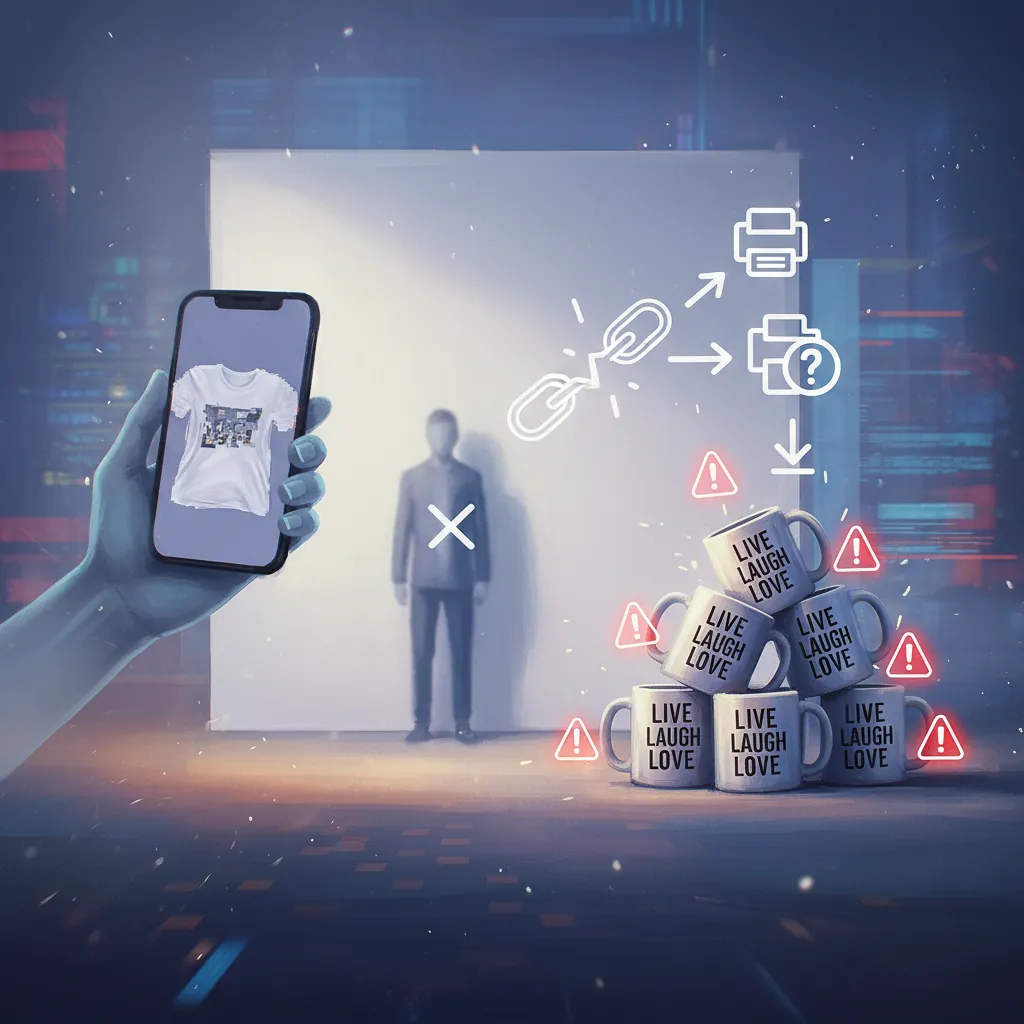
Image Reference: Rejection vs. Approval
(A side-by-side screenshot showing a rejected mockup (blank shirt with ‘Your Text Here’) vs. an approved mockup (finished custom design). Aspect ratio: 16:9)
Implement batch-processing for compliant 2400px mockups

Update your listing workflow to prioritize high-resolution, unique visuals that satisfy both Etsy’s crawlers and human buyers. If you are managing a shop with over 100 listings, manual mockup creation in tools like Canva or Adobe Express becomes a bottleneck. While these tools are excellent for one-off designs, they lack the automation required for multi-platform sellers who need to sync images across Etsy, Shopify, and TikTok Shop.
Fixing Customization Placeholders
Replace every “Your Text Here” thumbnail with a high-converting example. If you sell personalized bridesmaid shirts, your primary image should show a popular name (e.g., “Sarah”) in the actual font and color offered.
- Export a high-resolution PNG of your best-selling customization.
- Generate a mockup using a unique background to stand out from competitors.
- Add a small “Customizable” badge in the corner (less than 10% of the image area) to signal the product’s nature without cluttering the design.
Clarifying Digital vs. Physical
Eliminate buyer confusion by standardizing your digital product badges.
- Step 1: Create a 400x400px “Digital Download” icon.
- Step 2: Place this icon in the same corner of every primary mockup.
- Step 3: Ensure the listing description’s first line explicitly states: “This is a digital product. No physical item will be mailed.”
- Step 4: Set the Etsy “Type” attribute to “Digital” to ensure the automated “Instant Download” badge appears on the listing.
Automating Compliant Mockups with PixelMatch
Optimize your scaling strategy by using PixelMatch to batch-generate unique, compliant AI mockups that align with the 2026 Etsy image size limits. Unlike standard mockup generators that provide the same five scenes to every user, PixelMatch allows you to upload your design and generate hundreds of unique, high-resolution (up to 2400px) environments in seconds.
PixelMatch is better suited for high-volume Etsy workflows than Photoroom or Pebblely because it focuses on batch consistency. You can maintain the same lighting and “vibe” across an entire collection of digital planners or POD hoodies, ensuring your shop storefront looks cohesive. This consistency is a key metric in Etsy’s “Shop Quality Score,” which influences your organic search ranking.
To fix resolution issues across your shop:
- Batch Resize: Ensure all exports are at least 2000px on the shortest side.
- Optimize Compression: Use a tool to keep files under 10MB while maintaining sharpness.
- Check Safe Zones: Etsy crops images to a 4:3 ratio in search results but shows the full image (often 1:1 or 5:4) on the listing page. Keep your design within the center 80% of the frame to avoid “head-chopping” on mobile.
Official Source Links

- Etsy’s Creativity Standards (Updated June 2025)
- Etsy Listing Image Requirements Policy
- Etsy Seller Handbook: Stance on AI Creations
- Etsy Disclosing Production Partners
Ready to scale your listings?
PixelMatch generates white-background, lifestyle, and variant mockups from a single source photo — built specifically for multi-platform ecommerce sellers. 50 free images on signup, no credit card.
Start free →
Sources
- Etsy News: “Our New Creativity Standards” (July 2024/Updated June 2025)
- Etsy Help Center: “Requirements for Listing Photos” (Accessed May 2026)
- Marketplace Pulse: “Etsy’s Policy Shifts on AI and POD” (April 2026)
- Jungle Scout: “Selling POD on Etsy in 2026: What You Need to Know”
- Shopify Blog: “Digital vs Physical Product Mockup Best Practices” (2025 Guide)