
Etsy Shop Conversion Boost With AI Mockups (2026 Rules)
Stop losing sales to low-quality photos or getting your listings flagged for policy violations. To get an Etsy shop conversion boost with AI mockups, you must balance high-end synthetic aesthetics with the platform’s strict transparency and “real product” requirements.
To get an Etsy shop conversion boost with AI mockups, use AI-generated lifestyle images for secondary photos, but ensure your primary image is a real photo or an accurate representation of the finished product. You must also disclose AI usage, such as adding an “AI model used” badge to comply with 2026 regulations regarding synthetic media and Etsy’s own transparency standards.
Quick Reference Table
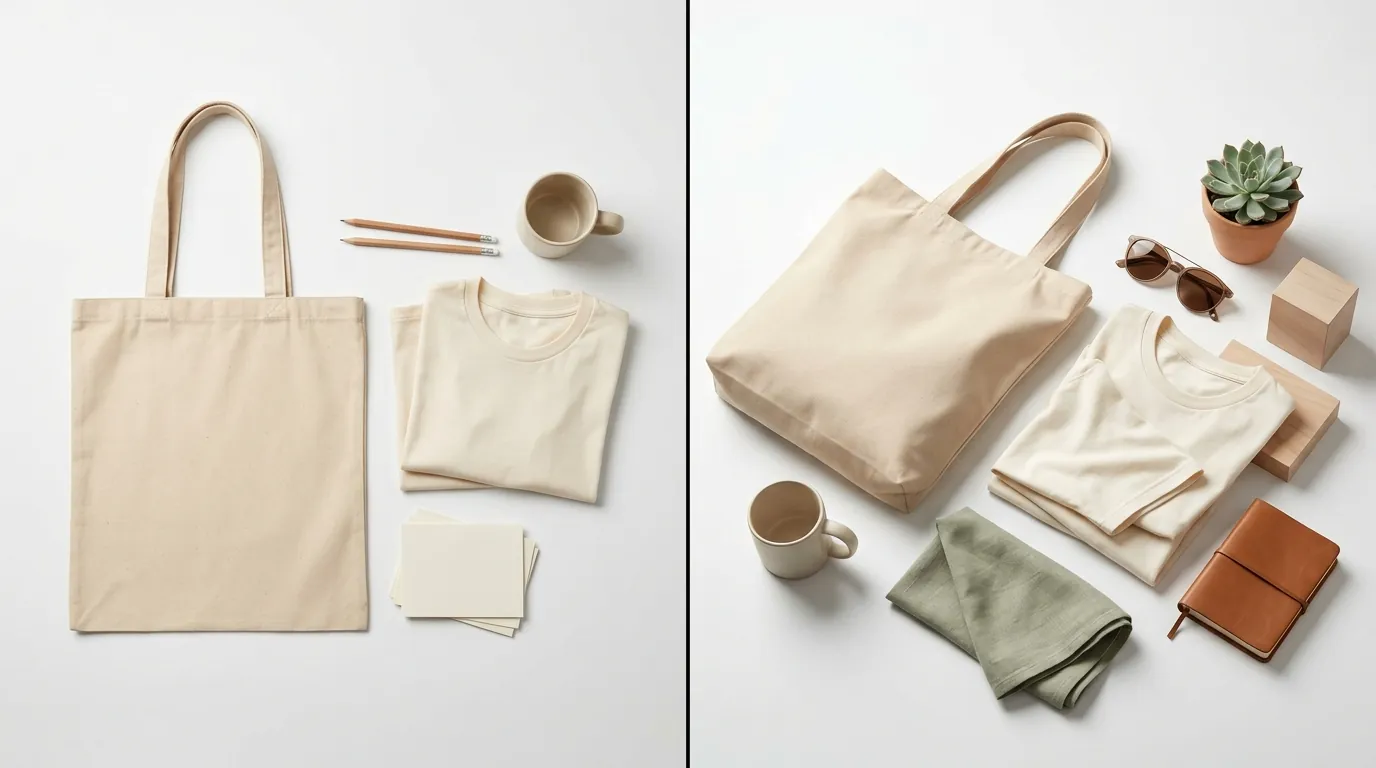
Run a quick audit of your current listing library against the updated 2026 requirements. If your images fall below these thresholds, Etsy’s search algorithm may demote your listings, or the “Zoom” feature will fail to engage, directly hurting your conversion rate.
| Requirement | 2026 Specification | Purpose |
|---|---|---|
| Minimum Short Side | 2000px | Enables high-resolution zoom functionality. |
| First Image Width | At least 635px | Ensures thumbnails look crisp in search results. |
| Primary Image Rule | Real product or finished custom item | Prevents “bait and switch” customer complaints. |
| AI Disclosure | Required for synthetic performers | Compliance with New York S.8420-A and Etsy policy. |
| File Format | .jpg, .gif, or .png | Standard compatibility across mobile and desktop. |
| File Size | Under 1MB recommended | Optimizes mobile load speed and reduces bounce rates. |
Detailed Requirements
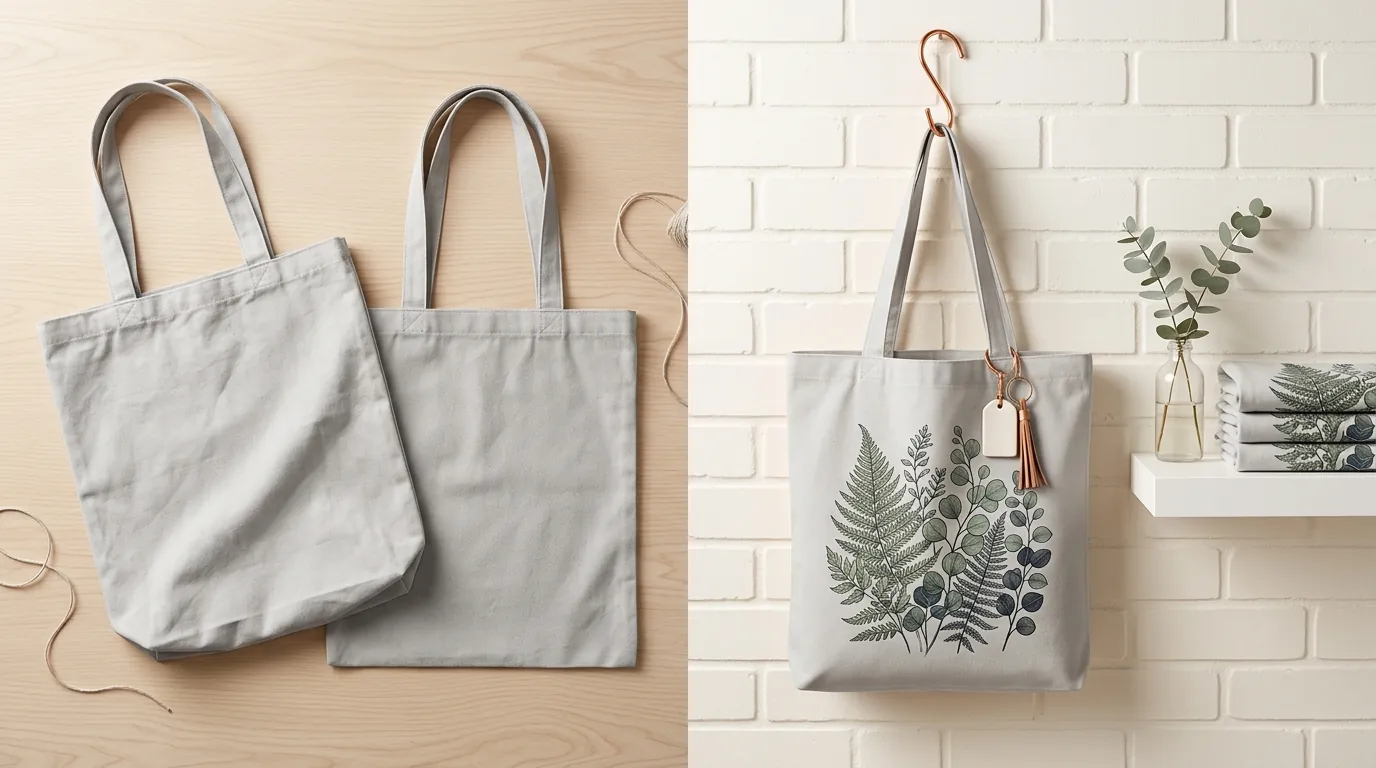
Apply a standardized badge to any image featuring a synthetic human to stay ahead of the June 9, 2026, disclosure laws. While AI tools provide a massive efficiency gain, Etsy’s 2026 environment prioritizes “The Human Touch.” This means your use of AI must support the product, not replace the evidence of its physical existence.
Image Dimension and File Size Specs
Etsy recommends that your images have a minimum of 2000px on the shortest side with a resolution of 72PPI. While the platform technically accepts smaller files, the zoom tool—a critical driver for conversion—requires these higher dimensions to function correctly. If a buyer cannot zoom in to see the grain of your wood or the stitch of your fabric, they are significantly less likely to complete the purchase.
To maintain fast page load speeds on the Etsy mobile app, keep your file sizes under 1MB. Large, unoptimized files cause “image pop-in,” where the text loads but the product remains a gray box for several seconds. This delay is a conversion killer. Tools like PixelMatch or Photoroom’s Pro tier at $12.99/mo can batch-resize all images to these exact dimensions while optimizing the underlying data for fast loading.
AI Disclosure and Transparency Rules
Under Etsy’s Creativity Standards, sellers must be transparent about how a product was made and how it is presented. If you use AI to create a lifestyle scene or a synthetic model, you must disclose this. As of mid-2026, legal frameworks like New York’s S.8420-A have set a precedent for commercial listings: if a “person” in your photo is not real, the consumer has a right to know.
To comply, add a small, legible text overlay or badge to the corner of your secondary images stating “AI Model Used” or “Digitally Staged.” This transparency doesn’t hurt conversions; in fact, it builds trust by showing the buyer you are an honest seller. For personalized items, your primary image must show a finished version of the product. You cannot use a blank mockup with “Your Name Here” as the main photo. The buyer needs to see what the final physical result—ink on paper, thread on hats, or engraving on metal—actually looks like.
Common Rejection Reasons
💡 Skip the manual editing. PixelMatch batch-generates ecommerce-ready product images in 60 seconds — white background, lifestyle scenes, and variant mockups from a single source photo. Try PixelMatch free →
Audit your current listings for “placeholder” text immediately. One of the fastest ways to get a listing suppressed or a shop suspended is by using a primary image that does not represent a physical product. Etsy’s 2026 search algorithm prioritizes listings that demonstrate high buyer satisfaction and low return rates, both of which are negatively impacted by misleading AI mockups.
- The “Your Text Here” Trap: Using a blank shirt or mug with a digital font overlay as your primary image violates the Listing Image Requirements. Buyers want to see the physical texture of the customization.
- Missing Disclosures: Failing to mention AI-assisted staging in your description or on the images themselves. This can lead to “Item Not As Described” cases if a buyer feels the lifestyle setting (e.g., a luxury mansion) was used to misrepresent the product’s value.
- Scale Misrepresentation: Using AI to place a product in a room where the proportions are wrong. If your AI-generated lifestyle images make a 5x7 print look like a 24x36 poster, you will face high return rates and negative reviews.
- Low Resolution Demotion: Uploading images smaller than 635 pixels wide. Etsy’s search engine uses image quality as a ranking signal; blurry or pixelated photos are pushed to the back pages of search results.
How to Fix Each Issue
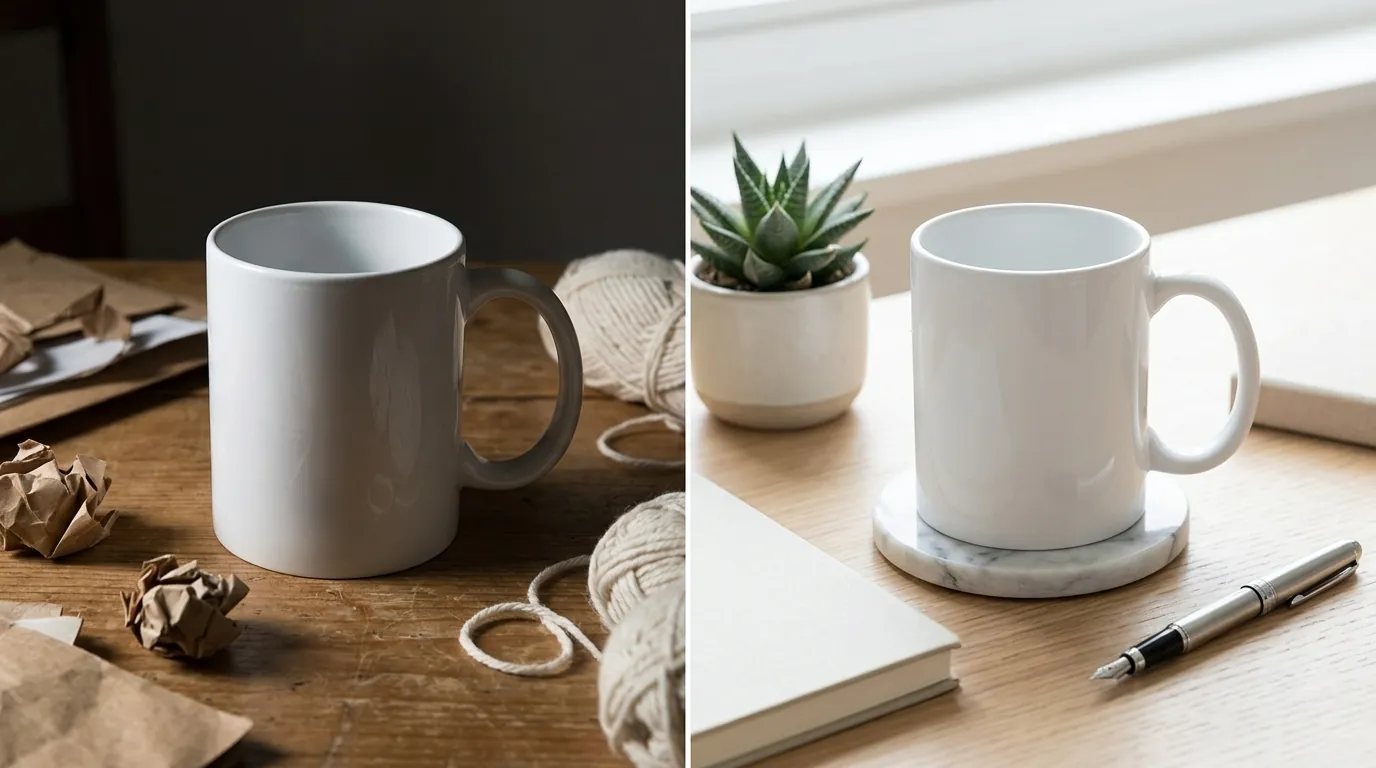
Move your AI-generated lifestyle shots to slots 2 through 10 in your image carousel. This simple structural change ensures you get the Etsy shop conversion boost with AI mockups while remaining 100% compliant with platform rules. The primary slot (the one that appears in search) should always be a high-quality, real-world photograph of the item the customer will receive.
Restructuring Your Image Carousel
A high-converting Etsy listing follows a specific visual narrative. By using a mix of real photography and AI staging, you satisfy both the “authenticity” requirement and the “aspirational” marketing need.
- Slot 1 (The Hook): A real photo of the product on a clean, neutral background. If it’s a digital or custom item, use a high-fidelity rendering that shows the actual texture of the finished piece.
- Slot 2-4 (The Vibe): Use PixelMatch to generate lifestyle backgrounds. Place your product in a cozy living room, a sunlit office, or a trendy cafe.
- Slot 5 (The Detail): A macro shot showing the material, stitching, or engraving.
- Slot 6 (The Scale): An image showing the product next to a common object (like a hand or a phone) to clarify size.
- Slot 7 (The Disclosure): If you used synthetic models, ensure this slot or the previous lifestyle slots have the “AI Model Used” badge.
Automating Compliant Image Resizing
Manually resizing every mockup is a bottleneck for multi-platform sellers. To maintain consistency across Etsy, Shopify, and TikTok Shop, use an automated workflow. Tools like Pebblely’s $19/mo Basic plan allow you to generate backgrounds, but you must still ensure the output matches Etsy’s 4:3 or 1:1 aspect ratio preferences.
PixelMatch is designed for this specific batch workflow. Instead of editing one by one, you can upload your entire product catalog, apply a consistent lifestyle theme, and export them all at the 2000px minimum required for the Etsy zoom feature. This ensures that every listing in your shop meets the technical threshold for the 2026 search algorithm without requiring a dedicated photography studio.
Official Source Links
Stay updated by checking these official resources regularly. Policies regarding AI and image specs can change with little notice, and as a multi-platform seller, your ability to adapt determines your shop’s longevity.
| Resource | Official Link | Key Information |
|---|---|---|
| Etsy Listing Requirements | Help Center Guide | Detailed pixel specs and aspect ratio advice. |
| Etsy Creativity Standards | Legal Policy | Rules on AI usage and seller transparency. |
| NY Synthetic Media Law | Senate Bill S.8420-A | Disclosure requirements for AI-generated people. |
| Photoroom Pricing | Official Pricing Page | Current costs for Pro background removal and batching. |
| Pebblely Pricing | Official Pricing Page | Costs for AI background generation tiers. |
Ready to scale your listings?
PixelMatch generates white-background, lifestyle, and variant mockups from a single source photo — built specifically for multi-platform ecommerce sellers. 50 free images on signup, no credit card.
Start free →
Sources
- Etsy Help Center: Requirements and Best Practices for Images in Your Etsy Shop
- Etsy Legal: Etsy Creativity Standards
- The New York State Senate: Senate Bill S8420A
- Photoroom: Pricing and Subscription Tiers
- Pebblely: Pricing Plans
- Canva: Subscription and Pro Pricing