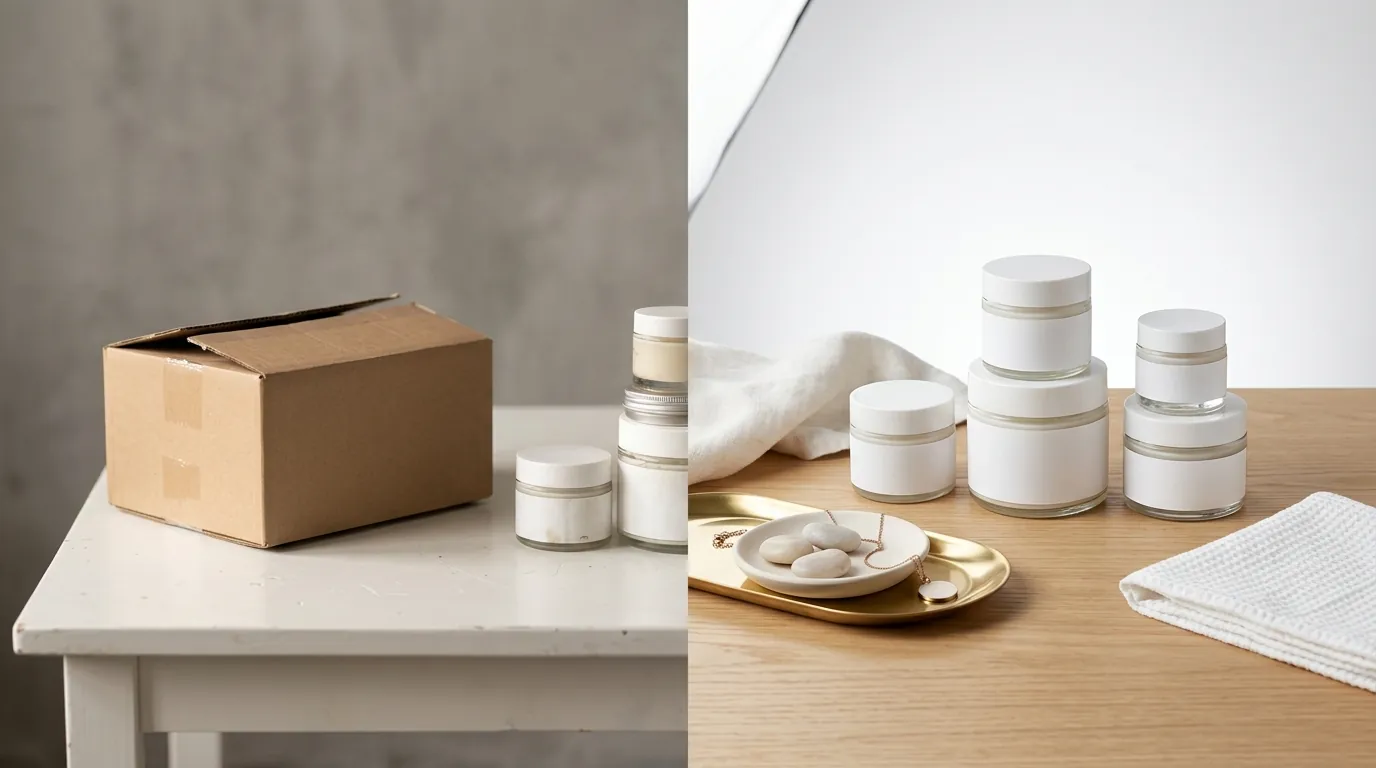
How to Fix the TikTok Shop Low Quality Image Alert (2026)
Seeing your TikTok Shop listings throttled or rejected because of a “Low Quality Image” alert stops your sales momentum instantly. You need to align your visual assets with TikTok’s strict 2026 metadata and aesthetic standards to keep your shop active and your products discoverable.
Fix the TikTok Shop low quality image alert by ensuring photos meet the 600x600 pixel minimum and are under 5MB. Use a white background, remove watermarks, and upload at least 5 images in JPG or PNG.
Quick Reference Table
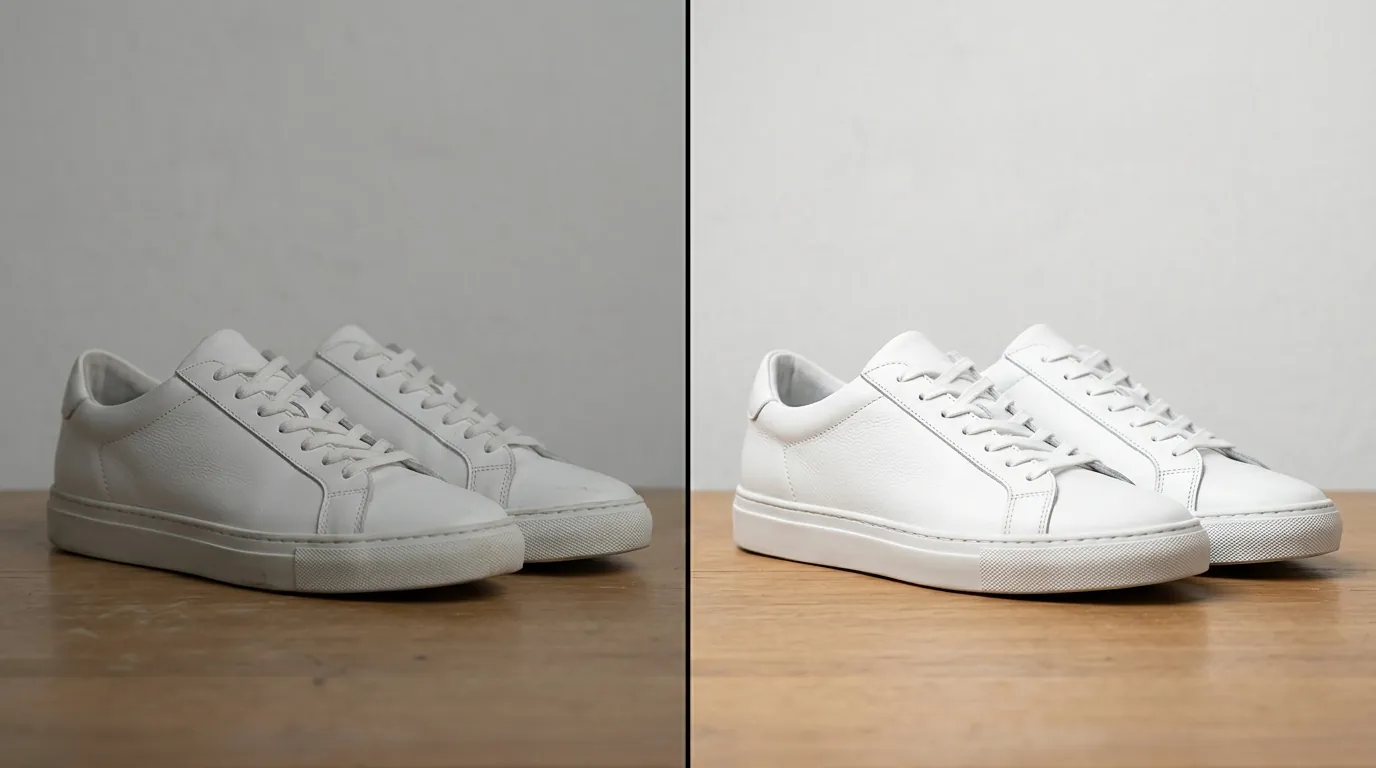
Audit your current image folder against these technical specifications before starting your next upload batch to ensure every file passes the initial automated check.
| Requirement | Specification |
|---|---|
| Minimum Resolution | 600x600 pixels |
| Maximum File Size | 5MB per image |
| Accepted Formats | JPG, JPEG, PNG |
| Aspect Ratio | 1:1 (Square) |
| Image Quantity | 1 to 9 images (5+ recommended) |
| Main Image Background | White or neutral |
| Text/Watermarks | Prohibited on main image |
Detailed Requirements
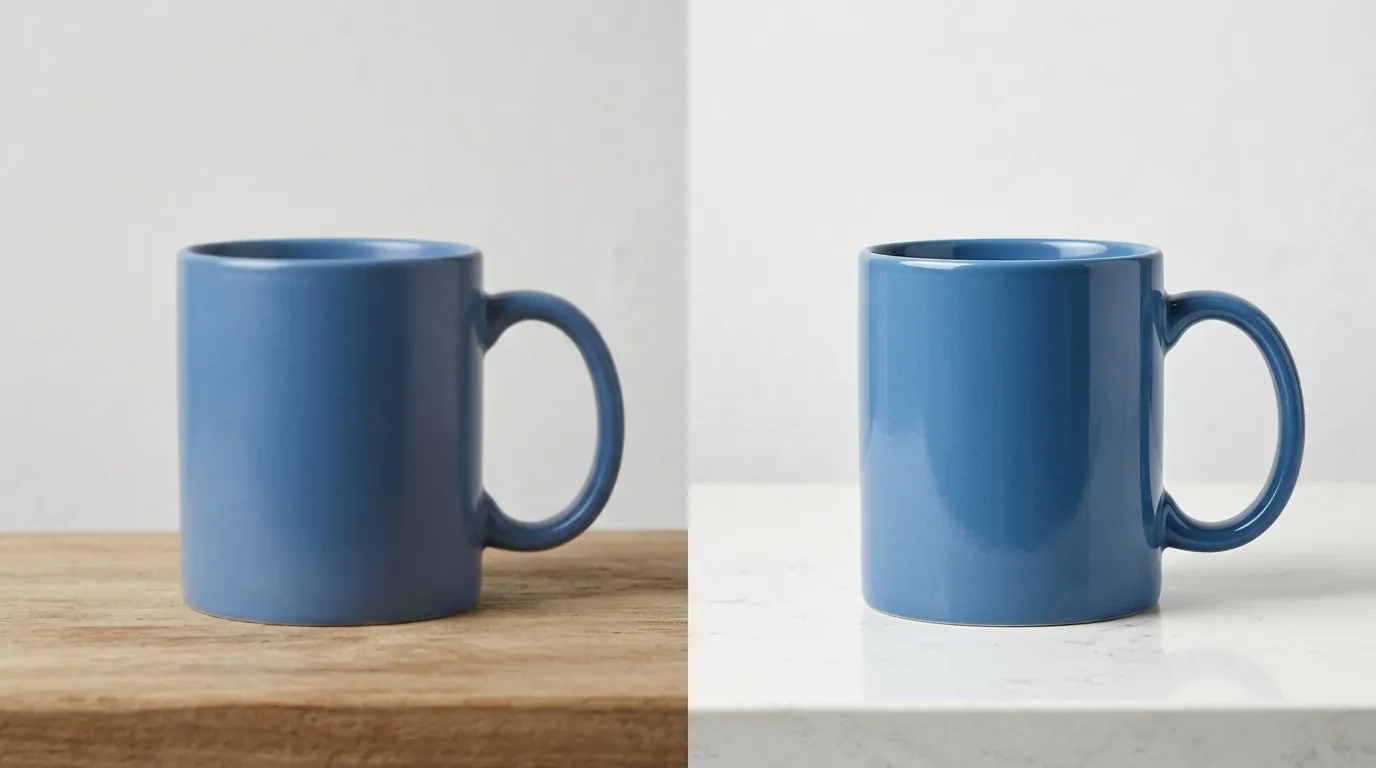
Check your “Product Optimizer” tab in the TikTok Seller Center to see which listings are currently flagged as “Fair” or “Poor” due to image quality issues. TikTok’s algorithm does not just look at whether an image exists; it evaluates the metadata and visual clarity to determine if the listing provides a “Good” user experience.
Listing Quality Tiers
TikTok Shop categorizes product listings into three quality tiers: Poor, Fair, and Good. To achieve a “Good” listing quality tier, TikTok requires sellers to upload at least 5 high-resolution images per product. Listings with fewer than 5 images or those missing category-specific details are automatically downgraded to a “Fair” or “Poor” quality tier, which significantly reduces their visibility in the “Shop” tab and search results.
The “Good” tier is not just a badge; it is a prerequisite for participating in certain platform-wide flash sales and promotional events. If your images are flagged as low quality, your listing may be suppressed, meaning it won’t appear to potential buyers even if your SEO keywords are perfect.
Background and Composition Rules
The main product image—the first one a buyer sees—must clearly showcase the item on a white or neutral background, without blurred elements or placeholders. While the platform allows lifestyle images in the subsequent slots (images 2 through 9), the primary slot is reserved for a clean, professional shot.
While the absolute minimum size is 600x600 pixels, uploading higher resolution images prevents pixelation on high-density mobile screens. Modern smartphones often have screen resolutions that exceed 1000 pixels in width; an image that only meets the bare minimum might look “fuzzy” or “soft” to a user on a high-end device, leading to lower conversion rates even if the system technically accepts the file.
Common Rejection Reasons
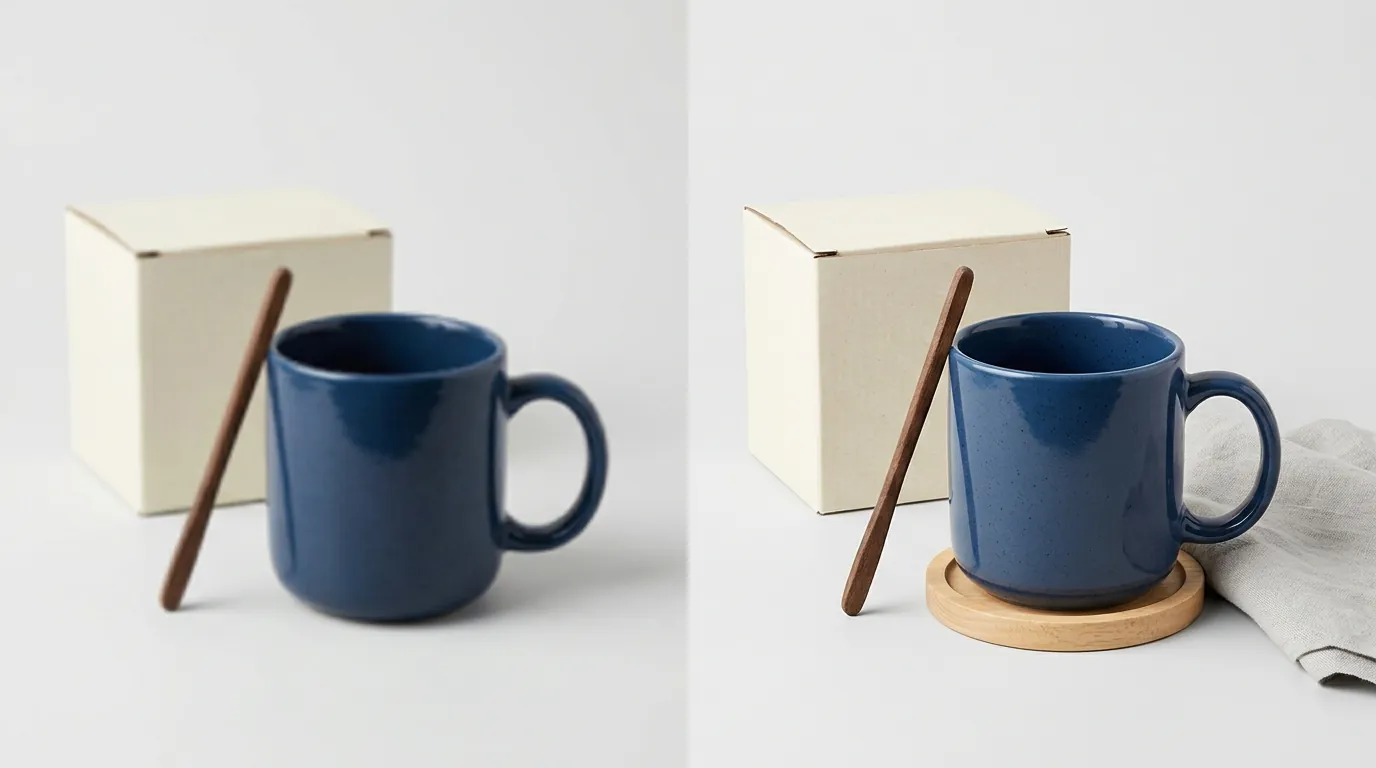
💡 Skip the manual editing. PixelMatch batch-generates ecommerce-ready product images in 60 seconds — white background, lifestyle scenes, and variant mockups from a single source photo. Try PixelMatch free →
Export a sample image from your current listing and check the “Properties” (on Windows) or “Get Info” (on Mac) to verify the exact pixel dimensions and file size before attempting a bulk re-upload.
Resolution Too Low
Uploading images smaller than the 600x600 pixel threshold automatically triggers the low-quality alert. This often happens when sellers take screenshots of their products from other platforms or use thumbnails instead of original source files.
File Size Exceeds Limits
Images larger than 5MB will fail to upload or be heavily compressed by the system. When TikTok’s internal servers compress a 10MB or 15MB professional RAW export down to a web-friendly size, it often results in a blurry appearance or “artifacting” that triggers the quality alert.
Watermarks and Overlays
TikTok Shop rejects images containing distracting logos, watermarks, or promotional text overlays on the main image. Unlike some other social platforms that allow “20% text” or small branding marks, TikTok Shop’s 2026 policy is strict: the main image must be a clean representation of the product. Text like “Free Shipping” or “Best Seller” should be handled via the platform’s native promotional tools, not baked into the image file.
Wrong File Format
Attempting to upload HEIC (Apple’s default) or WEBP files directly through the standard UI can cause errors or listing rejections. Stick to JPG, JPEG, or PNG to ensure the TikTok Shop parser can read the file data correctly.
Cluttered Backgrounds
Busy or distracting backgrounds violate the platform’s recommendation for clean, professional product presentation. If the background contains other products not included in the sale, or if the environment is messy, the AI-driven moderation tool may flag the image as “low quality” or “confusing to the buyer.”
How to Fix Each Issue
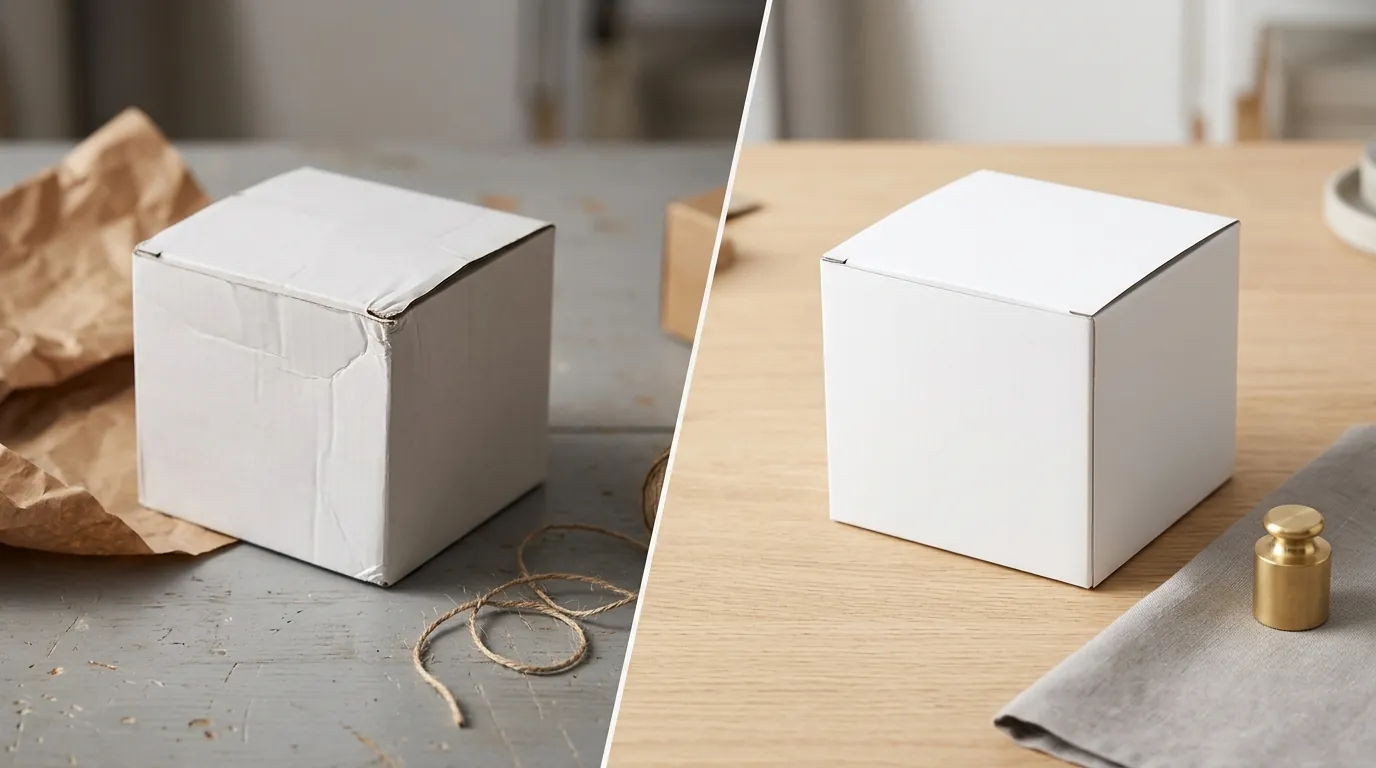
Use a batch-processing tool to strip backgrounds and resize your entire SKU list in one session rather than editing one-by-one to save hours of manual labor.
Upscale and Resize
Use an image editing tool to ensure your photos are exactly 1:1 ratio and comfortably above the minimum pixel requirements. If your original photos are 500x500, do not simply stretch them; use an AI upscaler to increase the resolution to 1200x1200px. This ensures that even when the user zooms in on a mobile device, the product remains sharp.
Remove Distracting Backgrounds
Strip away busy backdrops and replace them with a pure white background to comply with TikTok’s catalog best practices. For multi-platform sellers, this is a standard requirement for Amazon and Google Shopping as well, making it a “do-it-once” task for all channels.
Using PixelMatch for Automated Compliance
PixelMatch is better suited for multi-platform ecommerce workflows because it handles batch generation specifically for these platform specs. Instead of manually cropping and saving 100 different images, you can set the output to 1200x1200px, 1:1 ratio, and white background. PixelMatch automatically resizes, removes backgrounds, and formats your entire catalog to meet TikTok Shop’s exact specifications without manual editing. This is particularly useful for sellers who have thousands of SKUs and cannot afford the time required for individual edits in tools like Photoshop.
Manual Formatting Tips
If you are only fixing a handful of images, you can use tools like Photoroom’s Pro tier at $12.99/mo or the Adobe Express Premium plan for $9.99/mo to remove backgrounds and export in the correct format.
- Convert File Formats: Ensure all smartphone photos (HEIC) are converted to JPG or PNG before uploading to the Seller Center.
- Audit Your Listing Quality: Review your Product Detail Pages (PDPs) to ensure you have at least 5 images to elevate your listing from “Fair” to “Good” tier.
- Check Aspect Ratio: Ensure the product is centered. If your image is a vertical 9:16 (common for TikTok videos), it will be cropped awkwardly in the Shop tab. Crop it to a square 1:1 before uploading.
Audit Your Listing Quality
Once you have updated your images, go back to the TikTok Seller Center and refresh your “Product Diagnostic” page. It can take up to 24 hours for the “Low Quality Image” alert to disappear once the new assets are indexed. If the alert persists, check if your “Secondary Images” (the lifestyle shots) are also meeting the 600x600 minimum, as the system scans the entire gallery, not just the thumbnail.
Official Source Links
- TikTok Shop Seller Center: Product Listing Guidelines
- TikTok Shop Seller Center: Product Detail Pages & Listing Quality Guidelines
- TikTok For Business: Catalog Best Practices
- TikTok Shop Seller Center: Using Product Media Center
- Photoroom Pricing Page
- Adobe Express Pricing Page
Ready to scale your listings?
PixelMatch generates white-background, lifestyle, and variant mockups from a single source photo — built specifically for multi-platform ecommerce sellers. 50 free images on signup, no credit card.
Start free →