Midjourney v7 Leak Product Photography Prompts & 2026 Rules
Scaling a multi-platform store requires high-volume imagery that doesn’t trigger “image suppression” flags on Amazon or “low-quality” penalties on TikTok Shop. If your AI-generated lifestyle shots look hyper-realistic but fail to match your physical product’s dimensions or colors, you risk account suspension and high return rates.
The Midjourney v7 leak has introduced sophisticated prompting techniques like Omni Reference and Draft Mode, which allow for unprecedented consistency in brand aesthetics. However, the 2026 ecommerce landscape is more strictly regulated than ever. Platforms now use automated AI-detection and metadata analysis to ensure that “what the customer sees is what they get.” You must bridge the gap between high-end AI generation and rigid marketplace compliance.
Quick Reference Table: 2026 Image Specifications
Related: Amazon Shop by Style AI Search Guide: 2026 Image Rules · TikTok Shop Mall Product Image Requirements 2025 Guide · TikTok Shop AI Model Policy Leak 2026: Seller Guide
Audit your current listing images against these 2026 pixel minimums and background requirements to prevent automatic suppression.
| Platform | Min Dimensions | Recommended Size | Aspect Ratio | Key Requirement |
|---|---|---|---|---|
| Amazon | 1000px longest side | 1600px+ (for zoom) | 1:1 or 3:4 | Pure white background (RGB 255, 255, 255) |
| TikTok Shop | 600x600 pixels | 1200x1200px | 1:1 (Square) | 4-9 images required per listing |
| Shopify | None (800x800 min) | 2048x2048 pixels | Any (1:1 preferred) | Max file size 20MB |
| Etsy | 2000px shortest side | 3000x3000px | 1:1 or 4:3 | Thumbnail-safe 1:1 ratio |
Actionable Step: Run a Pixel Audit
Download your top-selling SKU’s main image and use a tool like Photoshop or an online inspector to verify the background is exactly RGB 255, 255, 255. If the value is 254, 254, 254, Amazon’s automated “imaging bot” may suppress your listing without notice, leading to a 100% drop in organic traffic.
Detailed Requirements for 2026 Multi-Platform Selling
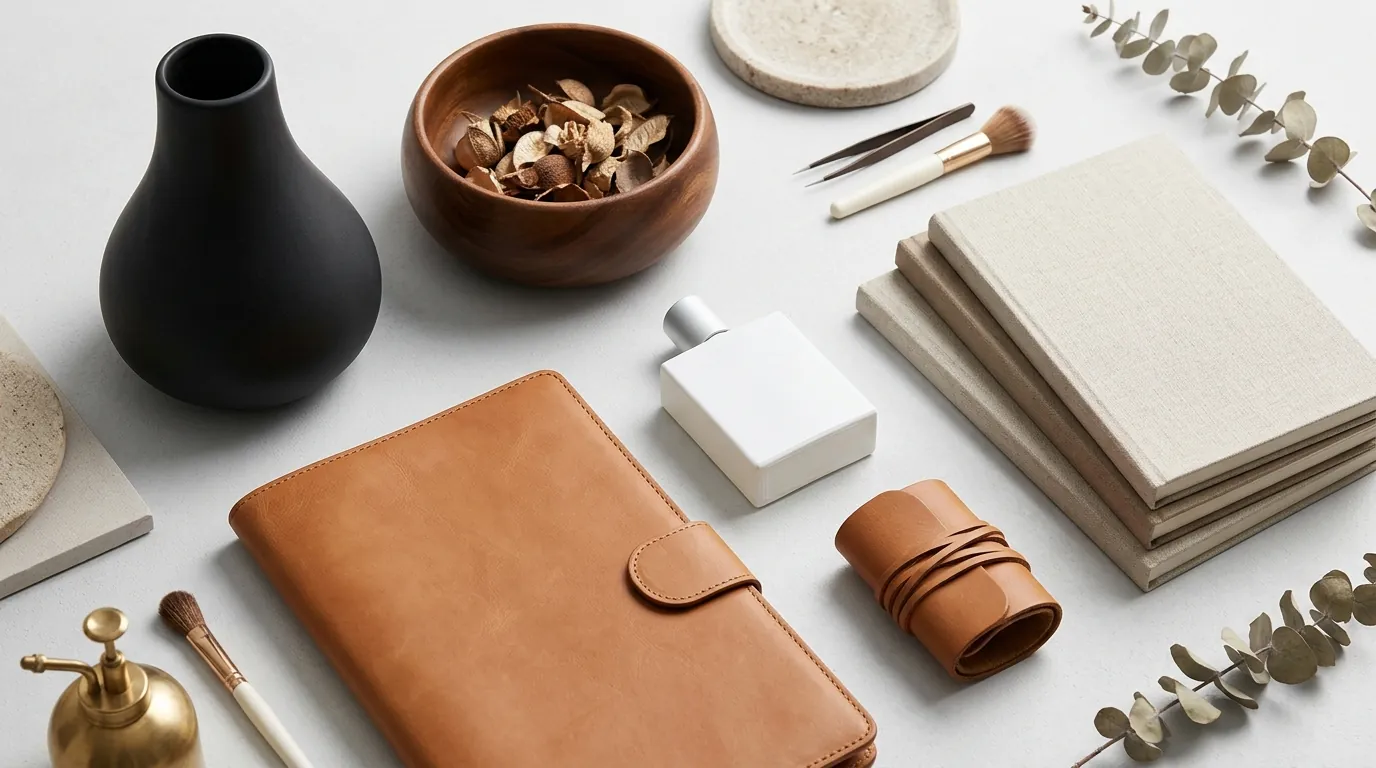
The Midjourney v7 leak product photography prompts have changed the workflow for lifestyle imagery. By using the --v 7 parameter combined with --style raw, sellers can generate backgrounds that look like $5,000 professional studio sets. However, the technical requirements for each platform remain distinct and unforgiving.
Amazon’s Main Image Rigidity
Amazon strictly requires the main image (the “HERO” image) to be a real photograph or a highly accurate 3D render of the product alone on a pure white background. You cannot use Midjourney to generate your main image from scratch because the AI will inevitably “hallucinate” small details—a different zipper shape, a slightly altered logo, or a texture that doesn’t exist on the physical item.
To stay compliant, use PixelMatch to take your real, high-resolution product photo and strip the background. While Midjourney is perfect for the “lifestyle” slots (images 2 through 7), the main image must fill 85% or more of the frame and contain no additional props or text.
TikTok Shop’s Content Volume
TikTok Shop enforces a strict 4-9 image minimum to reduce cart abandonment. Their algorithm favors “authentic” looking content. The leak’s --s 150 (low stylization) setting is critical here. If you use the default --s 250 or higher, the AI adds too much “artistic flair,” making the product look like a digital illustration rather than a physical item. TikTok’s policy explicitly bans placeholders or digital renderings that misrepresent the actual item, as this leads to high dispute rates in their “Buyer Protection” program.
Shopify and Etsy Grid Consistency
For Shopify, maintaining a consistent 1:1 aspect ratio across all AI-generated images prevents “staggered” grids on collection pages. On Etsy, the search results page crops images into a square. If you generate a 4:3 or 16:9 lifestyle image in Midjourney, Etsy’s 2000x2000 pixel square recommendation ensures your product isn’t cut off in the thumbnail, which is the primary driver of Click-Through Rate (CTR).
Actionable Step: Configure Your Midjourney v7 Preset
Create a “Suffix” in Midjourney by typing /settings or using the --suffix command. Add --v 7 --style raw --ar 1:1 --s 150 to your default settings. This ensures every prompt you run is natively formatted for Shopify and TikTok Shop, saving you hours of manual cropping and color correction later.
Common Rejection Reasons and Account Health Risks
💡 Skip the manual editing. PixelMatch batch-generates ecommerce-ready product images in 60 seconds — white background, lifestyle scenes, and variant mockups from a single source photo. Try PixelMatch free →
Platform bots have become incredibly efficient at flagging “AI-uncanny” images. In 2026, a single rejected image can lead to a “Listing Quality” warning that lowers your overall store’s search ranking.
AI Artifacts and “Prop” Violations
Amazon will suppress listings if the main image contains AI-generated props, text, or non-white backgrounds. If you use a prompt like [Product] on a white marble table, even if the table is white, the presence of the marble texture and shadows violates the “Pure White (RGB 255, 255, 255)” rule. The AI often adds “ghost” shadows or floating artifacts that the Amazon bot identifies as “image noise.”
Misrepresentation and High Return Rates
The biggest risk with the Midjourney v7 leak is over-stylization. Using high “stylize” values can alter the product’s actual color (e.g., turning a “Navy Blue” item into “Electric Indigo”). TikTok Shop and Etsy are particularly aggressive about misrepresentation policies. If a customer receives a product that doesn’t match the AI-generated lifestyle image’s color or texture, and they file a “Not as Described” claim, the platform may hold your funds for up to 30 days.
Thumbnail Cropping Issues
Etsy thumbnails often cut off critical product details if sellers use the old 4:3 ratio instead of the 2000x2000 pixel square format. If your product is positioned at the edge of a Midjourney-generated frame, the Etsy “auto-crop” will likely remove it from the search view, effectively killing your conversion rate.
Actionable Step: Check Your “Suppressed Listings” Report
Go to Amazon Seller Central > Inventory > Manage All Inventory > Listing Quality Dashboard. Filter by “Suppressed.” If any SKUs appear, check the “Image Quality” tab. If the reason is “Non-white background,” do not try to re-upload the same Midjourney output. You must use a dedicated background removal tool to force the RGB values to 255, 255, 255.
How to Fix Each Issue and Scale Your Workflow
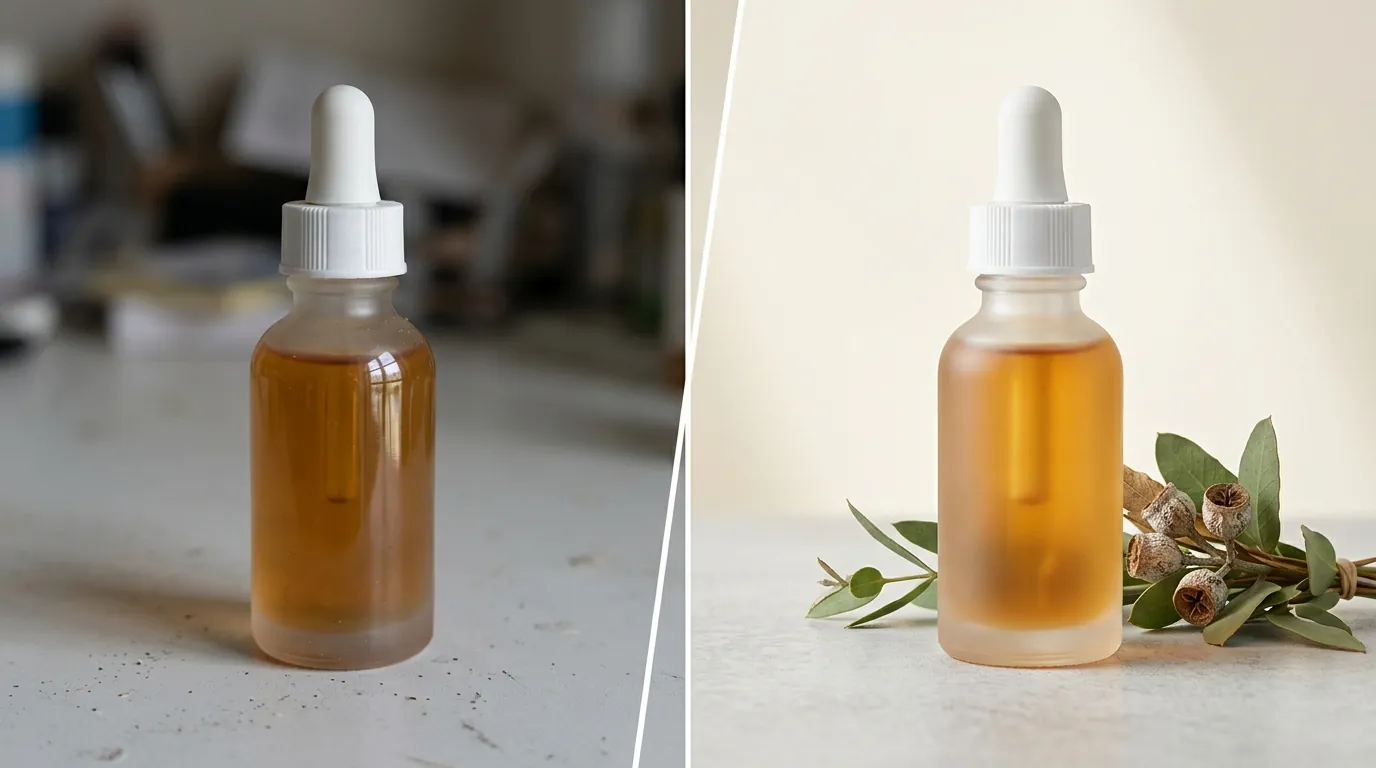
To successfully use Midjourney v7 for ecommerce, you must treat the AI as a “background generator” rather than a “product generator.” The most successful sellers in 2026 use a composite workflow: generate the scene in AI, then place the real product into that scene.
Step 1: Generate Compliant Lifestyle Backgrounds
Use specific Midjourney v7 prompts that leave “negative space” for your product.
- Prompt Example:
A minimalist oak coffee table in a sunlit Scandinavian living room, soft morning light, hyper-realistic, 8k, empty space in center for product placement --v 7 --style raw --ar 1:1 --s 150
Step 2: Composite Real Products with PixelMatch
Instead of trying to “prompt” your product into existence, use PixelMatch to batch-process your real product photos into the AI-generated backgrounds. This ensures:
- The product dimensions are 100% accurate.
- The colors match the physical inventory.
- The lighting is consistent across all 9 TikTok Shop images.
Step 3: Native Aspect Ratio Management
Set your Midjourney aspect ratio to --ar 1:1 to natively match Shopify and TikTok Shop’s square image requirements. For Amazon lifestyle shots, you can use --ar 3:4 if you prefer the taller “mobile-first” look, but 1:1 is the safest “universal” format for multi-platform sellers.
Step 4: Final RGB Validation
For Amazon main images, never rely on Midjourney’s interpretation of white. Use an AI background remover to ensure a pure white (RGB 255, 255, 255) canvas. This process should be automated as part of your batch workflow to ensure that every SKU in your catalog meets the requirement without manual checking.
| Action | Midjourney Only | PixelMatch + Midjourney | Result |
|---|---|---|---|
| Main Image | Often Rejected (Non-white) | 100% Compliant | Guaranteed Listing Active |
| Color Accuracy | Variable (Hallucinations) | 100% Accurate (Real Photo) | Lower Return Rates |
| Workflow Speed | Slow (Manual Prompting) | Fast (Batch Generation) | 100+ SKUs per hour |
| Brand Consistency | Hard to maintain | High (Template-based) | Professional Storefront |
Actionable Step: Create a “Scene Library”
Generate 20 high-quality lifestyle backgrounds using the v7 leak prompts (e.g., “marble countertop,” “beach sand,” “modern office desk”). Save these as your “Brand Templates.” When you launch a new product, use PixelMatch to drop the new product into these 20 scenes instantly. This creates a cohesive brand look across your Shopify and Etsy stores without needing to prompt from scratch for every new SKU.
Frequently Asked Questions
Can I use Midjourney to generate my Amazon main image?
No, it is highly discouraged. Amazon requires a pure white background (RGB 255, 255, 255) and a product that is an exact representation of the physical item. Midjourney often introduces small “hallucinations” or variations in shadows that can lead to listing suppression. Use AI for lifestyle images (slots 2-7) but stick to real photos on white backgrounds for the HERO image.
What is the best Midjourney v7 setting for product photography?
The most reliable settings for 2026 are --v 7 --style raw --s 150. The --style raw command reduces the AI’s tendency to over-beautify the image, which helps in maintaining the “accurate representation” required by TikTok Shop’s Listing Policy. Keeping stylization (--s) low ensures that the lighting and textures don’t look “too digital.”
Why are my TikTok Shop images being flagged as “Low Quality”?
TikTok Shop requires 4-9 images and often flags listings that use repetitive or obviously “fake” AI renders. To fix this, ensure each image shows the product from a different angle or in a different lifestyle context. Batch-processing real product photos into AI backgrounds using PixelMatch is the most effective way to provide the variety TikTok requires while keeping the product looking “real.”
Does Shopify have a maximum image file size?
Yes, Shopify allows images up to 20MB or 20 megapixels. While Midjourney v7 outputs are generally high resolution, if you use “Upscaling” features, you may exceed this limit. Always check that your final exports are optimized (WebP or JPG) to ensure fast page load speeds, which is a critical SEO factor for Shopify stores.
How do I prevent Etsy from cropping my product out of the thumbnail?
Etsy recommends a 2000x2000 pixel square format. When generating images in Midjourney, always use the --ar 1:1 parameter. Additionally, ensure your product is centered in the frame with enough “padding” around the edges so that Etsy’s circular or square cropping doesn’t cut off the item.
Ready to scale your listings?
PixelMatch generates white-background, lifestyle, and variant mockups from a single source photo — built specifically for multi-platform ecommerce sellers. 50 free images on signup, no credit card.
Start free →
Sources
- Amazon Seller Central: Product image requirements
- TikTok Shop Seller Center: Product Listing Policy
- Shopify Help Center: Product media types and specs
- Etsy Help: Requirements and Best Practices for Images
- Midjourney v7 Prompting Guide & Leak Analysis