
Optimizing Listings for Etsy AI Slop Filter: 2026 Policy Guide
Your Etsy shop’s survival now depends on navigating an invisible automated gatekeeper: the AI slop filter. If your listings trigger Etsy’s automated moderation for undisclosed AI or misleading mockups, you risk immediate deactivation or a permanent “Star Seller” badge loss.
To survive Etsy’s automated AI slop filter, sellers must explicitly disclose AI-generated artwork in the description and categorize items as “Designed by a seller.” AI lifestyle mockups must accurately represent the physical product to avoid being flagged as deceptive or low-quality content.
Quick Reference Table
Related: Meta AI Image Labeling Backlash for Sellers: 2026 Policy Guide · Reporting Fraudulent AI Listings on Etsy Guide (2026 Policy) · Krea 2 Turbo vs Flux for Product Backgrounds Policy
Audit your current shop listings against the requirements below to ensure you are compliant with Etsy’s latest enforcement of their Creativity Standards. Use this checklist to verify every new product before hitting “Publish.”
| Requirement | Specification / Policy | Actionable Step |
|---|---|---|
| Minimum Image Size | 635 pixels (shortest side) | Export all photos at 2000×2000px for zoom. |
| Recommended Resolution | 2000 pixels (shortest side) | Check image metadata for pixel dimensions. |
| AI Art Categorization | ”Designed by a seller” | Update “About this listing” in the editor. |
| AI Disclosure | Must state “created with AI” | Add disclosure to the first 2 lines of description. |
| File Size Limit | Under 10 MB | Use TinyPNG or PixelMatch to compress files. |
| File Formats | .jpg, .gif, or .png | Avoid .webp or .heic for primary uploads. |
Detailed Requirements

Etsy’s automated moderation—often called the “AI slop filter” by the seller community—uses computer vision to scan for images that appear to be low-effort, undisclosed AI generations. This filter is designed to protect the marketplace’s “Handmade” brand by removing listings that don’t meet Etsy’s Creativity Standards. To pass this filter, you must align your technical metadata with your written disclosures.
Under these standards, if you use AI to generate digital art, print-on-demand designs, or text for your listings, you must categorize them as “Designed by a seller” rather than “Made by a seller.” This distinction tells the algorithm that while you didn’t physically manufacture the item with your hands, you provided the creative prompt or oversight. Failing to make this distinction is one of the fastest ways to get a listing flagged for “Not as Described” or policy violations.
The disclosure rule is not optional. You must explicitly state the use of AI in the listing description. While Etsy has not provided a specific template, successful sellers include a clear statement such as “This artwork was created with the help of AI tools and edited by the seller.” Skipping this triggers automated warnings and can lead to shadow-banning in search results.
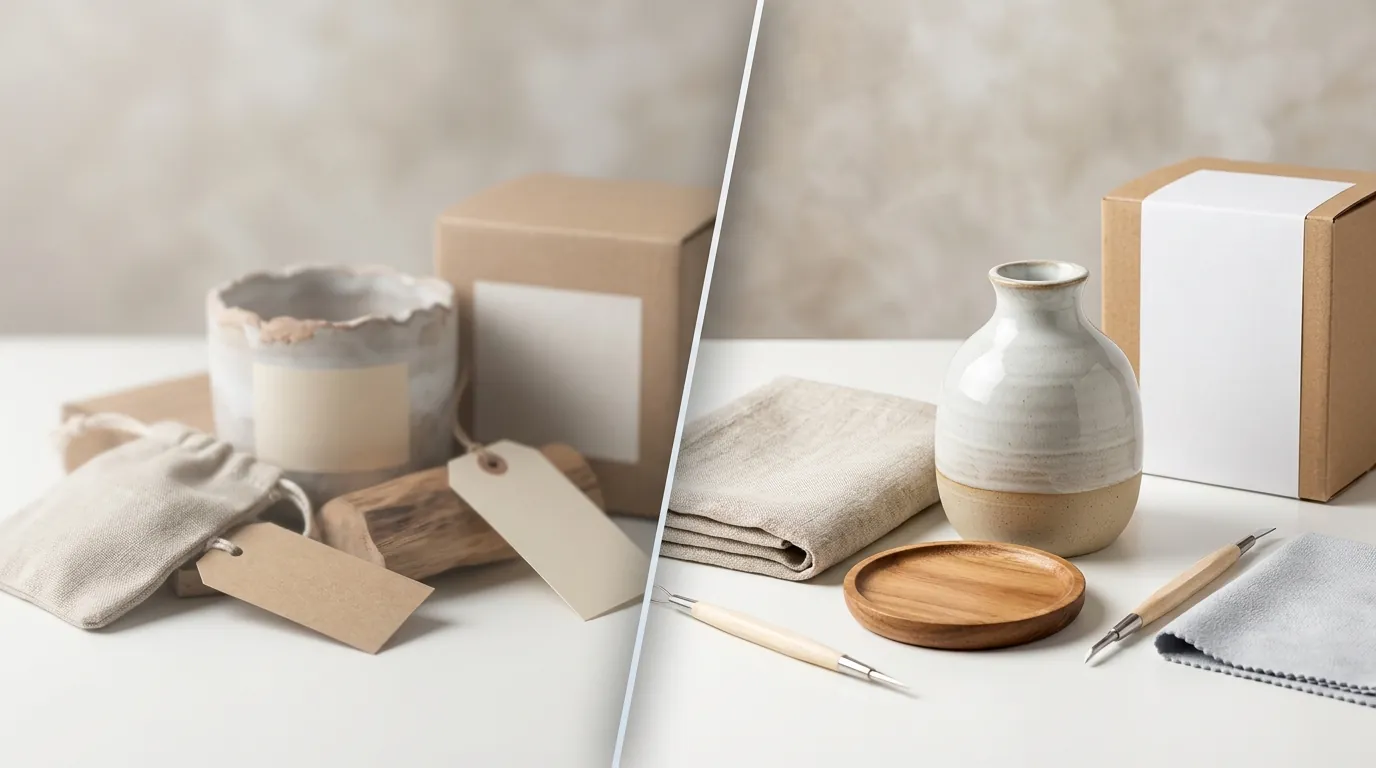
For sellers of physical products, using AI to generate lifestyle backgrounds is permitted. However, the core product—the item the customer actually receives—must be an accurate representation. If your AI-generated background creates impossible shadows, warped logos, or anatomical errors in a hand holding the product, the filter may flag it as a misleading mockup.
Technically, your images must meet Etsy’s minimum specs: at least 635 pixels wide and tall. However, uploading at the bare minimum often results in pixelation on high-resolution screens, which the slop filter may interpret as a low-quality, scraped image. Aim for 2000px on the shortest side to ensure your listing looks professional and passes the automated quality check.
AI Art vs. AI Product Photography
Distinguish between AI as the product and AI as the marketing tool. If you are selling a digital download that was generated by Midjourney, the AI is the product. In this case, you must disclose the AI usage and ensure the design has been significantly modified or directed by you to meet the “Creative” standard.
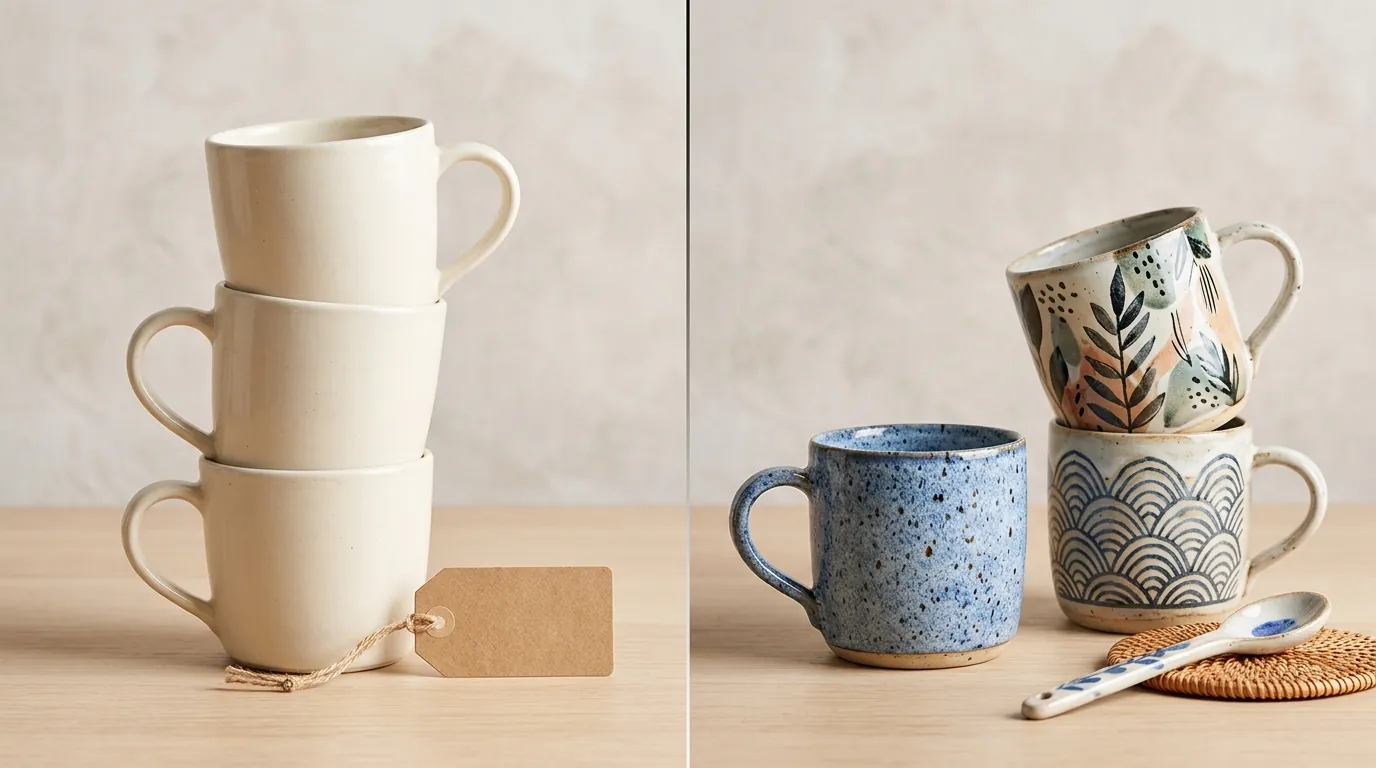
If you are selling a physical ceramic mug and use PixelMatch to place that mug in a cozy kitchen setting, the AI is a marketing tool. Etsy allows this, provided the mug itself is not altered. If the AI background changes the color of your glaze or hides a defect, you are violating the Listing Image Requirements.
Disclosure Rules for 2026
Update your listing workflow to include a mandatory “AI Disclosure” section. In 2026, the filter prioritizes listings that are transparent. Place your disclosure in the “Description” field. Do not bury it at the very bottom; instead, place it near your shipping or materials information.
Etsy’s system also looks at the “Production Partner” field. If you use a print-on-demand designs service to fulfill your AI-generated art, you must list that partner. The combination of “Designed by seller,” a listed production partner, and a written AI disclosure creates a “Trust Signal” that helps you bypass automated takedowns.
Common Rejection Reasons
💡 Skip the manual editing. PixelMatch batch-generates ecommerce-ready product images in 60 seconds — white background, lifestyle scenes, and variant mockups from a single source photo. Try PixelMatch free →
The Etsy AI slop filter is primarily looking for “low-effort” content that erodes buyer trust. If your listing is removed, it is likely due to one of the following four triggers.
1. Missing Disclosure The most common reason for a flag is failing to include AI disclosure text in the description for AI-generated digital products. Etsy’s algorithm scans text for keywords related to AI. If it detects AI-generated visual patterns (like specific noise distributions common in DALL-E or Midjourney) but finds no corresponding text disclosure, the listing is flagged for manual review or immediate removal.
2. Incorrect Categorization Sellers often mistakenly list AI-generated items as “Made by a seller.” Etsy defines “Made by” as items physically created or assembled by the seller. If you used a prompt to generate the design, it belongs in the “Designed by” category. Mislabeling this is considered a violation of the Handmade Policy.
3. Misleading Mockups Using generic AI tools to generate a product image often results in “hallucinations.” This includes impossible shadows, warped logos, or the product appearing to float. If your lifestyle image shows a t-shirt with a neck hole that is physically impossible to wear, the filter flags it as “AI slop.” This is where high-fidelity tools like PixelMatch differ from generic generators; PixelMatch maintains the integrity of the original product photo while changing the environment.
4. Low-Resolution Files Uploading images smaller than the 635px minimum or files with obvious AI artifacts (like “mushy” textures in the background) erodes buyer trust. Etsy’s search algorithm prioritizes high-quality visuals. Low-res AI images are often associated with dropshipping scams, making them a primary target for the slop filter.
| Feature | Low-Quality “AI Slop” | Compliant AI Listing |
|---|---|---|
| Product Integrity | Warped logos, weird shadows | Exact product dimensions preserved |
| Background | Dreamy, blurry, or nonsensical | Realistic, high-definition setting |
| Disclosure | None | ”Created with AI” in description |
| Resolution | Under 1000px, pixelated | 2000px+, crisp details |
How to Fix Each Issue
Fixing a flagged shop requires a systematic audit of your active listings. Run a batch update on your most popular items first to protect your revenue stream.
Add Clear Disclosures
Update your listing descriptions to include a clear statement about AI usage. Open your Etsy Shop Manager, go to “Listings,” and use the “Editing Options” to bulk-edit descriptions. Add a short paragraph: “Creative Process: This digital artwork was conceptualized using AI tools and refined by our studio to ensure high-quality print results.” This satisfies the Creativity Standards and clarifies your role as the designer.
Fix Production Partners
Ensure your production dropdowns are set correctly. If you are using AI to create designs for print-on-demand designs, you must add your POD provider (like Printful or Printify) as a production partner. In the “About this listing” section, select “Another company or person” under “Who made it?” and the appropriate design option under “What is it?”.
Upgrade Your Visuals
Replace low-quality, obvious AI mockups with high-fidelity images. Generic AI generators often struggle with “object permanence,” meaning they change the look of your product when they generate a background. To avoid this, use PixelMatch to batch-generate realistic lifestyle backgrounds that preserve your actual product’s exact dimensions and lighting. By using a “product-first” AI approach, you ensure the image remains an accurate representation, which is the key to passing Etsy’s manual and automated quality checks.
Resize Images
Ensure all photos are exported at 2000×2000px (or a 4:5 portrait ratio) and compressed below 10 MB to meet Etsy’s best practices. If you are using a tool like Photoroom’s Pro tier at $12.99/mo, ensure you are exporting at the highest resolution setting. For high-volume sellers, PixelMatch automates this resizing process, ensuring every image in a 50-item batch meets the 2000px standard for zoom functionality.
Updating Listing Descriptions
When updating descriptions, focus on the “above the fold” content. Etsy’s mobile app truncates descriptions, so your disclosure should be visible without the user having to click “Read More” if possible. While not strictly required by policy to be at the top, placing it early helps build transparency with both the algorithm and the buyer.
Generating Safe AI Backgrounds with PixelMatch
To generate backgrounds that won’t get flagged, follow this workflow:
- Upload a “Clean” Source: Use a high-quality photo of your physical product on a plain white or neutral background.
- Lock the Product: In PixelMatch, ensure the product edges are locked so the AI does not “hallucinate” new features onto your item.
- Prompt for Realism: Use prompts that describe realistic lighting (e.g., “natural sunlight,” “soft window shadows”) rather than stylized or “fantasy” prompts that trigger the slop filter’s aesthetic sensors.
- Batch Export: Export the entire set at 2000px to ensure consistent quality across your shop.
Frequently Asked Questions
Does Etsy ban all AI-generated images?
No, Etsy does not ban AI images, but they require transparency. According to their Creativity Standards, you can use AI to create art or lifestyle backgrounds as long as you disclose it and ensure the listing accurately represents what the customer will receive.
How does the Etsy AI slop filter work?
The filter uses machine learning to identify visual patterns common in AI generation, such as “mushy” textures, anatomical errors, and inconsistent lighting. It cross-references these visual markers with your listing’s metadata and description to see if you have provided the required disclosures and categorizations.
What happens if my listing is flagged as AI slop?
If flagged, your listing may be deactivated, and you will receive an email citing a violation of the “Handmade” or “Creativity” policies. Repeated violations can lead to your shop being suspended or losing your Star Seller status. You can usually appeal by providing proof of your creative process or fixing the disclosures.
Do I need to disclose AI backgrounds for physical products?
While Etsy’s primary focus is on AI-generated products (like digital art), their policy states that listing images must be a “true and accurate” representation. If an AI background is so stylized that it misleads the buyer about the product’s environment or size, it should be disclosed or replaced with a more realistic version.
What is the best image size for Etsy in 2026?
Etsy recommends images be 2000 pixels on the shortest side with a resolution of 72PPI. The minimum requirement is 635 pixels, but using the higher resolution is better for the zoom tool and passing quality filters.
Official Source Links
- Etsy Seller Handbook: Creativity Standards & AI Policy
- Etsy Help Center: Requirements and Best Practices for Images
- Etsy Legal: Listing Image Requirements
- Etsy Legal: Handmade Policy
- Photoroom Pricing
Ready to scale your listings?
PixelMatch generates white-background, lifestyle, and variant mockups from a single source photo — built specifically for multi-platform ecommerce sellers. 50 free images on signup, no credit card.
Start free →
Sources
- https://www.etsy.com/seller-handbook/article/1275449912004
- https://help.etsy.com/hc/en-us/articles/115015663347-Requirements-and-Best-Practices-for-Images-in-Your-Etsy-Shop
- https://www.etsy.com/legal/policy/listing-image-requirements/25392267900
- https://www.etsy.com/legal/handmade/
- https://www.photoroom.com/pricing
- https://pebblely.com/pricing/