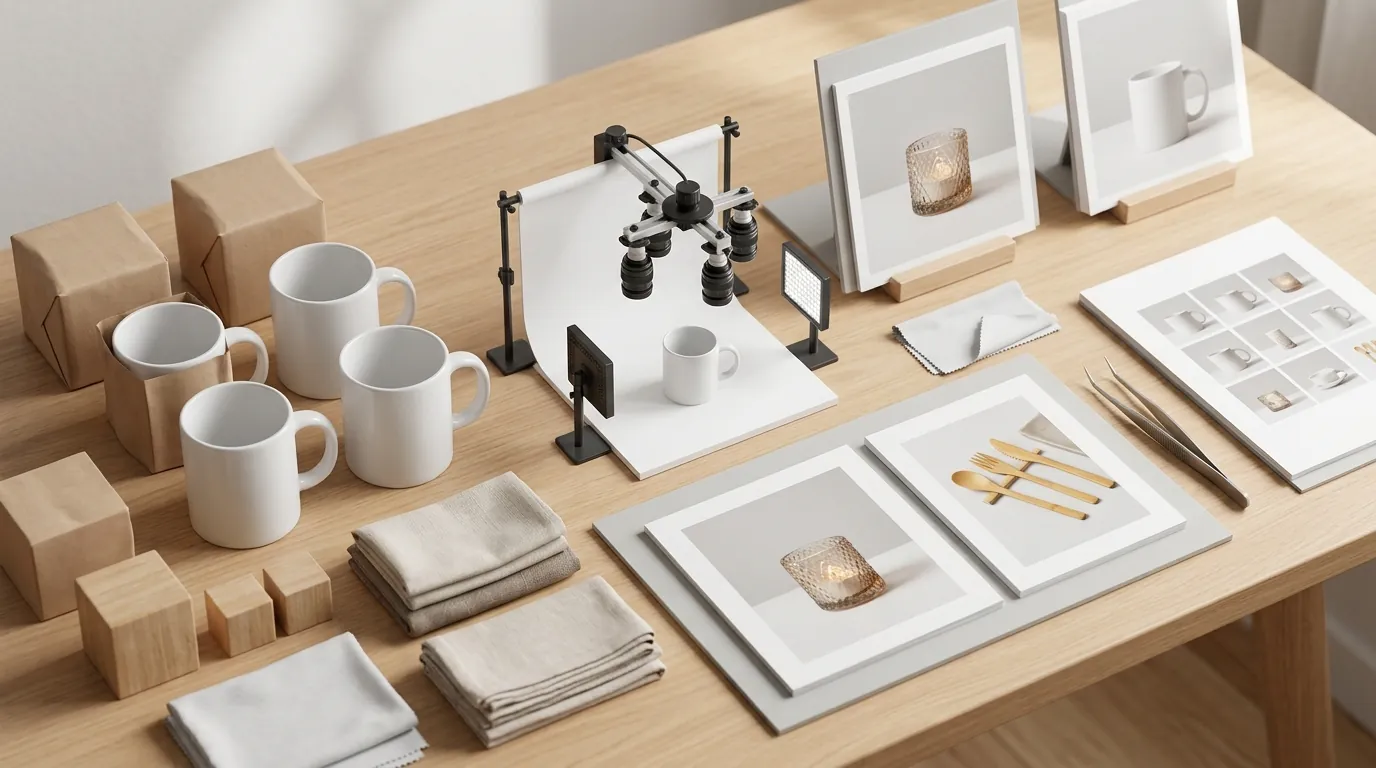
Scaling Amazon FBA Listings With Batch AI Photography (2026)
Stop wasting $50 per SKU on manual retouching that takes three days to return from a freelancer. Scale your Amazon FBA catalog in minutes by automating the production of high-converting, policy-compliant imagery using batch AI photography.
Quick Answer: Amazon requires main images to be at least 1000×1000 px on a pure white background. Batch AI photography tools like PixelMatch help FBA sellers scale compliant image generation across hundreds of ASINs instantly.
Quick Reference Table
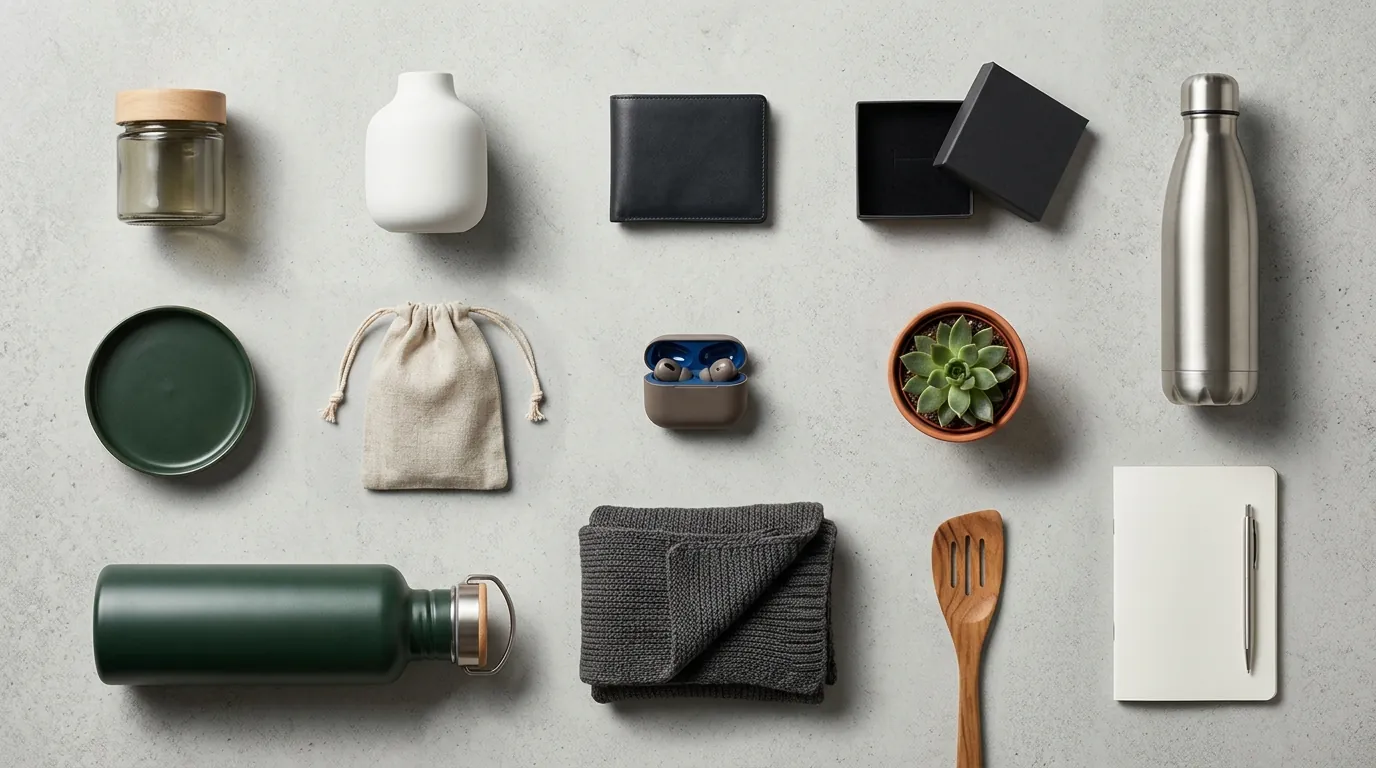
Audit your current image library using a bulk metadata tool to identify any files falling below the 1600px zoom threshold before your next seasonal refresh.
| Platform | Minimum Resolution | Recommended Resolution | Background Requirement | Max File Size |
|---|---|---|---|---|
| Amazon FBA | 1000 x 1000 px | 1600 px + (for zoom) | Pure White (RGB 255, 255, 255) | 10 MB |
| Shopify | None (1024x1024 min) | 2048 x 2048 px | No restriction (Lifestyle preferred) | 20 MB |
| Etsy | 2000 px (shortest side) | 3000 px + | No restriction (Natural light preferred) | 1 MB (Recommended) |
| TikTok Shop | 600 x 600 px | 1200 x 1200 px | 1:1 Aspect Ratio | 5 MB |
Detailed Requirements

Configure your AI generation parameters to export at exactly 2048x2048 pixels to create a future-proof master file that satisfies Amazon, Shopify, and Etsy simultaneously.
Amazon’s image policy remains the strictest in the ecommerce industry. For your main listing image (the one that appears in search results), the product must occupy at least 85% of the frame. It must be a professional photograph of the actual product, not a graphic or illustration. While secondary images (slots 2 through 9) allow for lifestyle backgrounds, text overlays, and infographics, the main image must sit on a pure white background with RGB values of 255, 255, 255. If your “white” background has a slight grey tint (e.g., 250, 250, 250), the Amazon algorithm may flag the listing for suppression.
Multi-platform sellers face the challenge of creating platform-specific aesthetics without doubling their photography budget. Shopify and Etsy shoppers respond better to “lifestyle” context—showing the product in a kitchen, a living room, or outdoors. Using a best ai background remover for ecommerce allows you to take one raw product shot and split it into two distinct assets: a pure white version for Amazon and a high-context lifestyle version for Shopify.
When selecting a tool for this workflow, batch capacity is the primary bottleneck for scaling FBA listings. Photoroom’s Pro tier at $12.99/mo offers batch processing, but it is often limited to 50 images per session in the mobile interface. Pebblely’s Basic plan at $19/mo caps total generation at 200 images monthly, which is insufficient for a seller with 50 ASINs requiring 7 images each. PixelMatch is designed specifically for this multi-platform scale, allowing you to generate Amazon-compliant white backgrounds and lifestyle scenes for your entire catalog in a single batch without restrictive session limits.
Furthermore, Amazon prefers JPEG (.jpg or .jpeg) files, though they accept PNG, TIFF, and non-animated GIFs. For the highest quality, you should aim for the 1600 pixel threshold, as this enables the “hover-to-zoom” feature on the desktop site, which has been shown to increase conversion rates by providing customers with a closer look at textures and materials.
Common Rejection Reasons
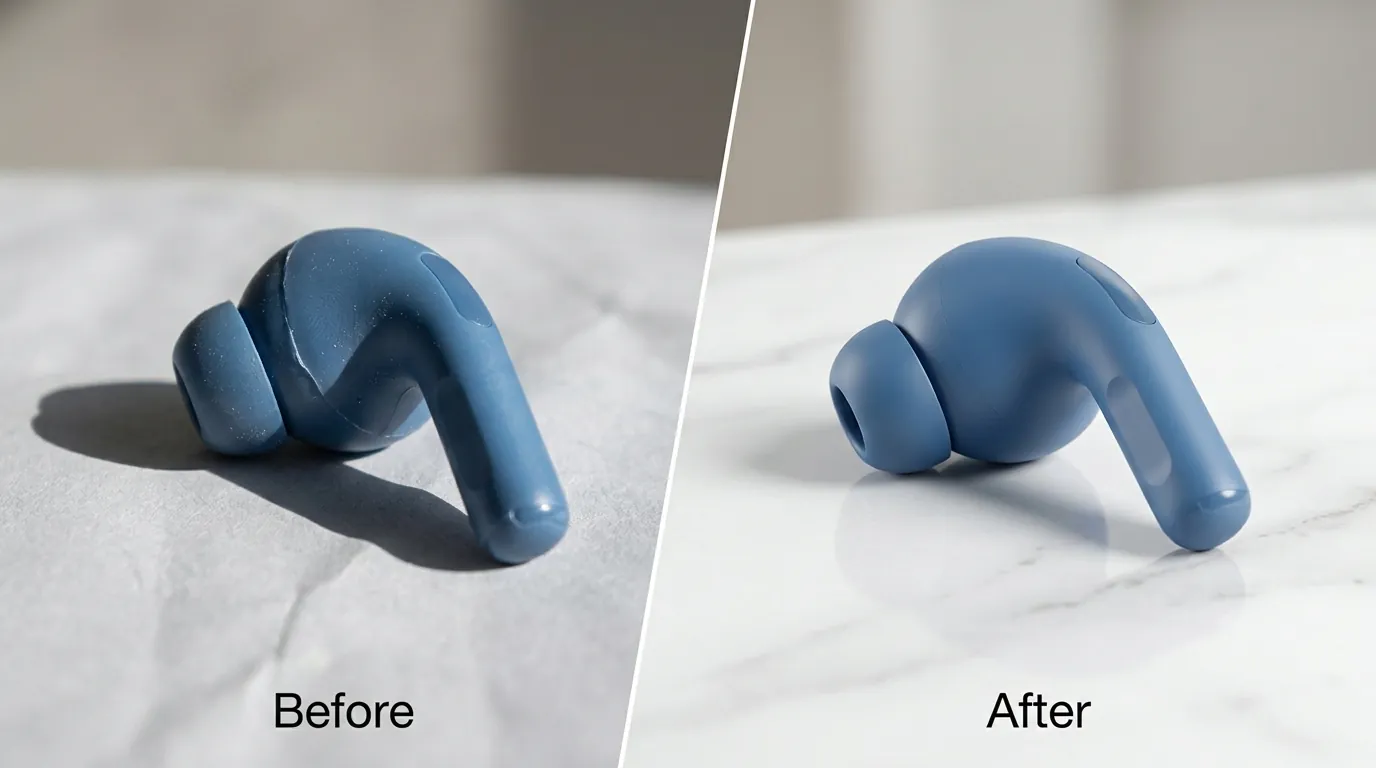
💡 Skip the manual editing. PixelMatch batch-generates ecommerce-ready product images in 60 seconds — white background, lifestyle scenes, and variant mockups from a single source photo. Try PixelMatch free →
Cross-reference your newly uploaded images against the “Manage Inventory” dashboard every 24 hours to catch “Search Suppressed” statuses before they impact your Best Sellers Rank (BSR).
The most frustrating hurdle for FBA sellers is Amazon Error 100584. This error occurs when the main image includes the product’s retail packaging, brand tags, or price stickers. Amazon’s policy for the main image is “product only.” If you sell a bottle of vitamins, the main image should be the bottle itself, not the cardboard box it comes in, unless the box is the primary product being sold.
A “Search Suppressed” status is another common pitfall. This happens silently; your listing remains active in your dashboard but disappears from customer search results. The most frequent triggers in 2026 include:
- Non-Pure White Backgrounds: AI tools that don’t calibrate for RGB 255, 255, 255 often leave “ghost shadows” or off-white gradients that trigger automated suppression.
- Text and Watermarks: Any text, logos, or watermarks that are not physically on the product itself are prohibited on the main image.
- Image Blur and Resolution: Uploading a file smaller than 500px on the longest side will result in an immediate block.
- Prohibited Props: If you are selling a coffee mug, the main image cannot include a spoon, a saucer, or a steaming pot of coffee.
AI-specific artifacts also lead to rejections. Early-stage AI photography tools often struggle with “edge bleed,” where the background color spills over into the product edges, making it look fake or “cut out.” Additionally, unnatural shadows—shadows that go in multiple directions or appear detached from the product base—can trigger Amazon’s filters for “digitally altered” images that don’t represent the physical product accurately.
How to Fix Each Issue
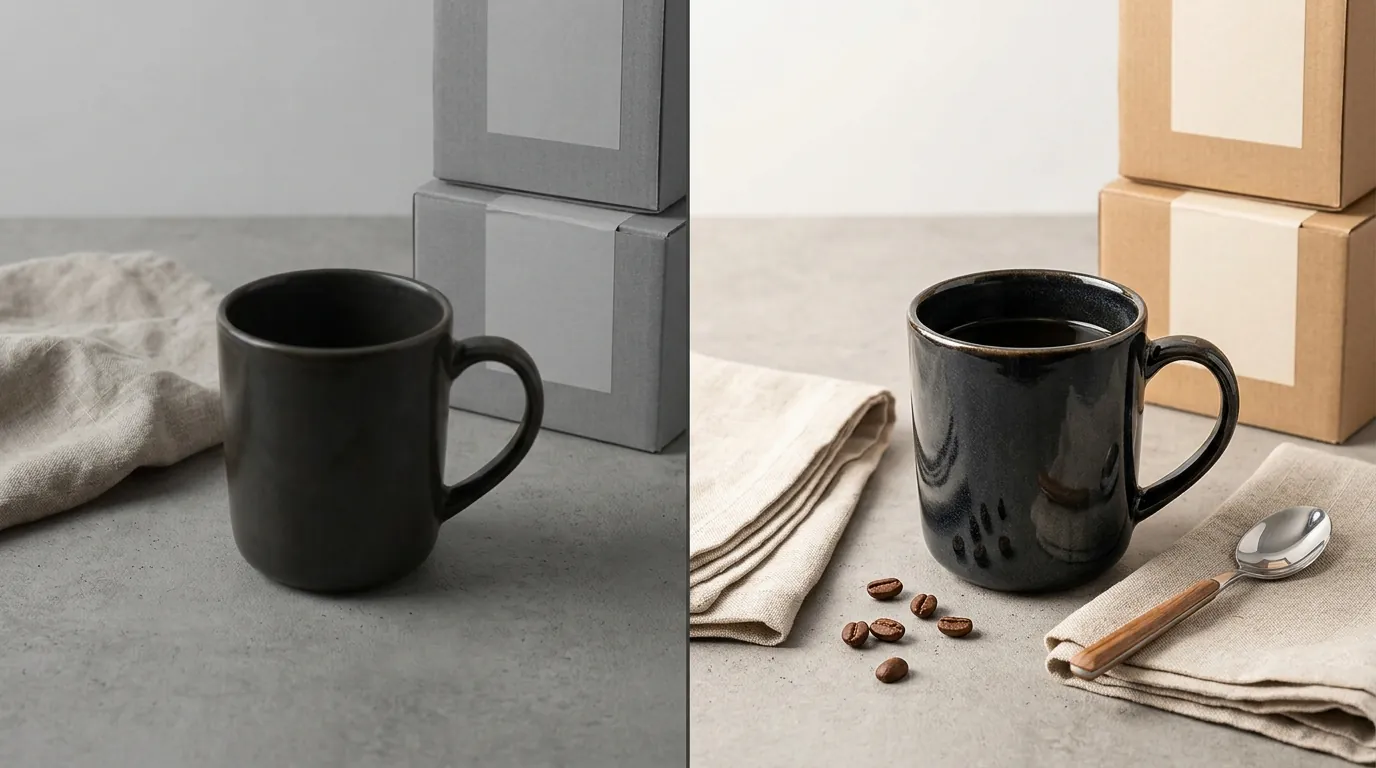
Isolate your product from its retail box or hangtags using an AI background remover to clear Error 100584 and restore your listing visibility immediately.
To resolve Error 100584, do not attempt to re-shoot the product yourself. Instead, take your existing photo and run it through a batch AI processor. Use the “Object Isolation” feature to strip away the cardboard box, plastic wrapping, or price tags. This creates a clean, product-only PNG that you can then place on a pure white background. This process takes seconds and ensures you are compliant with the Amazon Product Image Requirements.
If you are dealing with Search Suppressed listings due to resolution issues, use an AI upscaler. Many FBA sellers have old, low-resolution photos from previous years. Batch-processing these through PixelMatch allows you to upscale them to the 1600px or 2048px master size without losing sharpness. This fixes the resolution error and enables the zoom functionality simultaneously.
For multi-platform consistency, follow this “Master File” workflow:
- Generate a High-Res Master: Create a 2048x2048 px image of your product on a transparent background.
- Batch Amazon Export: Apply a 255,255,255 white background, center the product to occupy 85% of the frame, and export as a JPEG.
- Batch Shopify/Etsy Export: Apply a lifestyle background (e.g., “marble countertop” or “wooden table”) to the same master file. This ensures your product looks identical across all sales channels while meeting each platform’s specific aesthetic requirements.
To fix issues with AI artifacts and unnatural shadows, look for tools that offer “E-commerce Specific Models.” General-purpose AI generators (like Midjourney) are often too creative, adding reflections or shadows that don’t exist. E-commerce tools are trained to recognize the “ground plane” of a product. Ensure that any shadow generated is a “drop shadow” or “contact shadow” that anchors the product to the white space. If an image looks “off,” use a manual brush tool within your AI editor to clean up the edges where the product meets the background. This prevents the “floating product” look that often leads to manual review flags from Amazon’s quality control team.
Finally, always verify the file size before a bulk upload. Amazon’s 10MB limit is generous, but high-resolution TIFF files can easily exceed this. Use batch compression to keep your files between 1MB and 5MB; this is the “Goldilocks zone” for fast page load speeds and high visual fidelity.
Official Source Links
| Resource Name | Purpose | URL |
|---|---|---|
| Amazon Seller Central | Official Image Requirements | https://sellercentral.amazon.com/help/hub/reference/G1881 |
| Amazon Error 100584 | Troubleshooting Main Image Issues | https://sellercentral.amazon.com/help/hub/reference/G100584 |
| Shopify Help Center | Product Media Guidelines | https://help.shopify.com/en/manual/products/product-media/product-media-types#images |
| Etsy Success Guide | Image Requirements & Best Practices | https://help.etsy.com/hc/en-us/articles/115015663347-Requirements-and-Best-Practices-for-Images-in-Your-Etsy-Shop |
| TikTok Shop Academy | Product Image Specs |
Ready to scale your listings?
PixelMatch generates white-background, lifestyle, and variant mockups from a single source photo — built specifically for multi-platform ecommerce sellers. 50 free images on signup, no credit card.
Start free →
Sources
- Amazon Seller Central: Product image requirements
- Amazon Seller Central: Main image troubleshooting (Error 100584)
- Shopify Help Center: Product media types and requirements
- Etsy Help Center: Requirements and Best Practices for Images
- TikTok Shop Seller Help: Product Listing Image Standards
- Photoroom Pricing and Features
- Pebblely Pricing and Limits
- Adobe Express Pricing