
TikTok Shop AI Content Labeling Rules: 2026 Seller Guide
Stop risking your TikTok Shop seller rating by guessing which AI-generated product photos require a disclosure label. One unlabeled “photorealistic” background or a slightly enhanced product shape can trigger a Level 3 restriction, effectively freezing your revenue for weeks.
Quick Reference Table
Run a compliance check on every piece of media before it hits your TikTok Shop tab. TikTok’s automated moderation systems use computer vision to detect AI-generated content (AIGC) markers, and failing to use the mandatory “AI-generated” toggle is a direct violation of the TikTok Shop Creator Content Policy.
As of 2026-05-26, TikTok enforces a tiered penalty system for AIGC violations. While the specific point values for new 2026 sub-categories are undisclosed, the standard enforcement ladder follows the established 48-point violation system.
TikTok Shop AIGC Penalty Tiers (Levels 1-4)
| Penalty Level | Violation Type | Immediate Consequence | Recovery Action |
|---|---|---|---|
| Level 1: Warning | First-time failure to label AI backgrounds or minor edits. | Content suppressed from the “For You” feed; formal warning issued. | Add the #aigenerated tag or use the “AI-generated content” toggle immediately. |
| Level 2: Restriction | Repeated labeling failures or minor product misrepresentation. | 7-day ban on posting new content and 12-24 violation points. | Appeal with original, unedited RAW photos to prove product fidelity. |
| Level 3: Suspension | Significant product alteration (size/color) or fake AI experts. | 14-day to 30-day shop suspension; loss of “Top Rated” seller badges. | Complete a mandatory compliance training module in Seller Center. |
| Level 4: Permanent Ban | Fraudulent claims, fake medical advice, or 48+ violation points. | Permanent closure of the TikTok Shop account and forfeiture of remaining funds. | None; Level 4 bans are typically non-appealable. |
Detailed Requirements

Toggle the “AI-generated content” switch for every video or image where the visual essence was created or significantly altered by AI. TikTok defines “significantly altered” as any change that creates a realistic scene that did not actually occur. For ecommerce sellers, this includes replacing a cluttered warehouse background with a high-end kitchen or using AI to place your product in a lifestyle setting.
The 3 Golden Rules of AIGC
TikTok explicitly requires sellers to follow three core principles to remain compliant. Violating these rules often results in an immediate jump to Level 2 or Level 3 penalties because they involve consumer deception rather than simple labeling errors.
- Don’t misrepresent the product: You must not use AI to make a product look larger, sturdier, or made of higher-quality materials than it actually is. If you sell a plastic lamp, an AI render that makes it look like brushed gold is a violation of the Misleading Content policy.
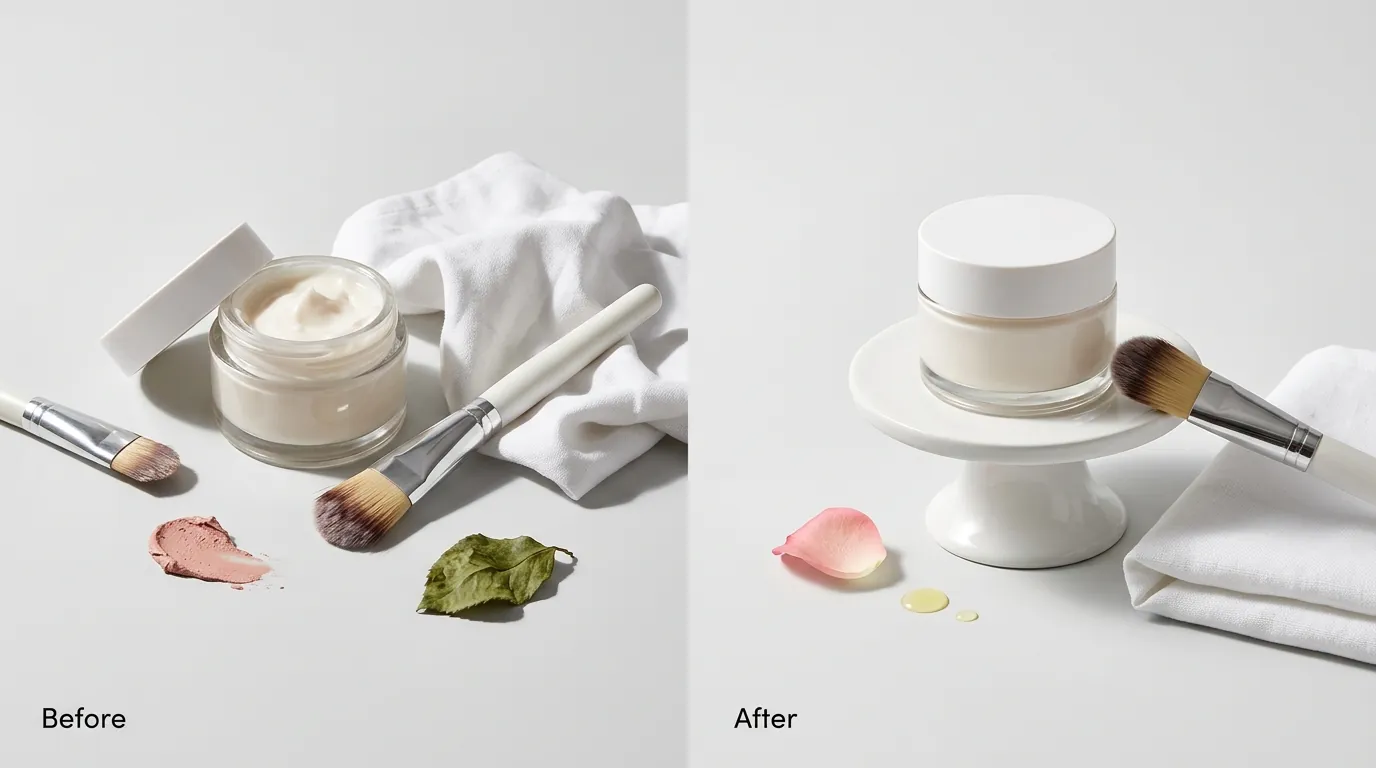
- Don’t fake results: AI must not be used to demonstrate the efficacy of a product. You cannot use AI to show a “before and after” of a cleaning spray or a skincare serum.
- Don’t fake stories to push sales: Using AI to create “customer testimonials” or “news reports” about your product is strictly prohibited.
TikTok Ads Manager Requirements
When running Spark Ads or standard Video Ads, the labeling requirements become even more stringent. Within the TikTok Ads Manager, you must select the “AI Disclosure” checkbox during the ad creation process.
Furthermore, your landing pages (whether on Shopify, BigCommerce, or TikTok’s native checkout) must maintain consistency with your ad’s disclosures. If your ad uses a disclosed AI avatar, but your landing page claims that person is the “Founder and CEO,” you risk a permanent account suspension for deceptive trade practices. As of May 2026, TikTok’s ad-level AI disclosure requirements apply to all regions, including the US, UK, and SEA markets.
Product Fidelity
Maintain a 1:1 ratio between your digital assets and the physical inventory in your warehouse. TikTok’s Image Specifications recommend a resolution of 1200×1200 px for product images, but if those pixels are “hallucinated” by an AI upscaler or generative fill tool, the image may be rejected.
AI must not alter:
- Dimensions: Changing the aspect ratio of a product to make it look taller or wider.
- Color Accuracy: Using AI filters that change the hex code of the product color.
- Texture: Smoothing out fabric textures or removing visible seams that exist on the real item.
Common Rejection Reasons
💡 Skip the manual editing. PixelMatch batch-generates ecommerce-ready product images in 60 seconds — white background, lifestyle scenes, and variant mockups from a single source photo. Try PixelMatch free →
Audit your current listings for these four “red flag” triggers that TikTok’s automated moderation bots are trained to flag. Most rejections in 2026 aren’t due to the use of AI itself, but rather the undisclosed use of AI that creates a mismatch between the buyer’s expectation and the physical reality.
Misleading Claims & Fake Results
Avoid using AI to visualize the “benefit” of your product if that benefit is a physical transformation. TikTok’s Medical and Health Policy is particularly aggressive toward AI content. If you use AI to show wrinkles disappearing or teeth whitening in seconds, your content will be removed, and you will likely receive a Level 3 penalty.
Even if the AI generation is labeled, the claim itself is considered fraudulent because the result was not achieved by the product, but by a diffusion model. This extends to “Fake AI Experts.” Using a realistic AI-generated doctor or scientist to endorse a supplement is a prohibited practice that leads to immediate shop closure.
Inconsistent Product Promotion
Compare your AI-generated lifestyle photos against your “flat lay” or “white background” photos. If the AI background generator accidentally warps the handle of a mug or adds an extra button to a shirt, the listing is flagged for “Inconsistent Product Promotion.”
Many general-purpose AI tools like Canva or Adobe Express use “Generative Fill” which treats the product and the background as a single canvas. This often leads to “pixel bleeding,” where the AI modifies the edges of your product to blend it into the new background. On TikTok Shop, this is a violation because you are no longer showing the actual product.
Undisclosed Backgrounds
Failing to label AI-generated backgrounds is the most common reason for Level 1 Warnings. Even if the product itself is 100% real, if the environment (the beach, the mountains, the luxury living room) is AI-generated, TikTok requires a disclosure.
Sellers often assume that “background replacement” is a minor edit. However, TikTok’s 2026 policy classifies any “realistic scene generation” as AIGC. If a buyer thinks you shot the product in a professional studio but you actually used a generative model, the lack of a label is considered a breach of trust.
How to Fix Each Issue

Switch your workflow from “generative” to “preservative” to avoid the most common TikTok Shop penalties. The goal is to use AI to enhance the context of your product without ever touching the pixels of the product itself.
Fixing Undisclosed Content Warnings
If you receive a Level 1 warning for undisclosed AIGC, do not delete the video immediately, as this can negatively impact your shop’s “Content Health” score. Instead, follow these steps:
- Edit the Video Metadata: Go to your TikTok Shop Seller Center, find the “Manage Products” or “Manage Content” tab, and update the video description to include the
#aigeneratedhashtag. - Add On-Screen Text: If the video is still active, use the TikTok editor to overlay a clear “AI-Generated Background” text box that lasts for the duration of the clip.
- Update the Toggle: For future posts, ensure the “AI-generated content” toggle is switched ON in the “More options” menu before you hit publish.
Generating Compliant Images with PixelMatch
To scale your ecommerce workflows without triggering “Inconsistent Product Promotion” flags, you need a tool that treats your product as an immutable object. While Photoroom’s Pro tier at $12.99/mo and Adobe Express at $9.99/mo offer powerful background removal, they often struggle with complex product edges, leading to the “warping” that TikTok’s bots reject.
PixelMatch is better suited for multi-platform ecommerce sellers because it uses a “Product-Lock” mechanism. When you batch generate AI product images, PixelMatch:
- Isolates the Product: It creates a high-fidelity mask that locks the original product pixels.
- Generates Only the Context: The AI only fills the area outside the mask, ensuring that the product’s shape, color, and texture remain 100% identical to your original photo.
- Maintains Spec Compliance: It automatically exports images in the 1200×1200 px format required by TikTok, with file sizes kept under the 5MB limit.
By using PixelMatch, you ensure that even if you forget to toggle the “AI-generated” switch, you cannot be accused of “Product Misrepresentation” because the product itself has not been altered.
Review Ad Landing Pages
Ensure your external sales funnels are compliant with TikTok’s “Consistency Rule.” If you are using Stripe for payments, remember that their standard fee of 2.9% + 30¢ per successful card charge remains the benchmark for 2026, though you should verify your specific merchant category rates.
If your TikTok ad includes an AI label, your landing page should also feature a small disclosure if the hero images are AI-generated. This prevents “Click-to-Conversion” friction where a user feels the product in the ad looks different from the product on the checkout page.
Checklist for 2026 TikTok Shop Compliance
- Check the Toggle: Is the “AI-generated content” switch ON for all lifestyle renders?
- Verify Edges: Zoom in 200% on your AI-generated photos. Are the product edges sharp, or do they “melt” into the background?
- Audit Claims: Does the AI-generated visual imply a result (e.g., cleaner, whiter, faster) that isn’t backed by clinical data or real-world footage?
- Tag Existing Content: Have you added
#aigeneratedto your top 10 best-performing videos to prevent retroactive Level 1 warnings?
Official Source Links
- TikTok Shop Seller Center: AI-Generated Content Policy
- TikTok Newsroom: Our Approach to Labeling AI-Generated Content
- TikTok Ads Manager: AI Disclosure Requirements
- TikTok Shop Seller Center: Product Image Specifications
- Stripe Official Pricing Page
- Photoroom Official Pricing
Ready to scale your listings?
PixelMatch generates white-background, lifestyle, and variant mockups from a single source photo — built specifically for multi-platform ecommerce sellers. 50 free images on signup, no credit card.
Start free →