TikTok Shop AI Generated Content Label Requirements (2026)
Failing to label a synthetic background on TikTok Shop can trigger an immediate listing takedown or a permanent account strike. You must disclose AI-generated media to maintain store health and prevent your products from being shadow-banned in the “For You” feed.
TikTok Shop requires sellers to label fully or significantly AI-altered media using the platform’s “AI-generated content” toggle or a visible watermark. Failing to disclose AI use, or using AI to misrepresent product features, can result in listing removals and permanent account bans.
Quick Reference Table
Related: Etsy AI Image Crackdown: Shop Closure Risks & 2026 Policy Guide · TikTok Shop Account Health Rating Transition Guide · Etsy AI Generated Listing Disclosure Policy 2026: Seller Guide
Audit your current media library against this compliance checklist to identify which assets require immediate disclosure. TikTok Shop distinguishes between “AI-assisted editing” (which usually doesn’t require a label) and “AI-generated content” (which always does).
| Content Type | Label Required? | Policy Status | Action Required |
|---|---|---|---|
| AI-Generated Lifestyle Backgrounds | Yes | Required | Enable “AI-generated content” toggle. |
| Synthetic Human Models/Faces | Yes | Required | Use disclosure toggle + clear watermark. |
| AI Voiceovers (Cloned or Synthetic) | Yes | Required | Disclose via caption or platform toggle. |
| Basic Retouching (Brightness/Contrast) | No | Allowed | No disclosure needed. |
| Altering Product Color/Dimensions | NO | Prohibited | Do not use; leads to “Not as Described” bans. |
| Faking “Before/After” Results | NO | Prohibited | Do not use; results in immediate rejection. |
TikTok Shop enforces a strict violation points system. Accumulating 48 points results in a permanent ban of your seller account. Improperly labeled AI content typically incurs 2–6 points per violation, depending on whether the content is deemed “misleading” or simply “undisclosed.”
Detailed Requirements
Activate the AI-generated content toggle in the “More options” menu during the upload flow for every asset that features synthetic elements. TikTok’s policy applies to both organic “Shoppable Videos” and static product images uploaded to the Seller Center.
The 3 Golden Rules of AIGC
TikTok Shop operates under three core principles for AI-generated content (AIGC) that every multi-platform seller must memorize:
- Do Not Misrepresent the Product: You cannot use AI to make a product look different than it does in reality. This includes changing the material texture, adding features the product doesn’t have, or altering the size.
- Do Not Fake Results: Especially in the health, beauty, and home cleaning categories, you cannot use AI to generate “cleaner” surfaces or “clearer” skin that the product did not actually achieve.
- Do Not Fake Stories: Using AI to create a “sob story” or a fake testimonial from a non-existent person to drive sales is a violation of the “Deceptive Acts” policy.
Organic vs. Paid Ad Disclosures
The disclosure workflow differs depending on whether you are posting an organic video or running a paid campaign. For organic content, you must manually toggle the “AI-generated content” switch in the video settings before hitting “Post.”
For paid promotions, you must navigate to the TikTok Ads Manager. At the ad-creation level, look for the “AI Disclosure” tag. Checking this box ensures your ad is not rejected during the automated review process. If you use a tool like Canva Pro ($119.99/year) to generate an ad background, the disclosure requirement remains the same as if you used a dedicated AI image generator.
Platform-Initiated Automatic Labeling
TikTok has integrated the C2PA (Coalition for Content Provenance and Authenticity) standard into its upload pipeline. This means if you upload a file generated by Adobe Firefly or other tools that embed technical metadata, TikTok may automatically apply an unremovable “AI-generated” label to your content.
Do not attempt to strip this metadata to hide AI use. TikTok’s algorithm is trained to detect synthetic patterns; if the system detects AI but finds the metadata has been intentionally removed, it may flag the account for “Circumenting Technical Measures,” a high-severity violation.
Common Rejection Reasons
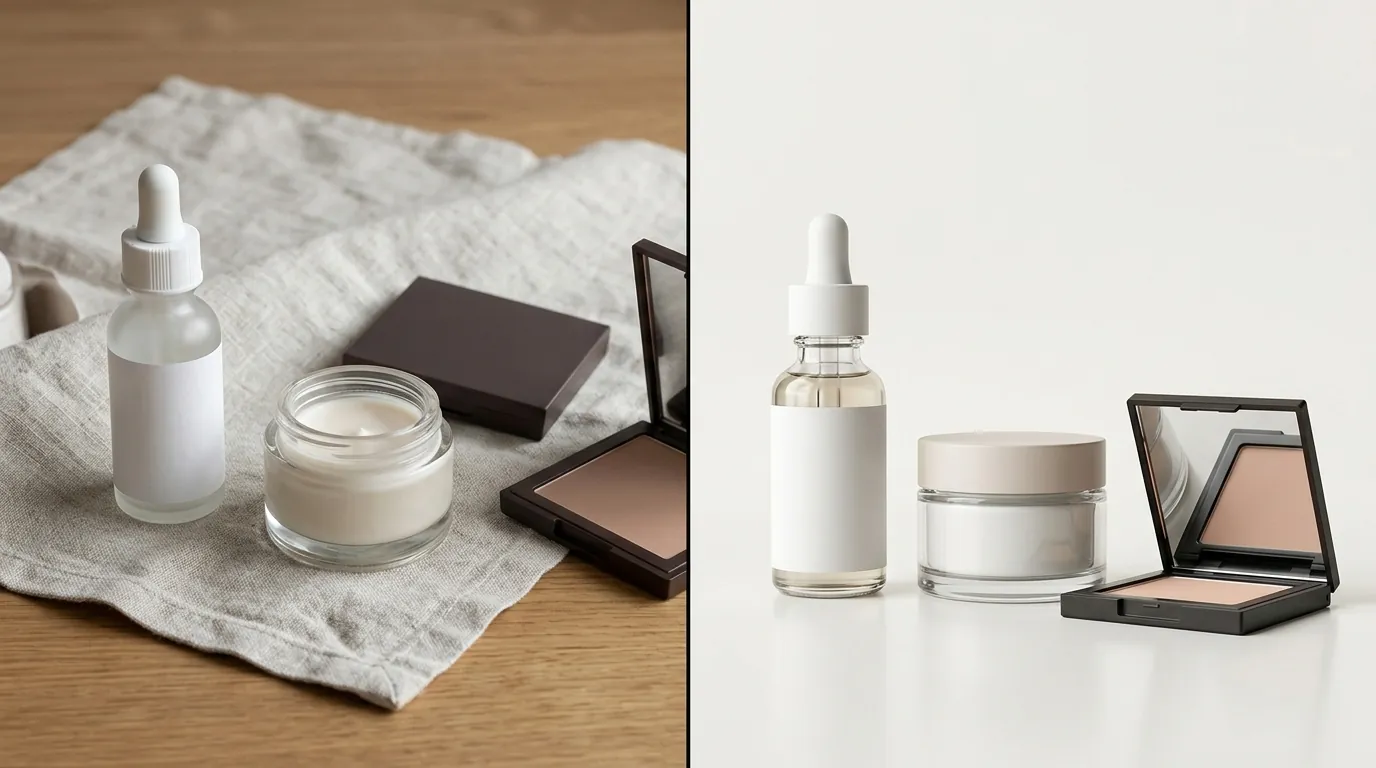
💡 Skip the manual editing. PixelMatch batch-generates ecommerce-ready product images in 60 seconds — white background, lifestyle scenes, and variant mockups from a single source photo. Try PixelMatch free →
Verify that your AI-generated lifestyle images do not alter the physical dimensions or colors of your product. TikTok’s automated moderation system compares your uploaded images against your product’s “Primary Image” to ensure consistency.
Inconsistent Product Promotion
This is the most frequent cause of listing rejections for sellers using AI. If your primary product photo shows a matte blue water bottle, but your AI-generated lifestyle image shows a shiny teal bottle because the AI prompt “hallucinated” a different texture, your listing will be flagged for Inconsistent Product Promotion.
To avoid this, ensure your AI tool uses “Image-to-Image” or “Product Preservation” technology. Tools like Photoroom Pro ($12.99/month) allow for background removal, but you must ensure the AI does not “re-imagine” the product’s edges or lighting in a way that changes its physical appearance.
Misleading Health and Beauty Claims
TikTok Shop is hyper-vigilant about the Health, Beauty, and Personal Care categories. Using AI to smooth skin, thicken hair, or whiten teeth in a “result” shot is strictly prohibited. Even if you use the AI label, faking results is a violation.
If you sell a vitamin supplement, for example, you can use AI to generate a kitchen background for the bottle. However, you cannot use an AI-generated model to show “weight loss” or “muscle gain” attributed to the product. These listings are usually taken down within 24 hours, often followed by a temporary shop suspension.
Failure to Disclose Synthetic Media
Many sellers believe that if an image looks “real enough,” they don’t need the label. This is a mistake. TikTok’s policy requires disclosure for any media that is “significantly created or altered” by AI. If you use a synthetic voiceover for your product demo, even if the video of the product is real, you must disclose the AI voice.
Failure to disclose often leads to “Shadow Suppression,” where your videos are technically live but receive zero impressions because they are excluded from the “For You” feed recommendation engine.
How to Fix Each Issue
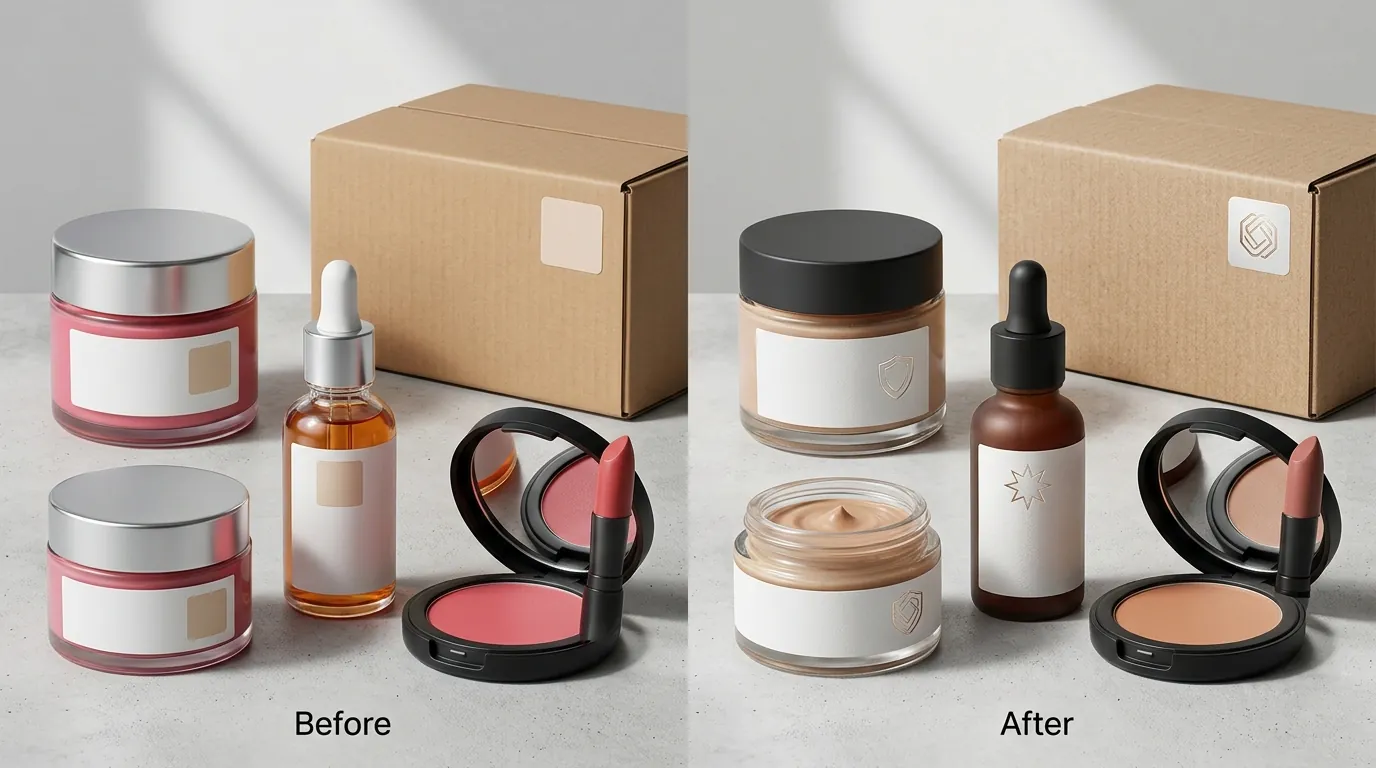
Update your existing listings by re-uploading media with the correct disclosure labels or replacing non-compliant images with authentic ones. If you have already received a violation, your first step should be a “Clean Sweep” of your active listings.
Auditing and Updating Labels
Check your TikTok Seller Center “Account Health” page daily. If you see “Content Violations,” click into the specific listing to see which image or video was flagged.
- For Videos: If a video is flagged for missing disclosure, you cannot “edit” the label onto a live video. You must delete the video, re-upload it, and ensure the “AI-generated content” toggle is switched on.
- For Images: Replace any AI-generated images that alter product features with high-quality, unedited photos. TikTok Shop requires images to be at least 600 x 600 pixels with a 1:1 aspect ratio, though 1200 x 1200 px is recommended for clarity.
Generating Compliant Backgrounds with PixelMatch
PixelMatch is designed specifically for multi-platform ecommerce sellers who need to scale lifestyle imagery without triggering TikTok’s “Inconsistent Product” flags. Unlike general-purpose AI tools that might “hallucinate” or alter the product itself, PixelMatch uses a “Product-First” architecture.
When you upload a product photo to PixelMatch, the software locks the original pixels of your product. It only generates the environment around the product. This ensures that the color, size, and material remain 100% authentic to the physical item. You still need to use the TikTok AI disclosure toggle, but you eliminate the risk of being banned for “Misleading Content” or “Product Inconsistency.”
How to Submit a Violation Appeal
If your listing is flagged but you believe the content is compliant (e.g., the system misidentified a real person as an AI avatar), you can submit an appeal.
- Navigate to Seller Center > Shop Health > Violation Record.
- Select the violation and click “Appeal.”
- Upload “Behind-the-Scenes” evidence. For AI disputes, this could include the original unedited photo of the product or a screen recording of your editing process.
- Submit the appeal within 30 days of the violation date.
Appeals typically take 2–5 business days to process. If successful, the violation points are removed from your account, and the listing is restored.
Frequently Asked Questions
Do I need to label basic background removal as AI?
No. If you simply remove a cluttered background and replace it with a solid white or neutral color, this is considered “AI-assisted editing” rather than “AI-generated content.” However, if you use AI to generate a complex, photorealistic lifestyle scene (like a mountain range or a luxury kitchen), you must use the disclosure label.
Can I use AI to create customer testimonials?
No. TikTok Shop’s AIGC policy strictly prohibits using AI to fake human stories or testimonials. Using a synthetic avatar to claim they used and loved your product is considered a deceptive practice and can lead to a permanent account ban without the possibility of appeal.
What happens if I forget to toggle the AI label on a TikTok Ad?
If you submit an ad containing AI-generated content without the “AI Disclosure” tag, the ad will likely be rejected during the initial review phase. Repeatedly submitting undisclosed AI ads can lead to your TikTok Ads Manager account being flagged or suspended, which can also impact your linked TikTok Shop’s “Trust Score.”
Does the AI label hurt my conversion rates?
While some sellers fear the label reduces trust, TikTok’s data suggests that transparency prevents “Item Not as Described” returns. By clearly labeling synthetic backgrounds, you set accurate expectations for the buyer, which reduces the likelihood of negative reviews and return requests that can damage your shop’s long-term rating.
Official Source Links

- TikTok Shop Seller Center: AI-Generated Content Policy
- TikTok Support: About AI-generated content labels
- TikTok Ads Manager: AI-generated content labeling guide
- TikTok Shop: Product Listing Guidelines & Specs
- TikTok Shop: Violation Points System & Enforcement
Ready to scale your listings?
PixelMatch generates white-background, lifestyle, and variant mockups from a single source photo — built specifically for multi-platform ecommerce sellers. 50 free images on signup, no credit card.
Start free →