TikTok Shop AI Generated Label Shadowban Fix (2026)
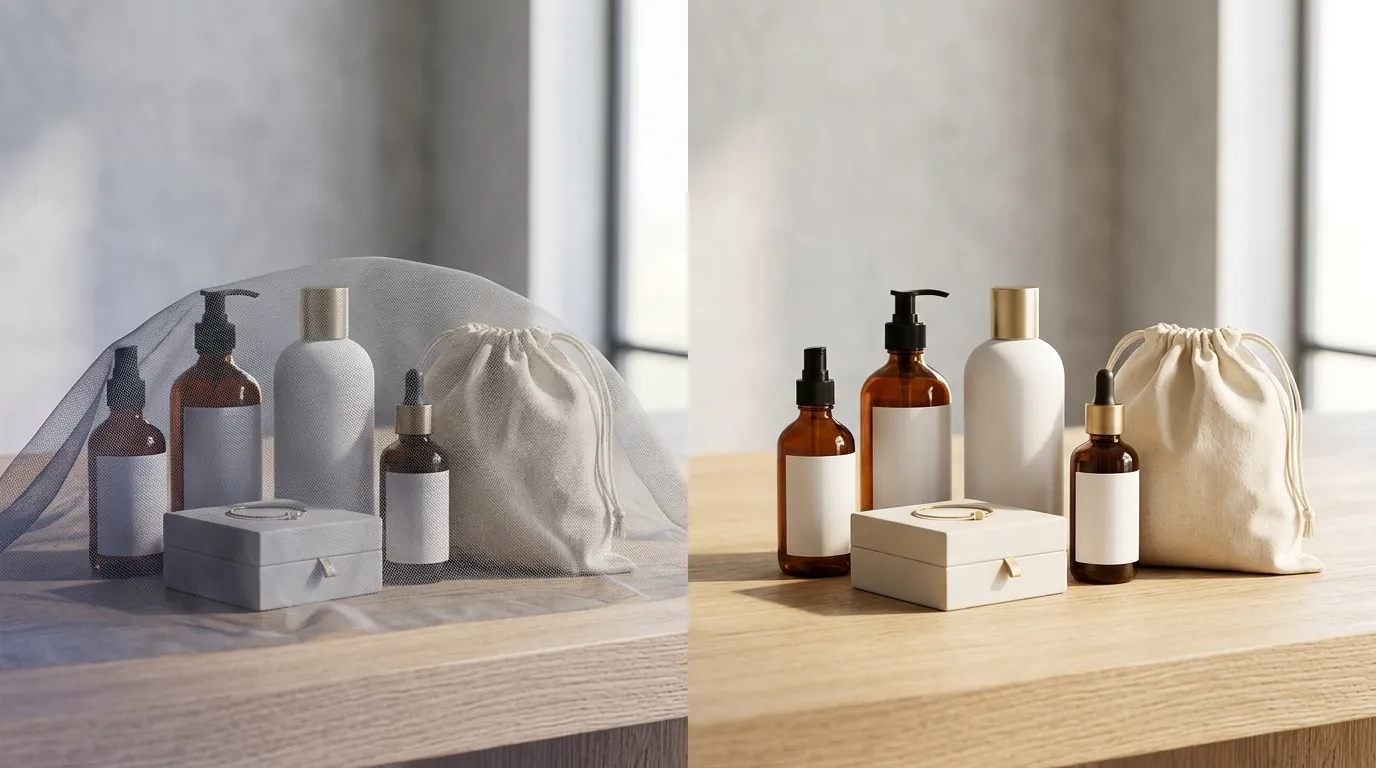
Waking up to a dashboard showing zero impressions on your latest TikTok Shop listings is the first sign that your AI-generated product images have triggered a platform-wide suppression. TikTok’s automated classifiers are now aggressive in flagging synthetic media, and failing to disclose AI use can result in a “shadowban” that kills your organic reach before your first sale.
Quick Reference Table: TikTok Shop AI Compliance (2026)
Related: Etsy AI Generated Art Transparency Requirements 2026 · TikTok Shop Invalid Tax ID Payout Error: How to Fix It · TikTok Shop Deals for You Days Content Violations Guide
TikTok Shop has updated its enforcement protocols to prioritize transparency. Use the table below to audit your current listings against the 2026 standards for AI-generated product media.
| Metric / Policy | Requirement | Source |
|---|---|---|
| Minimum Resolution | 800×800 px (1:1 Aspect Ratio) | LighterImage Specs |
| Maximum File Size | 5 MB | LighterImage Specs |
| Supported Formats | JPG, PNG | LighterImage Specs |
| AI Disclosure | Mandatory “AI-generated content” toggle | TikTok Seller Academy |
| Shadowban Penalty | 0-200 views & listing suppression | Rewarx Policy Guide |
| Strike Policy | 3 strikes in 90 days = Permanent Closure | Rewarx Policy Guide |
| Recovery Window | 7–14 days after correction | Rewarx Policy Guide |
Actionable Step: Open your TikTok Seller Center “Manage Products” tab today. Filter for “Needs Optimization” and check if any listings have been flagged for “Inaccurate Media” or “Missing Disclosure.”
Detailed Requirements for AI Product Images
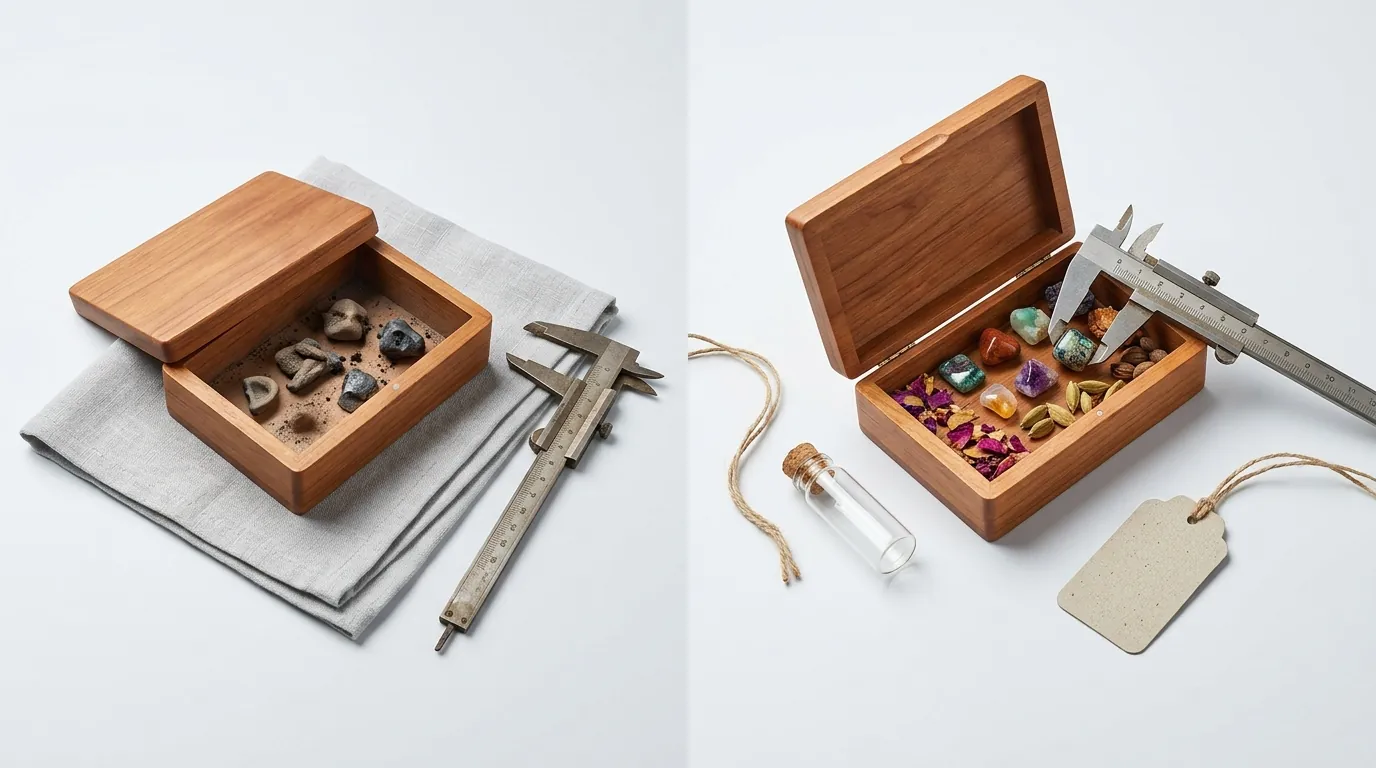
TikTok Shop’s 2026 policy distinguishes between “AI-enhanced” and “AI-generated” content. While basic retouching is acceptable, any image that uses AI to create a synthetic environment or significantly alter the product’s appearance must be labeled. The platform uses C2PA metadata and visual classifiers to detect these images automatically.
The Disclosure Toggle
Sellers are required to enable the “AI-generated content” toggle during the product upload process. This toggle applies a small, translucent “AI-generated” watermark to the bottom corner of the image when viewed by customers. If you use tools like Pebblely or Photoroom to swap backgrounds, this disclosure is not optional.
Accuracy and Category Restrictions
AI cannot be used to alter the fundamental physical properties of a product. For example, using AI to change the color of a garment rather than photographing the actual fabric is a violation. Specific high-risk categories face even stricter scrutiny:
- Beauty & Personal Care: AI cannot be used to simulate product effects, such as “erasing” wrinkles or acne.
- Supplements: Visuals cannot imply unrealistic health outcomes through AI-generated “before and after” comparisons.
- Electronics: Dimensions and port configurations must be 100% accurate to the physical unit.
Main Image Standards
Your primary (hero) image must still adhere to the pure white background requirement. While AI can help you achieve this “Amazon-style” look, the product itself must remain untouched. TikTok’s algorithm prioritizes listings where the product occupies at least 80% of the frame.
Actionable Step: Audit your “Main Image” slot for every listing. If your hero image has an AI-generated lifestyle background (like a kitchen or a park), move it to the secondary image slots and replace the hero image with a clean, white-background shot.
Common Rejection Reasons
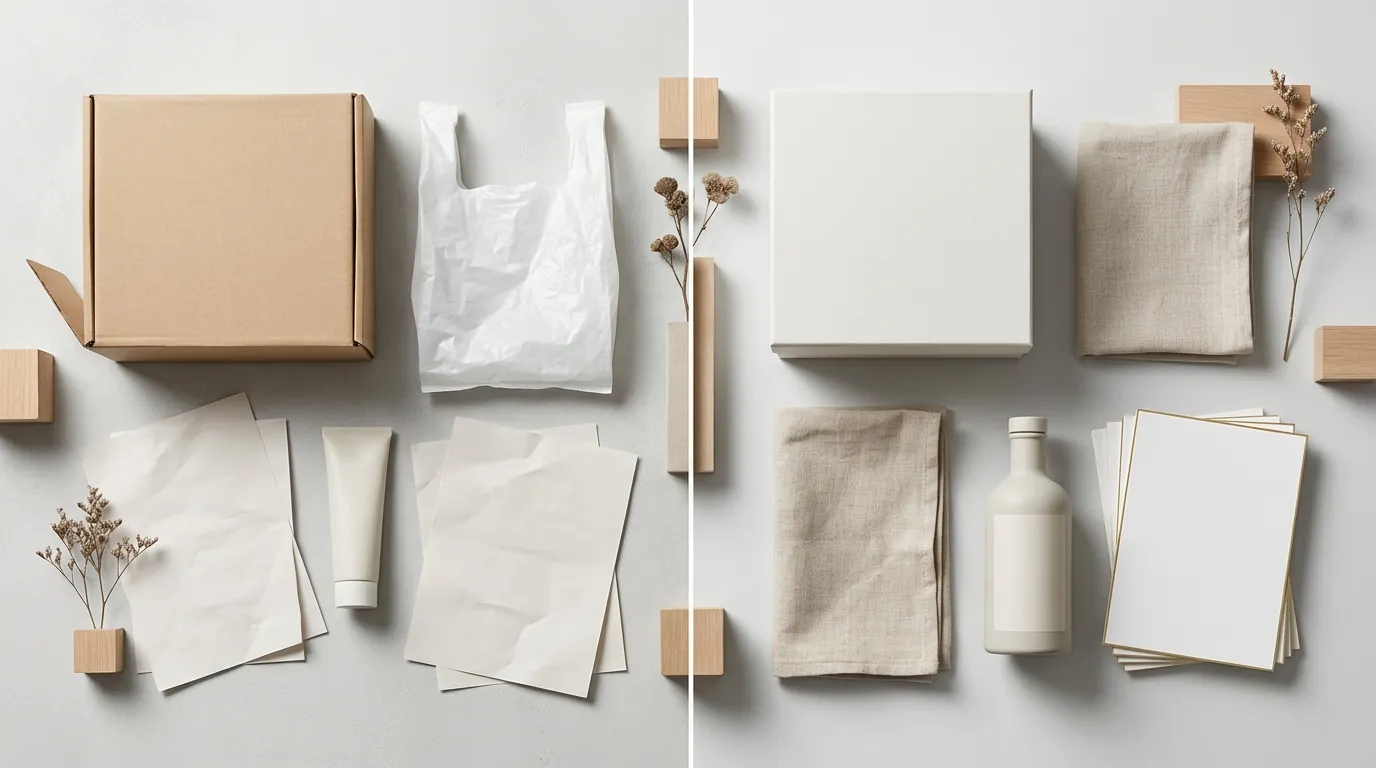
💡 Skip the manual editing. PixelMatch batch-generates ecommerce-ready product images in 60 seconds — white background, lifestyle scenes, and variant mockups from a single source photo. Try PixelMatch free →
Understanding why the TikTok algorithm flags your images is the first step to lifting a shadowban. Most rejections stem from technical metadata or obvious visual inconsistencies that signal “low-quality synthetic media” to the platform.
1. Non-Disclosure of Synthetic Media
The most frequent cause of a shadowban is failing to use the required labeling. TikTok’s AI detection is sophisticated enough to identify the specific noise patterns and “smoothness” characteristic of Generative Adversarial Networks (GANs) and Diffusion models. If the system detects AI and you haven’t toggled the disclosure, your listing is often suppressed immediately.
2. Visual Artifacts and “Uncanny Valley” Geometry
TikTok’s 2026 classifiers look for “visual hallucinations.” Common triggers include:
- Inconsistent Lighting: Shadows falling in two different directions because the AI-generated background doesn’t match the original product’s lighting.
- Floating Products: Products that don’t have a realistic “contact shadow” where they meet the surface.
- Geometry Errors: Blurry edges where the product meets the background, often caused by poor-quality background removal tools.
3. Technical Format Violations
While many modern AI tools export in WebP for web speed, TikTok Shop strictly requires JPG or PNG formats. Uploading a WebP file can lead to a “Processing Error,” while files exceeding the 5 MB limit will fail to render correctly in the TikTok app’s internal browser, leading to a bounce rate that the algorithm interprets as a “bad listing.”
4. Misleading Alterations
Using AI to exaggerate a product’s size or performance is a fast track to a permanent ban. If a customer receives a product that looks significantly different from the AI-rendered version, and they file a “Product Not as Described” (PNAD) report, TikTok Shop’s three-strike policy begins. Accumulating three strikes within 90 days results in the permanent closure of your seller account.
Actionable Step: Check your file extensions. If you are using “Save for Web” settings in Photoshop or an AI tool, ensure the output is a standard PNG or JPG at exactly 800×800 px or higher.
How to Fix Each Issue
If you are currently experiencing a shadowban (0-200 views on new videos or listings), you must take corrective action across your entire catalog. TikTok rarely lifts a suppression for a single corrected listing if the rest of the shop remains non-compliant.
Fixing the Shadowban (The 14-Day Reset)
To clear a shadowban, you must demonstrate “good faith” compliance.
- Delete or Edit: Go to “Manage Products” and identify listings with low engagement.
- Update Disclosure: Toggle the “AI-generated content” switch to “On.”
- Resubmit: Save the changes. According to Rewarx, it typically takes 7 to 14 days for the system to re-crawl your shop and restore your trust score. During this period, avoid uploading any new high-risk AI content.
Correcting Image Specs for Batch Listings
Manual editing is impossible for sellers with hundreds of SKUs. To fix image specs at scale:
- Resize: Ensure all images are exactly 1:1. A common mistake is 4:5 or 16:9, which causes TikTok to crop the image, often removing the product’s edges.
- Compress: Use a tool to bring your high-res PNGs under the 5 MB cap without losing clarity.
Using PixelMatch for Compliance
PixelMatch is designed specifically for the multi-platform seller who needs to meet TikTok’s strict 1:1 requirements without triggering “misleading content” flags. Unlike generic AI art generators, PixelMatch focuses on “Product-Centric AI.”
- Pure White Backgrounds: PixelMatch can batch-process your raw photos into TikTok-compliant white background hero images, ensuring you meet the 800×800 px minimum every time.
- Batch Consistency: It maintains the exact dimensions and colors of your product, avoiding the “hallucinations” that lead to customer returns and platform strikes.
- Workflow Integration: You can batch-generate compliant product images that already fit the 1:1 aspect ratio, saving hours of manual cropping in Shopify or TikTok Seller Center.
Avoiding the Three-Strike Ban
To protect your shop long-term, audit your restricted category items. If you sell supplements or beauty products, remove any AI images that show skin texture changes or weight loss results. Stick to lifestyle photography where the AI only generates the environment (the room or background), not the person or the result.
Actionable Step: Set a calendar reminder for 90 days from your last “violation notice.” TikTok’s strike system operates on a rolling 90-day window. If you stay clean for 90 days, your “strike count” resets to zero.
Frequently Asked Questions
Can TikTok really tell if I used AI for my product photos?
Yes. TikTok uses a combination of C2PA metadata (invisible digital stamps left by tools like Adobe Firefly or DALL-E) and visual pattern recognition. Even if you strip the metadata, the platform’s algorithms can detect the specific pixel-level “fingerprints” of AI-generated textures.
Does the AI label hurt my conversion rate?
Current seller data suggests that transparency actually helps. Customers on TikTok value authenticity; an “AI-generated” label is often viewed more favorably than a listing that looks “fake” but tries to hide it. Furthermore, the label prevents the shadowban, which is the biggest threat to your conversion rate.
What happens if I get three strikes on TikTok Shop?
If you receive three strikes within a 90-day period for policy violations—including misleading AI images—TikTok will permanently close your shop. This includes a freeze on your remaining balance for up to 90 days and a ban on opening new shops using the same business credentials.
Is there a way to use AI without the label?
If the AI is used only for “minor edits” (like removing a speck of dust or slightly adjusting the brightness), a label is generally not required according to TikTok’s Academy. However, if you use AI to generate a background, a face, or a body, the label is mandatory.
Official Source Links
| Resource | Description |
|---|---|
| TikTok Seller Academy: AI Content | Official guide on how and when to use the AI disclosure toggle. |
| TikTok Shop Content Policy | The legal framework for what is allowed in product listings. |
| LighterImage: Image Optimization | Technical specifications for pixel dimensions and file types. |
| Rewarx: AI Rules & Penalties | Detailed breakdown of the shadowban and strike system for 2026. |
Ready to scale your listings?
PixelMatch generates white-background, lifestyle, and variant mockups from a single source photo — built specifically for multi-platform ecommerce sellers. 50 free images on signup, no credit card.
Start free →
Sources
- TikTok Seller Academy: AI-Generated Content Restrictions and Requirements
- TikTok Legal: TikTok Shop Global Content Policy
- LighterImage: TikTok Shop Image Size and Optimization Guide
- Rewarx: TikTok Shop AI Content Rules and Shadowban Fixes
- AuditSocials: TikTok Algorithm Updates 2026