TikTok Shop AI Image Label Policy (June 2026): Seller Guide
Scaling your TikTok Shop catalog with AI-generated images saves thousands in studio fees, but a single missing disclosure label can trigger a permanent shop ban under the latest enforcement guidelines. As TikTok tightens its “Synthetic Media” oversight in June 2026, multi-platform sellers must transition from “stealth AI” to “compliant AI” to protect their revenue streams.
TikTok Shop’s algorithm now actively scans product listings for photorealistic synthetic content, penalizing sellers who attempt to pass off AI-generated models or backgrounds as unedited photography. To maintain your standing, you must master the technical specs of the minimum dimensions image standard while navigating the mandatory “AI-generated content” toggle.
TikTok Shop requires sellers to use the “AI-generated content” toggle for synthetic images. Images must be the required minimum size in JPG/PNG format. AI cannot exaggerate product features.
Quick Reference Table

Related: TikTok Shop Product Image Error Code 40029 Fix (2026 Guide) · TikTok Symphony Agent for Ecommerce Ads: 2026 Policy Guide · Google Shopping AI Image Authenticity Policy: 2026 Guide
Audit your current listings against this 2026 TikTok Shop spec table to ensure every image in your gallery meets the platform’s baseline technical and policy requirements.
| Feature | Requirement | Source / Policy |
|---|---|---|
| Minimum Dimensions | the required minimum | TikTok Seller Center |
| Maximum Dimensions | Platform maximum | TikTok Recommended |
| Aspect Ratio | Strictly 1:1 (Square) | Mandatory |
| File Format | JPG, JPEG, or PNG | WebP/HEIC Rejected |
| File Size Limit | 5MB per image | Platform Limit |
| Image Quantity | 4 to 9 images per listing | Optimization Standard |
| AI Disclosure | Mandatory for photorealistic content | TikTok Synthetic Media Policy |
| Main Image Background | Pure white (RGB 255, 255, 255) | Listing Quality Rule |
Failing to meet even one of these technical benchmarks—such as uploading a 5.1MB file or a 4:3 aspect ratio image—results in an immediate “Listing Audit Failed” status. For multi-platform sellers moving inventory from Amazon (which allows up to 10MB files) to TikTok, this requires a dedicated compression and resizing workflow.
Detailed Requirements
Enable the mandatory disclosure toggle for every synthetic upload to avoid “Misleading Content” strikes that can halt your payouts. TikTok defines synthetic media as any image or video that has been significantly altered or created by AI to depict realistic scenes.
Disclosure Rules for Synthetic Media
When you upload images created with tools like Photoroom, Canva, or PixelMatch, you must check the “AI-generated content” box in the TikTok Seller Center. This action applies a digital label to the content, informing viewers that the image is not a traditional photograph. This is particularly critical for “lifestyle” images where AI generates a kitchen, gym, or outdoor background around your product.
TikTok’s transparency policy is designed to prevent “deepfake” style deception. For ecommerce, this means you cannot use AI to create a “customer” holding your product if that person does not exist, unless it is clearly labeled. If your AI tool provides a watermark—such as the ones often generated by Adobe Express’s generative AI—do not crop it out unless you are using the platform’s native toggle to provide the equivalent disclosure.
Category-Specific Restrictions
High-risk categories face a much higher level of AI scrutiny. If you sell in Beauty, Health, Supplements, or Electronics, your AI imagery must be purely decorative.
- Beauty & Personal Care: You cannot use AI to smooth skin, remove wrinkles, or thicken hair in a way that suggests the product achieved those results. AI can be used to generate a marble bathroom background, but the product’s effect on the human body must be unedited photography.
- Supplements: AI-generated “Before and After” photos are strictly prohibited. TikTok’s Listing Quality Guidelines mandate that results shown must be “typical and verifiable.”
- Electronics: AI cannot be used to add “special effects” like glowing light or digital overlays that aren’t physically produced by the device.
PixelMatch helps sellers navigate these restrictions by separating the product from the environment. You can batch-generate compliant product photos that keep your physical product 100% authentic while using AI to swap out backgrounds for the 2nd through 9th gallery slots. This ensures your main image remains a high-resolution, white-background shot that passes the initial bot audit, while your lifestyle shots provide the “vibe” needed to convert TikTok’s visual-first audience.
Common Rejection Reasons
💡 Skip the manual editing. PixelMatch batch-generates ecommerce-ready product images in 60 seconds — white background, lifestyle scenes, and variant mockups from a single source photo. Try PixelMatch free →
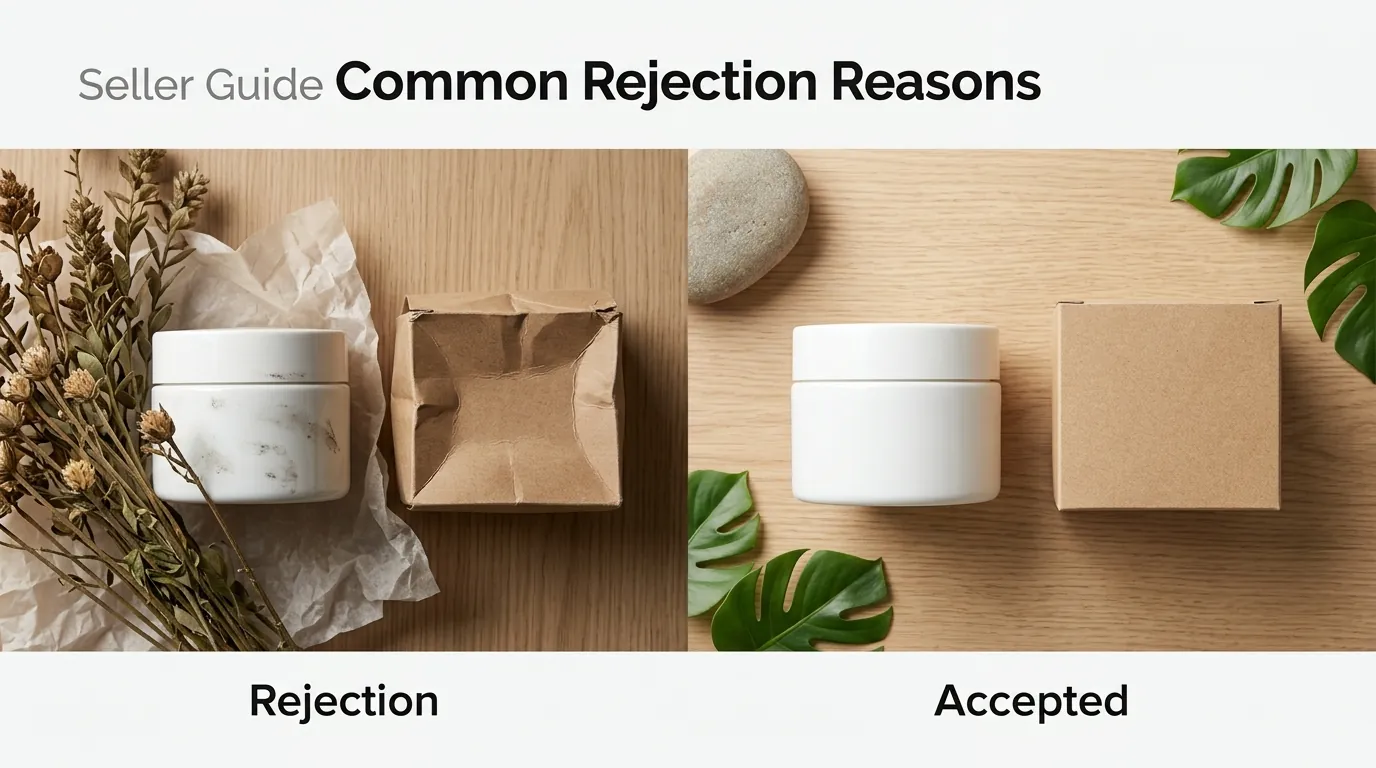
Check your violation record for “misleading content” flags in the Seller Center to see if your AI images are the source of your recent traffic drops. TikTok Shop uses an automated vision AI to “score” your images the moment they are uploaded. If the score falls below a certain threshold, your listing is suppressed.
Failure to Use the AI Disclosure Toggle
The most frequent cause of rejection in 2026 is the omission of the AI disclosure label on photorealistic mockups. If you use an AI tool to place a coffee mug on a wooden table and the lighting looks “too perfect,” TikTok’s detection algorithm will flag it. If the toggle wasn’t selected during upload, the system views this as an attempt to deceive the consumer.
Unsupported File Types and Sizes
Many AI generation tools export in WebP format to save space, but TikTok Shop remains rigid: it only accepts JPG, JPEG, and PNG. Furthermore, while Amazon allows larger files, TikTok’s 5MB limit means high-resolution AI exports must often be compressed. Uploading a 6MB PNG will result in a generic upload error that frustrates many sellers.
Aspect Ratio Violations
TikTok Shop is built for mobile-first viewing, which is why the 1:1 aspect ratio is mandatory. If you attempt to upload a rectangular 16:9 lifestyle image generated by a tool like Midjourney, the Seller Center will either reject the file or force a crop that might cut off your product.
The “Three Strikes” Escalation
TikTok operates on a violation point system. While “three strikes” is the common seller term, the reality is more granular. Minor image violations might net you 1-2 points. However, accumulating 48 points leads to permanent shop closure. Repeatedly failing to label AI images is considered a “Medium” or “High” severity violation because it falls under deceptive practices.
How to Fix Each Issue
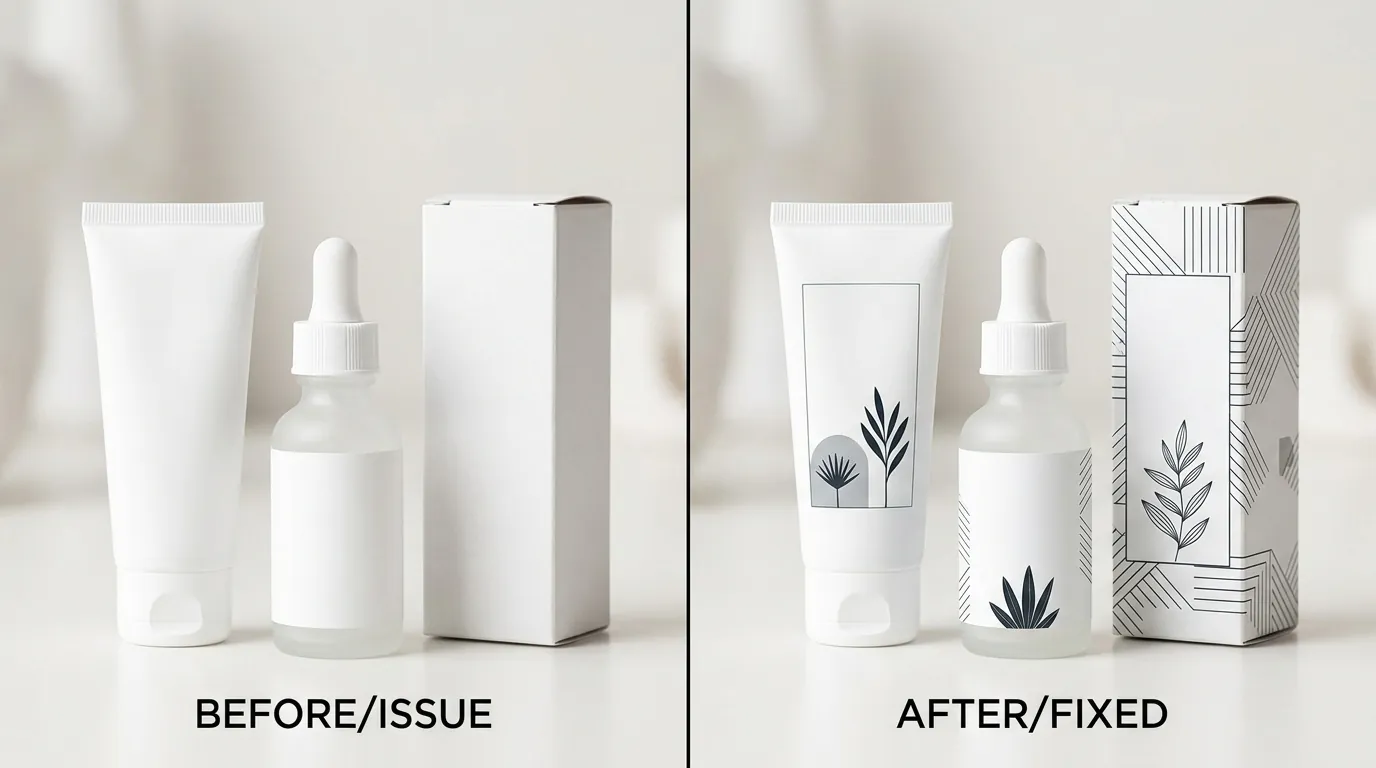
Run a batch conversion on your iPhone HEIC files or AI-generated WebP files to JPG/PNG before you begin the upload process. Consistency is the key to avoiding the “Listing Audit” queue.
Fixing Formatting Errors
If you are receiving “Invalid File Format” errors, you must convert your assets. Most sellers using Photoroom’s batch editor or PixelMatch can set the export format to PNG or JPG automatically. If you have legacy assets in HEIC (iPhone format), use a bulk converter to bring them to JPGs meeting the minimum requirements.
- Check Dimensions: Ensure every image is at least the required minimum dimensions. If it’s smaller, do not simply “upscale” it in a basic editor, as this creates blurriness that triggers a “Low Quality Image” flag.
- Compress Files: Use a tool to bring files under 5MB. A high-resolution PNG can easily exceed 8MB; converting it to a high-quality JPG usually solves the problem without losing visual fidelity.
- Correct Aspect Ratio: Use a 1:1 canvas. If your image is vertical, add white padding to the sides rather than stretching the image.
Correcting Disclosure Violations
If a listing has been suppressed for “Missing AI Disclosure,” you do not necessarily need to delete the listing and start over.
- Enter ‘Edit’ Mode: Go to your Manage Products tab in Seller Center.
- Locate Media Section: Scroll to the product images.
- Toggle the Switch: Look for the “AI-generated content” toggle. In some regions, this is located under the “Sales Information” or “Media” settings.
- Submit for Re-Review: Once toggled, the listing will go back into the audit queue. It typically takes 2–24 hours for the “Deceptive Content” flag to be cleared.
For sellers managing hundreds of SKUs, doing this manually is impossible. Use a batch-generation tool like PixelMatch to automatically crop, resize, and prepare your images with the correct metadata so that when you bulk-upload via CSV or API, the AI-status is correctly communicated to TikTok.
Frequently Asked Questions
Do I need to label images if I only used AI to remove the background?
No, TikTok generally does not require the “AI-generated content” label for basic editing tasks like background removal or color correction. The label is mandatory for “synthetic media” that creates realistic scenes, people, or objects that do not exist in reality. If your image is just your product on a pure white background, no label is needed.
What happens if I get caught using AI images without a label?
TikTok will typically issue a “Listing Violation.” This results in the listing being hidden from search and the “For You” feed. You will also receive violation points; reaching certain thresholds (like 12, 24, or 48 points) can lead to temporary listing bans, account freezes, or permanent shop closure as outlined in the TikTok Shop Violation Points policy.
Can I use AI to generate models wearing my clothes?
Yes, but you must enable the AI-generated content toggle. TikTok’s 2026 policy is very strict about “non-existent humans” in advertising. As long as you disclose that the model is AI-generated, you are compliant. However, ensure the clothing itself is an accurate representation of the physical product to avoid “Product Not as Described” returns.
Is there a limit to how many AI images I can have in one listing?
There is no specific limit on the number of AI images, but you must have at least one and up to nine images total. Most successful sellers use a real photo for the main image (on a white background) and AI-generated lifestyle images for the remaining slots to build trust while staying cost-effective.
Official Source Links
- TikTok Shop Seller Center: Product Image Specifications
- TikTok Newsroom: New Labels for AI-Generated Content
- TikTok Shop Academy: Enforcement and Violation Points Policy
- TikTok Community Guidelines: Synthetic and Manipulated Media
- Photoroom Pricing and Features
Ready to scale your listings?
PixelMatch generates white-background, lifestyle, and variant mockups from a single source photo — built specifically for multi-platform ecommerce sellers. 50 free images on signup, no credit card.
Start free →