TikTok Shop Creator Center Image Requirements 2026: Seller Guide
Upload a low-resolution product photo or a cluttered main image, and TikTok Shop’s automated moderation bots will shadowban your listing before it even hits the “For You” feed. In the high-velocity TikTok ecosystem, your images aren’t just placeholders; they are the primary data points used by the algorithm to determine your product’s visibility and conversion potential.
As of June 3, 2026, TikTok Shop requires product images to be at least 600 x 600 pixels, under 5MB, and in JPG or PNG format. Sellers must upload up to 9 square (1:1) images, with the main image on a solid white or neutral background to ensure maximum clarity in the Shop tab.
Quick Reference Table
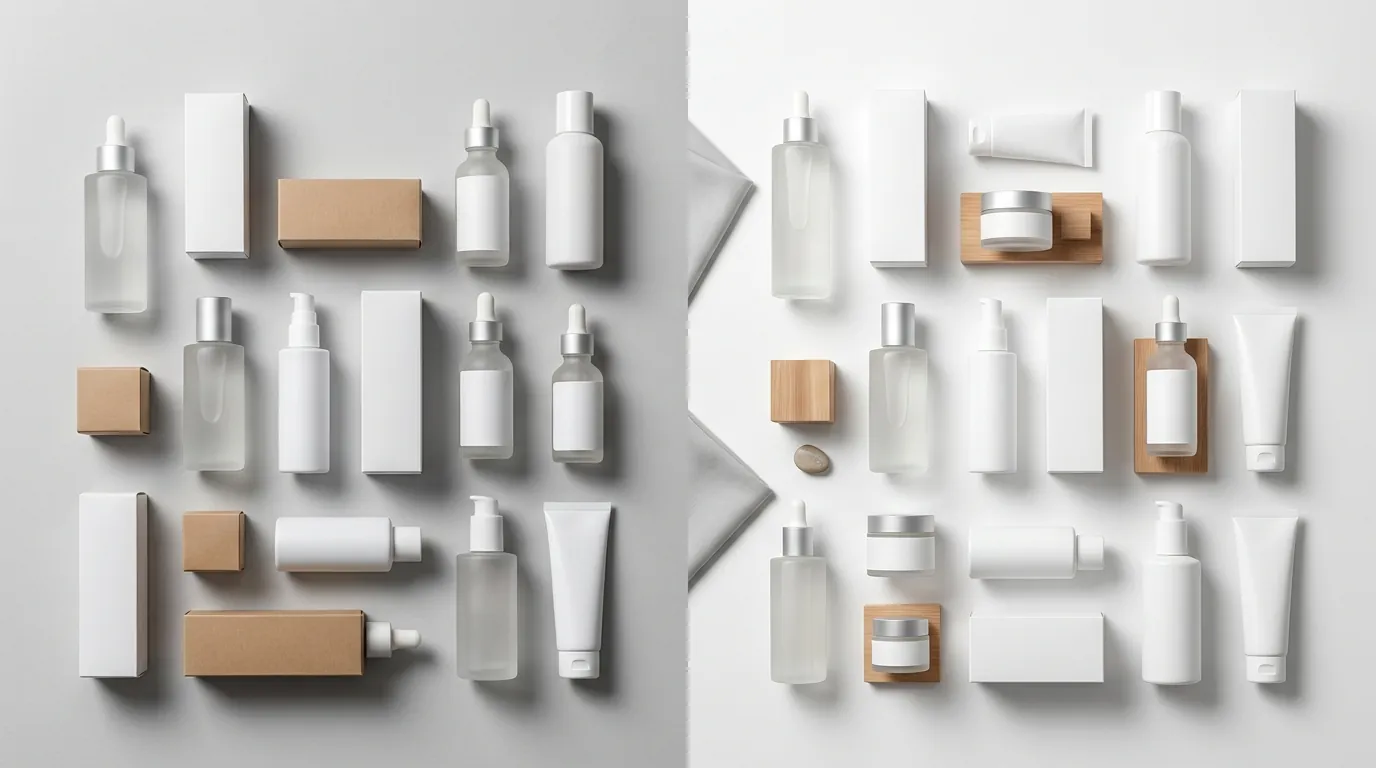
Audit your current creative assets against this technical checklist to prevent immediate upload errors in the TikTok Shop Creator Center.
| Requirement | Specification | Verification Source |
|---|---|---|
| Minimum Resolution | 600 x 600 pixels | Official TikTok Seller Help Center |
| Recommended Resolution | 800 x 800 pixels or higher | TikTok Catalog Best Practices |
| Aspect Ratio | 1:1 (Square) | TikTok Shop Listing Policy |
| File Formats | JPG, JPEG, PNG | Seller Center Upload Requirements |
| Maximum File Size | 5MB per image | Technical Upload Limit |
| Image Quantity | 1 to 9 images | Product Listing Guidelines |
| Main Image Background | Solid white or neutral | TikTok Shop Display Standards |
| AIGC Disclosure | Required for synthetic imagery | TikTok AI Content Policy |
To run a diagnostic on your current listings, download your TikTok Shop “Product Diagnostic” report from the Growth Center. This report flags specific SKUs that fall below the recommended 5-image threshold, which is the baseline TikTok uses to categorize a listing as “Good” or “High Quality.”
Detailed Requirements
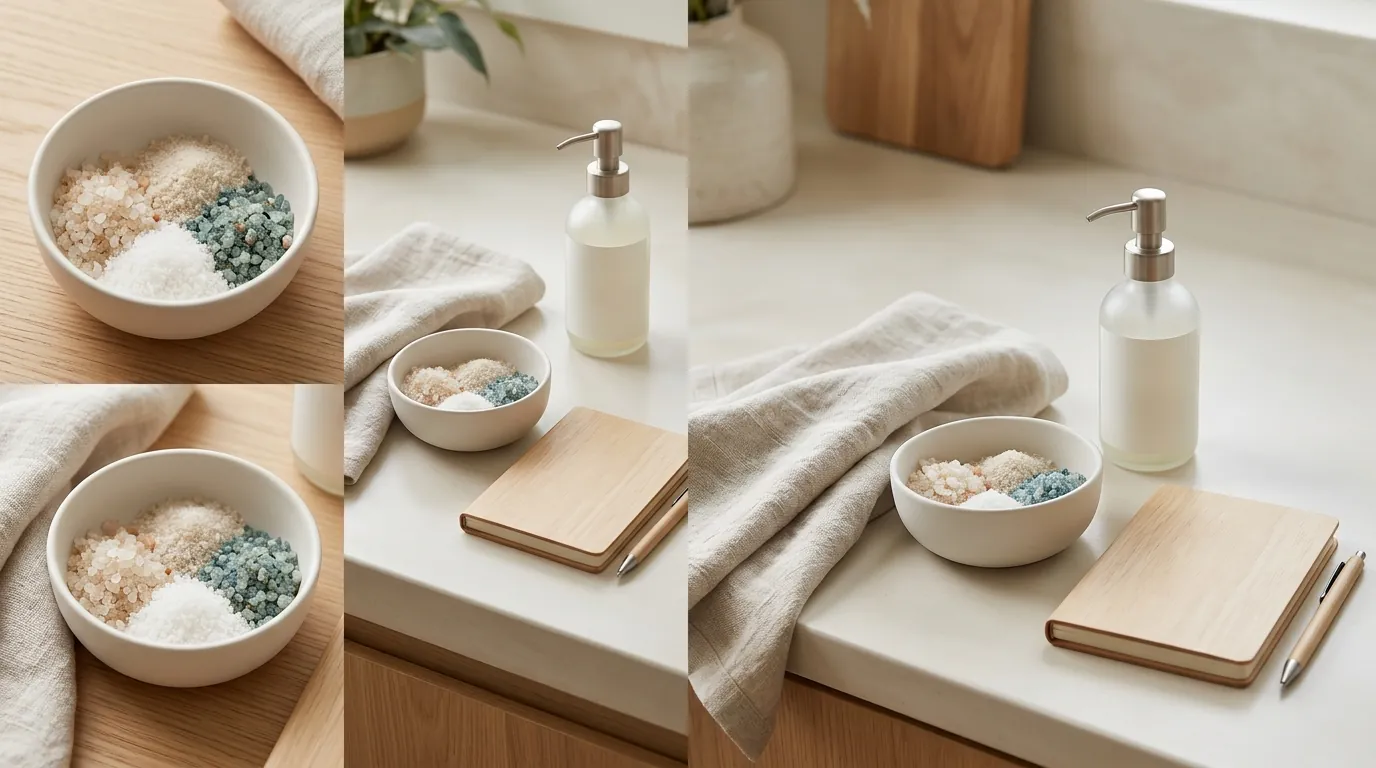
Mastering the technical specs is only the first step; you must align your creative strategy with TikTok’s specific aesthetic and policy constraints to maintain a healthy seller account.
Main Image Guidelines
The “Main Image” (the first slot in your gallery) serves as the thumbnail for your product in search results and the Shop tab. TikTok enforces a strict “clean” policy for this specific image. It must feature the product clearly on a solid white or neutral background.
Unlike Amazon, where some categories allow limited props, TikTok’s 2026 moderation is aggressive toward any visual noise. Do not include:
- Brand logos or watermarks.
- Promotional badges (e.g., “Free Shipping” or “Buy 1 Get 1”).
- Multiple angles of the same product in a collage format.
- The product inside its packaging (unless the packaging is the product itself).
The product should occupy between 60% and 80% of the frame. Any smaller, and it gets lost on mobile screens; any larger, and it risks being cropped out by the UI overlays in the TikTok Shop interface.
Lifestyle and Variant Images
While the main image is clinical, images 2 through 9 are where you build trust and demonstrate utility. TikTok’s algorithm favors listings that provide a comprehensive visual tour of the item.
- Scale and Dimension: Use at least one image to show the product in a hand or next to a common object (like a smartphone) to establish scale. This reduces “Not as Described” returns, which TikTok tracks heavily via its Seller Performance Score.
- Variant Specificity: If you are selling a multi-color pack or a specific size, the image must match the SKU selected. Showing a blue shirt when the customer has selected the “Red” variant is a direct violation of the Consistency Policy.
- Lifestyle Context: In 2026, “authentic” lifestyle imagery outperforms studio-perfect shots. Use high-quality environmental photos that show the product in its natural use case—for example, a kitchen appliance on a countertop rather than a floating render.
AI Content Disclosures
TikTok’s 2026 policy on AI-generated content (AIGC) is transparent but strict. If you use AI tools to generate the entire product image or to create a synthetic human model (AI Avatar) to showcase your product, you must use the AIGC disclosure toggle during the upload process.
Failure to disclose AI-generated imagery can lead to “Content Violation” strikes. PixelMatch simplifies this by generating photorealistic backgrounds and lighting for your real product photos, ensuring you stay within the “AI-enhanced” category rather than “AI-generated,” though we always recommend checking the disclosure box if the background is entirely synthetic to remain 100% compliant with TikTok’s evolving transparency standards.
Common Rejection Reasons
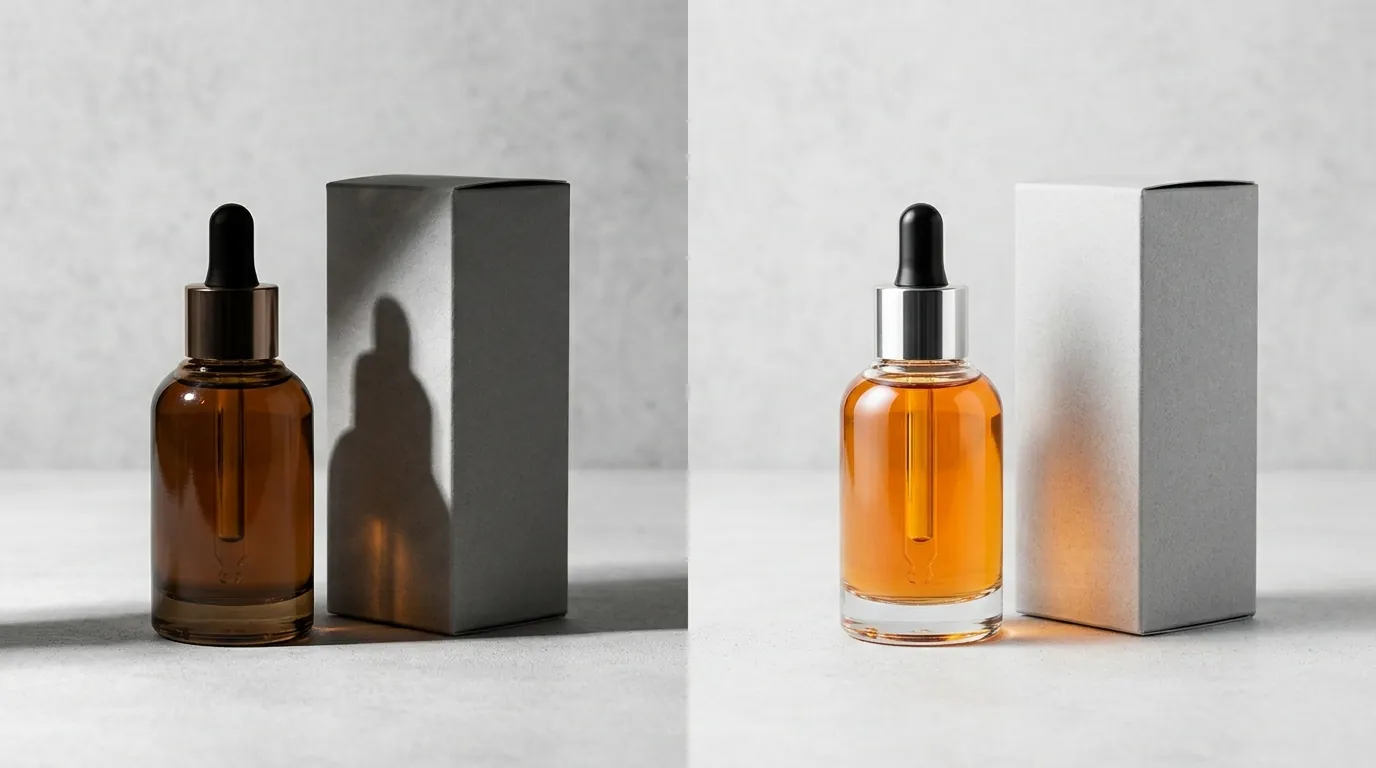
💡 Skip the manual editing. PixelMatch batch-generates ecommerce-ready product images in 60 seconds — white background, lifestyle scenes, and variant mockups from a single source photo. Try PixelMatch free →
If your listing status is stuck in “Suspended” or “Failed,” it is likely due to one of these four automated triggers.
Low Resolution and Compression Artifacts
Uploading images smaller than 600 x 600 pixels triggers an automatic rejection. However, even if your image is 600x600, heavy compression can cause “pixelation” that the TikTok AI identifies as low quality. If your file is under 100KB, it is likely too compressed. Aim for a file size between 500KB and 2MB for the best balance of load speed and clarity.
Cluttered Main Image and Borders
TikTok’s mobile UI already includes several overlays: the “Add to Cart” button, the price tag, and the shipping badge. If your main image includes its own borders or “collage” layouts, the resulting view is unreadable on a 6-inch screen. TikTok’s automated system scans for high-contrast edges; if it detects a border or a split-screen in the first image slot, the listing will be rejected for “Poor Image Quality.”
Promotional Overlays and Text
This is the most frequent cause of rejection for experienced Amazon sellers moving to TikTok. While Amazon allows some text in secondary images, TikTok Shop’s moderation bots scan all 9 image slots for text. Including phrases like “Limited Time Offer” or “2026 Model” directly on the image is a policy violation. Keep all promotional language in the product description and the “Discount” settings in the Seller Center.
File Size and Format Errors
Attempting to upload uncompressed files larger than the 5MB limit or using formats like WebP or HEIC (common on iPhones) will result in an upload failure. Always convert your HEIC mobile photos to PNG or JPG before attempting to upload to the Creator Center.
How to Fix Each Issue
Correcting your catalog doesn’t require a professional photography studio. You can resolve most TikTok Shop rejection issues using batch-processing tools and a standardized audit workflow.
Resize and Compress for 1:1 Consistency
Standardize your entire catalog to 1000 x 1000 pixels. This exceeds the minimum 600 x 600 requirement, providing enough detail for TikTok’s “Zoom” feature while remaining well under the 5MB file limit.
Use a batch-editing tool to ensure every image is a perfect square. If you have rectangular lifestyle shots, do not stretch them; instead, “pad” the edges with a neutral color or use an AI generative fill tool to extend the background into a square format.
Remove Backgrounds for Main Image Compliance
To meet the white-background requirement for your primary image, you must strip away all shadows and props. While many sellers use Photoroom’s Pro tier at $12.99/mo or Adobe Express’s Premium plan at $9.99/mo for individual edits, multi-platform sellers often find these workflows tedious for large catalogs.
PixelMatch is specifically designed for the multi-platform workflow. Instead of editing one by one, you can upload your raw product photos and batch-generate TikTok-compliant white backgrounds alongside Amazon-compliant and Etsy-style lifestyle shots in a single session. This ensures that your “Main Image” is perfectly clinical for the TikTok Shop tab while your secondary images remain engaging.
Audit for Hidden Text and Watermarks
Review your secondary images for brand URLs or social media handles. TikTok treats these as “External Redirection,” which is a high-level violation. Use an “Object Removal” tool to paint over any URLs or watermarks on your product packaging if they appear too prominent in your lifestyle shots.
Increase Image Count to Boost Listing Tier
If your listing is live but not getting impressions, check your “Listing Quality Score” in the TikTok Seller Center. If you have fewer than 5 images, your listing is likely being deprioritized.
- Main Image: Pure white background.
- Angle 2: Side profile or back view.
- Angle 3: Close-up of material or texture.
- Angle 4: Product in use (Lifestyle).
- Angle 5: Scale shot (Product next to a hand or common object).
By generating these additional angles, you move your listing into the “Good” or “Excellent” tier, which TikTok’s algorithm uses as a signal to push your product to more potential buyers.
Official Source Links
To stay compliant as TikTok updates its Creator Center throughout 2026, bookmark these official resources:
- TikTok Shop Seller Help Center: The definitive source for image specs and listing policies.
- TikTok For Business Catalog Best Practices: Guidance on optimizing images for TikTok Ads and Shop.
- TikTok Shop Content Policy: Detailed rules on prohibited items and AIGC disclosures.
- TikTok Academy: Official training modules for improving product click-through rates (CTR).
Ready to scale your listings?
PixelMatch generates white-background, lifestyle, and variant mockups from a single source photo — built specifically for multi-platform ecommerce sellers. 50 free images on signup, no credit card.
Start free →
Sources
- TikTok Shop Help Center: Product Image Requirements
- TikTok For Business: Creative Center Best Practices
- Photoroom: Pricing and Features
- Adobe Express: Premium Plan Pricing
- Canva: Pro Plan Features and Pricing