TikTok Shop Deals for You Days Content Violations Guide
Getting flagged for content violations during TikTok Shop’s biggest sales event can freeze your revenue and tank your account health instantly. If you are participating in the Deals for You Days campaign, a single non-compliant image or an unsupported product claim can lead to immediate de-listing or even a permanent ban from future high-traffic events.
To avoid TikTok Shop Deals for You Days content violations, sellers must maintain a Shop Performance Score of 3.5+ and keep Late Dispatch Rates under 20%. Images must be 600x600 to 6000x6000 pixels with no promotional text.
Quick Reference Table
Related: Shopify Sidekick AI Feature Locked Error Fix (2026 Guide) · TikTok Shop AI Image Label Policy (June 2026): Seller Guide · TikTok Shop Product Image Error Code 40029 Fix (2026 Guide)
Audit your Shop Performance Score (SPS) in the TikTok Seller Center dashboard today to ensure your store remains eligible for the duration of the event. If your score dips below the required threshold, your products will be automatically removed from the Deals for You Days landing pages, even if your individual product listings remain active.
The following table summarizes the core metrics and specifications required for the 2026 campaign cycle.
| Metric | Requirement | Source |
|---|---|---|
| Campaign Dates | June 17 to July 2, 2026 | TikTok Seller Center |
| Shop Performance Score (SPS) | 3.5 or higher | TikTok Seller Center |
| Late Dispatch Rate (LDR) | 20% or lower | TikTok Seller Center |
| Maximum Violation Points | Fewer than 12 points | TikTok Seller Center |
| Image Resolution | 600x600 to 6000x6000 px | TikTok Seller Center |
| File Format & Size | JPG or PNG, under 5 MB | TikTok Seller Center |
| Title Length | Maximum 255 characters | TikTok Seller Center |
Detailed Requirements
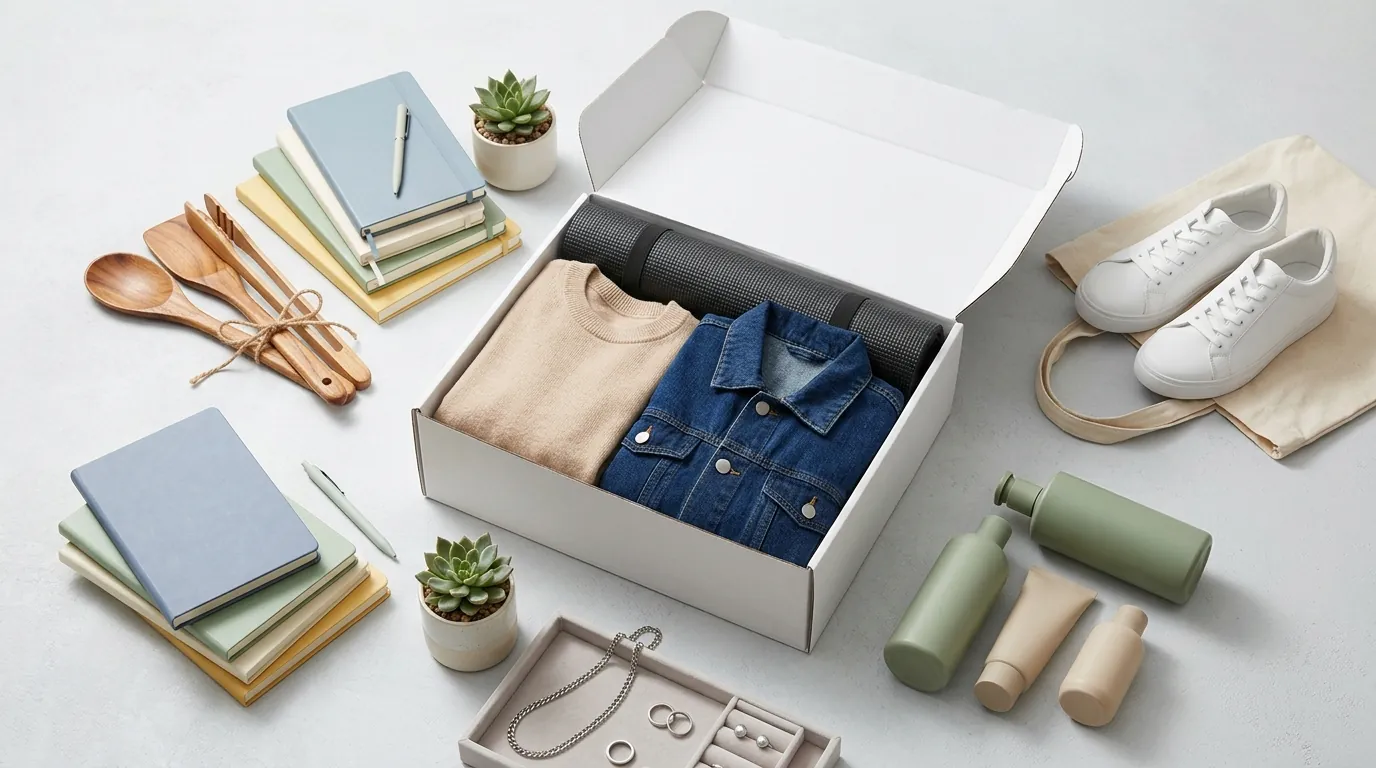
Strip all promotional overlays from your primary product images using a batch-processing tool like PixelMatch before the campaign starts. TikTok’s automated moderation systems are significantly more aggressive during Deals for You Days, specifically looking for text like “Sale,” “50% Off,” or “Free Shipping” embedded directly into the image file.
Image and Listing Rules
Your main product image is the first point of contact for a customer and the first point of failure for a compliance check. TikTok Shop requires a clean, professional look that focuses entirely on the product. Unlike Amazon, which allows a 2000x2000 px recommendation for high-zoom capabilities, TikTok prioritizes fast loading and mobile-first aspect ratios.
- Visual Clarity: Main images must show the product clearly against a professional background. You must exclude watermarks, borders, and promotional text. If you are selling a bundle, every item in the bundle must be visible in the primary image.
- Title Precision: Your product titles are capped at 255 characters. Avoid “clickbait” terms. Using words like “Discount,” “Cheap,” or “Best Seller” in the title is a direct violation of the Listing Guidelines and will result in the product being suppressed during the Deals for You Days event.
- Category Accuracy: Ensure your product is mapped to the correct leaf category. Mis-categorizing a product to take advantage of lower commission rates or higher traffic in a different niche is a major violation that can lead to violation points.
Fulfillment and Performance Metrics
Participation in Deals for You Days is not just about your content; it is about your ability to deliver. TikTok Shop monitors your backend performance daily.
- Late Dispatch Rate (LDR): Your store’s LDR over the last 30 days must be 20% or lower. If you anticipate a surge in orders during the campaign, you must scale your fulfillment operations in advance. High-volume sellers often use third-party logistics (3PL) to maintain these tight windows.
- Account Health Rating (AHR): This is a point-based system. Penalties trigger at specific thresholds: 150, 100, 50, and 0 points. As your points drop, you face escalating restrictions, starting with a loss of eligibility for platform-wide promotions and ending with total account suspension.
- Creator Metrics: If you are working with affiliates, their performance affects your brand. TikTok monitors creators via a daily Promotion Performance Score (PPS) and Creator Health Rating (CHR). A creator with a low CHR can negatively impact the visibility of your products on their “Showcase” tab.
Common Rejection Reasons
💡 Skip the manual editing. PixelMatch batch-generates ecommerce-ready product images in 60 seconds — white background, lifestyle scenes, and variant mockups from a single source photo. Try PixelMatch free →
Scan your product descriptions for medical or weight-loss claims that trigger automated “Unsupported Claims” flags. TikTok’s AI scanners look for keywords related to health benefits that haven’t been verified by a regulatory body. During high-traffic periods like Deals for You Days, these flags are often applied first, and the burden of proof falls on the seller to appeal.
Listing Violations
The most frequent reason for a listing being rejected during a campaign is “Significantly Not As Described” (SNAD). This happens when the physical product received by the customer does not match the images or description provided.
- SNAD Penalties: Shipping mismatched items results in 1 to 48 violation points. If a customer reports that a product is a different color, size, or material than what was shown in the Deals for You Days promotion, TikTok will reduce your store’s visibility immediately.
- Unsupported Claims: Any claim that a product can treat, cure, or prevent a disease is strictly prohibited. Similarly, exaggerated weight-loss claims (“lose 10lbs in 2 days”) carry 6 to 48 violation points.
- Prohibited Products: Ensure your items are not on the restricted list. This includes certain types of jewelry, supplements, and used items that require specific certifications.
Content and Creator Violations
If you are using short-form videos or Live streams to promote your deals, you must adhere to the Content Enforcement Policy.
- Reproduced Content: This is a major focus for TikTok in 2026. Posting duplicate videos from other creators or re-uploading your own content without substantial transformation triggers a 48-point penalty. This is essentially a “one-strike” policy for account suspension.
- Off-Platform Redirection: Do not include links, QR codes, or verbal calls-to-action that drive users to external websites like Shopify or Amazon. TikTok wants the entire transaction to happen within the TikTok Shop ecosystem. Including a URL in your video or description will result in the content being removed.
- Deceptive Promotion: If your video shows a product at a “deal” price that is not actually available in the linked product card, your content will be flagged for “Deceptive Promotion.”
How to Fix Each Issue
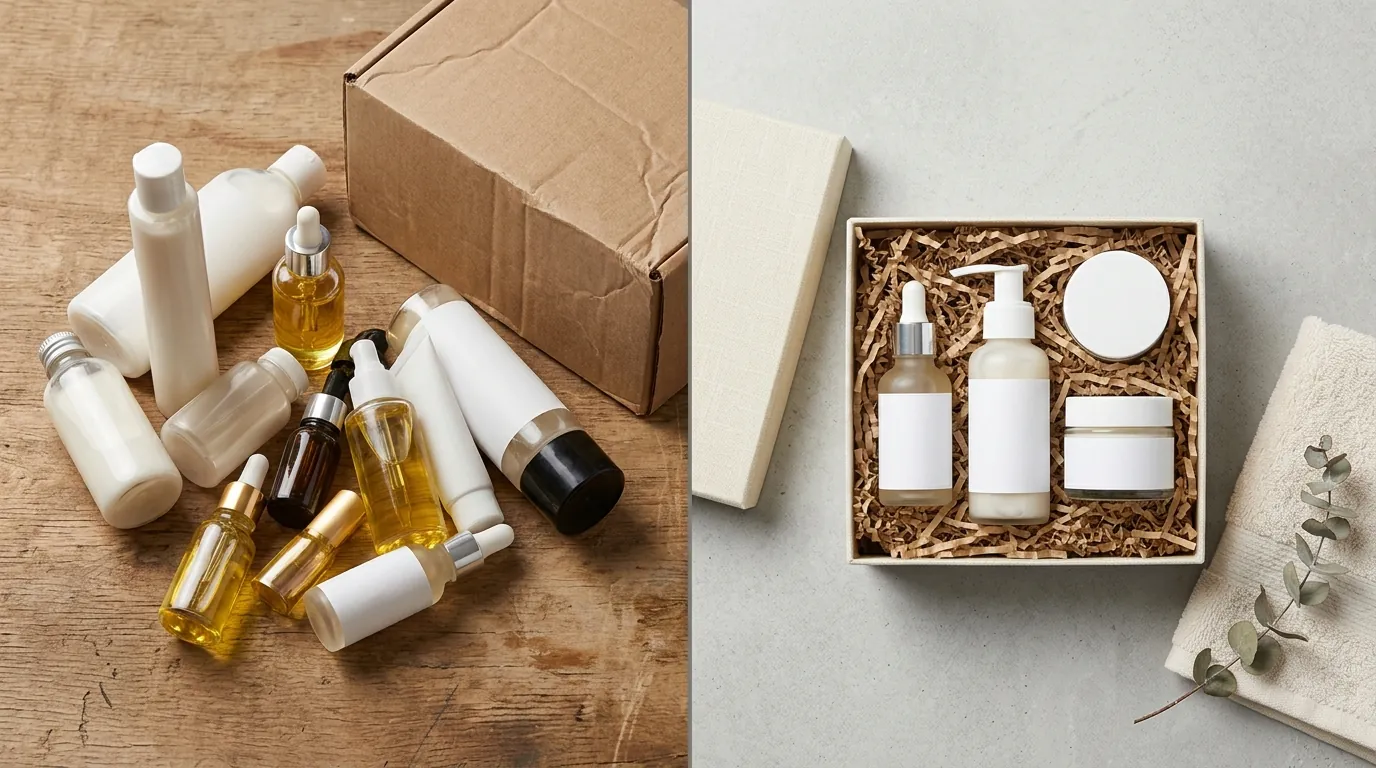
Re-upload corrected assets within 30 days of receiving a violation notice to prevent permanent point deductions. Once a violation is issued, the clock starts ticking. If you do not resolve the issue or file a successful appeal within that window, the points are locked onto your account for 180 days.
Batch Editing Non-Compliant Images
If you have a catalog of 500+ items, manually editing each image to remove watermarks or resize them to a 1:1 aspect ratio is impossible. This is where PixelMatch becomes an essential part of your workflow.
- Remove Non-Compliant Elements: Use PixelMatch to batch-remove non-compliant watermarks and promotional text. The AI identifies text overlays and replaces them with a seamless background that matches the rest of the image.
- Resize for Compliance: TikTok requires a minimum of 600x600 pixels. If your source images are from older catalogs or were originally sized for different platforms, use PixelMatch to resize catalog images to a uniform 1080x1080 or 2000x2000 px resolution.
- Standardize Backgrounds: To maintain a high Shop Performance Score, your product gallery should look cohesive. You can use AI to generate clean, lifestyle backgrounds that fit TikTok’s vibrant aesthetic without violating the “no promotional text” rule.
How to File an Appeal
If you believe a violation was issued in error—such as an automated flag for “Reproduced Content” on a video you actually filmed—you must act quickly.
- Timeline: Sellers have 30 calendar days from the date the violation was issued to file an appeal.
- Documentation: You must provide clear evidence. For SNAD violations, provide high-resolution photos of the product and packaging. For listing rejections, provide supplier invoices and proof of inventory to show the item is authentic and in your possession.
- Fund Recovery: If an appeal is rejected or ignored, TikTok Shop has the right to withhold your account balance for 180 days before disbursing net funds. This is a standard security measure to cover potential customer refunds or chargebacks.
Official Source Links

- TikTok Shop Seller Center: Deals for You Days Eligibility & FAQ
- TikTok Shop Product Listing Guidelines
- TikTok Shop Content Policy & Creator Enforcement
- TikTok Shop Account Health Rating (AHR) Overview
Frequently Asked Questions
What is the minimum Shop Performance Score for TikTok Shop campaigns?
To participate in major events like Deals for You Days, sellers generally need a Shop Performance Score (SPS) of 3.5 or higher. This score is calculated based on your product ratings, fulfillment speed, and customer service response times over the preceding 30 to 90 days.
Can I use my Amazon product images on TikTok Shop?
Yes, but you must ensure they meet TikTok’s specific specs. While Amazon recommends 2000x2000 px, TikTok accepts anything from 600x600 to 6000x6000 pixels. The most important change is removing any Amazon-specific branding or “Best Seller” badges that might be embedded in your secondary images.
How long do violation points stay on my TikTok Shop account?
Violation points typically stay on your record for a rolling 180-day period. If you accumulate enough points to hit a threshold (like 48 points), your account may be permanently deactivated. It is critical to appeal any “incorrect” violations immediately to keep your total point count as low as possible.
Why was my product rejected for “Unsupported Claims”?
This usually happens if your product description contains words that TikTok’s AI identifies as medical or health-related. To fix this, remove any mentions of “curing,” “healing,” or specific weight-loss numbers. Focus your copy on the features and materials of the product rather than the biological results.
Ready to scale your listings?
PixelMatch generates white-background, lifestyle, and variant mockups from a single source photo — built specifically for multi-platform ecommerce sellers. 50 free images on signup, no credit card.
Start free →