TikTok Shop Image Policy for AI Models (2026 Guide)
Your TikTok Shop listings live or die by the “Violation Points” system, and uploading non-compliant AI-generated models is the fastest way to trigger a shadowban or a total store suspension. If your product images look like “uncanny valley” hallucinations or fail to disclose synthetic origins, the TikTok algorithm will flag your account before you even make your first sale.
As of May 2026, TikTok Shop allows AI product images and models if sellers use the AI-generated content toggle. AI cannot alter the product’s physical appearance, show unrealistic results, or create fake expert endorsements.
Quick Reference Table
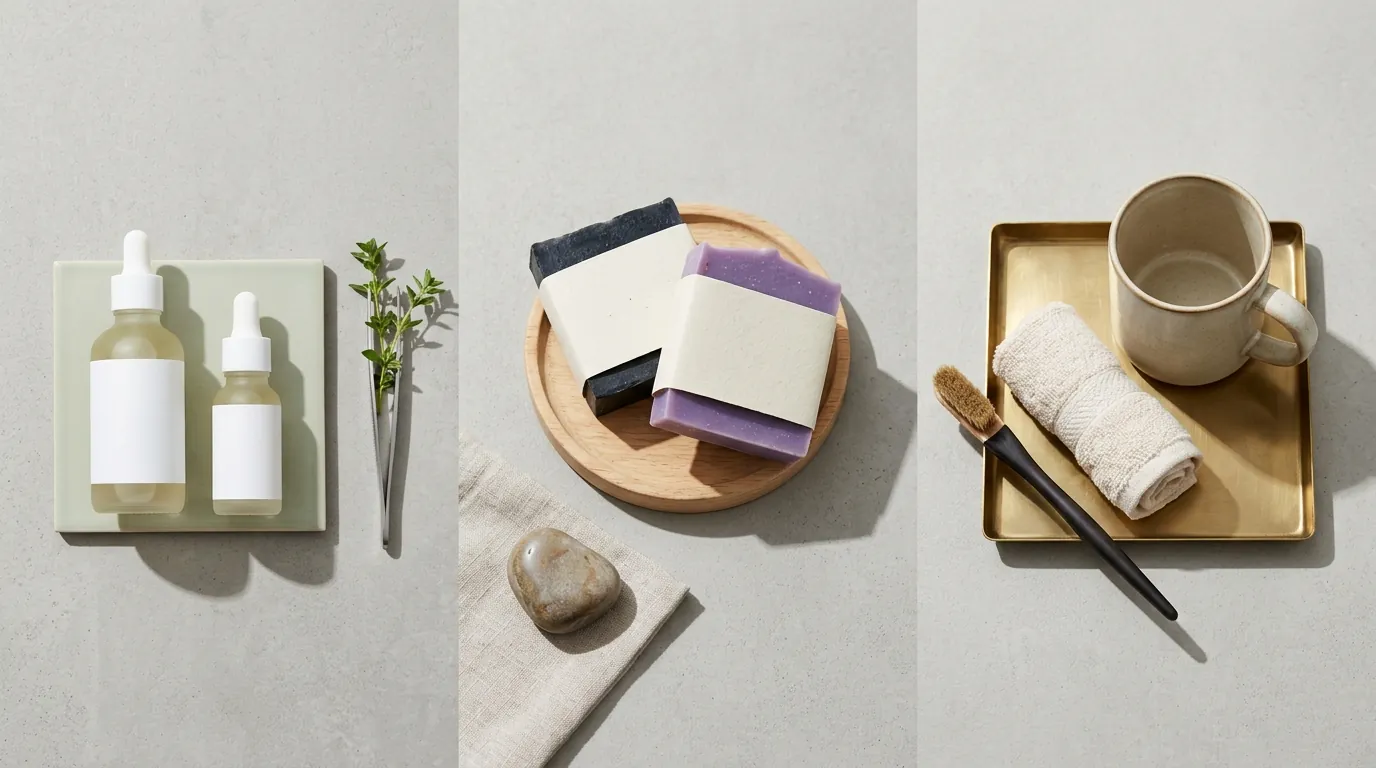
Run a manual audit of your top-performing listings today by comparing your current image assets against these technical thresholds. If your images fall below the 600x600 pixel minimum, TikTok Shop will automatically categorize your listing as “Poor Quality,” significantly reducing your organic reach in the “Shop” tab.
| Requirement | Specification | Policy Link |
|---|---|---|
| Minimum Dimensions | 600 x 600 pixels | TikTok Product Specs |
| Recommended Dimensions | 1000 x 1000 pixels (for zoom) | TikTok Image Guidelines |
| Aspect Ratio | 1:1 (Square) | Listing Standards |
| File Format | JPG, JPEG, or PNG | Technical Requirements |
| Max File Size | 5MB per image | Upload Limits |
| Image Count | Minimum 3, Recommended 5+ images | Quality Tier Rules |
| AI Disclosure | Mandatory AI-generated content toggle | AIGC Policy |
Actionable Step: Check Your Listing Quality Score
Log into your TikTok Seller Center, navigate to Products > Manage Products, and locate the “Listing Quality” column. If any listing is marked as “Average” or “Poor,” verify that you have uploaded at least 5 high-resolution images and that your main hero image has a clean, non-distracting background.
Detailed Requirements
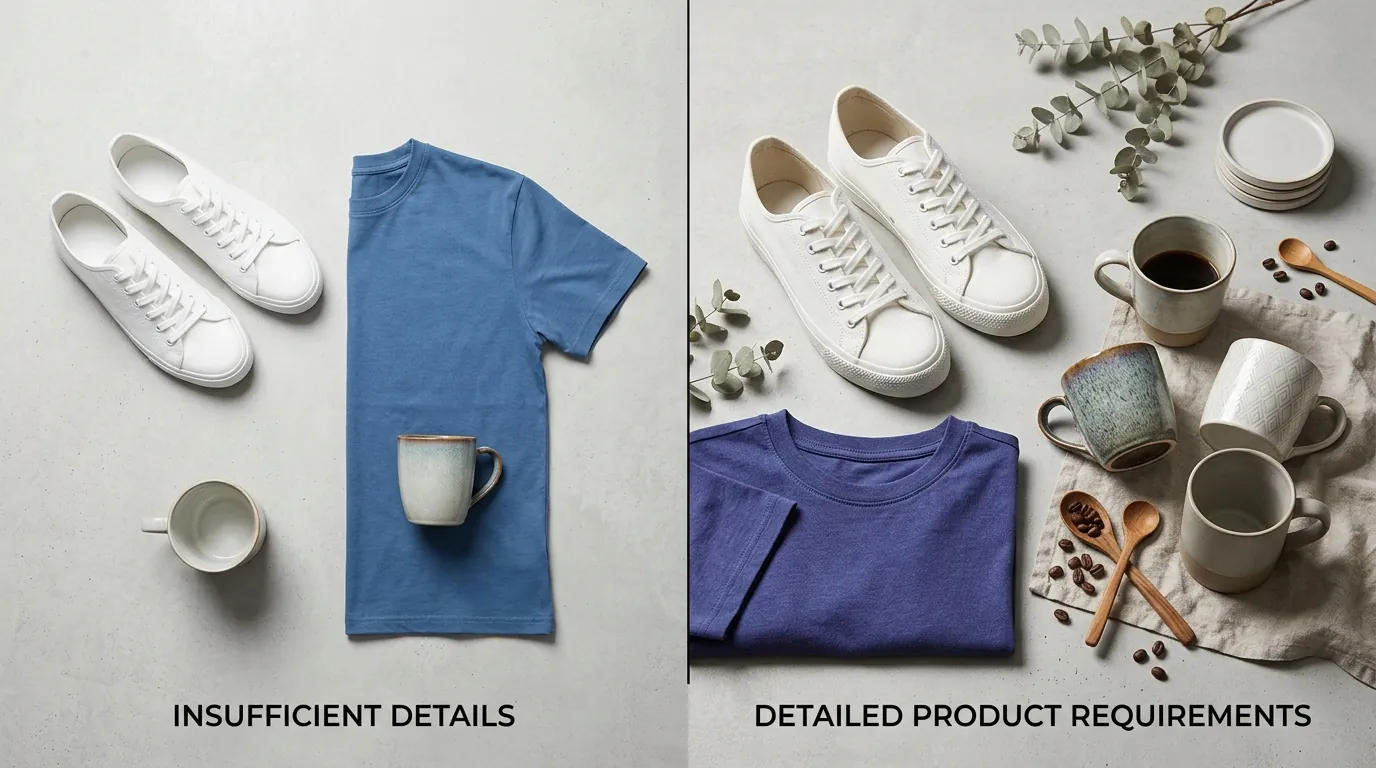
TikTok Shop’s 2026 enforcement focuses heavily on “Consumer Deception.” While the platform encourages creativity, the gap between an AI-generated lifestyle image and the physical product received by the customer must be zero. If you use a tool like PixelMatch to batch-generates AI lifestyle backgrounds, you must ensure the product itself remains an untouched photograph.
Transparency and Labeling
TikTok requires you to disclose when content is “significantly altered or modified by AI.” This is particularly strict for AI fashion models. If you are using a synthetic human to showcase a garment, you must activate the AI-generated content toggle during the upload process. TikTok’s automated systems scan for biological inconsistencies—like unnatural finger counts or distorted textures—and will shadowban listings that attempt to pass off synthetic models as real humans without the label.
Strict Product Accuracy
You cannot use AI to “enhance” the product features. For example, if you sell a skincare cream, using AI to smooth out a model’s skin in the “after” photo is a direct violation of the TikTok Shop Misleading Claims policy. The product in the image must be the actual physical item. PixelMatch solves this by using a “Product Preservation” layer, which locks the original pixels of your product while the AI generates a compliant, high-conversion environment around it.
Prohibition of Fake Experts
TikTok Shop has a zero-tolerance policy for AI-generated doctors, scientists, or professionals. You cannot generate a synthetic avatar wearing a lab coat to endorse your supplement or beauty product. Any image suggesting that a professional has “approved” the product via an AI-generated likeness will result in an immediate Permanent Store Ban.
Intellectual Property and Likeness
Using AI to replicate the likeness of a celebrity or a known influencer to sell your products is illegal and violates TikTok’s Intellectual Property Policy. Even if the AI model only “resembles” a famous person, TikTok’s facial recognition filters may flag it for a manual review.
Actionable Step: Standardize Your AIGC Workflow
Create a mandatory checklist for your VA or content team: Every image generated via AI must be tagged with the “AIGC” metadata or disclosed via the Seller Center toggle. This prevents accidental policy violations that occur when scaling your catalog to hundreds of SKUs.
Common Rejection Reasons
💡 Skip the manual editing. PixelMatch batch-generates ecommerce-ready product images in 60 seconds — white background, lifestyle scenes, and variant mockups from a single source photo. Try PixelMatch free →
Most sellers lose their TikTok Shop privileges not because of bad products, but because of “Visual Misrepresentation.” The platform’s review bots are trained to identify specific patterns associated with deceptive AI usage.
Exaggerated or Instant Effects
If your AI-generated model shows instant-effect visuals—such as a weight loss supplement showing a model’s waist shrinking in a single frame or a teeth-whitener that glows unnaturally—your listing will be rejected. TikTok’s Misleading Claims Policy prohibits showing results that are not scientifically achievable or are exaggerated through digital manipulation.
Product Misrepresentation
A common mistake is using AI to generate a product image from a text prompt rather than a photo. This often results in a product that looks “better” than the real version (e.g., higher quality stitching, different fabric texture, or a more vibrant color). When the customer receives the actual item and it doesn’t match the AI-rendered version, they file a “Product Not as Described” claim. If your Return Rate exceeds platform thresholds, TikTok will throttle your traffic.
Missing AI Labels on Synthetic Models
TikTok is currently rolling out advanced watermarking (based on the C2PA standard) that identifies AI content even if you don’t use the toggle. If the system detects synthetic content that you have not labeled, you will receive Violation Points. Accumulating 12-24 points can lead to a temporary suspension of your selling privileges.
Unrealistic Lifestyle Contexts
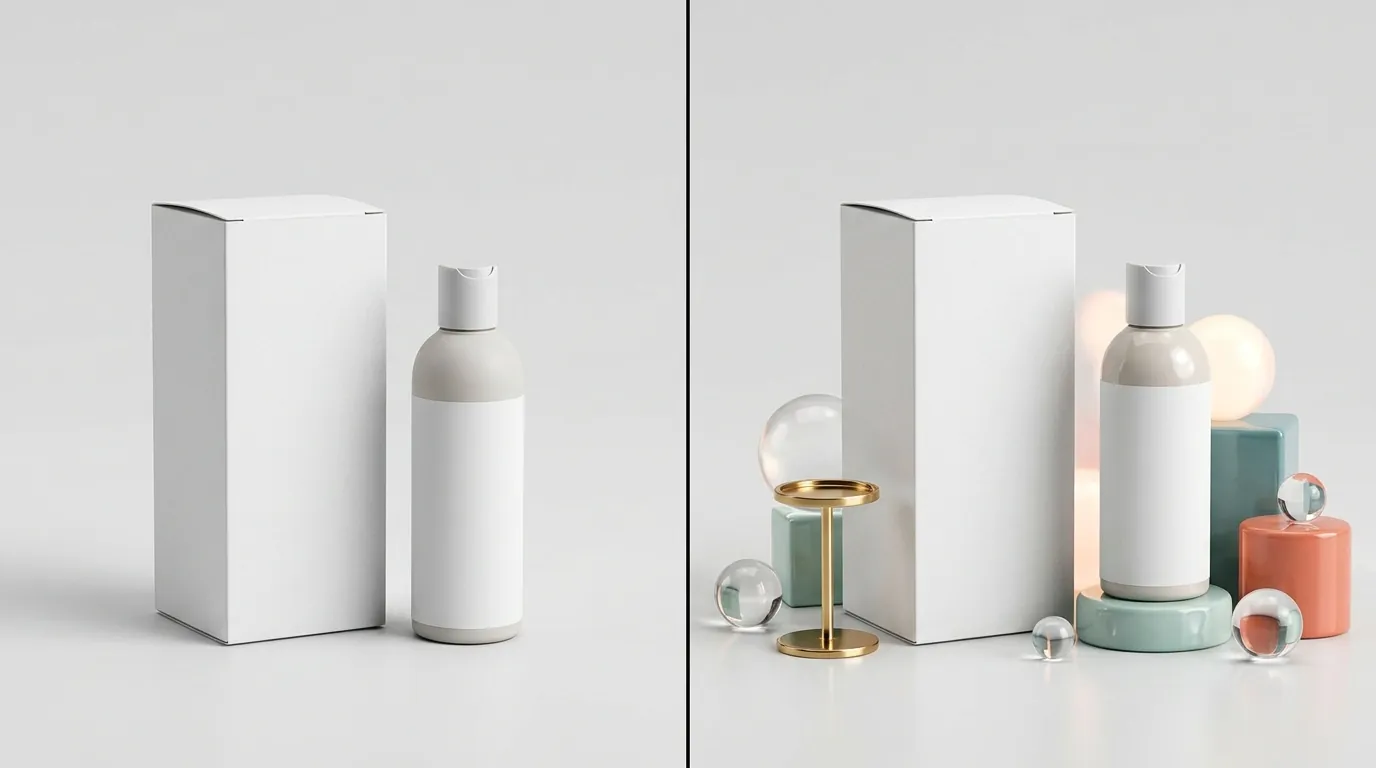
While “floating” products in space or surreal environments are popular on Instagram, TikTok Shop prefers “shoppability.” AI images that make the product’s size impossible to determine—such as a small portable speaker appearing the size of a car in an AI-generated landscape—are flagged for “Size Misrepresentation.”
Actionable Step: Run a “Physical vs. Digital” Audit
Take your top 10 listings and place the physical product next to your screen showing the AI image. If the color saturation, texture, or scale differs by more than 10%, delete the image and re-generate it using a tool that prioritizes color accuracy.
How to Fix Each Issue
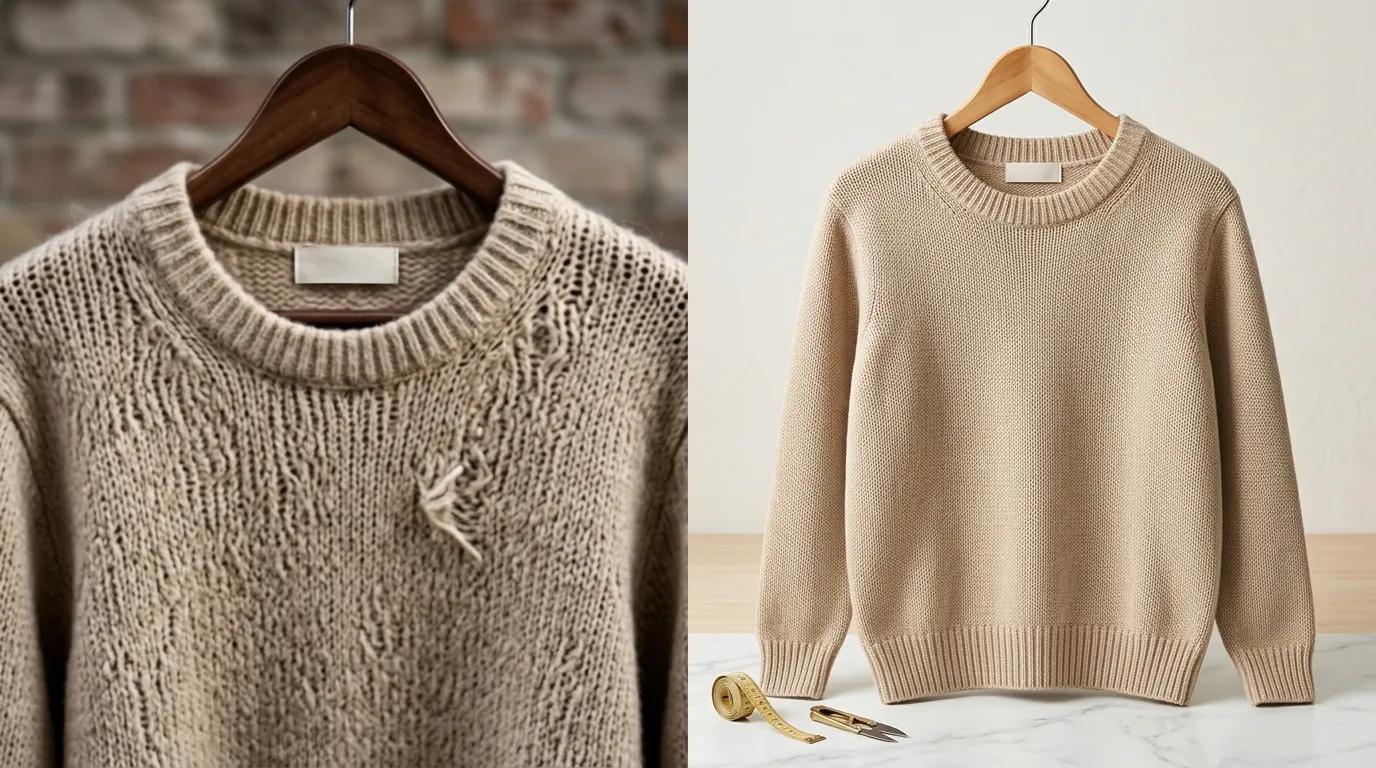
Fixing image policy violations requires a shift from “AI-Generated Products” to “AI-Enhanced Photography.” You should never ask an AI to “create a red handbag.” You should take a photo of your red handbag and ask the AI to “place this handbag on a marble table in a sunny cafe.”
Use PixelMatch for Safe Backgrounds
PixelMatch is specifically designed for the TikTok Shop workflow because it treats the product as a “sacred” object. Unlike general-purpose tools like Canva Pro ($15.00/mo) or Adobe Express ($9.99/mo), which may inadvertently “hallucinate” over your product edges, PixelMatch uses a strict mask to ensure your original product pixels are 100% untouched. This keeps you compliant with the Product Accuracy Policy while giving you the high-end lifestyle AI product images that drive clicks.
Always Check the AIGC Box
When uploading images to the Seller Center, look for the “AI-generated content” toggle. As of May 2026, this is a standard field in the product upload flow. Checking this box does not hurt your SEO; in fact, it protects your account from automated takedowns.
Focus on Context, Not Alteration
Instead of using AI to fake a result, use it to provide context. If you sell hiking boots, use AI to place them on a mountain trail. This is a “Lifestyle Context” use case, which is highly encouraged by TikTok for increasing the Listing Quality Score.
Audit Your Image Specs Before Export
Before you upload, ensure your final exports meet the following checklist:
- Aspect Ratio: Is it exactly 1:1?
- Resolution: Is it at least 600x600 pixels?
- Product Visibility: Does the product take up at least 60-80% of the frame?
- Text Overlays: Does the image contain excessive text? (TikTok prefers clean images; keep text to the “Description” section).
Before/After: AI Policy Compliance
| Feature | Non-Compliant AI Usage | Compliant AI Usage (PixelMatch Style) |
|---|---|---|
| Product Model | Generating a fake person wearing the product without a label. | Using a synthetic model WITH the AIGC toggle activated. |
| Background | Busy, neon, or surreal backgrounds that hide the product. | Clean, lifestyle backgrounds that provide scale and context. |
| Product Detail | AI-sharpening that changes the texture of the fabric. | Original product pixels preserved with only background changes. |
| Claims | AI “Before/After” showing impossible skin or hair changes. | AI showing the product in a realistic use-case (e.g., on a vanity). |
Actionable Step: Implement a “Product-First” Generation Workflow
Stop using “Text-to-Image” for your main listings. Switch to an “Image-to-Image” or “Product-to-Lifestyle” workflow. Upload a high-quality photo of your product with a white background, and use PixelMatch to batch-generates AI lifestyle backgrounds. This ensures that the only thing “AI” about your image is the scenery, which is the safest way to scale on TikTok Shop.
Official Source Links
To stay ahead of policy shifts, you must monitor the official TikTok Shop documentation. Third-party blogs often lag behind the rapid updates to the Seller Center.
- Bookmark the TikTok Shop Content Policy to track the latest rules on “Misleading Claims” and “Prohibited Promotional Behavior.”
- Review the AI-Generated Content Restrictions and Requirements for the exact 2026 updates on AIGC watermarking and labeling.
- Check the Product Listing Guidelines to understand how the number of images and resolution affects your “Listing Quality Score.”
- Monitor the TikTok Shop Violation Points System to see which image-related errors carry the heaviest penalties.
Actionable Step: Set a Monthly Policy Review
On the first Monday of every month, visit the “Announcements” section of the TikTok Seller Center. Search for “AI” or “AIGC” to see if the platform has updated its detection algorithms or disclosure requirements. In the fast-moving 2026 ecommerce landscape, a policy change can happen overnight.
Ready to scale your listings?
PixelMatch generates white-background, lifestyle, and variant mockups from a single source photo — built specifically for multi-platform ecommerce sellers. 50 free images on signup, no credit card.
Start free →
Sources
- TikTok Shop University: Product Image Specifications
- TikTok Newsroom: New Labels for AI-Generated Content
- TikTok Shop University: Misleading Claims Policy
- TikTok Shop University: Intellectual Property Policy
- TikTok Shop University: Seller Performance Evaluation
- TikTok Shop University: Violation Points System
- Canva: Pricing Plans
- Adobe Express: Pricing and Plans
- Photoroom: Pro Subscription Pricing