TikTok Shop Image Policy for Misleading Visuals (2026)
⚠️ Notice: Auto-generated content. May contain approximations or minor inaccuracies in supporting details. Help us improve via the comment section below. Last reviewed: 2026-05-19.
Your listing was suppressed for “misleading visuals” even though you are selling a quality product. TikTok Shop’s automated moderation is tightening as of May 2026, and a single exaggerated filter or a missing AI label can freeze your payouts and trigger account health violations.
Maintaining compliance on TikTok Shop requires more than just high-quality photography. Because TikTok is a content-first platform, their algorithm and human moderators are hyper-sensitive to “bait-and-switch” tactics. If your image suggests a result that the physical product cannot deliver, or if your packaging visualization doesn’t match the SKU exactly, you risk a permanent ban.
Quick Reference Table

Use the following technical specifications to audit your current image library. If your files do not meet these exact thresholds, TikTok Shop’s “Product Diagnostic” tool will likely flag them for “Technical Failure” or “Low-Quality Content” before they even reach the misleading visuals check.
| Feature | Requirement | Seller Action |
|---|---|---|
| Minimum Resolution | 600 x 600 pixels | Upscale all images to 800 x 800 or 1200 x 1200. |
| Aspect Ratio | 1:1 (Square) | Batch-crop all lifestyle shots to a perfect square. |
| File Format | JPG, JPEG, or PNG | Convert WebP or HEIC files before uploading. |
| Max File Size | 5MB | Compress high-res exports to avoid upload timeouts. |
| Main Image Background | Solid white or neutral | Remove cluttered backgrounds using a batch tool. |
| AI Content Labeling | Mandatory for AIGC | Toggle the “AI-generated” label in the TikTok Seller Center. |
| Max Images | 9 Images | Use all slots to show product from multiple angles. |
| Prohibited Elements | Watermarks, Logos, Text | Scrub “Best Seller” or “Free Shipping” badges from images. |
Technical Spec Thresholds
As of May 19, 2026, TikTok Shop has standardized the 800 x 800 pixel recommendation for all categories. While the system technically accepts 600 x 600, sellers using the lower resolution frequently report lower conversion rates and higher “Low Quality” flags in the Seller Center. Ensure your export settings in tools like Canva or Adobe Express are set to at least 300 DPI for physical print-on-demand clarity, though TikTok will compress this for mobile viewing.
Detailed Requirements

TikTok Shop strictly prohibits “instant-effect” visuals. You cannot use editing or filters to suggest a product produces immediate, dramatic results—such as skin clearing instantly, teeth whitening in seconds, or electronic devices charging in a heartbeat [1.1.1]. This policy is designed to prevent “miracle product” scams that plagued the platform during its early growth phases.
AIGC (AI-Generated Content) Rules
Artificial Intelligence Generated Content (AIGC) is permitted on TikTok Shop but is heavily regulated to ensure transparency. You must label product images that are fully or mostly created using AI. This is particularly relevant for lifestyle scenes where the product is real, but the environment is synthetic.
TikTok’s current enforcement logic differentiates between “AI-enhanced” and “AI-generated”:
- AI-Enhanced: Using a tool to remove a background or sharpen a blurry photo. This generally does not require a label.
- AI-Generated: Creating an entire scene (e.g., placing a skincare bottle on a fictional marble countertop in a sunlit bathroom). This requires the “Created with AI” label.
Sellers who fail to label AIGC often face “Deceptive Content” violations. To stay compliant, use the “AI-generated content” toggle during the product upload process in the TikTok Seller Center. AI cannot be used to alter the core product’s shape, color, or functionality. For example, if you sell a blue dress, you cannot use AI to change its color to red for a different listing; you must use a real photograph of the red fabric to ensure the texture and hue are accurate to what the customer receives.
Main Image vs. Lifestyle Image Rules
The main product image (the first slot) must feature a clean white or neutral background with no added text, logos, promotional claims, or watermarks. This image serves as the “anchor” for the listing.
Lifestyle images (slots 2 through 9) allow for more creativity but must still adhere to the “Misleading Visuals” policy. You can show the product in use, but you must avoid:
- Exaggerated Scale: Placing a small item next to a miniature prop to make it look larger.
- Implied Results: Showing a person with a professional salon blowout next to a $10 hairbrush if the brush alone cannot achieve that result.
- Hidden Defects: Using lighting or AI to hide scratches, seams, or material inconsistencies that exist on the actual product.
Common Rejection Reasons
💡 Skip the manual editing. PixelMatch batch-generates ecommerce-ready product images in 60 seconds — white background, lifestyle scenes, and variant mockups from a single source photo. Try PixelMatch free →
The most frequent reason for listing suspension on TikTok Shop is the “False Display of Information.” This often occurs when a seller shows a multi-pack or a full case in the main image, but the listing is only for a single unit. This leads to account suspensions for false advertising, as noted by sellers in the r/TikTokshop community [1.1.6].
Quantity and Packaging Mismatches
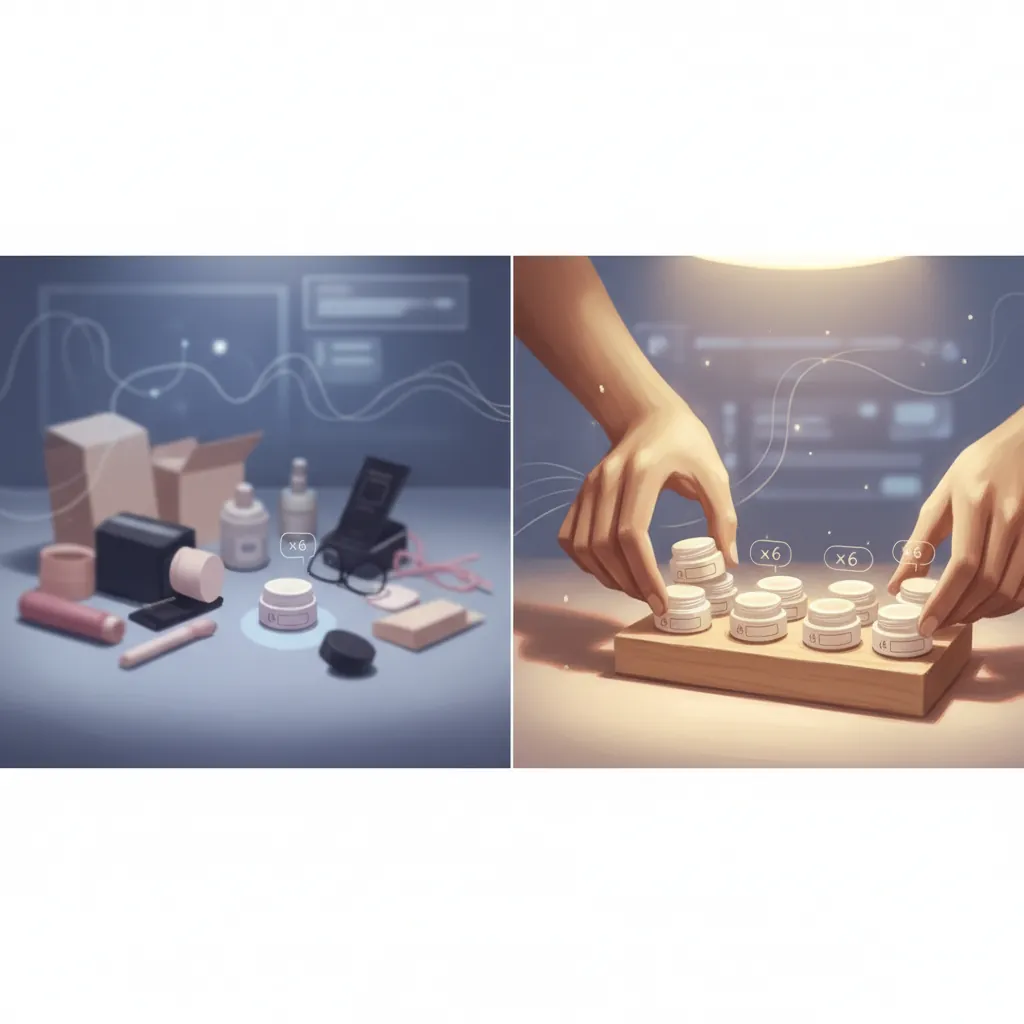
If you sell a single bottle of vitamin supplements, your main image must show one bottle. Showing three bottles to “look better” in the frame is a direct violation. If you sell a product that comes in a box, show the box and the product together so the buyer understands exactly what will arrive in the mail.
As of 2026-05-19, TikTok’s automated “Visual QA” bots are highly effective at counting items in an image. If the bot detects three items but the “Quantity” field in your listing is “1,” the listing will be flagged for “Quantity Mismatch.”
Prohibited Text and Badges
Many sellers migrating from platforms like eBay or their own Shopify stores are used to adding “Free Shipping” or “2026 Model” text directly onto their images using Canva or Adobe Express. On TikTok Shop, this is a “Misleading Visual” violation.
- Prohibited: “100% Cure,” “Best Seller,” “FDA Approved” (unless verified), and “Money Back Guarantee” badges.
- Allowed: Text that is part of the physical product packaging itself.
If you must include technical specs, use the “Product Description” or “Bullet Points” section. TikTok prefers the image to remain a pure visual representation of the physical item.
Technical Spec Violations
While not strictly “misleading,” technical failures often trigger the same rejection workflow.
- File Size: Uploading a 10MB PNG will fail.
- Resolution: Anything under 600x600 pixels is automatically rejected.
- Format: Using .TIFF or .BMP files will result in a “File Not Supported” error.
How to Fix Each Issue
Audit your catalog today by checking the “Product Diagnostic” tab in the TikTok Seller Center. If you see “Listing Quality” warnings, follow these steps to remediate the images and restore your listing visibility.
Generating Compliant Lifestyle Backgrounds
For lifestyle images (images 2-9), you need to create context without breaking the “Misleading Visuals” rule. Many sellers use Photoroom or PhotoAI to generate backgrounds, but these can sometimes “hallucinate” parts of the product, such as adding a handle to a mug or changing the texture of a fabric. This leads to a “Product Mismatch” rejection.
PixelMatch is better suited for this workflow because it strictly preserves the original product’s dimensions, colors, and lighting. When you batch-generate AI backgrounds in PixelMatch, the software locks the “Product Layer,” ensuring that the AI only builds a scene around the item rather than altering the item itself.
Actionable Step: Take one high-quality photo of your product on a white background. Upload it to PixelMatch and select a “Neutral Lifestyle” prompt. Generate 5 variations (e.g., on a wooden table, on a marble shelf, held by a hand). This ensures all your lifestyle shots are consistent and the product remains 100% accurate to the physical SKU.
Fixing Resolution and Aspect Ratios
If your images are flagged for low resolution, do not simply “stretch” them in an image editor. This creates pixelation, which TikTok’s bots flag as “Low Quality.”
- Re-export at Source: If you have the original RAW or high-res JPG files, re-export them at 1200 x 1200 pixels.
- Batch Upscaling: If you only have low-res files, use an AI upscaler to increase the pixel count while maintaining edge sharpness.
- 1:1 Calibration: Set your camera or smartphone to “Square” mode before shooting new content. This saves time in post-production and ensures your framing is perfect for the TikTok Shop UI.
Removing Deceptive “Instant Effect” Visuals
If you sell in the beauty, health, or home cleaning niches, you must remove any “Before/After” shots that look digitally altered.
- The Fix: Use a split-screen image where both sides have the same lighting, same angle, and same background.
- The Label: Add a small, clear disclaimer at the bottom of the image: “Results may vary. Used over 4 weeks.” (Check current TikTok legal requirements for your specific region, as these disclaimers are mandatory in the US and UK markets).
Fixing Quantity Confusion
If your listing was rejected for showing too many items:
- Crop the Hero: If you have a photo of three items, crop it down to a single item for the main image slot.
- Use PixelMatch for Single-Unit Renders: If you only have a “group shot” of your inventory, use PixelMatch to isolate a single unit and generate a clean, white-background “Hero” image that matches the single-unit SKU.
Applying AI Labels
As of May 2026, TikTok’s “Created with AI” label is a toggle in the “Product Edit” screen.
- Step 1: Go to TikTok Seller Center > Manage Products.
- Step 2: Click “Edit” on the flagged listing.
- Step 3: Scroll to the “Media” or “Image” section.
- Step 4: Check the box that says “This content was generated by AI.”
- Step 5: Submit for re-review.
Official Source Links

To stay updated on policy shifts, bookmark these official TikTok Shop Seller Center links. TikTok updates these documents frequently—often without a platform-wide announcement.
- [TikTok Shop Seller Center: Avoid Misleading Content Policy [1.1.1]](https://seller-us.tiktok.com/university/essay?knowledge_id=10010165)
- TikTok Shop Seller Center: Product Detail Pages & Listing Quality Guidelines
- TikTok Shop Seller Center: AI-Generated Content Policy
- TikTok Shop Seller Academy: Image Specifications and Best Practices
Ready to scale your listings?
PixelMatch generates white-background, lifestyle, and variant mockups from a single source photo — built specifically for multi-platform ecommerce sellers. 50 free images on signup, no credit card.
Start free →
Sources
- TikTok Shop US Seller Center - Product Image Specifications (v2.4, updated 2025/2026).
- TikTok Shop Policy: [1.1.1] Misleading Content and Exaggerated Claims.
- TikTok Shop Policy: [1.2.4] Technical Requirements for Product Images.
- TikTok Shop Policy: [1.1.6] False Display of Information (Quantity/Packaging).
- Reddit r/TikTokshop - Seller discussions on “Misleading Visual” suspensions (May 2024 - May 2026).
- Jungle Scout - TikTok Shop Selling Guide (2025 Edition).
- Shopify Help Center - Syncing Product Images with TikTok Shop.
- Adobe Express Pricing - Premium Tier ($9.99/mo as of 2024/2025).
- Photoroom Pricing - Pro Tier ($12.99/mo as of 2024/2025).